You uploaded a great photo, typed a prompt, and now you are staring at a pricing page wondering whether Mage Space image to video is actually free, and how many seconds you will get before the clip cuts off. Fair questions. The answers online are messy, and a lot of review sites copy each other without checking. This article separates what is reported from what is guesswork, then shows you where to animate photos for free with longer clips.
💡 Quick answer: Reports on the Mage Space free plan conflict. Some say video is locked behind a paid tier, others say free users get a small number of generations. No source I found states a clear maximum clip length for free accounts. If you want a confirmed free route with 5 and 10 second clips, jump to the alternatives below.
What Mage Space Image to Video Is
Mage Space started as a browser based image generator and has been adding video features. You upload a still frame, write a short motion prompt, and the tool animates it into a clip. That is the standard image to video workflow, and it works much like every other tool in this category.
The part that matters is how the platform packages it. Video typically costs more compute than images, so it tends to sit behind credits or a paid plan.
How the Workflow Usually Works
- Upload a source photo, ideally sharp and well lit.
- Write a motion prompt describing what should move.
- Choose a duration and quality if the tool offers it.
- Wait for the render, then download the clip.

Why People Search This Phrase
Most readers fall into one of three groups: hobbyists who want a free test, creators who need clips for social posts, and small shop owners who want animated product photos. All three care about the same two numbers, cost and clip length.
Is It Actually Free?
Short version: partly, and it depends on who you ask. Here is what third party pages report. I could not confirm any of it from a single authoritative source, so treat every number as something to verify on the live pricing page before you commit.
| Question | What reports say | Confidence |
|---|
| Free plan exists | Yes, a free tier is listed | Medium |
| Video on free plan | Sources disagree: image only, or a few limited generations | Low |
| Paid plan ranges | Reported from roughly $10 up to $200 per month across tiers | Medium |
| Unlimited video | Reported only on the top tier | Low |
| Clear free clip length | Not stated anywhere I found | Very low |
The Free Plan Problem
Several review sites claim the free tier includes zero video features, while another says it allows limited video generations without giving numbers. When two sources contradict each other and neither gives a figure, the honest takeaway is that the free allowance is small at best.
Paid Tiers and Credits
Aggregators list monthly plans in the range of ten to two hundred dollars, with credits (Mage calls them gems) scaling up with price. One listing mentions unlimited motion control video on the highest plan only. A single entry price also appears as a yearly figure on one site and a monthly figure on another, which is a good reminder that these pages are not reliable for billing details.
💡 Tip: Before paying anyone, run one test clip on the free tier, check how many credits it burned, and multiply by the number of clips you need per month.
The Real Clip Length Limits
This is the section most articles dodge, because nobody publishes a clean number. Mage Space does not appear to advertise one fixed maximum for free users in the sources I found. What is consistent across the whole industry is the pattern below.
The Typical 4 to 8 Second Cap
Free tiers across image to video tools usually cap clips somewhere between 4 and 8 seconds, often at 720p or lower. That is long enough for a looping social post or a product reveal, and too short for storytelling.
Why Short Clips Are the Norm
Video models predict many frames at once. Every extra second multiplies the compute, so free plans keep durations short. Longer clips, or higher resolutions, are almost always the thing you pay extra for.
What Counts Against You
| Factor | Effect on cost or limits |
|---|
| Longer duration | Burns more credits per clip |
| Higher resolution | Slower render, higher price |
| Audio generation | Sometimes billed separately |
| Failed or poor results | Still consume credits on many platforms |
| Queue priority | Free users wait longer at busy hours |
Whatever platform you pick, the quality of a clip depends more on the input photo and the prompt than on the brand name on the website. A few habits save credits on every service.
Pick a Strong Source Photo
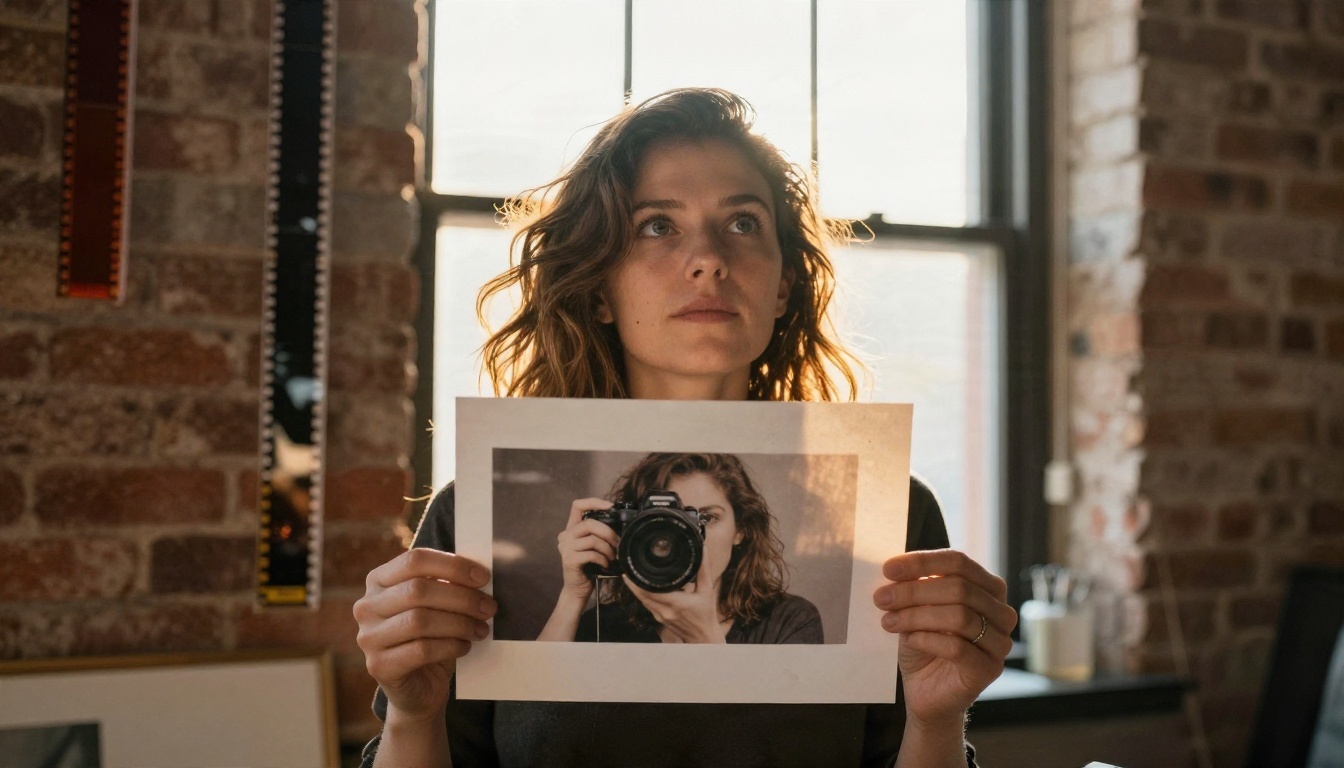
Sharp focus, clear subject separation and natural lighting give the model something to hold onto. Blurry or heavily compressed images tend to melt during motion. Leave room around the subject so the camera can move without cropping out faces.
Write the Motion, Not the Scene
The photo already shows the scene. Your prompt should describe what changes over time. Compare these two:
- Weak: "A woman by a window in a studio."
- Strong: "She slowly turns toward the window as warm light shifts across her face, gentle handheld push in, hair moves slightly in the breeze."
Keep Motion Modest
Ask for one subject movement and one camera movement. Prompts that demand a crowd, a spin, a zoom and a costume change usually produce warped limbs and flickering backgrounds.
Common Mistakes That Waste Credits
- Using a low resolution screenshot as the source image.
- Prompting for several actions in a five second window.
- Re-running the same prompt without changing anything.
- Skipping a test render at the lowest resolution.
Where Image to Video Pays Off
Short clips are more useful than they sound. Plenty of real work fits inside five to ten seconds.

Product Photos That Move
A slow camera drift over a mug, a bottle or a pair of shoes lifts a listing above the static competition. Steam, soft light shifts or a gentle rotation are simple moves that rarely break.
Social Posts and Stories
Vertical clips of a few seconds fit stories and short form feeds. Animated portraits, travel photos and food shots tend to perform well because motion catches the thumb mid scroll.
Storyboards and Pitches
Filmmakers and agencies animate concept frames to test pacing before shooting anything. A ten second moving mockup communicates more than a slide of stills.
Free Alternatives Worth Trying
Mage Space is a separate platform and is not on PicassoIA. If your goal is to animate a photo for free with clear limits, here are options that are on PicassoIA today, each with a different strength.
| Model | Best for | Clip length | Notes |
|---|
| Seedance 2.5 Lite | Free, unlimited clips from a photo | 5 or 10 seconds | 480p and 720p, optional last frame control |
| Picasso IA Video | Fast free tests with native audio | 5 seconds | Fixed 24 fps, several aspect ratios |
| Wan 2.7 I2V | Faithful animation of an existing image | Short clips | Strong at keeping the source look |
| Seedance 2.5 | Longer storytelling shots | Up to 30 seconds | Higher end option when you need length |
Seedance 2.5 Lite for Free Volume
Seedance 2.5 Lite is the lightweight version of Seedance 2.5. It animates a still as the opening frame, supports 5 or 10 second durations, and renders at 480p or 720p with synchronized audio. Elite and Infinite members can run it without a per clip cost or a daily counter, which matters when you need many tries to land one good take.
Picasso IA Video for Quick Tests
Picasso IA Video generates fixed 5 second clips at 24 frames per second with native audio. It is a good first stop when you only want to check whether a photo animates well.
Wan 2.7 and Seedance 2.5 for More Control
Wan 2.7 I2V sticks closely to the look of your source image, which helps with product shots and portraits. When you need a clip far beyond the free norm, Seedance 2.5 reaches up to 30 seconds.
How to Get Similar Results on PicassoIA
Here is a step by step workflow using Seedance 2.5 Lite, the closest match to what people hope to get from a free Mage Space clip.
Step by Step
- Open the Seedance 2.5 Lite page.
- Upload your source photo in the Input image field. The clip inherits its aspect ratio automatically.
- Write a motion prompt in chronological order: starting pose, what moves, how the camera moves, light and atmosphere.
- Set Duration to 5 seconds for a first test, then 10 once the motion looks right.
- Choose 720p for the final render. Use 480p for quick drafts.
- Leave Save audio on for synchronized sound, or turn it off for a silent clip.
- Optionally add a Last frame image so the clip animates from your first photo to a second one.
- Run the generation, review it, and change one thing at a time before trying again.
Parameter Tips
| Setting | Recommendation |
|---|
| Resolution | 480p for drafts, 720p for the version you publish |
| Duration | Start at 5 seconds, extend to 10 for slow camera moves |
| Seed | Fix it when you want to compare prompt changes fairly |
| Last frame image | Great for transitions between two photos |
| Aspect ratio | Match the platform: 9:16 for stories, 16:9 for web |
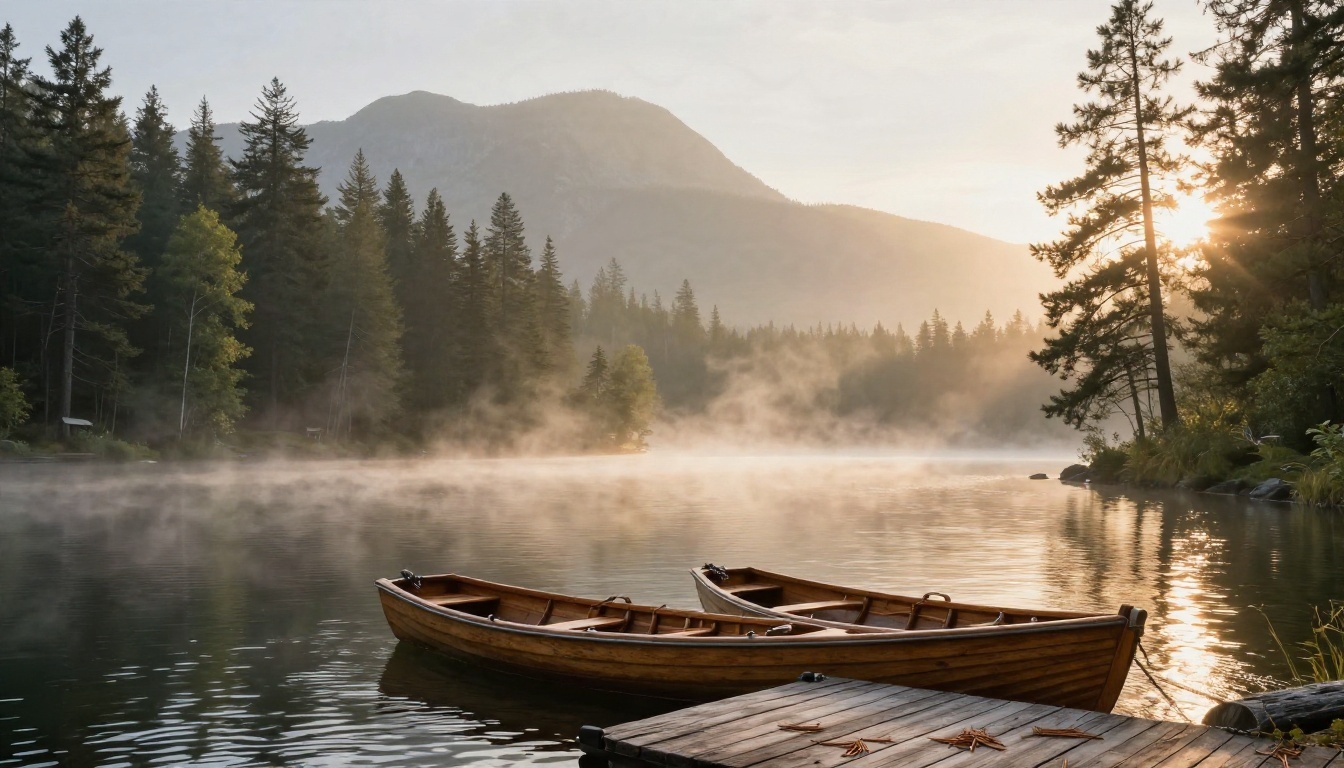
💡 Prompt example: "Mist drifts slowly across the lake at sunrise, the rowboat rocks gently, a slow dolly in toward the dock, warm golden light brightening the pines, natural water sounds."
Going Longer Than Ten Seconds
Free or not, no one wants a single five second loop for every project. There are two sensible routes when you need more length.
Chain Short Clips
Take the final frame of one clip, use it as the first frame of the next, and cut them together. This keeps characters and settings consistent and costs nothing extra on an unlimited model.
Use a Longer Model
When a single continuous shot matters, a model built for longer output saves editing time. Seedance 2.5 handles clips up to 30 seconds, which suits product tours, scenic shots and slow character moments.
Before You Pay for Anything
A little discipline saves money on any platform, including Mage Space.
- Check the live pricing page. Third party summaries, including this one, can be out of date.
- Test with one photo. Note credits spent and the maximum duration offered.
- Compare cost per usable clip, not cost per month. A cheap plan with a 20 percent success rate is not cheap.
- Keep your source images. If you switch tools, the same photo works everywhere.
Try Your Own Photos in Motion
You do not need to guess about limits when you can run a test yourself. Pick your best still, open Seedance 2.5 Lite, and write a short motion prompt. Then try the same photo in Picasso IA Video and compare the results side by side. Once you know which motion style suits your photos, scale up to Wan 2.7 I2V or Seedance 2.5 for longer shots. For more choices, browse everything at picassoia.com/en/all-models, and start turning your still photos into moving scenes today.


