Picking between two free platforms for AI-generated imagery sounds simple until you're knee-deep in usage caps, broken models, and confusing toggles. Mage Space and Tensor Art both sit at the top of the "free NSFW AI" conversation, but they serve very different users in very different ways. One leans minimalist and fast, the other buries you in customization options. Getting to grips with their real differences, the ones that actually affect your output quality and creative freedom, is what this article is about.
What Mage Space Actually Is
Mage.space is a browser-based AI image generator built around Stable Diffusion. It positions itself as the no-fuss option: paste a prompt, pick a style preset, hit generate. The free tier includes NSFW generation after toggling a single setting in your account preferences, no age gate gymnastics required.
The Free Tier Breakdown
The free plan on Mage Space gives you:
- Unlimited fast generations at lower quality settings
- NSFW toggle available at no cost
- Community models loaded via Civitai integration
- Basic prompt parameters: steps, CFG scale, sampler selection
- No watermarks on generated images
💡 Mage Space's "Safe mode off" setting unlocks suggestive and adult-themed generations. You access it directly from your account settings, no subscription required.
Image Quality on Mage Space
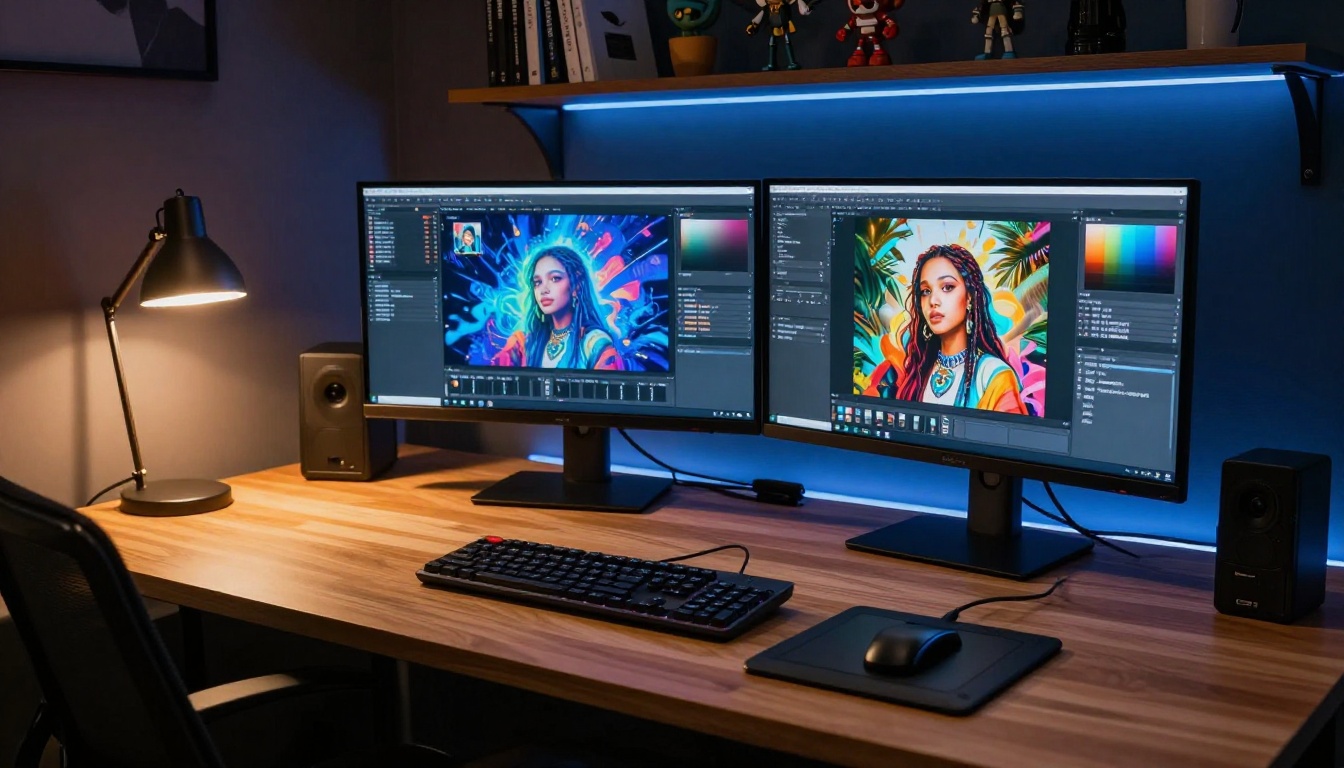
The default quality on Mage's free tier is functional but not exceptional. You get 512x512 or 768x768 outputs with standard SDXL models. The results are consistent and usable, especially for character concepts, stylized portraits, and fantasy illustrations. Where Mage shines is speed: generations typically complete in 5 to 15 seconds on their shared infrastructure.
The Model Selection Problem
Mage Space's model library is curated but limited compared to Tensor Art. You're working mostly with Stable Diffusion 1.5 derivatives and SDXL variants. Community model support through Civitai integration adds flexibility, but loading custom models requires some technical know-how that beginners often skip past.
What Tensor Art Actually Is
Tensor Art started as a platform focused on the anime and illustration crowd before expanding into photorealistic and NSFW content. It is now one of the largest repositories of community-uploaded models, LoRAs, and workflows available for free online.
The Free Tier Breakdown
The free plan on Tensor Art includes:
- 100 free credits per day replenished every 24 hours
- Access to thousands of community models including custom LoRAs
- NSFW content enabled through model-level filtering
- Full generation settings: ControlNet, LoRA stacking, regional prompting
- Watermark-free downloads on most models
💡 Tensor Art's NSFW access depends heavily on which model you choose. Models tagged "mature" by their creators require you to enable adult content in account settings before they appear or function correctly.
Image Quality on Tensor Art
Tensor Art can produce significantly higher-quality outputs than Mage, especially when you use top-tier community models like photorealistic portrait checkpoints or cinematic-style LoRAs. The platform supports higher resolution generation up to 1024x1024 and beyond on certain models, with aspect ratio controls and multi-LoRA stacking built into the interface.
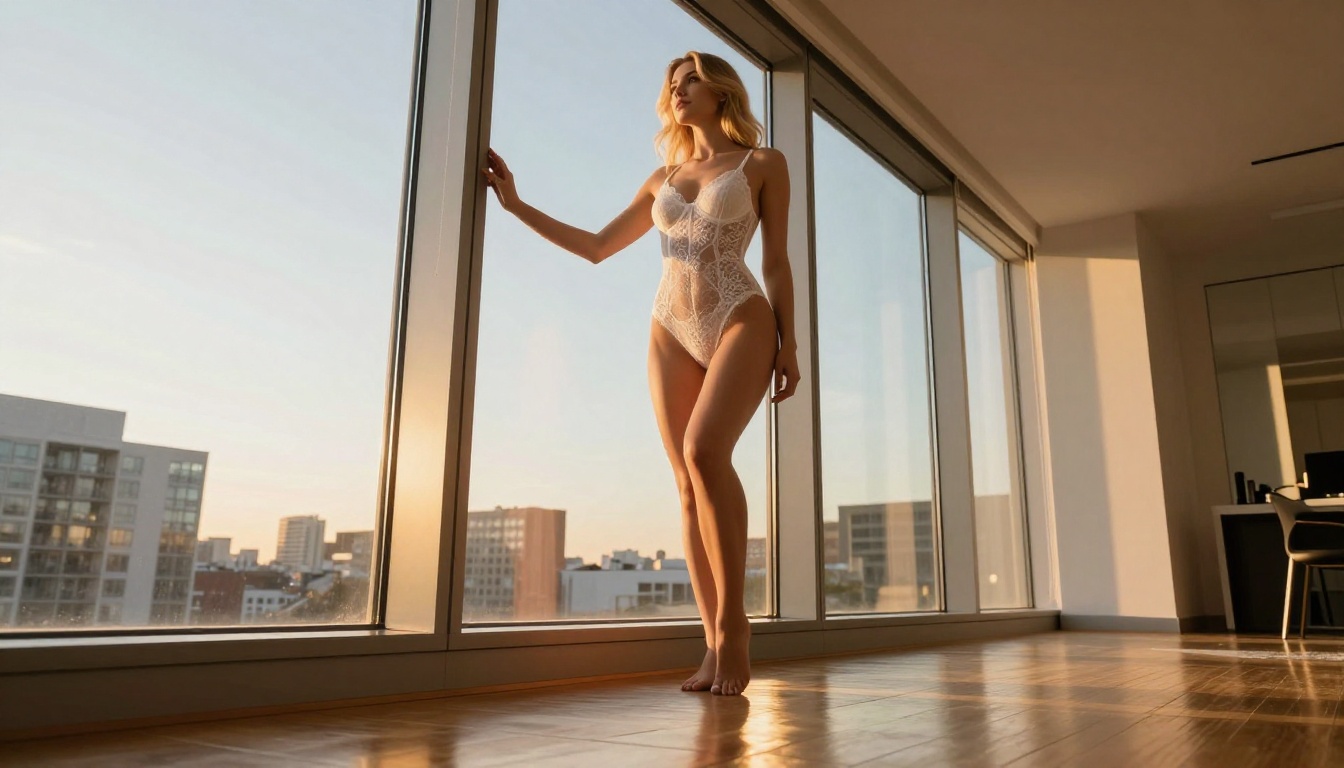
The tradeoff is generation time. Tensor Art's free tier uses shared GPU queues. During peak hours, you can wait anywhere from 30 seconds to 3 minutes per image. That's a real friction point if you're iterating fast on a creative concept.
Side-by-Side Comparison
Here's how both platforms stack up across the criteria that matter most:
| Feature | Mage Space | Tensor Art |
|---|
| Free Generations | Unlimited (fast mode) | 100 credits/day |
| NSFW Content | Toggle in account settings | Model-dependent |
| Model Library | Moderate (SDXL, SD 1.5) | Massive (1000s of community models) |
| LoRA Support | Basic | Full stacking support |
| ControlNet | Limited | Full support |
| Max Resolution (Free) | 768x768 | 1024x1024+ |
| Generation Speed | Fast (5-15s) | Variable (30s-3min) |
| UI Complexity | Simple | Complex |
| Mobile Friendly | Yes | Partial |
| Watermarks | None | None (most models) |
Where Mage Space Wins
Speed and Simplicity
If you need images quickly without touching fifteen sliders, Mage Space delivers. The interface is intentionally stripped back. You have your prompt, a negative prompt box, and a handful of presets. For beginners or anyone who just wants results without configuration overhead, this is genuinely valuable.
Reliable NSFW Access
Mage Space's approach to NSFW content is refreshingly direct. One toggle. No model-level filtering, no per-image approval. That consistency matters when you're building a creative workflow and don't want to second-guess whether a given model will comply with your prompt.
Unlimited Fast Generations
The 100 credits per day ceiling on Tensor Art can become a real blocker when you're iterating heavily on a prompt. Mage's unlimited fast generations remove that friction entirely. Yes, the quality ceiling is lower, but for rapid prototyping or bulk generation tasks, the freedom to just keep generating without watching a credit counter is a meaningful advantage.
Where Tensor Art Wins
Model Depth and Variety
Nothing on Mage Space comes close to Tensor Art's model library. Thousands of community-uploaded checkpoints, LoRAs, embeddings, and workflows. Want a hyperrealistic portrait model trained on photography? It's there. A stylized anime model with specific aesthetic characteristics? Multiple options. A custom-trained NSFW model with specific body type LoRAs? Also available.
This depth of customization is Tensor Art's defining edge. The platform functions more like a community hub where AI artists share their fine-tuned tools freely, and the best models on the platform genuinely rival what you'd find on paid services.
ControlNet and Pose Control
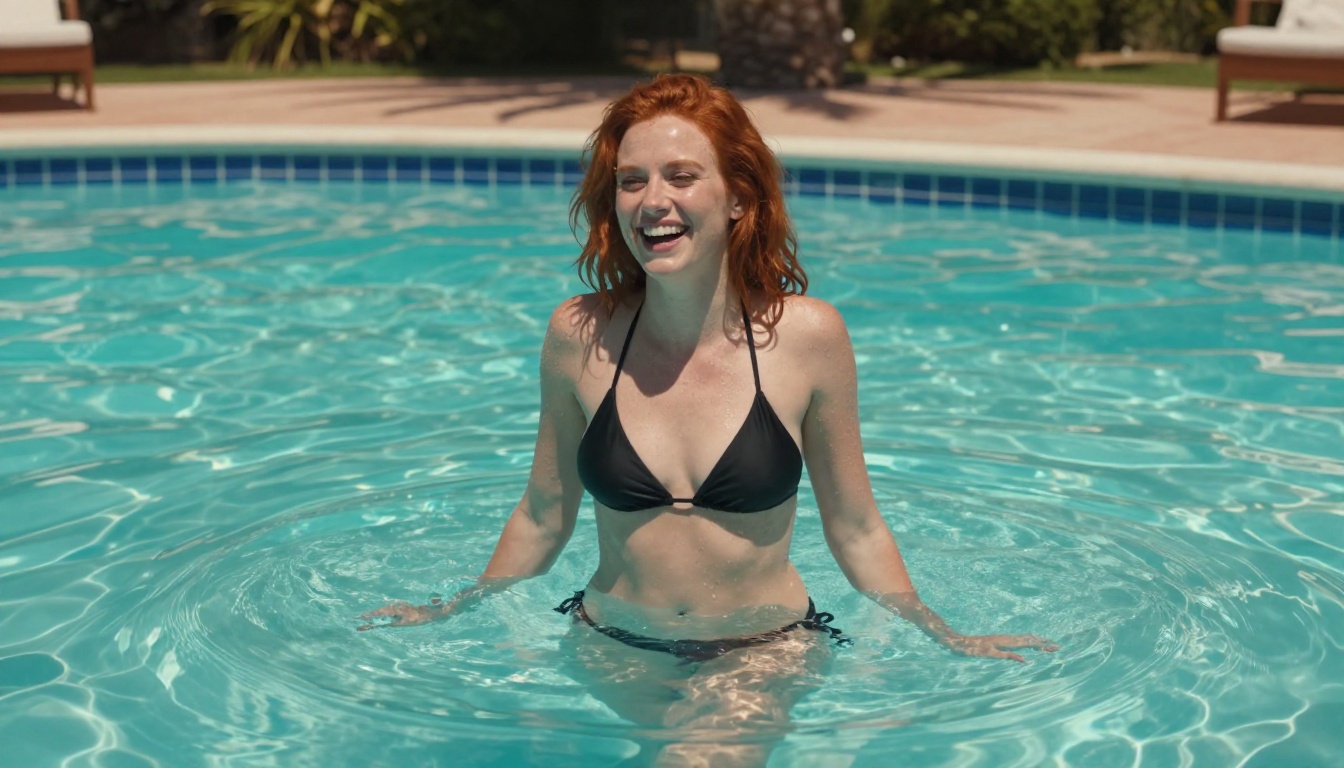
ControlNet support on Tensor Art opens up a completely different category of image creation. You can use pose references, depth maps, and line art to control the structure of your generation. This matters for NSFW content especially: specific poses, angles, and compositions become reproducible instead of random.
Mage Space's ControlNet implementation exists but feels bolted on compared to Tensor Art's native integration into the workflow.
Higher Output Ceilings
At 1024x1024 and above, Tensor Art's best models produce outputs that can genuinely compete with paid platforms. The combination of high-quality community models plus resolution headroom gives you a much higher ceiling for what's achievable within the free tier. If the final output quality is what drives your decision, Tensor Art wins on paper.
The NSFW Reality Check
Both platforms allow NSFW generation in their free tiers, but "NSFW" covers a wide range of content. Neither platform allows fully explicit content by default, and both block certain categories regardless of settings.
Mage Space handles this through their centralized safe mode toggle. Turn it off, and suggestive to moderately explicit content becomes available. The filtering is consistent and predictable across all models.
Tensor Art leaves NSFW decisions largely to individual model creators. A model tagged "mature" may generate content that another model with the same tag refuses. This inconsistency can be frustrating, but it also means the community has developed specialized models that push further into specific aesthetic directions than Mage's centralized approach allows.
💡 Real Talk: Neither platform is a fully uncensored AI generator. Both operate under terms of service that prohibit certain content categories. The difference is in how they implement filtering, not whether filtering exists.
Writing for Mage Space
Mage Space responds well to straightforward, descriptive prompts. Because you're usually working with SDXL-class models, the model itself does heavy lifting. You don't need extensive LoRA modifier tags. A clear subject description plus lighting and quality terms gets you 80% of the way.
Prompt structure that works well on Mage Space:
[Subject description], [clothing/setting], [lighting], [camera style], photorealistic, 8k
Keep it direct. Over-tagging can actually hurt output coherence on Mage's default models.
Writing for Tensor Art
Tensor Art rewards users who take time to read each model's documentation. Many community models are trained with specific trigger words or respond better to particular tag formats, especially Danbooru-style tags for anime-leaning models. Getting this wrong is the fastest way to mediocre outputs.
For photorealistic models on Tensor Art, quality booster tags like masterpiece, best quality, ultra-detailed, RAW photo significantly improve results. Negative prompts matter far more here than on Mage Space.

Use Mage Space If...
- You want fast results without a steep learning curve
- Unlimited generations matter more than maximum quality
- You prefer a consistent, predictable NSFW toggle
- You're new to AI image generation and want a clean starting point
- Mobile access is part of your workflow
Use Tensor Art If...
- You want access to thousands of specialized community models
- ControlNet, LoRA stacking, and regional prompting are part of how you work
- You're willing to invest time into the platform to get significantly better outputs
- Higher resolution outputs are important for your final use case
- You want to discover and share community workflows
The Bigger Alternative: PicassoIA
Both Mage Space and Tensor Art occupy the "free with real limitations" space. If you're hitting the walls of what either platform offers, PicassoIA presents a serious alternative built for users who want professional-grade results without technical complexity.
PicassoIA hosts over 90 text-to-image models in one place, including the most capable publicly available options right now: Flux Redux Dev for image variations, Flux Krea Dev for outputs that don't look artificially generated, Flux Schnell LoRA for rapid custom art, and Stable Diffusion 3 for classic reliability.
Beyond images, PicassoIA connects to video generation, face swap AI, background removal, super-resolution upscaling, and AI music generation. It's a full creative stack rather than a single-tool platform, which changes what's possible in a single creative session.
What Sets PicassoIA Apart
- No model hunting: Access to the best current models without sifting through community repositories of variable quality
- Curated quality standards: Models selected for performance, not just uploaded by anyone
- Full workflow support: Generate, edit, upscale, and refine images in sequence without switching tabs
- Clean interface: No trigger word syntax required. The models handle prompt interpretation natively
💡 Run the same prompt you'd use on Mage or Tensor Art through Flux Krea Dev on PicassoIA. The quality difference in photorealistic outputs is visible on the first generation.
So, Which One Is It?
Mage Space and Tensor Art both deliver real value at zero cost, and the right choice depends entirely on what you prioritize. Speed and simplicity favor Mage Space. Depth, model variety, and output quality ceiling favor Tensor Art.
The honest read: neither platform was built with professional creative workflows as the primary goal. They're community tools that scale well for hobbyist use but start showing their limits the moment your requirements get specific.

If you're serious about AI image creation, the time spent fighting credit limits, queue times, and inconsistent filtering adds up fast. Platforms like PicassoIA, built around professional-grade models with clean interfaces and full workflow support, let you focus on creative output instead of platform logistics.
Start with what's free, know what you're building toward, and when the tools start slowing you down rather than helping, make the move. The gap between entry-level free tools and proper AI image platforms is large, and closing it matters when image quality sits at the center of what you create.


