Making 18+ animations for free used to mean compromising on quality, dealing with watermarks, or hitting hard content walls just when things got interesting. Grok Imagine Video changes all of that. Built by xAI, this model generates cinematic clips up to 15 seconds long with no watermarks, no restrictive filters, and genuine image-to-video capability that can breathe life into any adult scene you have in mind. The barrier to entry is zero. You can access it right now on PicassoIA without spending a cent on your first generations.
What Grok Imagine Video Actually Does
Grok Imagine Video is a text-to-video and image-to-video model developed by xAI. It sits in a different category from most free video generators because it actually delivers on its promises: real motion, meaningful duration, and freedom of expression without the content restrictions that slow every other platform down.
15 Seconds, Zero Watermarks
Most free AI video tools cap you at 4 or 5 seconds and plaster their branding across your output. Grok runs up to 15 seconds per clip, outputs at 720p or 480p across eight aspect ratios, and delivers files with no watermarks attached. What you create is yours, ready to share or build on without anyone knowing which tool produced it.
The input modes are flexible:
- Feed it a text prompt and let it visualize a scene from scratch
- Upload a reference image and let Grok animate it in image-to-video mode
- Pass an existing video clip (up to 8.7 seconds) and have Grok re-edit or extend it
For adult animation work, the image-to-video route is typically the most powerful because you maintain full control over the starting frame before any motion begins.
Image-to-Video for 18+ Scenes
The image-to-video feature is where Grok separates itself from text-only generators. You start with a static image created by an NSFW-capable model, then pass that image to Grok with a motion prompt. The model respects the visual style, body positioning, lighting, and clothing from your source image and adds natural, realistic movement on top.
In practice, this means you can:
- Generate a realistic 18+ image with Seedream 4.5 in under 3 seconds
- Pass that image to Grok Imagine Video with a simple motion description
- Receive a 720p animated clip with no content rejection
💡 Tip: Grok's image-to-video mode auto-matches the source photo's proportions, so if you shoot in 16:9, your output stays widescreen without cropping or letterboxing.
Grok also has a companion model called Grok Imagine R2V that specializes in animating any subject from a reference photo, giving you another entry point into the same ecosystem for reference-based adult animation.
Why Adult Creators Are Choosing Grok
The adult AI content space has no shortage of options, but most tools fall into one of two failure modes: they either block NSFW prompts entirely, or they watermark everything so heavily the output is unusable. Grok avoids both.
No Content Filters, No Excuses
xAI has positioned Grok as a less censored alternative across all its products, and the video model reflects that philosophy. Where standard Stable Diffusion wrappers and many commercial video platforms reject adult prompts at the API level, Grok processes them without interruption.
This is a practical advantage that matters more than it sounds. Rejected prompts do not just waste your time; they break creative flow and leave creators stuck rephrasing perfectly reasonable requests into sanitized language that somehow triggers approval. With Grok, you describe what you want and you get it. The model also does not insert "safety pauses" or add disclaimers to output filenames. What comes out is a clean video file, nothing else.
Free and Unlimited on PicassoIA
Accessing Grok Imagine Video through PicassoIA means you benefit from the platform's credit structure, which includes a free tier and scaling plan options for heavy use. More importantly, you get Grok alongside 100+ other video models and 90+ image models in one interface.
That matters for adult animation workflows because the best results almost always come from chaining models. You generate an image with one tool, refine it with another, then animate it with Grok. Having all of that in one place, without juggling multiple subscriptions, saves real time and money that goes back into creating.
What Types of 18+ Content Work Best
The range of adult content Grok handles well is broad, but some formats produce consistently stronger results than others.
Static-to-motion portraits. Single-subject scenes with minimal background complexity animate the most convincingly. The model can focus its resources on making a face, hair, and body move naturally rather than managing a complex busy environment.
Bedroom and intimate setting scenes. Low-motion indoor environments with soft directional lighting give Grok the visual anchor it needs to produce smooth animation. Natural fabric movement, slow breathing, and subtle facial expressions all render well in these settings.
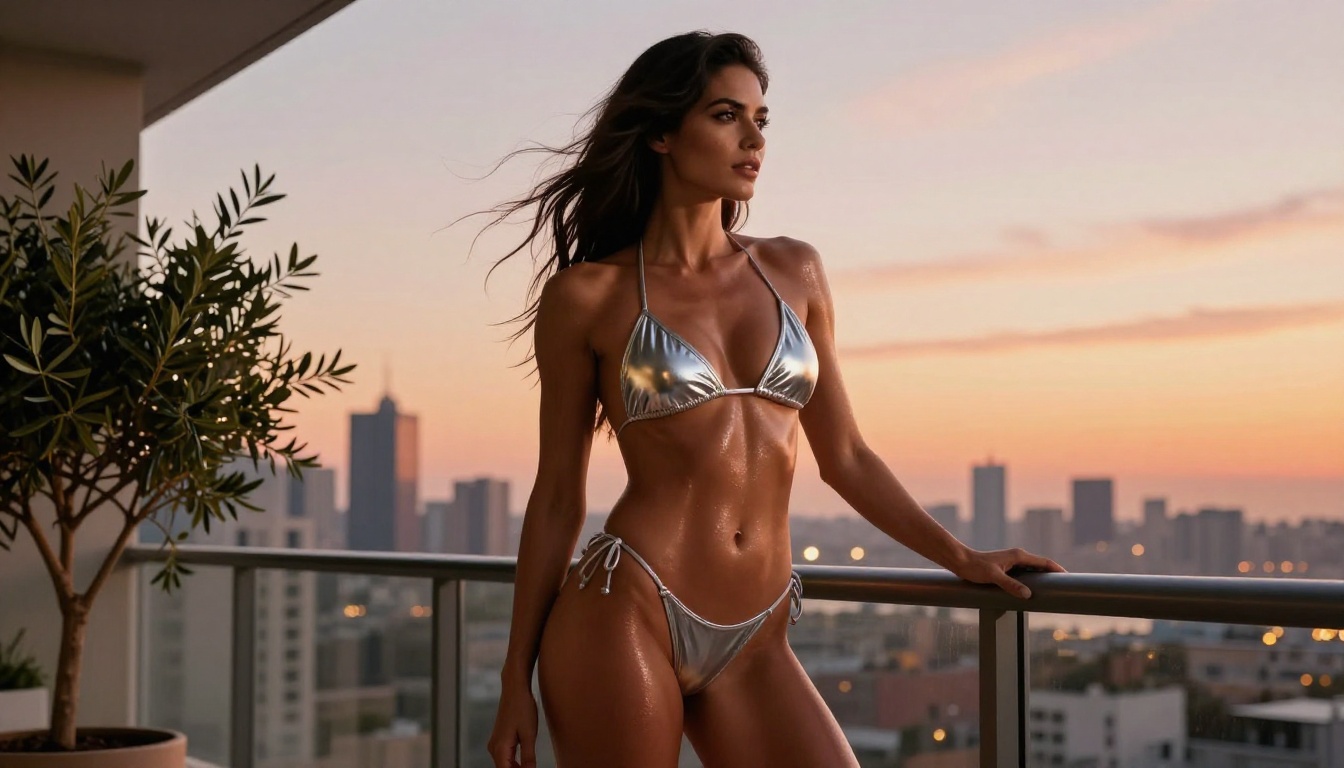
Outdoor lifestyle content. Beach, poolside, and balcony scenes work well because natural wind and water elements give the model organic movement cues to work with. Hair in a gentle breeze, water surface movement, or clothing catching light all add realism without heavy motion prompting.
Sequential clips from a single character. Because Grok respects the source image's visual style, you can build an entire short-form series by using the same base image across multiple generations and varying only the motion prompt. The character stays visually consistent across every clip.
What works less reliably: highly explicit positioning, multiple interacting subjects, and fast camera motion. Grok produces the most reliable output with single subjects, moderate motion levels, and static or slow-moving camera work.
Best NSFW Models for Adult Animations
Creating great 18+ animations with Grok is a two-step job: build a strong source image first, then animate it. The image quality you bring into Grok directly determines the video quality you get out.
Seedream 4.5: The Image Foundation
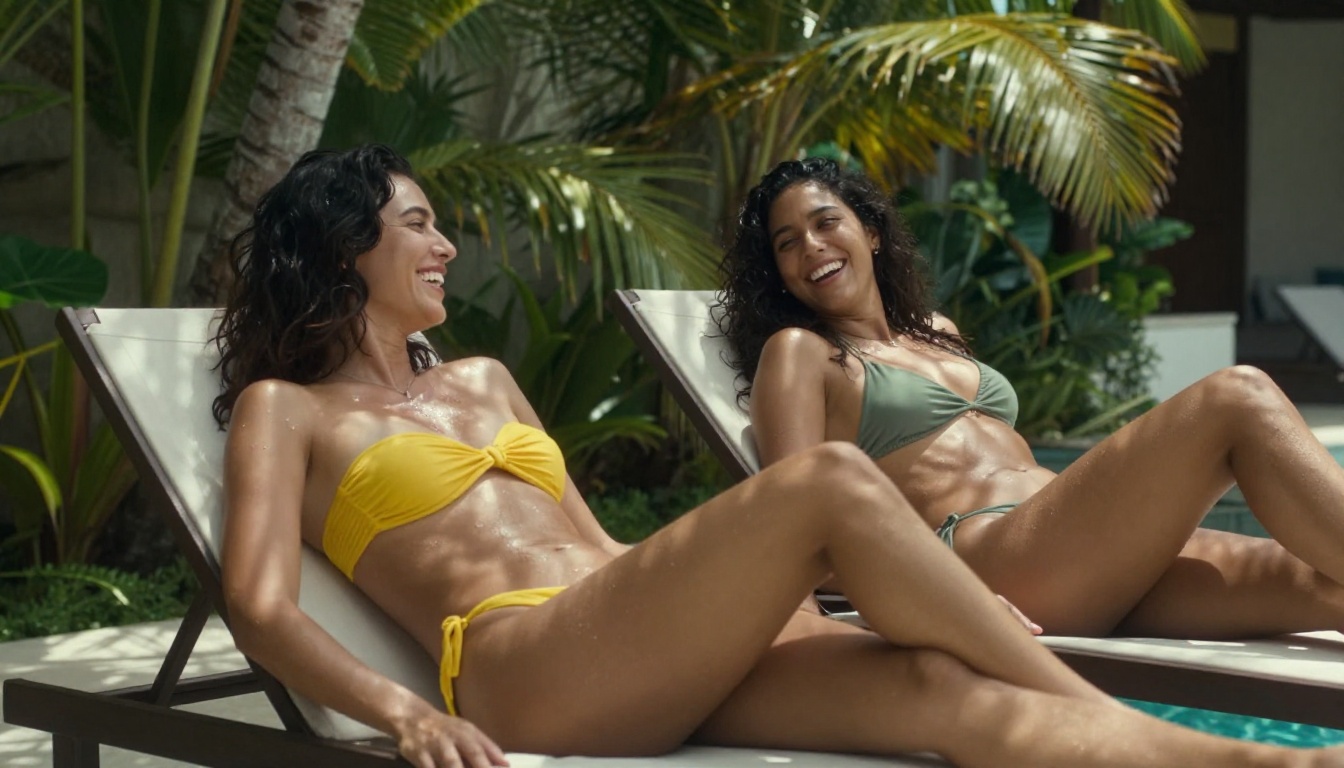
Seedream 4.5 is the starting point for almost every serious NSFW image workflow on PicassoIA. Developed by ByteDance, it accepts adult content without complaint, supports image editing so you can refine your output iteratively, and generates in under 3 seconds. The realism is exceptional: skin texture, lighting, and body proportions hold up under close inspection in a way most models still struggle to match.
Its companion model, Grok Imagine Image, is worth noting here too. While Seedream handles text-to-image creation from scratch, Grok Imagine Image specializes in image-to-image transformations, particularly converting existing photos into bikini or minimal-clothing formats with striking photorealistic precision.
💡 Important: The newer Seedream 5 Lite does not support NSFW content. Always use Seedream 4.5 for adult work.
PicassoIA Image Editor Pro: Unlimited Edits
When you need volume, PicassoIA Image Editor Pro stands alone. It is an image-to-image model with one standout feature: unlimited generations on Elite and Infinite plans. Need to produce 500 variations of a scene? All 500 cost the same as one, which is essentially nothing extra beyond your subscription.
For comparison, generating 1,000 images on models like Nano Banana 2 would run you roughly $100. On PicassoIA Image Editor Pro, that same volume is included. It accepts NSFW content, returns results in under 1 second, and offers a free trial of 3 generations with no credit card required. For anyone producing adult content at scale, this is the most practical image model available.
The Full NSFW Lineup
Here is the complete recommended lineup for adult animation work on PicassoIA:
| # | Model | Type | Speed | Why It Works |
|---|
| 1 | Seedream 4.5 ⭐ | Text-to-Image + Edit | Under 3s | Best overall realism for NSFW |
| 2 | Image Editor Pro | Img-to-Img | Under 1s | Unlimited generations on Elite/Infinite |
| 3 | Qwen Image 2 | Text-to-Image + Edit | Fast | Open source, very detailed realism |
| 4 | Grok Imagine Image | Img-to-Img | Fast | Realistic bikini transformations |
| 5 | Recraft V4 | Text-to-Image | Fast | Very realistic, text-to-image only |
| 6 | P-Image | Text-to-Image | Under 1s | NSFW generation in under 1 second |
| 7 | PicassoIA Video | Text-to-Video | Fast | Unlimited 720p/5s video |
| 8 | P-Video | Text/Img/Audio-to-Video | Fast | Filter off by default, up to 1080p |
| 9 | Grok Imagine Video | Text/Img-to-Video | Fast | Up to 15s, no watermarks |
| 10 | LTX 2.3 Pro | Multi-mode Video | Fast | Up to 4K/50fps, retake and extend |
Unlike many mainstream AI platforms, PicassoIA gives creators full creative freedom with uncensored, high-performance models that do not interfere with your creative vision.
How to Use Grok Imagine Video on PicassoIA
Here is exactly how to go from nothing to a finished 18+ animation clip. The process takes under 5 minutes once you know the workflow.
Step 1: Generate Your Source Image
Open Seedream 4.5 on PicassoIA and write a detailed image prompt. Be specific about pose, clothing, lighting, and setting. Seedream's realism depends entirely on prompt quality, so describe the scene precisely: body position, facial expression, background details, and the direction of light.
Good prompt structure:
[Subject with physical details] + [pose or action] + [environment] + [lighting direction] + [photographic style]
Example: "Young woman reclining on ivory silk sheets, wearing satin lingerie, natural morning light from the left window, soft bokeh background, photorealistic, Kodak Portra 400"
Generate the image, then copy its URL or download it. You will need it for the next step.
Step 2: Pass It to Grok Imagine Video
Open Grok Imagine Video and switch to image-to-video mode. Upload your source image or paste its URL.
Now write your motion prompt. This is a description of what moves and how, not a description of the static scene. Think about:
- What body part or element moves first?
- Is the camera static, or does it dolly or pan slowly?
- What happens to the lighting over the duration of the clip?
Example motion prompt: "She slowly turns her head toward the camera, a slight smile forming, hair drifting gently in a light breeze, camera holds still with a slow focus pull toward her face"
Step 3: Set Resolution
Select 720p for the best quality output. Grok supports 720p and 480p. For any content you plan to share or publish, always go with 720p. Visual quality is noticeably sharper at that resolution, especially when skin texture and hair detail matter as much as they do in adult content.
The aspect ratio defaults to match input image, which is the correct setting for image-to-video work. It preserves your source composition without reframing.
For duration, 8 to 12 seconds hits the sweet spot between meaningful motion and avoiding awkward pauses that can appear when a model runs out of natural action to fill a longer clip.
Step 4: Download and Use
Once Grok delivers the clip, download it directly from PicassoIA. The file arrives with no watermark and can be shared, edited, or combined with other clips in any video editor. For creators building longer-form adult content, these clips are ideal building blocks that can be concatenated into full scenes with seamless continuity.
💡 Pro workflow: Generate 4 to 6 clips from different angles of the same character by using the same source image across multiple generations and varying only the motion prompt. You get a multi-angle scene in minutes without any character consistency issues between shots.
Prompting Tips for Realistic Results
What Works for 18+ Animations
The difference between a clip that reads as AI-generated and one that passes for real footage comes down almost entirely to prompt quality and source image quality. These patterns consistently produce the best results.
For motion prompts:
- Describe duration implicitly: "slowly over the full clip" tells Grok to distribute motion evenly rather than completing an action in the first two seconds and then holding still for the remainder
- Use camera language: "slow dolly in", "gentle pan left", "static wide shot" give the model clear cinematographic direction
- Describe secondary motion: Hair shifting, fabric catching light, subtle chest movement from breathing, environmental reactions. These micro-details make animation feel genuinely alive
- Set the emotional register: "she looks relaxed and comfortable" gives the model behavioral context that shapes how the face and body move throughout the full clip
For source images:
- Use natural, directional lighting in your images. Flat overhead lighting is difficult for video models to animate because there are no shadow dynamics to work with across motion frames
- Medium or full-body shots work better than extreme close-ups for initial animation generation
- Slightly dynamic poses with an element of implied motion give the model somewhere natural to go visually
- Photorealistic source images from models like Seedream 4.5 produce dramatically better video output than images with artificial lighting or heavy processing
Common Mistakes to Avoid
Describing the static scene instead of the motion. "Woman in lingerie on a bed" is not a motion prompt. "She stretches her arms slowly above her head and sighs, camera pulls back gently" is. The model needs motion instructions, not scene descriptions it can already see in the source image.
Ignoring the source image's lighting direction. If your source has light coming from the right, your motion prompt should work with that, not against it. Contradictions between the still frame and motion prompt create jarring transitions, especially around shadow movement across the clip.
Maxing out duration when subtle is better. A 6-second clip of one confident, natural motion often looks more realistic than a 15-second clip stuffed with several different actions. Restraint is frequently the better choice.
Skipping 720p. 480p is fine for previewing ideas quickly, but it should not be your final output for content you intend to publish or share with an audience.
Using source images with artificial or CGI lighting. Overly processed skin, heavy filters, and digital-looking lighting do not animate convincingly. Always start with photorealistic source images.
There are other video models on PicassoIA that support adult content. Here is how Grok stacks up against the two closest alternatives:
| Feature | Grok Imagine Video | PicassoIA Video | P-Video |
|---|
| Max Duration | 15 seconds | 5 seconds | 1-10 seconds |
| Max Resolution | 720p | 720p | 1080p |
| Watermarks | None | None | None |
| Safety Filter | Off | Off | Off by default |
| Video Re-editing | Yes | No | No |
| Image-to-Video | Yes | Yes | Yes |
| Audio-to-Video | No | No | Yes |
| Free Tier | Yes | Yes | Yes |
For pure duration and the ability to re-edit existing clips, Grok has a clear advantage. P-Video wins on maximum resolution with 1080p output and is the better pick when audio input drives the animation. PicassoIA Video is the go-to for unlimited volume at 720p and 5 seconds per clip.
The smart approach is using all three depending on what each clip needs. PicassoIA makes that easy because they are all accessible from the same account with no context switching between platforms.
For the highest-fidelity output when production quality is the priority, LTX 2.3 Pro exports at up to 4K at 50fps with retake and extend editing modes built in, making it the professional-grade option for content that needs to hold up at full screen on any display.
Try It Now
The workflow is direct: pick a model, generate an image, feed it to Grok, download your clip. There is no complicated setup, no credit card required to test, and no filter standing between your idea and the output.
PicassoIA puts Grok Imagine Video, Seedream 4.5, PicassoIA Image Editor Pro, and the full lineup of uncensored models in one place. Start with a single image from Seedream, animate it with Grok, and see what 18+ animation looks like when the tools actually do what they promise.
👉 Browse the full catalog and start creating at picassoia.com/en/all-models.


