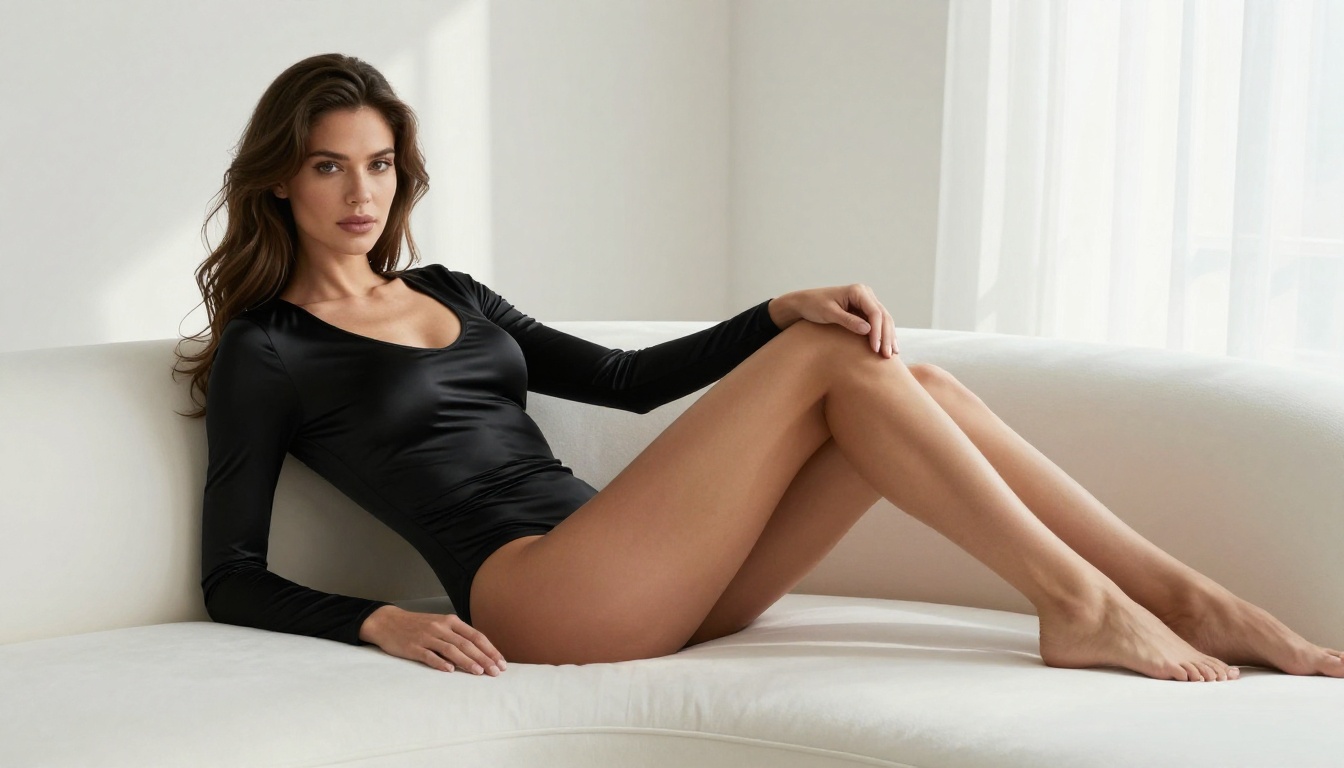
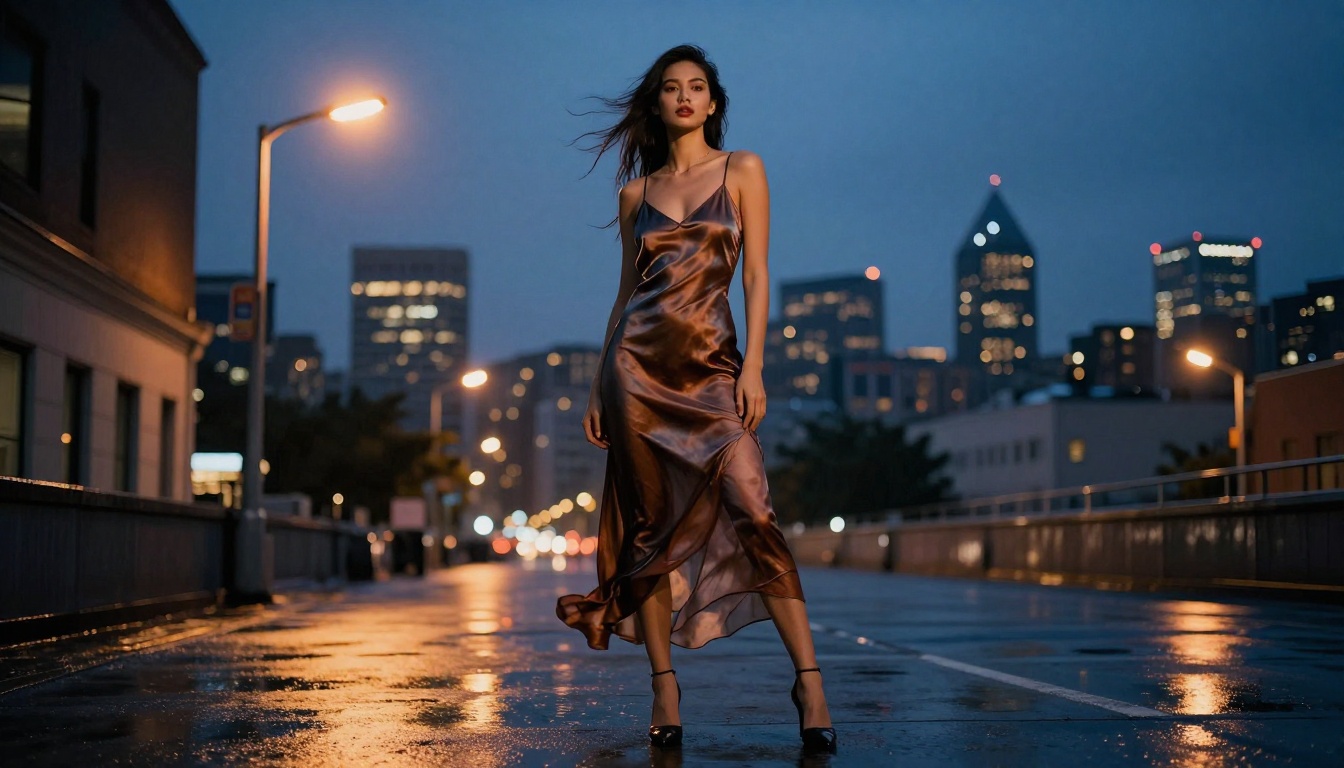
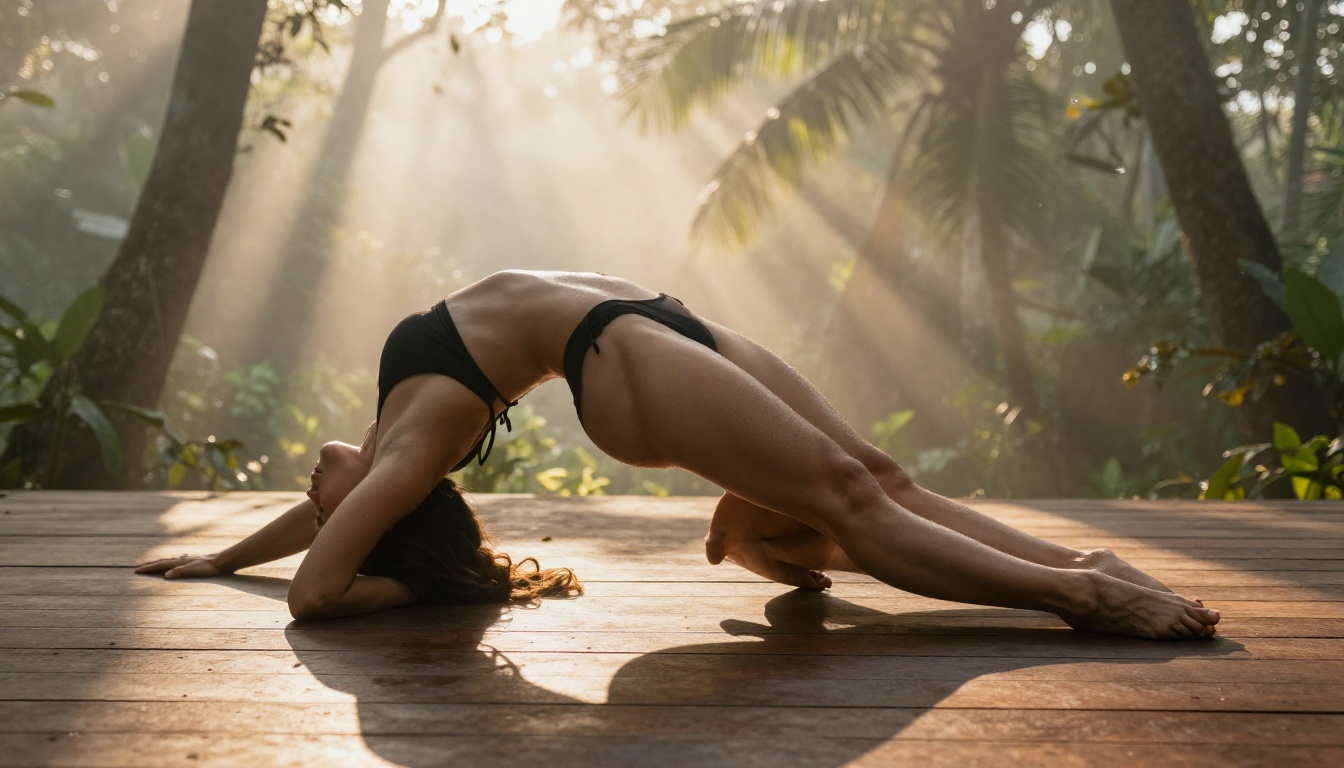
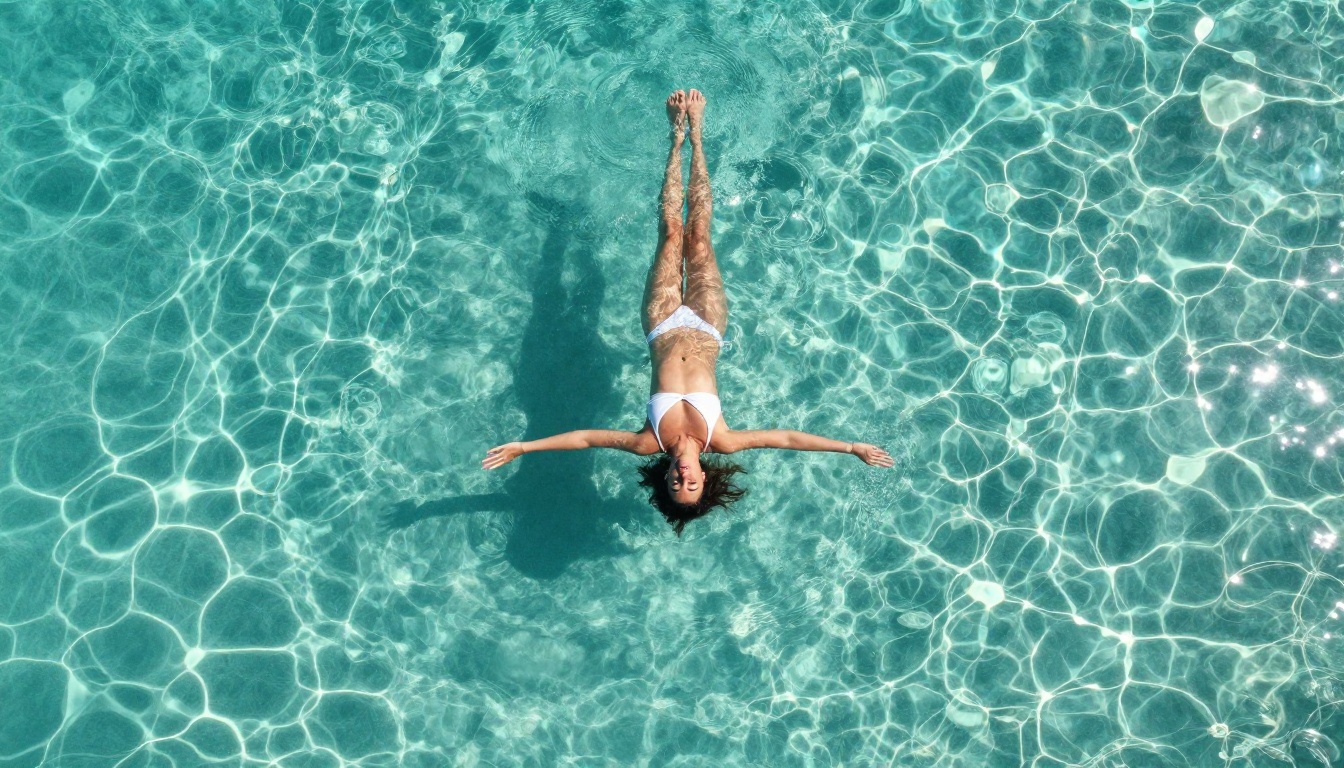
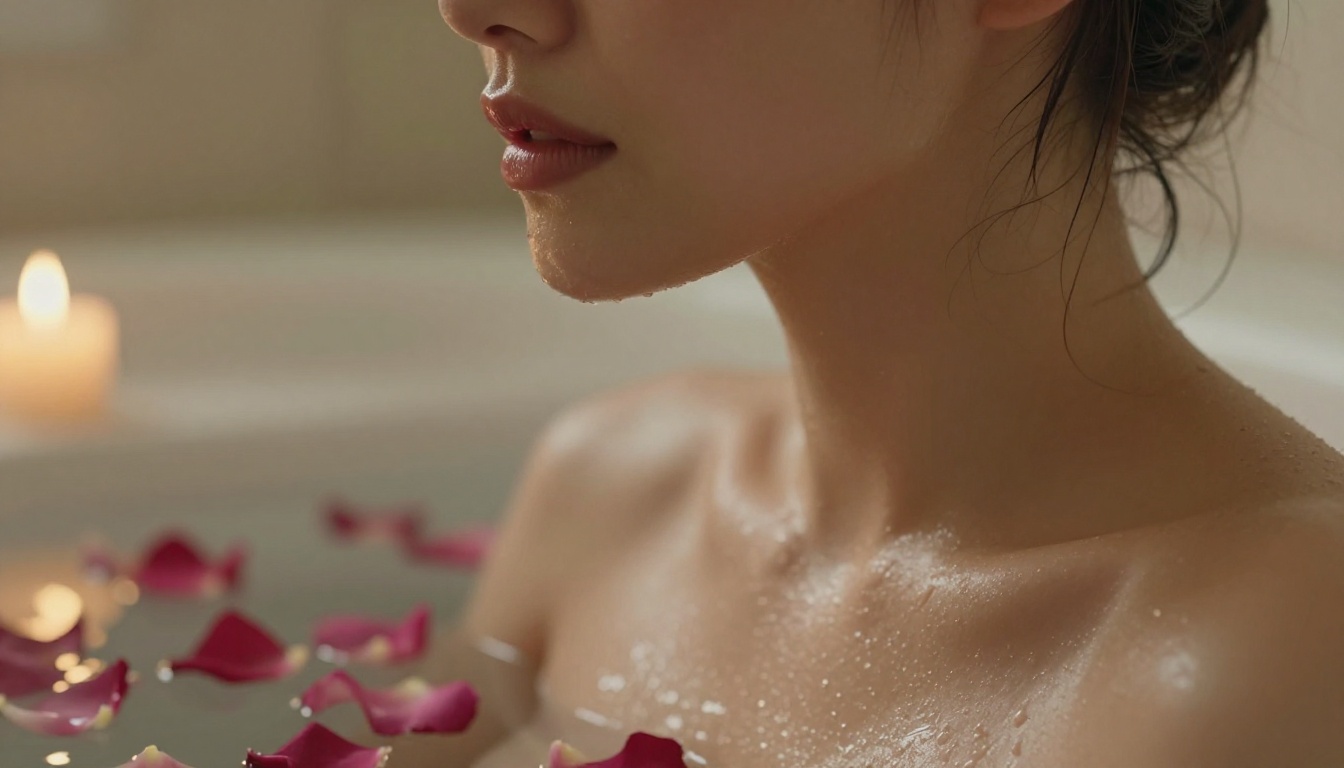
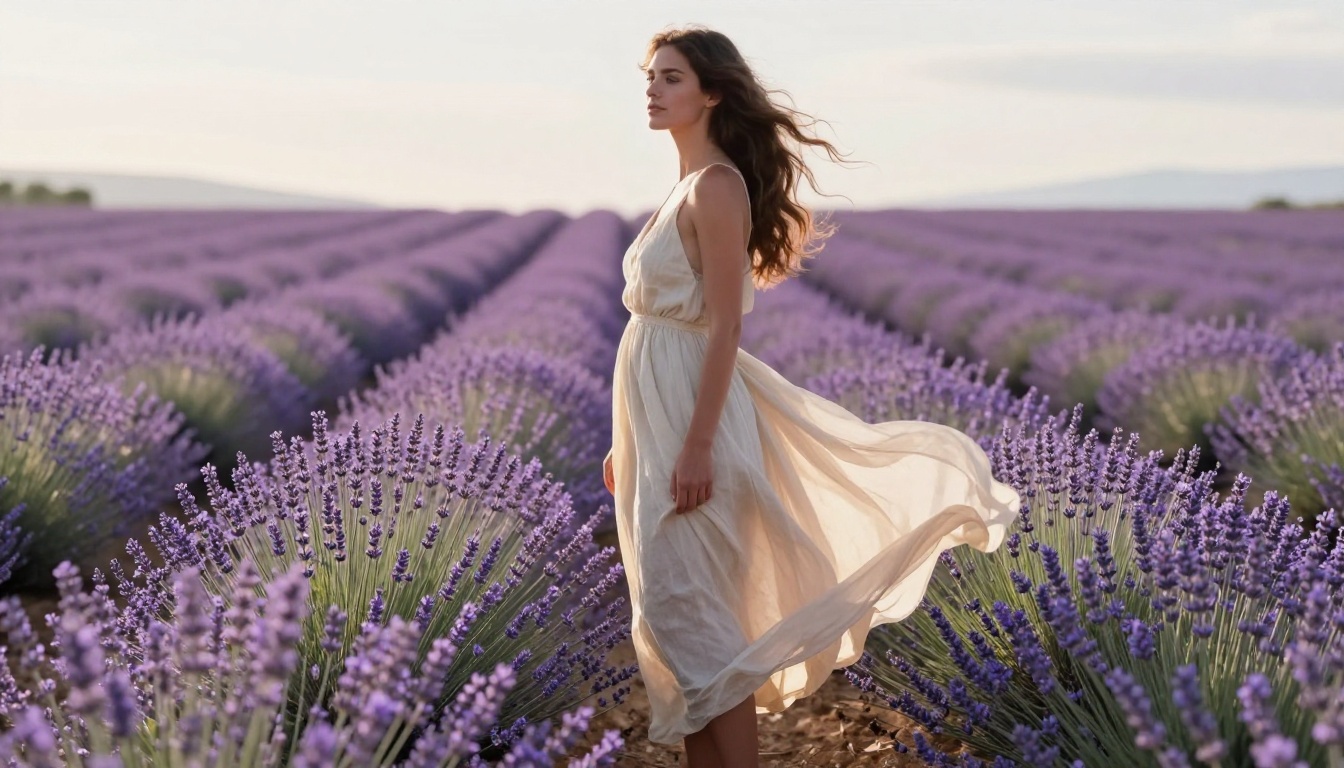
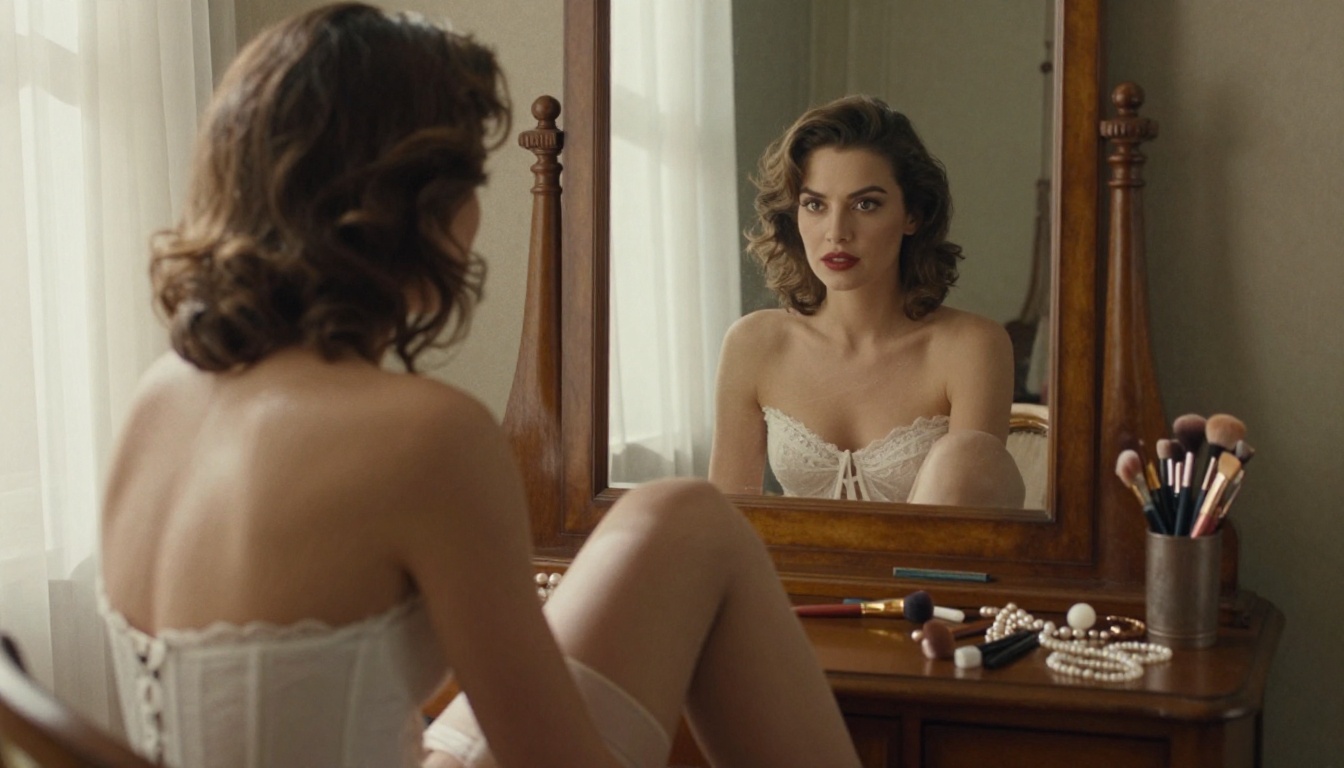
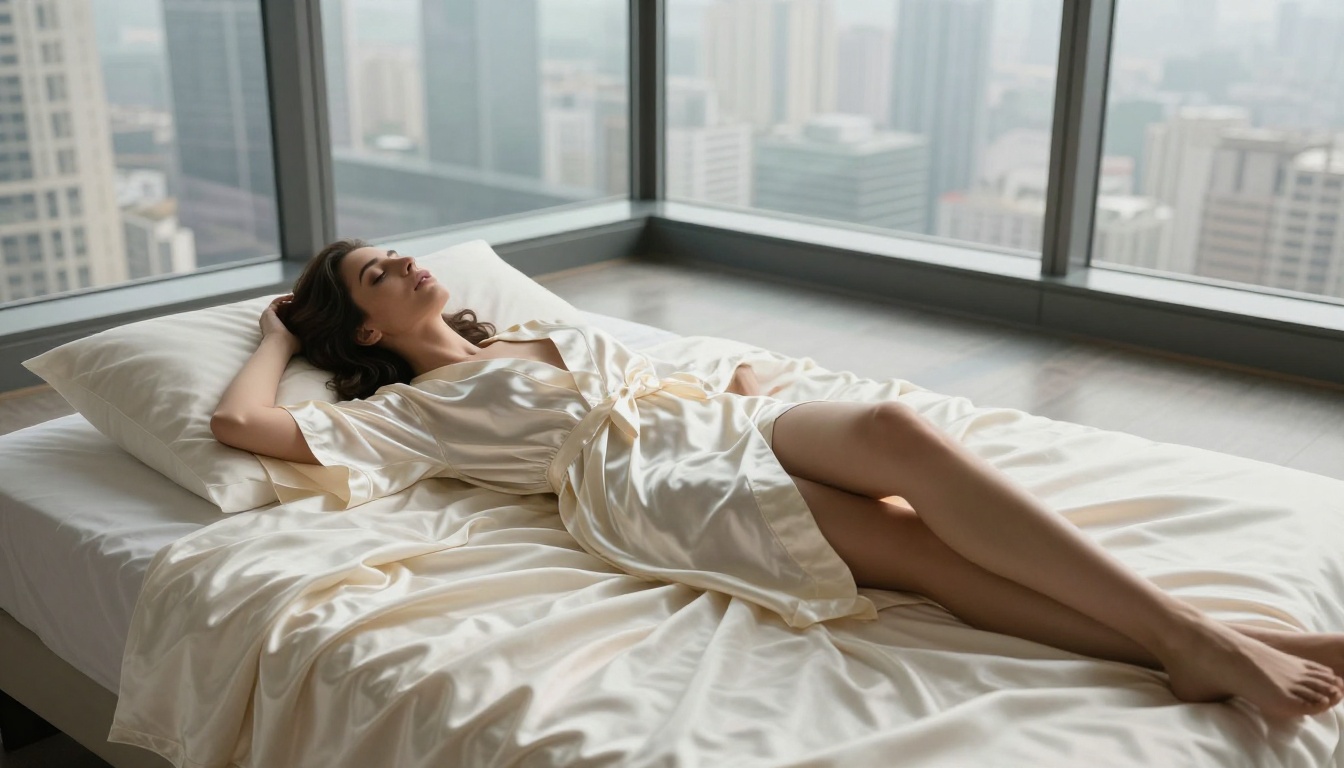
FLUX.2 Max is the most capable AI model for producing adult-rated wallpapers in full photorealistic quality. This article covers prompt architecture, model comparisons, step-by-step PicassoIA workflow, upscaling to 4K, and the best uncensored models for 18+ wallpaper creation.
Making genuinely photorealistic 18+ wallpapers with AI has changed dramatically in the past year. FLUX.2 Max sits at the top of that revolution. Where earlier models produced over-smoothed, plastic-looking figures that screamed "AI," FLUX.2 Max renders skin texture, natural lighting, and body proportions with a fidelity that holds up at 4K on a 27-inch monitor. This article covers everything from prompt architecture to upscaling workflows, so your wallpapers actually look like professional photography, not generated art.
What FLUX.2 Max Does Differently
Not all image models are equal when it comes to adult content. Most foundation models apply heavy NSFW filters that either block prompts outright or produce heavily airbrushed, anatomically vague results. FLUX.2 Max is built on a different architecture that prioritizes visual fidelity over restriction, making it the top choice for 18+ wallpaper creation.
Resolution and Detail Ceiling
FLUX.2 Max generates natively at very high resolutions and preserves micro-detail across the entire frame. This matters for wallpapers specifically: when an image is stretched to fill a 2560x1440 or 4K display, any softness or compression artifact becomes immediately visible. Skin texture, fabric weave, water droplets, hair strands — FLUX.2 Max renders all of these at a level of detail that survives the upscaling pass.
The model also handles lighting physics with unusual accuracy. Hard shadows, rim lighting, backlighting through sheer fabric — these are notoriously difficult for AI image generators to reproduce. FLUX.2 Max handles them consistently, which is why its output at 16:9 often looks like actual editorial photography. Natural lens distortion, depth-of-field fall-off, and realistic bokeh are all present without requiring special parameters.
How It Handles Adult Prompts
FLUX.2 Max processes adult-oriented prompts without the aggressive token-blocking that limits competitors. This does not mean anything goes, but it does mean that glamour, boudoir, pinup, and artistic nudity prompts produce actual results instead of sanitized alternatives. The model interprets body-language cues, fabric types, and lighting descriptions accurately, giving you consistent output across multiple generation runs.
💡 Pro tip: FLUX.2 Max responds best to photography-style prompts (camera model, lens, aperture, film stock) rather than abstract artistic descriptions. Treat your prompt like a cinematographer's brief, not a creative writing exercise.
Why It Beats Local Alternatives
Running a local Stable Diffusion installation to avoid content filters requires a capable GPU, ongoing model management, and significant setup time. FLUX.2 Max on PicassoIA eliminates all of that. You get browser access to the full model at commercial-grade inference speed, with 16:9 output baked in. No VRAM limits, no driver conflicts, no ComfyUI node debugging. The result quality also exceeds what most local setups can produce because PicassoIA runs the model on high-memory server infrastructure.
FLUX.2 Max vs Other Models for 18+ Content
There are several FLUX variants available, and choosing the right one matters for wallpaper work. Each sits at a different point on the quality-versus-speed tradeoff.
For desktop wallpapers where quality is the priority, FLUX.2 Max wins on raw visual output. For batch generation or quick iterations through prompt variations, FLUX.2 Dev lets you test compositions faster before committing to a full Max render. Think of Dev as your sketchpad and Max as your final print.
Writing Prompts That Actually Work
The difference between a generic AI image and a wallpaper-quality result comes down almost entirely to the prompt. FLUX.2 Max is powerful, but it produces dramatically better results when the prompt is structured like a professional photography brief.
The Anatomy of a Winning Prompt
A high-performing NSFW wallpaper prompt has five distinct layers:
Subject and state: Who is in the image and what are they doing or wearing. Be specific about fabric type, fit, and pose. "Wearing a white bikini" is weak. "Wearing a minimal white string bikini, ties loosened on the shoulder, fabric slightly wet and translucent from ocean spray" is how FLUX.2 Max works.
Environment: Where the scene takes place, with specific physical details. Not "a beach" but "Maldivian overwater bungalow deck at golden hour, warm teak wood planks beneath bare feet, turquoise lagoon below."
Lighting conditions: Direction, color temperature, and quality. "Soft light" produces soft results. "Volumetric amber morning light from the left at 30 degrees, creating long warm shadows across the right side of the body" produces cinematic results.
Camera specs: Camera brand and model, lens focal length, aperture. This is the single biggest quality multiplier in any FLUX prompt. "Canon EOS R5 85mm f/1.4 lens, razor-thin depth of field" instructs the model on how to render optical physics.
Film stock and texture: Kodak Portra 400, Fuji Velvia, Kodak Ektachrome — these trigger specific tonal, grain, and color shift characteristics that push the output toward analog photography aesthetics rather than digital CGI.
Prompt structure template:
[Subject in specific outfit/state] in [detailed environment with physical specifics]
+ [specific lighting from specific direction, color temperature]
+ [camera brand, lens focal length, aperture]
+ [film stock], photorealistic 8K --ar 16:9 --style raw
What to Avoid in Your Prompts
Several prompt patterns reliably degrade output quality with FLUX.2 Max:
Generic locations: "Beach," "bedroom," "studio" without additional specifics produce generic, forgettable outputs. Always add physical texture — the material underfoot, the objects in the background, the weather or time of day.
Stacked quality tags: Adding "ultra HD, 4K, 8K, hyperrealistic, cinematic" all at once tends to cancel out in the model's attention. Pick two that are most relevant to your target aesthetic.
Vague pose descriptions: Saying "posing seductively" without specifying which arm is where, what the body weight rests on, and what is happening with the fabric produces unnatural poses. Describe the physics.
Over-specifying the face: Detailed facial descriptions frequently confuse FLUX.2 Max and produce inconsistencies across the image. Let the model handle face rendering naturally from the environment and lighting cues.
Mixing contradictory styles: Asking for "film grain Kodak Portra and hyperrealistic CGI render" in the same prompt pulls in opposite directions.
💡 Pro tip: Use negative space in composition prompts. "Vast empty sky behind her" or "deep unfocused city lights in the distance" give the model room to build believable depth without cluttering the frame. Wallpapers need visual breathing room for desktop icons and taskbars.
How to Use FLUX.2 Max on PicassoIA
PicassoIA gives direct browser access to FLUX.2 Max without requiring API keys, local GPU setup, or dependency management. Here is the exact step-by-step workflow for producing wallpaper-grade 18+ images.
Step 1: Open the model page
Go to the FLUX.2 Max page on PicassoIA and sign in.
Step 2: Set your aspect ratio before writing the prompt
For standard desktop wallpapers (1080p, 1440p, 4K), set aspect ratio to 16:9. For ultrawide monitors, use 21:9 if available. For phone wallpapers, switch to 9:16. Setting this first prevents the model from generating in its default square output.
Step 3: Write your five-layer prompt
Paste your full photography-brief prompt including camera specs, film stock, and environment specifics. Do not rely on shorthand tags alone.
Step 4: Generate and note the seed
Run your first generation. When the output loads, note the seed number shown in the results panel. This seed is your fingerprint for that composition — reuse it with small prompt tweaks to get consistent variations without starting from scratch.
Step 5: Download at maximum resolution
FLUX.2 Max outputs at its native resolution. Download the full-size file before any post-processing. Compressed previews lose the detail that makes the wallpaper worth using.
Step 6: Edit non-destructively with FLUX Kontext Max
If you want to change a single element in your generated image without regenerating the whole thing (different outfit color, swapped background, adjusted lighting), use FLUX Kontext Max. It preserves your subject completely while accepting precise natural-language editing instructions on specific image regions.
💡 Pro tip: PicassoIA Image Editor Pro gives you unlimited generations with no per-image credit cost. Use it for rapid prompt iteration — 15 to 20 prompt variations — before switching to FLUX.2 Max for the final, wallpaper-grade render.
The Best NSFW Models on PicassoIA
FLUX.2 Max is not the only option for adult wallpaper creation. Depending on your speed requirements and stylistic preferences, several models serve different use cases in a wallpaper production workflow.
Seedream 4.5: The Speed Option
Seedream 4.5 from ByteDance is the fastest route to uncensored, high-quality NSFW output on PicassoIA. It generates natively at 4K and handles adult prompts without filter interference, making it the best starting point when you need multiple outputs quickly to find your composition before committing to a FLUX.2 Max final render.
When to use it: Seedream 4.5 shines when you are iterating through 10 to 15 prompt variations to find the right pose and environment. Its speed advantage over FLUX.2 Max is significant. The quality ceiling is slightly below Max, but the difference is minimal at browsing size. Find your composition in Seedream 4.5, then bring the winning prompt to FLUX.2 Max for the final output.
PicassoIA Image Editor Pro: Unlimited Generations
PicassoIA Image Editor Pro is the right model when you need high volume output without per-generation costs. It provides unlimited generations and supports a wide range of adult content types. The inpainting and outpainting features also make it valuable for post-processing: expanding the canvas of a FLUX.2 Max image, filling in cropped body parts, or replacing a background without touching the subject.
Other Strong Options
FLUX 1.1 Pro Ultra: Maximum resolution above all else. Slower, but produces the highest pixel count for extreme upscaling workflows targeting 8K displays.
FLUX Redux Dev: Creates image variations based on an existing reference image. Useful for generating multiple wallpaper variants from one hero shot without re-prompting from scratch.
Hunyuan Image 2.1: Strong at complex scene compositions with multiple environmental elements. Use it for outdoor shots where the landscape setting matters as much as the subject.
FLUX Kontext Pro: For precision editing of existing wallpaper images with text-instruction control.
⚠️ Important: Do not use Seedream 5 Lite for NSFW content. It applies active content filtering that modifies or refuses adult prompts entirely. Stick to Seedream 4.5 or the FLUX.2 family for uncensored wallpaper generation.
A FLUX.2 Max output is already high quality, but for 4K or ultrawide displays, upscaling adds significant detail without requiring a full regeneration. The right upscaler can take a 1920x1080 output and produce a genuinely 4K result with more visible texture than the source.
Best Upscalers for Adult Content
PicassoIA offers several super-resolution tools, each with different strengths for wallpaper work:
For wallpaper work, Clarity Pro Upscaler is the top pick. It adds perceptual detail rather than just interpolating pixels, which means skin texture and fabric grain become more visible at 4x rather than simply larger. For extreme cases (monitors above 4K or professional print use), combine Clarity Pro at 2x with Topaz Image Upscale at 3x for up to 6x total with minimal quality loss.
Upscaling Workflow: Step by Step
Generate your final composition at 16:9 native FLUX.2 Max resolution.
Download the source file at maximum quality, no compression.
Set upscale factor to 2x for 1080p-to-2160p, or 4x for smaller source images.
Download the upscaled result and verify at 100% zoom that detail has improved, not degraded.
If the result shows over-sharpening artifacts (halos around edges), switch to Real ESRGAN, which applies a more conservative sharpening profile that handles smooth skin surfaces better.
Getting Wallpaper-Ready Results
Beyond prompt quality and model choice, three practical decisions determine whether an image works as an actual wallpaper you will use daily.
Aspect Ratios for Every Screen
Screen Type
Aspect Ratio
Resolution Target
Standard desktop (1080p or 4K)
16:9
3840x2160 after upscale
Ultrawide monitor
21:9
3440x1440 minimum
MacBook or laptop
16:10
2560x1600
iPhone portrait
9:19.5
1170x2532
Android portrait
9:16
1080x1920
When generating for phone wallpapers, switch your aspect ratio to 9:16 in PicassoIA's settings before generating. The composition logic also needs to change: for portrait orientation, place subjects in the lower two-thirds and leave visual breathing room at the top for the clock and status bar.
Composition That Works Behind a Desktop
Wallpapers are backgrounds, not focal pieces. A few rules that separate good wallpapers from great ones:
Rule of thirds placement: Center your subject at an intersection point, not dead center. Off-center compositions hold attention longer and leave natural space for icons.
Breathing room at the top: Status bars and clock overlays on phones cover the upper 10% of the screen. Build that space into your prompt ("vast soft sky above, subject in lower frame").
Dark backgrounds for OLED screens: On MacBooks, iPhones, and Android flagships with OLED panels, true-black or very dark image backgrounds save battery and make subject colors pop with maximum contrast.
Test at thumbnail size: If the image reads clearly at 200px wide, it will work at any screen size. If important visual elements are lost at small scale, the wallpaper will feel muddy on a busy desktop.
Prompt Strategies for Specific Wallpaper Styles
Different aesthetic targets require different prompt approaches with FLUX.2 Max.
Boudoir and Glamour
For classic boudoir wallpapers, the priority is soft directional light and luxury surfaces. Reference silk, velvet, satin, and marble in your environment descriptions. Camera specs that produce strong boudoir results: Canon EF 85mm f/1.2L, Leica Noctilux 50mm f/0.95, Zeiss Otus 85mm f/1.4. Film stocks: Kodak Portra 400 for warm skin tones, Fuji Pro 400H for cooler, more editorial results with lower contrast.
Outdoor and Nature
Outdoor 18+ wallpapers work best with hard natural light and physically textured environments such as rock, wet sand, rough bark, and mountain stone. The visual contrast between hard natural textures and smooth skin surfaces creates natural visual tension that makes an image compelling at wallpaper scale. Camera specs that work: any wide-to-normal focal length (24mm to 50mm), f/2.8 or wider for natural subject isolation against the environment.
Editorial Fashion Crossover
These prompts blur the line between adult and high fashion, using sheer fabrics, elegant color palettes, and runway lighting setups. This style photographs best with studio conditions described explicitly: "two large softbox lights at 45-degree angles from the subject, white seamless paper background, no shadows on backdrop." The result sits at the intersection of Vogue editorial and artistic nudity.
Urban Night
City environments at night create a natural color palette of warm orange streetlights, cool blue screens, and neon reflections, all without requiring any neon-cyberpunk clichés. Use natural city lighting descriptions: "amber sodium streetlight from above casting hard shadows, puddle reflections on wet pavement, dark blurred traffic lights in background." Pair this with a 35mm f/1.4 lens spec for that classic street photography depth of field.
Start Creating Right Now
FLUX.2 Max is available today on PicassoIA, no local setup required. Browser access means you can generate at full model quality on any device, including tablets and laptops that could never run a local FLUX installation.
The workflow that produces the best results consistently:
Iterate fast with Seedream 4.5: Find your composition, lighting, and subject pose quickly with uncensored output and no per-generation cost pressure.
Refine with PicassoIA Image Editor Pro: Use unlimited generations to perfect your prompt before the final render.
Final render with FLUX.2 Max: One generation at full model capacity, 16:9, maximum resolution.
Upscale with Clarity Pro Upscaler: Take the output to 4K with genuine detail enhancement, not just pixel interpolation.
Edit without regenerating using FLUX Kontext Max: Change specific elements in your final image without touching anything else.
Every tool in this workflow is available directly from your browser at picassoia.com/en/all-models. The quality ceiling for AI-generated adult wallpapers is higher than it has ever been, and FLUX.2 Max is where that ceiling lives right now.