Here's what nobody tells you about AI art platforms: most of them are built for marketers, not creators. The filters, the refusals, the sanitized outputs all strip away exactly the kind of expressive freedom that makes AI art worth using in the first place.
If you want to make adult AI art in any pose you want, the answer is not to fight the filters. The answer is to pick tools that were built without them.
This is a practical walkthrough of how to do that, detailing the best uncensored models, how to write prompts that nail specific poses, and how to upscale the results to near-photographic quality.
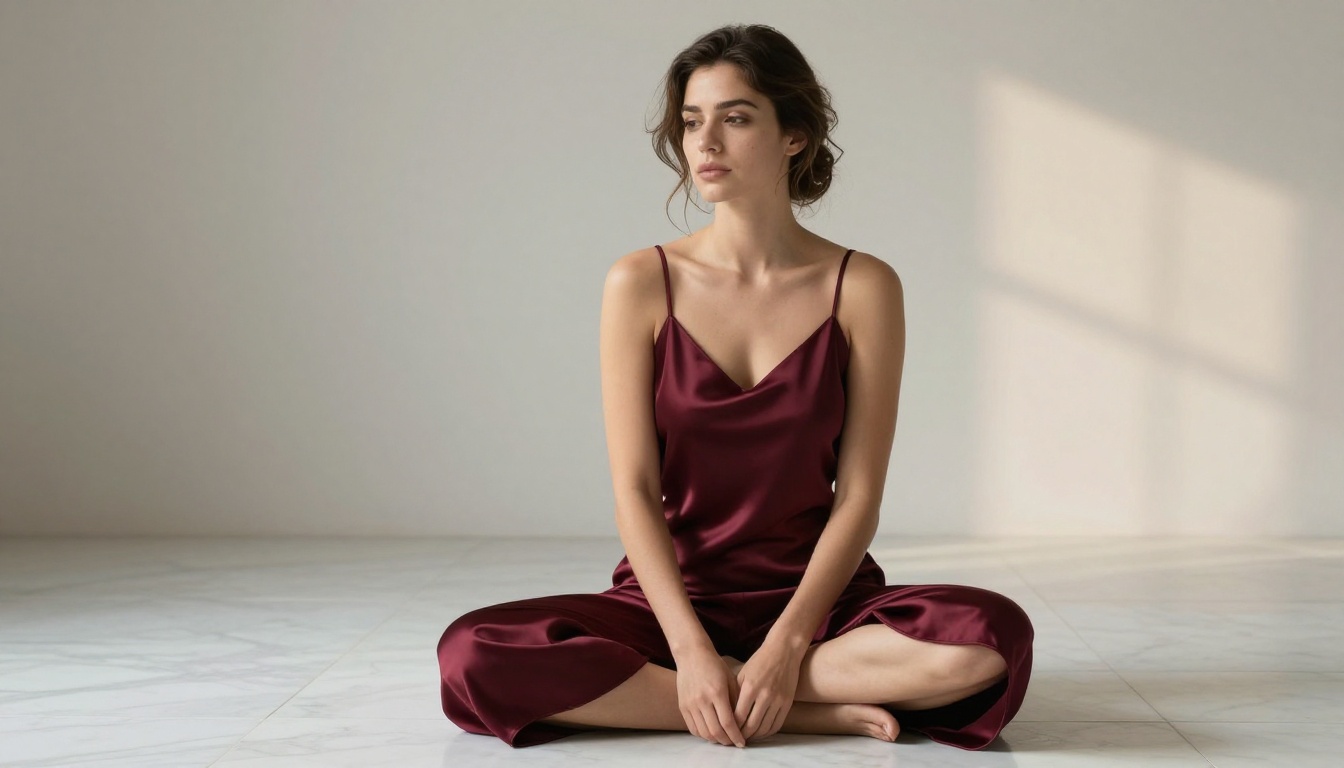
The irony of AI art generation is that the models themselves are capable of incredible things. What limits them is not ability; it is policy.
The Censorship Problem
Mainstream platforms like Midjourney, DALL-E 3, and Adobe Firefly have built extensive content filters at the API level. The moment your prompt suggests anything suggestive, bikinis, implied nudity, or even certain body poses, the system refuses or heavily degrades the output.
This creates a real problem for creators who work in fashion, fine art, boudoir photography references, or adult entertainment, or who simply want to produce the kind of glamour imagery found in any professional magazine. The content itself is legal, tasteful, and widely distributed in the real world, but the AI refuses to touch it.
The platforms are protecting liability, not protecting anyone. The result is that legitimate adult creators, figure artists, and photographers are shut out of tools that should serve them.
What Full Pose Control Actually Means
"Any pose" is not just a marketing phrase when you have the right tools. It means:
- Reclining poses: full supine layouts, overhead aerial compositions, side-lying positions
- Standing poses: power stances, contrapposto, profile silhouettes against backlit windows
- Seated poses: cross-legged floor shots, chair compositions, leaning forward on elbows
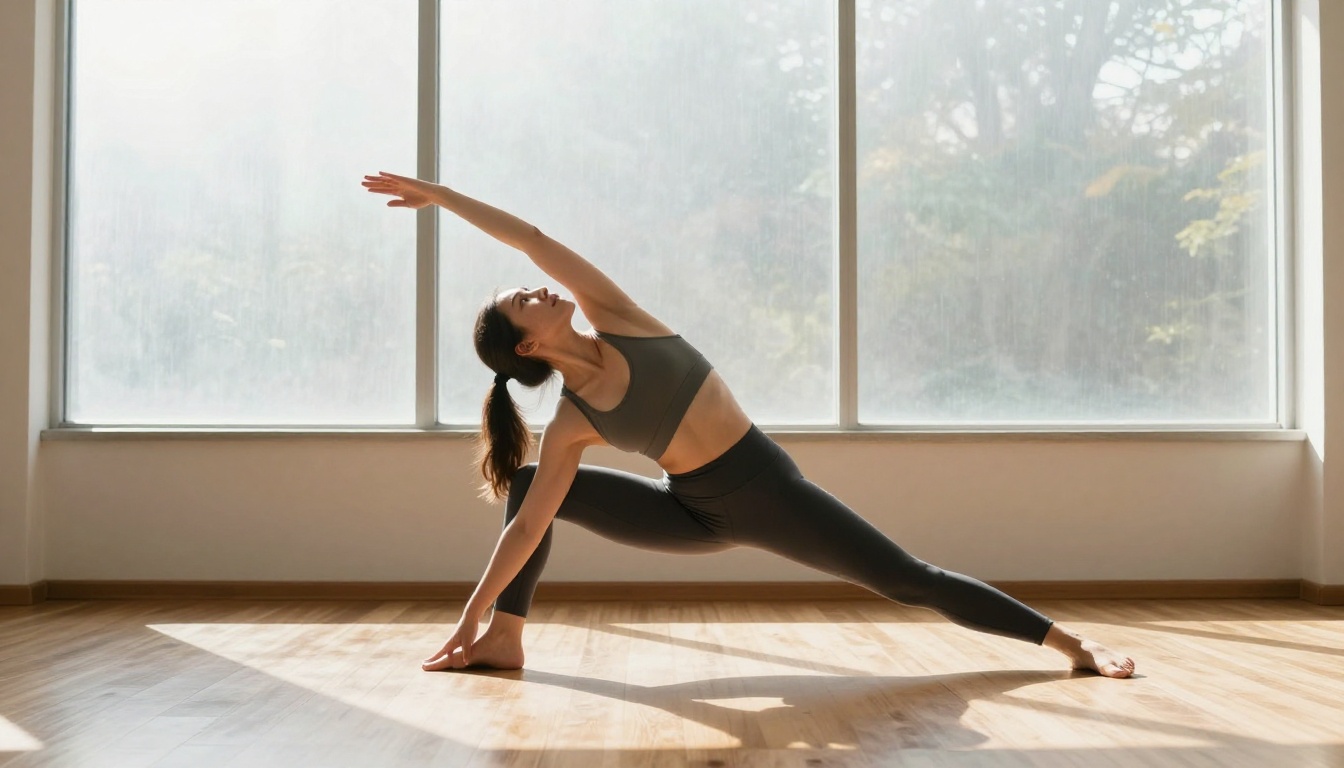
- Active and dynamic: mid-stretch yoga positions, dance freezes, athletic action captures
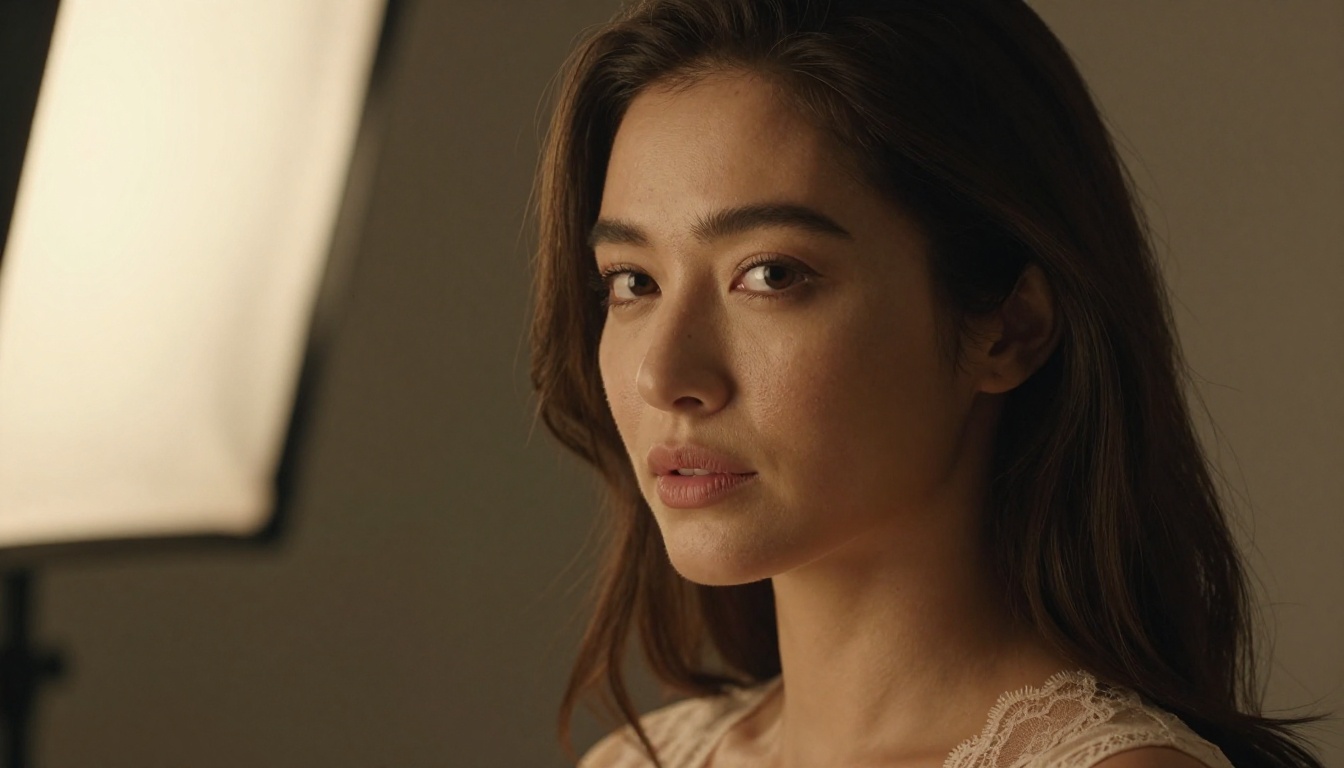
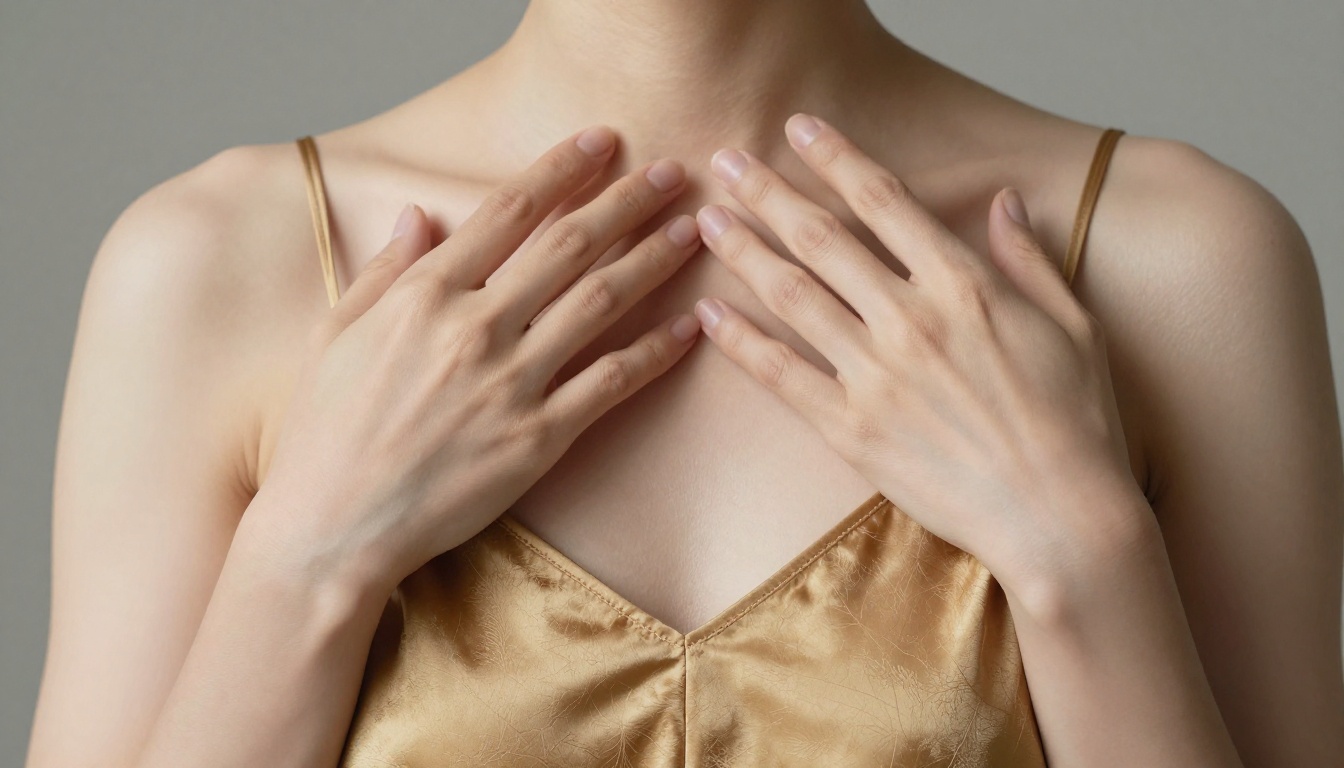
- Close-up and partial: shoulder-over compositions, collarbone and décolletage detail, hands and torso studies
With uncensored models on the right platform, you prompt any of these and get a photorealistic result. That is the actual capability these tools provide.
Best Models for NSFW AI Art on PicassoIA
PicassoIA hosts a curated set of models that accept adult content and deliver photorealistic results without the censorship layers found on other platforms. Here are the ones that actually matter.
Seedream 4.5 Sets the Standard
Seedream 4.5 is the top pick for NSFW adult art generation, and it is not close. ByteDance built this model with exceptional realism and removed the content restrictions that hamper most consumer-facing tools.
What makes it the first choice:
- Generates in under 3 seconds, fast enough to iterate rapidly through pose variations
- Accepts detailed NSFW and adult content prompts without refusal
- Also supports image editing, so you can take an existing image and adjust pose, lighting, or outfit
- Output quality rivals professional photography references at 8K resolution
💡 Tip: When using Seedream 4.5, be highly specific about pose in your prompt. Include the subject's limb positions, body orientation, camera angle, and lighting direction. Vague prompts produce generic results; specific prompts produce exactly what you visualize.
One important caveat: Seedream 5 Lite, the newer version, does not support NSFW content. Stick with 4.5 for adult art.
PicassoIA Image Editor Pro Has No Limits
PicassoIA Image Editor Pro works differently from text-to-image models. It is an img2img tool, meaning you feed it a source image and modify it.
This is the model that enables truly unlimited creative volume. With an Elite or Infinite plan, you can generate without caps. Compare that to models like Nano Banana 2, where generating 1,000 images would cost around $100. Here, those same 1,000 images cost nothing beyond your subscription.
It also accepts NSFW content and returns results in under 1 second. The free trial includes 3 generations with no credit card required, so you can verify the quality before committing.
For adult AI art workflows, this is the iteration engine. Use Seedream 4.5 to generate strong base images, then use Image Editor Pro to refine, adjust, and multiply variations at scale.
Other Models Worth Using
The platform offers several additional models with NSFW capability, each with a specific strength:
| Model | Strength | Speed | NSFW |
|---|
| Qwen Image 2 | Open source, detailed realism, image editing | Fast | ✅ |
| Grok Imagine Image | Bikini and swimwear transformations | Very Fast | ✅ |
| Recraft V4 | High realism, text-to-image only | Fast | ✅ |
| P-Image | Ultra-fast, under 1 second | Under 1s | ✅ |
Qwen Image 2 deserves a separate mention. As an open-source model, it handles both creation and editing with impressive realism. For creators who want to take an existing photo reference and reimagine it with different poses or outfits, Qwen Image 2 handles those edits naturally.
P-Image generates in under a second, which makes it ideal for rapid concept testing. Run 20 prompt variations in under a minute, pick the best two, then feed those to Image Editor Pro for polished finals.
How to Write Pose-Perfect Prompts
The difference between a mediocre adult AI art result and a stunning one is almost always the prompt. Most people write subject descriptions. The best prompts write photographic briefs.
The Anatomy of a Strong Pose Prompt
Every strong pose prompt for adult AI art contains these elements:
- Subject and clothing state: Be specific. "A woman wearing a sheer champagne satin slip" beats "a woman in lingerie" every time.
- Exact pose description: Name limb positions explicitly. "One arm extended overhead, opposite knee bent, body facing three-quarters right" gives the model something precise to work with.
- Camera position and angle: Low-angle creates power. Overhead creates vulnerability. Eye-level creates intimacy. Pick the story you want to tell.
- Lighting setup: Name the direction and quality. "Warm directional light from the upper left creating a Rembrandt shadow pattern" is a photographic direction the model interprets accurately.
- Lens and camera details: "85mm f/1.4 shallow depth of field" separates subject from background. "35mm f/2.8 wider environmental context" keeps more in focus and establishes the setting.
- Atmosphere and texture: "Skin showing natural warmth and fine texture under the light, Kodak Portra 400 film grain" adds photorealism that sets the output apart from generic AI results.
Standing and Walking Poses
For standing poses, what matters most is body weight distribution. Specify which hip bears weight, foot positioning, and shoulder tilt:
"A woman standing with weight on her right hip, left foot slightly forward, shoulders at a gentle angle toward camera, chin tilted slightly down, wearing ivory silk lingerie, photographed from a low angle with 85mm lens, afternoon sunlight from the right creating warm side lighting across her figure, Kodak Portra 400 grain, ultra-realistic 8K RAW."
Walking poses need implied motion. Add: "mid-stride with heel just lifted, arms at natural swing, hair caught in slight movement, photographed at 1/1000s shutter speed to freeze motion."
Seated and Reclining Poses
Seated poses benefit from describing the surface and the contact points between body and surface:
"Seated on the edge of a low platform, both hands resting behind her on the surface supporting her upper body weight, legs crossed at the ankle, body angled 45 degrees to camera, head turned to look directly into lens, Canon R5 with 85mm f/1.4."
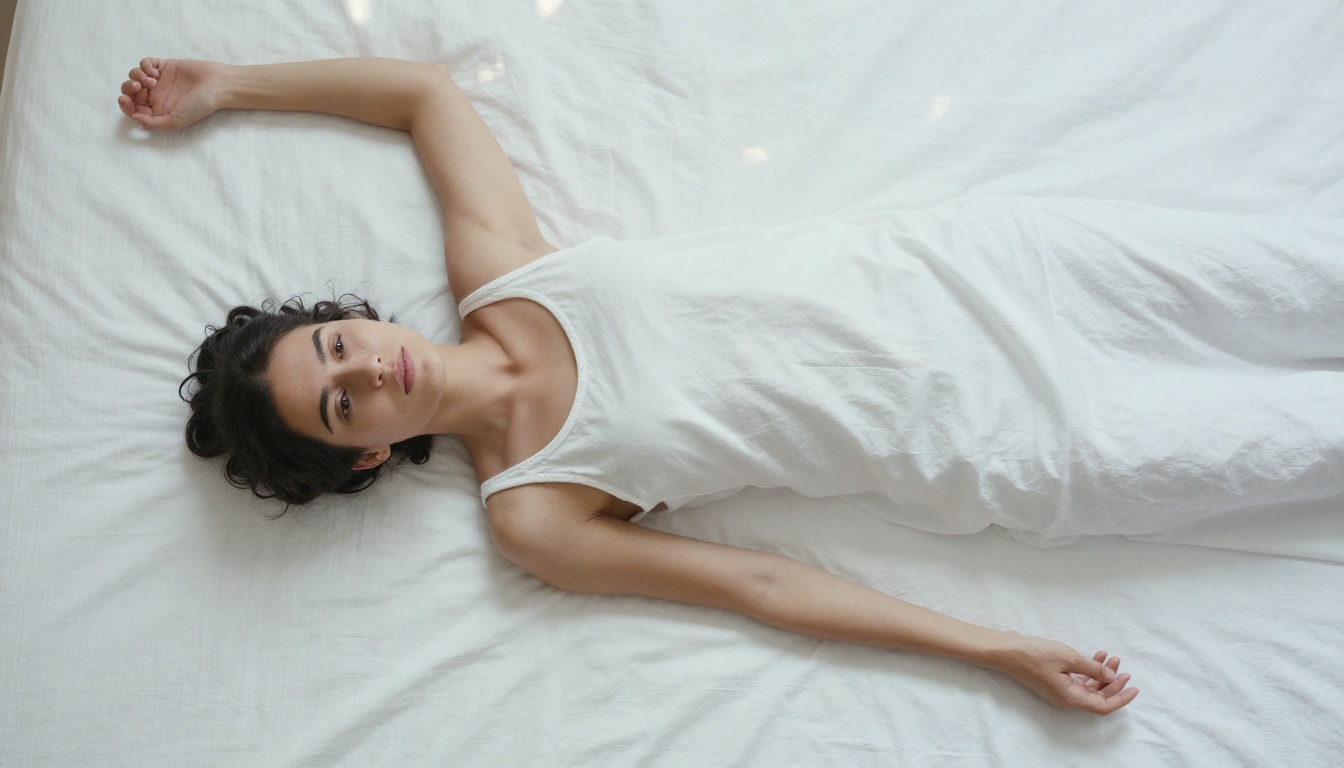
For reclining, the aerial perspective is particularly effective. Specify the camera angle explicitly: "camera directly overhead, subject lying supine with arms at a 30-degree angle from the body, Egyptian cotton sheets showing fine thread texture."
💡 Tip: For reclining and supine poses on Seedream 4.5, describe the fabric texture of the surface in detail. A prompt that includes "crisp Egyptian cotton with visible thread count" produces far more realistic results than simply "white sheets."
Dynamic and Action Poses
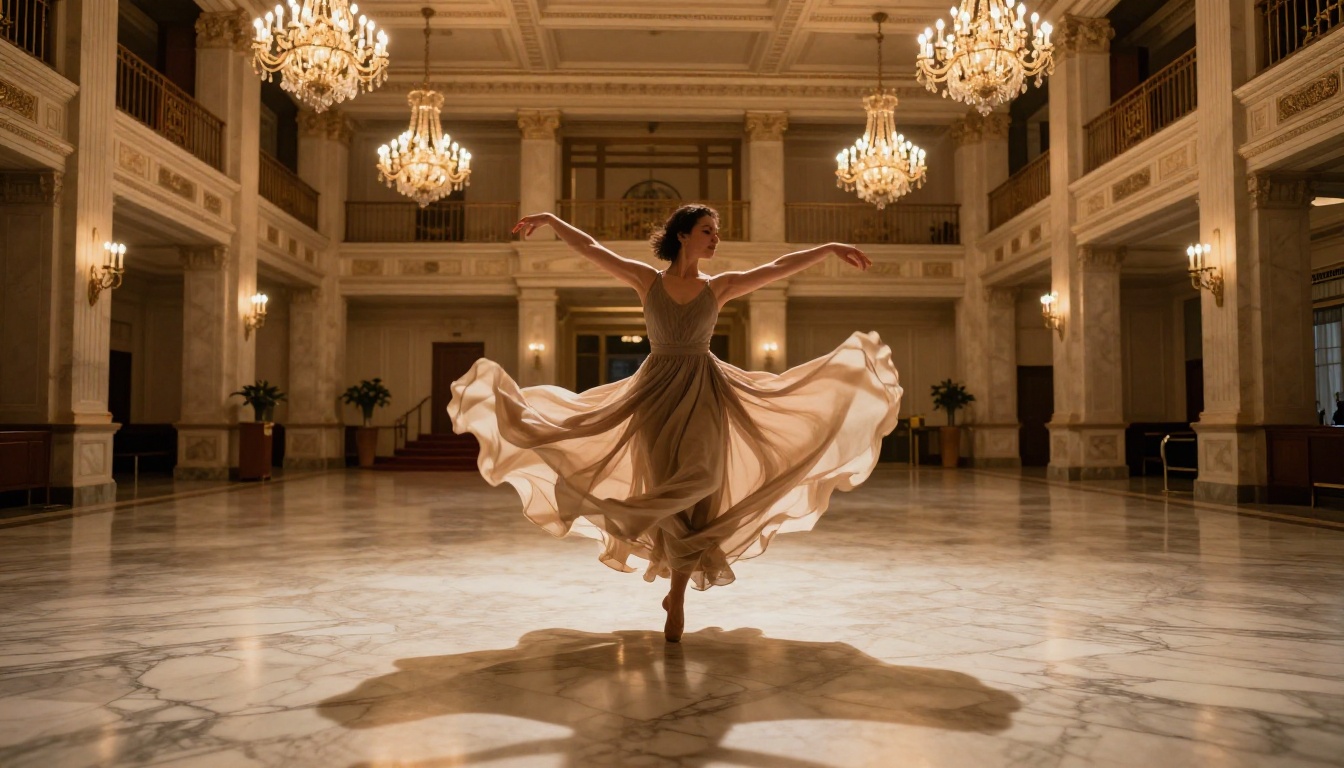
Action captures require specificity about the freeze-frame moment you want:
"A woman mid-arabesque with her back leg extended at 90 degrees, arms flowing outward, body weight centered over the front foot, photographed at the peak of the movement before descent, motion blur kept minimal with high-speed freeze, ballroom interior background."
For yoga and stretch poses, naming the specific position helps: "Warrior II stance with both arms extended horizontally and gaze over the front hand." The model interprets named poses accurately when they are common enough, but describing the geometry gives you direct control over the exact angle and composition you want.
Combining named poses with geometric descriptions is the strongest approach. "Warrior II stance, left arm forward right arm back, both fully extended, body facing camera at 90 degrees, shot from a low angle with the studio window visible behind her."
Upscaling Your Best Results
Generated images typically output at moderate resolution depending on the model and settings. For adult AI art that holds up to close scrutiny or print use, upscaling is part of the workflow, not an afterthought.
Why Resolution Matters for Adult Art
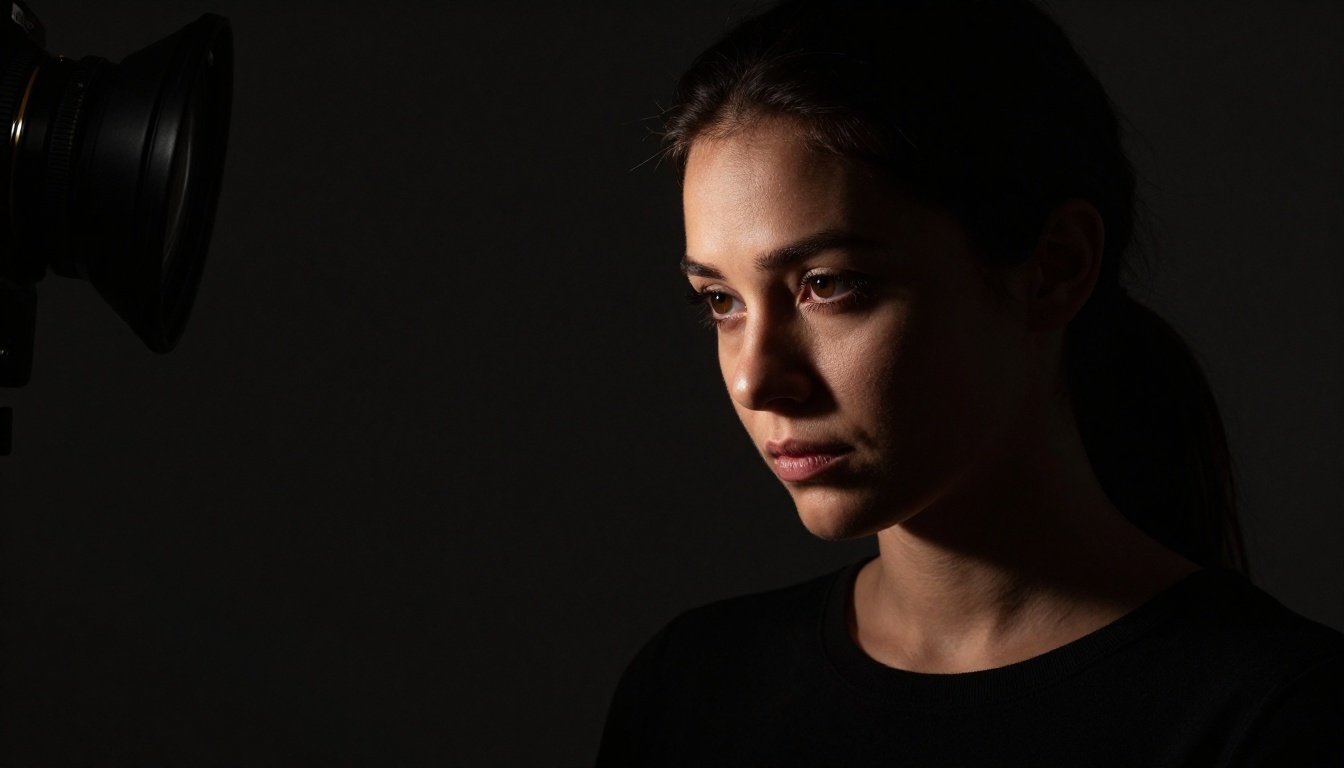
At the wrong resolution, adult AI art loses its impact. The skin texture that makes a result feel photographic, the fine detail of fabric against skin, the catchlight in the eye: these only read correctly at high resolution. At a compressed or small output size, they blur into something generic.
Moving a solid image from 512x288 to 2048x1152 with the right upscaler does not just add pixels. The best upscalers hallucinate appropriate detail at the upscaled resolution, filling in skin pores, fabric weave, and fine hair that was not present in the original output.
Best Upscalers on PicassoIA
PicassoIA offers several dedicated super-resolution tools. For portrait and figure work, these three perform best:
Clarity Pro Upscaler is the top choice for photorealistic upscaling. It adds fine detail while preserving the original composition and skin tone accuracy. For adult art with close-up skin and texture detail, this is the upscaler to reach for first.
Crystal Upscaler is specifically optimized for portrait photography. It handles facial features and skin with particular care, preserving naturalness at up to 4x the original resolution.
Image Upscale by Topaz Labs handles full-body and environmental shots at up to 6x. When you have a wide-format pose shot where the subject occupies a smaller portion of the frame, this provides the resolution boost that makes full-body prints or large-format exports viable.
💡 Workflow tip: Generate with Seedream 4.5 or P-Image, refine with PicassoIA Image Editor Pro, then send the best outputs through Clarity Pro Upscaler. That three-step pipeline produces results at a quality level that was not achievable with consumer tools a year ago.
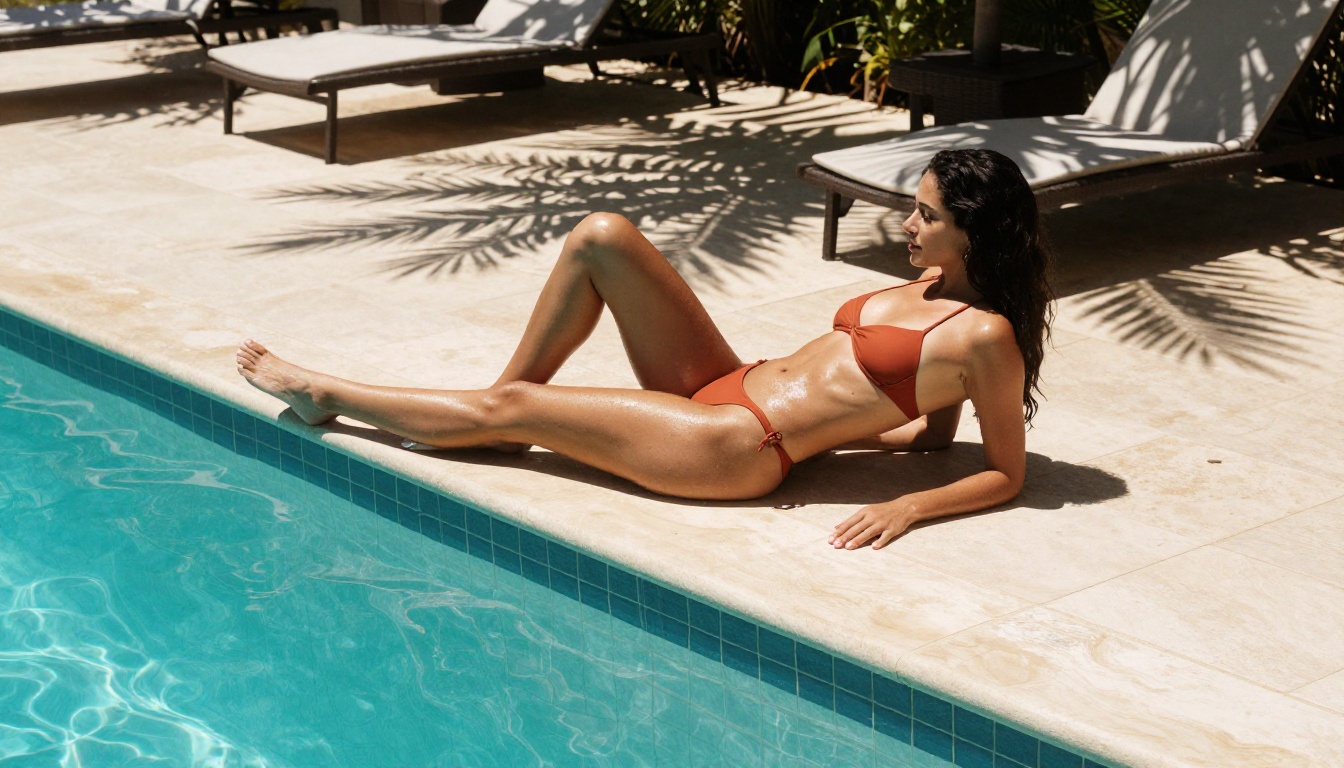
Not every AI image platform gives you the same access. Here is how the major options compare when it comes to adult content and pose control:
| Platform | NSFW Support | Pose Specificity | Speed | Unlimited Tier |
|---|
| PicassoIA (Seedream 4.5) | ✅ Full | ✅ High | Under 3s | ✅ Yes |
| PicassoIA (Image Editor Pro) | ✅ Full | ✅ High (img2img) | Under 1s | ✅ Unlimited |
| Midjourney | ❌ Blocked | Medium | 30-60s | ❌ No |
| DALL-E 3 | ❌ Blocked | Medium | 15-30s | ❌ No |
| Stable Diffusion (local) | ✅ Full | ✅ High | Varies | ✅ Yes (hardware) |
| Adobe Firefly | ❌ Blocked | Low | 15-30s | ❌ No |
PicassoIA's edge is not just the NSFW access. It is the combination of speed under 3 seconds, no generation caps on Elite or Infinite plans, and the breadth of models available in one place. You are not managing multiple API keys or running local hardware. Everything runs in the browser.
The comparison to local Stable Diffusion is worth addressing directly: yes, local installs give you full control. But they require significant hardware investment, technical setup, and ongoing maintenance. PicassoIA gives you the same creative freedom through a browser window, with results arriving in under 3 seconds.
All NSFW Models at a Glance
Beyond images, PicassoIA also supports adult content in video generation. Here is the complete recommended lineup:
- Seedream 4.5 ⭐ The best all-around NSFW model. Accepts adult content, supports image editing, ultra-realistic results in under 3 seconds.
- PicassoIA Image Editor Pro Img2img with unlimited generations on Elite or Infinite plans. Under 1 second per output. Free trial included.
- Qwen Image 2 Open-source model with strong realistic detail and image editing support.
- Grok Imagine Image Realistic photo transformations, particularly strong for bikini and swimwear conversions.
- Recraft V4 Very realistic text-to-image output without content restrictions.
- P-Image NSFW text-to-image generation in under 1 second. Best for rapid iteration.
- PicassoIA Video Unlimited video generation from text prompts at up to 720p, 5 seconds per clip.
- P-Video Text, image, or audio to video at up to 1080p with the safety filter off by default.
- Grok Imagine Video Clips up to 15 seconds from text or image, no watermarks, eight aspect ratios.
- LTX 2.3 Pro Up to 4K at 50fps with retake and extend editing for precise clip control.
👉 Browse the full collection at picassoia.com/en/all-models.
Start Creating Without Limits
The tools are in place. The platform is ready. The only thing between you and the adult AI art you want to create is the prompt you write.
Start with Seedream 4.5. Write a detailed pose description using the anatomy breakdown from this article. Specify your camera angle, lighting direction, and fabric detail. Run several variations at speed, since each generates in under 3 seconds.
When you have a result worth keeping, push it through Clarity Pro Upscaler for a full-resolution final. If you want to generate many variations of that result without paying per image, switch to PicassoIA Image Editor Pro and iterate at scale.
The platform does not block your creative vision. The models are built for exactly the kind of adult figure work, glamour art, and pose-specific imagery that mainstream tools refuse. That is the real value of working on PicassoIA: the tools are on your side.
👉 picassoia.com/en/all-models — Start generating.


