You don't need a subscription. You don't need a credit card. And you definitely don't need to pay per generation. In 2027, a handful of AI platforms have made it genuinely possible to create high-quality adult imagery at zero cost, with no watermarks, no daily caps, and no compromises on output quality. The free tier used to mean blurry results and frustrating limits. That era is over.
This article covers the exact tools, models, and prompting methods that let you make adult AI content without paying a cent, from first prompt to print-ready output.

Not every platform that claims "free" actually means it. Most free tiers throttle your output, slap watermarks on everything, or quietly push you toward a credit purchase after five generations. A real free platform lets you run 100 images in a session, iterate freely on prompts, and download clean files without any strings attached.
PicassoIA is the platform that fits this description for adult AI content. It offers a wide selection of text-to-image models with no per-image credit costs, no watermarks on output, and no caps that force you into a subscription. More importantly, it hosts models specifically capable of producing suggestive, glamour, and artistic adult imagery that other platforms block outright.
What separates a good free tool from a bad one
A tool that can't produce the content you're looking for isn't free, it's just a dead end. The relevant criteria for adult AI image generation are:
- No content blocking on glamour and suggestive imagery: Many mainstream generators reject any prompt involving skin, lingerie, or sensual poses. A viable platform lets these prompts through without constant rejections.
- High output resolution: Low-resolution output defeats the purpose. You want at least 1024px baseline, with upscaling options available.
- Unlimited or near-unlimited generations: If you hit a wall after 10 images, meaningful iteration is impossible. Adult AI content often requires 20 to 30 prompt variations to land on exactly the right result.
- No watermarks: Watermarked output is unusable for any real purpose.
PicassoIA checks every box. The models below are all available on the platform at no cost.
The real cost of most "free" tools
Most platforms that advertise free access are running a freemium model designed to get you to pay. The free images are low resolution. The capable models sit behind a paywall. You get 10 credits per day. These restrictions aren't a bug, they're the product.
The platforms worth using are those where "free" means unlimited. That's what makes PicassoIA worth starting with: every model listed below runs without a credit meter ticking down.
Seedream 4: Start Here for Free Adult Images
Seedream 4 is the model to reach for first when generating adult AI content on PicassoIA. It produces images up to 4K resolution from a text prompt, accepts reference images as input, and lets you carry a visual style or subject identity across multiple generations in the same session.
For adult content specifically, Seedream 4 does two things particularly well. First, it renders skin with a level of photorealism that holds up at high resolution: fine texture, natural subsurface scattering, realistic shadows in body contours. Second, it handles composition in ways that feel deliberate rather than random, which matters when you're directing a specific pose, lighting setup, or environment.
Why Seedream 4 leads the pack
Most free text-to-image models produce adult imagery that looks generated. The skin is too smooth, the lighting is flat, and the composition is generic. Seedream 4 avoids these problems because of its training on high-resolution photographic data and its built-in support for multi-reference input.
💡 Tip: Use Seedream 4's reference image feature to lock in a consistent look across multiple images. Upload a reference that matches your desired lighting and setting, then prompt for variations. This is how you build a cohesive visual series without starting from zero each time.
The model outputs at 1K, 2K, or 4K resolution. For adult content where detail matters, running at 2K is the practical default. 4K adds significant texture detail but takes longer. Use it when you need the final, definitive version of an image.
How to use Seedream 4 on PicassoIA
- Open Seedream 4 on PicassoIA.
- Write your prompt. Describe the subject, environment, lighting, pose, and mood in specific detail. Vague prompts produce vague results.
- Select your resolution. 2K is the recommended starting point. Move to 4K only for final output.
- Set your aspect ratio. 16:9 works for most cinematic or landscape-oriented compositions. 9:16 suits portraits and vertical social formats.
- If you have a reference image, upload it. Seedream 4 uses it to anchor the style and composition of the output.
- Run the generation. If the first result isn't right, adjust one element of the prompt and run again. Change one variable at a time, not the entire prompt.
PicassoIA Image Editor Pro: Unlimited Edits
Once you have a generated image you like, PicassoIA Image Editor Pro is where you refine it. This is PicassoIA's native editing model, built specifically for the iterative editing that adult content creation demands.
The defining feature is unlimited edits with no per-edit cap. You can run the same image through 50 prompt variations without hitting a usage wall. That matters when you're making subtle adjustments: changing a color, swapping an outfit detail, adjusting the background, or retouching a specific area. Most editing tools charge per edit or throttle you after a certain number of runs. This one doesn't.
Editing without limits
PicassoIA Image Editor Pro accepts up to three reference images at once. This opens up workflows like:
- Outfit swap: Take a generated portrait and replace the clothing using a reference image of a different outfit style.
- Background replacement: Keep the subject identical and change the setting entirely with a single sentence prompt.
- Lighting adjustment: Describe the lighting change you want ("add warm golden hour light from the left") and the model adjusts the whole image accordingly.
- Detail retouching: Fix specific areas that the generation got wrong without regenerating the entire image.
💡 Tip: When editing with multiple references, refer to them as "image 1," "image 2," and so on in your prompt. For example: "Dress the subject from image 1 in the outfit from image 2. Keep the background and lighting unchanged." This precision gives the model exactly what it needs.
Three editing workflows worth knowing
Outfit and wardrobe editing: Generate a base portrait with a neutral outfit. Then use Image Editor Pro to swap in different clothing options by referencing a garment image. Produce multiple wardrobe variations of the same subject without regenerating from scratch.
Environment variation: Start with one strong composition, then use the editor to move the subject to different settings: a beach, a hotel room, a rooftop terrace. Describe the new setting, keep everything about the subject unchanged.
Series production: Lock a seed in the original generation to get a reproducible base image. Run targeted edits through Image Editor Pro to create a cohesive visual set with consistent subject identity across multiple images.
Flux Dev and Flux Schnell: Speed vs Detail
Beyond Seedream 4, two more models on PicassoIA are worth knowing: Flux Dev and Flux Schnell. They serve different purposes, and the distinction matters depending on what stage of the creative process you're in.
Flux Dev for high-detail output
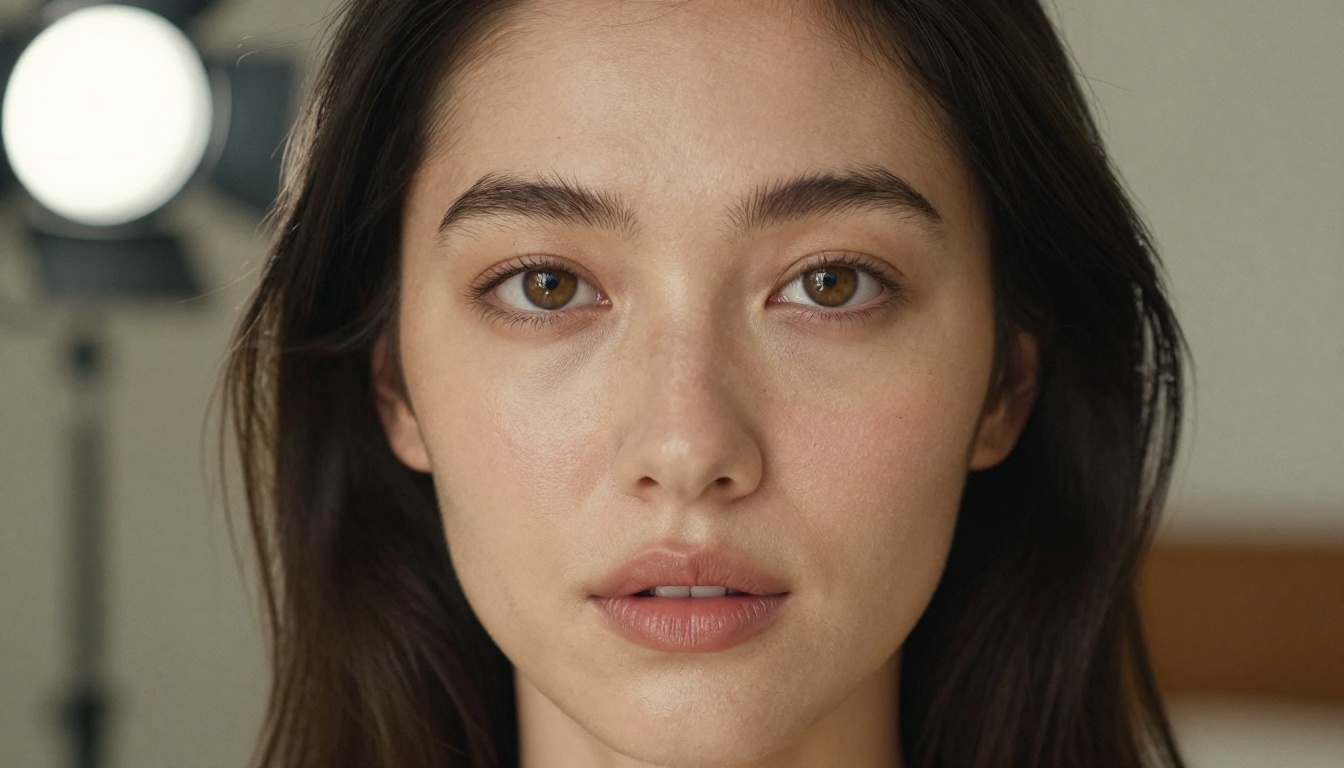
Flux Dev is a 12-billion parameter model built for high-fidelity, detailed output. It supports 11 aspect ratios and includes an image-to-image mode where you upload a reference photo and describe changes to produce a modified version.
For adult content, Flux Dev is particularly strong at:
- Photorealistic skin rendering with natural texture and accurate lighting response
- Complex scene compositions where you're directing multiple elements simultaneously
- Img2img editing where you want to preserve most of a reference image but change specific details
Use Flux Dev when output quality is the priority and generation speed is secondary. Set inference steps between 28 and 50 for best results. The higher the step count, the more polished the output.
Flux Schnell for rapid iteration
Flux Schnell produces images in under 5 seconds using a speed-optimized processing mode with just 4 denoising steps. Output quality is lower than Flux Dev, but the speed advantage is significant.
The right use case for Flux Schnell is prompt exploration. When you're figuring out the right direction for a scene, you want to test 20 different prompt variations quickly. Flux Schnell lets you do that in minutes. Once you've found the direction that works, copy the strongest prompt into Seedream 4 or Flux Dev for the final high-quality version.
💡 Tip: Run all initial concept exploration in Flux Schnell. It has no credit caps on PicassoIA, so test as many variations as needed. When the composition and mood feel right, move to Seedream 4 at 2K or 4K for the final image.
Writing Prompts That Get Results
The model matters, but the prompt determines whether you get a usable image or a generic mess. Adult AI content prompting has a specific structure that consistently produces better results than vague descriptions.
The anatomy of a strong adult AI prompt
A prompt that works for adult AI image generation has five layers:
- Subject: Who is in the image? Describe physical attributes, pose, and expression.
- Wardrobe or state: What are they wearing? Be specific about fabric, fit, and surface detail.
- Environment: Where are they? What surface, room, or landscape surrounds the subject?
- Lighting: Where is the light coming from? What quality does it have?
- Camera and technical specs: What lens, angle, and film stock applies?
A weak prompt: "beautiful woman in bikini at pool"
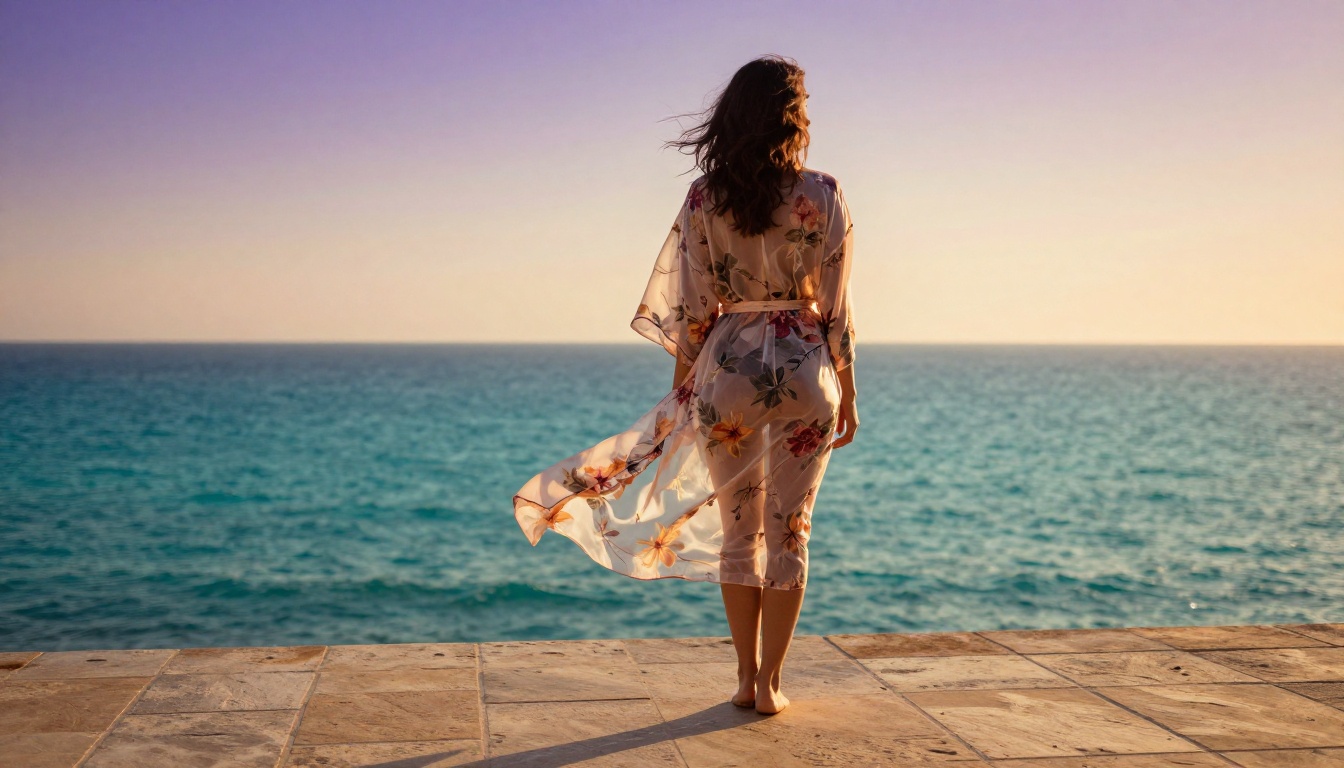
A strong prompt: "Beautiful woman in a minimal white bikini reclining on white marble poolside steps at a Mediterranean villa, golden hour sunlight from the left casting warm volumetric rays across her bronzed skin, photorealistic skin texture with visible pore detail, 85mm f/1.4 lens with the infinity pool dissolving into turquoise bokeh behind her, Kodak Portra 400 film grain, raw 8K photography"
The difference in output quality between these two prompts is dramatic. The strong prompt gives the model a complete scene. Every element is specified, so nothing is left to chance.
Prompt settings and parameters that matter
| Parameter | Recommended Value | Why |
|---|
| Resolution | 2K (Seedream 4) | Enough detail without long wait times |
| Aspect ratio | 16:9 | Works for most scenes; 9:16 for portraits |
| Film stock | Kodak Portra 400 | Adds analog warmth and natural grain |
| Lens | 85mm f/1.4 or f/1.8 | Subject isolation with flattering bokeh |
| Lighting direction | Always specify | Undefined lighting produces flat results |
| Style suffix | --style raw | Keeps output photorealistic, not painterly |
Add these to every adult AI prompt:
- "photorealistic skin texture"
- "Kodak Portra 400 film grain"
- "natural lighting"
- "raw 8K photography"
Never include these:
- "digital art," "3D render," "illustration," "cartoon"
- "glowing effects," "neon," "cyberpunk"
- Vague descriptors like "beautiful" without physical specifics
Environments that consistently produce strong results
The setting carries a large part of the image's emotional weight. These environments reliably produce strong results for adult AI content:
- Luxury hotel room: Warm lamplight, neutral linen, large windows with soft diffused daylight
- Mediterranean villa or pool: Natural daylight, stone surfaces, water reflections with caustic light patterns
- Boudoir or vintage interior: Candlelight, velvet and lace textures, warm amber color palette
- Natural outdoor settings: Golden hour forests, beach at dusk, balcony terraces with sea views
- Minimalist studio: Soft-box light, clean neutral background, no distracting elements
Each of these settings has defined lighting characteristics that make skin tones look natural and appealing. Avoid dark or mixed-light environments until you're comfortable with prompting, as they're harder to direct toward consistent results.
Upscale Your Results to 4K for Free
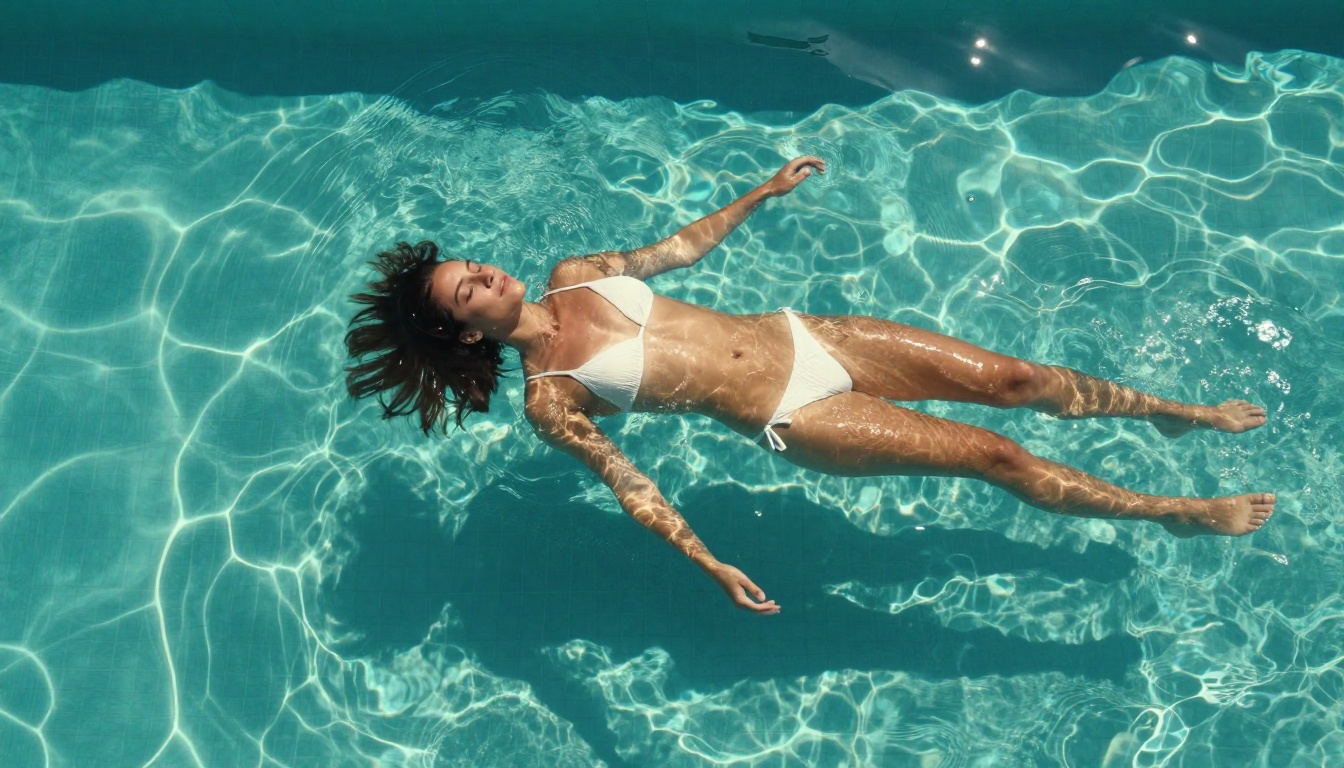
Even a strong 2K output from Seedream 4 benefits from further upscaling when you're preparing images for print or large displays. Real ESRGAN handles this at no cost on PicassoIA.
Real ESRGAN is a dedicated AI upscaler that increases image resolution up to 4x without adding compression artifacts or blur. A 1024x576 image becomes 4096x2304 after a 4x pass. The model analyzes and reconstructs fine detail rather than simply stretching pixels, so skin texture and fabric detail stay sharp at the enlarged size.
For adult AI images specifically, the face restoration option is worth enabling. It runs a dedicated sharpening pass on facial regions, which often lose fine detail when upscaled with conventional tools. Eyes, lips, and hair strands respond particularly well to this pass.
Free 4x upscaling workflow:
- Generate your image in Seedream 4 at 2K resolution.
- When the output is strong, open Real ESRGAN on PicassoIA.
- Upload the generated image.
- Set scale to 4x.
- Enable face enhancement if the image includes a portrait.
- Download the upscaled result.
The result is a print-ready file at 4x the original resolution, produced entirely at zero cost.
Model Comparison: Which One When
Here's how to decide which model to use at each stage of your workflow:
| Model | Best For | Speed | Max Resolution |
|---|
| Seedream 4 | Final quality output, consistent series | Medium | 4K |
| PicassoIA Image Editor Pro | Editing, refinement, outfit and background swaps | Fast | Matches input |
| Flux Dev | High-detail single images, img2img editing | Medium | 1 megapixel |
| Flux Schnell | Rapid concept testing, prompt exploration | Very fast | 1 megapixel |
| Real ESRGAN | 4x upscaling, print-ready output | Fast | 4x input size |
The typical workflow: start in Flux Schnell to test directions quickly, move to Seedream 4 for the final image, refine with PicassoIA Image Editor Pro for any detail changes, then upscale with Real ESRGAN if you need print-ready resolution. All at zero cost, all on one platform.
What You Can Actually Build
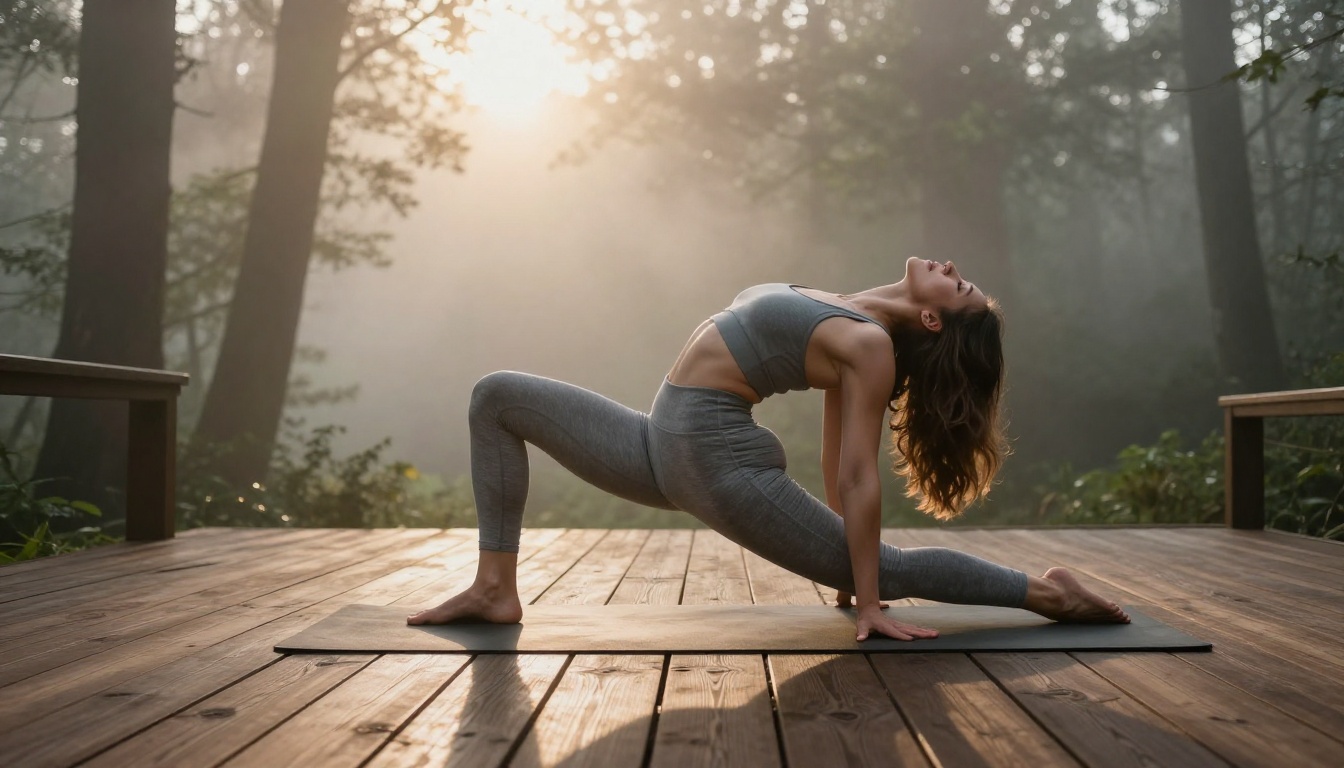
The combination of Seedream 4, PicassoIA Image Editor Pro, Flux Dev, Flux Schnell, and Real ESRGAN covers every stage of adult AI image creation. What used to require multiple paid subscriptions now runs entirely free through a single platform.
Some specific content types you can produce with this free stack:
Glamour and lifestyle photography: Poolside shots, luxury interior scenes, outdoor golden-hour portraits. Seedream 4 handles these consistently at 2K with the right prompt structure.
Lingerie and boudoir content: Intimate indoor settings with candlelight, lace textures, and natural skin rendering. PicassoIA Image Editor Pro lets you swap outfits and adjust details without regenerating from scratch.
Fashion-forward editorial content: High-fashion setups with architectural backgrounds, dramatic lighting, and couture-level detail. Flux Dev at 50 inference steps produces the most polished results for editorial work.
Content series with subject consistency: Using Seedream 4's reference image feature and locking seeds in PicassoIA Image Editor Pro, you can maintain visual consistency across a full set of images with the same subject in different settings and wardrobe variations.
💡 Tip: Build a personal prompt library. When you find a prompt structure that produces consistent results, save it. Reusing and adapting a working prompt across sessions saves significant time, especially when you're producing series content with repeating environments and subjects.
No More Reasons to Pay
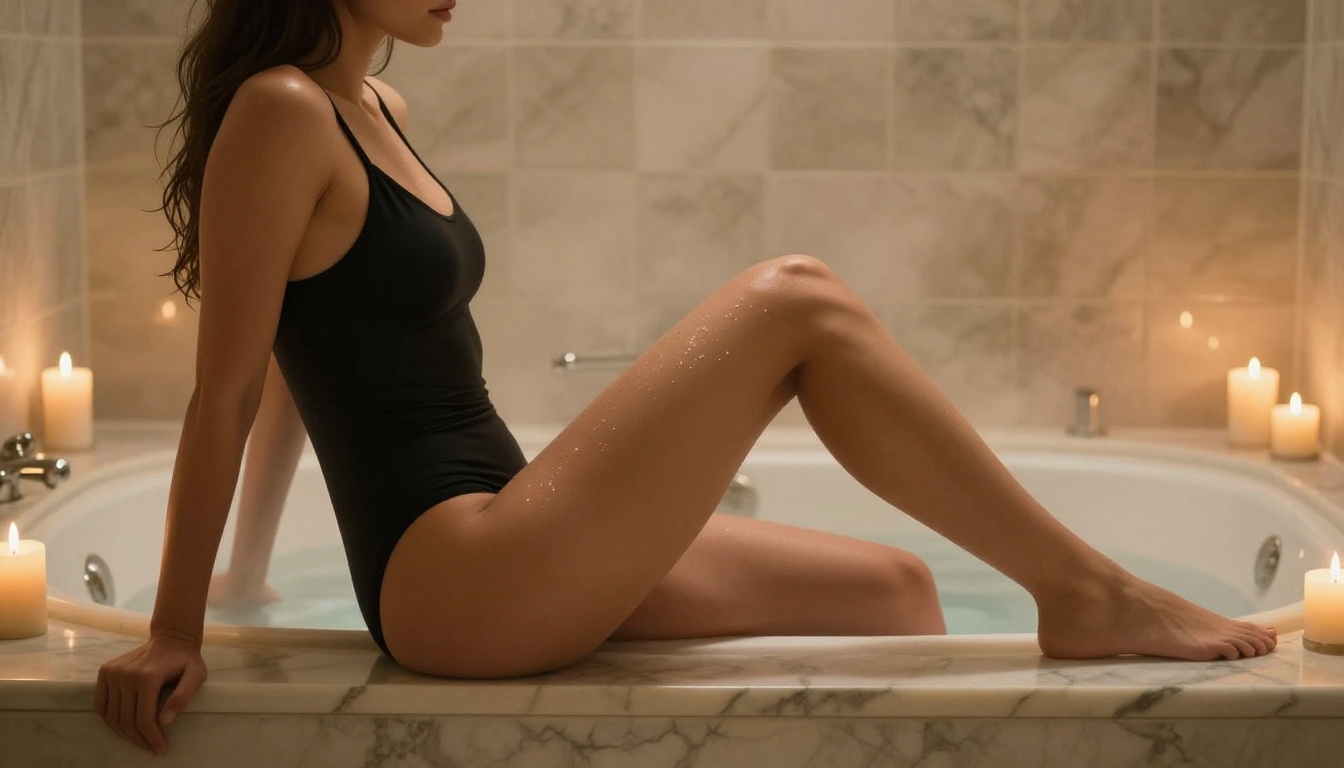
Paid adult AI content generators charge anywhere from $20 to $100 per month for access to the same underlying model technology available free on PicassoIA. The platform doesn't hide its best models behind a paywall. Seedream 4, Flux Dev, and PicassoIA Image Editor Pro are all available without a subscription, without credits, and without watermarks on downloaded files.
The only thing you're paying when you use a premium adult AI platform is for convenience you don't need, because the free option is just as convenient.
Start with Seedream 4 for your first generation. Get familiar with the prompt structure outlined above. Then bring in Flux Schnell for rapid iteration and PicassoIA Image Editor Pro for refinement. The entire library of available models, including over 90 text-to-image options, is at picassoia.com/en/all-models.
Your first result is one prompt away.


