Every December, millions of people spend money on Christmas cards that look exactly like everyone else's. A reindeer on a red background. A stock photo of a snowy village. A generic "Season's Greetings" in a font no one chose intentionally. This year, that changes. You can make AI Christmas cards at home that look like they were shot by a professional photographer, designed by a creative director, and printed by a premium card company, using nothing but a browser and a few well-written text prompts.
No Photoshop. No Canva. No design experience required.
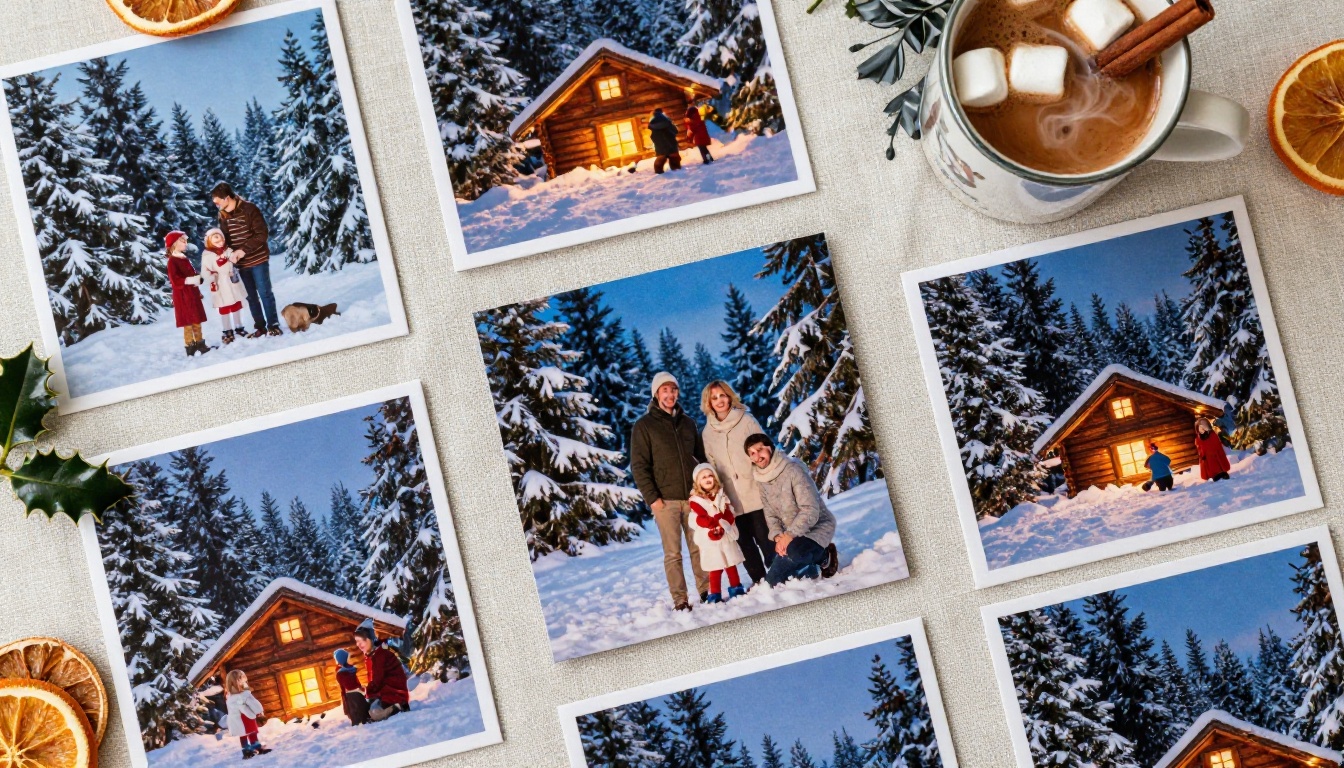
Why Generic Cards Feel Wrong
There is a reason people hold onto certain Christmas cards for years while most end up in the recycling bin by January 2nd. The ones that stick around feel personal. They feel like someone thought about the recipient, about the image, about the message. Store-bought cards cannot do that by design. They are built for the broadest possible audience, which means they speak specifically to no one.
The Cost of "Good Enough"
A box of 20 decent Christmas cards from a big-box store runs between $15 and $30. Premium photo cards from online printing services cost $2 to $5 per card, plus shipping, plus a subscription to whatever design platform they lock you into. That adds up fast, especially when you have a long list. And after all that, you still end up with something that feels like a template.
What Actually Makes a Card Memorable
The cards people keep share a few traits: a striking image, something that feels intentional, and a sense that the sender put thought into it. A breathtaking snowy landscape with exactly the right light. A family portrait with genuine warmth in the expressions. A minimalist winter scene that matches the recipient's taste. These are things AI image generation now makes possible for anyone, at home, in minutes.
What AI Image Generation Does for Holiday Cards
AI image generation has reached a level of photorealism that makes it genuinely difficult to distinguish generated images from real photography. The best models produce images with accurate skin textures, natural lighting physics, realistic depth of field, and fine surface details like fabric weave and wood grain. For Christmas card purposes, this is more than enough.
Photorealistic Scenes Without a Camera
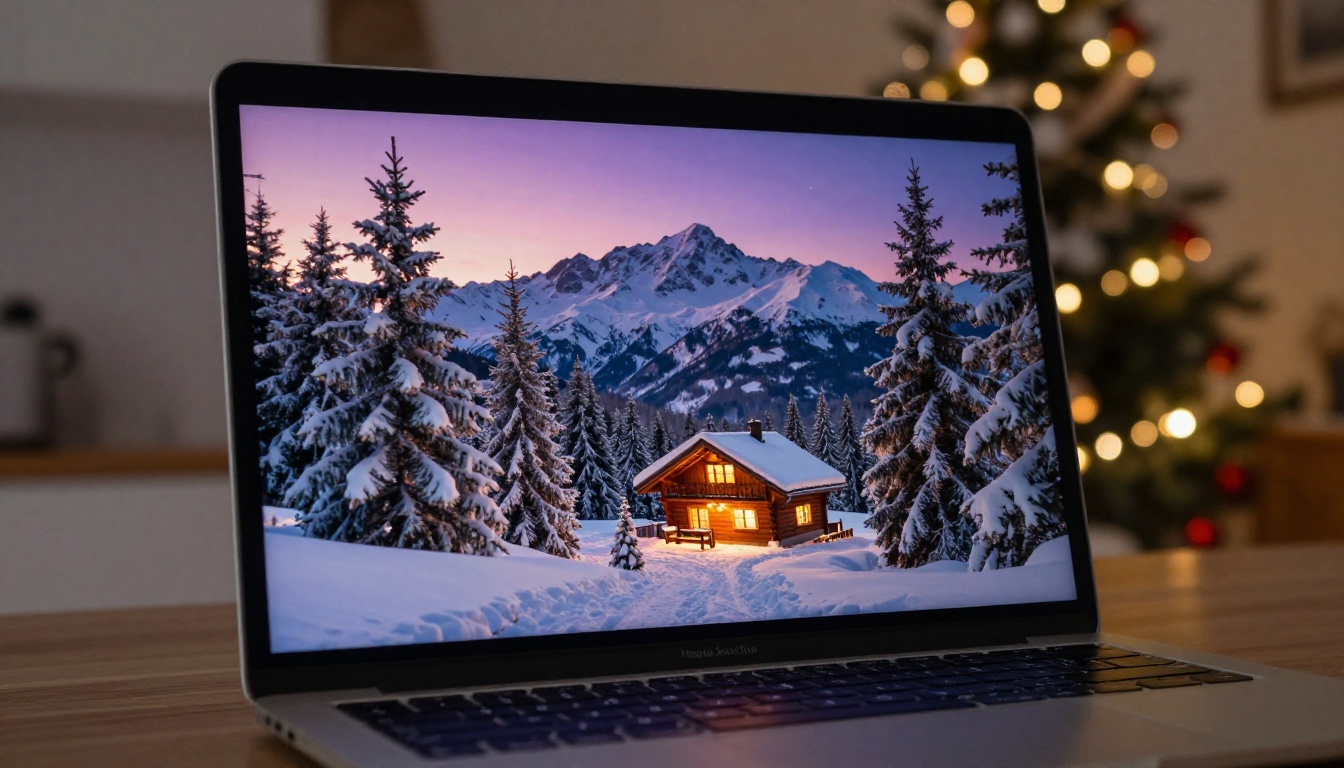
You do not need to own a camera, hire a photographer, or travel anywhere to get a stunning winter landscape for your card. A well-written prompt describing a frozen lake at golden hour, pine trees dusted with fresh snow, and a pale lavender sky will produce exactly that. The AI handles all the technical photography details: lens compression, light diffusion, color temperature, and atmospheric haze.
Personalized Family Portraits
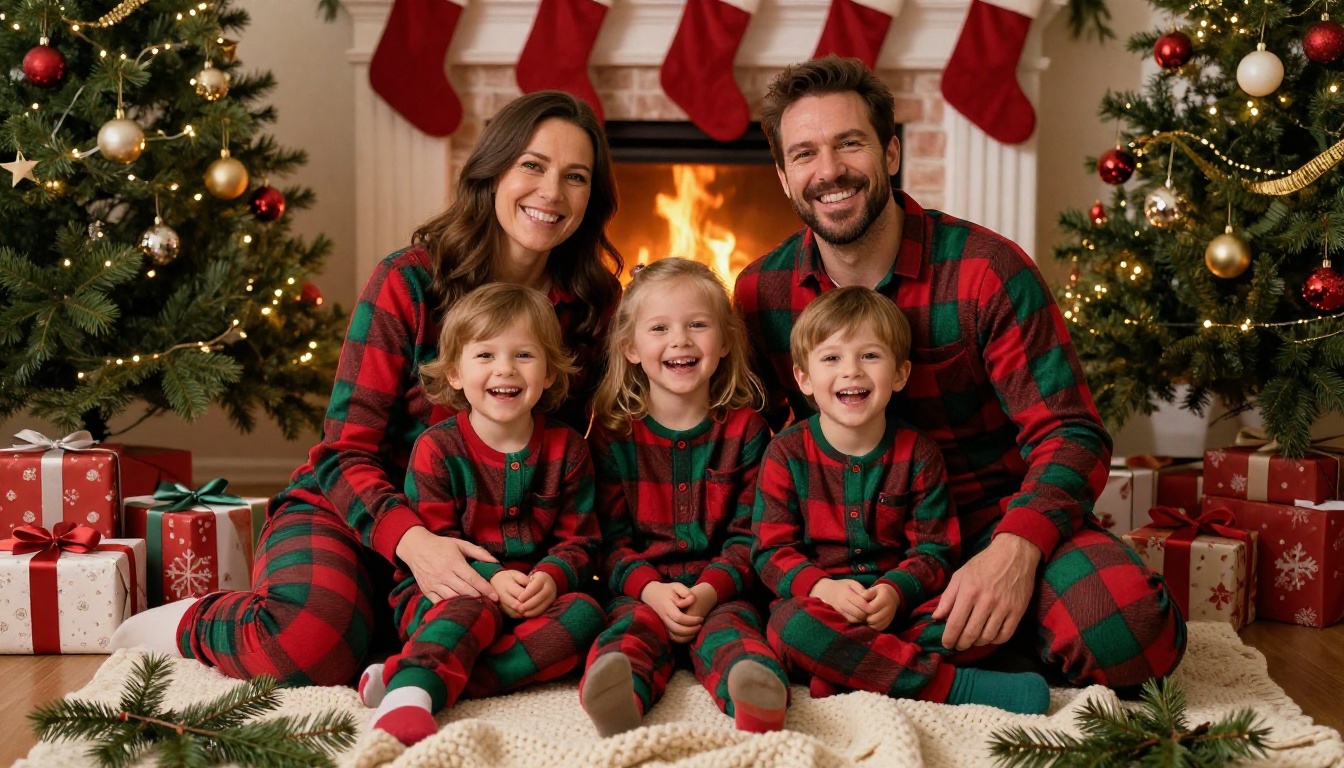
This is where things get genuinely impressive. AI models can generate photorealistic family scenes that match descriptions you provide: a family of four in matching plaid pajamas by a fireplace, a grandmother and her grandchildren in a snow-dusted garden, a couple with their dog walking through a snowy forest. The level of control over skin tones, hair color, clothing, and environment is detailed enough to feel personal without requiring an actual photo session.
Every Aesthetic, On Demand
Want a classic Victorian Christmas card feel? A crisp, modern minimalist design? A warm, intimate cabin scene that looks like it was shot on film? A dramatic twilight snowscape? With the right prompt, you can generate any of these in seconds and iterate until it is exactly what you want. No waiting on a designer. No back-and-forth with a print company.
The Best AI Models for Christmas Card Images
Not all AI image models are equal. For Christmas cards specifically, you want models that prioritize photorealism, handle lighting well, and produce clean edges on fine details like pine needles, fabric textures, and human faces. Here are the models that consistently deliver the best results on PicassoIA.
Flux Dev for Rich, Detailed Images
Flux Dev is one of the strongest models available for photorealistic output. It handles complex scenes with multiple subjects and detailed backgrounds without losing coherence. For Christmas card imagery, Flux Dev is excellent for cozy interior scenes, group portraits, and any image where fine texture detail matters. It takes slightly longer to generate than faster variants, but the quality difference is visible.
Flux Schnell for Fast Iteration
When you are drafting concepts and want to test 10 different ideas quickly, Flux Schnell is the right tool. It produces results in seconds and maintains solid quality for most holiday card compositions. Use it to find the right concept, then switch to Flux Dev or Flux Pro to generate your final high-quality version.
Flux Pro for Print-Ready Quality
Flux Pro produces the highest quality output in the Flux family. For any card you plan to print and physically send, this is the model to use. The level of detail it captures in natural lighting, fabric textures, and facial features holds up well at print sizes. If you are printing 5x7 cards on glossy photo paper, Flux Pro will not disappoint.
Realistic Vision for True-to-Life Photos
Realistic Vision v5.1 specializes in photorealistic portraits and scenes that look indistinguishable from real photography. For family-style Christmas card images where you want warm, authentic-looking people in holiday settings, this model is one of the most reliable choices. It handles skin tones and natural light particularly well.
SDXL Lightning for Quick Experiments
SDXL Lightning generates images in four steps, making it extremely fast. It is ideal for rapidly testing prompt variations when you are not yet sure what direction you want your card to take. The quality is more than sufficient for planning purposes and works well for simpler compositions.
💡 Pro tip: Use Flux Schnell to test your concept in seconds, then switch to Flux Pro for your final print-quality image. This saves time without sacrificing the final result.
How to Create Your Cards Step by Step
The process of making AI Christmas cards at home is straightforward once you know what you are doing. Here is how it works from start to finish.
Step 1: Decide What Your Card Should Feel Like
Before writing a single word of a prompt, answer these questions:
- Who is this card for? A close family member calls for something warm and personal. A colleague might appreciate something elegant and understated.
- What mood? Cozy and intimate, dramatic and wintry, cheerful and bright, or serene and quiet?
- What is the main subject? A landscape, a family scene, a close-up of holiday details, or an abstract winter composition?
- Horizontal or vertical? Most physical cards are either 5x7 portrait or 5x5 square. Plan your aspect ratio before generating.
Having clear answers makes prompt writing much easier and produces better results on the first try.
Step 2: Write a Detailed Prompt
The quality of your output depends almost entirely on the quality of your prompt. Vague prompts produce generic results. Specific prompts produce stunning ones. Here is what a strong Christmas card prompt includes:
- Main subject with specific details (age, clothing, hair color, expression)
- Environment with specific elements (pine trees, fireplace, snow depth, architecture)
- Lighting described precisely (warm golden hour light from the left, soft diffused overcast daylight)
- Camera perspective (aerial, eye-level, low-angle close-up)
- Style and film reference (Kodak Portra 400, natural film grain, 85mm f/1.8 depth of field)
- Quality modifiers (photorealistic, 8K, RAW photography, ultra-detailed)
Step 3: Generate, Review, and Refine
Generate your first image and look at it critically. Ask yourself: Is the lighting right? Are there any unnatural distortions? Does the mood match what you wanted? Most prompts need one or two rounds of refinement. Adjust specific elements rather than rewriting the whole thing. If the lighting feels too cold, add "warm golden afternoon light" to your prompt. If the family looks stiff, add "natural candid expressions, laughing, mid-action."
Step 4: Download and Print
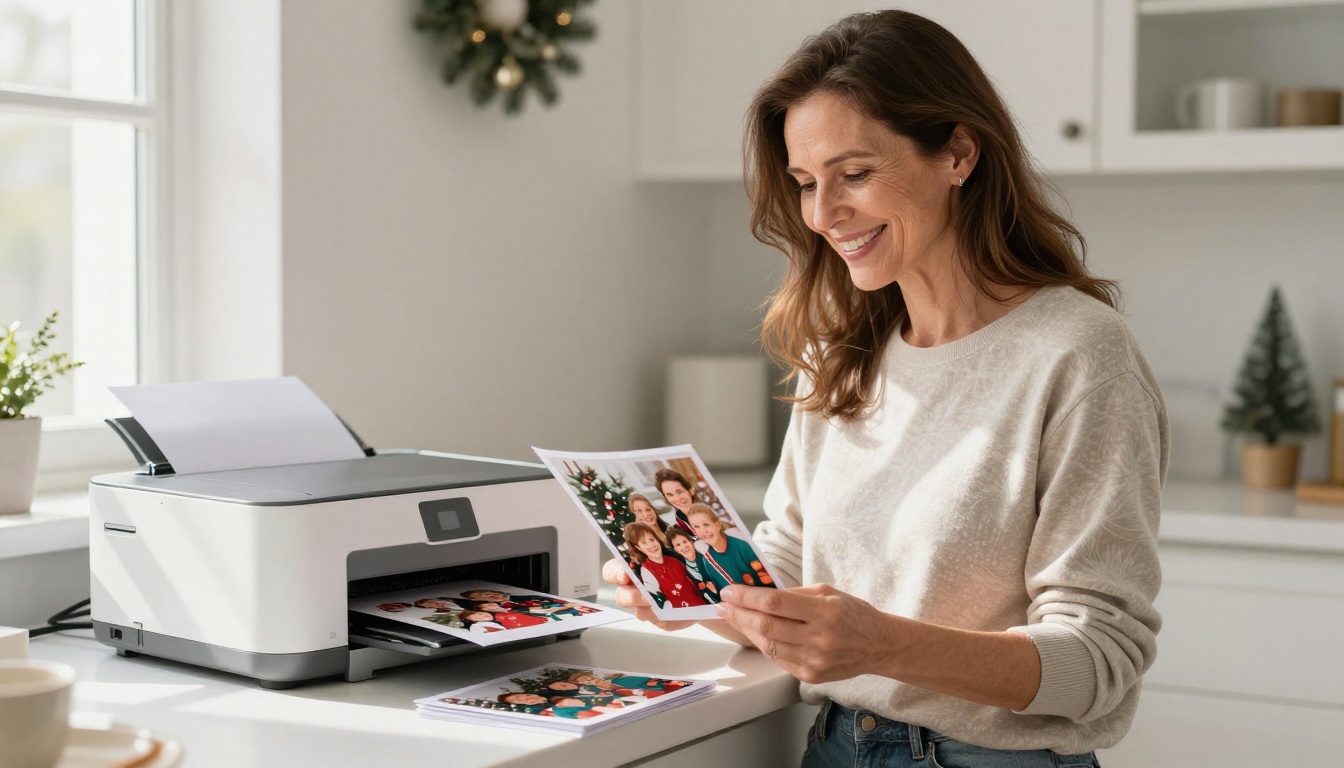
Once you have an image you love, download it at the highest available resolution. For home printing, use glossy photo paper (4x6, 5x7, or square depending on your card design). Most modern inkjet printers handle photo-quality printing well. For best results, use the printer's "photo" or "best quality" setting and allow the ink to dry fully before handling.
Prompts That Actually Work
Writing effective prompts is a skill that improves quickly with practice. Here are ready-to-use prompt templates for the most popular Christmas card styles, each optimized for photorealistic output.
For Snowy Landscape Cards
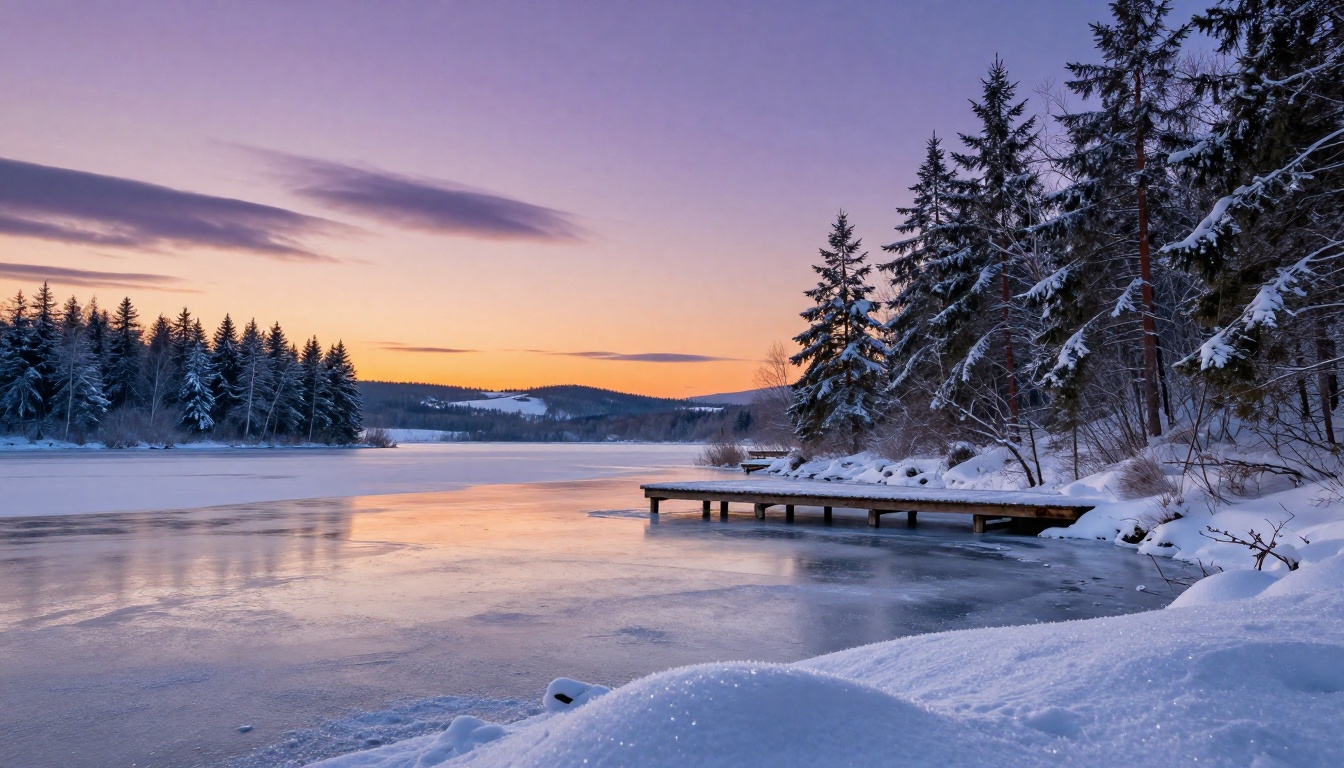
"A serene winter landscape at golden hour, a frozen lake surrounded by snow-covered pine and spruce trees, a single wooden dock extending into the ice, soft apricot and lavender sky with early stars appearing, foreground fresh powder snow with crystalline detail, natural dusk light from the right, 135mm telephoto lens f/4.0, Kodak Portra 400 film grain, photorealistic, 8K RAW photography --ar 16:9 --style raw"
For Cozy Cabin Interior Cards
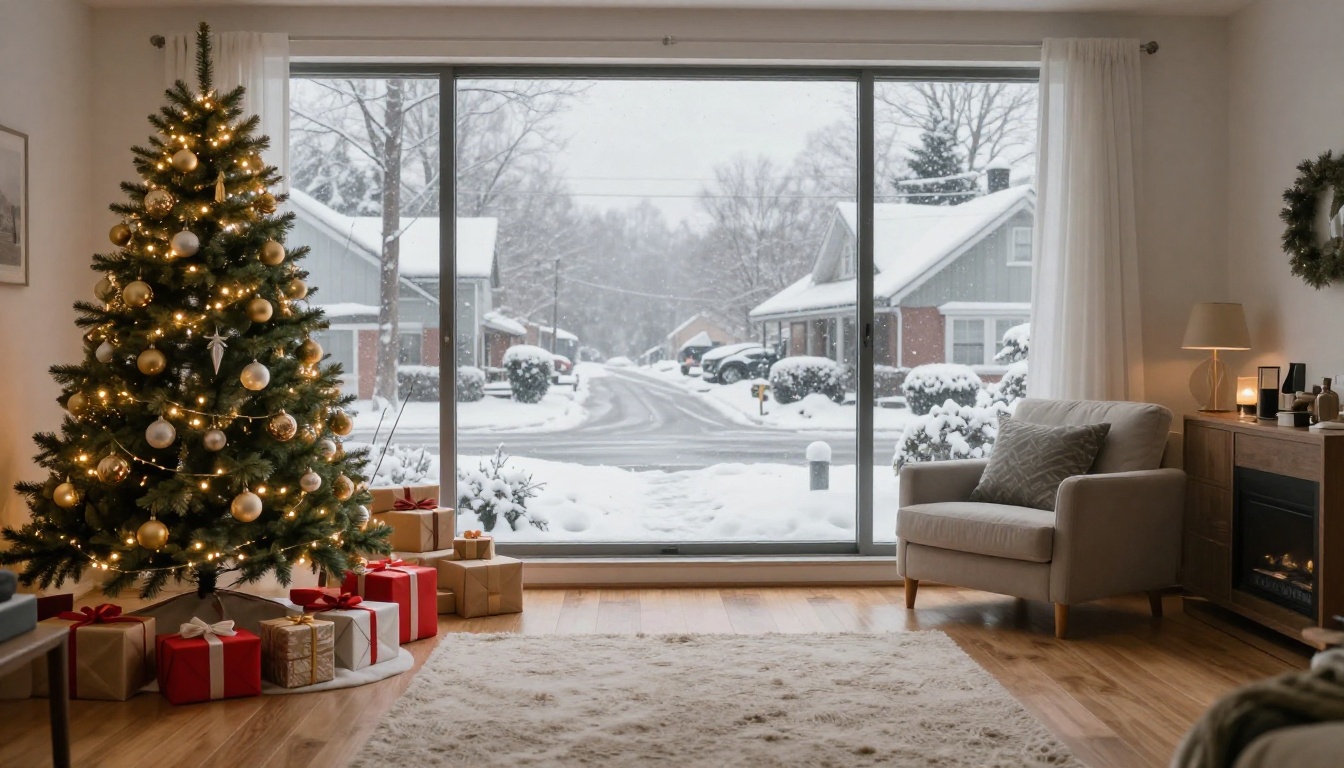
"A warmly lit Christmas living room interior, decorated tree with gold and silver ornaments and glowing string lights, wrapped gifts in kraft paper below, a steaming mug of cocoa on a side table, snow visible through frosted windows, fireplace casting soft orange light, 35mm wide lens f/5.6, natural ambient warmth, photorealistic, 8K RAW photography --ar 16:9 --style raw"
For Family Portrait Cards
"A family of three, mother, father, and young daughter in matching red and green plaid flannel, sitting together on a white wool blanket surrounded by pine branches and wrapped gifts, genuine laughter and warmth, fireplace background, golden fireplace light, low-angle 70mm f/2.8 lens, skin pores and fabric textures sharply detailed, Kodak Portra 400 film aesthetic, photorealistic, 8K RAW photography --ar 16:9 --style raw"
For Minimalist Winter Cards
"Minimal aerial view, a single pine branch with snow on dark stone surface, one small red berry, high-key soft diffused natural window light from above, pure negative space, macro 100mm f/4.0 lens, crisp fine detail on pine needles and snow crystals, Kodak Ektar 100 film grain, photorealistic, 8K RAW photography --ar 1:1 --style raw"

Card Styles Compared
Different card aesthetics suit different recipients and occasions. Here is a breakdown of the most popular styles and when to use them.
| Card Style | Best For | Prompt Mood Keywords | Recommended Model |
|---|
| Cozy interior | Family, close friends | warm, fireplace, candlelight, golden | Flux Dev |
| Winter landscape | Anyone, general list | serene, snowy, twilight, peaceful | Flux Pro |
| Family portrait | Close family | genuine, laughing, cozy, natural | Realistic Vision |
| Minimalist | Colleagues, professional | clean, minimal, crisp, quiet | Flux Schnell |
| Festive detail | Everyone | ornaments, bokeh, closeup, sparkle | Flux Dev |
| Vintage winter | Older relatives | warm tones, nostalgic, soft, grainy | Realistic Vision |
Printing Your Cards at Home
Getting your AI-generated images onto physical cards requires a little attention to detail, but it is not complicated.
Paper Makes the Difference
The paper you print on changes the entire feel of the card. Here are the most practical options:
- Glossy photo paper (80-100lb): Vivid colors, professional finish, ideal for landscape and portrait cards. Most widely available.
- Matte photo paper (80-100lb): Softer look, no glare, feels premium. Better for minimalist or vintage-style cards.
- Cardstock (65-80lb): More rigid, feels like a real card, works well for printers that can handle heavier stock.
- Luster photo paper: A middle ground between glossy and matte. Reduces fingerprints while keeping colors sharp.
Card Sizes That Work Best
| Size | Format | Notes |
|---|
| 4x6 inches | Landscape | Standard photo size, cheapest to print and mail |
| 5x7 inches | Portrait | Classic card feel, fits standard envelopes |
| 5x5 inches | Square | Modern look, requires square envelopes |
| A2 (4.25x5.5) | Portrait | Smallest practical size for handwritten notes inside |
Finishing Touches
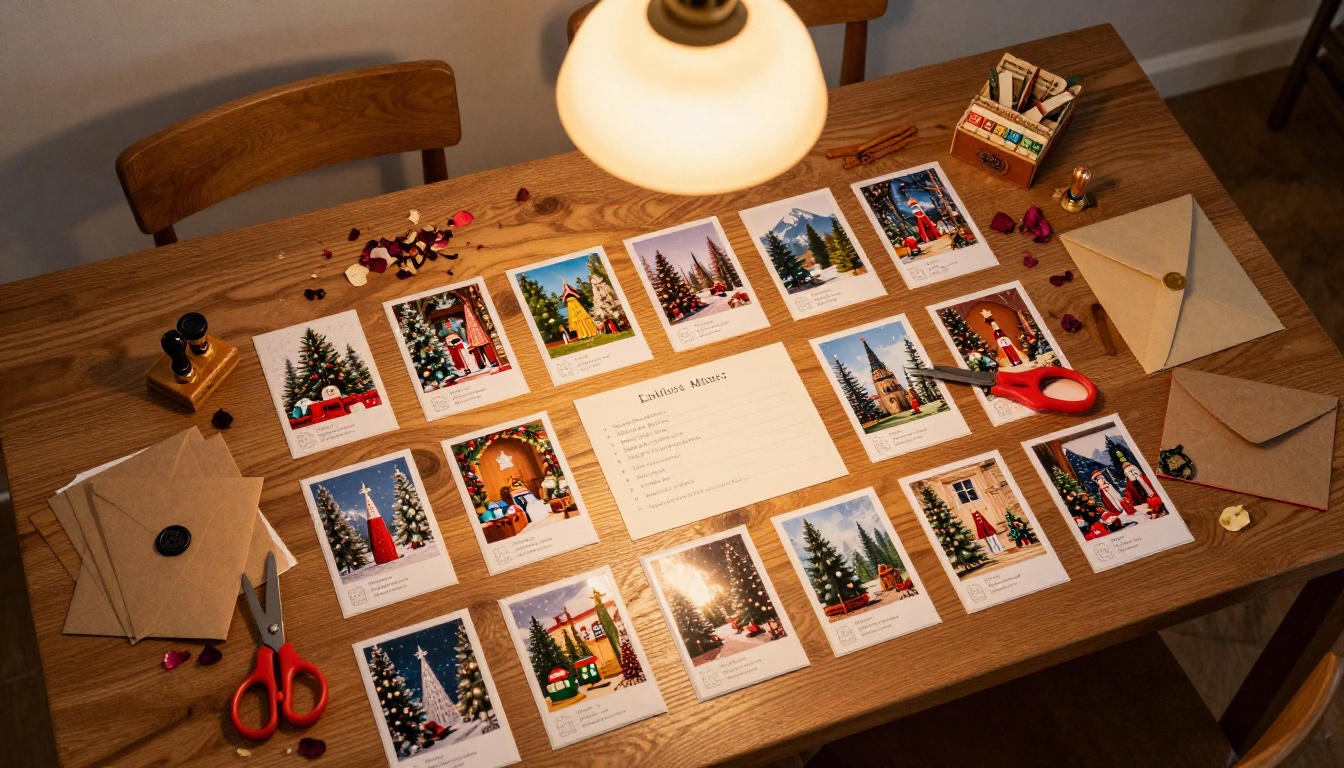
A printed AI image becomes a real Christmas card with small additions: a handwritten message on the back, a wax seal on the envelope, kraft paper envelopes instead of white, a sprig of dried rosemary tucked inside. These small physical details signal care and intention in a way no digital card can replicate.
Common Mistakes to Avoid
Even experienced users run into a few predictable problems when generating Christmas card images. Here is what to watch for.
Too much text in the prompt, too little specificity: Writing "a beautiful Christmas scene" gives the AI nowhere to go. "A snow-covered Vermont farmhouse at dusk, warm amber kitchen window light, a single wreath on the red front door, bare oak trees framing the scene, fresh tire tracks in the snow leading to the barn" gives it everything it needs.
Ignoring aspect ratio: Generate your image at the right aspect ratio for your intended card size before you start refining the prompt. Cropping after the fact ruins carefully composed images.
Skipping the lighting description: Lighting is the single most important element in photography, real or AI-generated. Always specify the direction, quality (hard vs. soft), and color temperature of your light source.
Not iterating: The first generation is rarely the final one. Make small specific adjustments rather than regenerating from scratch. Changing one or two details at a time lets you understand what each element contributes to the final image.
💡 Prompt tip: Add "cinematic lighting, photorealistic, 8K, high detail, natural film grain, Kodak Portra 400" to the end of almost any prompt to immediately improve output quality and realism.
What You Can Do Beyond Cards
Once you have the workflow down, the same process works for other holiday projects: gift tags, wrapping paper designs, personalized calendars, custom holiday art prints, and social media posts. The AI image generation skills you build making Christmas cards transfer directly to any visual content you want to create throughout the year.
If you want to go deeper with image editing, PicassoIA also offers tools for expanding backgrounds with outpainting, filling in missing elements with inpainting, and upscaling your final images to true print resolution with Super Resolution. These tools let you take a near-perfect image and make it exactly right without starting over.
Start Making Cards That Actually Mean Something
The technology to create beautiful, personalized, photorealistic Christmas cards at home exists right now, and it is accessible to anyone. You do not need design skills, photography equipment, or a big budget. You need a good idea, a detailed prompt, and a few minutes to generate and refine your image.
PicassoIA puts all the tools you need in one place. Models like Flux Dev, Flux Pro, and Realistic Vision are ready to generate your first card image in seconds. Try a landscape prompt. Try a family scene. Try a minimalist close-up of a pine branch in snow. See what comes back.
This December, send something that does not look like everyone else's card. Something that makes the recipient stop and actually look at it. That is what AI Christmas cards done right can be, and it starts with a single prompt.


