AI-generated images consistently outperform traditional photography on Instagram when creators understand platform-specific strategies. This guide details the exact patterns that trigger viral reach: from algorithmic signals Instagram prioritizes, to visual elements that maximize engagement, timing strategies that capitalize on audience behavior, and technical optimizations that ensure maximum visibility. Learn how to position AI content as "AI photography" rather than generic AI art, establish posting rhythms the algorithm rewards, implement hashtag combinations that drive discovery, and measure the metrics that actually matter for sustained growth. Includes specific prompt engineering techniques for popular AI models and actionable implementation steps for immediate improvement.
The landscape of Instagram content has shifted dramatically. What was once dominated by smartphone snapshots and professional photography now sees AI-generated images consistently reaching viral status. This isn't accidental—there's a specific pattern to what makes AI art explode on the platform, and it's more accessible than most creators realize.
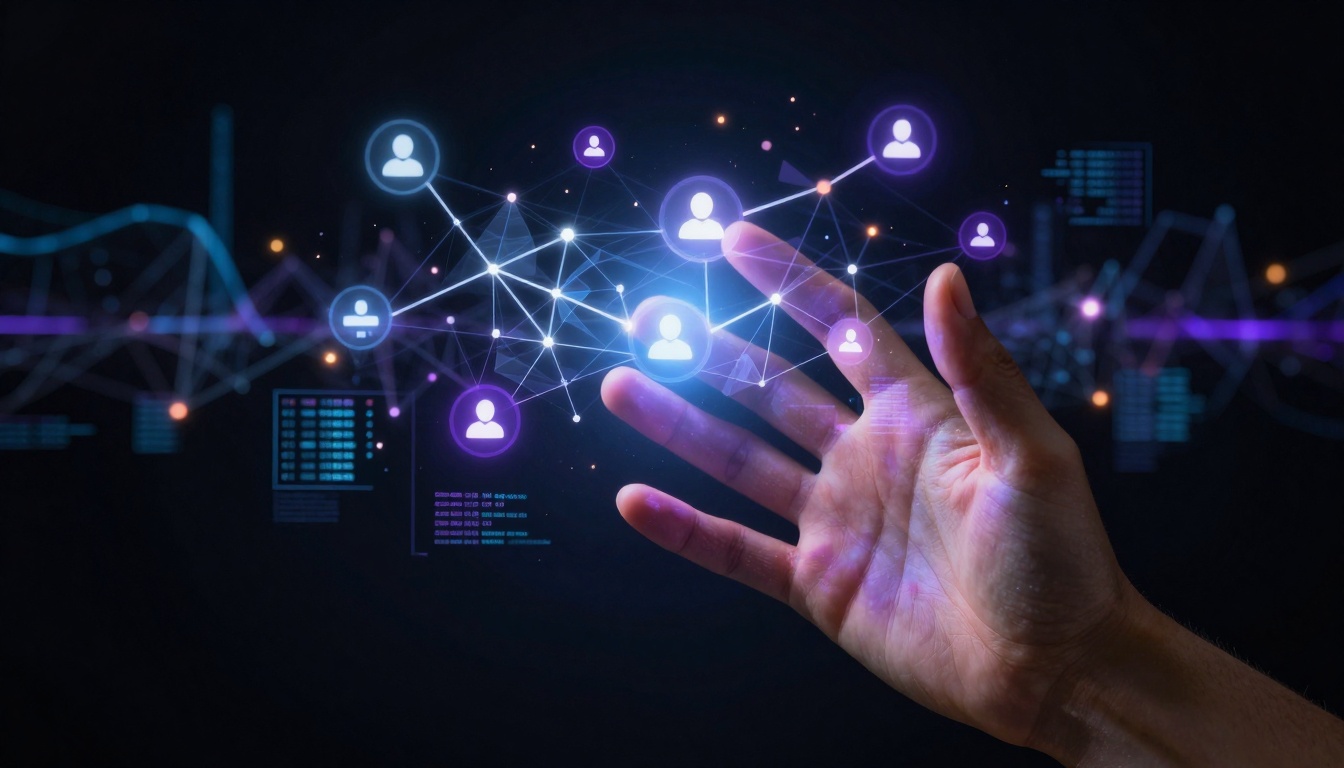
Data-driven approach to viral AI content creation
Instagram's Visual Algorithm Explained
Instagram's recommendation system prioritizes content based on several measurable factors. For AI-generated images, understanding these metrics is non-negotiable.
Initial Engagement Velocity matters most in the first hour. When you post an AI image, Instagram measures how quickly it receives likes, comments, saves, and shares. Images that spike rapidly get pushed to Explore pages and follower feeds.
💡 Tip: Schedule your AI image posts for when your audience is most active. Use Instagram Insights to identify peak engagement hours—typically 7-9 AM and 5-7 PM local time for most demographics.
Completion Rate refers to how many viewers watch your entire post (including multiple image carousels). AI images with striking visual elements that encourage scrolling perform significantly better.
Share-to-Save Ratio indicates content value. Images that get shared publicly demonstrate social currency, while saves suggest personal utility. Viral AI art typically maintains a 1:3 share-to-save ratio.
Three Algorithmic Patterns for AI Images
Visual Novelty Score: How different your image appears from similar content in users' feeds
Dwell Time Optimization: Elements that make viewers pause and examine details
Cross-Platform Signal: When your image gets shared to Stories or Direct Messages
Social validation drives algorithmic amplification
Crafting Compelling AI Photography
The term "AI-generated" carries different connotations on Instagram. Successful creators position their work as AI photography rather than AI art. This subtle framing change affects both algorithmic classification and audience perception.
Visual Elements That Trigger Engagement
Element
Why It Works
AI Generation Tip
Human elements in surreal settings
Creates emotional connection while showcasing AI capability
Use Flux 2 Klein 4B for realistic human figures in imaginative environments
Hyper-detailed textures
Encourages zooming and examination
GPT Image 1.5 excels at material realism with proper prompting
Cinematic lighting
Creates professional appearance regardless of subject
Reference specific lighting conditions: "volumetric morning light from northeast"
Cultural resonance
Taps into trending aesthetics and memes
Monitor Instagram visual trends weekly using Explore page
Post-processing elevates AI outputs to professional standards
The 80/20 Rule for AI Image Quality
Spend 80% of your effort on prompt engineering and 20% on post-processing. Most viral AI images undergo minimal editing—color correction, contrast adjustment, and subtle sharpening. The magic happens in the initial generation.
Prompt Structure That Works:
[Subject with specific action/pose] +
[Detailed environment with cultural references] +
[Specific lighting conditions with direction and quality] +
[Camera specifications including lens and settings] +
[Style modifiers referencing Instagram aesthetics]
Example effective prompt:
"Professional fashion photographer in late 20s casually leaning against vintage Cadillac in downtown Los Angeles at golden hour, wearing oversized leather jacket and jeans, shot on 85mm f/1.8 lens with shallow depth of field, cinematic lighting creating long shadows, Instagram aesthetic with muted color palette, photorealistic 8K"
Using P-Image for this prompt yields consistently shareable results.
Timing and Consistency
Instagram rewards predictable posting more than sporadic brilliance. For AI images, this means establishing visual patterns your audience recognizes.
Optimal Posting Schedule for AI Content
Daily Rhythm:
7:00 AM: Simple, aesthetically pleasing AI images (coffee, morning scenes)
12:00 PM: Educational AI content (how-to, behind-the-scenes)
5:00 PM: Complex, impressive AI art (showcase pieces)
9:00 PM: Emotional, atmospheric AI images (mood, aesthetic)
Weekly Pattern:
Monday: Tutorial-style AI images
Wednesday: Trending topic AI interpretations
Friday: Showcase viral-worthy AI art
Sunday: Behind-the-scenes AI process
Documenting the creative journey builds audience investment
The 48-Hour Content Window
Instagram's algorithm evaluates content performance over 48 hours. If your AI image doesn't gain traction in the first 2 hours, you have specific intervention strategies:
Comment seeding: Ask questions about the image in your own comments
Story sharing: Share the post to your Story with engaging text
Hashtag adjustment: Add 2-3 more specific hashtags
Caption revision: Edit to include more engagement triggers
Hashtag Strategy That Works
Hashtags for AI images follow different rules than traditional photography. The combination of specific and broad hashtags creates maximum discoverability.
Hashtag Categories for AI Images
Primary (3-5 hashtags):
#aiphotography
#aigenerated
#digitalart
Platform-specific: #midjourney or #stablediffusion
💡 Critical: Never use #ai alone—it's too broad and attracts bot engagement that hurts your metrics. Always combine with specific art terms.
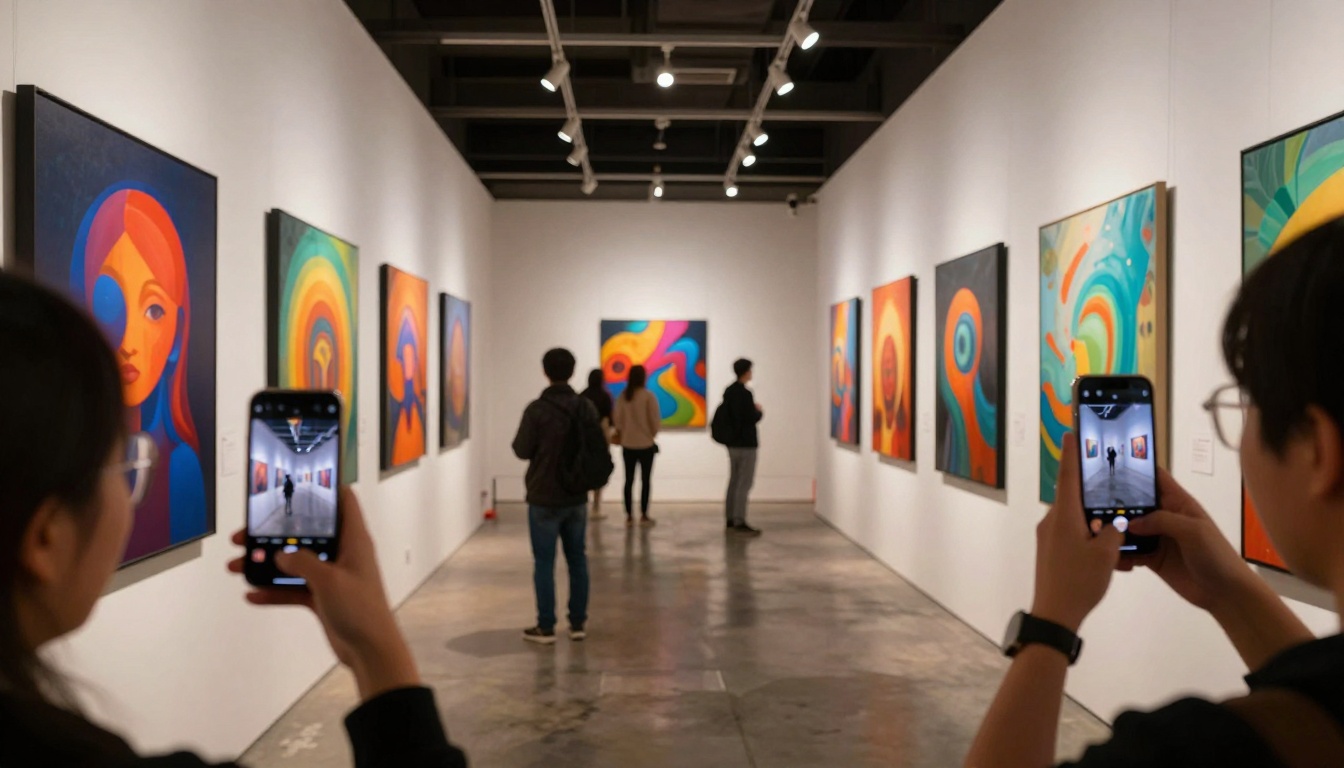
Physical exhibition of AI art creates digital social proof
Hashtag Research Methodology
Competitor analysis: Study hashtags used by successful AI art accounts
Explore page mining: Note which hashtags appear alongside viral AI content
Volume checking: Use Instagram search to estimate hashtag popularity
Seasonal adjustment: Update hashtags monthly to reflect trending topics
Engagement Tactics That Drive Shares
Shares represent the highest form of engagement on Instagram. For AI images, certain content patterns consistently trigger sharing behavior.
Share-Triggering Content Patterns
Educational Value: AI images that teach something get shared to educate others.
Before/after comparisons showing AI enhancement
Process breakdowns with intermediate steps
Technical explanations of AI techniques
Emotional Resonance: Images that evoke specific emotions get shared to express feelings.
Nostalgic reinterpretations of familiar scenes
Aspirational visions of possible futures
Humorous AI interpretations of daily life
Social Currency: Content that makes sharers look knowledgeable or connected.
Early access to new AI model outputs
Exclusive behind-the-scenes of AI creation
Predictions about AI art trends
Authentic moments of discovery create relatable content
Comment Engagement Strategies
Comments signal depth of engagement. For AI images, specific question formats work best:
Technical Questions:
"Which AI model created this?"
"What prompt did you use?"
"How much editing was required?"
Creative Questions:
"What inspired this image?"
"How would you describe the style?"
"What emotion were you trying to convey?"
Interactive Questions:
"What should I create next?"
"Which version do you prefer?"
"How could this be improved?"
Responding to every comment in the first hour dramatically increases algorithmic weight.
Measuring What Matters
Vanity metrics (likes, follower count) matter less than actionable metrics for AI content. Track these specific indicators:
Key Performance Indicators for AI Images
Metric
Target Range
Why It Matters
Save Rate
5-8% of reach
Indicates lasting value beyond immediate reaction
Share Rate
3-5% of reach
Measures social amplification potential
Comment Depth
15+ words average
Shows genuine engagement versus superficial interaction
Profile Visits
2-3% of post reach
Signals interest in creator beyond single image
Story Mentions
1-2% of followers
Demonstrates community integration
Professional social media management requires multi-platform coordination
Analytics Review Schedule
Daily: Check initial engagement velocity for yesterday's posts
Weekly: Analyze save and share rates across all content
Monthly: Review profile growth correlated with specific AI styles
Quarterly: Evaluate which AI models (Qwen Image 2512 vs Z-Image Turbo) yield best engagement
Technical Optimization
Beyond content strategy, technical elements significantly affect AI image performance on Instagram.
Image Specifications for Maximum Impact
Resolution: 1080x1350 pixels (Instagram's optimal aspect ratio)
File Size: Under 8MB to ensure fast loading
Color Profile: sRGB for consistent cross-device appearance
Compression: Minimal lossless compression
Pro Tip: Use Nano Banana Pro for images specifically optimized for mobile display characteristics.
Carousel Strategy for AI Images
Multi-image posts receive 3x more engagement than single images. For AI content:
Sequence Types That Work:
Process showcase: Prompt → Raw output → Edited version
Style variations: Same subject in different AI styles
Detail exploration: Full image → Close-up 1 → Close-up 2
Evolution timeline: Historical version → Current version → Future concept
Traditional photography tools alongside AI generation devices
Platform-Specific Considerations
Instagram's various features offer unique opportunities for AI images.
Instagram Stories for AI Content
Polls and Questions:
"Which AI style looks more realistic?"
"What should I generate next?"
"Guess the prompt used for this image"
Swipe-Up Sequences:
Show AI generation process step-by-step
Compare different model outputs
Demonstrate editing techniques
Countdowns and Reminders:
Tease upcoming AI art series
Announce new model experiments
Build anticipation for major projects
Reels Integration with AI Images
While this article focuses on static images, Reels featuring AI creation processes see exceptional engagement. Consider:
Process timelapses: Screen recording of AI generation
Transformation videos: Traditional art → AI enhancement
Educational snippets: Quick tips for better AI prompts
Common Pitfalls to Avoid
Even with perfect AI images, these mistakes kill viral potential:
Over-editing: AI images that look too processed lose authenticity
Inconsistent style: Jumping between radically different aesthetics confuses followers
Ignoring captions: The image attracts, but the caption converts
Chasing trends blindly: Adapt trends to your style, not vice versa
Neglecting community: AI art succeeds through human connection
The difference between AI images that languish and those that explode comes down to systematic application of these principles. Instagram's algorithm responds predictably to specific signals, and AI-generated content has unique advantages in triggering those signals.
Your next AI image could reach thousands—or millions—with the right approach. The tools exist (PicassoIA's text-to-image models), the platform rewards this content type, and the audience is hungry for fresh visual experiences.
Start with one adjustment: examine your most successful AI image and identify which element triggered its performance. Then replicate that element intentionally in your next five posts. Track the difference. Refine. Repeat.
The path to viral AI images on Instagram isn't mysterious—it's measurable, repeatable, and accessible to any creator willing to approach it systematically.