If you want to make an AI girlfriend that sends photos, you are not alone. Millions of people are using AI image generation tools right now to build personalized virtual companions that produce photorealistic images on demand. The question is not whether it is possible anymore. The question is which tools do it best, how to set up a consistent AI persona, and how to get the most realistic results without hitting content restrictions that stop you cold.
This article walks through exactly that, from the models that actually accept suggestive content to the step-by-step workflow that produces a believable AI companion photo experience.
What "Sending Photos" Really Means in AI
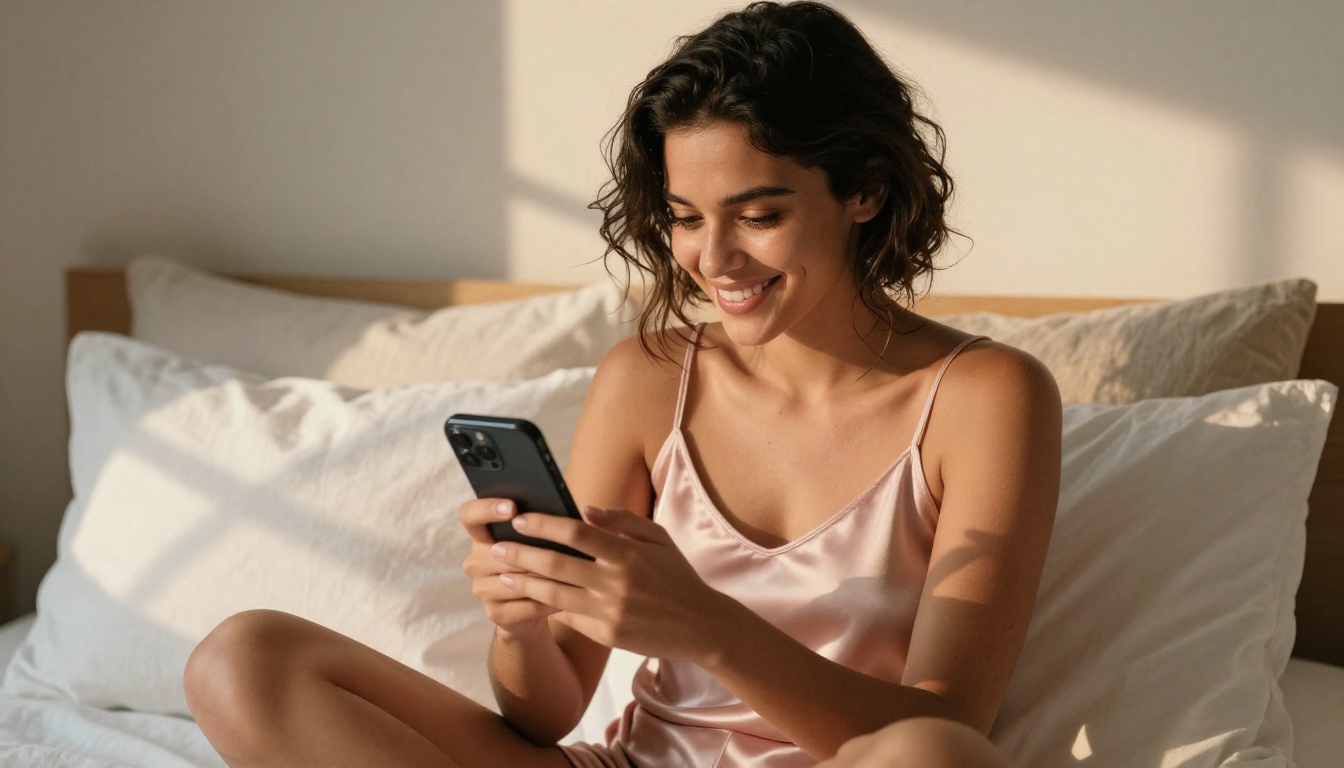
The phrase "AI girlfriend that sends photos" describes a setup where an AI system generates photorealistic images of a consistent female persona, as if that persona were texting or sharing pictures with you. Unlike static images from a one-time prompt, the goal is a repeatable, coherent character that looks like the same person across dozens or hundreds of generated photos.
The Tech Behind It
This is entirely possible today because of advances in text-to-image AI models. The best models in 2025 and 2026 can:
- Maintain consistent facial features across multiple generations using reference images
- Produce photorealistic skin texture, natural lighting, and realistic clothing fabric
- Accept detailed prompts describing specific poses, outfits, environments, and expressions
- Generate images in under 3 seconds, with some models returning results in under 1 second
The key is using models that do not impose heavy content restrictions. Many mainstream AI image tools block suggestive or adult content entirely, which makes building a realistic AI companion extremely frustrating. You spend time crafting a perfect prompt and the tool refuses to generate it.
Why So Many People Want This
The demand is real and the reasons are varied:
- Companionship and interactive roleplay for people who want immersive AI experiences without social pressure
- Creative storytelling and visual fiction where a consistent character needs to appear across many scenes
- Content creation by creators who build subscriber-supported portfolios on platforms that allow adult material
- Privacy and full creative control over the type of content generated, without relying on third-party humans
Regardless of the reason, the tooling is now sophisticated enough to produce results that would have seemed impossible just three years ago.
The Models That Actually Deliver
Not all AI image models are equal for making a realistic AI girlfriend that sends photos. Here are the ones that genuinely work, in order of performance and recommendation.
1. Seedream 4.5 — The Top Pick
Seedream 4.5 is the best model for this use case by a significant margin. It accepts NSFW and suggestive content, supports image editing so you can modify existing outputs, and generates images in under 3 seconds. The realism is exceptional: natural skin texture, accurate lighting physics, and genuine depth of field that photographs authentically without a real camera.
💡 Critical note: The newer Seedream 5 Lite does not support NSFW or suggestive content. Always use Seedream 4.5 if your prompts involve revealing clothing, bikinis, lingerie, or anything beyond strictly safe-for-work imagery.
The combination of speed, quality, and content flexibility makes Seedream 4.5 the default starting point for any AI girlfriend photo workflow. You can describe a specific outfit, lighting condition, and expression and receive a result that passes for a real photograph.
2. PicassoIA Image Editor Pro — Unlimited Variations
PicassoIA Image Editor Pro is an image-to-image model, meaning you feed it an existing image and it generates a modified version based on your prompt. This is powerful for AI girlfriend workflows because you can take one solid base photo and generate hundreds of variations: different outfits, different poses, different backgrounds, all maintaining the same facial structure.
The defining advantage here is unlimited generations on Elite or Infinite plan subscriptions. Generating 1,000 variations on a consistent AI persona costs zero extra on Image Editor Pro. On credit-based models like Nano Banana 2, that same volume would cost around $100. It returns results in under 1 second, accepts NSFW content without restriction, and new users receive a 3-generation free trial with no credit card required.
3. Qwen Image 2 — Open Source Realism
Qwen Image 2 is an open-source model with strong text-to-image and editing capabilities. Being open source means fewer restrictions by design: it handles image creation and modification with very detailed photorealism. For users who want flexibility and transparency in what they generate, Qwen Image 2 is a dependable third option.
4. Grok Imagine Image — Swimwear Transformations
Grok Imagine Image specializes in converting any input image into a bikini or swimwear variation in a highly realistic way. If you have a base image of your AI persona and want to generate different swimwear looks across beach or pool settings, this model is purpose-built for exactly that workflow.
5. Recraft V4 — Text-to-Image Quality
Recraft V4 delivers highly realistic text-to-image results and accepts NSFW prompts. It is text-to-image only with no image editing mode, but the output quality is consistently photographic.
6. P-Image — Speed Above All
P-Image by PrunaAI generates NSFW text-to-image results in under 1 second. If you are generating at high volume or want instant previews before committing to a detailed prompt, P-Image is the fastest option available on the platform.
Building a Consistent AI Persona
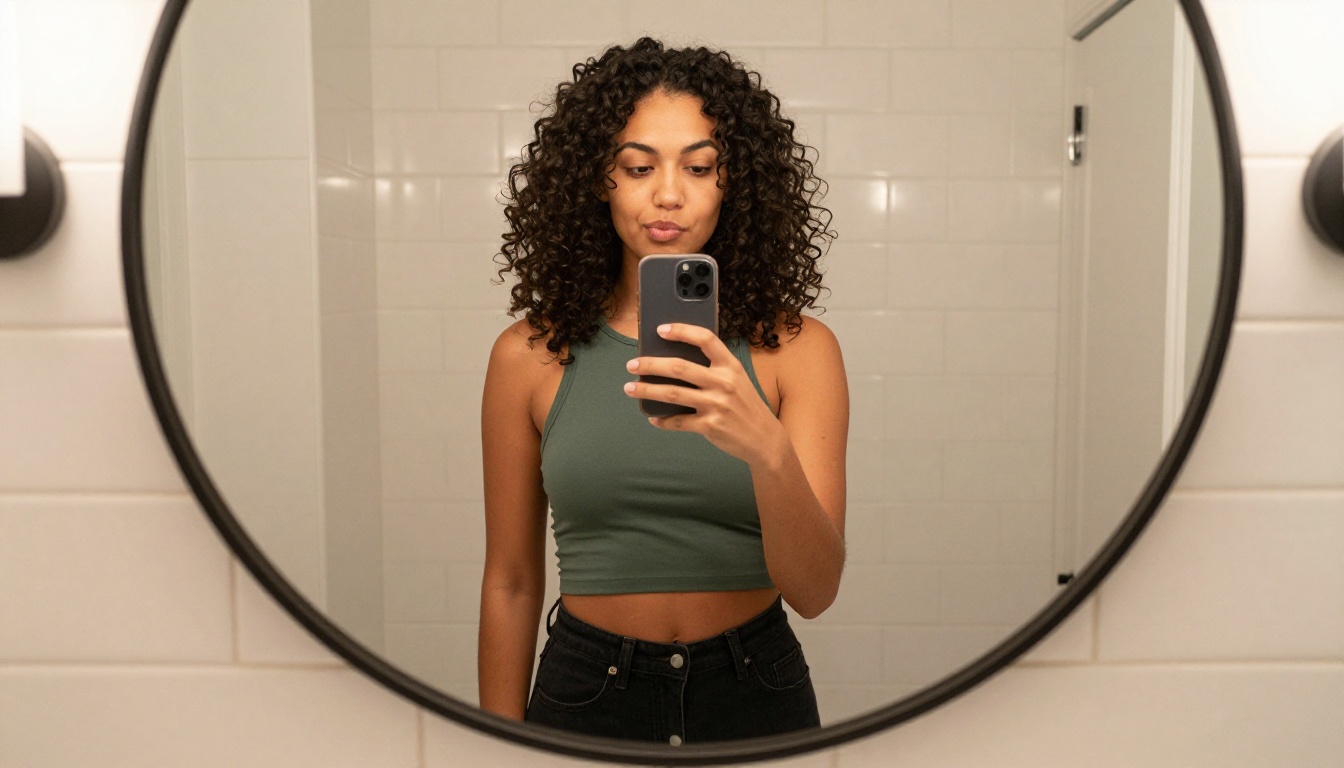
One image is not an AI girlfriend. What creates the experience of an AI companion sending photos is consistency across many images: the same face, same hair, same distinguishing features, appearing in different outfits, locations, and lighting conditions across a growing library of photos.
Defining the Look
Start with a detailed base description you reuse in every single prompt. This persona seed acts as the anchor for consistency across all generated images:
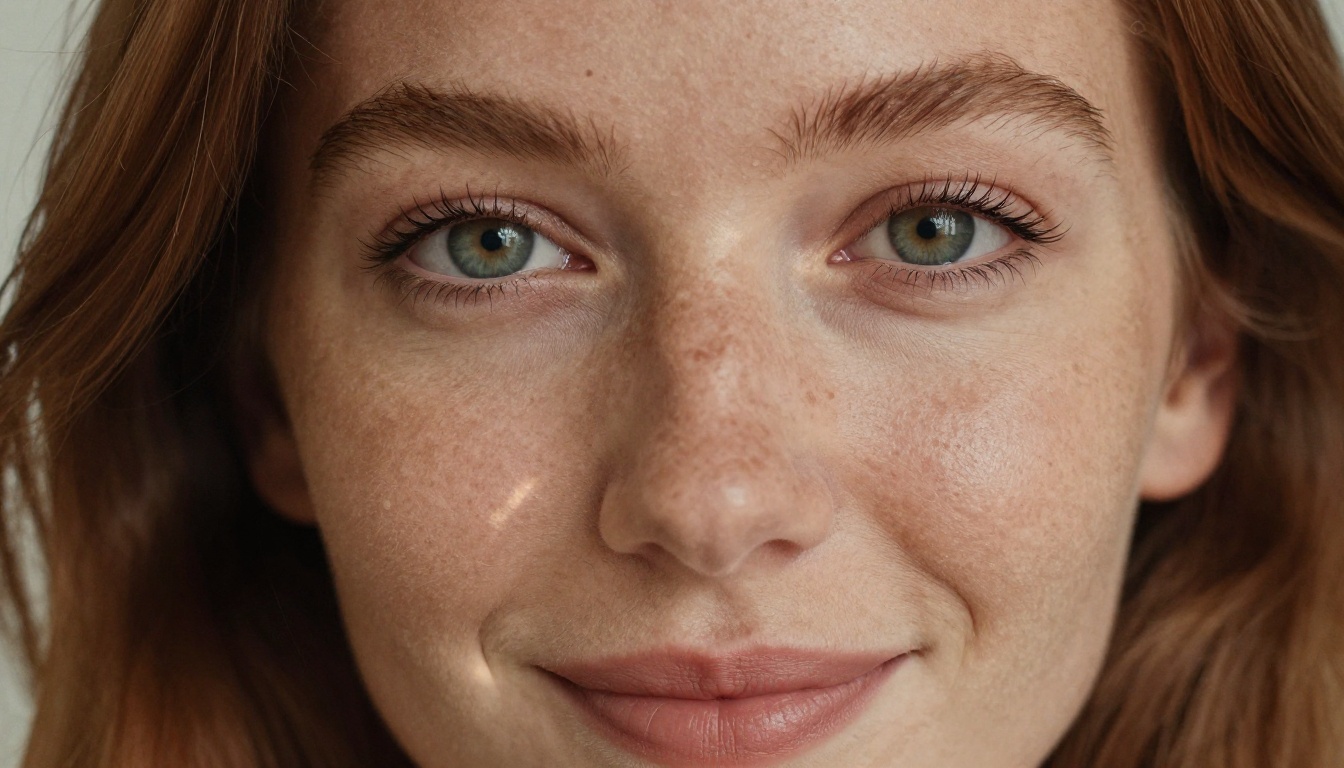
- Facial features: eye color, shape, freckles, specific jawline or nose details
- Hair: color, texture, length, typical styling
- Body type: height impression, build, skin tone
- Distinguishing details: birthmarks, tattoos, piercings, specific features worth anchoring
Write this as one paragraph and paste it at the start of every image prompt you send to Seedream 4.5 or any of the models above.
Prompt Structure That Works
The most effective prompts for AI girlfriend photos follow this structure:
- Persona seed — Your consistent character description
- Current scene — What she is doing in this specific photo (texting, on the balcony, at the beach)
- Environment — Where the photo is "taken" and what surrounds her
- Lighting — Direction, quality, color temperature (morning golden light from left, overcast diffused daylight)
- Camera specs — Lens, focal length, aperture (85mm f/1.4, shallow depth of field)
- Film stock — Kodak Portra 400, Fujifilm 400H for a realistic photographic feel
💡 Example: "Young woman with green eyes, auburn hair, natural freckles, medium build — sitting cross-legged on a white linen bed in a pink satin camisole top, natural afternoon light from left window, Sony A7 85mm f/1.4, shallow depth of field, Kodak Portra 400, RAW 8K photorealistic"
Using Reference Images for Consistency
With models like PicassoIA Image Editor Pro, you can feed your best generated image as a reference for the next generation. This preserves facial structure far more reliably than text prompts alone. The image-to-image pipeline is the closest thing available to having a consistent AI model whose photos you control entirely, varying everything except the face.
The Line Between Suggestive and Explicit
Understanding what these models will and will not generate matters before you invest time building a workflow.
Suggestive content (all models listed above accept this):
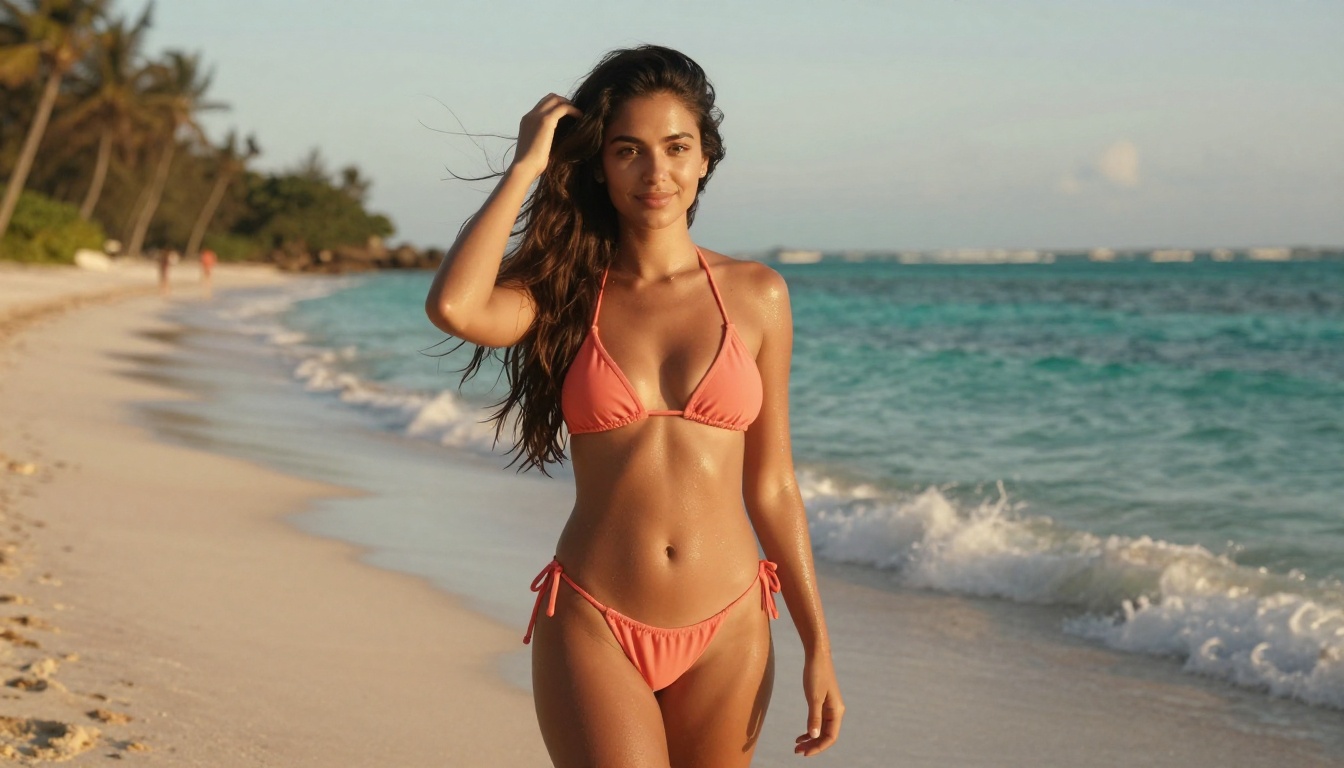
- Bikini and swimwear shots in outdoor or pool settings
- Lingerie with nothing anatomically explicit
- Tight or revealing casual clothing in natural environments
- Implied nudity using artistic framing, draping, or partial coverage
- Glamour photography and beauty portrait aesthetics
Explicit content (requires models with safety filters fully disabled):
- Full anatomical nudity with explicit framing
- Sexual acts or explicit positioning
For the vast majority of "AI girlfriend that sends photos" use cases, the suggestive range is exactly what people want. Every model listed in this article handles that range without blocking or refusals. You are not fighting the tool constantly.
Making Her Talk With LLMs
Photos are only half of the equation. A complete AI girlfriend experience includes conversation, and that is where Large Language Models come in. The best LLMs for AI companion chat and roleplay available on PicassoIA right now:
| Model | Best For | Link |
|---|
| Claude Opus 4.7 | Long-form emotional depth, creative character writing | Visit |
| GPT-5 | Natural conversation, nuanced instruction following | Visit |
| Gemini 3 Pro | Multimodal, processes images alongside text | Visit |
| Deepseek R1 | Step-by-step scenario reasoning and detailed responses | Visit |
| Llama 4 Maverick | Open-source option with fewer restrictions | Visit |
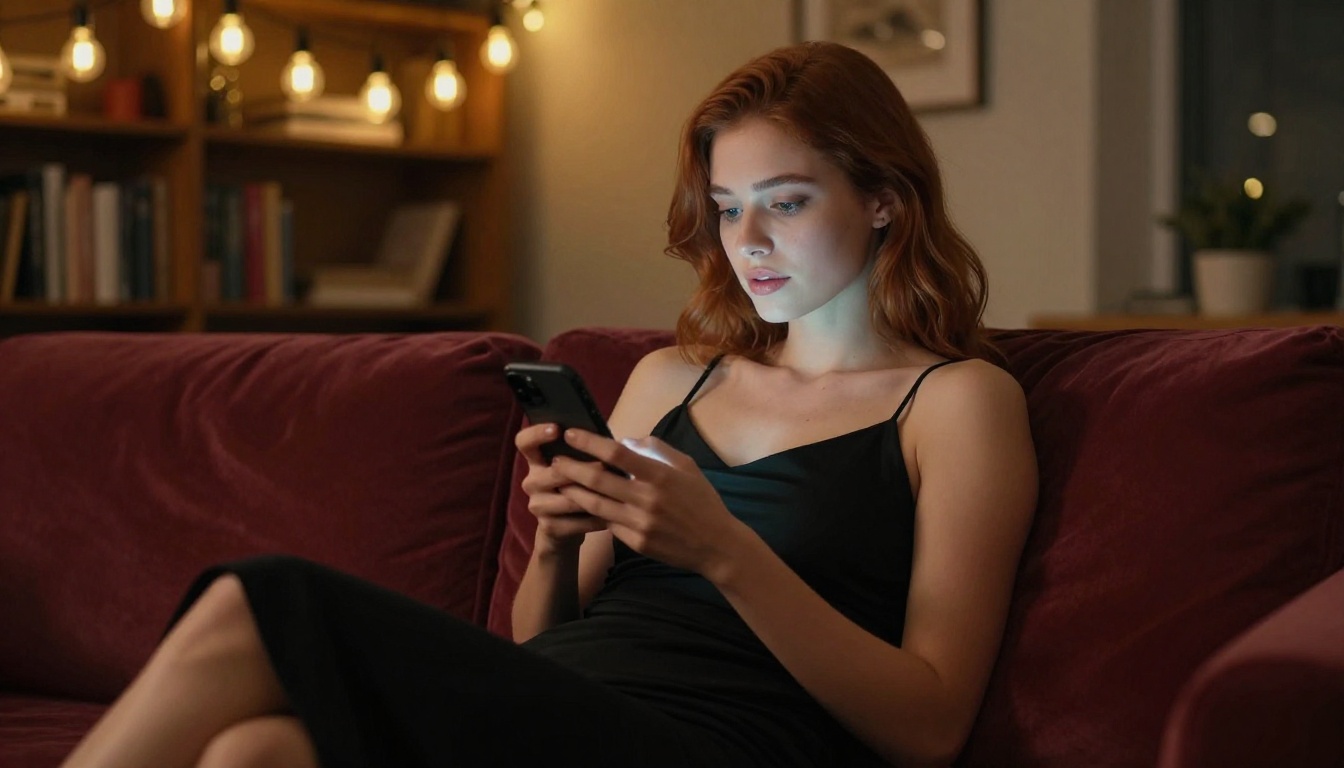
The formula that works well: use an LLM to generate the text the AI girlfriend "sends" alongside a photo. The LLM writes what she says and produces the image prompt. You run that prompt through Seedream 4.5 and get the image. The two outputs together create a full simulated message.
💡 Claude Opus 4.7 and GPT-5 are especially good at maintaining consistent character personalities across long, multi-turn conversations without losing track of established persona details.

Adding a Voice to the Experience
If photos and text are not enough, you can add voice using text-to-speech models. This builds a full multimedia AI companion: she sends photos, she texts, and she can send voice notes. The best text-to-speech options on PicassoIA for this purpose:
The workflow: write what your AI girlfriend says using Claude Opus 4.7 or GPT-5, then pass that text through ElevenLabs v3 to produce voice audio. Pair that audio with a generated photo from Seedream 4.5 and you have a complete, multi-sensory AI girlfriend interaction: visual, textual, and audio.
How to Use Seedream 4.5 on PicassoIA
Since Seedream 4.5 is the recommended starting point, here is the exact workflow to get your first AI girlfriend photos.
Step 1: Go to Seedream 4.5
Visit picassoia.com/en/collection/text-to-image/bytedance-seedream-45. The interface loads directly in your browser. No app download required. Initial testing does not require an account, though generating at volume requires a subscription plan.
Step 2: Write Your First Persona Prompt
Use the structure outlined above. Start with your character seed, add the scene, then add camera and lighting details. Being specific is what separates a generic result from something that looks like a real photo:
- Vague: "attractive woman on a beach"
- Effective: "Young woman with auburn hair, green eyes, natural freckles, medium build, standing on a sandy beach at golden hour wearing a coral bikini, turquoise water behind her, Canon 85mm f/2, Kodak Ektar 100 film grain, RAW 8K photorealistic"
The difference in output quality between those two prompts is dramatic.
Step 3: Iterate on the Best Results
Run your prompt 3-5 times. Seedream 4.5 generates in under 3 seconds, so iteration is fast. Save the best result. Then feed that image into PicassoIA Image Editor Pro to create variations: different outfits on the same face, same character in different settings. With unlimited generations on Elite plans, this variation pass costs nothing extra.
Step 4: Build the Photo Library
The experience of having an AI girlfriend that "sends" photos comes from variety. Generate photos across different categories:
- Morning selfies: casual, natural lighting, minimal makeup look
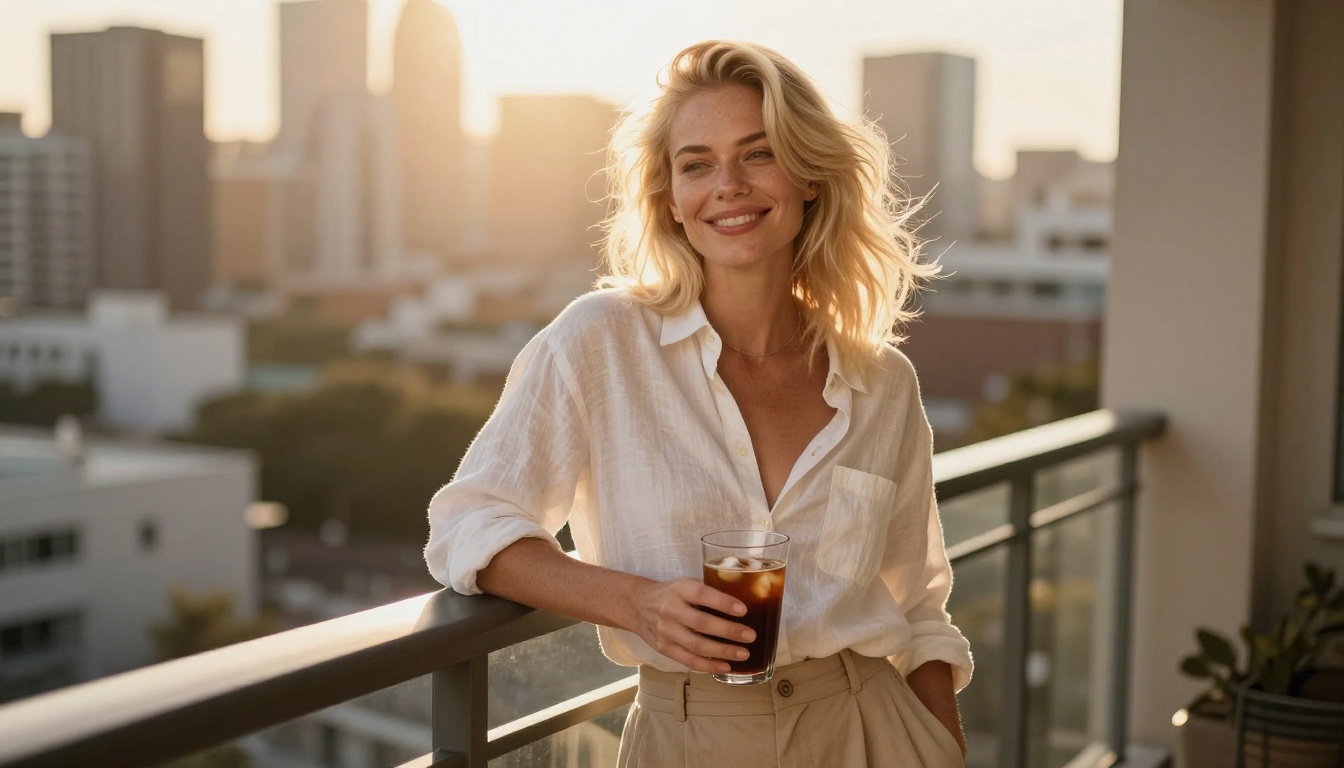
- Outdoor shots: parks, beaches, city streets, balconies
- Evening photos: dimmer lighting, more dressed up, warmer tones
- Candid moments: reading, cooking, at a coffee shop
- Suggestive shots: bikini photos, lingerie, artistic implied nudity
A library of 30-50 varied images is what makes the simulation feel real rather than repetitive.

Here is the complete model stack available on PicassoIA for building a fully realized AI girlfriend experience, all supporting suggestive or adult content:
| Model | Type | Speed | Best Use |
|---|
| Seedream 4.5 | Text-to-Image + Edit | Under 3s | Primary photo generation |
| Image Editor Pro | Image-to-Image | Under 1s | Unlimited variations on a persona |
| Qwen Image 2 | Text-to-Image + Edit | Fast | Open-source alternative |
| Grok Imagine Image | Image-to-Image | Fast | Swimwear and bikini variations |
| Recraft V4 | Text-to-Image | Fast | High-realism text prompts |
| P-Image | Text-to-Image | Under 1s | Speed-first generation |
| Claude Opus 4.7 | LLM Chat | Instant | Conversation and persona writing |
| GPT-5 | LLM Chat | Instant | Natural dialogue generation |
| ElevenLabs v3 | Text-to-Speech | Fast | Voice notes and audio messages |
| Speech 2.8 HD | Text-to-Speech | Fast | Studio-quality voice output |
For anyone who also wants video, PicassoIA Video offers unlimited video generation up to 720p from text prompts, P-Video by PrunaAI goes up to 1080p with the safety filter off by default, and Grok Imagine Video handles clips up to 15 seconds with no watermarks.
Start Generating Your AI Companion Now
The tools to make an AI girlfriend that sends photos are live, accessible, and in most cases free to try. The combination of Seedream 4.5 for primary generation, PicassoIA Image Editor Pro for unlimited variations, and a powerful LLM like Claude Opus 4.7 or GPT-5 for conversation creates an experience that is genuinely impressive.
PicassoIA puts over 90 text-to-image models, 65+ LLMs, and a full suite of video and voice tools in one platform with no restrictive content filters on the models that matter for this use case. The free trial on Image Editor Pro requires no credit card and gets you started in under a minute.
Pick a persona. Write a detailed prompt. Run it through Seedream 4.5. See what comes back.
👉 See the full catalog of AI models and generate without limits at picassoia.com/en/all-models.


