Sending a birthday card is the minimum effort. A phone call is better. But showing up with a beautiful, cinematic video that feels like it was made just for one person? That is what people remember for years. The good news: you no longer need a production budget or editing skills to make it happen. AI video generators have gotten so good that anyone can produce something genuinely moving in under 30 minutes.
This is exactly how to make birthday videos with AI, from picking the right model to writing prompts that produce stunning results, plus five ready-to-use templates you can copy right now.
Why Birthday Videos Hit Different
There is a reason birthday videos circulate in family group chats for weeks after the actual day. They carry visual context, they have pacing, they can make someone cry or laugh within the first three seconds. A text message cannot do any of that.
The Emotional Weight of a Video vs. a Card
A card says "I remembered." A video says "I made something for you." The time signal matters enormously. Even if an AI generates the actual footage in two minutes, the act of crafting the prompt, selecting the scene, choosing the mood, and sending it demonstrates real intentionality. People feel that.
Studies on digital gifting consistently show that personalized, unexpected gifts outperform predictable ones in emotional impact. A sudden, beautifully produced birthday video lands in a completely different emotional category than a greeting card notification arriving at 9am with everyone else's.
What Makes AI Birthday Videos Work Now
Three years ago, AI video output looked like melting faces and physics-defying environments. That era is over. The best models available in 2027 produce footage with consistent motion, realistic lighting, and natural movement. When combined with a well-written prompt, the results are indistinguishable from short-form professional video to most viewers.
The factors that elevated AI video quality:
- Motion consistency: No more flickering or warped faces across frames
- Prompt adherence: Modern models follow detailed scene descriptions with high accuracy
- Native audio: Several models now generate synchronized audio alongside the video
- Resolution: 1080p and 4K outputs are standard on leading platforms
Picking the Right AI Video Model
Not every model is built for the same kind of output. Choosing the right one for a birthday video depends on the style you want, the length, and whether you need audio included.
Seedance 2.0: Audio-Included Birthday Magic
Seedance 2.0 by ByteDance is one of the most capable models for birthday content specifically because it generates synchronized audio alongside the video. You can describe a scene with music, ambient sound, or celebratory noise, and the model handles all of it in a single generation. For a birthday video meant to be shared on WhatsApp or as a direct message, the self-contained audio is a massive advantage.
Best for: Videos that need to work without the recipient controlling sound settings.
Kling v3: Cinematic Quality for Special Moments
Kling v3 Video by Kwaivgi delivers cinematic-grade motion and color grading. If the birthday is a milestone, a 30th, a 50th, a retirement, this is the model that produces footage that feels genuinely commemorative. The motion control capabilities let you specify camera movements, which gives the final video a professional, directed quality.
Best for: Milestone birthdays where the video needs to feel significant.
Veo 3 and Pixverse for Fast, Reliable Results
Veo 3 by Google brings native audio generation and strong text-to-video coherence. It handles complex scenes with multiple elements well, making it ideal for birthday scenarios with specific settings like a beach sunset, a mountain cabin, or a city rooftop.
Pixverse v5.6 is the model to reach for when you need a quick turnaround without sacrificing quality. It consistently produces clean 1080p output from relatively simple prompts, which makes it forgiving for first-time users who are still learning how to write effective scene descriptions.
| Model | Resolution | Audio | Speed | Best For |
|---|
| Seedance 2.0 | 1080p | Yes | Fast | Audio-included birthday clips |
| Kling v3 Video | 1080p | No | Medium | Cinematic milestone videos |
| Veo 3 | 1080p | Yes | Medium | Complex scene composition |
| Pixverse v5.6 | 1080p | No | Very Fast | Quick, reliable first-time output |
| LTX 2 Pro | 4K | No | Medium | Highest resolution output |
| Sora 2 | HD | Yes | Slow | Maximum realism, premium results |
Writing a Prompt That Actually Works
The prompt is where most people fail, not the model. A vague prompt produces generic output. A specific, structured prompt produces something that feels genuinely made for one person.
The Anatomy of a Good Birthday Prompt
A strong birthday video prompt has four components:
- Subject and action: Who is in the scene and what are they doing
- Setting: The specific environment with visual details
- Mood and lighting: The emotional tone and how light behaves
- Motion: What moves and how (camera, subjects, environmental elements)
Weak prompt: "A birthday party scene with balloons"
Strong prompt: "A woman in her early thirties laughing at a beautifully set outdoor table covered in white linen and wildflowers, golden hour light from the left casting long soft shadows, a birthday cake with lit candles slightly out of focus in the foreground, loose confetti drifting downward, slow push-in camera movement, warm and intimate atmosphere"
The strong version gives the model enough specificity to make decisions that align with your intent. The weak version leaves everything up to chance, and the chance usually produces something forgettable.
5 Ready-to-Use Prompt Templates
Copy these and fill in the brackets:
For a best friend:
"[Name] walking through [their favorite place, e.g., a sunlit forest trail], smiling and turning to look directly at camera, soft natural morning light, gentle wind moving through hair, slow motion footage, joyful and carefree atmosphere, 1080p cinematic"
For a parent:
"A warm kitchen scene, hands preparing [their signature dish, e.g., cookies from scratch], afternoon golden light streaming through a window, soft ambient music suggested in the scene, intimate and nostalgic atmosphere, medium close-up, slow camera pull-back revealing the full warmth of the space"
For a child:
"A young child running toward camera with arms open wide in a backyard filled with colorful balloons, bright summer midday light, confetti falling from above, expression of pure joy, slow motion impact of child arriving at camera, vibrant warm tones throughout"
For a partner:
"Two people sitting on a rooftop at sunset, city lights beginning to appear below, intimate quiet conversation, warm amber skyline behind them, soft focus foreground bokeh from a railing, gentle breeze moving fabric, cinematic wide-to-close sequence"
For a milestone birthday:
"Close-up of a birthday cake with [age] candles being carefully lit by hands in the foreground, dramatic single overhead spotlight, smoke rising from just-lit candles, rich dark background, 4K macro detail, celebratory stillness before the wish"
How to Make a Birthday Video on PicassoIA
PicassoIA gives you access to over 87 text-to-video models in one place, without needing separate accounts, API keys, or technical setup.
Step 1: Choose Your Model
Go to the text-to-video collection and filter by your priorities. If audio matters, prioritize Seedance 2.0 or Veo 3.1. If 4K resolution is the goal, look at LTX 2.3 Pro. For the fastest results with the least friction, Seedance 2.0 Fast is the best starting point.
Step 2: Write Your Prompt
Use the four-component framework above. Avoid vague descriptors like "beautiful" or "nice" as standalone words. Instead, describe the specific visual details that communicate those qualities: warm golden light, a genuine laugh caught mid-exhale, fabric moving in a slow breeze. Specificity is what separates a generic AI birthday video from one that feels personal.
Tip: Start with the most important element first in your prompt. Models weight early words more heavily, so your subject should appear in the first sentence.
Step 3: Set Your Parameters
- Duration: 5-10 seconds is ideal for birthday videos shared via direct message. 15-30 seconds if you are producing a tribute montage.
- Resolution: 1080p for social sharing. 4K if the video will play on a TV at an in-person party.
- Aspect ratio: 16:9 for most platforms. 9:16 for Instagram Stories or TikTok.
Step 4: Generate and Refine
Run the first generation and evaluate it honestly. Ask:
- Does the subject feel right for the occasion and the person?
- Is the lighting creating the mood you intended?
- Does the motion feel natural and not jarring?
If the answer to any of those is no, adjust the specific element in your prompt and regenerate. Most good birthday videos take 2-3 generations to land exactly right. That is normal and expected, not a failure.

Step 5: Download and Share
Download at the highest available resolution. For WhatsApp: keep files under 16MB or compress lightly. For Instagram: export at 1080p in H.264 format. For email: keep it under 25MB or upload to a shareable link from cloud storage. Never screenshot a video to share it; always share the actual file.
Birthday Video Ideas for Every Relationship
Different people need different approaches. A video that works brilliantly for a college roommate would feel completely off-key for a grandparent.
For a Best Friend
Lean into inside jokes and shared experiences. Describe scenes from places you have both been, a beach where you spent a summer, a city you visited together, a cafe where you spent entire afternoons. The specificity is what makes it feel made for them rather than generated for anyone.
Use Kling v3 Video for its ability to handle location-specific scene descriptions with cinematic quality that holds up even on a large phone screen.
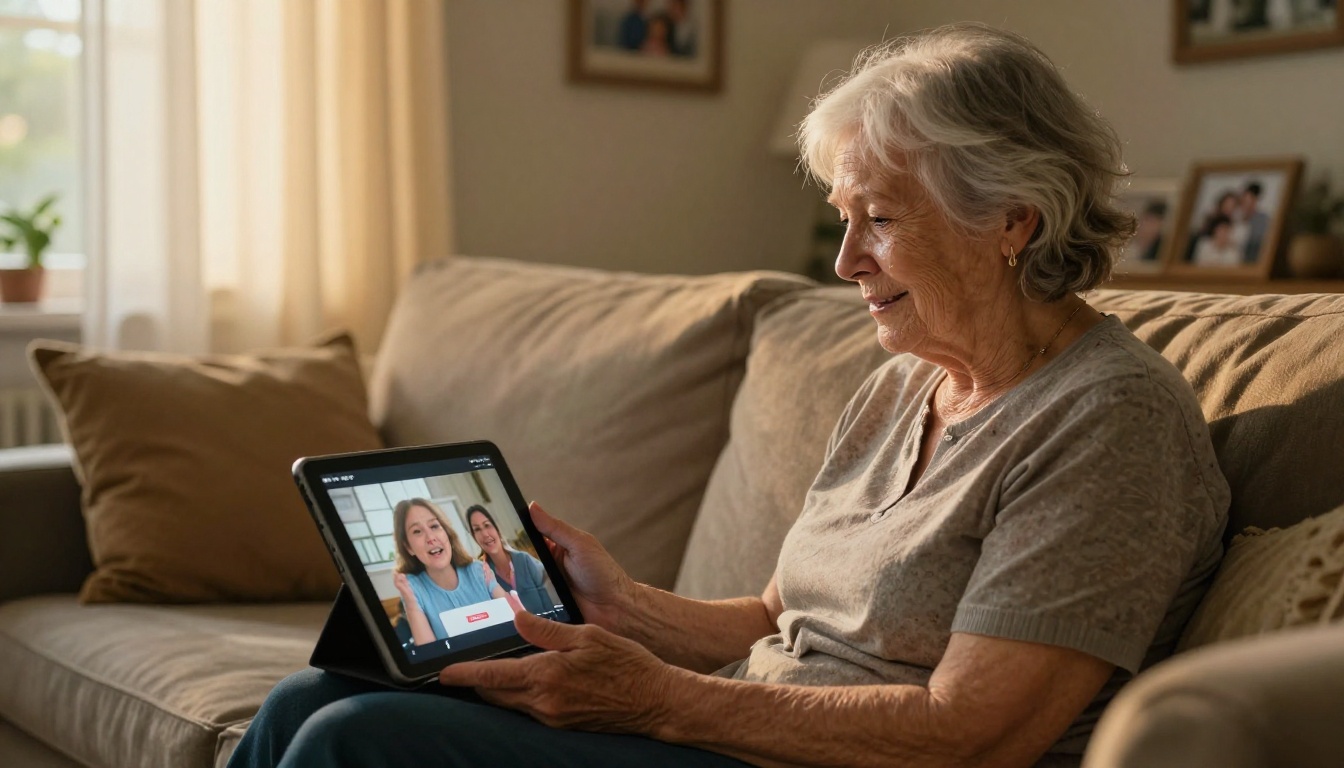
For a Parent or Grandparent
Nostalgia and warmth outperform novelty every time. Think kitchen scenes, garden mornings, family gatherings in soft natural light. The Wan 2.7 T2V model handles warm, realistic domestic scenes particularly well, producing footage that feels lived-in and real.
Tip: A birthday tribute for a grandparent hits hardest when it references an ordinary, beloved ritual, morning coffee by a window, tending a garden, baking something from scratch, rather than a dramatic or spectacular event.
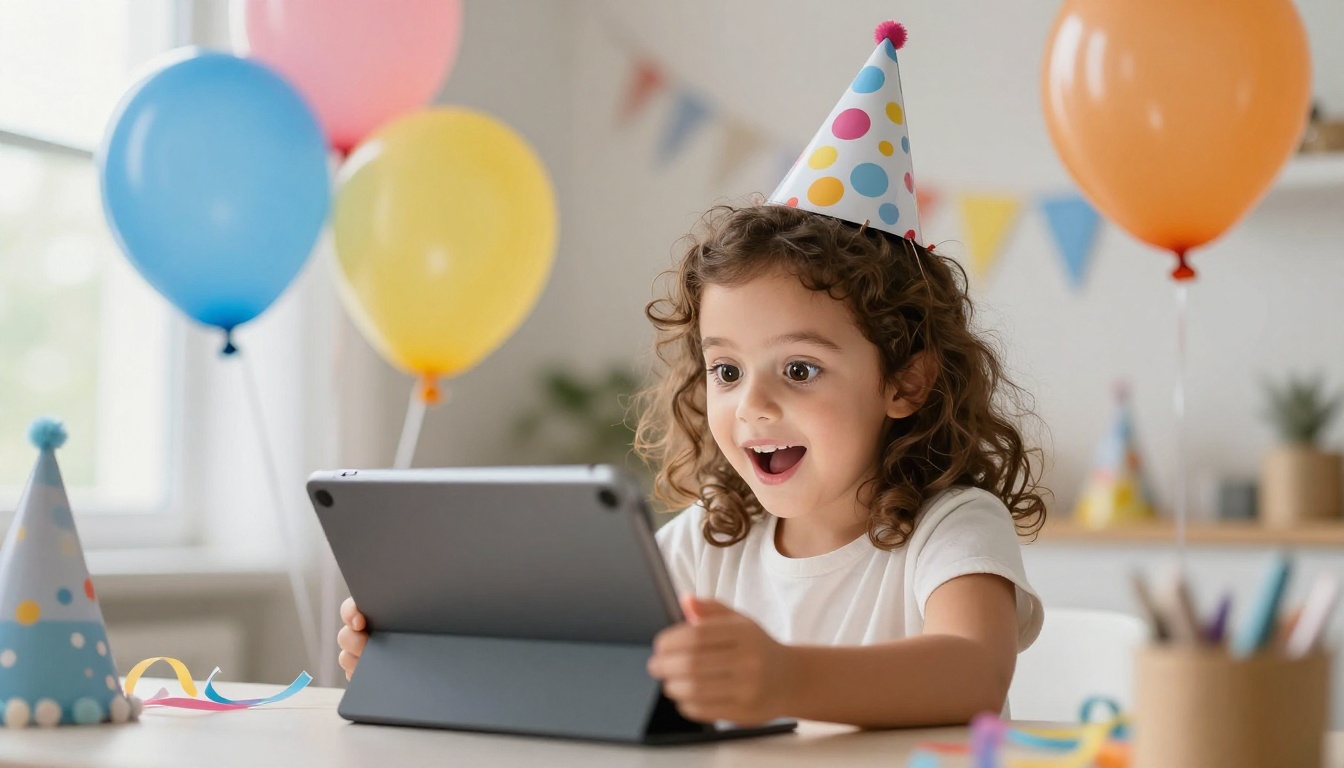
For a Child
Energy, color, and motion are the priorities. Children respond to visual excitement: balloons, confetti, animals running, bright outdoor settings. Pixverse v5.6 handles high-energy scenes with lots of simultaneous movement better than most models, keeping the chaos organized and visually exciting.
For a Partner
Intimacy and restraint work better than spectacle for romantic relationships. A sunset rooftop, a quiet morning with coffee, a walk through a place that matters to both of you. These prompts produce videos that feel genuinely romantic without being overwrought. Try Hailuo 02 for smooth, natural motion in intimate two-person scenes where stillness and subtlety matter.
3 Mistakes That Ruin Birthday Videos
Prompts That Are Too Vague
"A happy birthday scene" tells the model almost nothing. The model defaults to whatever its training data most frequently associates with birthdays, usually a generic table, some balloons, maybe a cake. The result looks like stock footage. The more specific your prompt, the more unique and personal the output. Reference specific lighting, specific emotions, specific spatial relationships between elements.
Wrong Format for the Platform
Generating a 16:9 landscape video for Instagram Stories is a distribution failure. The video plays with black bars, loses visual impact, and feels like an afterthought. Match your aspect ratio to the platform before you generate. Changing dimensions after the fact degrades quality significantly and can introduce compression artifacts.
Ignoring the First Three Seconds
Attention is captured in the opening moments or it is not captured at all. Your prompt should specify what happens at the very start of the video: an arresting visual, a moment of clear motion, a subject making direct eye contact with camera. Do not let the model decide the opening by default. The opener is the most important creative decision in the entire production.
Sharing Your Video the Right Way
Generating a great birthday video is step one. Delivering it in a way that preserves quality and creates maximum emotional impact is step two.
Best Formats by Platform
| Platform | Format | Max Size | Aspect Ratio |
|---|
| WhatsApp | MP4 H.264 | 16MB | 16:9 or 9:16 |
| Instagram Feed | MP4 H.264 | 1080p | 1:1 or 4:5 |
| Instagram Stories | MP4 | 4GB | 9:16 |
| Email | MP4 or cloud link | 25MB direct | Any |
| TikTok | MP4 | 287MB | 9:16 |
The Surprise Factor
The delivery medium matters as much as the content. Sending a birthday video as an unexpected direct message at midnight, or dropping a link in a family group chat without context, creates a completely different emotional experience than burying it inside a long message. Let the video stand alone. Give it space to breathe before anyone else responds.
Hailuo 2.3 and Kling v2.6 both produce output polished enough to share directly without any post-processing, which means you can go from prompt to delivered in well under 15 minutes.
Beyond Video: Supercharge Your Birthday Content
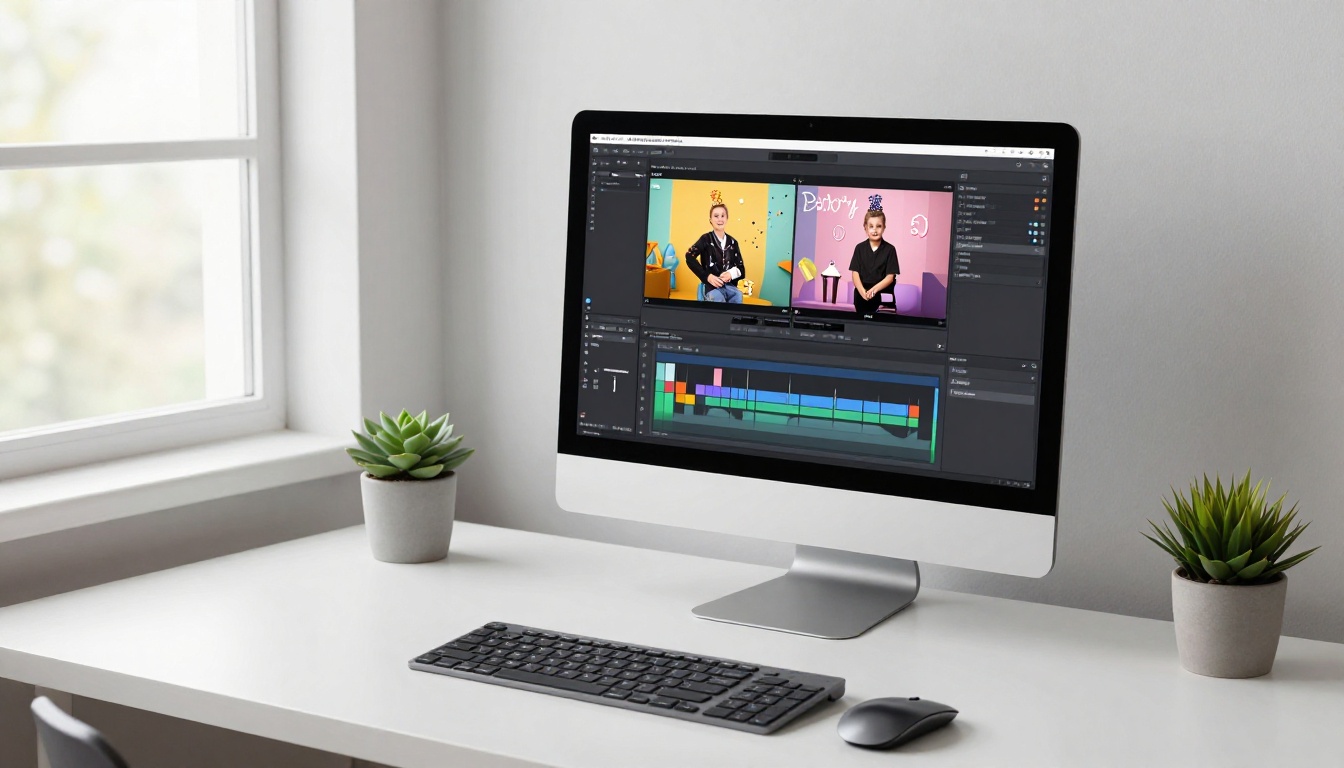
If you want to go further than a single video, PicassoIA's full suite covers everything you need. Use the AI Music Generation tools to create a custom birthday track, then pair it with your video using the Lipsync tools to animate a message. Need a still image for a card or social post? The text-to-image collection has over 91 models for generating photorealistic birthday imagery.
The Super Resolution tools can upscale any older photo of the birthday person to 4K before using it as a reference, and AI Video Enhancement can stabilize and upscale video footage you already have to make it worthy of a birthday tribute.
Make the Next Birthday Unforgettable
The next birthday on your calendar does not have to mean a last-minute text or a card that arrives three days late. With access to over 87 text-to-video models, AI music generation, lipsync tools, and video enhancement all in one place, you have everything needed to create something that genuinely moves someone.
Pick one model, write one specific prompt, and generate your first AI birthday video today. The person receiving it will not know exactly how you made it. They will only remember how it made them feel.
Start creating on PicassoIA


