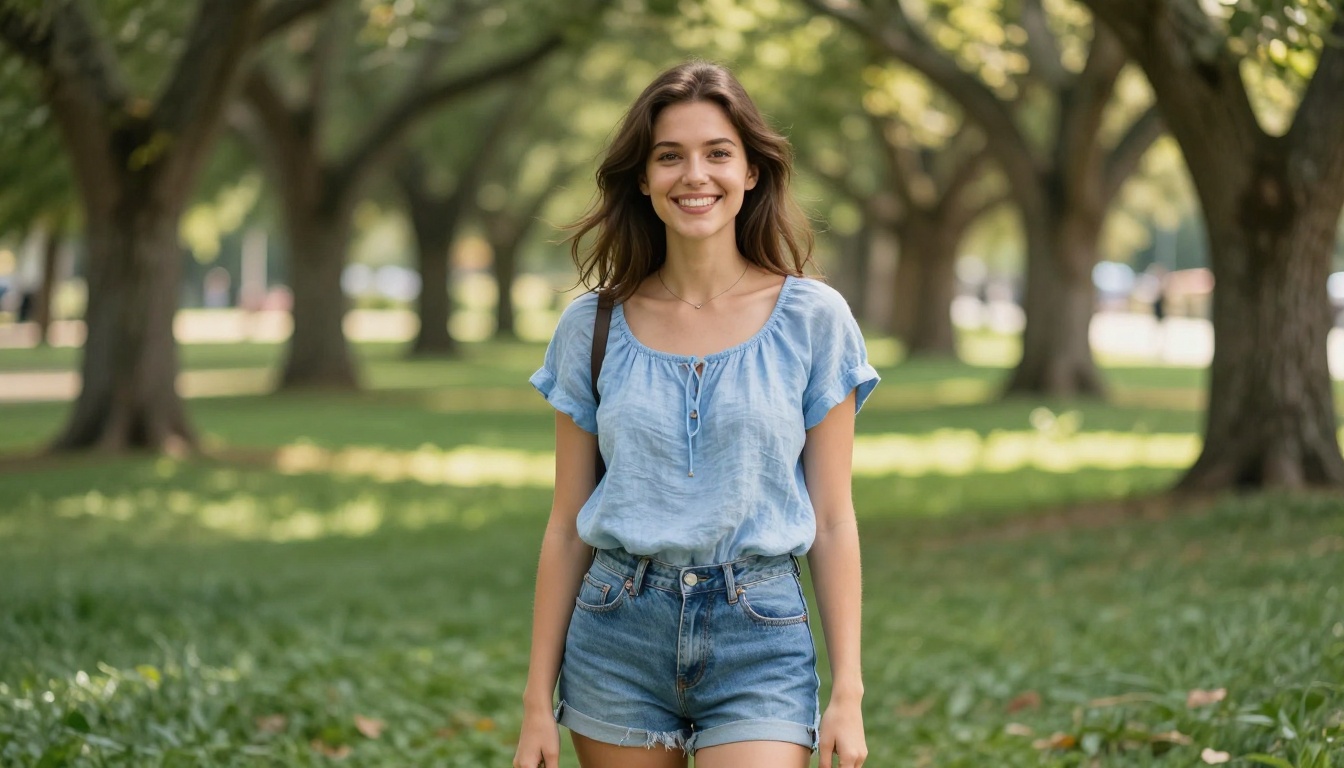
The internet is full of AI-generated portraits that look... generated. Flat lighting, plastic skin, slightly-off eyes. Seedream 5.0 breaks that pattern completely. It produces selfie-style images so realistic that you'll forget they were made from a text prompt. And when paired with the right platform, the results get genuinely hot.
What Seedream 5.0 Actually Delivers
Not just another portrait model
Most text-to-image models treat skin like a smooth polygon. Seedream 5.0 treats it like a photograph. The difference shows up in every pore, every strand of flyaway hair, every natural shadow under a collarbone. It handles photorealistic selfie-style composition better than any previous version, reading prompts that reference handheld camera angles, shallow depth of field, and natural lighting with exceptional accuracy.
The model's real improvement over earlier Seedream versions is how it handles the camera position itself. You describe a selfie angle, and the image actually looks like someone held a phone at arm's length. The perspective distortion is correct. The framing is natural. The background blur matches what a smartphone camera would produce at that distance.
How it compares to Seedream 4 and 4.5
Seedream 4 was a solid portrait model with good skin rendering but inconsistent composition. Seedream 4.5 fixed most of the composition issues and added support for image editing input, which made it a favorite for iterating on generations. Seedream 5.0 takes the realistic portrait quality further with sharper micro-details, better handling of natural lighting conditions, and more consistent results across different prompt styles.
That said, there is a critical distinction to know: Seedream 5 Lite, which is a separate version, blocks adult content entirely. If you are creating hot AI selfies, you need Seedream 4.5, not the Lite variant. More on this below.
Why These Selfies Look So Real
Skin texture and micro-detail
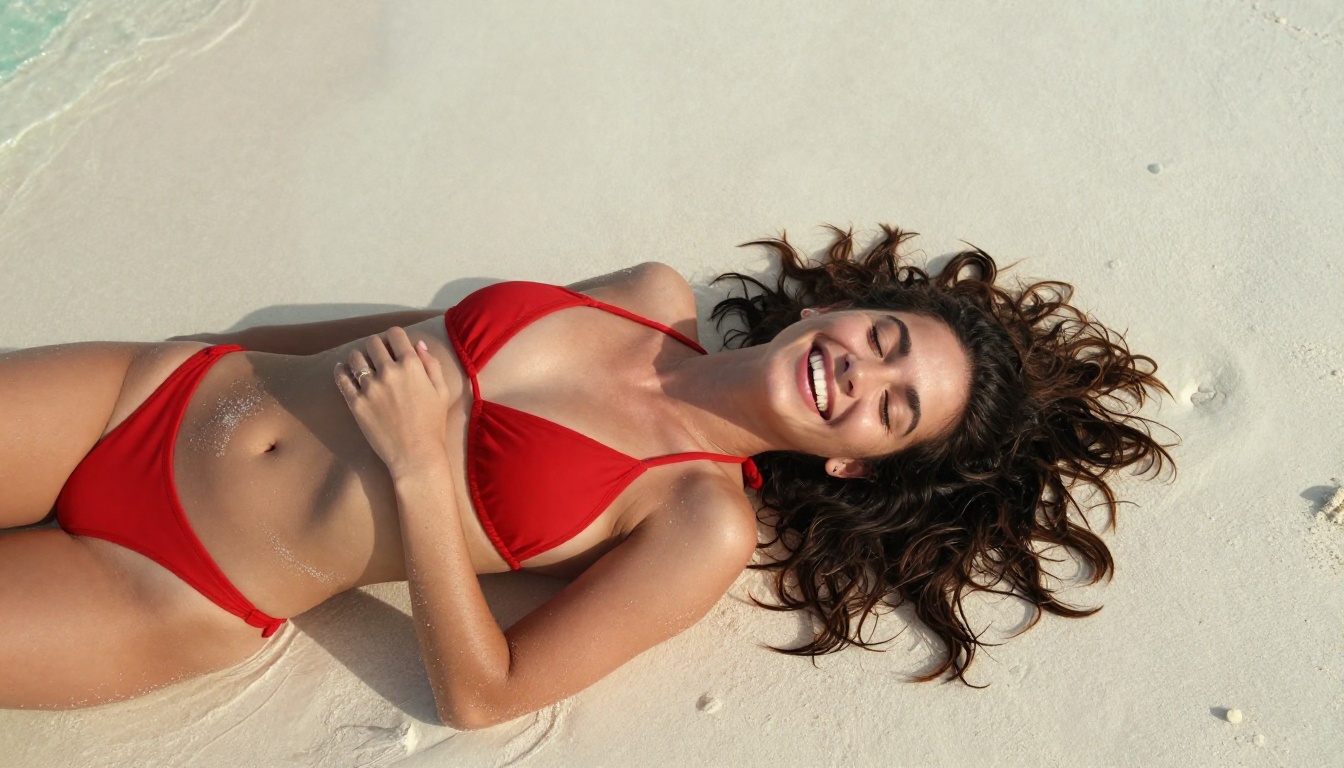
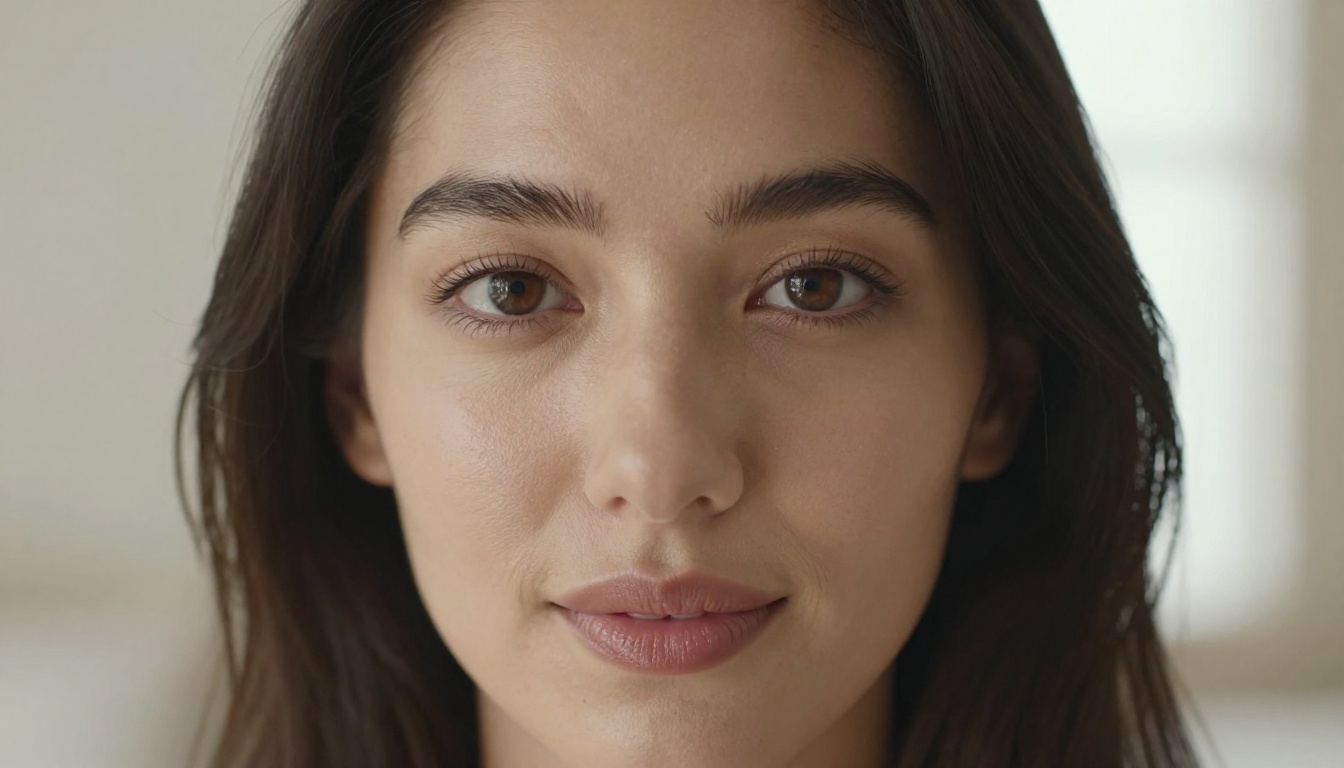
Photorealism in AI portraits lives or dies on skin rendering. The things a real camera captures, pores, fine hairs, subtle color variation across the face, the slight redness of a nose tip, are exactly what AI models tend to miss. Seedream 5.0 handles all of these with an accuracy that makes previous-generation models look polished but fake.
To push this further in your prompts, describe skin explicitly. "Visible pores on cheeks, fine sun-bleached arm hair, slight asymmetry in smile" will produce a more realistic result than just "realistic skin." The model responds to specificity.
Lighting that actually makes sense
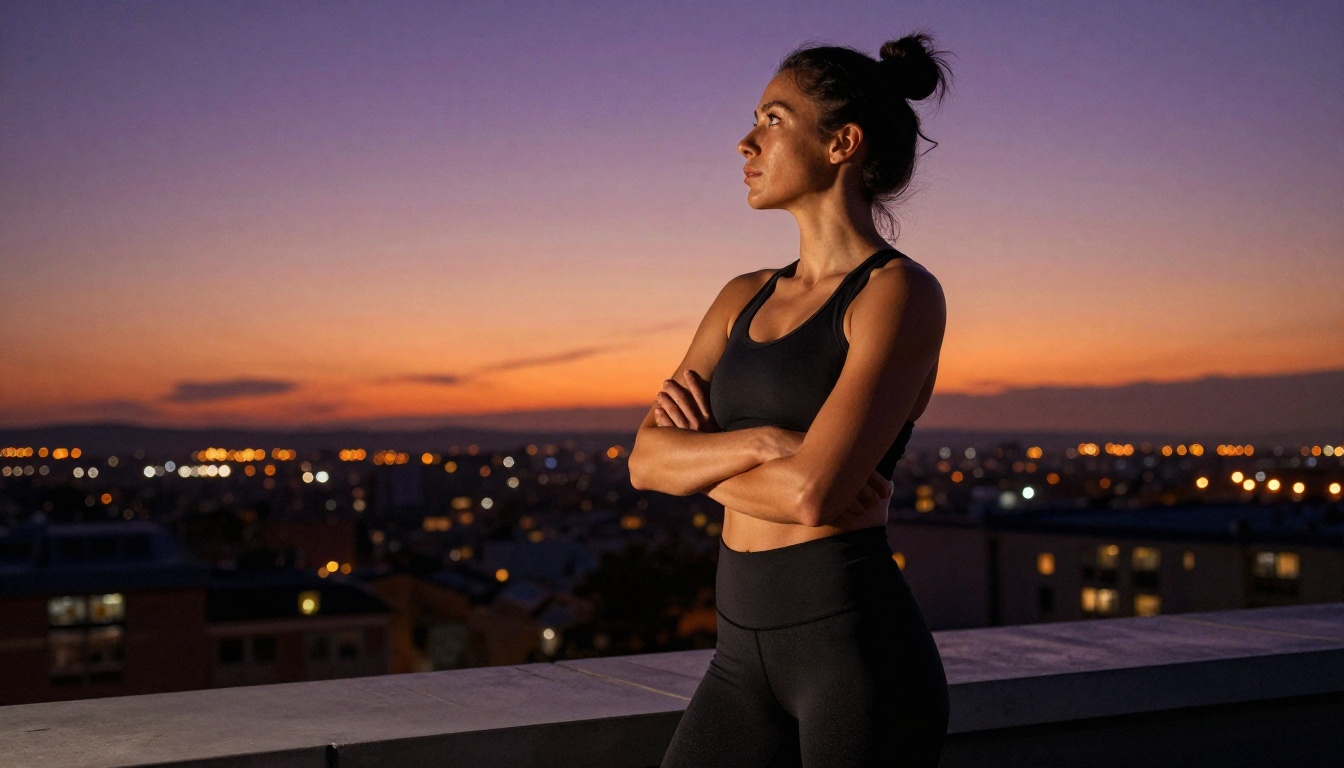
Bad AI portraits have light coming from nowhere, or from everywhere at once. The lighting in a Seedream 5.0 image behaves like real physics. Specify the direction, the quality (hard vs. soft), the color temperature, and the source (window, golden hour, overcast sky), and the model will render shadows and highlights that match.
For hot selfies specifically, golden hour light from one side is the most flattering. It creates warm highlights across the face and body while leaving soft shadows that give the image depth. Pair it with a description like "volumetric late afternoon light from the left, casting long soft shadows, warm amber color temperature" and the results are dramatically better than generic "good lighting" prompts.
Composition that feels handheld
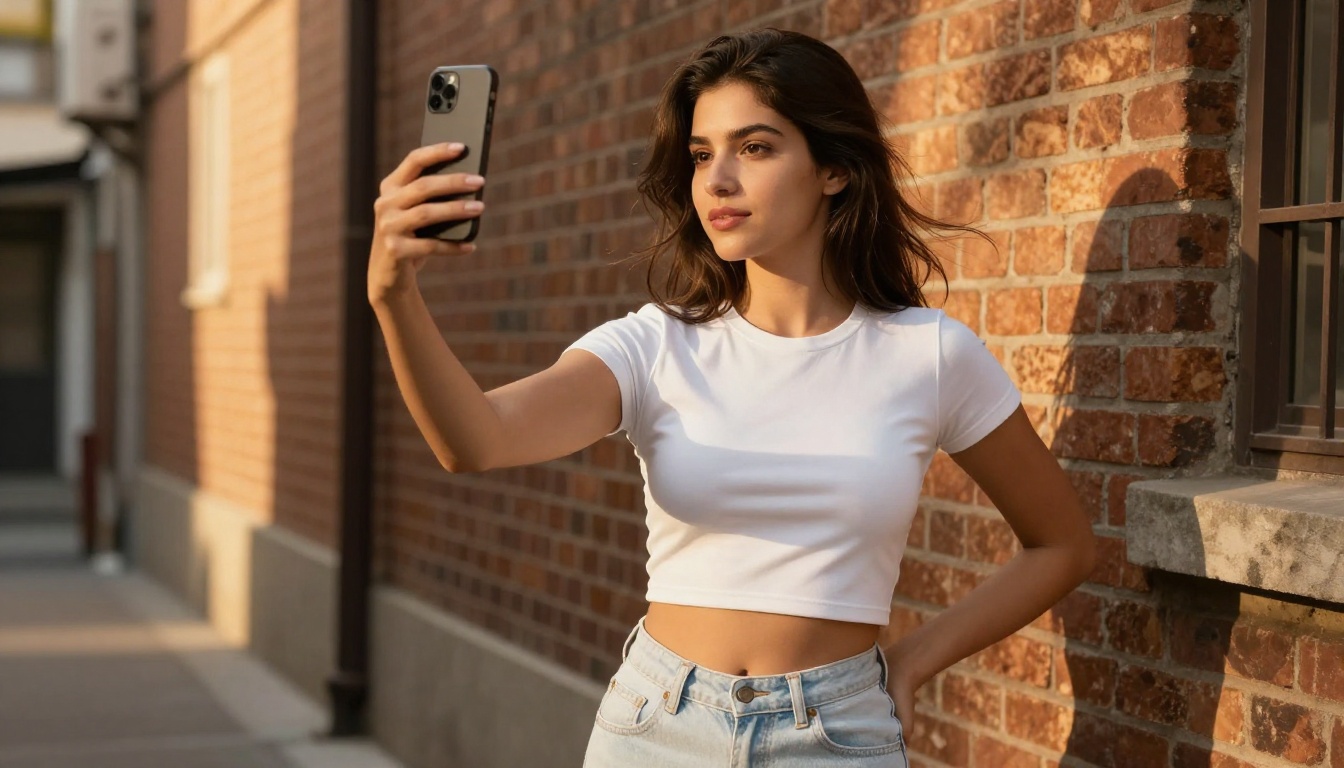
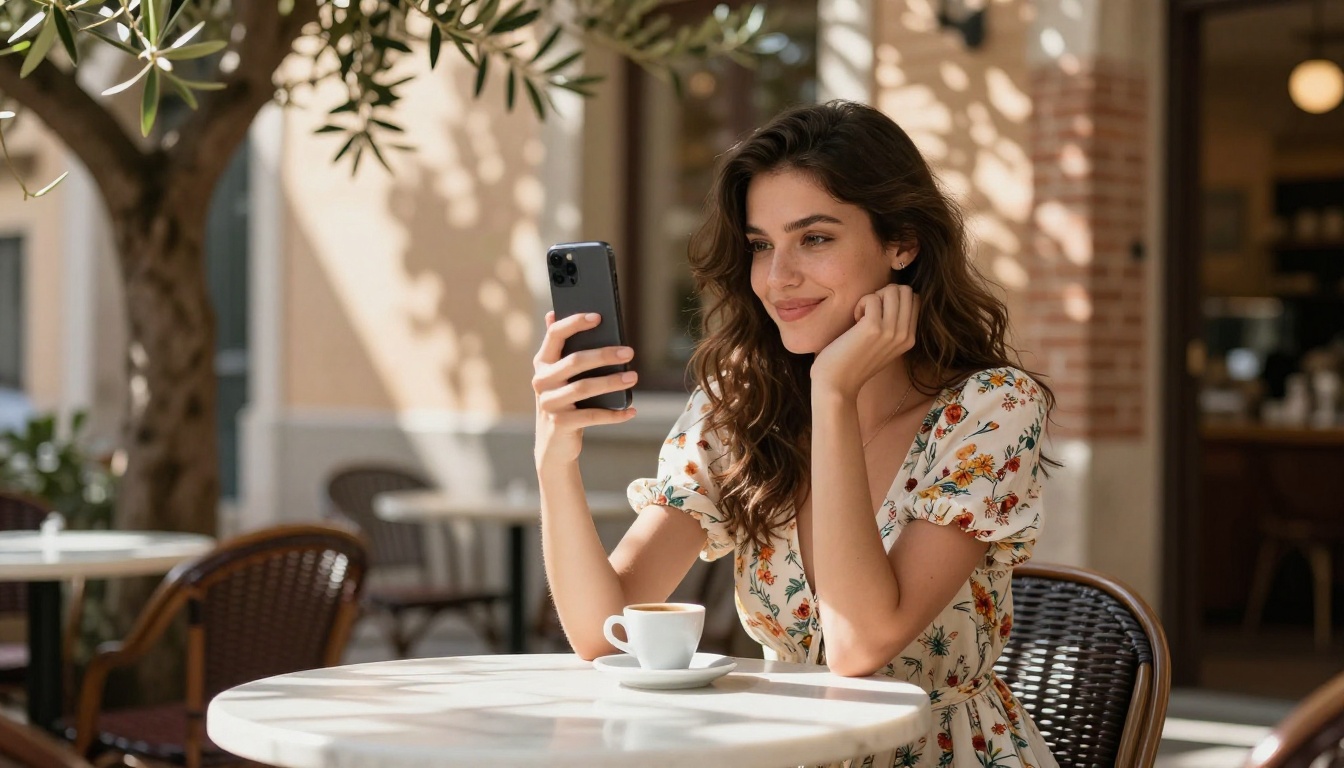
Selfies have a specific visual grammar: slight upward or downward angle, slight perspective distortion, the subject slightly off-center, background compressed by the distance. Seedream 5.0 captures this grammar reliably when you prompt for it. "Shot with front-facing camera at arm's length, slight upward angle, phone-camera perspective distortion" gives you something that reads like a real selfie, not a staged studio portrait.
Best Models for Hot AI Selfies
Seedream 4.5 is the top pick for NSFW
Here is the practical reality: if you want to generate hot AI selfies without content restrictions, Seedream 4.5 is the model to use. It accepts adult content, handles image editing input for iteration, and generates images in under 3 seconds with exceptional realism. It also supports image editing, so you can take a base generation and refine specific areas without starting over.
The newer Seedream 5 Lite does not support NSFW. This is a model-level restriction, not a platform setting. On PicassoIA, Seedream 4.5 remains the best choice for this type of content.
💡 Speed tip: Seedream 4.5 generates results in under 3 seconds. You can iterate fast, trying variations of a prompt without long waits between generations.
PicassoIA Image Editor Pro for unlimited generations
PicassoIA Image Editor Pro is an image-to-image model and it has one advantage nothing else can match: unlimited generations. With an Elite or Infinite subscription, you can generate 1,000 images for free. On models like Nano Banana 2, 1,000 images would cost around $100. Here, that cost is included in your plan.
It accepts NSFW content, returns results in under a second, and offers a 3-generation free trial with no credit card required. For iterative workflows where you are refining a look across many generations, it is unbeatable on cost efficiency.
Other strong options
The rest of the NSFW-capable lineup on PicassoIA covers different use cases:
Grok Imagine Image is particularly strong for taking a reference photo and realistically converting it to a bikini or swimwear variation. P-Image is the fastest option for rapid prototyping, generating results in under a second.
How to Write Prompts That Actually Work
The anatomy of a great selfie prompt
A high-quality selfie prompt has four layers:
- Subject: Describe the person with specifics. Hair color and texture, skin tone, facial features, expression. "Beautiful woman with wavy dark hair, olive skin, slight smile" beats "attractive woman."
- Outfit and body: Be specific about clothing, fit, and any skin visible. Fabric texture descriptions (silk, denim, cotton, lace) add significant realism.
- Environment and background: Where is she? Beach, rooftop, bedroom, cafe? What is in the background, blurred behind her?
- Camera and lighting: What angle? What light source, direction, color temperature? What lens and depth of field?
Each layer adds detail the model uses to produce a more realistic, specific result.
Lighting keywords that matter
The right lighting keywords transform an image:
- "Volumetric golden hour light from the left" creates the most universally flattering outdoor look
- "Soft diffused window light, overcast sky" gives clean even indoor light with no harsh shadows
- "Rembrandt lighting pattern, single side light source" adds dramatic depth to close-up portraits
- "Ring light catchlights in eyes" reads as a modern indoor selfie aesthetic
- "Dappled light through leaves, bokeh spots" is perfect for outdoor cafe or park settings
💡 Add "film grain, Kodak Portra 400 color grade" to any prompt to push the result further toward photorealism and away from the slight digital sheen that marks AI images.
Angle and pose descriptors
- "Shot at arm's length, front-facing camera angle" for a classic selfie look
- "Low angle, 24mm perspective, looking slightly down at the camera" for body emphasis
- "Overhead flat lay, phone above, subject looking up" for a playful aerial selfie
- "Eye level, 85mm compression, subject centered" for a clean portrait frame
- "Slight upward angle, chin slightly tucked, three-quarter profile" for a flattering glamour look
Step-by-Step: Your First Hot AI Selfie
Pick the right model
Go to PicassoIA and open Seedream 4.5. This is the best starting point for photorealistic, NSFW-capable selfies. If you want to iterate on a base image without regenerating from scratch, also open PicassoIA Image Editor Pro in a second tab.
Write your first prompt
Start with a clear subject description, then layer in the environment and camera details. A solid first prompt looks like this:
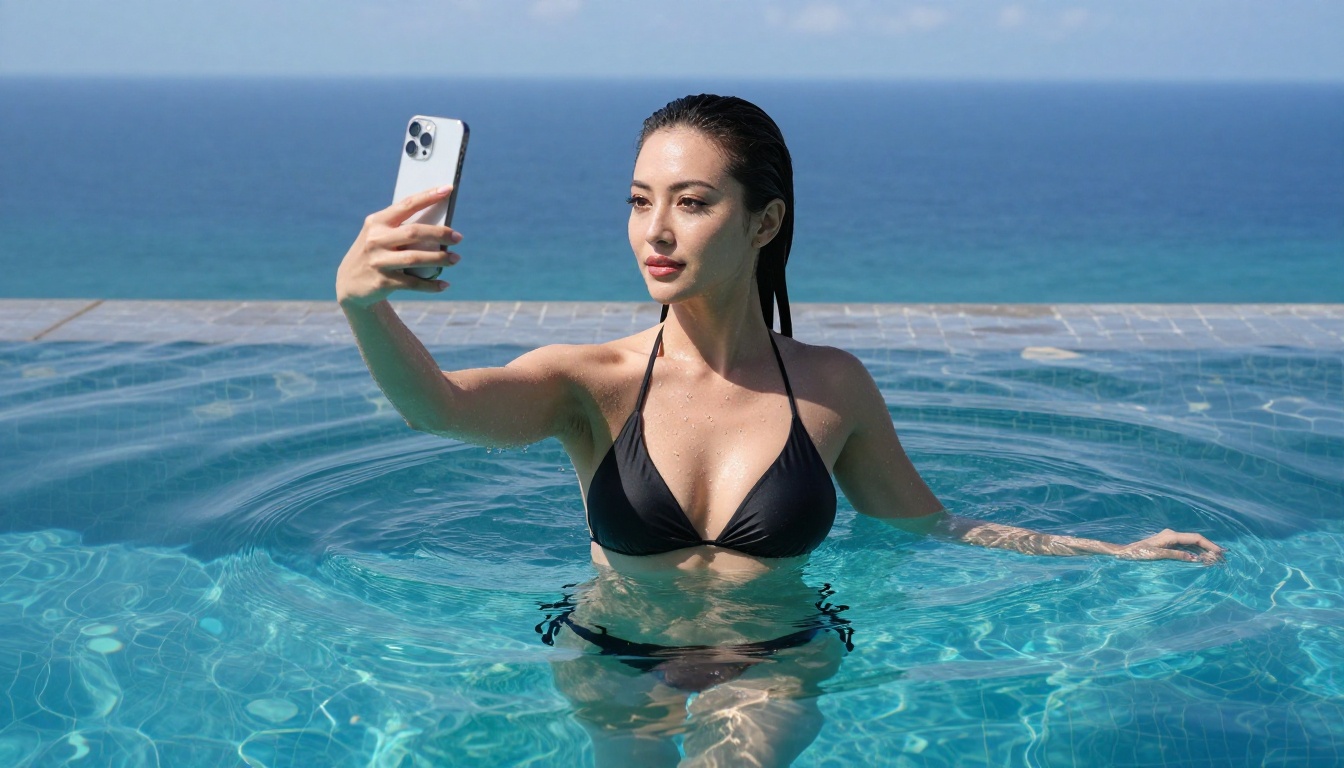
"Beautiful woman in a black string bikini, wavy dark hair, golden tan skin, standing at a tropical beach, taking a selfie at arm's length, golden hour light from the right, shallow depth of field, turquoise ocean blurred in background, natural skin texture, film grain, Kodak Portra 400 grade, photorealistic 8K"
Run this as-is, then iterate. Try changing the lighting direction, the outfit, the background. Each variable affects the result in a different way.
Refine with image editing
Once you have a base generation you like, take it into PicassoIA Image Editor Pro and use inpainting to adjust specific areas without regenerating the whole image. Change the outfit, the hair, the expression, or the background while keeping everything else intact. This is the fastest way to build a consistent set of images around the same subject.
Upscaling and Editing Your AI Selfies
Super-resolution for print-quality output
Seedream 5.0 and 4.5 both generate at high resolution, but for print or large-format display, upscaling 2x or 4x adds detail that was not in the original. PicassoIA's super-resolution tools use AI upscaling to add realistic texture detail during the process, not just stretch the pixels. The result is a file that holds up at much larger sizes without losing the photorealistic quality.
Fixing small issues with inpainting
No generation is perfect on the first attempt. Eyes slightly misaligned, a background element that does not look right, a fabric fold that breaks the illusion. Inpainting lets you mask the specific area and regenerate just that part. Combined with Qwen Image 2, which handles detailed image editing with very high realism, you can fix nearly anything without losing the quality of the rest of the image.
Background replacement
Another powerful workflow: generate the subject first, then replace the background entirely. This separates subject quality from background quality and lets you mix and match until both are perfect. Place the same subject in a beach, a rooftop bar, or a hotel room by swapping just the background layer.
Best Models for NSFW AI Generation on PicassoIA
PicassoIA offers a full lineup of models built for unrestricted, realistic content creation:
- Seedream 4.5 - The best all-around NSFW model. Accepts adult content, supports image editing, generates ultra-realistic results in under 3 seconds. (Seedream 5 Lite does not allow NSFW.)
- PicassoIA Image Editor Pro - Img2img with unlimited generations. 1,000 images free on Elite or Infinite plans vs. approximately $100 on models like Nano Banana 2. NSFW supported, results in under a second, free 3-generation trial with no credit card.
- Qwen Image 2 - Open-source model for editing or creating any image in seconds with very detailed realism.
- Grok Imagine Image - Realistically converts any image to a bikini or swimwear variation.
- Recraft V4 - Very realistic text-to-image results.
- P-Image - NSFW text-to-image generation in under 1 second.
Unlike most mainstream AI platforms, PicassoIA gives creators full creative freedom with uncensored, high-performance models.
👉 See the full catalog at picassoia.com/en/all-models.
Start Creating Right Now
You have the model, the prompts, and the workflow. The only thing left is to open Seedream 4.5 on PicassoIA and type your first prompt.
The gap between a mediocre AI selfie and one that looks genuinely real is almost entirely in the prompt. Be specific about the lighting, the camera angle, the skin texture. Add film grain and a specific color grade. Describe exactly where the light source is coming from. Those details separate stock-photo-quality results from images that look like they were actually taken by a real person in a real place.
Once you have something you like, take it to PicassoIA Image Editor Pro for unlimited iterations. Refine it until it matches exactly what you had in mind, without paying per generation.
The tools are there. The quality is real. Start at picassoia.com/en/all-models to see everything available and pick the model that fits your creative vision.


