Veo 3.1 dropped earlier this year and the internet lit up. Google's latest text-to-video model generates 1080p clips with synchronized native audio, cinematic motion, and a level of realism that rivals paid tools from a year ago. It is fast, surprisingly capable, and people started calling it the best free AI video generator available. Then users pushed the limits, particularly around NSFW prompts, and the picture got a lot more complicated.
If you came here searching for a way to make uncensored adult AI videos free with Veo 3.1, this article gives you the honest answer plus the alternatives that actually work. We cover what Veo 3.1 can do, where it draws a hard line, and which free tools will produce the content you actually want to create.
What Veo 3.1 Actually Does
Veo 3.1 is Google's third-generation video model and a genuine leap forward. The previous version, Veo 3, impressed with prompt adherence and smooth motion. Veo 3.1 takes that further with better temporal consistency, sharper 1080p detail, and tighter audio sync. The background sounds and ambient noise actually match what is happening on screen.
Three variants, one decision to make
PicassoIA gives you access to all three versions:
- Veo 3.1: The full model. Best quality, medium generation time.
- Veo 3.1 Fast: Optimized for speed without a significant quality drop. Ideal for rapid iteration.
- Veo 3.1 Lite: Lighter weight and lower compute cost, useful for simple scenes and fast drafts.
Each variant outputs 5-second clips at native aspect ratios. The audio generation is built in, not a post-process add-on, which is what sets Veo 3.1 apart from most competitors.
Why native audio changes everything
Most free AI video tools give you a silent clip you then need to sync manually. Veo 3.1 generates diegetic sound, meaning the audio comes from within the scene itself. A beach video gets waves. A city street gets traffic and footsteps. A music performance gets the instrument sounds. This single feature makes Veo 3.1 outputs far more polished than anything from Veo 2 or the earlier Veo 3 Fast variant.
For non-NSFW creative work, it is genuinely one of the most impressive free tools available right now.
The NSFW Problem with Veo 3.1
Here is where things get real. Google's safety filters on Veo 3.1 are aggressive by design. This is not a quirk or a bug. It is a business decision. Google runs Veo through its Vertex AI infrastructure and serves enterprise clients, advertisers, and media companies. Allowing uncensored adult content would create liability problems they are not willing to take on at any tier.
What actually gets blocked
Veo 3.1 refuses:
- Any prompt that includes sexual or suggestive language about real or fictional people
- Prompts describing partial or full nudity, even in artistic framing
- Scenarios described as intimate, romantic with physical detail, or sensual in explicit terms
- Attempts to work around the filter using euphemisms or coded language (the model catches most of these at inference time)
💡 Worth knowing: Veo 3.1's content filtering runs at the prompt level AND at the output level. Even if a prompt passes the first check, the generated video gets scanned and rejected if the output crosses content thresholds. You cannot reliably bypass both layers simultaneously.
Why "free" has hard limits here
Free access to Veo 3.1 on most platforms comes through rate-limited API credits. On PicassoIA, you can access Veo 3.1 Fast and Veo 3.1 Lite without a paid subscription for general content. But the content policy does not change based on your subscription level. Free tier users and paid subscribers hit the same NSFW wall.
This is fundamentally different from how image generation platforms handle adult content. Many image models offer an uncensored mode behind an age verification gate. Veo 3.1 has no such toggle, and Google has not signaled any plans to add one.

The good news is that Veo 3.1 is not the only option. PicassoIA hosts over 107 text-to-video models, and several of them have far more permissive content policies. Here is where adult content creators are getting real results.
Seedance 2.0: the top NSFW video model in 2027
Seedance 2.0 from ByteDance has become the primary choice for NSFW video generation this year. Where Veo 3.1 blocks at the model level, Seedance 2.0 gives creators more room for suggestive, mature, and adult artistic content. The model outputs 1080p video with impressive motion consistency and natural physics for fabric, hair, and body movement.
The Seedance 2.0 Fast variant cuts generation time significantly while keeping output quality high enough for most use cases. If you are iterating on creative prompts, start here.
💡 Pro tip: Seedance 2.0 responds well to detailed scene descriptions. Describe the lighting, setting, subject's pose and clothing, and the camera movement. The more specific your prompt, the more control you have over the final output.
What makes it stand out:
- Native 1080p output with audio (matches Veo 3.1's core advantage)
- Permissive content policy for adult artistic content
- Strong subject consistency across the 5-second clip
- Fast variant available for rapid testing
Wan 2.7 for unrestricted text-to-video
The Wan family of models from Wan Video has earned a reputation for being among the most flexible on the platform. Wan 2.7 T2V generates HD video from text prompts with strong subject fidelity, and Wan 2.7 I2V animates a source image into video.
The image-to-video approach is worth highlighting for NSFW workflows. You generate a static image first with a dedicated image model, get the exact look and composition you want, and then pass that image to Wan 2.7 I2V to add motion. This gives you far more control over the final output than pure text-to-video generation, because the subject's appearance is locked in before you add movement.
Kling v2.6 for photorealistic results
Kling v2.6 from Kwai VGI consistently produces some of the most photorealistic video outputs on PicassoIA. Skin texture, fabric movement, and facial micro-expressions render at a level that makes the video feel genuine. For adult content where realism is paramount, Kling v2.6 is a serious option.
For even higher cinematic quality, Kling v3 Video pushes the realism further with better scene understanding and more nuanced motion. The trade-off is longer generation times, but the output quality justifies it for final-quality work.
Pixverse v5.6 for stylized adult content
Pixverse v5.6 takes a different approach, offering strong style control alongside realistic outputs. For creators who want a slightly more artistic, editorial quality in their adult content rather than straight hyper-realism, Pixverse delivers. Pixverse v5 is also available and offers a slightly faster generation pipeline.
How to Use Veo 3.1 on PicassoIA
Even with its NSFW limitations, Veo 3.1 is worth using for any content that falls within standard content guidelines. Fashion, fitness, beauty, lifestyle, travel, artistic performance, and many other creative categories work perfectly. Here is how to get started.
Step 1: Go to the model page
Navigate to Veo 3.1 on PicassoIA. For faster iteration during the creative process, start with Veo 3.1 Fast and switch to the full model for final renders.
Step 2: Write a detailed prompt
Veo 3.1 rewards specificity. A vague prompt produces generic results. A detailed scene description produces something worth using. Always include:
- Subject: who or what is in the frame, with physical description
- Setting: environment, time of day, ambient elements
- Lighting: direction, quality, color temperature
- Camera: angle, distance, and movement type (slow dolly-in, gentle pan, static wide)
- Mood: the emotional tone or atmosphere you want to convey
Step 3: Select your resolution
For the best output, select 1080p. This is where Veo 3.1 genuinely shines over older models in the Google lineup.
Step 4: Iterate quickly
Veo 3.1 generations take 30 to 90 seconds depending on variant and server load. Run multiple prompt variations to find the one that lands. Small wording changes can produce noticeably different results in composition, motion quality, and lighting feel.
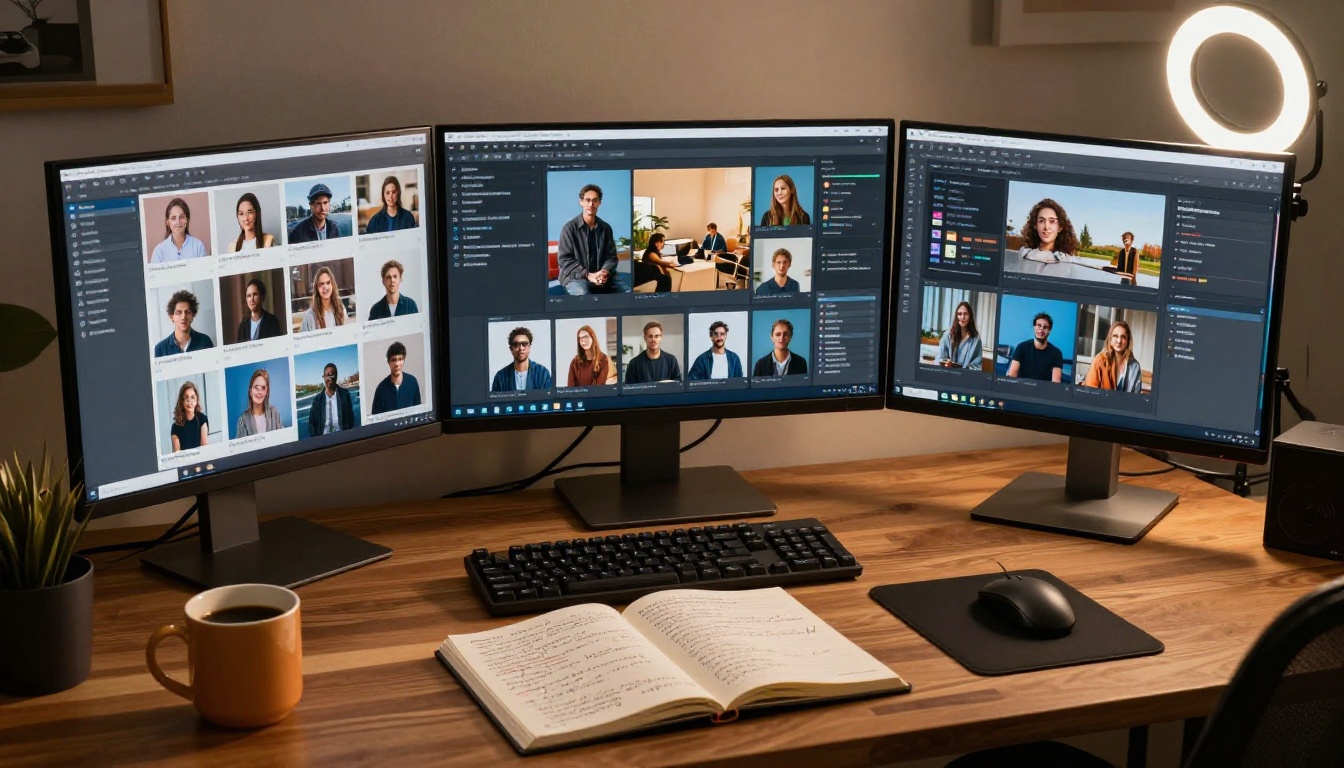
Seedream 4.5: Start Here for NSFW AI Content
When the topic is adult AI content, still images are almost always where the best workflows begin. Seedream 4.5 is the leading NSFW-capable image generation model on PicassoIA in 2027. It produces 4K-resolution outputs with exceptional skin rendering, natural lighting behavior, and accurate anatomy that other models frequently get wrong.
The model is uncensored for artistic and adult content, making it the right starting point for any video workflow involving mature themes. Generate your source image with Seedream 4.5, get the exact look you want, then animate it using Wan 2.7 I2V or Kling v2.6.
Why starting with images works better:
- Full control over subject appearance before any motion is added
- Zero-cost-per-iteration refinement in the image stage
- Source images anchor the video model to a specific subject and look
- Works as input for any image-to-video model on the platform
PicassoIA Image Editor Pro for unlimited refinements
Once you have a strong source image from Seedream 4.5, PicassoIA Image Editor Pro handles everything else. This is the unlimited-generation image editor that lets you inpaint specific areas, adjust details, correct elements, and refine the image before passing it to a video model.
The "unlimited" part matters. When you are iterating through multiple refinements on adult content, per-generation credit costs add up fast on other platforms. PicassoIA Image Editor Pro removes that friction entirely.
Model Comparison: Veo 3.1 vs the Alternatives
💡 Bottom line: For NSFW AI video generation specifically, Seedance 2.0 is the strongest all-around option on PicassoIA right now. It combines a permissive content policy with 1080p resolution and native audio, the same audio feature that makes Veo 3.1 stand out for general content.
The Full NSFW AI Video Workflow
Putting all of this together, here is the workflow that delivers the best results for adult content creation on PicassoIA:
Step 1: Generate source images with Seedream 4.5
Write detailed prompts describing your subject, lighting, setting, and composition. Run several variations to find the exact look you want. Seedream 4.5's 4K output gives you plenty of resolution to crop and reframe before animating.
Step 2: Refine with PicassoIA Image Editor Pro
Use inpainting to correct any details that are not right. Adjust skin tones, clothing, background elements, or facial features without regenerating the whole image. Unlimited generations mean you can iterate freely.
Step 3: Animate with Seedance 2.0 or Wan 2.7 I2V
Pass your refined source image to an image-to-video model. Include a motion prompt describing exactly how the subject moves and how the camera behaves. Keep motion descriptions natural, specific, and tied to physical reality.
Step 4: Upscale if needed
PicassoIA offers AI super-resolution tools for video. If your output looks slightly soft, running it through an upscale pass can bring out texture and sharpness in the final result.

Start Creating on PicassoIA Now
Veo 3.1 is an impressive model that earns its reputation for general video generation. But if your creative work involves adult content, it is the wrong tool for the job, not because it lacks quality, but because it will not let you work.
The combination of Seedream 4.5 for source images, PicassoIA Image Editor Pro for refinement, and Seedance 2.0 for animation gives you a complete, unrestricted workflow without running into content walls. All three are available on PicassoIA right now and the free tiers give you enough room to test before committing to a full workflow.
Browse the full catalog of over 107 video models and 91+ image generation models at picassoia.com/en/all-models. Filter by category, try the models that fit your creative direction, and find what works for your specific type of content. The gap between what AI can generate today and what it could generate eighteen months ago is remarkable, and the platforms offering uncensored access are getting more polished every month.


