Text-to-video AI has crossed a threshold that would have seemed impossible three years ago. You type a sentence, and within seconds a fluid, realistic video appears that matches exactly what you described, including content that was off-limits for every major platform just months ago. The gap between imagination and output has never been smaller, and for anyone wanting to make NSFW AI videos from text prompts, the current toolset is genuinely extraordinary.
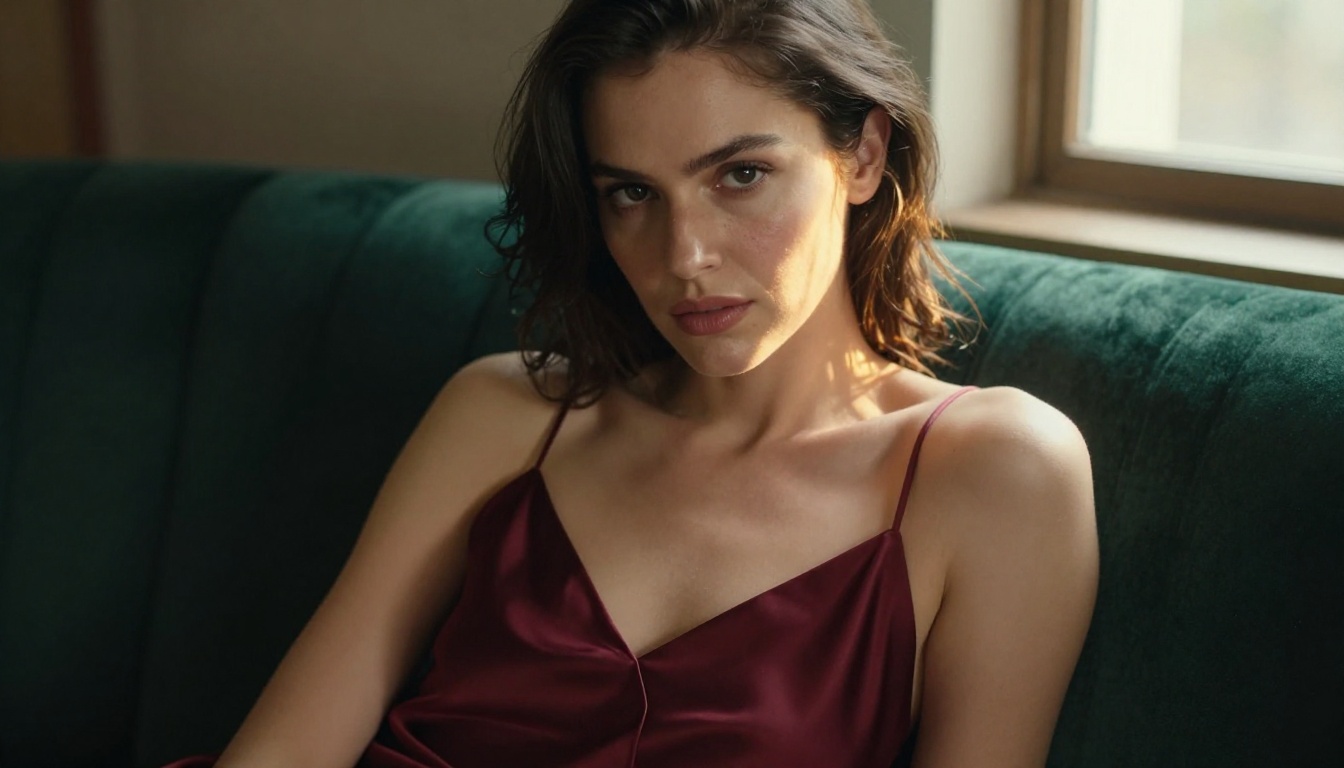
Why AI Video Changed This Year
The first wave of text-to-video models produced blurry, choppy clips that looked more like a slideshow than video. Faces melted. Bodies morphed. Motion was jittery. Nobody was impressed.
The 2027 quality jump
That changed fast. Models like Kling v3, WAN 2.6 T2V, and Hailuo 2.3 now generate 5 to 10 second clips with photorealistic faces, consistent character appearance, and smooth motion that holds up frame by frame. The physics of hair, water, and fabric finally look right.
What made this possible was a combination of:
- Larger training datasets that included diverse motion and body movement
- Diffusion transformers replacing older U-Net architectures
- Flow matching techniques that produce more temporally consistent frames
- Higher-resolution temporal upscaling for smoother motion between frames
Adult content became accessible
Simultaneously, a new class of platforms emerged willing to host models without aggressive content filters. This opened a realistic path for creators to generate NSFW video from nothing but a text description, with quality that rivals professional production at a fraction of the cost.
What NSFW Actually Means in AI Video
Before writing a single prompt, it helps to set expectations about what AI video can and cannot do in the adult content space.
Suggestive content works best
AI video generators excel at suggestive, glamour-focused content: lingerie, swimwear, sensual posing, implied nudity with tasteful framing, and intimate atmosphere. These scenarios are well-represented in training data, so models handle them with confidence and visual consistency.
Explicit has real limits
Fully explicit content remains technically difficult for most models. Anatomy consistency across frames is still a weak point, and complex interactions between multiple subjects often degrade quality noticeably. The output can look convincing for two to three seconds and then fall apart.
💡 Pro tip: Work with the model's strengths. Suggestive content with strong visual storytelling performs far better than attempting explicit output that degrades mid-clip.
Platform policies vary
Not every platform that hosts these models allows NSFW output. Many apply hidden content filters that block adult results silently. Platforms that explicitly support adult content generation and give you access to uncensored models are the ones worth using for this type of work.
The Top Models for NSFW AI Videos
Not every text-to-video model produces equally strong adult content. Some have strong NSFW capabilities; others are filtered by default. Here are the models that consistently deliver results worth using.
Kling v3
Kling v3 is currently one of the strongest options for cinematic, character-focused video. It handles facial consistency across motion exceptionally well, which matters enormously in NSFW content where character integrity must hold across every frame. The motion quality is smooth and the model responds well to detailed prompts about clothing, lighting, and camera angles.
The companion Kling v3 Omni adds support for both text and image inputs, letting you start with a generated still and animate it with a text description. This image-to-video workflow gives you far more character control than pure text generation.
WAN 2.6 T2V
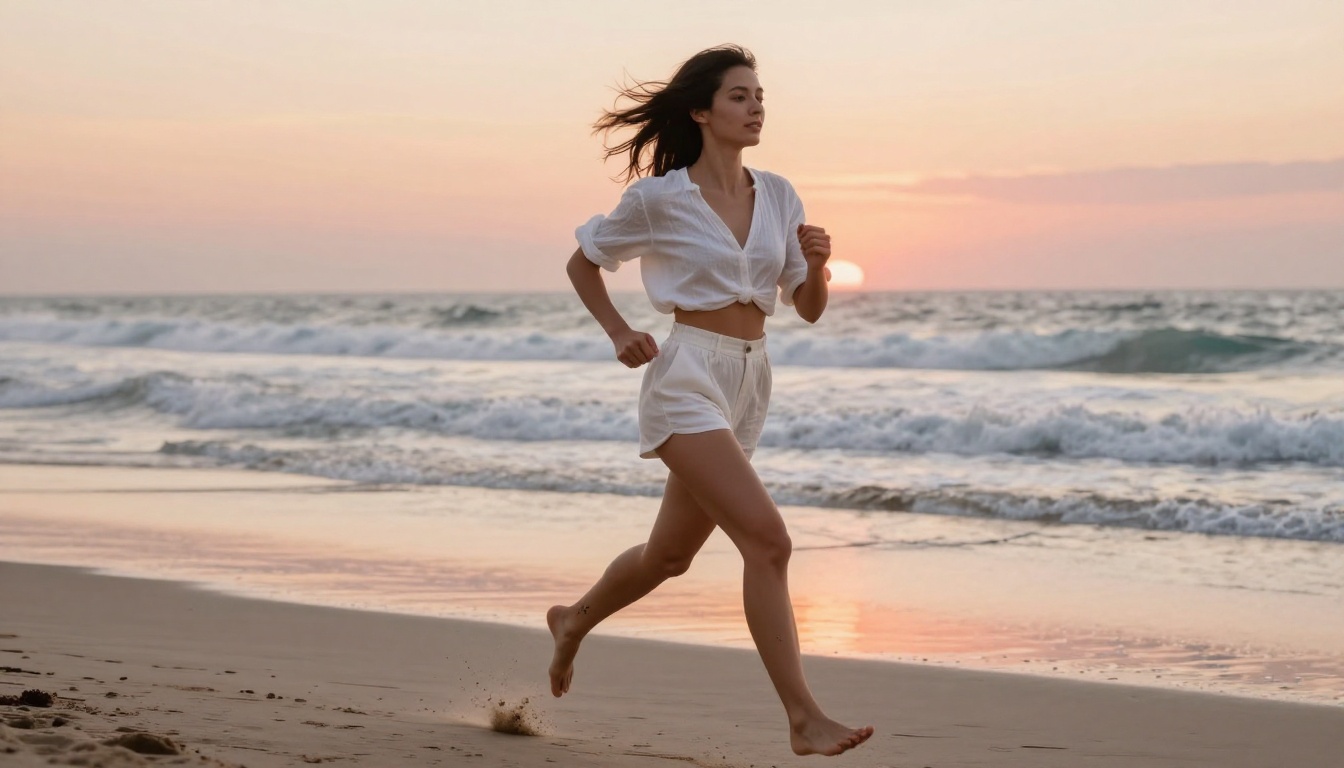
WAN 2.6 T2V delivers high temporal consistency and strong realism. It is particularly good at physics-based motion including fabric movement, hair dynamics, and water. For boudoir-style or pool and beach scenarios, this model performs at the top of its class.
If you need speed without sacrificing too much quality, WAN 2.5 T2V Fast is a solid alternative that processes in roughly half the time with comparable visual fidelity.
Hailuo 2.3
Hailuo 2.3 by Minimax is recognized for producing some of the most cinematically styled output available. It adds filmic color grading and natural motion blur automatically, which gives results a professional look without extra work on your end. The face rendering quality is among the best available across any text-to-video model.
PixVerse v5.6
PixVerse v5.6 stands out for expressive character motion. Where some models produce stiff, posed-looking video, PixVerse generates natural body movement with believable weight and momentum. For content involving walking, turning, or active physical poses, it frequently outperforms the competition.
LTX-2.3-Pro
LTX-2.3-Pro by Lightricks is the option when you need both speed and versatility. It supports text, image, and audio inputs, meaning you can animate a still image with accompanying ambient sound. For creators building full scenes with atmosphere, this adds a layer that pure text-to-video models miss entirely.
P-Video
P-Video rounds out the list as the fast, accessible option. Lower generation time makes it practical for rapid iteration: run multiple prompt variations quickly, pick the strongest result, then refine on a premium model with your winning prompt.
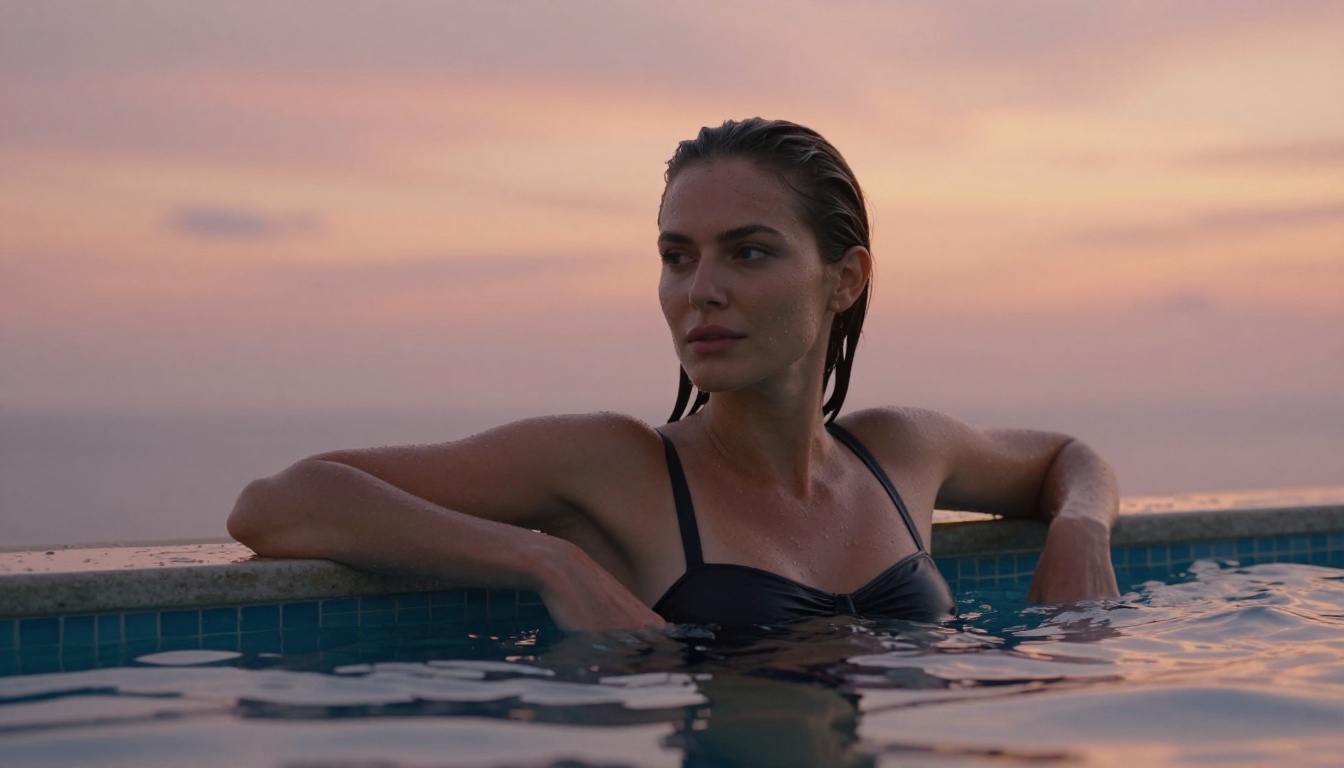
Model Comparison at a Glance
| Model | Strength | Speed | Best For |
|---|
| Kling v3 | Character consistency | Medium | Portraits, intimate scenes |
| WAN 2.6 T2V | Physics, fabric, water | Medium | Beach, pool, movement |
| Hailuo 2.3 | Cinematic quality | Medium | Filmic, professional look |
| PixVerse v5.6 | Expressive motion | Fast | Dynamic poses, active scenes |
| LTX-2.3-Pro | Multi-input flexibility | Fast | Full scene with audio |
| P-Video | Iteration speed | Very Fast | Rapid drafts, testing prompts |
Writing Prompts That Work
The model is only half the equation. A mediocre prompt on a great model will produce mediocre results. Prompt writing for AI video requires different thinking than image generation because you are describing motion and time, not just a static frame.
Structure your prompt right
The most reliable prompt structure for NSFW AI video follows this pattern:
[Subject + appearance] + [action or pose] + [environment or setting] + [lighting] + [camera angle and lens] + [style or mood]
For example: "A confident woman in her late 20s with long dark hair, wearing sheer black lingerie, slowly turning to face camera, in a softly lit luxury bedroom with cream walls, warm amber light from the left, medium close-up shot, 85mm lens, cinematic depth of field, Kodak Portra aesthetic"
That single sentence gives the model everything it needs to make strong decisions about character, motion, environment, lighting, camera, and style.
Words that boost visual quality
Certain terms consistently improve output across every text-to-video model:
- Cinematic signals high production value framing and composition
- Shallow depth of field separates subject from background beautifully
- Golden hour lighting or warm amber rim light creates appealing, flattering skin tones
- 85mm or 50mm lens references produce more natural, human-eye perspective
- Slow motion or graceful movement results in smoother, less jittery motion
- Film grain adds a tactile, analog quality that removes the plastic AI look
- Photorealistic tells the model to prioritize realism over stylization
3 things that kill results
These mistakes come up constantly in low-quality AI video outputs:
- Too many actions at once: "walking while turning and looking back and smiling" overwhelms the model. Pick one primary motion.
- Conflicting style references: mixing "vintage film aesthetic" with "crisp 4K digital" confuses the model's stylistic direction.
- Vague appearance descriptions: "pretty girl" tells the model nothing. Specify hair color, clothing, skin tone, and body position.
How to Use Kling v3 on PicassoIA
Kling v3 is the recommended starting model for most NSFW video creation. Here is a step-by-step process for getting strong results from your first session.
Step 1: Open the model
Navigate to the Kling v3 page on PicassoIA. The interface shows a text prompt field, aspect ratio selector, and duration options.
Step 2: Set your parameters
- Aspect ratio: Use 16:9 for cinematic landscape, 9:16 for vertical mobile format
- Duration: Start with 5 seconds. Longer clips give the model room for motion but increase generation time
- Mode: Standard mode is reliable for first runs; Pro mode adds quality passes for final outputs
Step 3: Write a specific prompt
Use the structure described above. Keep it to two or three sentences maximum. Kling v3 processes longer prompts well but the first sentence carries the most weight in shaping the output.
Step 4: Generate and evaluate
Run your first generation. Ask: Is the character appearance right? Is the motion natural? Is the lighting correct? Identify the single biggest problem before rewriting anything.
Step 5: Refine one variable at a time
Do not try to fix everything in one prompt rewrite. Change one variable at a time. If lighting is off, add a specific lighting description. If motion is stiff, add "slow graceful movement" or "fluid natural motion." Iterative refinement beats total rewrites every time.
💡 Tip: Save prompts that work. A strong prompt for one character adapts easily to a new scene by swapping only the setting and action elements while keeping the quality modifiers intact.

Getting Cinematic Results
The difference between amateur-looking AI video and genuinely impressive output almost always comes down to three specific choices.
Camera angles shape everything
Specify the camera angle explicitly in every prompt. "Low-angle shot looking up" creates a powerful, dramatic perspective. "Bird's-eye overhead view" produces an artistic, abstract quality. "Eye-level medium shot" feels neutral and intimate. Each angle changes the entire emotional register of the clip before a single word of subject description is even read.
Lighting defines the mood
Flat, even lighting produces flat, uninteresting video. Directional lighting with a specific source, such as a window on the left, a lamp behind, or sunset from the right, creates shadows that define form and add real dimension. Backlit scenes create silhouette effects that are visually striking and naturally imply rather than show explicit detail.
Motion needs intent
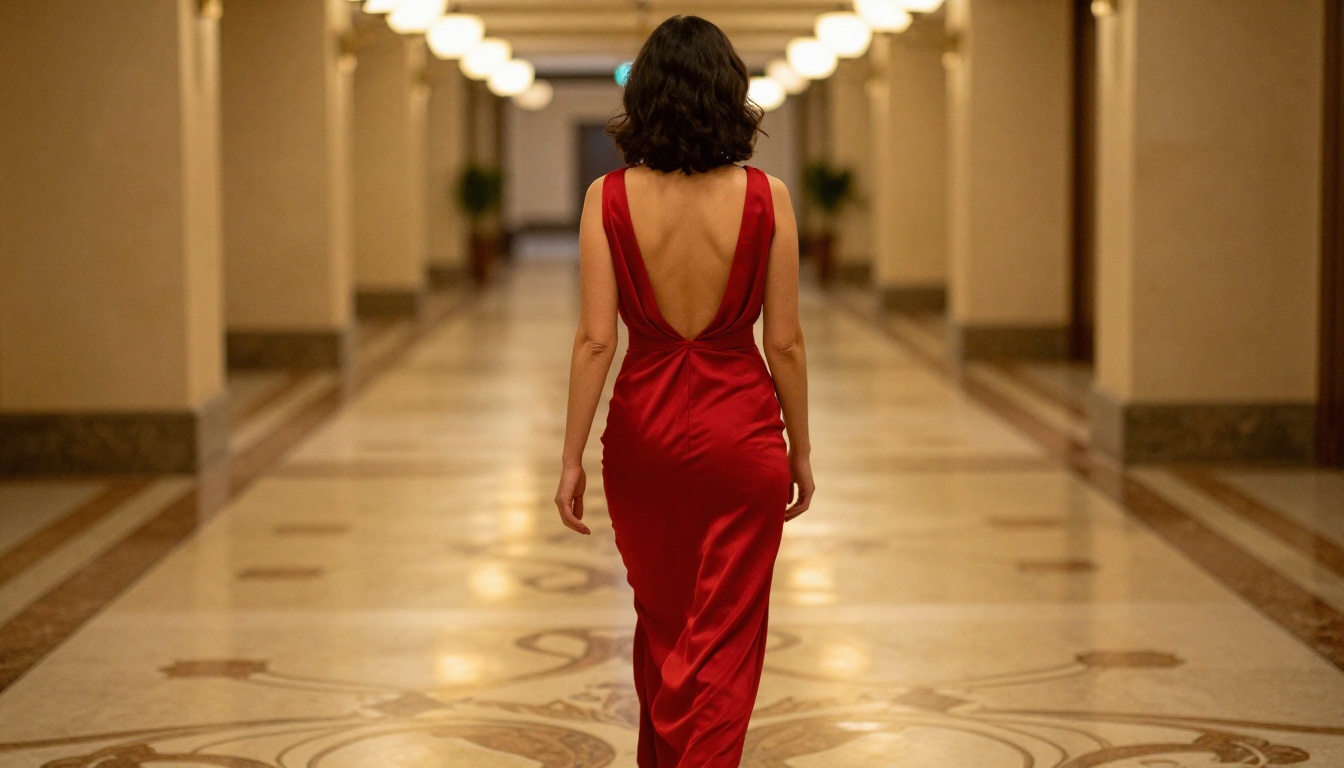
Random movement looks unnatural and exposes the model. Give the subject's motion a clear purpose: "slowly turning toward camera," "leaning back into the pillow," "walking away down a corridor." Intentional motion reads as real. Aimless movement makes the AI origin obvious.
3 Mistakes Worth Fixing Now
Prompts too short
A 10-word prompt almost always produces generic output. The model fills in everything you did not specify with its own defaults, which rarely match your vision. Longer, more specific prompts produce results that actually reflect what you had in mind.
Wrong model for the scene
WAN 2.6 T2V is excellent for outdoor water and fabric scenarios. Kling v3 is better for indoor portrait work. Using a physics-focused model for a close-up portrait shot wastes that model's core strengths. Match the model to the type of scene you are generating.
Ignoring aspect ratio
Most NSFW AI video looks best in 16:9 for cinematic horizontal content and 9:16 for vertical portrait content. Generating a full-body portrait in 1:1 crops out important visual information and produces compositions that look awkward regardless of prompt quality.
Beyond Text: Tools That Improve Your Workflow
Text-to-video is the core skill, but a few adjacent tools dramatically improve the overall quality and consistency of your output.
Face Swap AI lets you take a character generated in one clip and transfer their face into a new generated sequence, maintaining visual identity across multiple videos. This is especially useful for building content series with recurring characters.
AI Video Upscaling improves and stabilizes your generated clips. Most text-to-video models output at 480p or 720p. Running output through a super-resolution model brings it to 1080p with improved detail and sharpness. The difference in perceived quality is significant.
Image-to-Video is often more reliable than pure text-to-video for complex NSFW scenarios. Generate a highly specific still image first using a text-to-image model, then use Kling v3 Omni or WAN 2.6 I2V to animate it. You get exact character appearance control in the still, then add motion in the video step. This two-step workflow consistently outperforms single-step text-to-video for precise adult content creation.
Lipsync AI adds realistic talking or singing to generated characters. For content involving speech with a generated character, lipsync tools sync mouth movement to an audio track automatically, adding another dimension of realism to the final video.
Your First Prompt Is Waiting
Every model referenced in this article is available directly on PicassoIA. You can run Kling v3 for cinematic portrait videos, WAN 2.6 T2V for physics-heavy outdoor scenes, Hailuo 2.3 for filmic visual quality, or PixVerse v5.6 for expressive character movement, all from the same platform without switching tools.
Start with a single prompt. Run it on two different models. Compare the outputs side by side. You will quickly develop a sense for which model fits which type of content, and your prompts will sharpen with each iteration.
The models are ready. The platform is ready. The only thing missing is your first prompt.


