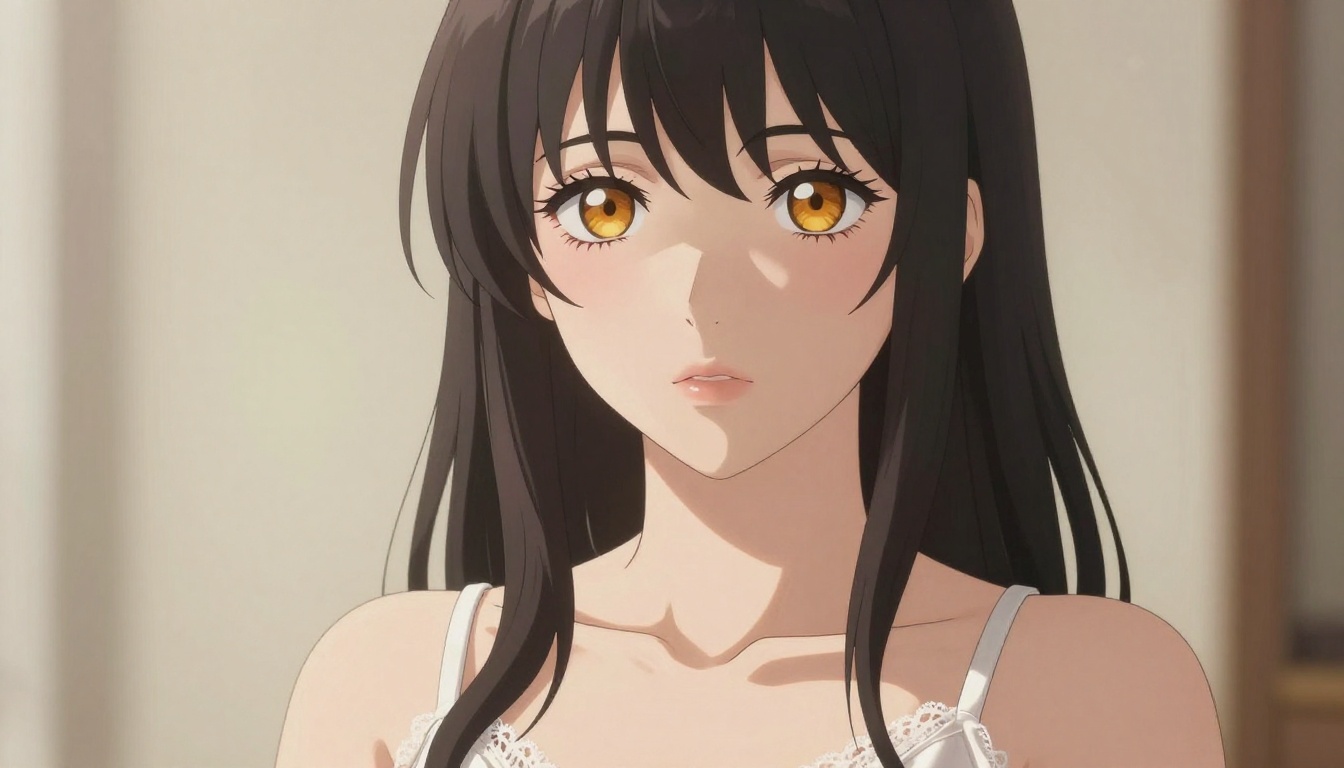
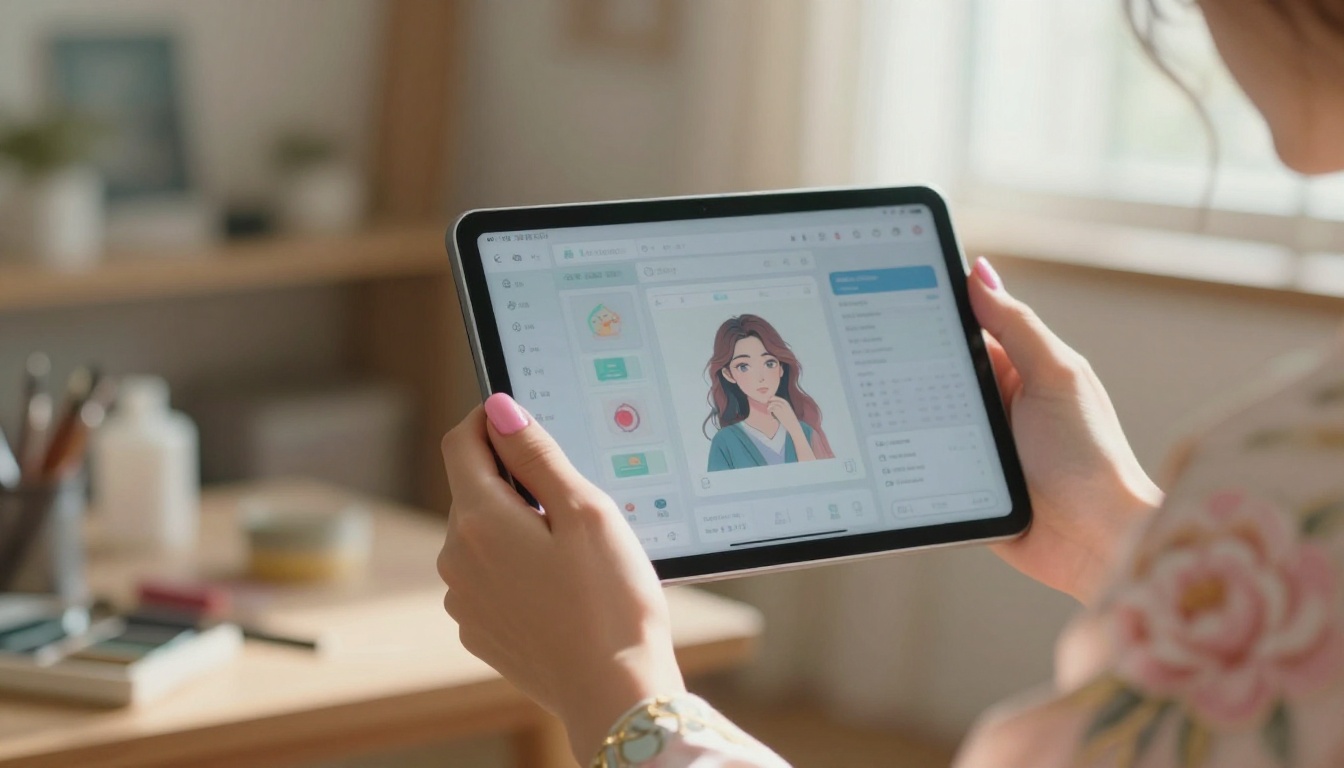
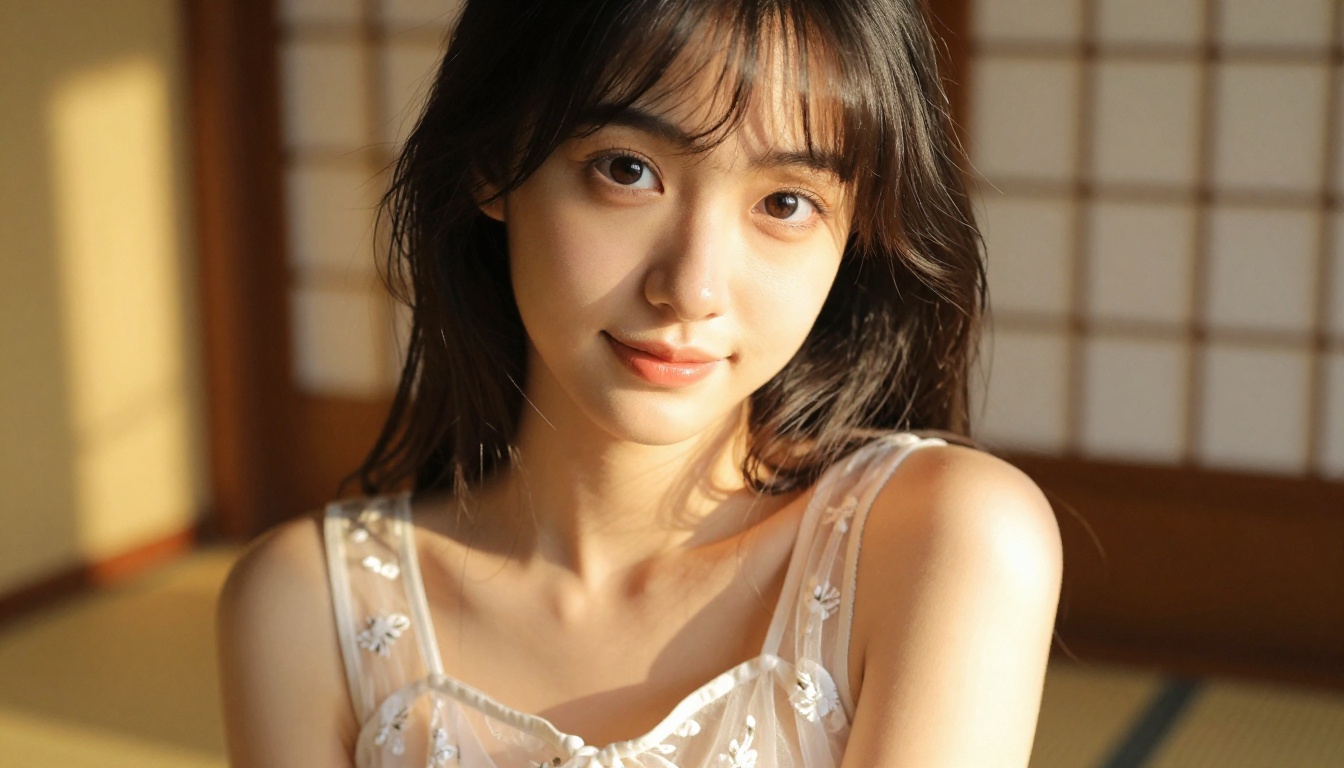
Nano Banana Pro on PicassoIA lets you generate NSFW anime art at 4K with up to 14 reference images and an adjustable safety filter. This article covers the full workflow, prompt formula, and the best NSFW-capable models available for creators who want uncensored results fast.
NSFW anime art has a passionate creative community, and finding an AI generator that actually allows adult-themed content without shutting you down mid-session is the real challenge. Most mainstream platforms block anything suggestive the moment your prompt leaves "safe" territory. Nano Banana Pro on PicassoIA is built differently: it gives you an adjustable safety filter, 4K output, up to 14 reference images, and watermark-free JPG or PNG exports from a single interface with no code required.
Whether you want a single high-quality character illustration or a full series with consistent aesthetics, Nano Banana Pro handles both. This article covers the model's safety settings, a full step-by-step workflow, a prompting formula built specifically for NSFW anime art, and a comparison against the other top NSFW-capable models available on PicassoIA.
What Nano Banana Pro Actually Does
Nano Banana Pro is a Google-built text-to-image model that renders images from a text description at resolutions up to 4K. You describe what you want, optionally upload reference images, choose your settings, and get back a clean image in JPG or PNG without watermarks.
The Safety Filter: Your Most Important Setting
The feature that makes Nano Banana Pro practical for NSFW anime art is its three-level safety filter. This controls which types of content the model will generate.
Safety Level
Setting
Effect on NSFW Anime Art
Strict
block_low_and_above
Most adult content blocked, including mild suggestive themes
Moderate
block_medium_and_above
Allows some suggestive content, blocks explicit
Permissive
block_only_high
Allows suggestive, glamour, and artistic adult content
For NSFW anime art, always set block_only_high. This is the most permissive level and the only one that gives you creative freedom with suggestive anime aesthetics like lingerie, sheer fabrics, boudoir lighting, and artistic nudity in implied or tasteful forms.
Resolution Options
Nano Banana Pro generates at three resolution tiers:
1K - Fast previews, social posts, quick iteration
2K - Standard quality for most use cases (the default)
4K - Print-quality, highly detailed anime art
💡 The smart workflow: prototype at 2K, finalize at 4K. Generating everything at 4K wastes time during the testing phase when you're adjusting prompts.
Reference Images: 14 at Once
This is Nano Banana Pro's most powerful feature for building consistent anime characters. You can upload up to 14 reference images alongside your text prompt to guide the output toward a specific look, style, pose, or setting.
Practical combinations that work well:
2-3 character references (face angles, hair color, body proportions)
2 pose references (body position, gesture)
1-2 lighting or color palette references
1-2 outfit references for clothing detail
The model integrates all these visual cues with your text description to produce results that match your creative intent instead of guessing.
Why This Model for NSFW Anime Art
There are a lot of text-to-image models on PicassoIA. The reasons to choose Nano Banana Pro specifically for NSFW anime content are practical.
4K Anime Art Without Extra Fees
4K resolution at no premium cost matters for anime illustration specifically. The visual elements that define quality anime art need pixel density to look right:
Eyes: Large anime eyes with iris detail, catchlights, and long lashes need resolution
Hair: Gradient coloring, individual strand flow, and shine require fine detail
Skin: Photorealistic skin texture in anime-hybrid art depends on pixel depth
Fabric: Lace patterns, silk sheen, and sheer material transparency all read better at 4K
Flexible Aspect Ratios
Nano Banana Pro supports 11 aspect ratio presets. The most useful for anime content:
Ratio
Ideal For
9:16
Character portraits, mobile wallpapers, vertical social posts
16:9
Scene compositions, desktop wallpapers, YouTube thumbnails
1:1
Profile images, social posts, square prints
4:3
Traditional illustration format, standard prints
2:3
Portrait prints, manga-panel proportions
No Watermarks, Two File Formats
Output comes watermark-free in JPG for web delivery or PNG for transparent backgrounds, print, and design workflows. This matters when you're producing art intended for professional or commercial use.
Step-by-Step: Generating NSFW Anime Art
Here is the complete workflow from opening the model to getting a finished image.
In the model settings panel, find safety_filter_level and select block_only_high. This is non-negotiable for NSFW anime content. The other two settings will block your prompts before the model even tries to generate.
Step 3: Pick Your Resolution and Ratio
For initial testing: 2K with 9:16 or 16:9 depending on your composition
For final output: 4K with your preferred ratio
Step 4: Upload Reference Images
Click the reference image upload section. Start with 3-5 references for the first attempt. Add more if the output doesn't match your vision. Good reference images make a 30-50% difference in output quality for character-specific anime art.
Step 5: Write Your Prompt
The prompt is where most creators leave quality on the table. See the next section for the full formula.
Step 6: Generate and Refine
Hit generate. The model returns your image. Review it against your intent. Adjust the prompt wording, swap reference images, or change the aspect ratio and regenerate. Fast iteration at 2K means you can do 10-15 test runs before committing to a 4K final.
💡 Keep a text document with your best-performing prompts. Nano Banana Pro responds consistently to tested structures, so your notes become a personal prompt library you'll reuse constantly.
The NSFW Anime Prompt Formula
Weak prompts produce weak results. A well-structured prompt with specific visual details consistently outperforms a vague description.
Hair: color, length, texture, style
"long platinum silver hair with slight wave, flowing past shoulders"
Eyes: color, size, expression, details
"large violet eyes with detailed iris, subtle sparkle in the pupils"
Proportions and posture"slender with graceful posture, soft feminine curves"
Skin: tone and texture
"fair porcelain skin with natural rosy flush on cheeks"
Outfit Description for NSFW Anime Art
Material specificity changes everything:
"sheer white lace chemise with spaghetti straps" produces far more detailed fabric than "white top"
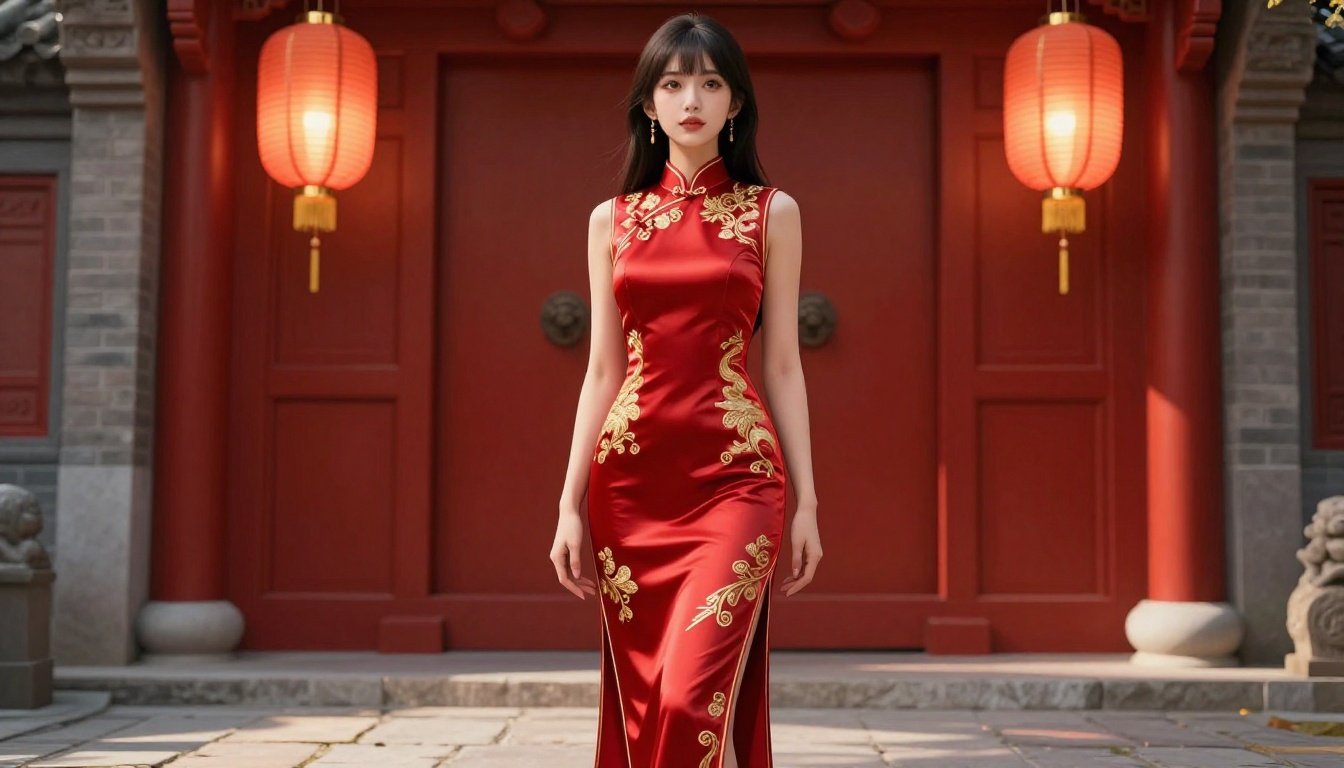
"form-fitting red qipao with thigh-high slit and gold embroidery" produces dramatically different results than "red dress"
"delicate ivory lace bodysuit with floral pattern overlay" is entirely different from "bodysuit"
Lighting: The Single Biggest Quality Variable
Lighting direction and quality affect the entire mood and visual impact:
Lighting Type
Setting
Effect
Volumetric golden hour from the right
Outdoor scenes
Warm, dramatic, rim glow on hair
Soft diffused morning light from left window
Bedroom/indoor
Gentle, intimate, flattering shadows
Directional side light
Studio/minimal background
Classic artistic chiaroscuro
Dappled sunlight through leaves
Outdoor garden
Natural, soft, romantic
Sunset backlighting
Beach, rooftop
Silhouette edges, glowing outlines
Camera and Lens Details
These modifiers push the model toward photorealistic quality:
85mm f/1.4 for portraits with shallow depth of field
35mm f/2.0 for environmental shots with more context
50mm f/2.8 for balanced, natural perspective
100mm macro for close-up detail shots
Add low-angle shot, overhead aerial view, or close-up for composition control
Style Modifiers That Always Improve Results
Always end your prompt with:
photorealistic, 8K, RAW photography, Kodak Portra 400, film grain, natural lighting, hyper-detailed
What to avoid in prompts:
"digital art" or "3D render" - pushes toward flat illustration
"CGI" or "fantasy" - reduces photorealism
"cartoon" or "animated" - wrong style direction
Best NSFW Models on PicassoIA
Nano Banana Pro is one option among many on PicassoIA. For NSFW anime art creation at any scale, here are the models ranked by recommendation.
Seedream 4.5 The top NSFW recommendation. Accepts adult content, supports image editing, and generates ultra-realistic results in under 3 seconds. (Its successor, Seedream 5 Lite, blocks NSFW content - do not use it for this purpose.)
PicassoIA Image Editor Pro The only model with unlimited generations. Elite and Infinite subscribers generate as many images as they want at no additional cost. Generating 1,000 images costs roughly $100 with Nano Banana Pro; with PicassoIA Image Editor Pro on an Infinite plan, it costs nothing extra. Results arrive in under 1 second. Includes a 3-generation free trial with no credit card required.
Qwen Image 2 Open-source model that creates or edits any image in seconds with detailed realism and no hard content restrictions.
Grok Imagine Image Realistically converts any image to a bikini format. Highly effective for outfit transformation on existing photos.
Recraft V4 Very realistic text-to-image results for NSFW content.
P-Image NSFW text-to-image generation in under 1 second.
PicassoIA Video Unlimited text-to-video generation at up to 720p and 5 seconds per clip from text prompts.
P-Video Text, image, or audio to video at up to 1080p. Safety filter is disabled by default, making it practical for NSFW video generation.
Grok Imagine Video Up to 15-second clips from text or image input, no watermarks.
LTX 2.3 Pro Up to 4K at 50fps with retake and extend editing capabilities for precise control.
💡 Unlike mainstream AI platforms, PicassoIA gives creators full creative freedom with uncensored, high-performance models across both image and video generation.
For NSFW anime art, Real ESRGAN handles the characteristic visual features of anime art cleanly because it's trained on anime-style imagery. For photorealistic-anime hybrids, Clarity Pro Upscaler adds impressive skin, fabric, and hair detail.
The Two-Step Production Workflow
Generate at 2K with Nano Banana Pro for fast iteration
Upscale to 4K or 6x with your chosen upscaler for the final
This runs faster than generating at 4K every time, and the two-step process often produces sharper final detail than native 4K generation alone.
Tips That Move Your Results Forward
Lock your seeds. When you get a result you like, copy the seed number. This lets you make prompt variations while keeping the base composition consistent across iterations.
Layer your references. One reference image guides shape and color. Three to five create a much tighter match to your vision. Don't use more than 8-10 unless the additional references add information the others don't cover.
State lighting direction explicitly. "Soft window light from the left" and "side lighting from the right at golden hour" produce completely different results even with identical subject descriptions. Always specify direction and quality.
Use 9:16 for character-focused NSFW content. The vertical format fills the frame with the character instead of wasting space on background. Use 16:9 when the setting matters as much as the character.
Iterate fast, finalize slow. Run 8-12 variations at 2K before committing to a 4K render. Small prompt changes produce meaningfully different outputs, and you'll find better results by testing them at lower cost.
Compare before you commit. Generate 3-4 outputs at 2K with slightly different prompts side by side. The differences between "sheer silk" and "translucent chiffon" or "golden hour backlight" and "warm studio side light" become obvious when you see them together.
Comparing Nano Banana Pro vs. Other NSFW Options
Feature
Nano Banana Pro
Seedream 4.5
PicassoIA Image Editor Pro
Max Resolution
4K
High
High
NSFW Support
Yes (permissive filter)
Yes
Yes
Reference Images
Up to 14
Yes
Yes (img2img)
Generation Speed
Moderate
Under 3 sec
Under 1 sec
Unlimited Plans
No
No
Yes (Elite/Infinite)
Free Trial
Yes
Yes
Yes (3 free, no card)
Best For
4K detail, multi-reference work
Speed and image editing
High-volume creators
The right model depends on your workflow. For a single high-quality piece with multiple reference images at 4K, Nano Banana Pro is hard to beat. For speed and image editing, Seedream 4.5 is the stronger choice. For volume creators who need hundreds of images in a session, PicassoIA Image Editor Pro with an Infinite plan is the only economical option.
Start Generating Your First Image Now
Nano Banana Pro on PicassoIA removes the friction between your creative idea and a finished 4K image. Set block_only_high, load your reference images, write a specific prompt with exact lighting and lens details, and get back anime art that reflects your creative intent without a content filter fighting you every step of the way.
For volume creators, Seedream 4.5 and PicassoIA Image Editor Pro are worth testing alongside Nano Banana Pro. Each handles NSFW anime content with different strengths, and switching between them depending on the project is how serious creators consistently get the best results.