Real estate listings live or die on their photos. Buyers spend an average of 20 seconds scanning a listing before deciding whether to click or scroll past, and the single biggest factor in that decision is image quality. Blurry shots, flat lighting, cluttered rooms - these are not just aesthetic problems; they directly reduce the number of showings and, in most markets, the final sale price.
AI-powered photo editing has changed what is possible for agents, photographers, and sellers who do not have the budget for a full production crew. The tools available today can sharpen a soft image, balance harsh midday light, remove a stray trash bin from a curb shot, or upscale a small MLS thumbnail into a print-ready file. And most of this happens in under a minute.
This breakdown covers exactly how to make real estate photos look better with AI, from fixing basic quality issues to building a repeatable workflow that produces consistent, professional results for every listing.
Why Listing Photos Decide the Sale
The 3-Second Scroll Test
On platforms like Zillow, Realtor.com, and Redfin, the thumbnail is the ad. Buyers filter by price and location, then make snap judgments purely on the visual. Listings with high-quality photography receive significantly more online views, more save-to-favorites actions, and more showing requests than comparable listings with average or poor photos.
The problem is that most listing photos are taken with whatever camera is available, often under poor lighting conditions, and uploaded without any editing. The result is a photo that technically shows the property but does nothing to sell it.
💡 Fact: Professionally photographed homes sell faster and for more money on average. AI gives you professional results without the professional price tag.
What Buyers Actually Notice First
Before reading a single word of the listing description, buyers react to:
- Light: Bright, evenly lit spaces feel bigger and more inviting
- Sharpness: Soft or blurry photos signal neglect, even when the home is in perfect condition
- Color accuracy: Rooms that look washed out or artificially saturated create distrust
- Composition: Wide angles that show room scale vs. cramped shots that hide it
All four of these issues can be addressed with AI photo editing tools, even on photos originally shot with a basic smartphone.
What AI Does to a Property Photo
From Flat to Vivid in Seconds
Traditional photo editing requires skill in Lightroom, Photoshop, or similar software. AI-based editing replaces the manual adjustment process with models trained on millions of photographs. You upload an image, and the AI identifies what needs correcting, then applies targeted, intelligent adjustments without affecting other parts of the photo.
The capabilities available today include:
- Automatic exposure and HDR correction
- AI sharpening and detail recovery
- Noise reduction for dark or grainy shots
- Sky replacement for overcast exterior shots
- Object and clutter removal
- Upscaling to higher resolutions
- Virtual staging for empty properties
No Photoshop Skills Required
This is the core shift. Five years ago, making a real estate photo look professional required either hiring a retoucher or investing months in post-processing software. Today, AI image restoration tools handle the heavy lifting automatically. The user's role is to select the right model, upload the image, and download the result.

Fix Blurry and Low-Resolution Images
Why MLS Photos Go Soft
The MLS upload process compresses images. A sharp photo shot at 24 megapixels gets compressed down to a fraction of its original file size. On small screens this is acceptable, but when buyers zoom in or agents print marketing materials, the quality loss becomes obvious.
On top of compression, many listing photos start out slightly soft to begin with. Handheld shots, slow shutter speeds in low light, and wide-angle lenses pushed to their limits all introduce blur that standard sharpening tools can only partially fix.
Upscale Real Estate Photos with AI
AI super-resolution models work differently from traditional upscaling. Instead of simply expanding existing pixels, they use machine learning to infer detail that should be present based on patterns learned from millions of photographs. The result is a genuinely sharper, higher-resolution image, not just a bigger blurry one.
On PicassoIA, several models specialize in this type of work:
For most MLS use cases, Real ESRGAN produces excellent results on architectural and interior shots. For shots that include people alongside the property, Crystal Upscaler handles skin and surface textures with particular care.
💡 Tip: Always upscale before any other editing step. Starting with the highest quality base image produces better results from every subsequent AI tool applied afterward.
Correct the Lighting Without Reshooting
Common Lighting Problems in Listing Photos
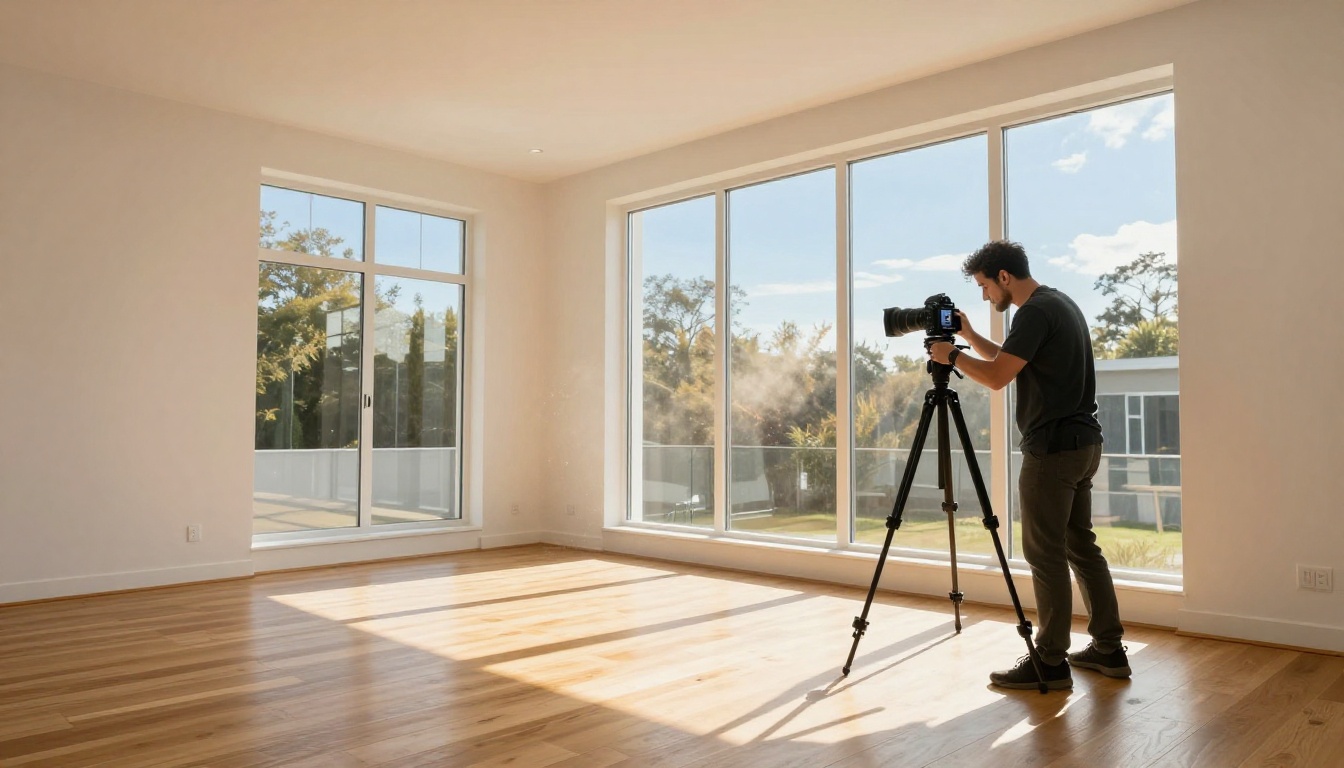
Lighting is the most frequent issue in real estate photography and one of the hardest to fix after the fact using traditional tools. The most common problems are:
- Window blow-out: Bright windows appear pure white and detail-free while the rest of the room looks dark
- Flat overcast light: Gray-sky days produce lifeless exterior shots that look uninviting
- Mixed color temperatures: Warm incandescent bulbs clash with cool daylight coming through windows
- Harsh midday shadows: Direct overhead sun creates deep shadows on exterior facades
AI Lighting Fixes That Work
AI HDR correction tackles window blow-out by analyzing multiple exposure zones in a single image and intelligently balancing them. The result is similar to what a manual HDR bracket would achieve, but without needing multiple source shots.
For exterior shots on overcast days, AI sky replacement tools can swap a flat gray sky for a vivid blue sky with natural clouds, without touching anything else in the frame. This single change takes a lifeless curb shot from forgettable to genuinely appealing.
Mixed color temperature problems are handled automatically by AI white balance models that identify light sources separately and neutralize each zone independently. The output looks like the room was lit by a single, clean natural source throughout.

Remove Clutter and Distractions Automatically
What Kills a Photo's Impact
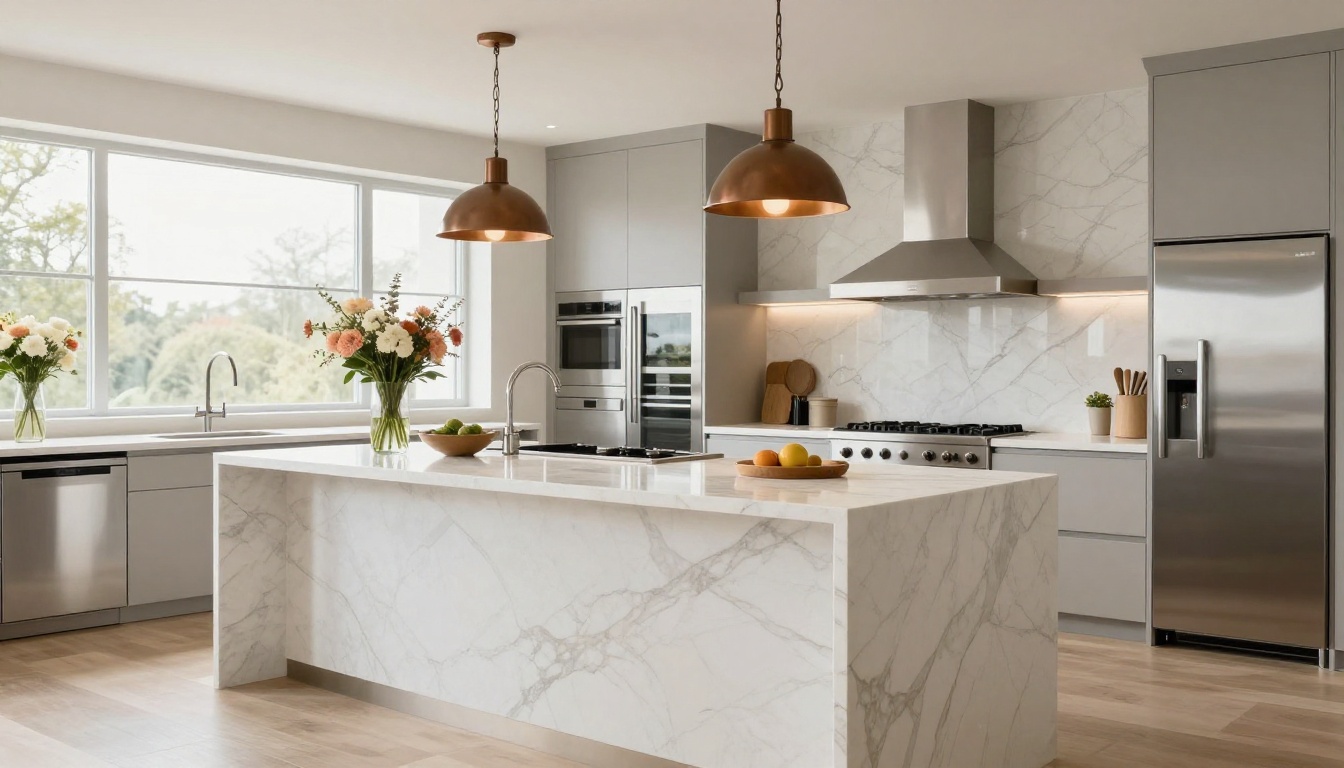
Clutter is a listing photo's worst enemy. A trash can at the curb, a car parked in the driveway, a garden hose coiled on the porch - these details pull the buyer's attention away from the property and signal that the listing is not quite ready. In interior shots, personal items, children's toys, and dated decor create the same problem.
Physical staging solves this on the ground, but staging takes time and money. For properties that need to list quickly, AI inpainting provides a faster alternative.
Object Removal with AI Inpainting
AI inpainting works by letting you paint over the object you want removed. The model then fills in what should be behind it, using surrounding context to generate a plausible replacement. For simple backgrounds like grass, concrete, or painted walls, the results are typically seamless.
For complex cases, such as removing a large vehicle from a driveway where the garage door behind it is partially obscured, combining inpainting with an AI image restoration pass produces the most consistent results.
💡 Tip: For exterior shots, AI background removal is also useful for isolating the property completely, allowing you to place it on a neutral or seasonal background for specific marketing materials.
Virtual Staging: Fill Empty Rooms
Why Empty Rooms Hurt Sales
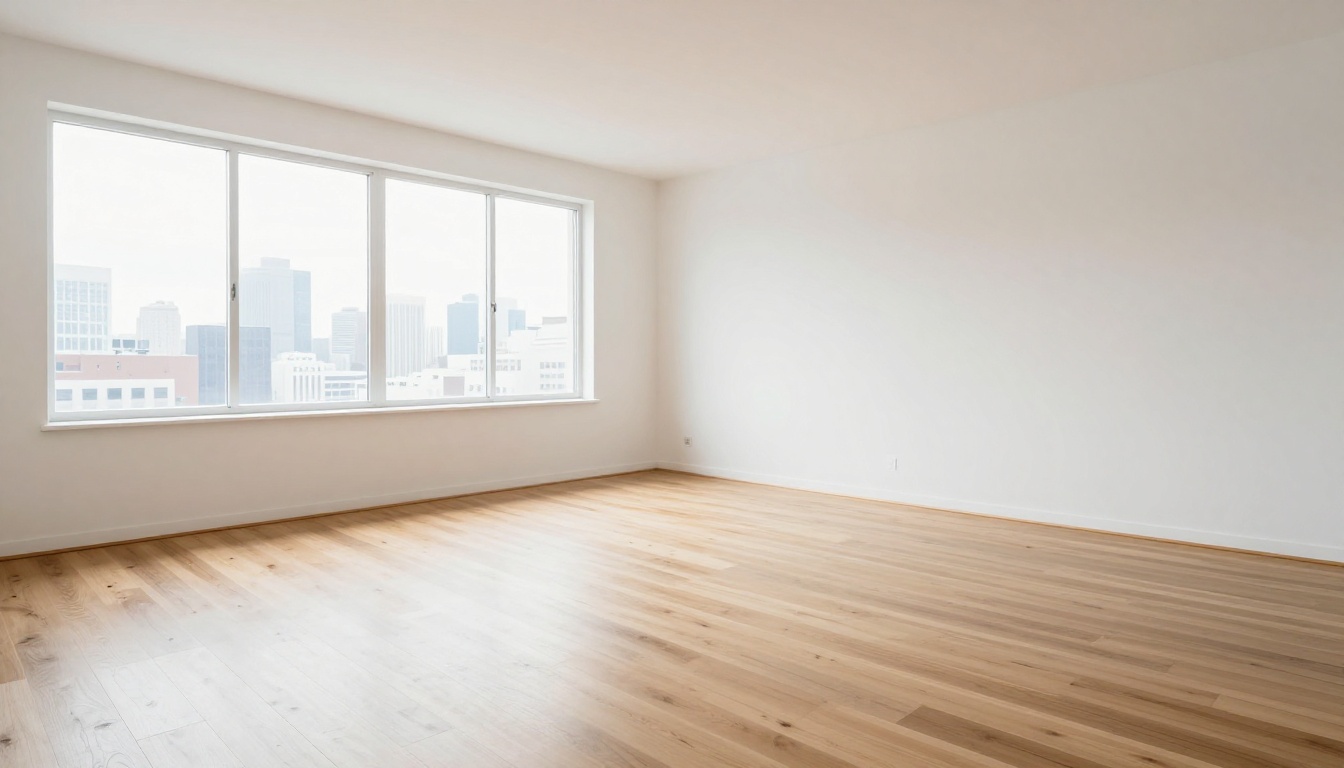
An empty room is a difficult sell. Buyers struggle to visualize how furniture fits, how the space flows, and whether the room is actually usable for their lifestyle. Staged homes, whether physically or virtually, receive stronger offers and spend fewer days on the market than empty ones.
Physical staging costs thousands of dollars per property. Virtual staging using traditional 3D rendering still requires a skilled designer and multiple days of turnaround. AI virtual staging collapses that entire process to minutes.
How AI Staging Compares to Real Staging
| Factor | Physical Staging | Traditional 3D Rendering | AI Virtual Staging |
|---|
| Cost | $1,000 to $5,000+ | $200 to $800 per room | $10 to $50 per room |
| Turnaround | 1 to 3 days | 2 to 5 days | Minutes |
| Realism | Highest | High | High and improving fast |
| Flexibility | Low | Medium | High with instant restyling |
AI staging tools take an empty room photo and add photorealistic furniture, rugs, lighting fixtures, and decor. The best models maintain correct perspective and lighting consistency so staged items appear genuinely present in the space, not pasted on top.
This is particularly valuable for luxury listings where staging expectations are high but turnaround pressure is also intense.
How to Use AI Upscaling on PicassoIA
The following steps apply specifically to the super-resolution models available on the platform and represent the fastest path to sharper, print-ready listing photos.
Step 1: Choose Your Model
Navigate to the Super Resolution category on PicassoIA. For most real estate applications, Clarity Pro Upscaler delivers the best balance of speed and photorealistic detail retention. If you need maximum output resolution for large-format signage or print, Image Upscale by Topaz Labs supports up to 6x upscaling with exceptional edge preservation.
Step 2: Upload and Configure
Upload your source image directly in the model interface. For real estate photos, follow these settings:
- Start with the largest version of the file you have, even if it looks soft
- Set upscale factor based on intended use: 2x for MLS uploads, 4x for print materials, 6x for large-format signage
- Enable detail preservation settings if available, especially for architectural shots with fine lines and window grilles
Step 3: Download and Apply
Processing typically completes in under 30 seconds. Download the output file and use it across:
- MLS listing uploads for maximum display quality
- Social media property posts where sharp thumbnails drive clicks
- Print brochures and property flyers
- Email marketing campaigns
- Virtual tour thumbnail previews
💡 Pro tip: Recraft Crisp Upscale is particularly effective on architectural details, preserving sharp geometric lines and window framing that other models occasionally soften.
Exterior Shot Improvements
Background Cleanup for Curb Appeal
Exterior photos carry extra weight because they are typically the first image in any listing. Curb appeal in photos works exactly like curb appeal in person: buyers make their first impression from the street view, and that impression happens fast.
Common exterior fixes using AI photo editing:
- Sky replacement: Swap overcast or blown-out skies with vibrant blue skies and natural cloud formations
- Lawn color correction: Improve saturation in grass that looks brown or yellowed due to season or time of day
- Driveway cleanup: Remove oil stains, cracks, or parked vehicles using AI inpainting
- Facade color correction: Neutralize color casts from afternoon sun or deep shade on building exteriors
Sky Replacement and Exposure Fixes
Sky replacement is one of the highest-impact single edits in real estate photography. The before and after difference is immediate and requires no other changes to the image. AI sky replacement tools identify the sky region automatically, even around complex tree lines and rooflines, and replace it with a seamlessly blended alternative.
For agents who shoot properties throughout the week in varying weather, this means the day's lighting conditions no longer determine photo quality. A flat gray November morning can produce a listing photo that looks like it was captured on a crisp summer afternoon.
Before vs. After: What Changes Most
The table below summarizes the most common AI edits applied to real estate listing photos and their visible impact on buyer perception:
| Problem | AI Fix | Visible Result |
|---|
| Blurry or soft details | Super-resolution upscaling | Sharp textures, readable fine details |
| Dark interiors | AI HDR correction | Bright, inviting room appearance |
| Overcast exterior skies | Sky replacement | Vivid, appealing curb shots |
| Cluttered rooms | AI object removal via inpainting | Clean, distraction-free images |
| Empty unfurnished rooms | AI virtual staging | Furnished, lifestyle-ready spaces |
| Low-resolution MLS files | P Image Upscale | Print-ready, high-definition output |
| Grainy low-light shots | AI noise reduction | Clean evening and interior photography |
| Color temperature clashes | AI white balance correction | Natural, consistent room lighting |
The combined effect of these improvements is not purely aesthetic. Buyers spend more time on listings with better photos, share them more frequently, and request more showings. For agents and sellers, this translates directly to faster sales and stronger offers at the negotiating table.
Your Next Listing Deserves Better Photos
Good listing photography is not a luxury reserved for high-end properties. Every property benefits from sharp, well-lit, properly edited images. The difference between a listing that sits for 90 days and one that generates multiple offers in the first week is often as simple as the quality of the first three photos in the gallery.

AI has removed the biggest barriers to professional real estate image editing: cost, time, and technical skill. With tools like Clarity Pro Upscaler, Real ESRGAN, and Image Upscale by Topaz Labs available on demand, the only thing standing between a mediocre listing photo and a great one is the decision to edit it.
The workflow is straightforward: start with the best photo you have, upscale it for maximum resolution, apply lighting and color corrections, remove distractions, and stage empty spaces where needed. Each step takes minutes. The results hold up against what professional retouchers were producing just a few years ago, at a fraction of the cost.

PicassoIA brings together the best AI image improvement models in one place. Whether you are an agent managing a high volume of listings, a photographer building out your service offerings, or a seller who wants to give their property the best possible presentation, the platform gives you access to professional-grade tools without a subscription to legacy software or a dedicated retouching budget.
Take your next listing photo, upload it to PicassoIA, and run it through the super-resolution models. The difference will be visible in seconds. From there, every subsequent AI edit builds on a stronger base, and the final result is a set of listing photos that genuinely do the work of selling the property before a single showing is scheduled.


