Every month, millions of people watch travel videos of places they will never visit. Some watch for inspiration, some for entertainment, and some because a 30-minute video of Santorini at sunset is genuinely more relaxing than anything on Netflix. The people making those videos used to need a plane ticket, a camera kit, and weeks of free time. They do not need any of that anymore.
AI video models have gotten good enough, fast enough, that creators are now building entire travel channels without ever leaving their apartments. The footage looks real. The landscapes are breathtaking. The process takes a few hours, not a few months. This is not a hypothetical future scenario. It is happening right now, and this article shows you exactly how it works.
Why Creators Are Skipping Real Travel
The real cost of a travel vlog
A single travel vlog episode, shot professionally, costs between $2,000 and $15,000 when you add up flights, accommodation, camera gear, editing time, and the opportunity cost of being away from home for a week. For most aspiring creators, that math simply does not work. You cannot build an audience while going into debt on every video.
The dirty secret of travel content is that most successful channels reached their peak subscriber counts in 2016-2019, when competition was low and YouTube's algorithm heavily favored the format. Today, trying to out-travel the travel channels that already exist is an almost impossible uphill climb.
AI changes that equation entirely.
What shifted in the last 18 months
The leap from "AI video looks obviously fake" to "AI video is indistinguishable from real footage" happened faster than almost anyone in the industry predicted. Models like Kling v3 Video, Veo 3, and Seedance 1.5 Pro can now generate 1080p footage with natural camera motion, realistic lighting, and believable environmental detail from a single text description.
That is a watershed moment for content creators. It means that the gap between "I want to make travel content" and "I am making travel content" is now measured in hours, not months.
The AI Stack for Virtual Travel Videos
Text-to-video models that actually deliver
Not all AI video models are equal when it comes to travel content. Travel footage has specific demands: accurate geography, realistic atmospheric conditions, natural light behavior, and environmental consistency. Here are the models worth using.
💡 Pro tip: Use Ray 2 720p for rapid prototyping to test your scene descriptions, then re-run the best ones through LTX 2.3 Pro or Kling v3 Video for final quality output.
Image-to-video for maximum realism
The most powerful workflow for travel content combines two steps. First, generate a photorealistic still image of your destination using a text-to-image model. Second, animate that image into video using an image-to-video model. This two-step approach gives you more control over the scene composition before committing to a full video generation.
Wan 2.7 I2V is particularly strong for this workflow. Upload a still image of an Icelandic waterfall or a Moroccan medina and it produces smooth, natural camera motion that makes the scene feel alive. The model respects the original image's color profile and lighting, which means your footage maintains visual consistency across cuts.
How to Use Kling v3 on PicassoIA
Kling v3 Video is one of the most capable text-to-video models available for travel content. It handles complex environmental scenes, realistic water simulation, and natural atmospheric haze with a consistency that other models still struggle to match. Here is the exact workflow to get cinematic travel footage from it.
Step 1: Write a cinematic scene description
The single biggest factor in output quality is prompt quality. Kling v3 responds extremely well to prompts that describe the scene like a director briefing a cinematographer, not like someone typing a Google search.
Weak prompt: "beach in Thailand"
Strong prompt: "Wide-angle cinematic shot of a deserted white sand beach in southern Thailand at golden hour, gentle waves rolling in from the Andaman Sea, palm trees swaying in a warm offshore breeze, warm amber sunlight from the left creating long shadows across wet sand, slow push-forward camera movement, photorealistic, 1080p"
The difference in output quality between these two prompts is dramatic. Specify the time of day, the camera movement, the light direction, and the mood you want. Every detail you add narrows the space of possible outputs toward the one you actually want.
Step 2: Set resolution and duration
On PicassoIA, after entering your prompt, you will see options for video duration (typically 5 or 10 seconds) and resolution. For travel content that you plan to edit into longer videos:
- 5-second clips are ideal for B-roll cutaway shots
- 10-second clips work better for establishing shots and main scene reveals
- Always choose 1080p or higher for content you plan to publish
Generate multiple variations of the same scene. Even with an identical prompt, each generation produces a different result. Run the same prompt 3-4 times and keep the strongest output.
Step 3: Iterate and build your scene library
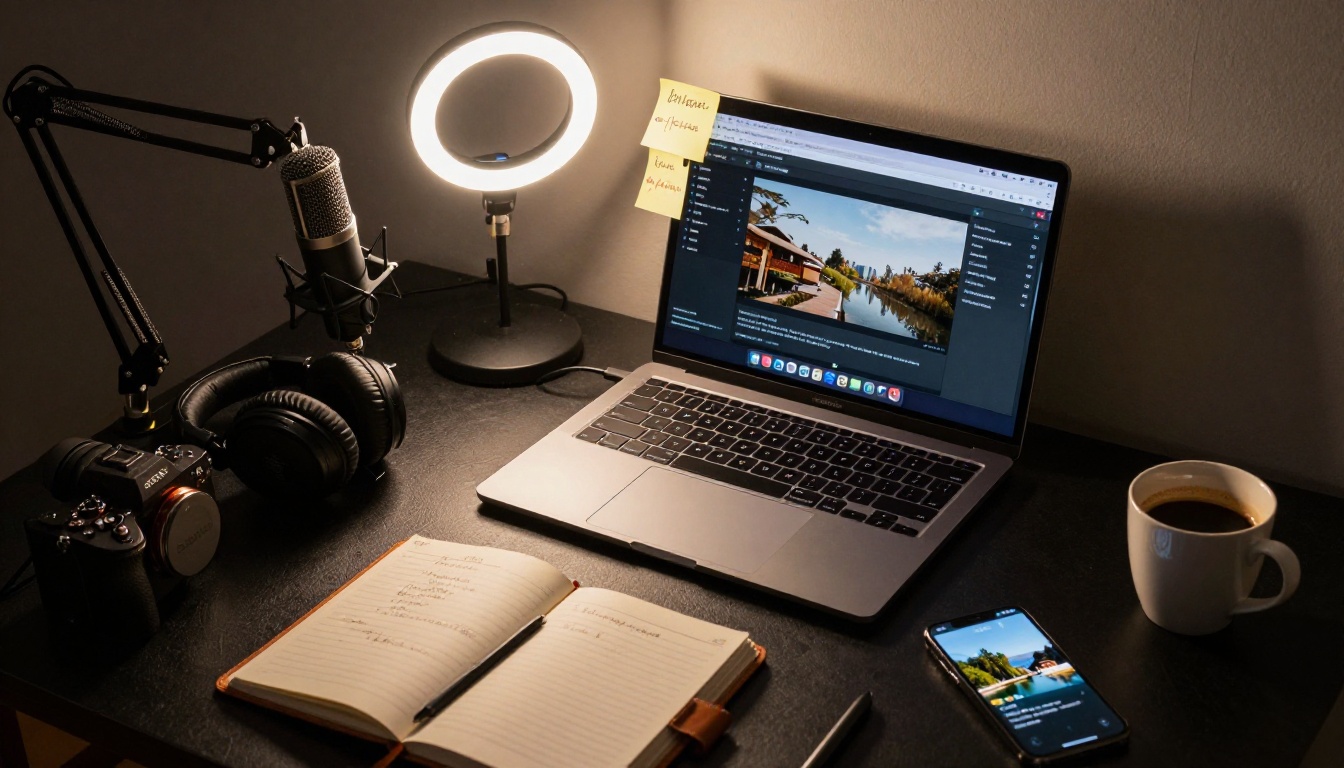
Think of each generation session as building a library, not producing a single clip. For a 10-minute travel video about Bali, you might need 40-60 individual clips covering different locations, times of day, and camera angles. Batch your prompt writing, generate everything in one session, then edit.
💡 Structure your prompts in sets: Write 10 prompts for sunrise shots, 10 for market scenes, 10 for rice terrace footage, 10 for beach shots. This way your editing session has ample material for a complete video.
Picking the Right Destinations
Where AI video models perform best
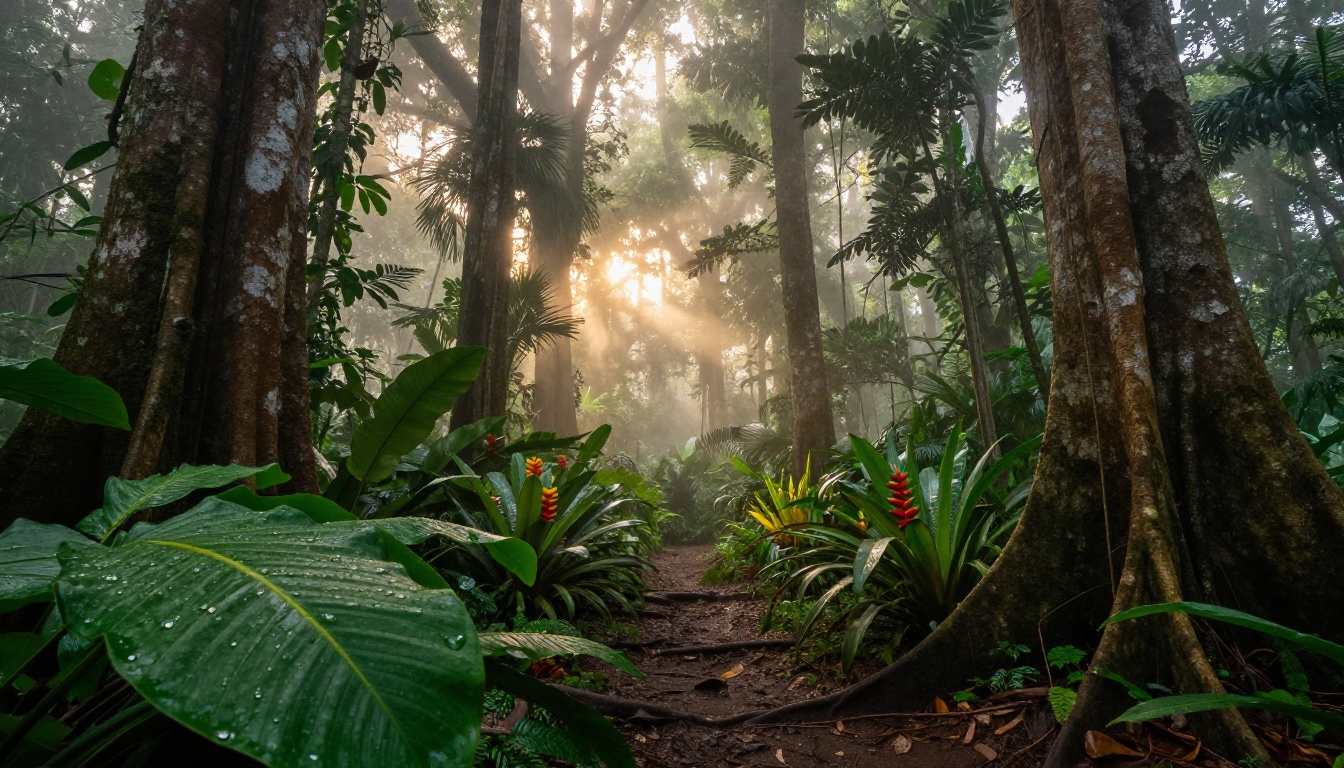
Some destinations produce consistently stunning results with today's models. These tend to be places with strong visual identity, dramatic natural landscapes, and distinctive architectural or environmental features that the models have seen extensively in training data.
Top-performing destinations for AI travel video:
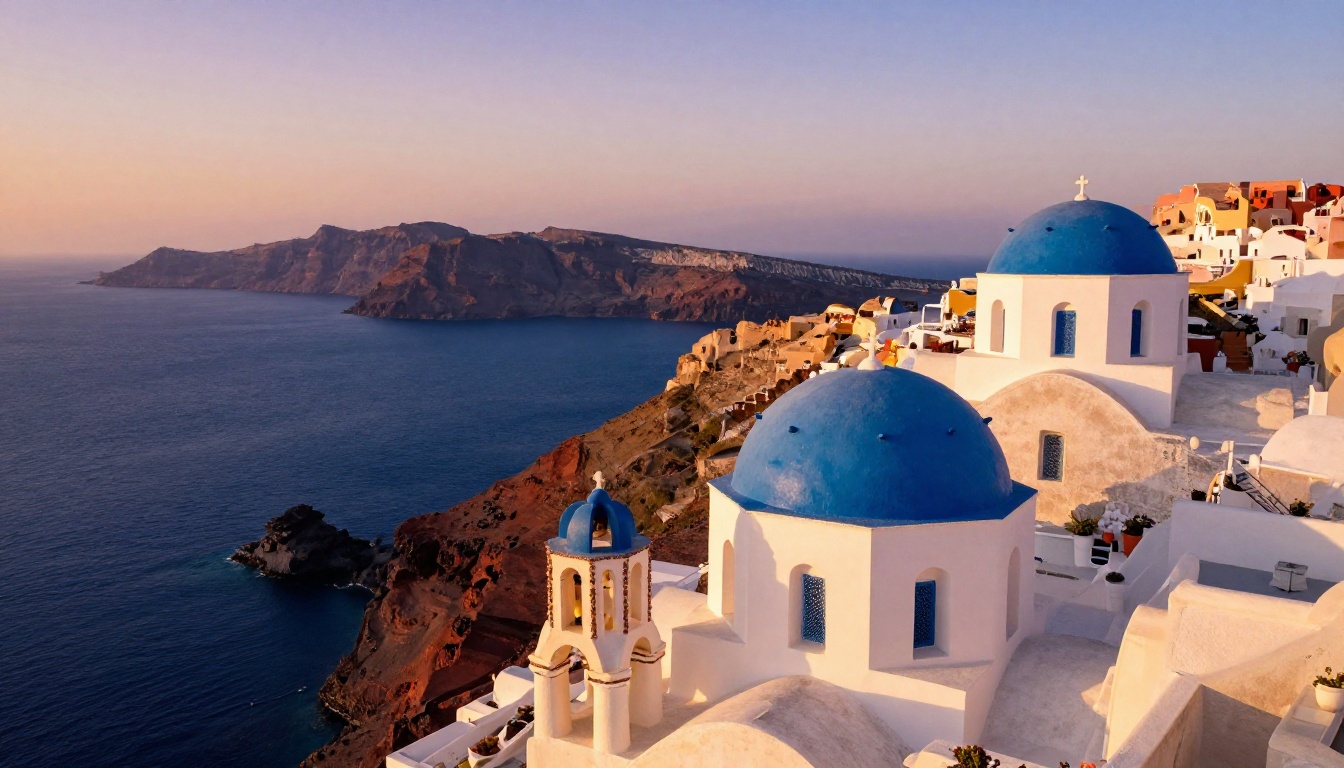
- Santorini and the Greek Islands: The combination of white architecture, blue domes, and deep blue Aegean consistently comes out beautiful
- Japanese temples and gardens: Cherry blossoms, autumn foliage, and Zen garden layouts render with remarkable accuracy
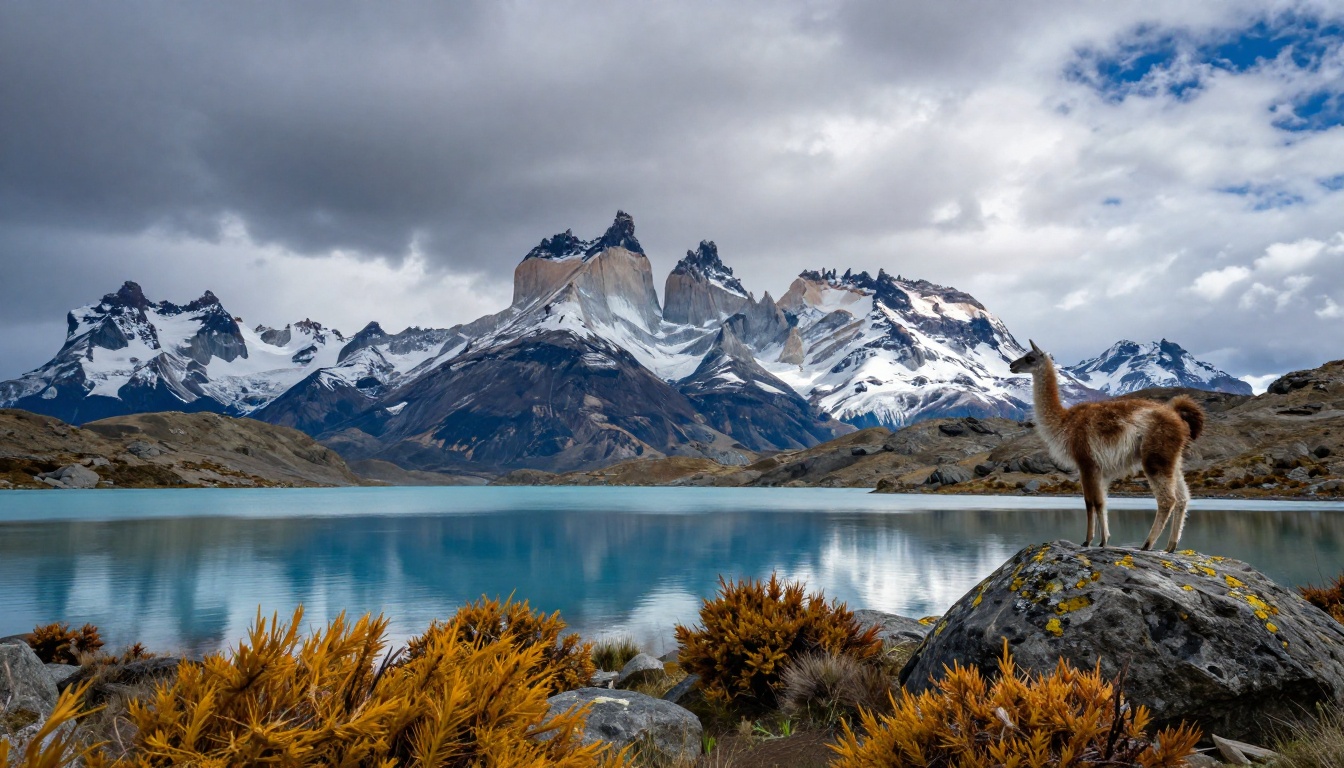
- Patagonia and the Andes: Mountain and glacial lake combinations with dramatic skies
- Moroccan medinas: Narrow alleyways, colorful tiles, and market scenes
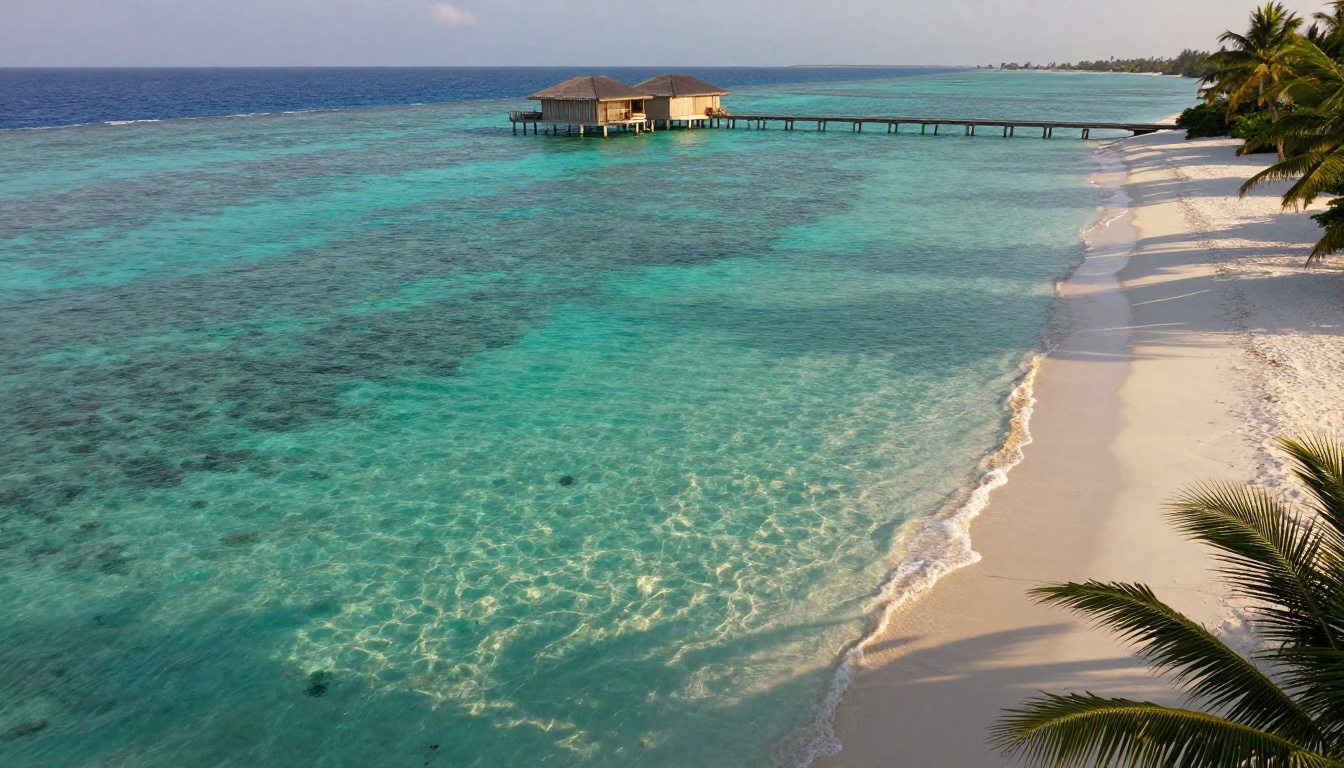
- Maldivian atolls: Crystal water, overwater bungalows, and coral reefs visible below the surface
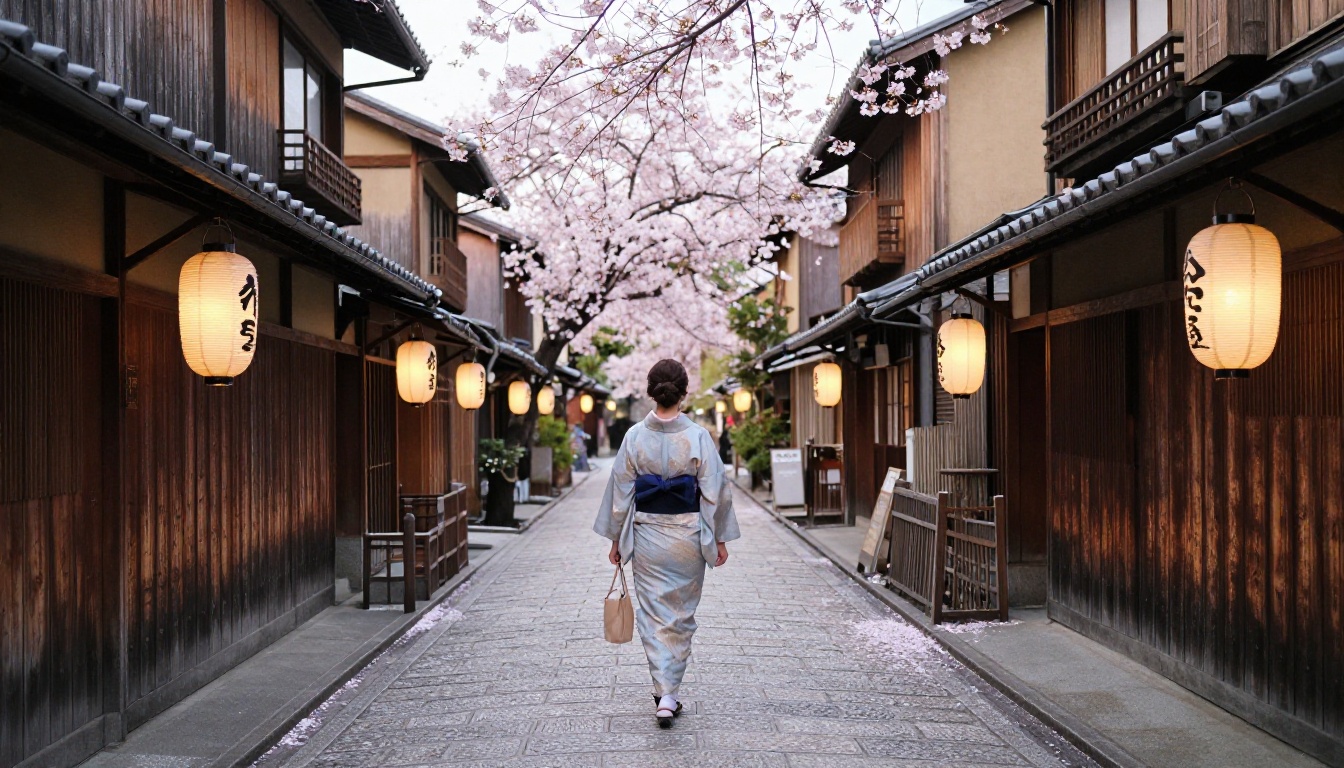
- Kyoto street scenes: Traditional architecture with seasonal elements in sharp detail
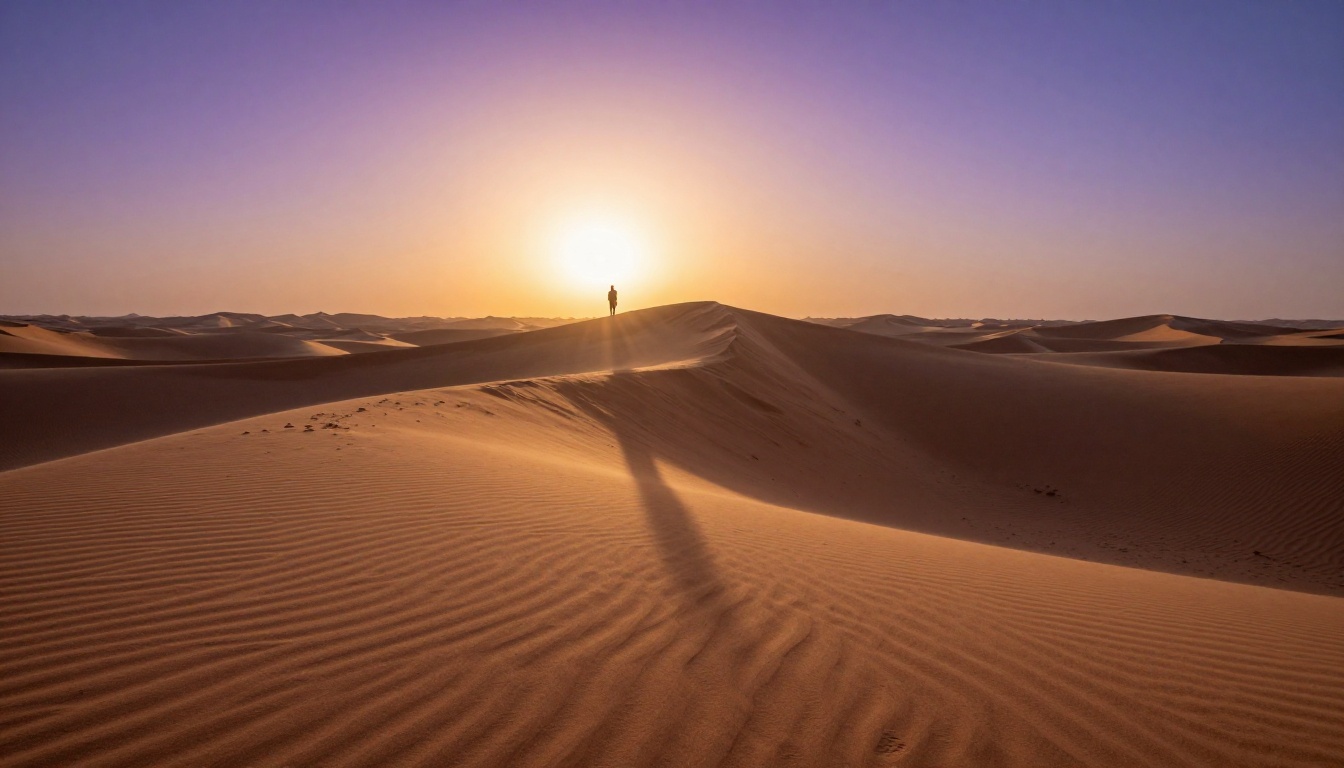
- Sahara dune fields: Sand textures and desert light at sunrise or sunset
Where to be cautious
Some destination types still present challenges. Dense urban environments with heavy signage (Tokyo Shibuya crossing, Times Square) often produce garbled or inconsistent text in signage. Scenes that require specific cultural accuracy in dress, food, or ritual also need careful prompting to avoid errors. In these cases, generate multiple takes and select outputs where the problematic elements are less prominent, or frame your shot descriptions to minimize them using aerial angles or wide compositions with distant subjects.
Writing Your Virtual Travel Script
The structure that keeps viewers watching
The biggest mistake first-time virtual travel creators make is treating the AI footage like raw camera footage without considering the narrative arc. Viewers stay for the story, not just the scenery.
A simple 3-act structure works reliably for travel videos:
- Arrival: Establish where you are and create a sense of anticipation. Wide establishing shots of the destination. Voiceover or on-screen text sets context.
- Exploration: Move through different aspects of the destination. Markets, landscapes, food scenes, local textures. Shorter clips, faster edit rhythm.
- Departure moment: A final, slower sequence with the most beautiful footage. This is where you put your best Kling v3 or LTX 2.3 Pro clips. Leave the viewer wanting more.
This structure works whether your video is 5 minutes or 30 minutes. The ratio changes, but the arc stays the same.
Voiceover and music that work together
Seedance 1.5 Pro and Veo 3 can generate video clips with native audio ambience built in, which gives you a significant head start on audio design. For voiceover, text-to-speech models on PicassoIA's platform can generate natural-sounding narration in multiple accents and styles.
For music, AI music generation models let you describe the mood and instrumentation you want, and produce royalty-free tracks that match your footage. This means you can build a complete travel video with AI-generated video, AI-generated voiceover, and AI-generated music without touching any third-party licensed material.
The Real Quality Difference Between Models
Understanding when to use which model saves a lot of time and credits. Here is a practical breakdown based on the specific visual qualities each model handles best.
| Visual Element | Best Model | Why |
|---|
| Ocean and water | Kling v3 Video | Best wave simulation and caustic light rendering |
| Urban streets | Seedance 1.5 Pro | Strong on crowd and movement realism |
| Mountains and sky | Wan 2.7 T2V | Excellent atmospheric perspective depth |
| Architecture details | LTX 2.3 Pro | 4K detail for close architectural shots |
| Fast camera moves | Pixverse v5 | Strong kinetic motion handling |
| Animating still images | Wan 2.7 I2V | Best image-to-video fidelity |
| Fast draft testing | Hailuo 02 Fast | Fastest generation for iteration |
💡 Matching model to scene: Before starting any project, list every scene type you need. Assign the right model to each scene type before generating. This prevents wasting credits running landscape shots through a model optimized for urban footage.
Building a Channel Around This Workflow
Posting frequency and batch production
The economics of AI travel content are radically different from traditional travel channels. A traditional creator might post one video per month due to travel logistics. With AI generation, batch production is entirely realistic.
A common workflow for consistent creators:
- Monday: Script writing for 4 videos (2-3 hours total)
- Tuesday: Bulk image and video generation sessions (4-5 hours)
- Wednesday-Thursday: Editing, voiceover recording or generation, music layering
- Friday: Final review and scheduling
This produces 4 videos per week at a fraction of the cost of a single traditionally-filmed travel video. The output quality, when prompts are well-written and model selection is intentional, competes directly with mid-tier human-filmed travel content.
Revenue models that actually work
Virtual travel content opens up several revenue streams that traditional travel channels also use, plus a few unique to AI creators.
Standard channels:
- YouTube AdSense on destination-based videos (high CPM for travel niche)
- Affiliate marketing for travel booking platforms, luggage brands, language apps
- Sponsorships from brands targeting travelers (visa services, travel insurance, gear companies)
AI-specific opportunities:
- Selling AI travel video prompt packs to other creators
- Teaching AI video production through courses or memberships
- Licensing AI-generated footage to stock video platforms that accept AI content
💡 Disclosure matters: As AI video becomes more common, audiences have strong feelings about transparency. Many of the most successful AI travel channels openly state that their footage is AI-generated and frame that as part of their creative identity, not a limitation. This honesty builds trust and often becomes a competitive differentiator.
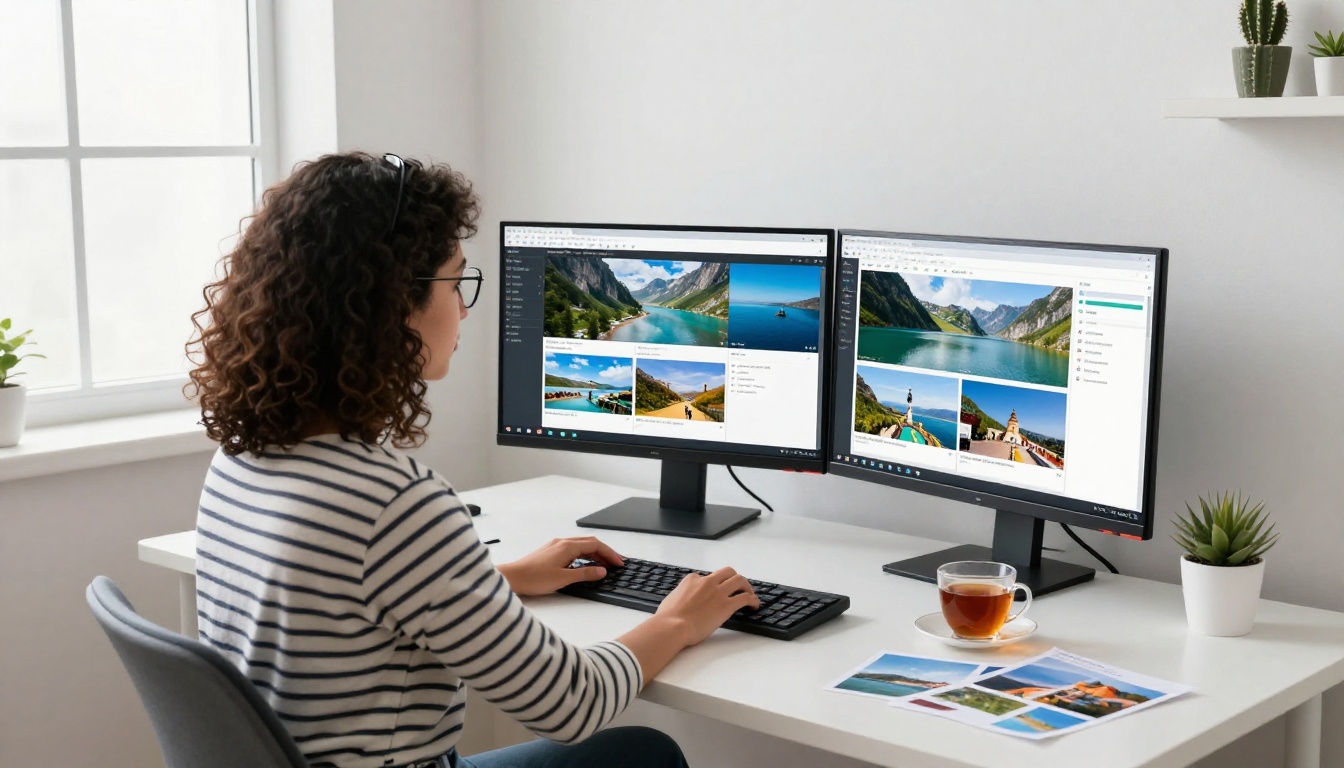
Your First AI Travel Video Starts Here
The window between "early adopter advantage" and "everyone is doing this" in any content format is always shorter than it looks from the outside. Text-to-video quality in 2027 is at the point where the barrier is no longer technical. The barrier is creative, which means it favors people who think carefully about storytelling, scene composition, and audience experience.
Every model mentioned in this article is available right now on PicassoIA. You do not need a separate account for each one, no API keys to manage, no local GPU to configure. You write a prompt, choose your model, and your footage is ready in minutes.
Pick one destination you have always wanted to visit. Write a 50-word scene description. Run it through Kling v3 Video or Wan 2.7 T2V. See what comes back. Then run it again with a slightly different prompt and compare the outputs. That iterative process is where your eye for AI travel content develops, and it costs nothing but time.
The world is waiting on your screen. The only thing left to do is start generating.