Vertical videos dominate the adult content landscape right now. Whether you're creating for subscription services, private projects, or platform distribution, the 9:16 format is where audience attention lives. Wan 2.7 Pro gives you three distinct AI pipelines to produce that content from text prompts, reference images, and existing footage; and when you pair it with the right image generation tools, the quality output is genuinely striking.
This article walks through every step of the workflow: picking the right Wan 2.7 model for your use case, crafting prompts that produce consistent 9:16 output, pairing image and video generation for a polished result, and which PicassoIA models to use when you need NSFW-friendly generation without restrictions or hidden filters.
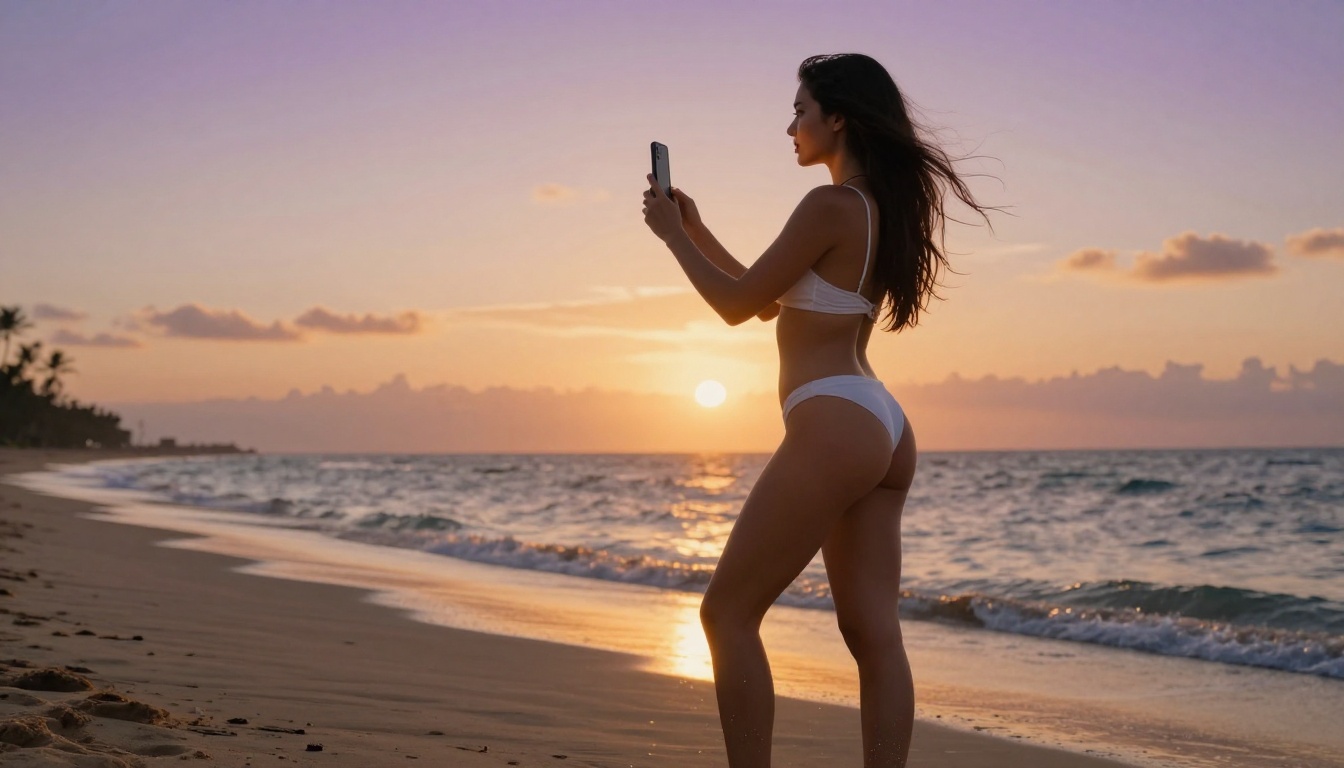
What Wan 2.7 Pro Actually Does
Wan 2.7 isn't a single model. It's a family of three specialized pipelines, each targeting a different input type and use case. Picking the right one from the start saves you from reworking your entire production setup after the first failed batch.
- Wan 2.7 T2V generates video directly from a text prompt. No reference image needed. Best for fully creative, generative content where you want the AI to construct the scene entirely from your description.
- Wan 2.7 I2V takes an existing image and animates it into video. This is the most reliable pipeline for adult content because you control the visual source material before animation begins.
- Wan 2.7 R2V uses a reference subject image to animate another target scene. It lets you impose a subject's appearance and identity onto a completely different environment described by text.
Most creators default to T2V for its simplicity, but I2V and R2V are where the real production power lives, especially when consistency across scenes matters. A series of vertical clips featuring the same subject requires R2V or a carefully managed I2V workflow.
Why 9:16 Ratio Needs Explicit Setup
AI video models weren't all trained on vertical footage. Many default to 16:9 landscape output. Wan 2.7 Pro supports vertical output natively, but you need to set it explicitly in the parameters before generation. On PicassoIA, look for the aspect ratio selector and choose 9:16 before submitting your prompt. Skipping this step is the single most common reason people get landscape output they didn't intend.
For adult vertical content, 9:16 at 720p or 1080p is the target. Wan 2.7 generates at high fidelity, so the resolution holds up even when repurposed across different platforms. Higher resolution also gives you flexibility to slightly reframe or crop without losing sharpness.
Wan 2.7 vs. Earlier Versions
Wan 2.7 is the current ceiling for this model family, but earlier versions remain available and serve specific roles:
For production work, Wan 2.7 is worth the additional generation time. The earlier models are useful for quick iteration when you want to test a prompt direction before committing to a full 2.7 generation.
The Best Models on PicassoIA for NSFW Images
Before you can use Wan 2.7 I2V or R2V, you need a source image. That means picking an image model that supports adult content. Most mainstream AI platforms filter or block it. PicassoIA doesn't.
Seedream 4.5: Start Here
Seedream 4.5 is the top recommendation for NSFW image generation on PicassoIA. It accepts adult content, supports image editing workflows, and generates results in under 3 seconds with remarkably realistic output. When you need a source frame that looks photographic and will hold up under Wan 2.7 I2V animation, Seedream 4.5 is where the workflow begins.
One critical note: Seedream 5 Lite does not support NSFW content. The naming creates confusion. Stick with version 4.5 for this use case. The newer version blocks adult prompts entirely.
PicassoIA Image Editor Pro: Unlimited Output
PicassoIA Image Editor Pro is an img2img editor that accepts NSFW prompts and returns results in under 1 second. Its defining advantage is volume: Elite and Infinite plan subscribers get unlimited generations. If you're building a large batch of source frames for multiple video sequences, this is the economical choice. Comparable models charge per generation, and at scale that adds up to roughly $100 for 1,000 images. With PicassoIA Image Editor Pro, that's included in your plan. A 3-generation free trial is available with no credit card required.
Other Strong Image Model Options
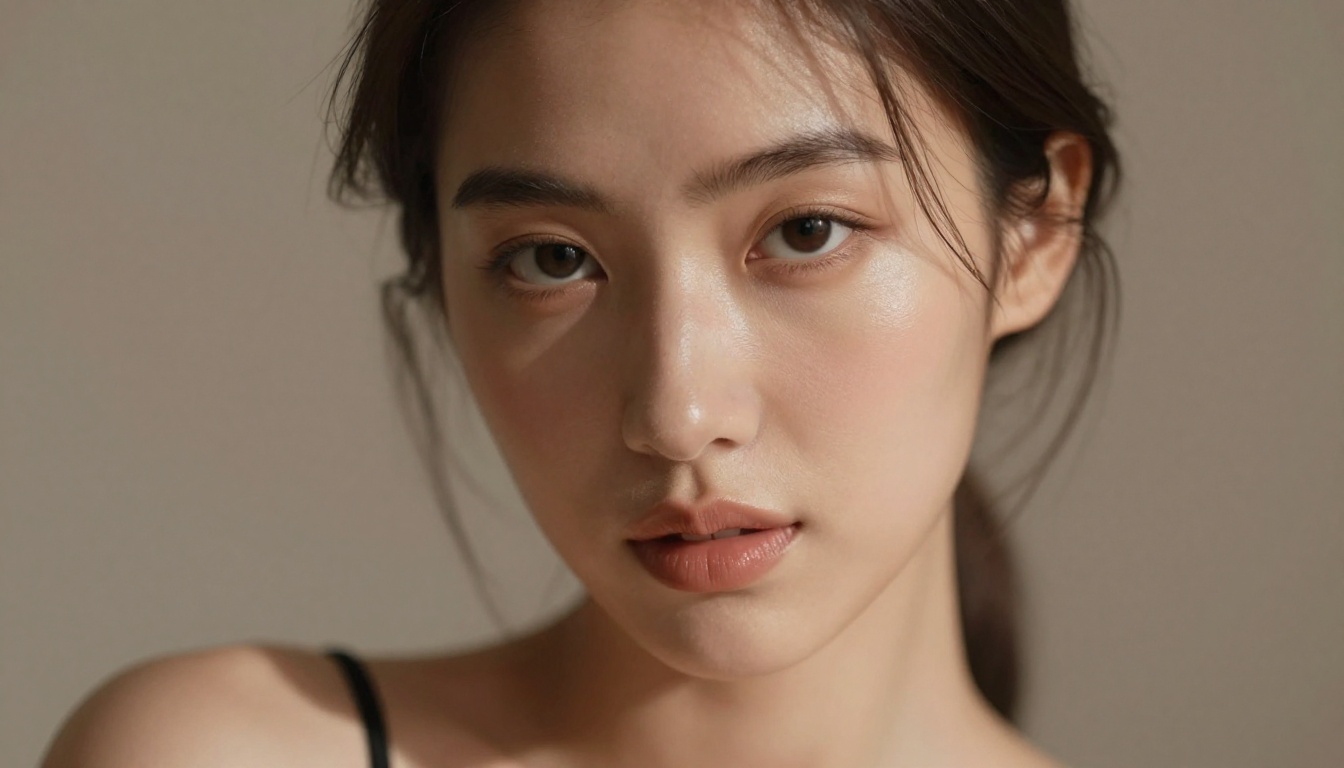
Using Wan 2.7 T2V on PicassoIA
Text-to-video is the fastest path into this workflow. You write a prompt, set your parameters, and receive video with no source material needed. The tradeoff is less control over subject appearance and consistency compared to I2V and R2V.
Setting Up Prompts for 9:16 Vertical Video
The default prompt framing for video models tends toward landscape-oriented thinking. To shift to vertical, anchor your prompt in portrait-mode framing from the very first phrase. The model reads the beginning of prompts with higher weight than the end.
What works:
- "Close-up vertical portrait, woman in white lace lingerie walking slowly toward camera, soft bedroom lighting, 9:16"
- "Low-angle upward shot of woman in bikini on beach, vertical frame, golden hour sun behind her, natural wind movement"
- "Vertical format tight shot of a woman at a hotel pool, camera at water level, slow tilt upward"
What fails:
- Wide establishing shots (they look compositionally wrong cropped to vertical)
- Multiple subjects at once (they compete for the narrow vertical frame space)
- Action that requires horizontal panning (the frame physically cuts it off)
💡 Tip: Lead with your camera angle and framing instruction. "Close-up vertical shot" at the start of a prompt significantly improves 9:16 ratio compliance compared to burying the instruction mid-sentence or adding it as a tag at the end.
Parameters That Change Output Quality
On Wan 2.7 T2V, these parameters matter most for adult content:
| Parameter | Recommended Value | Why |
|---|
| Aspect Ratio | 9:16 | Native vertical output without post-crop |
| Resolution | 720p or 1080p | Clean detail on body and fabric |
| Duration | 5 seconds | Stable subject, less temporal drift |
| CFG Scale | 7 to 9 | Higher adherence to your prompt description |
| Motion Amount | Medium | Avoids aggressive facial and body warping |
Low motion amount is underrated specifically for adult content. Too much motion creates facial distortion and limb artifacts over the clip duration, which breaks the realism entirely. Keep it at medium unless you specifically need strong movement as a creative choice.
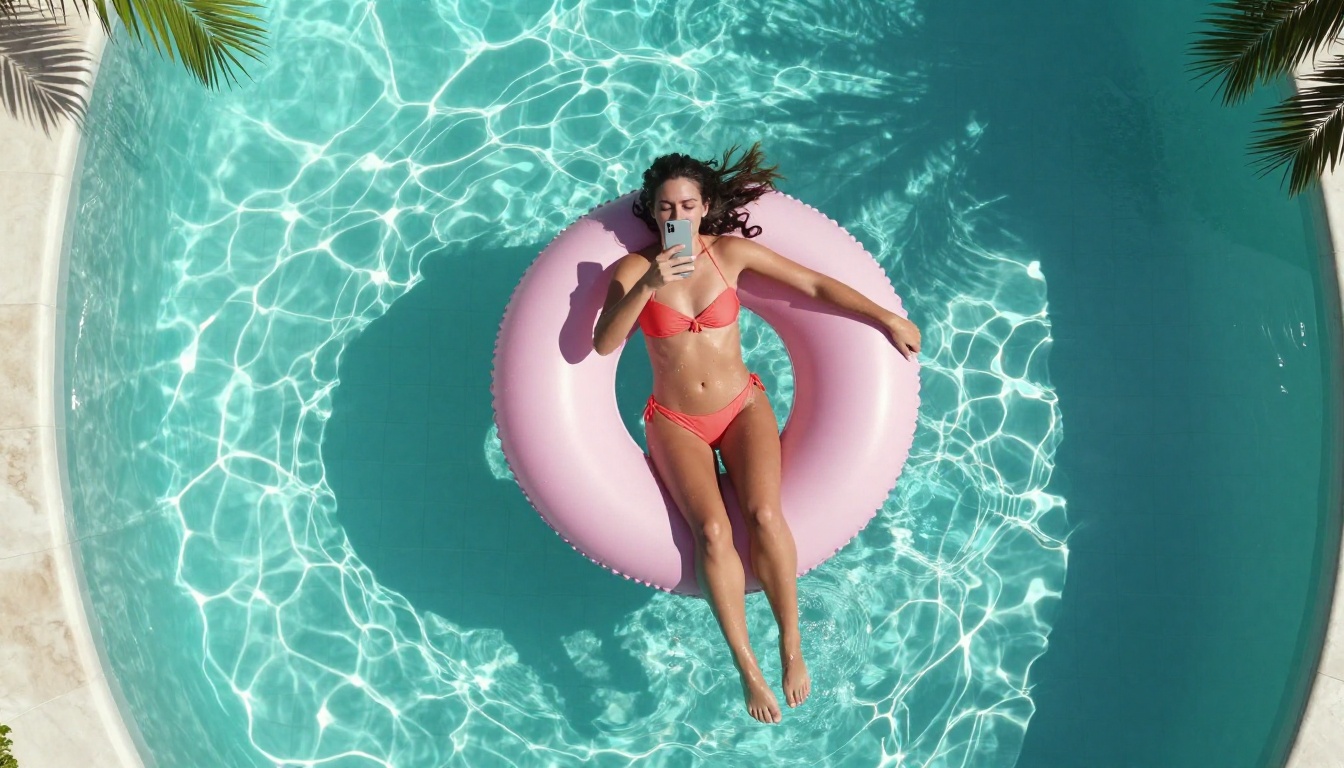
Wan 2.7 I2V: Animating Your Still Shots
Image-to-video is where Wan 2.7's real strength shows for adult content production. You generate a high-quality still image first using one of the NSFW-friendly image models, then animate it. The result is far more consistent than pure T2V because the model has a concrete visual anchor to work from throughout the generation process.
Picking Source Images That Animate Well
Not every image animates cleanly. The images that produce the best I2V results share specific compositional traits:
- Clean backgrounds with soft depth of field rather than busy environments
- Clear subject edges with natural separation from the background
- Neutral or slightly dynamic poses rather than fully rigid or extreme positions
- Directional lighting rather than flat even lighting, because directional light creates shadow data the model uses to simulate movement
Images generated with Seedream 4.5 consistently perform well as animation source frames because of their photorealistic quality and natural skin rendering. The model's output format is compatible with Wan 2.7 I2V input requirements without resizing or format conversion.
Motion Prompts for I2V Adult Content
For I2V, the motion prompt describes what happens in the video, not what's in it. The image already handles subject appearance. Structure your I2V motion prompts with this framework:
Structure: Subject action + Body part or focal movement + Camera movement + Duration arc
Strong examples:
- "Woman slowly turns her head toward camera, hair falling across shoulder, gentle breeze lifts the fabric of her top, camera holds completely still"
- "Subject leans forward slightly from seated position, shoulders rotating naturally, soft chest breathing motion visible, very slight camera push-in over 5 seconds"
- "Figure gradually stands from seated position on bed edge, smooth upward motion, camera tilts up slowly to follow, ending on face in close-up"
Keep motion descriptions precise and physical. Vague instructions like "she moves naturally" produce inconsistent results. Specific descriptions that reference body mechanics deliver controlled, repeatable animation quality.
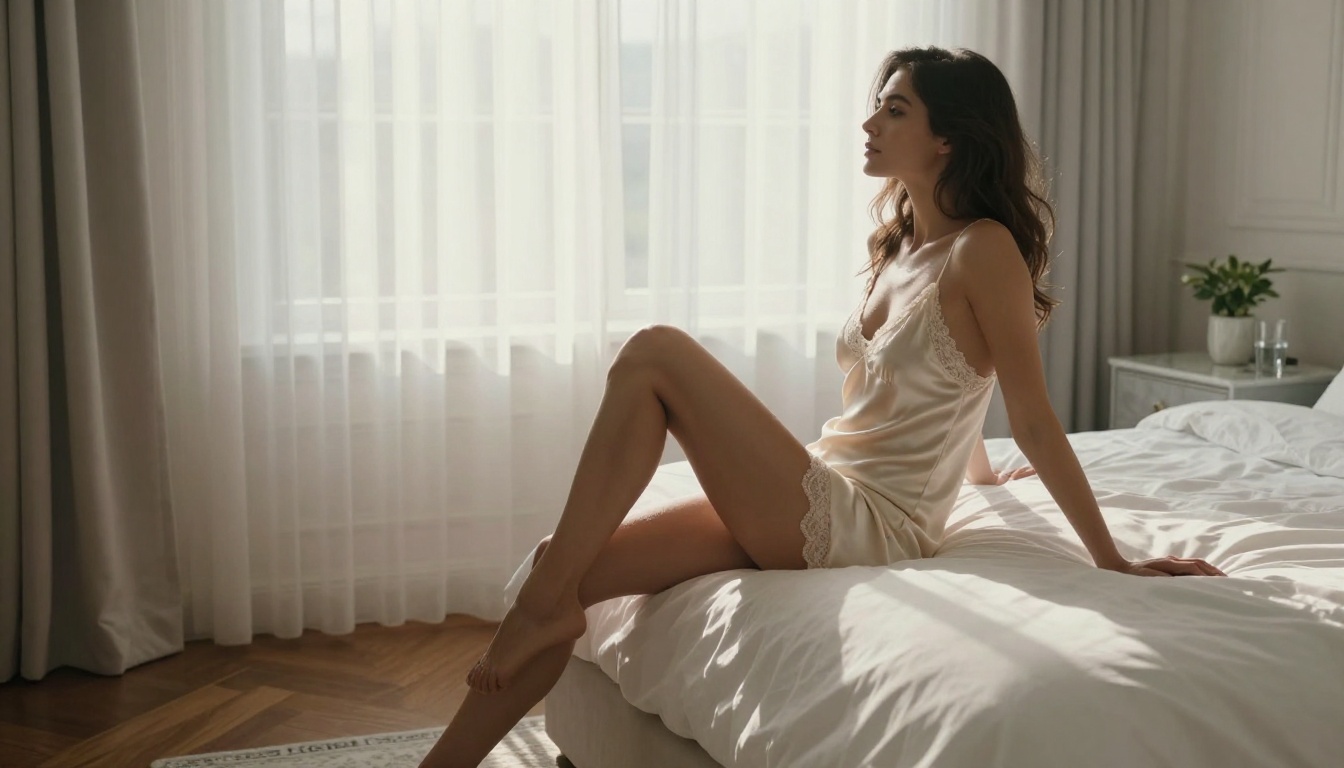
Wan 2.7 R2V: Subject Transfer and Scene Flexibility
Wan 2.7 R2V is the least discussed pipeline in the Wan 2.7 family, but it's often the most useful for serious adult content production. It takes a reference image of a specific subject and applies their visual identity to a different scene or pose described by your text prompt.
How Reference Images Shape Output
The reference image in R2V acts as a visual identity anchor. Wan 2.7 extracts appearance features including skin tone, facial structure, hair color, hair length, and body proportions, then maintains those features throughout the generated video even when the scene is completely different from the reference source.
Practical use case: You have one high-quality Seedream 4.5 source image you're happy with. You want that same subject in five different settings for a series. R2V lets you produce all five without regenerating subject appearance from scratch for each clip. The subject stays consistent. Only the scene changes.
Combining R2V with Image Editing
The most effective production workflow combines three tools in sequence:
- Generate a high-quality base portrait with Seedream 4.5
- Edit the base image into different environments or outfit variations using PicassoIA Image Editor Pro
- Use each edited variant as an R2V reference to produce a series of videos with consistent subject identity across all scenes
This produces cohesive series content significantly faster than treating each video as an isolated generation task. The subject's appearance remains locked across all outputs while each clip's setting and action varies according to your text descriptions.
Prompt Writing That Actually Works
Prompt quality is the biggest variable in Wan 2.7 output. Two people using identical model settings with different prompts will get completely different quality results. Here's what separates consistent professional-quality output from repeated generation failures.
Anatomy of a Good Adult Video Prompt
Every strong Wan 2.7 prompt has these components in this order:
- Format declaration: "Vertical 9:16 close-up portrait" or "Low-angle vertical frame"
- Subject description: Physical attributes, outfit, expression, position
- Setting and lighting: Location, light source direction, atmosphere
- Motion description: What moves, what direction, what speed
- Camera instruction: Static hold, slow push-in, gentle upward tilt
- Quality modifiers: "photorealistic, 8K, natural film grain, no artifacts"
A complete example prompt:
"Vertical 9:16 close-up portrait, woman in white lace lingerie sitting on the edge of a bed, soft morning window light from the left casting gentle shadows across her collarbone, she slowly raises her head from looking downward to gazing directly into camera, natural breathing motion visible in her chest, hair moves slightly from a gentle air movement, camera holds completely still, photorealistic, 8K, natural skin texture, Kodak Portra film look, no digital artifacts"
This prompt covers all six components. The format is declared first, quality modifiers are last, and the motion is described physically rather than abstractly.
3 Mistakes That Ruin Results
Using landscape composition language in vertical prompts. "Wide shot of a beach scene with a woman walking" will fight against your 9:16 setting. The model's landscape framing instincts conflict with your aspect ratio choice, resulting in awkward cropping or pillarboxed output. Always anchor your shot description to vertical, portrait, or close-up framing language.
Including too many subjects or scene elements. Wan 2.7 handles single-subject vertical content reliably. Two subjects in a narrow vertical frame creates spatial competition the model consistently struggles to resolve. Keep vertical adult content to one subject per clip.
Over-specifying motion. Listing multiple competing motions in one prompt ("running, turning, sitting down, looking left") creates chaotic, incoherent output. Pick one primary motion, describe its biomechanics precisely, and let the model execute it cleanly.

NSFW Video Models Worth Knowing
Beyond Wan 2.7, PicassoIA has a full catalog of video models that support adult content generation. Different models excel at different aspects of production.
PicassoIA Video is the starting point for creators who want to generate volume. Unlimited output means you can iterate through prompt variations without tracking generation costs.
P-Video is distinctive because its safety filter is disabled by default. For adult content, that means prompts aren't screened before generation, which removes one of the most frustrating friction points in this type of workflow. It also supports draft mode for instant low-resolution previews before you commit to a full-quality render.
LTX 2.3 Pro is the premium option for finished production content. Its retake feature lets you replace a specific segment without re-rendering the full clip, and extend appends footage to the beginning or end of an existing clip. For polished final output rather than working drafts, LTX 2.3 Pro is in a different class.
Seedance 2.0 adds native synchronized audio. If your vertical adult content workflow includes ambient sound, music sync, or any audio component, Seedance 2.0 is the only model in this comparison that handles it natively without a separate audio step.
The Full NSFW Model Lineup on PicassoIA
For a complete picture, here are all the PicassoIA models that support adult content, organized by function and ranked by overall recommendation:
For Images (generate your source frames):
- Seedream 4.5 — Best all-around NSFW model. Accepts adult content, supports image editing, generates ultra-realistic results in under 3 seconds. (Its successor, Seedream 5 Lite, does not support NSFW.)
- PicassoIA Image Editor Pro — Img2img with unlimited generations on Elite/Infinite plans. Under 1 second per output, 3-generation free trial with no credit card required.
- Qwen Image 2 — Open source with highly detailed realism. Edit or create with no content restrictions.
- Grok Imagine Image — Realistic outfit and format conversions from any source image.
- Recraft V4 — Text-to-image only, very realistic results for still frames.
- P-Image — NSFW text-to-image generation in under 1 second.
For Videos (animate your content):
7. PicassoIA Video — Unlimited video generation from text, 720p, 5 seconds per clip.
8. P-Video — Up to 1080p, safety filter off by default, draft mode for instant previews.
9. Grok Imagine Video — Up to 15 seconds, no watermarks, image-to-video mode auto-matches source proportions.
10. LTX 2.3 Pro — Up to 4K/50fps with retake and extend editing for precise clip-level control.
11. Grok Imagine Video — 15-second clips from text, image, or existing video with no watermarks.
12. Wan 2.7 I2V — Animate any Seedream 4.5 source frame with precise motion control for vertical adult content.
Unlike most mainstream AI video platforms, PicassoIA gives creators full creative freedom with uncensored, high-performance models across every generation type.
Workflow Summary: T2V vs. I2V vs. R2V
Before starting any session with Wan 2.7, decide which pipeline fits your production goal for that session:
Use Wan 2.7 T2V when:
- You want fully generative content with no source material
- You're exploring new scene directions and subject descriptions
- Speed matters more than subject consistency between clips
Use Wan 2.7 I2V when:
- You have a specific Seedream 4.5 image you want animated
- Subject appearance consistency is critical
- You want predictable motion starting from a known visual state
Use Wan 2.7 R2V when:
- You're producing a series with a consistent subject across different scenes
- You want subject identity transfer from a reference to a new environment
- You're combining it with PicassoIA Image Editor Pro edits for variation
Most professional adult content production cycles use all three at different stages: T2V for early creative direction, I2V for producing finalized clips from selected frames, and R2V for series consistency when building cohesive multi-clip releases.
💡 Tip: Generate 3 to 5 Seedream 4.5 images per session before opening any video model. Having quality source frames ready lets you switch between I2V and R2V immediately without breaking your creative flow to wait for image generation.
Ready to Create on PicassoIA
Vertical adult video production with Wan 2.7 Pro is a workflow, not a one-click solution. The three-pipeline structure means choosing T2V for pure creative generation, I2V when you have a specific image to animate, and R2V when you need a consistent subject identity across multiple scene outputs.
The image generation step is where most people underinvest. Source images from Seedream 4.5 and PicassoIA Image Editor Pro are specifically well-suited to animating under Wan 2.7 I2V because of their photorealistic quality, natural skin rendering, and clean background separation.
The prompt discipline in this article, specifically anchoring format as vertical from the first word, controlling motion specificity, and keeping composition to a single subject, is what separates consistent professional-quality output from repeated generation failures.
All the models discussed here are available on PicassoIA with no local installation required. Start with the free trial of PicassoIA Image Editor Pro (3 generations, no credit card), pick your best output, and run it through Wan 2.7 I2V or Wan 2.7 T2V directly in your browser.
Browse the full catalog of NSFW-friendly AI models, including all Wan 2.7 pipelines, at picassoia.com/en/all-models.


