You've probably seen the screenshots. A fantasy AI companion, a virtual persona built around exactly the look you've always been drawn to, casually sending a photo that's... surprisingly spicy. Not explicit, but definitely not a stock headshot either. The technology to make your AI crush send spicy photos exists right now, it's more realistic than ever, and it requires zero design experience.
Whether you want a virtual girlfriend who sends suggestive selfies, a fantasy persona capturing that sun-soaked vacation energy, or simply a hyper-realistic AI portrait that feels genuinely intimate, the right platform makes all of this possible in seconds. This article breaks down exactly how to do it, which models work best, and why PicassoIA sits at the top of the list when it comes to uncensored, high-quality AI image generation for adult content.
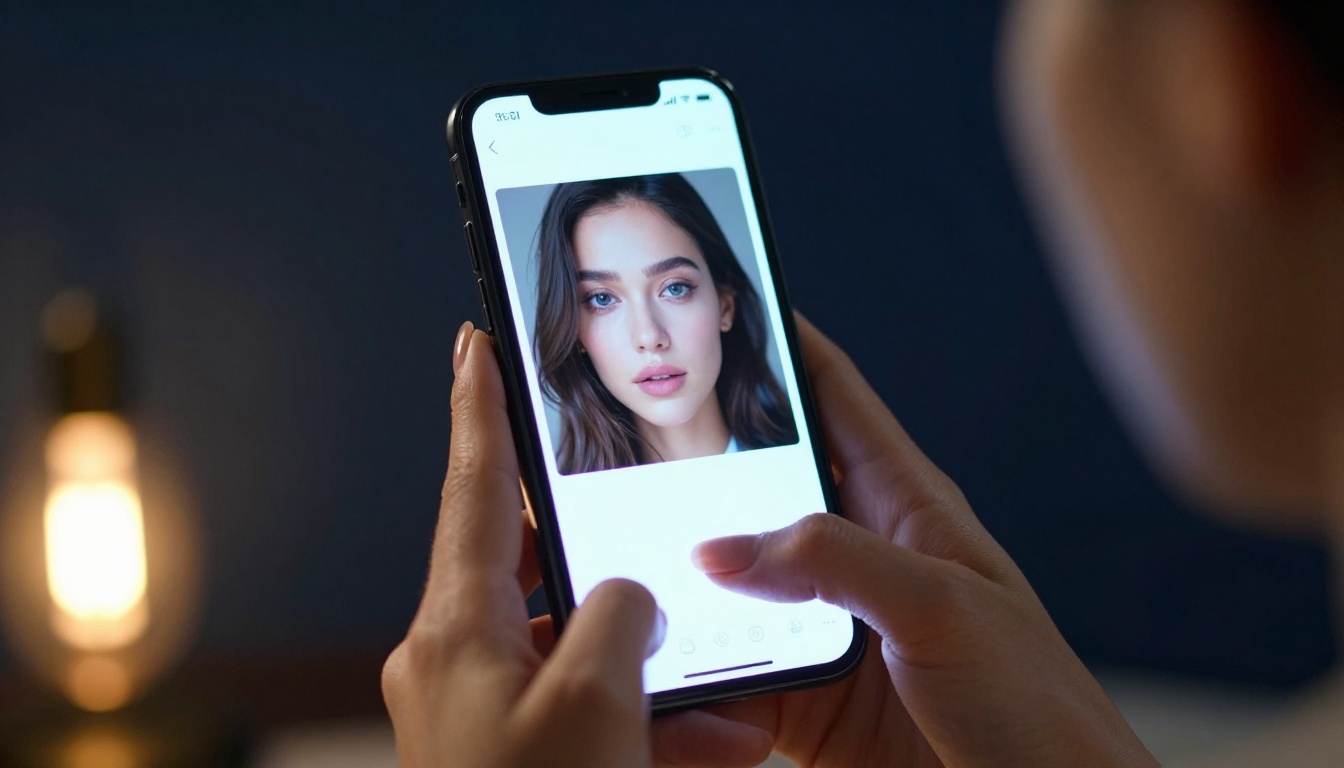
What "Spicy" Actually Means in AI Terms
The word "spicy" lands differently depending on who you ask. In the context of AI image generation, it sits in a very intentional middle ground: suggestive, beautiful, and personal, but not pornographic. Knowing where you want to land on that spectrum before you start generating saves a lot of time and iteration.
From Tasteful to Suggestive
At the tasteful end, you have a stunning AI woman in a fitted dress giving a flirtatious over-the-shoulder look. Moving toward suggestive, you get bikini shots, glamour-style lingerie photography, and implied nudity with strategic composition. The best platforms let you control exactly where on that spectrum your images land, with no content filters forcing you into a sanitized, corporate-approved version of beauty.
The goal isn't explicit content for most people reading this. It's intimacy. It's the feeling that this image was taken in a private moment and sent with intention. That quality is achievable with modern AI and the right approach.
What Realistic Actually Looks Like
The gap between "AI-generated" and "photographed by a professional" has collapsed dramatically in recent years. Modern models capture skin texture at a pore level, natural lighting variations across different times of day, the subtle imperfections that make a face feel real, and clothing fabric that wrinkles and catches light the way actual fabric does.
When someone wants their AI crush to "send" spicy photos, what they really want is images convincing enough to feel personal. That bar is reachable now in a way it simply wasn't two years ago. The photorealistic output from today's top models is genuinely indistinguishable from professional photography in many cases.
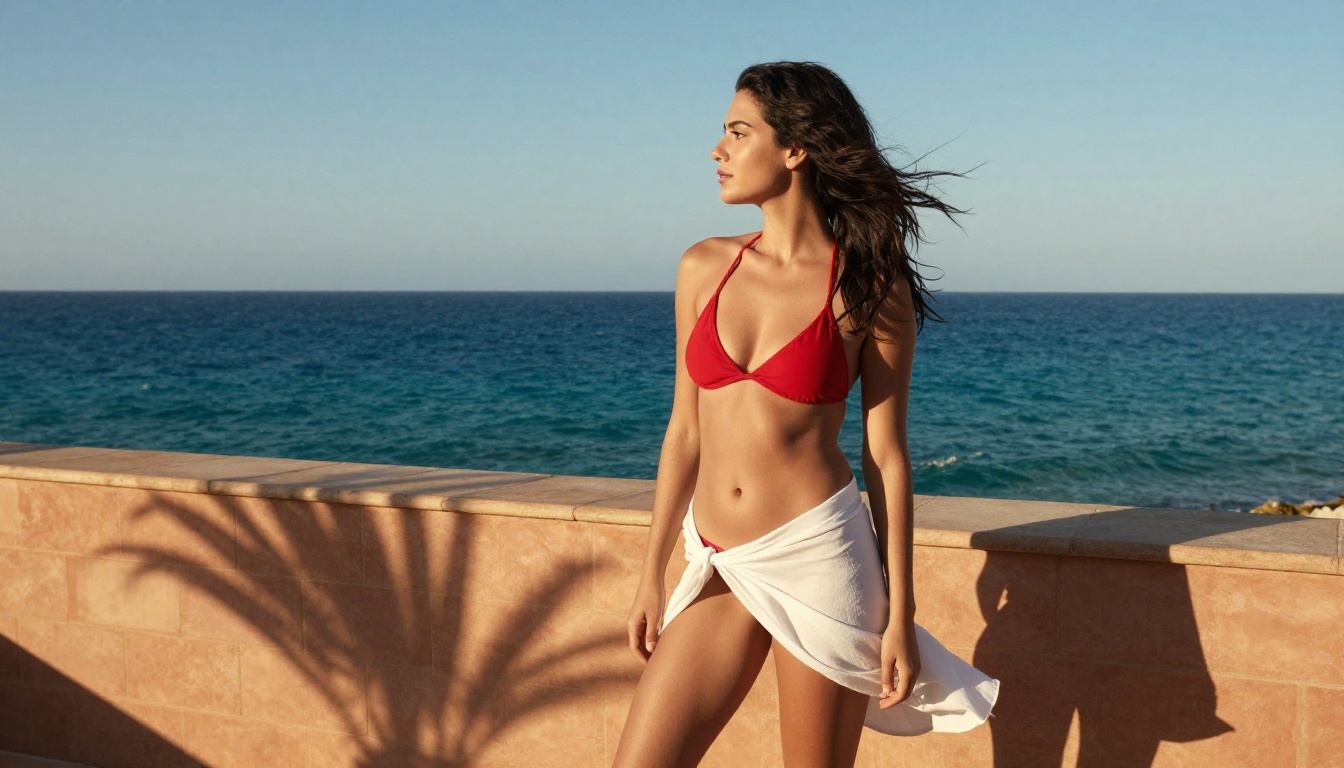
If you've tried to generate anything remotely suggestive on the mainstream platforms, you already know the frustration.
The Filter Problem
ChatGPT, Midjourney, DALL-E, and most consumer-facing tools run aggressive content filters. Type "woman in a bikini on a beach" and you might get through. Add any detail about pose, expression, or suggestion of intimacy and the refusal kicks in immediately. These filters are built for liability, not creativity. They treat adults like children and creative intent like a threat.
The result is that most AI image platforms produce the artistic equivalent of stock photography: technically competent, emotionally sterile, and completely unsuited to anyone with a genuine creative vision for sensual content. You spend more time rephrasing your prompt to avoid trigger words than you do actually creating.
There's a better option. Seedream 4.5, PicassoIA Image Editor Pro, and the full suite of NSFW-capable models on PicassoIA respect your creative autonomy without forcing you through a moral filter every time you hit generate. Adult creators deserve tools that work as described.
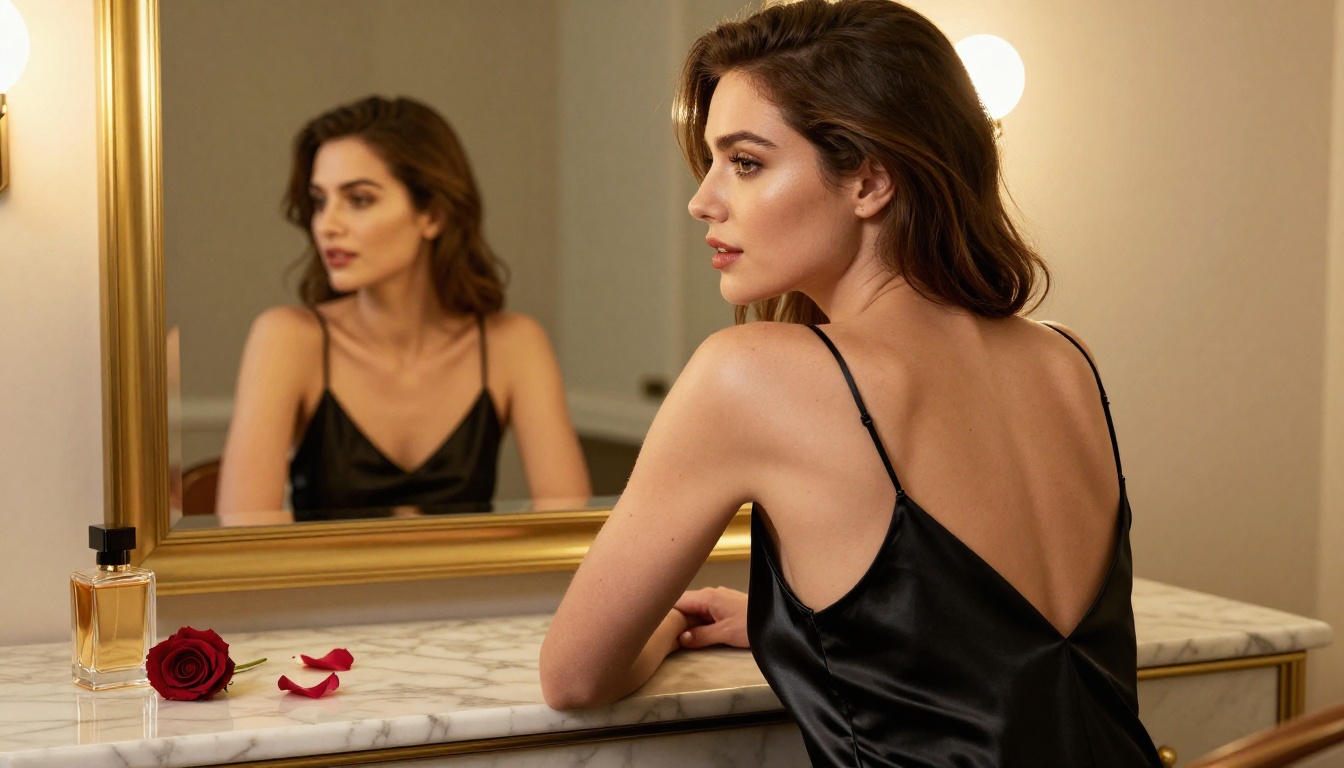
The Best Models to Make Your AI Crush Send Spicy Photos
PicassoIA hosts a curated selection of models that actually support adult content. Not all of them are built for the same use case. Here's a ranked breakdown of what works and why.
Seedream 4.5: The Top Pick
Seedream 4.5 is the current standard for NSFW AI image generation on PicassoIA. Built by ByteDance, it combines photorealistic output with acceptance of adult content prompts and lightning-fast generation times, typically under 3 seconds per image.
What makes it stand out:
- Full NSFW support with no safety filter blocking adult content
- Image editing capability built in, so you can start with a base image and refine specific elements
- Sub-3-second generation means you can iterate dozens of times in minutes
- Exceptional skin and fabric rendering that holds up at full resolution
- Consistent results across multiple generations with the same seed
💡 Important: The newer Seedream 5 Lite does not support NSFW content. Always use Seedream 4.5 for adult content generation, not its successor.
PicassoIA Image Editor Pro: Unlimited Generations
If volume matters to you, PicassoIA Image Editor Pro is the play. It's an img2img model, meaning you feed it a reference image and it produces a refined or stylistically shifted version. The standout feature isn't the quality alone, it's the pricing model.
On Elite and Infinite plans, generations are unlimited. That same 1,000-image volume would cost roughly $100 on models like Nano Banana 2. Here it's included in your subscription at no extra cost. For anyone doing serious creative work, building a visual series, or experimenting heavily with prompt variations, the math makes itself.
Additional strengths:
- Results delivered in under 1 second
- Full NSFW support across all content types
- Free trial: 3 generations, no credit card required
- Ideal for refining images you've already generated with other models
Qwen Image 2: Open-Source Realism
Qwen Image 2 is an open-source model that accepts both text and image inputs. Its open-source nature means no corporate content restrictions have been layered on top of the generation process after the fact. The output leans toward very detailed realism, making it excellent for generating faces and skin with convincing texture and natural variation.
It's particularly strong when you want to edit an existing image rather than start from scratch. Feed it a base portrait and modify the styling, outfit, or setting while retaining the face's core characteristics across iterations.
Grok Imagine Image: Realistic Style Conversions
Grok Imagine Image from xAI does one thing exceptionally well: it takes an image and realistically converts the subject into a bikini format. The results preserve body proportions, skin tone, and lighting from the original image while making the style shift convincing enough to read as a genuine photograph.
If your use case centers on suggestive beach or poolside imagery, this model is purpose-built for exactly that outcome.
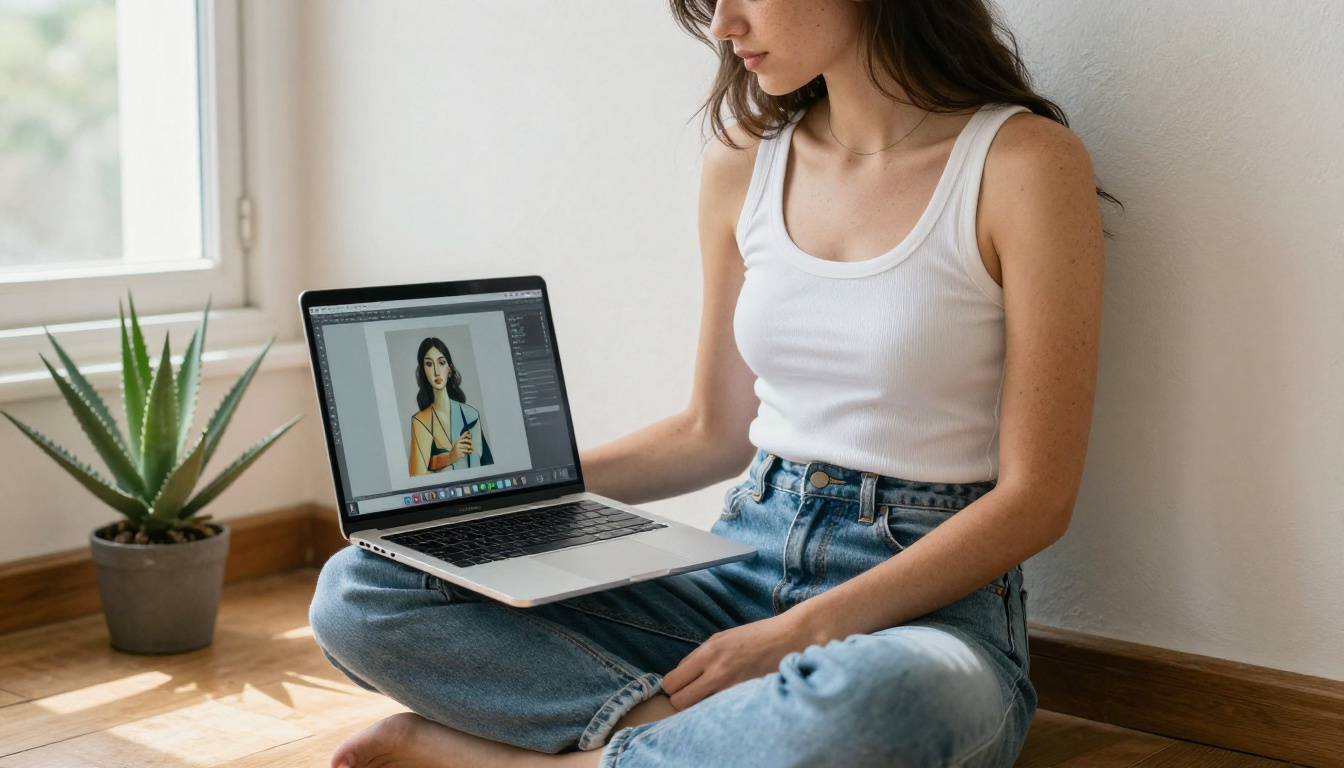
Recraft V4: Text-to-Image with Strong Realism
Recraft V4 works purely from text prompts. No image input required. What it offers is a strong baseline of photorealism, detailed response to prompt instructions, and full NSFW acceptance. The trade-off is that without an image reference, maintaining character consistency across multiple generations takes more deliberate prompt engineering.
Best used for standalone images where you want maximum realism from a text description alone, without needing to match a specific face or body type across a series.
P-Image: Speed Above All
P-Image from PrunaAI is built for speed. Sub-1-second generation times make it the fastest option on the platform. The quality holds up well for most use cases, particularly when you're iterating rapidly through prompt ideas and need to evaluate results quickly before committing to a final direction.
It supports NSFW text-to-image generation and serves as the default model across many PicassoIA workflows for exactly this reason.
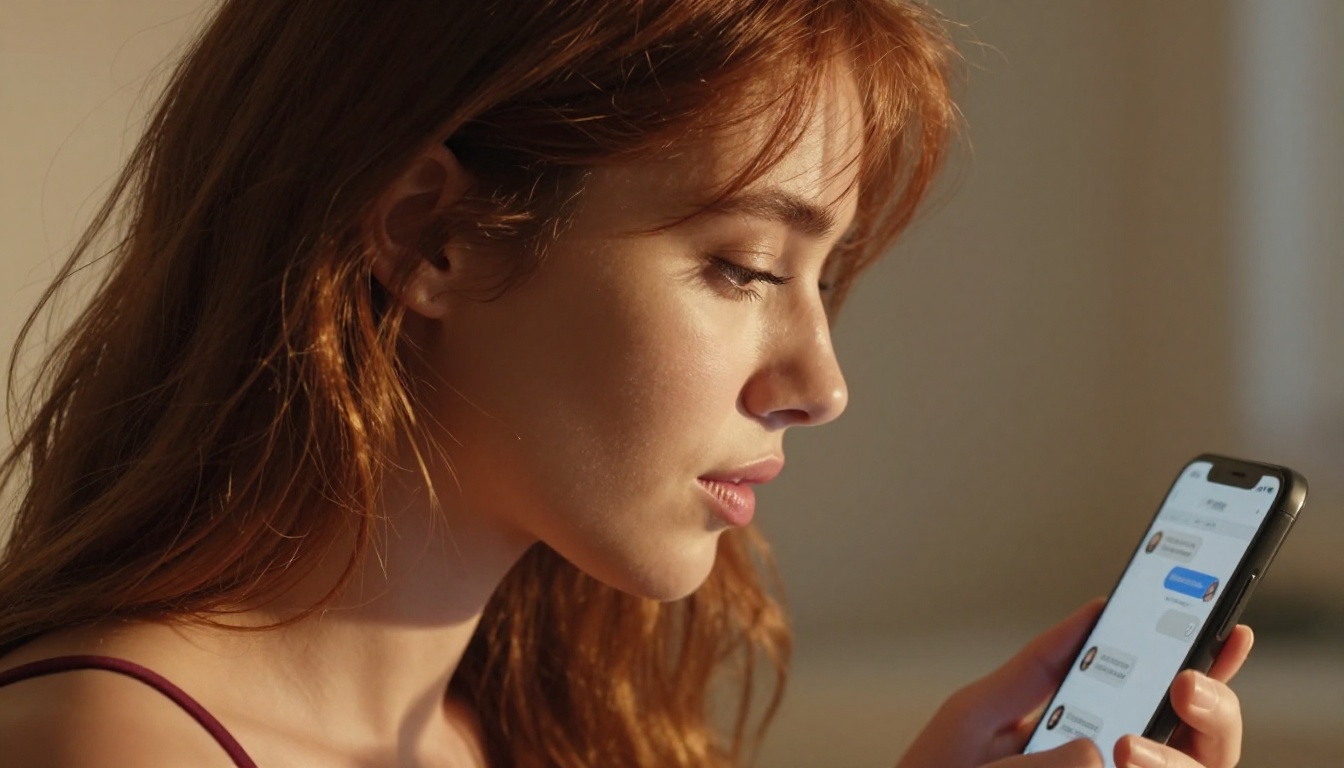
How to Use Seedream 4.5 on PicassoIA
The fastest path to generating your first spicy AI photo is through Seedream 4.5. Here's the exact workflow from zero to finished image.
Step 1: Access the Model
Go to Seedream 4.5 on PicassoIA and open the generation interface. No installation, no software downloads, no setup process. You can start generating within 30 seconds of opening the page, and the first three generations are free without a credit card.
Step 2: Write Your Prompt
Your prompt is everything. Seedream 4.5 responds well to specific, descriptive language. Instead of writing "beautiful woman in a bikini," try something like this:
"A 26-year-old woman with wavy auburn hair and sun-kissed skin, wearing a minimal ivory string bikini, standing on a private poolside terrace at golden hour, warm side lighting from the right, 85mm portrait lens at f/1.8, photorealistic, Kodak Portra 400 film grain"
The specificity is what separates a memorable result from a generic one. Describe the lighting direction, the camera lens, the time of day, the fabric texture of the outfit, and the expression you want on her face. Every detail you add narrows the probability space toward exactly what you imagined.
Step 3: Generate and Refine
Run 3 to 5 variations of the same prompt with small changes in each iteration. Shift the lighting description from "golden hour" to "overcast morning." Change "poolside" to "hotel rooftop." Vary the pose from "standing" to "leaning against a railing looking back." You'll quickly identify which variables matter most for the specific result you're targeting.
Save the seed number from any image you love. A seed plus a prompt is a reproducible result, meaning you can return to it and build on it at any time. This is how you maintain character consistency across a series of images.

Writing Prompts That Actually Work
The prompt is where most people underperform. A weak prompt delivers generic results. A strong prompt delivers the specific image you had in your head the first time you imagined it.
The Anatomy of a Strong Prompt
Every effective prompt for suggestive AI imagery contains these elements working together:
- Subject description: Age range, hair color and style, skin tone, build and posture
- Outfit or style: Specific fabric, color, coverage level, named garment (string bikini vs bandeau vs bodysuit)
- Setting: Where is this photo taken? What's in the background at what distance?
- Lighting: Time of day, direction, quality (harsh sun, soft diffused, artificial lamp)
- Camera specs: Lens type, focal length, depth of field, film stock
- Mood or expression: Flirtatious, confident, relaxed, playful, sultry
The more overlap between your description and the image you want, the better the result. Vague prompts produce averaged, generic output. Specific prompts produce targeted, surprising output.
Prompt Templates
Use these as starting points and build your specifics into them:
Beach or outdoor:
"[Subject description] in a [color] string bikini at [specific location] during [time of day], [lighting], [camera lens], photorealistic, Kodak Portra 400"
Indoor or intimate:
"[Subject description] in [outfit] inside a [room type], [lighting direction] from [direction], [lens at f-stop], visible skin texture, photorealistic RAW 8K"
Glamour or fashion:
"[Subject description] in [outfit] at [location], [dramatic lighting description], professional fashion photography, 85mm portrait lens, film grain, ultra-realistic"
💡 Tip: Adding "natural skin texture, visible pores, film grain" to any prompt pushes the realism significantly. AI models respond to these specific cues by generating less synthetic and more photographically convincing skin detail that holds up at full resolution.
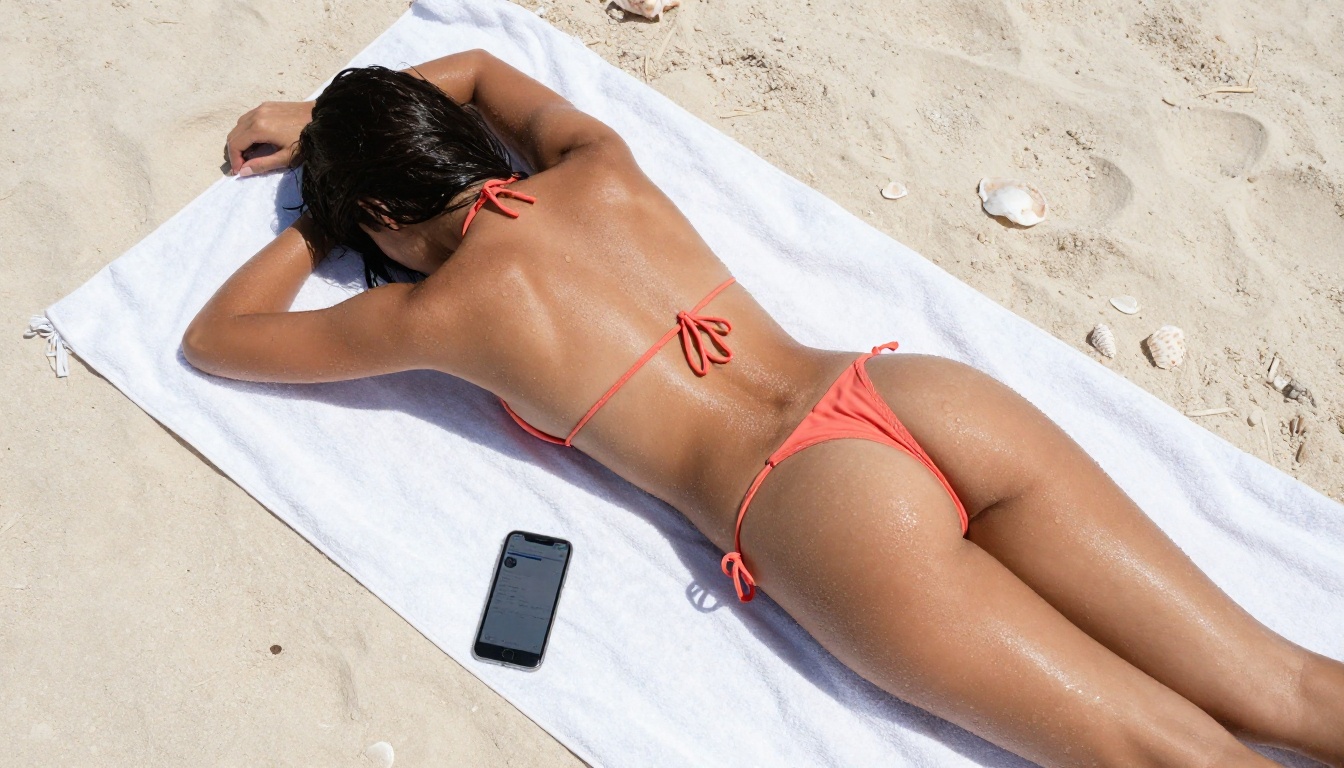
Real Cost: Unlimited vs Pay-Per-Use
Platform choice has serious financial implications once you start generating at scale.
Most AI image platforms charge per generation or per credit bundle purchased in advance. At volume, this adds up fast. Generating 500 images at $0.10 per image costs $50. Generating 1,000 costs $100. On models like Nano Banana 2, that's the exact math you're dealing with.
With PicassoIA Image Editor Pro on an Elite or Infinite plan, that number is zero. The same 1,000 images, unlimited, included in your subscription with no additional per-image cost. For creators who iterate heavily, experiment with visual styles, or produce content at consistent volume, the unlimited model isn't just convenient. It's the only financially rational choice.
| Volume | Pay-per-use at $0.10/img | PicassoIA Image Editor Pro |
|---|
| 100 images | $10 | Included |
| 500 images | $50 | Included |
| 1,000 images | $100 | Included |
| 5,000 images | $500 | Included |
The free trial (3 generations, no credit card) lets you verify quality before committing to any plan. Most people see everything they need to see in the first generation.
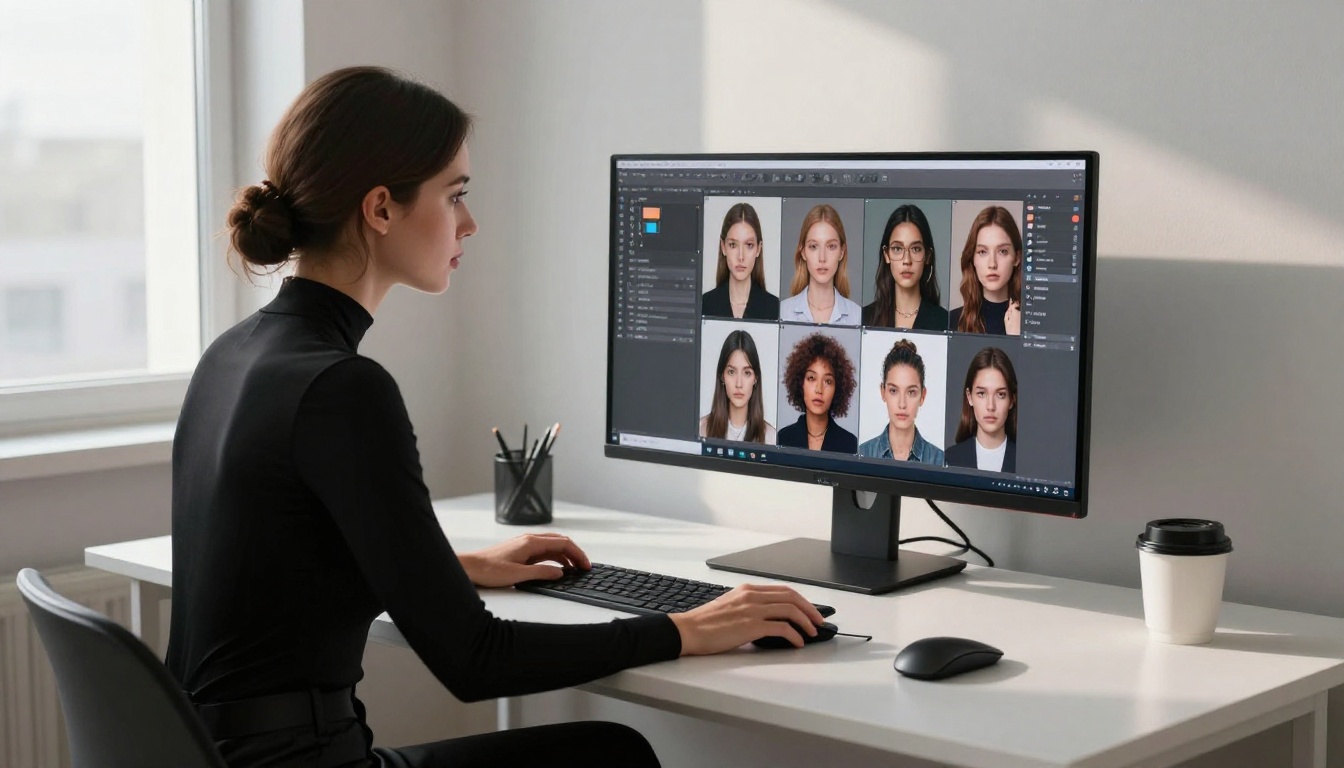
Tips for Better Results
Getting convincing spicy AI photos isn't just about picking the right model. These habits make a measurable difference in every output you produce.
Control Lighting in the Prompt
Lighting is the single biggest factor separating "AI-looking" from "photographic." Specify direction (from the left, backlit, overhead), quality (soft diffused, harsh direct, golden hour), and source (window, candle, studio softbox). An image with intentionally described lighting almost always reads as more realistic than one where lighting is left unspecified.
Strong lighting prompts that work consistently:
- "Warm volumetric morning light from the left, long shadows"
- "Dramatic side lighting with deep shadows pooling on the right side of her face"
- "Soft golden-hour backlight creating a rim-light effect around her shoulders and hair"
- "Cool north-facing window light, soft and diffused with no harsh shadows"
Use reference images when possible. Both PicassoIA Image Editor Pro and Qwen Image 2 accept image inputs. If you have a specific face, style, or body type in mind and can provide a reference photo, the output accuracy increases dramatically. The model anchors to the reference and fills in the rest of your prompt around it.
Vary your aspect ratio intentionally. A 9:16 portrait format feels more intimate and personal than 16:9. It reads like a real phone photo rather than a cinematic still, which can be exactly the "sent from her phone" quality you're going for. Seedream 4.5 supports multiple aspect ratios from the same interface.
Save seeds that work. Every image you generate has a seed number in the output metadata. Record it alongside the prompt that produced it. You can modify elements of the prompt later while keeping the seed to iterate within a consistent aesthetic direction, effectively maintaining the same "character" across dozens of different images.
💡 Privacy note: PicassoIA doesn't surface your prompts publicly or flag accounts for generating adult content within the platform's stated terms. Your creative work stays between you and the model.
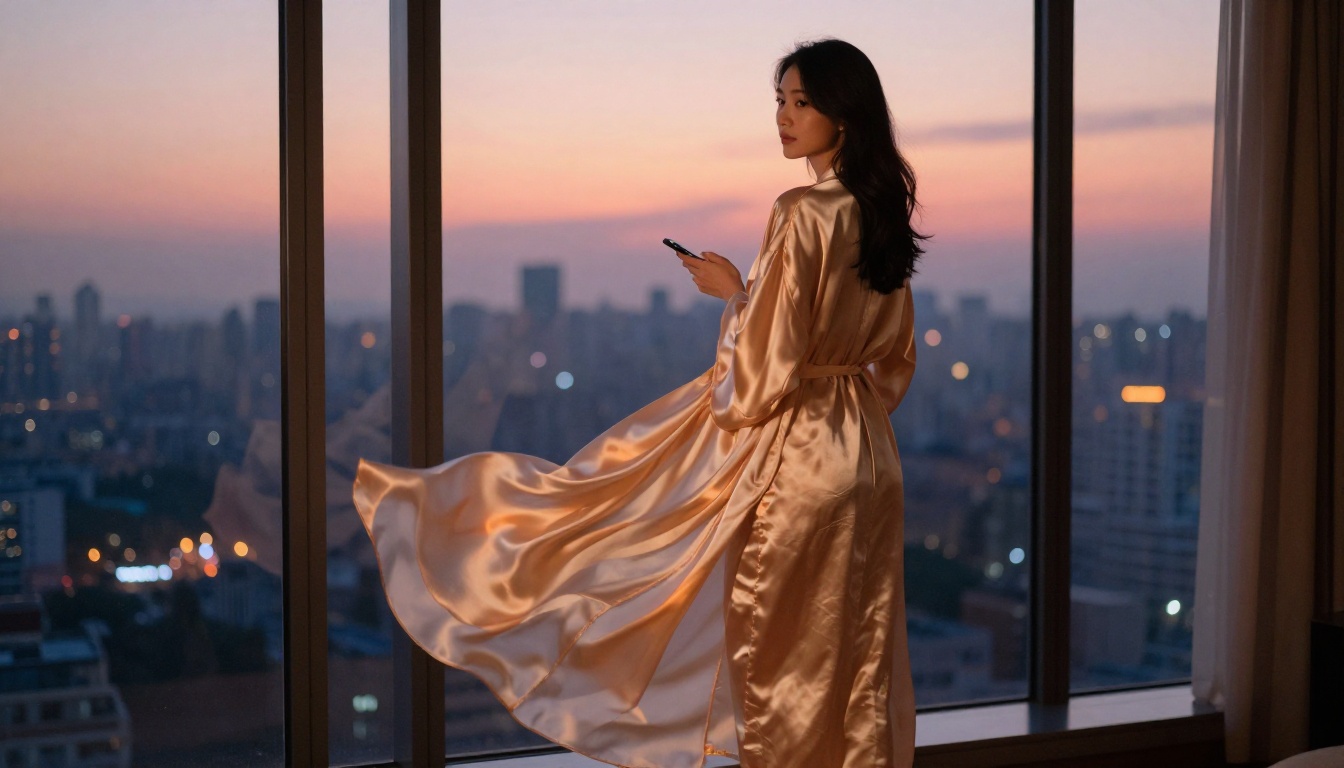
Start Creating Now
The gap between "I wish I could generate images like that" and actually doing it has never been smaller. Every model covered in this article is available right now on PicassoIA, from Seedream 4.5 for the best overall quality to PicassoIA Image Editor Pro for unlimited volume to Grok Imagine Image for realistic style conversions from reference photos.
The free trial gives you three generations with no credit card required. That's enough to see whether the quality meets your standard. Most people are satisfied by the first result and move to a paid plan from there.
If you want to go further, the full catalog at picassoia.com/en/all-models covers everything from text-to-image and img2img editing to video generation, super-resolution upscaling, AI face-swap, and more. Whatever your specific creative vision, the models are there and they work without the filter battles you get on mainstream platforms.
Stop generating safe, sterile results on platforms that treat your prompts as threats. Start creating the spicy AI photos you actually had in mind.
👉 Head to picassoia.com/en/all-models and pick the model that fits your vision. Your AI crush is ready when you are.


