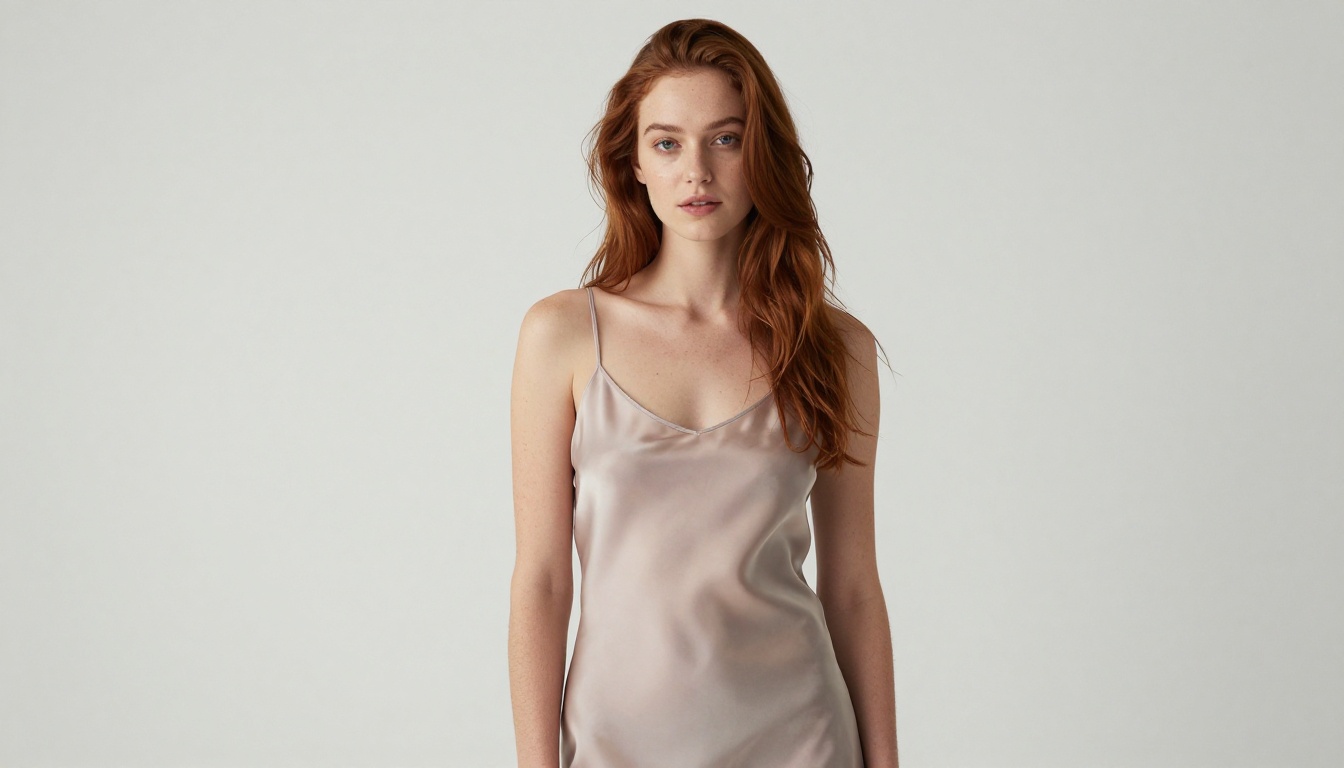
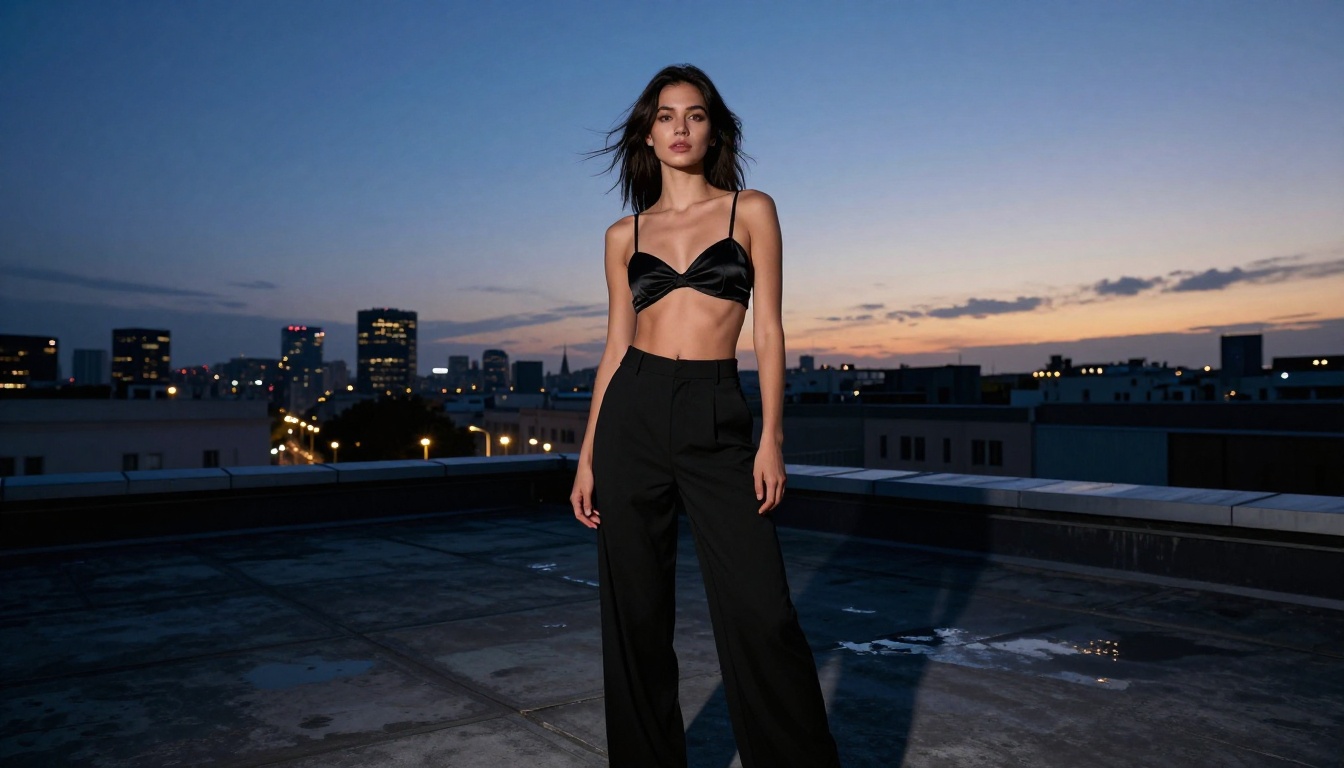
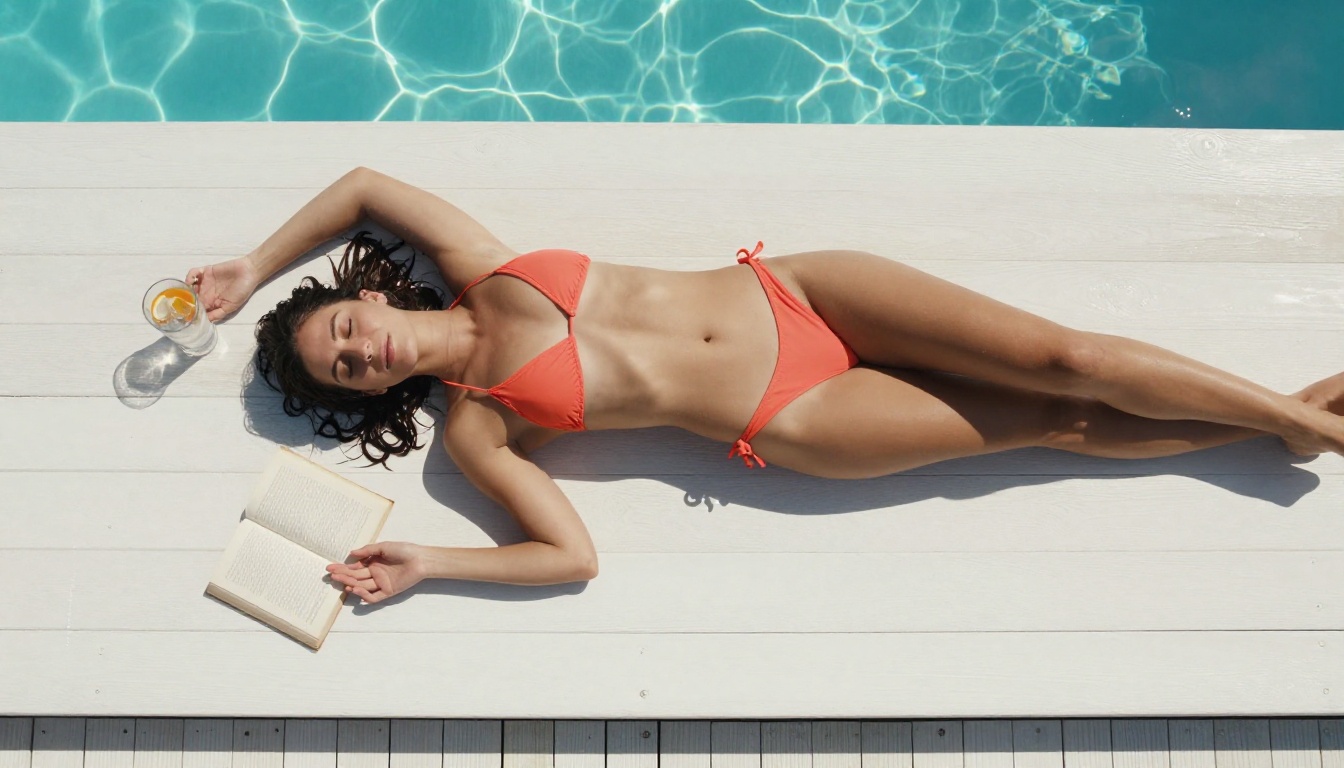
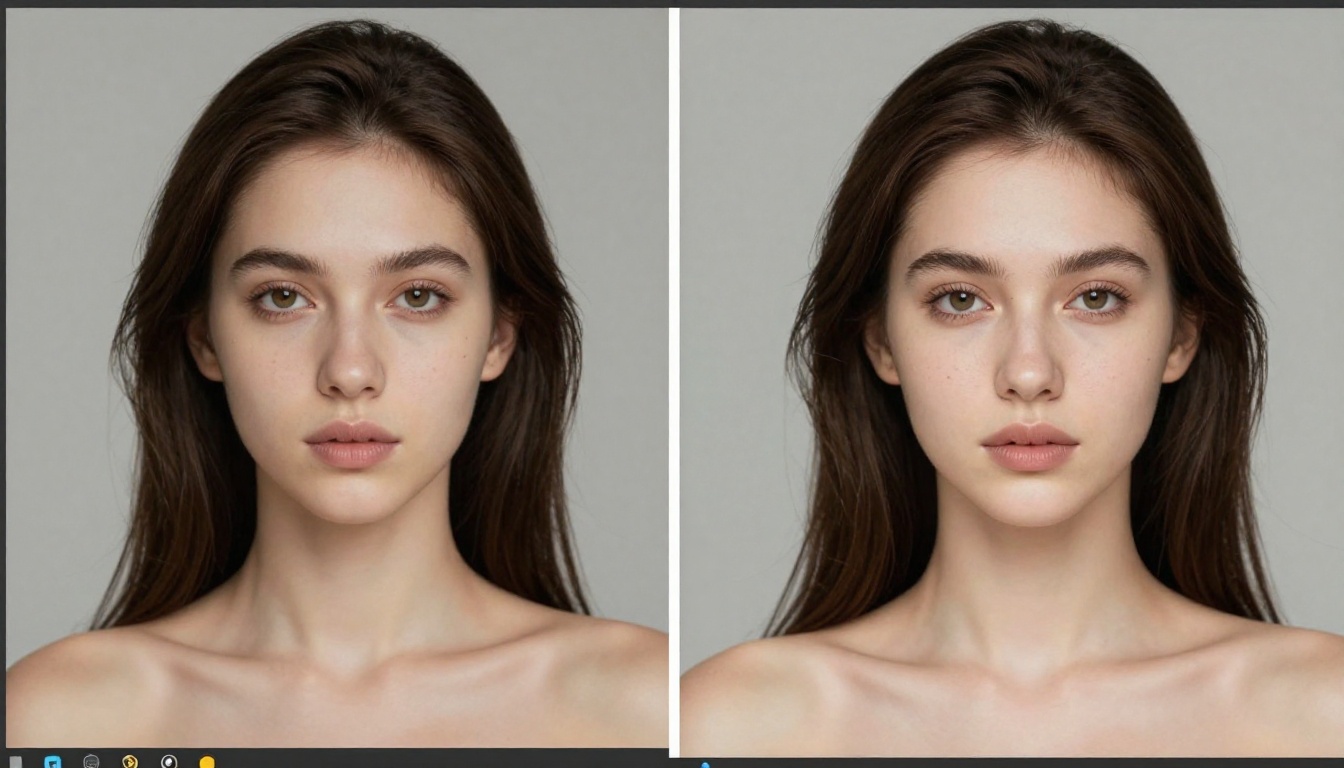
Seedream 5.0 is ByteDance's most capable image model yet, and with the right LoRA training approach, you can build a custom 18+ AI that generates consistent, photorealistic adult content without restrictions. This article covers dataset curation, training parameters, generation workflows, and upscaling, all in one complete resource for creators who want full control over their AI output.
If you've been generating AI images for a while, you already know the ceiling. Generic models, filtered outputs, and characters that look different in every frame. The only real solution is a custom model, trained on your specific subject, style, or aesthetic. Seedream 5.0 makes this more accessible than it's ever been, and when paired with the right platform for inference, the results are genuinely striking.
This is what you actually need to know to build one from scratch.
What Seedream 5.0 Brings to the Table
ByteDance released Seedream 5.0 as an 8-billion-parameter transformer-based diffusion model, a significant step above its predecessors in anatomical accuracy, skin texture realism, and prompt adherence. The model was trained on a much larger and more diverse dataset than Seedream 4.x, which translates into better generalization when fine-tuning on small personal datasets.
For creators working on character-consistent 18+ content, two improvements stand out most. Hand anatomy is dramatically better. The extra-finger problem that plagued earlier models is mostly resolved. Facial consistency across generations is also stronger, which makes identity retention during LoRA training far more reliable.
8 Billion Parameters and What That Means
More parameters don't always mean better outputs, but in Seedream 5.0's case, the scale directly improves the results that matter for custom model training. A larger model captures more latent space complexity, which means your LoRA doesn't have to work as hard to carve out a consistent identity in the model's weights.
In practical terms: you can train on fewer images and still get consistent results. Earlier models required 50-100+ high-quality training images to achieve stable identity. With Seedream 5.0, 20-30 well-curated images can be enough to produce a reliable character.
Seedream 5.0 vs 5 Lite: This Choice Matters
Variant
Parameters
18+ Content
Avg Speed
Seedream 5.0 (full)
8B
Supported
12-20s
Seedream 5 Lite
2B
Blocked
4-6s
Seedream 4.5
7B
Supported
14-22s
Seedream 5 Lite is not an option for adult AI image generation. Its safety filters operate at the model level, not the interface level, meaning no amount of negative prompting, fine-tuning, or workarounds will bypass them. Do not use Seedream 5 Lite for 18+ content. If a platform claims to offer "Seedream for NSFW" using the Lite variant, they're either misinformed or misleading you.
For uncensored output: use Seedream 5.0 full or Seedream 4.5.
Why Seedream 4.5 is the NSFW Workhorse
Here's a counterintuitive reality: for 18+ AI image generation specifically, Seedream 4.5 often produces better results than 5.0, even though 5.0 is technically the newer and more capable model.
The reason is training data distribution. Seedream 5.0's massive training set includes proportionally less adult content in the learned weights, making it less attuned to that aesthetic space even when uncensored. Seedream 4.5 has a larger community of LoRA trainers producing adult content on top of it, meaning a denser representation of that aesthetic already lives in its latent space.
When you fine-tune a LoRA on top of Seedream 4.5, the model already knows the terrain. The LoRA just needs to establish "this specific person, this specific style," rather than also teaching the base model what adult content looks like from the ground up.
Stable Output, Zero Filters
Seedream 4.5 supports uncensored output natively. There are no runtime safety filters, no content classifiers intercepting your inference calls, and no keyword blacklists in the prompt pipeline. What you prompt is what you get, assuming the prompt is constructed well.
This stability also extends to batched generation. When running 50 or 100 images in a batch, Seedream 4.5 produces more consistent character fidelity across the set, which is important if you're building content around a specific persona or visual identity.
💡 Recommendation: Start with Seedream 4.5 for your first custom 18+ model. Once you have a working LoRA, test it on Seedream 5.0 and compare results. Many creators end up using both depending on the specific output they want.
Side-by-Side: When 5.0 Wins
That said, Seedream 5.0 does have a real edge in specific scenarios:
Longer prompts: 5.0 handles multi-clause prompts with better coherence
Background complexity: 5.0 generates more detailed environments and scenes
Unusual compositions: Low-angle, aerial, and non-standard framings are more reliable in 5.0
Hands and feet: 5.0's anatomical improvement is most visible in these areas
For character-first 18+ content where the face and body are the primary subject, 4.5 often wins on style and aesthetic. For complex scenes with multiple elements, 5.0 pulls ahead.
Building a Dataset That Actually Works
The quality of your training data is the single biggest variable in your final model's output. No amount of hyperparameter adjustment compensates for a weak dataset.
How Many Images and What Type
For a character-focused LoRA targeting 18+ output:
Minimum: 20 images (both Seedream 5.0 and 4.5 handle this well)
Optimal range: 40-60 images
Diminishing returns: beyond 80 images, quality improvements become marginal
The images must have variety of pose, angle, lighting, and clothing. A dataset of 50 images all taken in the same room with the same lighting is worse than 20 images taken in varied real-world conditions. The model needs to learn the subject's identity, not memorize one specific photographic setup.
Image Quality Standards
Requirement
Minimum Standard
Resolution
512x512 minimum, 1024px preferred
Face visibility
Clear, unobstructed in at least 80% of images
File format
JPG or PNG, no heavy compression artifacts
Captions
Auto-generated via WD14 tagger or LLaVA vision model
Cropping
Center-crop to subject, minimize excess background
Variety
At least 5 different lighting conditions across the set
💡 What to Avoid: Screenshots from video, heavily filtered social media images with heavy skin smoothing, or images with multiple people in frame. Each of these degrades identity consistency in your trained model.
Captions are often overlooked but they are critical. Using P Image Trainer on PicassoIA, you can auto-generate captions during the upload step. The captioning pipeline uses a vision model to describe each image, which then gets embedded alongside the training signal to help the LoRA understand what context the subject appears in.
Training Your Custom LoRA on PicassoIA
P Image Trainer is the fastest path from dataset to deployable LoRA on PicassoIA. The interface handles the heavy lifting of the training pipeline while giving you enough parameter control to get meaningful results without needing to manage your own GPU infrastructure.
Step-by-Step Setup
Step 1: Prepare your dataset folder
Organize your images into a single folder. Name it with the repetition count and your trigger word, for example: 20_myperson. The number tells the trainer how many times to repeat the dataset per epoch.
Step 2: Upload and set your trigger word
Your trigger word is what you'll use in prompts later to activate the LoRA's influence. Choose something unique that won't appear naturally in standard prompts. ohwx, zdjperson, tok, or a made-up name all work well. Avoid common words that the base model already has strong associations with.
Step 3: Configure training parameters
Parameter
Recommended Value
Notes
Base model
Seedream 4.5
Preferred for 18+ output
Learning rate
1e-4
Start here, lower if you see overfitting
Epochs
10-20
Check sample outputs at intervals
Resolution
512 or 768
Match your dataset preparation
Network rank
32-64
Higher for complex subjects or varied datasets
Network alpha
16-32
Half of network rank is a solid starting point
Step 4: Monitor training samples
P Image Trainer generates sample images at set intervals during training. Watch for the point where the samples show clear identity consistency. If the model "overfit" (outputs look like a copied photo rather than a generated image with new poses or settings), reduce epochs or lower the learning rate.
Step 5: Export and test
Once training completes, the LoRA is available for inference. Test it first with a neutral prompt: photo of ohwx, realistic, 8k. If the identity comes through clearly in varied settings, you're ready for 18+ prompting with full style control.
Generating 18+ Images Without Limits
With your LoRA trained, generation is where PicassoIA Image Editor Pro becomes the most valuable tool in your workflow. It offers unlimited generations without per-image credit costs, which matters enormously when you're iterating through dozens of prompts to find the optimal settings for your custom LoRA.
PicassoIA Image Editor Pro: No Credit Caps
PicassoIA Image Editor Pro is the primary platform for unlimited 18+ image generation on PicassoIA. Unlike most AI platforms that charge per generation or throttle output behind credit systems, Image Editor Pro gives you uncapped access to generation runs. When you're running hundreds of test outputs to dial in your custom LoRA's behavior across different poses and settings, this is the difference between an affordable workflow and a cost-prohibitive one.
The platform supports Seedream 4.5 for NSFW generation, which pairs directly with the LoRA training workflow described above.
Prompt Formulas for Consistent Results
Strong 18+ prompts have a consistent structure. Here's the formula that works reliably:
ohwx woman, wearing minimal red bikini, standing at pool edge, tropical resort, golden hour backlighting, photorealistic, 8k, film grain, Kodak Portra 400
Quality modifiers that work well with Seedream 4.5:
photorealistic, RAW photo, 8k resolution
Kodak Portra 400, film grain, natural lighting
85mm f/1.4 lens, shallow depth of field
hyperrealistic skin texture, visible pore detail
Negative prompts to always include:
cartoon, illustration, CGI, 3D render, anime, digital art
deformed hands, extra fingers, blurry, low quality, artifacts
watermark, signature, text overlay, logo
plastic skin, airbrushed, oversmoothed
💡 Pro approach: Lock your seed number when you find a composition you like. Changing only the clothing or setting while keeping the seed produces character variations that are far more consistent than pure random generation.
Style Control and Visual Effects
One of the most powerful workflows for 18+ custom models is combining your character LoRA with style LoRAs. This lets you maintain identity consistency while shifting the aesthetic from realistic photography to dramatic lighting to specific body proportions or clothing styles.
Mixing LoRAs for Unique Looks
On PicassoIA Image, you can stack multiple LoRAs simultaneously. The standard approach for stacking:
Character LoRA at weight 0.8-1.0 (your trained identity model)
Style LoRA at weight 0.3-0.5 (lighting aesthetic, clothing style, or artistic look)
Weights above 1.0 tend to oversaturate the LoRA's influence, producing artifacts or exaggerated features that break photorealism. Keep the character LoRA as the dominant signal.
💡 When LoRAs conflict: If two LoRAs are pulling in opposite directions aesthetically, reduce both weights by 0.2 and use stronger prompt language to guide the final look. The prompt still exerts significant influence alongside the LoRA weights.
Pose and Composition Control
For precise control over your subject's pose without needing to retrain, PicassoIA's platform supports ControlNet-compatible workflows. Upload a reference image or a stick-figure skeleton pose, and the generation will conform to that structure while applying your LoRA's identity and your prompt's styling.
This is particularly useful for 18+ content where specific poses or compositions are important for the creative direction. You get the identity from your LoRA, the exact pose from the ControlNet reference, and the scene from your prompt. The three inputs combine rather than compete with each other.
Three reliable ControlNet modes for 18+ work:
OpenPose: Controls body skeleton and joint positions
Depth Map: Controls spatial layering, useful for complex scenes
Canny Edge: Controls fine details and outlines, good for clothing specifics
Upscaling Your Outputs to 8K
Standard Seedream 5.0 and 4.5 outputs are typically 512-1024px depending on your settings. For final delivery, large-screen viewing, or simply the highest possible quality, running your images through an AI upscaler is the last step in a professional workflow.
PicassoIA offers several upscaling models, each with different strengths depending on what kind of image you're upscaling.
For 18+ portrait work, Crystal Upscaler is the first to reach for. It's specifically trained on photorealistic portraits and enhances skin texture, hair detail, and facial features without introducing the smoothing artifacts that general-purpose upscalers tend to add.
For full-body shots or scenes with complex backgrounds, Clarity Pro Upscaler handles the wider context better and preserves edge detail across the whole frame, not just the face.
For the absolute maximum resolution ceiling, Image Upscale by Topaz offers 6x scaling, which takes a 512px output to over 3000px at high quality.
The Complete Upscaling Workflow
Generate your image at base resolution (512-1024px) using your trained LoRA
Inspect the output at 100% zoom for any major artifacts before upscaling
For portraits: send to Crystal Upscaler at 4x as your first pass
If you need even more resolution, follow with Topaz Image Upscale at 2x for a combined 8x result
Download and do a final quality check at full resolution
💡 One thing to watch: AI upscalers sometimes "correct" features they interpret as artifacts, which can alter specific body characteristics in ways you didn't intend. If an upscaler is changing areas it shouldn't, try Crystal Upscaler or Clarity Pro instead of general-purpose models, as they tend to be more faithful to the source image.
What You Can Build From Here
A trained LoRA on Seedream 4.5 or 5.0, generating through PicassoIA Image Editor Pro, gives you a complete personal 18+ AI content pipeline with no per-image costs, no content restrictions, and full creative control over identity and style.
The workflow in this article works equally well for several creative applications:
Consistent AI personas with the same face and body type across all content
Fantasy character creation for adult fiction and illustration work
Custom creative projects built from a carefully curated dataset
Style experimentation by applying multiple aesthetic LoRAs to a single trained identity
PicassoIA's model library extends far beyond Seedream. There are 91 text-to-image models available, including Flux variants and dozens of specialized community models. The same LoRA training approach with P Image Trainer works across most base models, so once you have your dataset prepared, you can test across multiple architectures to find the aesthetic that fits your creative direction best.
The full model catalog is available at picassoia.com/en/all-models. If Seedream 4.5 doesn't match the specific aesthetic you're after, there are dozens of other base models in the library that will. The dataset and LoRA training workflow is the same regardless of which base model you choose.
Start with a small dataset of 20-30 images, run your first training job through P Image Trainer, and generate your first batch through PicassoIA Image Editor Pro. The feedback loop from that first test run will tell you exactly what to adjust for the second.