If you have ever watched a YouTube Short and thought "I could make something like that, but I don't own a camera, a crew, or three hours to edit," then Sora 2 Pro just changed that situation entirely. OpenAI's most capable text-to-video model produces HD cinematic footage from a single written prompt, and when you pair it with the right workflow, you can have a fully realized YouTube Short from scratch in under an hour. This article walks through the complete process, from concept to upload-ready file, with no camera required.
Why YouTube Shorts Are Worth Your Attention
YouTube Shorts crossed 70 billion daily views in 2023 and has only grown since. The platform pushes vertical short-form content through a dedicated feed, separate from long-form recommendations, which means your Short can reach people who have never subscribed to a channel before. For creators without a big existing audience, that is a meaningful structural advantage.
The economic case is also real. YouTube's Partner Program now includes Shorts in its revenue sharing, which means consistent uploads can generate income without requiring any live camera presence.
The Format the Algorithm Rewards
YouTube's Shorts algorithm prioritizes watch time percentage over raw view count. A Short that keeps 85% of viewers watching to the end outperforms one with 10x the views but 40% completion. This is why the first two seconds of your Short are not just important. They are everything.
💡 The 2-second rule: If your opening frame does not immediately answer "why should I keep watching," viewers swipe away and the algorithm buries the clip.
What Makes a Short Actually Work
Three things drive high-completion Shorts:
- A visual hook in frame one - motion, contrast, or an unexpected image that creates curiosity
- A tight narrative arc - setup, conflict, payoff, all within 60 seconds
- Strong pacing - cuts every 2-4 seconds to maintain visual momentum
AI-generated footage from Sora 2 Pro is naturally cinematic. It starts with motion, it has depth of field, and it looks intentional. That already handles point one without any camera work on your end.
What Sora 2 Pro Actually Does

Sora 2 Pro is OpenAI's flagship text-to-video model. It generates video from written prompts with a level of physical realism, consistent lighting, and smooth motion that earlier AI video tools struggled to deliver. You describe a scene, and the model produces footage that looks like it was shot on a real camera.
The key capabilities that matter for Shorts production:
- Resolution: Up to 1080p output, sharp enough for mobile screens
- Duration: Clips up to 20 seconds, perfect for assembling multi-clip Shorts
- Motion quality: Natural camera movement, realistic physics, consistent subjects across frames
- Audio: Native synchronized audio in supported output modes
Resolution, Duration, and Audio
For YouTube Shorts, you need a 9:16 vertical format. Sora 2 Pro can generate in vertical aspect ratios directly, which saves a crop step in post. The model's 1080p output holds up at full screen on any modern smartphone, which is where 90% of Shorts are consumed.
The 20-second clip limit per generation is not a barrier. A 60-second Short typically uses four to six cuts. If each Sora clip is 8-12 seconds long, you are generating six clips to cover a full minute of content, which takes roughly 15-20 minutes of generation time running in parallel.
How It Compares to Other AI Video Tools
| Model | Max Resolution | Native Audio | Best For |
|---|
| Sora 2 Pro | 1080p | Yes | Cinematic realism, consistent subjects |
| Veo 3.1 | 1080p | Yes | Photorealistic scenes, complex motion |
| Kling v3 Video | 1080p | Yes | Dynamic action, high-motion sequences |
| Ray 3.2 | 1080p HDR | Yes | Cinematic tone with HDR |
| Seedance 2.5 | 1080p | Yes | Up to 30-second clips |
| Pixverse v6 | 1080p | Yes | Fast cinematic output with audio |
Sora 2 Pro sits at the top for narrative consistency. When your Short features a character, an environment, or a recurring visual, Sora 2 Pro holds those elements stable across multiple generated clips better than most competing models. For quick B-roll without a consistent subject, options like Wan 2.7 T2V or Hailuo 02 work well at lower cost.
How to Use Sora 2 Pro on PicassoIA

PicassoIA gives you direct access to Sora 2 Pro alongside 80+ other text-to-video models in one interface. No API keys, no separate subscriptions, no local GPU required. You write a prompt, pick your model, and the generation runs in the cloud.
Step 1: Writing a Prompt That Works
The single biggest lever you have over output quality is your prompt. Sora 2 Pro responds extremely well to structured scene descriptions. The formula:
[Subject + action] + [environment/location] + [lighting conditions] + [camera movement] + [mood or texture details]
A weak prompt: "a person walking in a city"
A strong prompt: "a young woman in a light beige trench coat walking briskly through a rain-slicked street in Tokyo at night, neon signs reflecting on the wet pavement, camera tracking alongside her at shoulder height with a slight dolly movement, warm amber shop windows contrasting the cold blue of the overhead streetlights, shallow depth of field on her profile"
The second prompt gives the model specific visual instructions for every dimension it controls. The output is predictably cinematic rather than generically competent.
Step 2: Setting Your Parameters
When generating with Sora 2 Pro on PicassoIA:
- Aspect ratio: Set to 9:16 for native vertical output
- Duration: 5-20 seconds per clip, depending on where it falls in your Short
- Resolution: 1080p for full quality
- Audio: Enable native audio if you want ambient sound baked into the clip
💡 Tip: For your hook clip (the first 2 seconds), generate a 5-6 second clip and use only the opening frames. The model front-loads the most visually arresting composition.
Step 3: Generating and Reviewing
After generation, watch the clip through at least twice before accepting it. Check:
- Subject consistency: Does the face, clothing, or object stay stable throughout?
- Motion artifacts: Hands, in-frame text, and fast-moving elements are common failure points
- Lighting continuity: Does the light direction stay consistent across the full clip?
If any of these fail, modify the prompt and regenerate. Sora 2 Pro is fast enough that a second pass only costs two to three minutes.
Building Your Short from Scratch
The full workflow for producing a Short from zero looks like this, structured from planning to final export.
Planning Before You Prompt
Do not open the AI tool first. Write a short script or outline, even a rough one, before generating anything. Your script drives what scenes you need, which drives what prompts you write.
A basic 45-second Short structure:
- Hook (0-2s): One arresting visual, no dialogue required
- Setup (2-10s): Context, what the Short is about
- Development (10-35s): The main content or story beat
- Payoff (35-45s): Resolution or call to action
Each section maps to one or two generated clips. With four sections and two clips each, you are generating eight clips total. That is a productive session in PicassoIA.
Structuring the 3-Part Hook
The most reliable hook structure for AI-generated Shorts:
- Start mid-action: The clip should already be in motion at frame one, not zooming in from a static frame
- Show the resolution first: If your Short is about a travel destination, open with the most beautiful shot, not a map or title card
- Use contrast: A wide aerial shot followed by a tight close-up creates visual tension that holds attention
With Sora 2 Pro, you can specify camera movement directly in your prompt. Phrases like "slow push-in," "gentle tracking shot," and "overhead pull-back" are all reliably interpreted by the model.
Adding Captions and Audio
YouTube Shorts auto-captions are improving but they are not reliable enough for creator use. For AI-generated Shorts, you have two solid options:
- CapCut auto-captions: Fast, mobile-friendly, accurate for English and several other languages
- PicassoIA text-to-speech: Generate voice-over audio from your script using models directly on the platform
For background music, AI music generation tools on PicassoIA let you describe a mood and receive a royalty-free track. This removes copyright claims on YouTube, which is a chronic problem with licensed music in Shorts.
Prompt Patterns That Work in Practice
After generating hundreds of Sora 2 Pro clips for short-form content, certain prompt patterns produce consistently strong results.
Action-First Openings
Start your prompt with the verb, not the noun:
- "Running through a dense morning forest, camera low to the ground at boot level, shallow focus on the mud and leaves underfoot..."
- "Pouring coffee into a ceramic mug in extreme close-up, steam curling upward, golden kitchen light flooding from the right..."
- "Surfing a large ocean wave at sunset, aerial shot pulling back from the surfer, warm orange light on the water surface..."
This approach ensures frame one has motion, which is what both the algorithm and the viewer need.
Emotion and Motion Together
The Shorts that perform best emotionally are not just visually interesting. They carry a feeling. Sora 2 Pro responds to emotional descriptors woven into the scene description:
- "joyful, light-filled atmosphere"
- "tense and shadow-heavy"
- "serene, slow-moving, contemplative"
Adding these alongside your technical camera and lighting descriptions produces footage with a distinctive emotional character that stands out against the generic visual noise of the Shorts feed.
💡 Advanced: Pair a Sora 2 Pro clip with a Kling v3 Video clip in the same Short. The models have different visual signatures, and alternating between them adds visual variety that sustains attention across a longer Short.
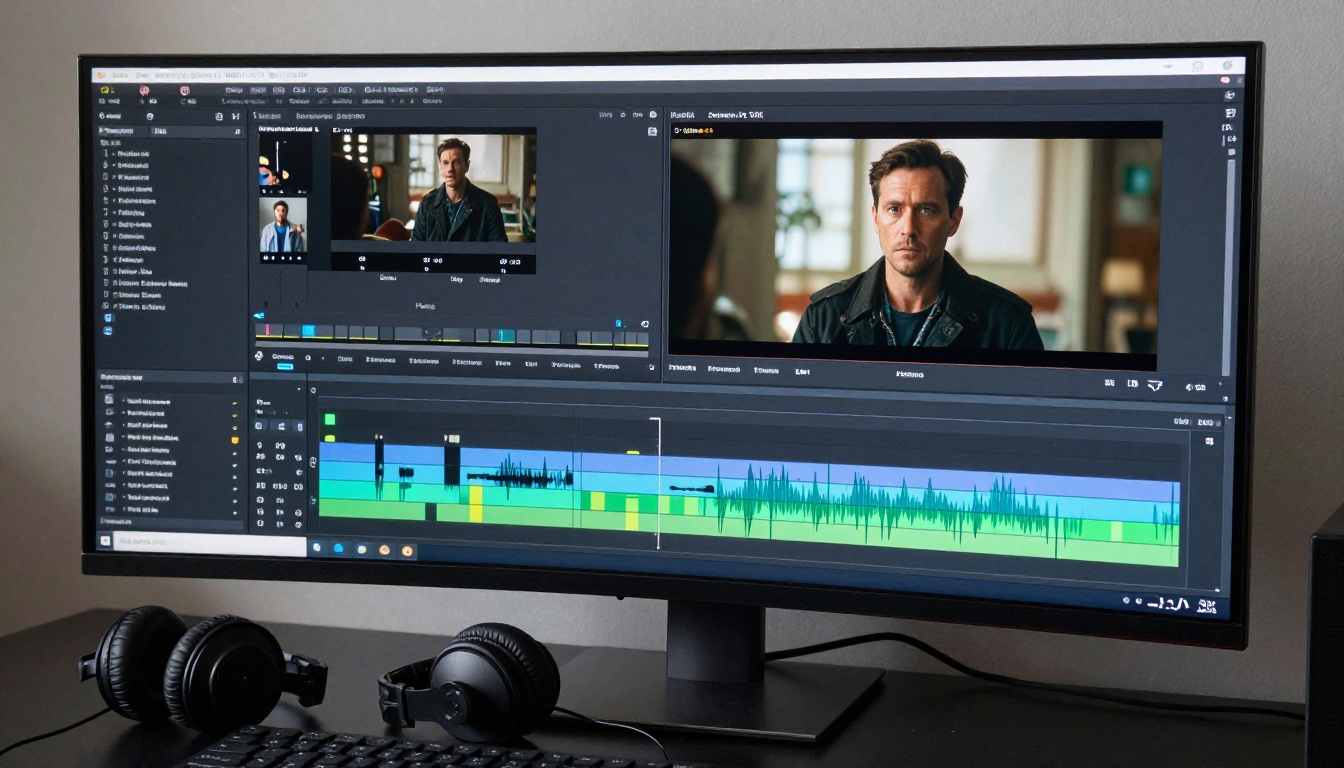
Generating clips is half the job. The edit is where the Short either lands or falls flat.
Cropping to 9:16 Without Losing Quality
If you generate in 16:9 and need to crop to 9:16, you lose roughly 56% of the frame width. For a 1080p wide clip, a vertical crop gives you a 607x1080 frame that you then scale up to 1080x1920. This scaling reduces sharpness noticeably on mobile screens.
The better option is always to generate vertical-native in Sora 2 Pro when you know the output is a Short. A 9:16 generation from the model preserves all its detail budget for the vertical frame, producing noticeably sharper footage.
If you do need to crop from 16:9, generate at the highest available resolution and plan your composition. When writing prompts for 16:9-only output, keep the primary subject centered so the vertical crop retains the visually important information.
Pacing and Cut Points
Cut on motion. The best edit points in AI-generated clips are mid-movement frames where the energy of one clip carries into the next. If clip A ends with a character turning left, cut to clip B starting with a leftward pan. The brain reads this as continuous motion even when the scene changes completely.
A useful pacing reference for Shorts:
| Section | Ideal Cut Interval |
|---|
| Hook (0-3s) | 1-2 seconds per cut |
| Development | 3-5 seconds per cut |
| Payoff | 2-3 seconds per cut |
Tighter cuts in the hook force the viewer to stay engaged. Slightly longer cuts in the development section allow information to land clearly. The payoff cut rate ramps back up to signal that the Short is reaching its climax.
Other AI Video Models Worth Trying
Sora 2 Pro is the right choice for narrative-driven Shorts with consistent characters and environments. But depending on your specific clip requirements, other models on PicassoIA may serve better.
When to Choose a Different Model
- Fast B-roll, no character: LTX 2.3 Pro generates stunning 4K footage quickly and excels at atmospheric scene-setting shots without subjects
- High-action sequences: Kling v3 Video handles rapid motion better and produces sharp, energetic action clips
- Long clips up to 30 seconds: Seedance 2.5 covers more duration per generation, useful for single-clip or two-clip Shorts
- Cinematic HDR tone: Ray 3.2 produces footage with a distinctive film grade that works well for travel and landscape content
- Rapid iteration: Pixverse v6 generates quickly when you need to cycle through a large volume of clips fast
The most effective approach is mixing models within a single Short. Use Sora 2 Pro for your anchor scenes and pull in Wan 2.7 T2V or Veo 3.1 for supporting cutaways. Each model carries a slightly different visual character, and the contrast between them keeps the viewer visually engaged through the entire Short.
Start Creating Now

The barrier to making a YouTube Short is lower than it has ever been. You do not need a camera. You do not need an editing suite. You do not need footage rights, a studio, or a filming location. You need a clear concept, a well-written prompt, and a free afternoon.
Sora 2 Pro on PicassoIA puts professional-grade cinematic video generation within reach of anyone who can write a descriptive sentence. Every major model from OpenAI, Google, Bytedance, Luma, Kling, and more is accessible from the same platform, with no separate accounts or API setup required.
Pick your first Short topic. Write a four-scene outline. Open PicassoIA and start generating. The first one takes an afternoon. The second one takes an hour. By the fifth, you have a workflow and a library of footage you own outright.
The Shorts feed is crowded. Very few of those clips look like they were made by someone who had a real plan. Yours can be different.
💡 Ready to build your first AI-powered Short? Visit Sora 2 Pro on PicassoIA and browse the full catalog of 80+ text-to-video models at picassoia.com/en/all-models.