Making NSFW Images with Seedream 5 Pro, Step by Step
Seedream 5 Pro is one of the most powerful AI image generators available today, capable of producing photorealistic NSFW content with striking 2K detail and speed. This article walks you through real step-by-step prompts, lighting strategies, model settings, and the top uncensored AI tools you can use right now to create high-quality adult AI images on PicassoIA.
Seedream 5 Pro landed with the kind of hype that usually ends in disappointment. This time, it did not. The model produces 2K-resolution images with a detail density that genuinely surprises you the first time you zoom in, and it does it without the aggressive safety filters that make other frontier models frustrating to use for adult content creation. If you have been waiting for an AI image generator that handles NSFW prompts without fighting you at every step, this is the one worth your time.
This article covers exactly what Seedream 5 Pro can do, how to write prompts that actually work, and which models on PicassoIA you should be using right now for NSFW image generation.
What Seedream 5 Pro Can Do
2K Resolution With Real Detail
Most AI image generators produce convincing results at a glance. Seedream 5 Pro holds up at 200% zoom. The model's 2K output contains the kind of micro-detail that photographers used to call "resolving power": individual fabric threads, skin pores, stray hairs catching light at oblique angles. For NSFW content specifically, this means the images look photographic rather than like digital approximations.
The architecture behind Seedream 5 Pro appears to prioritize coherent human anatomy in ways that earlier models did not. Limbs stay proportional across complex poses. Hands, historically the weak point of AI image generation, show significant improvement. Skin texture responds to lighting in a physically believable way, with specular highlights on oily areas and matte absorption in dry or powdery zones.
Speed That Does Not Break Your Workflow
Speed matters more than most generators admit in their marketing. When you are iterating on prompts, a 45-second wait between generations is workflow death. Seedream 5 Pro generates at a pace that keeps creative momentum intact. On PicassoIA, you will typically see results in seconds, not minutes, which means you can test variations quickly and find what works without losing your train of thought.
This speed advantage compounds when you are doing serious volume. A photoshoot-style session where you test 20 prompt variations, pick three, then refine those three further becomes genuinely feasible rather than a half-day project.
What Sets It Apart From the Lite Version
A critical distinction worth stating clearly: Seedream 5 Lite does not support NSFW content. The two models share a name family but are not interchangeable for adult content work. Seedream 5 Pro is the version with uncensored output, and it is the one you want for everything covered in this article.
Setting Up Your First NSFW Image
Accessing the Model
Seedream 5 Pro is available directly on PicassoIA's text-to-image collection. Navigate to the model page and you will find the standard interface: a prompt input, aspect ratio controls, and generation settings. No complex setup, no API key juggling, no local GPU required.
For NSFW work specifically, PicassoIA does not impose the heavy-handed filtering you find on mainstream consumer platforms. The model processes your prompt as written, which is precisely why prompt craft matters so much. You are getting exactly what you ask for, so asking well is everything.
Building a Basic Prompt
A first NSFW prompt that works with Seedream 5 Pro does not need to be complicated. Start with a clear subject, a specific setting, and a lighting condition:
"Beautiful woman in a white string bikini standing on a sandy beach at golden hour, natural sunlight from the left, Canon 85mm lens, RAW photography, 8K"
This returns a usable image. But "usable" is not the goal. The goal is photographic: images that look like they came from a professional shoot, not a render. That requires more structure.
What Good Results Look Like
The difference between a mediocre Seedream 5 Pro result and an exceptional one almost always comes down to specificity in three areas: the physical description of the subject, the environmental context, and the technical camera parameters. When all three are detailed, the model has enough signal to resolve ambiguity in a direction that produces photorealistic output.
Prompt Structure That Gets Real Results
Good NSFW prompts for Seedream 5 Pro have three distinct layers. Write them all.
The Subject Layer
Describe your subject in precise physical terms. Not just "beautiful woman": that is a placeholder the model fills with averaged training data. Instead:
Hair color, length, and texture ("long auburn hair with natural wave")
Skin tone and surface quality ("warm olive complexion, visible collarbone")
Pose or body position ("standing with weight on right hip, arms relaxed at sides")
Expression ("direct gaze, lips slightly parted")
Each detail narrows the space of possible outputs toward something specific. The more specific you are, the less the model guesses, and the less it guesses, the better your results.
The Scene and Lighting Layer
Seedream 5 Pro responds exceptionally well to photographic lighting descriptions. This is where NSFW images move from generic to striking:
Direction: "volumetric light from camera-left at 30 degrees" vs. just "natural light"
Quality: "soft diffused window light" vs. "harsh midday sun"
Color temperature: "warm amber golden hour" vs. "cool blue overcast"
Background context: specific locations with physical details, not just "indoors" or "outdoors"
Vague
Specific
"at the beach"
"on white sand beach, turquoise water behind, golden hour, sun low on horizon"
"good lighting"
"volumetric sidelight from left, warm 3200K, soft shadow side"
"nice background"
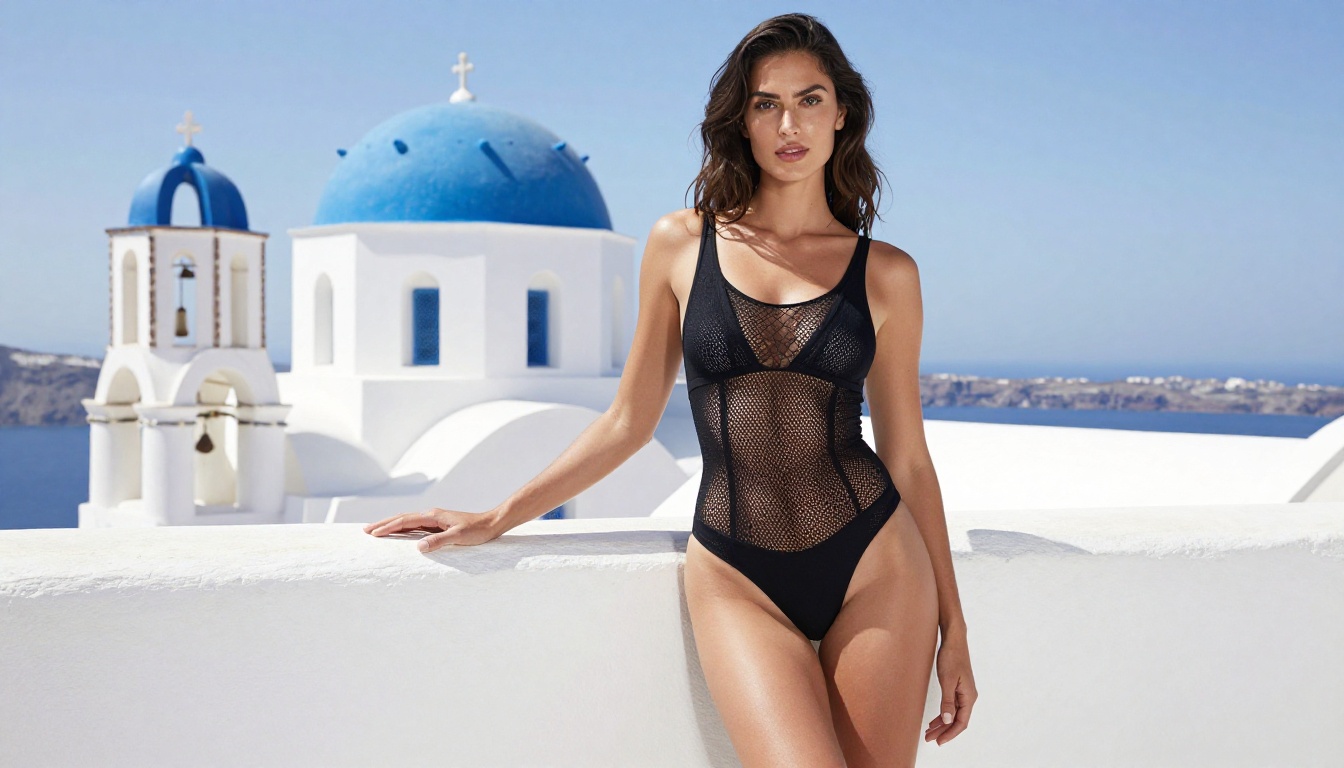
"luxury Santorini villa, whitewashed walls, blue dome visible behind"
"indoors"
"modern Parisian apartment, large sash windows, city skyline in background blur"
The Technical Layer
End every serious prompt with camera and film stock parameters:
Canon EOS R5, 85mm f/1.4 lens, RAW 8K resolution, Kodak Portra 400 film grain, photorealistic --ar 16:9 --style raw
These tags are not decoration. They activate specific stylistic priors in the model. A 85mm lens implies compressed perspective and shallow depth of field. Kodak Portra 400 implies warm, slightly desaturated color science. And --style raw suppresses the model's tendency to over-saturate or over-sharpen.
A Full Prompt Example
Here is a complete working prompt structure for Seedream 5 Pro:
"Beautiful woman with long dark hair, warm tan skin, wearing a black lace bodysuit, standing at the edge of an infinity pool on a Santorini villa terrace at sunset. Warm amber and rose light from the horizon catching the lace fabric, pool water reflecting pink and gold behind her. Right arm extended to the railing, looking toward camera with calm confident expression. Shot on Sony A7R IV with 50mm f/1.8 lens, slight low angle, Kodak Portra 400 grain, photorealistic RAW 8K --ar 16:9 --style raw"
Break this apart and you will see all three layers: specific subject description, precise environment and lighting, and technical camera parameters. This is the formula that separates editorial-quality output from generic results.
Best NSFW Models on PicassoIA Right Now
Seedream 5 Pro is powerful, but it is one tool in a larger lineup. PicassoIA gives you access to a full stack of NSFW-capable models, each with different strengths. Here is the ranked list.
Seedream 4.5: The One to Use First
Seedream 4.5 is the top recommendation for NSFW image generation. It accepts adult content directly, supports image editing alongside text-to-image generation, and produces highly realistic results in under 3 seconds. For volume work where you need fast iteration with high quality, this is your primary model.
💡 Important: The newer Seedream 5 Lite does not support NSFW content. Use Seedream 4.5 or Seedream 5 Pro for adult content, not Lite.
PicassoIA Image Editor Pro: Unlimited Shots
PicassoIA Image Editor Pro operates as an img2img model, meaning you supply a base image and transform it with a text prompt. Its main advantage has nothing to do with quality. It is about economics. Elite and Infinite plan subscribers get unlimited generations. Generating 1,000 images costs exactly the same as generating one. Compare that to models where that same volume would cost around $100. The model accepts NSFW, returns results in under a second, and offers a 3-generation free trial with no credit card required.
For workflows where you are refining a specific look across dozens of variations, this is the cost-effective choice.
The Full NSFW Lineup
PicassoIA's full catalog of uncensored, high-performance models currently includes:
Seedream 4.5 — Best all-around. Realistic NSFW, image editing, under 3 seconds per generation.
Seedream 5 Pro — 2K output, fine anatomical detail, strong on complex poses.
PicassoIA Video — Unlimited text-to-video, up to 720p and 5 seconds per clip.
P-Video — Text, image, or audio to video up to 1080p. Safety filter off by default.
Grok Imagine Video — Up to 15 seconds, no watermarks, works from text or image input.
LTX 2.3 Pro — Highest fidelity video, up to 4K at 50fps, with retake and extend editing.
Unlike mainstream AI platforms, PicassoIA gives creators full creative freedom with uncensored, high-performance models.
Comparing Results Across Prompt Styles
Prompt 1: Outdoor Natural Light
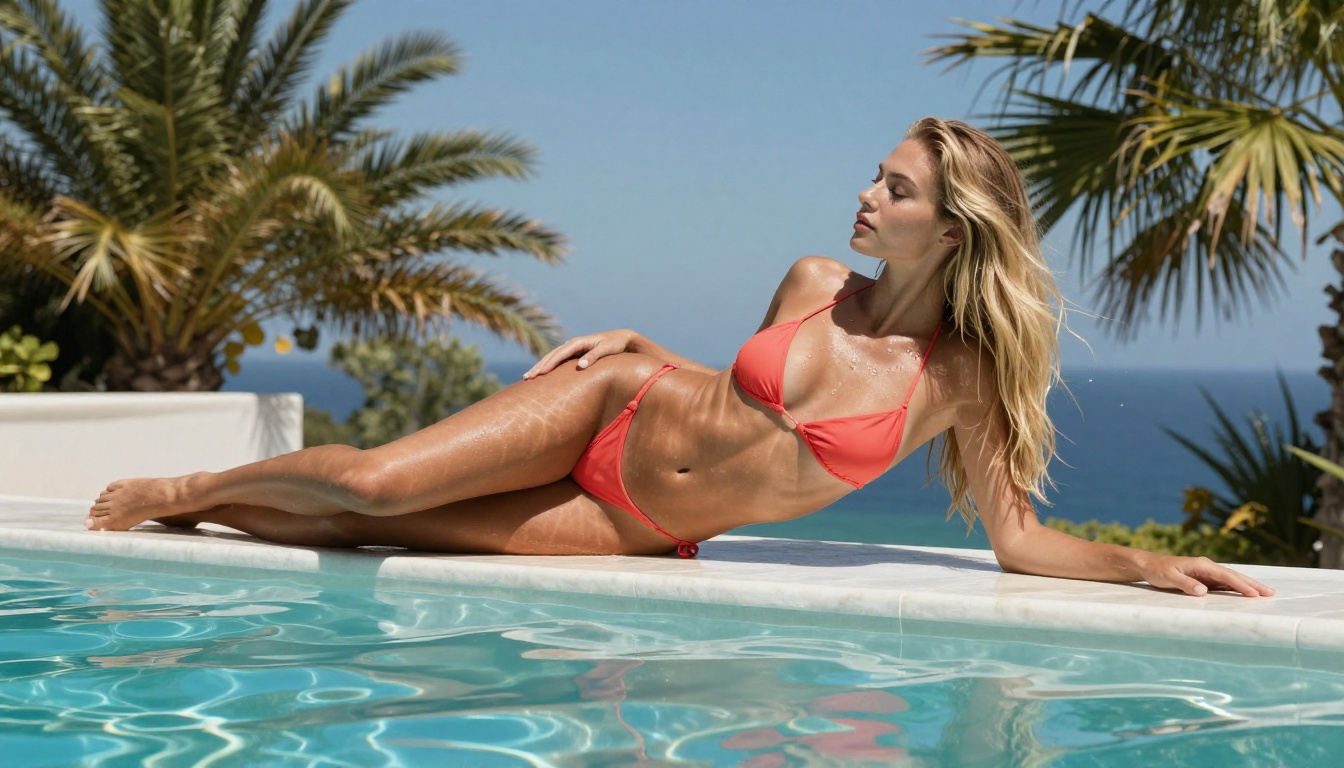
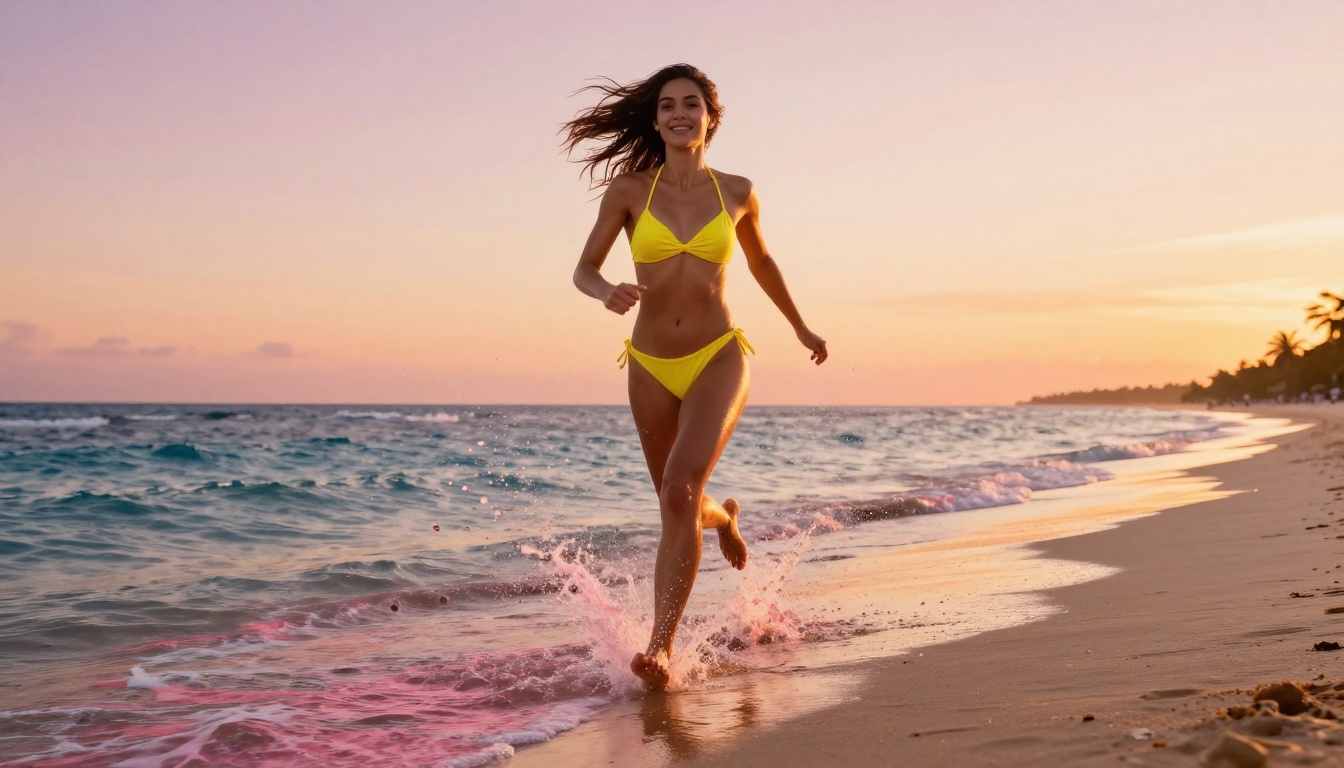
Natural light prompts tend to produce the most convincing skin tones on Seedream 5 Pro. The key is specifying the direction and temperature of the light source. A beach scene at golden hour with light coming from a specific angle produces very different results than the same beach at noon. Always state both.
The result is images where skin tones feel warm and dimensional rather than flat. The sun position creates natural rim lighting, shadow filling, and specular highlights across curved surfaces without any artificial studio fill.
Prompt 2: Indoor Available Light
Indoor NSFW images require more lighting work in the prompt because the model cannot rely on natural sun position for structural logic. Window light is your strongest tool here:
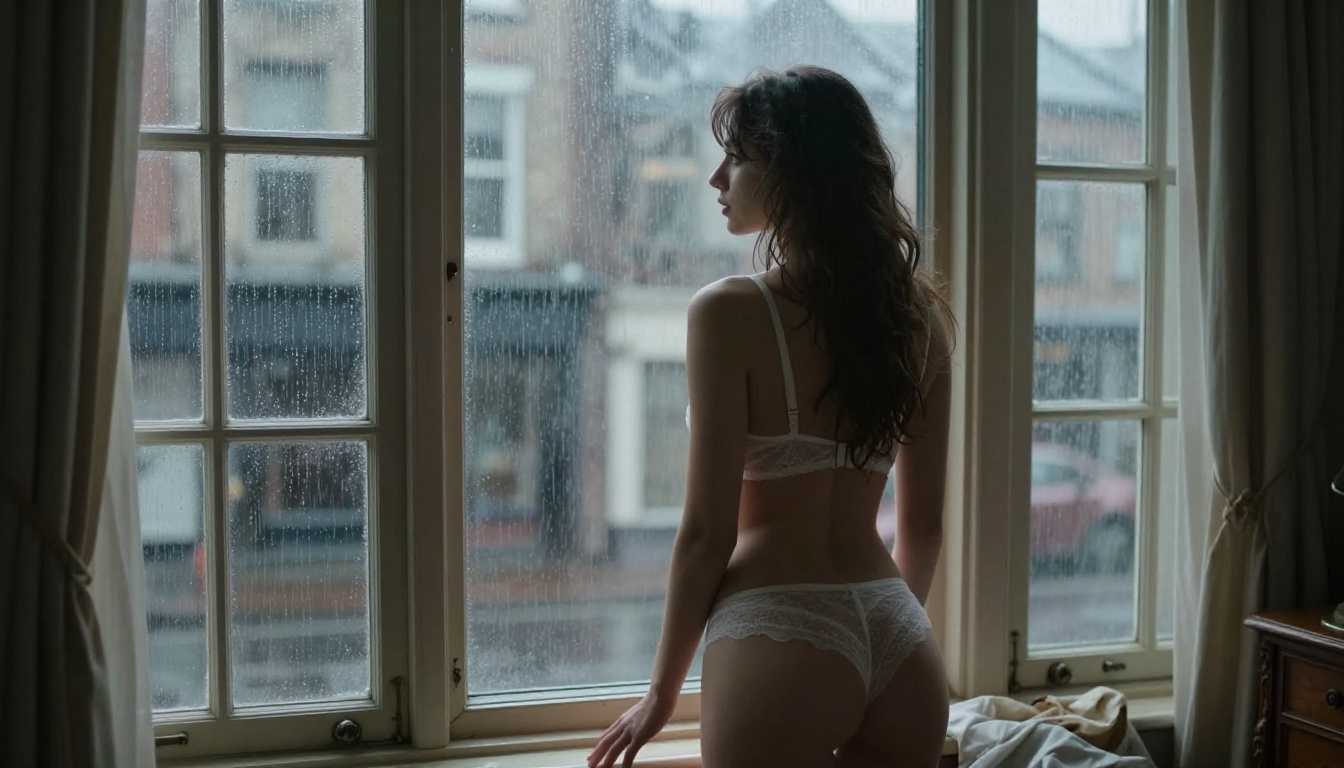
"[Subject] + [lingerie description] + [standing by floor-to-ceiling window] + [diffuse grey window light from right] + [city skyline in background blur] + [35mm f/1.4] + [available light, ISO 1600 grain] + [RAW 8K] --style raw"
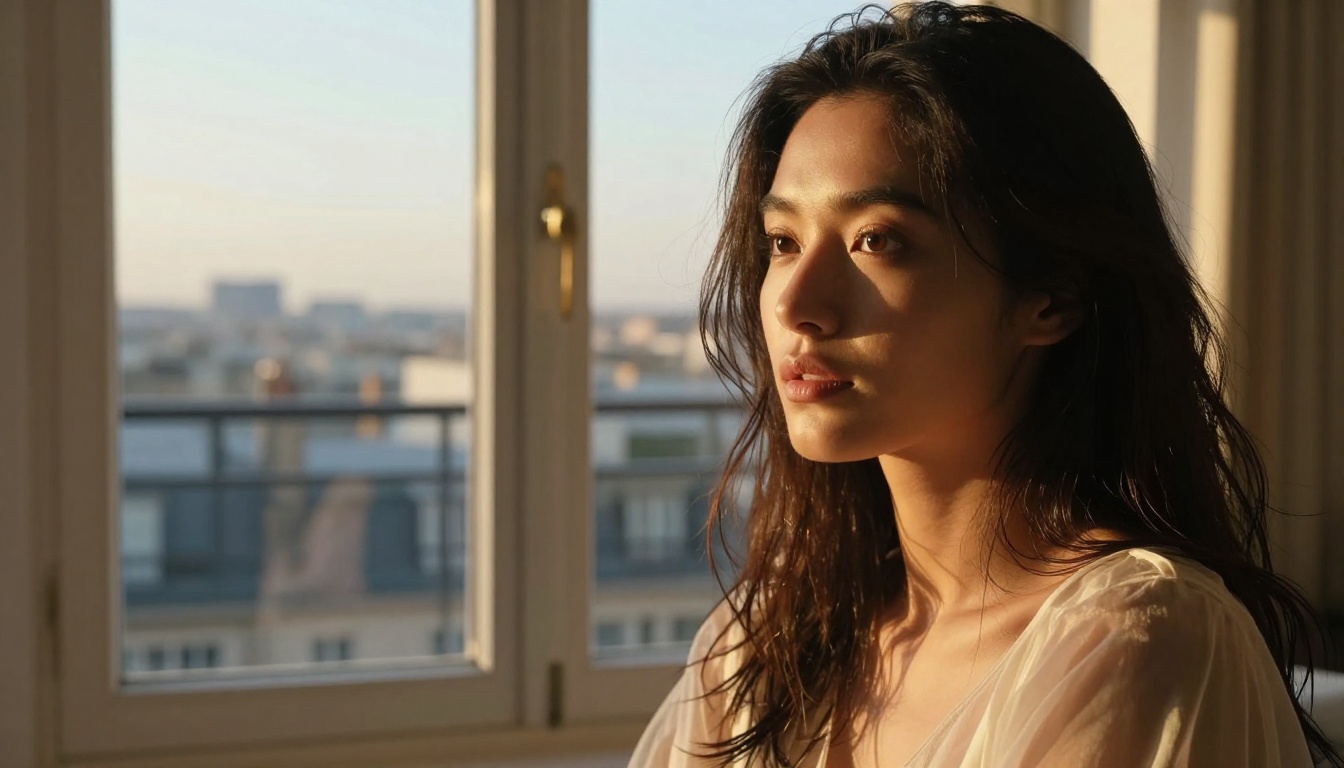
Window light creates natural edge lighting that sculpts form without looking artificially constructed. The city blur behind adds depth without distracting from the subject, and the high-ISO grain specification gives the image an organic, photojournalistic quality that makes it feel authentic rather than rendered.
3 Mistakes That Kill Your Output Quality
Vague Subject Descriptions
"A beautiful woman in lingerie on a bed" will produce a technically correct but completely generic image. The model picks the most averaged interpretation of every ambiguous element. Fix this by replacing every generic noun with a specific one. Not "lingerie": "sheer black French lace bodysuit with thin adjustable straps." Not "on a bed": "sitting on the edge of a king-size bed with cream linen bedding, one leg crossed, hand resting on the duvet."
Every vague word is a slot where the model guesses. Every specific word is a slot you control.
Wrong Style Tags
Using --style cinematic or --style illustration when you want photorealism actively works against you. Seedream 5 Pro's photographic output is strongest with --style raw. Adding cinematic pushes the model toward the kind of color grading you see in movie trailers, not editorial photography. Stay with raw for NSFW photorealism.
Skipping Lighting Instructions
This is the most common mistake with the biggest impact on output quality. Lighting is not decoration. It is structure. An image with no lighting specification gives the model full discretion, and it defaults to flat, even illumination that makes subjects look like product photos. Always specify direction, quality (hard vs. soft), and color temperature. Three words of lighting instruction can shift an image from flat to dimensional.
Advanced Prompting Tactics Worth Knowing
Mixing Lighting Sources
Real photography often involves multiple light sources with different temperatures. You can specify this directly: "warm tungsten lamp from camera-right mixing with cool blue ambient light from the window on the left." This kind of dual-source lighting specification produces images with the visual complexity you see in professional editorial work, where the mix of warm and cool creates natural color depth across surfaces.
Controlling Depth of Field Explicitly
Rather than letting the model choose how much of the background to blur, specify the aperture: "f/1.4" produces extreme blur, "f/4" retains moderate background detail, and "f/8" keeps most of the scene in focus. For NSFW images, wide apertures (f/1.2 to f/2.0) tend to isolate the subject cleanly and produce the most flattering, editorial aesthetic.
Using Film Stock References
Different film stocks produce different color signatures that Seedream 5 Pro has internalized from its training data:
Film Stock
Color Character
Best For
Kodak Portra 400
Warm, skin-flattering, slightly desaturated
Outdoor natural light, golden hour
Kodak Ektar 100
Vivid, high saturation, fine grain
Tropical, bright color scenes
Fujifilm Velvia 50
Punchy saturation, deep shadows
Fashion, dramatic scenes
Fujifilm Pro 400H
Soft, pastel, lifted shadows
Intimate indoor shots
Ilford HP5 400
Classic black and white grain
Moody, atmospheric
Adding one of these references at the end of your prompt gives the model a specific color science target and almost always improves color consistency across iterations.
Start Creating on PicassoIA Now
Seedream 5 Pro delivers on the promise of high-resolution, photorealistic NSFW image generation without the friction. The 2K output, strong anatomical accuracy, and responsive prompt handling make it a serious tool for creators who want results that look professional, not generated.
But it is one part of a much larger toolkit. Start with Seedream 4.5 for speed and editing flexibility, use PicassoIA Image Editor Pro when you need unlimited iterations without burning through credits, and reach for Seedream 5 Pro when you need that 2K ceiling and maximum anatomical precision.
The fastest way to see the quality difference between models is to run the same prompt across three of them and compare the outputs side by side. You will have a clear picture of which model fits your workflow in about ten minutes, and the results will inform every prompt session after that.
💡 The full lineup of NSFW-capable AI models, from text-to-image to video and audio, is available at picassoia.com/en/all-models. If Seedream 5 Pro is your starting point, the rest of the catalog is waiting for you.