Product ads used to have a simple rule: if you want it to look good, budget two weeks and a production team. That math has changed. Wan 2.7 didn't just shorten timelines, it broke the assumption entirely. Brands are shipping 30 ads a week on the same budget that used to produce three. That's the shift worth paying attention to.
This isn't about replacing creative instincts. It's about removing the bottleneck between a good idea and a finished asset.
The Speed Problem with Traditional Product Ads
Why Most Brands Fall Behind
The standard product ad pipeline has a lot of moving parts. A single SKU typically requires product photography, video capture, editing, motion graphics, format adaptation for different platforms, and approval rounds. Each step adds hours. Each revision adds more.
For brands running dozens of products, this creates an impossible math problem. The content demand from social platforms, paid campaigns, and email sequences outpaces what any traditional pipeline can deliver. So brands either over-invest in production staff, accept lower output, or publish mediocre assets hoping they perform.
None of those options scale.
The Cost of a Slow Content Cycle
Speed isn't just a comfort issue; it has a direct dollar cost. When a product launch video takes ten days to produce, you've already missed the first wave of organic interest. When a competitor runs five ad variations to your one, they're collecting data you don't have.
💡 The real bottleneck isn't creativity. It's iteration speed. A team that can test 20 ad concepts per week beats a team with one brilliant concept that took a month to produce.
The brands winning on paid social right now aren't the ones with the biggest budgets. They're the ones producing the most variations, testing the fastest, and doubling down on what works. That requires a fundamentally different production model.

What Wan 2.7 Actually Does Differently
Three Models, One Unified System
Wan 2.7 isn't a single tool. It's a family of three specialized models, each built for a different production input:
| Model | Input | Best For |
|---|
| Wan 2.7 T2V | Text prompt | Concept ads, lifestyle scenes, brand narrative |
| Wan 2.7 I2V | Image + prompt | Animating product photos, pack shots, flat lays |
| Wan 2.7 R2V | Reference subject | Character-consistent motion, mascot animation |
This three-model architecture is what separates Wan 2.7 from previous generations. Instead of forcing every input through a single pipeline, you pick the right tool for the asset you already have. Got a product photo from your photographer? Feed it to I2V. Working from a brief with no existing assets? Start with T2V.
Resolution That Doesn't Compromise Quality
One of the persistent criticisms of AI video for advertising has been resolution. Early models produced outputs that looked fine in preview and fell apart at delivery size. Wan 2.7 T2V outputs at 1080p natively, which covers the majority of digital ad placements without upscaling artifacts.
For brands that need 4K delivery, LTX 2.3 Pro handles that tier. But for performance marketing, social media ads, and product listings, 1080p is sufficient and the faster generation time of Wan 2.7 gives you a significant production advantage.
How to Use Wan 2.7 on PicassoIA
PicassoIA hosts all three Wan 2.7 variants directly, so you don't need API access or local GPU setup. The workflow runs entirely in-browser, and you can go from text prompt to downloadable video in minutes.
T2V: Text Directly to Ad Video
Wan 2.7 T2V is the fastest entry point. You write a description of the scene you want, and the model generates a video from scratch.
Step-by-step:
- Open Wan 2.7 T2V on PicassoIA
- Write your scene description in the prompt field
- Set resolution to 1080p for ad delivery quality
- Choose duration (5-second clips work best for social ads)
- Click Generate and wait 60-90 seconds
- Download or share directly from the result page
Prompt structure that converts:
The difference between a generic output and a usable ad is mostly in how you write the prompt. Describe the product action first, then the setting, then the camera behavior.
Example: "A matte black vitamin bottle rotating slowly on a white marble surface, warm morning light from the left, gentle camera dolly-in, realistic glass condensation on the bottle, 4K product advertisement style"
That gives the model three things: the subject action, the environment, and the camera movement. Add one sensory detail like texture or lighting direction and results improve noticeably.
I2V: Animating Your Product Photos
Wan 2.7 I2V takes your existing product photography and adds motion. This is where existing brand assets become directly usable in video ads without reshoots.
💡 Best practice: Use product photos shot on neutral or white backgrounds. The model handles motion better when it doesn't have to interpret complex environmental geometry around the subject.
What works well:
- Pack shots with clean edges
- Flat lay compositions with good lighting
- Hero product images with negative space for camera movement
What to prompt: Focus on the motion, not the product description. The model already sees the image. Tell it how things should move: "bottle cap tilts open gently, liquid droplets emerge and fall in slow motion, soft studio lighting"

R2V: Subject-Focused Motion
Wan 2.7 R2V is the most specialized of the three. It locks onto a subject from your reference image and keeps that subject visually consistent while generating motion around it. This is particularly useful for brands with mascots, recurring product characters, or spokesperson-style ads.
The tradeoff is that R2V requires clean reference images. Blurry or crowded reference frames produce inconsistent results. When it works well, though, the output has a visual consistency that normally requires expensive post-production supervision.
Workflow That Actually Ships Fast
From Product Shot to Final Ad in Minutes
Here's a real production workflow using Wan 2.7 that collapses a traditional day-long process:
Step 1: Start with your strongest product photo (2 minutes)
Select one clean product image. If you don't have one, generate a photorealistic product image using PicassoIA's image tools first.
Step 2: Run it through I2V with a motion prompt (3 minutes generation)
Use Wan 2.7 I2V with a specific motion description. Get the first output, review it.
Step 3: Generate 3 motion variants (10 minutes)
Change the motion prompt while keeping the same image. One version with a slow zoom, one with a rotation, one with a particle or liquid effect. You now have three different ads from one product photo.
Step 4: Pair with a text concept ad (5 minutes)
Run one T2V prompt for a lifestyle scene that complements your product. Now you have four distinct assets.
Total time: under 20 minutes for 4 ad variations. A traditional production day produces the same output.
Batch Creation for Multiple Products
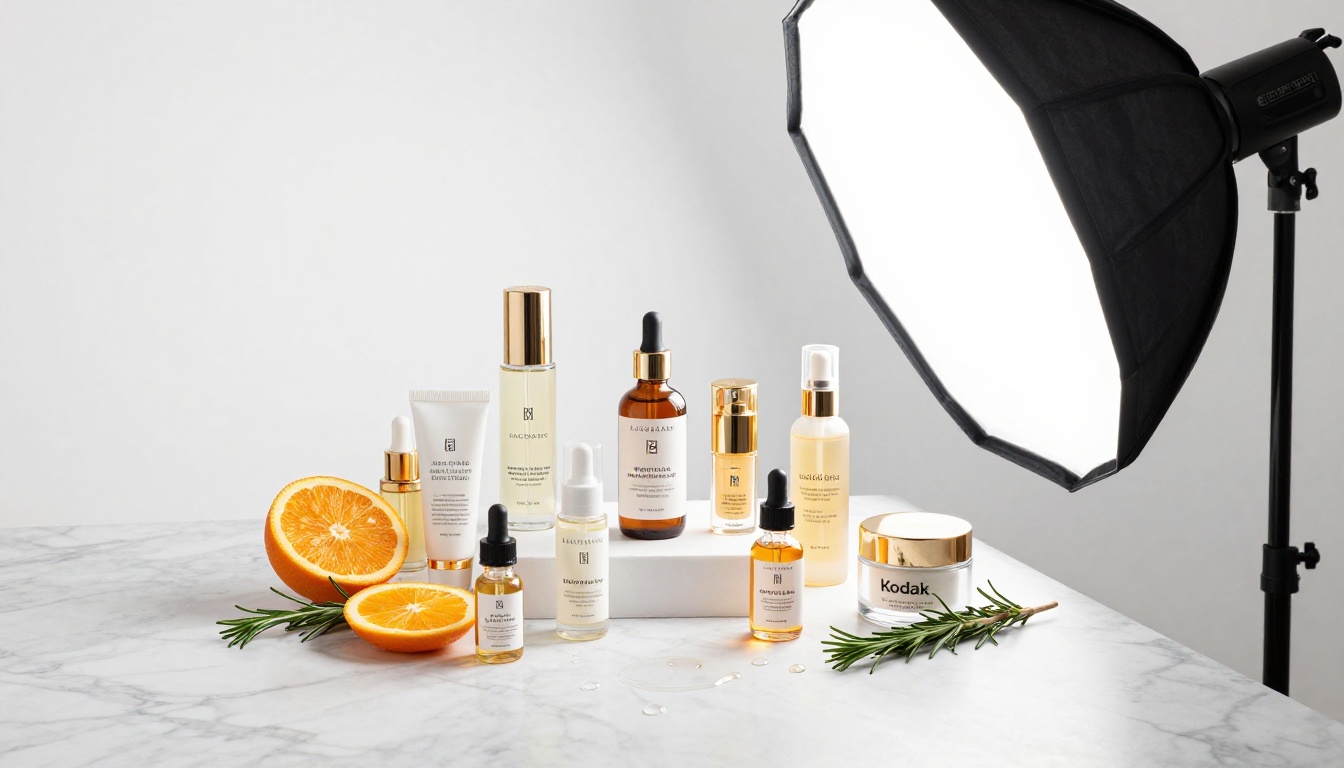
For brands with large catalogs, the real advantage of Wan 2.7 is batch production. Because each generation takes under 2 minutes, you can run multiple products in sequence with minimal switching cost.
Batch workflow for catalog brands:
- Organize all product images by category before starting
- Write a master prompt template for each category (skincare, electronics, apparel, etc.)
- Swap only the image input and minor product-specific details per generation
- Use consistent motion prompts across a category for visual brand cohesion
- Collect all outputs in a shared folder and review in a single pass
This produces a catalog-consistent ad set in a morning that would have taken an entire creative department a week. The consistency advantage is real: when all your product ads move the same way with the same lighting behavior, the brand starts to feel like a production house made them.
Settings That Make or Break Your Ads
Prompt Structure for Commercial Results
The gap between a decent output and a great one comes down to prompt specificity. Wan 2.7 responds well to camera direction language and material descriptions.
High-performing prompt elements:
| Element | Weak | Strong |
|---|
| Camera | "show the product" | "slow dolly-in, product centered, rule of thirds" |
| Lighting | "good lighting" | "soft Rembrandt lighting from upper-left, warm amber" |
| Motion | "moving" | "product rotates 15 degrees clockwise, ribbon of steam rises" |
| Texture | "smooth" | "matte ceramic surface with subtle grain, micro-pores visible" |
The more specific your motion and material language, the more predictable the output. Generic prompts produce generic ads.
💡 Tip: Write your prompts in the same language you'd use to direct a camera operator on set. "Camera slowly drifts in from three feet" works better than "zoom in slightly."
Negative prompts that help:
Most Wan 2.7 interfaces support negative prompts. For product ads, these consistently improve outputs:
- "blurry, distorted, watermark, low resolution"
- "CGI, cartoon, illustration, 3D render"
- "text overlay, captions, logos"
- "fast motion, shaky camera"
When to Use 1080p vs Lower Resolution
1080p is the default for most use cases, but there are situations where a lower resolution tier makes sense:
- Testing phase: If you're running 20 concept variants to find which hook works, generate at lower resolution first. It's faster. Upscale the winner using PicassoIA's super-resolution tools.
- Story formats: Vertical social story ads in 9:16 at 720p are often indistinguishable from 1080p on mobile screens.
- Speed priority: When you need output in under a minute, lower resolution gets you there.
Once a concept is validated, go back and regenerate the winner at full 1080p for final delivery.

Visual Effects That Work in Product Ads
One of the underused capabilities in Wan 2.7-based workflows is using motion as a visual effect rather than just showing a product in motion. This is particularly powerful for ads that need to stand out in a crowded feed.
Effective visual effects with Wan 2.7 I2V:
Liquid emergence: Start from a still product shot of a drink or skincare product and prompt for liquid flowing from the cap or overflowing. The slow-motion liquid motion creates premium brand perception that static images simply can't achieve.
Particle effects: For fragrance, supplement, or beauty products, prompting for fine particles or mist emerging from the product creates cinematic texture that reads as high-end. Describe it specifically: "fine mist disperses from atomizer in slow motion, each droplet catching side light."
Environmental integration: For food or beverage products, prompting the product to appear in a naturally lit environmental scene (morning kitchen, outdoor cafe) makes static pack shots feel alive and contextual.
Pixverse v5.6 is worth knowing for this use case as well. Where Wan 2.7 produces motion with excellent subject consistency, Pixverse handles certain visual effects like environmental dynamics and atmospheric elements with a different strength profile. Knowing when to switch tools is part of a mature production workflow.
Pairing with Seedance 2.5 for Longer Formats
Wan 2.7 T2V produces tight clips ideal for social, but longer-form product ads (15-30 seconds) need a different approach. Seedance 2.5 extends to 30 seconds and handles narrative arcs better for longer ad formats.
A practical split:
- Wan 2.7: Short-form ads (6-10 seconds), product hero shots, social feeds
- Seedance 2.5: Long-form product demos, before/after formats, story-driven commercials
Using both in the same workflow gives you coverage across every ad length format your media plan requires.
Kling v3 for Cinematic B-Roll
Kling v3 Video excels at cinematic motion with high visual fidelity. Where Wan 2.7 wins on speed and product accuracy, Kling v3 produces the kind of sweeping, atmospheric B-roll that elevates brand perception.
The workflow that works: use Wan 2.7 for product-specific shots, then add one or two Kling v3 Video lifestyle B-roll clips to give the final ad a premium feel. Editing them together creates an ad that looks like it had a film crew behind it.

Real Results vs. Traditional Production
Time Savings by Production Type
Here's an honest comparison between traditional production and Wan 2.7-based production for common ad types:
| Ad Type | Traditional | With Wan 2.7 |
|---|
| Single product hero video | 1-2 days | 15-30 minutes |
| 5 ad variations (same product) | 3-5 days | 90 minutes |
| Catalog shoot (20 SKUs) | 1-2 weeks | 4-6 hours |
| Seasonal campaign recut | 2-3 days | 2-3 hours |
| Social story format adapt | 4-6 hours | 20 minutes |
These numbers assume competent use of the tool with well-prepared product assets. First-time users will be slower until prompt patterns become familiar.
What You Still Need Humans For
AI video generation changes what humans spend time on, not whether humans are needed. Areas where human judgment still dominates:
- Strategic concept selection: Which of 20 generated variants actually fits the brand voice
- Final quality review: Catching subtle errors the model introduced (distorted text, physics glitches)
- Platform-specific adaptation: Knowing that a TikTok hook needs to land in 1.5 seconds, not 3
- Brand compliance: Ensuring colors, tone, and messaging match established guidelines
The creative director's role shifts from production manager to creative curator. That's a better use of the role.
What This Changes About Testing
The most underrated benefit of faster production isn't output volume; it's testing depth. When an ad takes two weeks to produce, you test one version. When it takes 20 minutes, you test ten.
That compounding advantage shows up in campaign performance over time. Brands running Wan 2.7 workflows don't just get more ads. They get faster feedback loops, more data per dollar spent on media, and creative iterations that actually respond to what's working.
The creative output improves because the iteration cycle improves. That's the real value.
💡 Production philosophy: Treat your first Wan 2.7 output as a draft, not a finished ad. The second or third iteration, shaped by what you observed in the first, is usually what earns media spend.
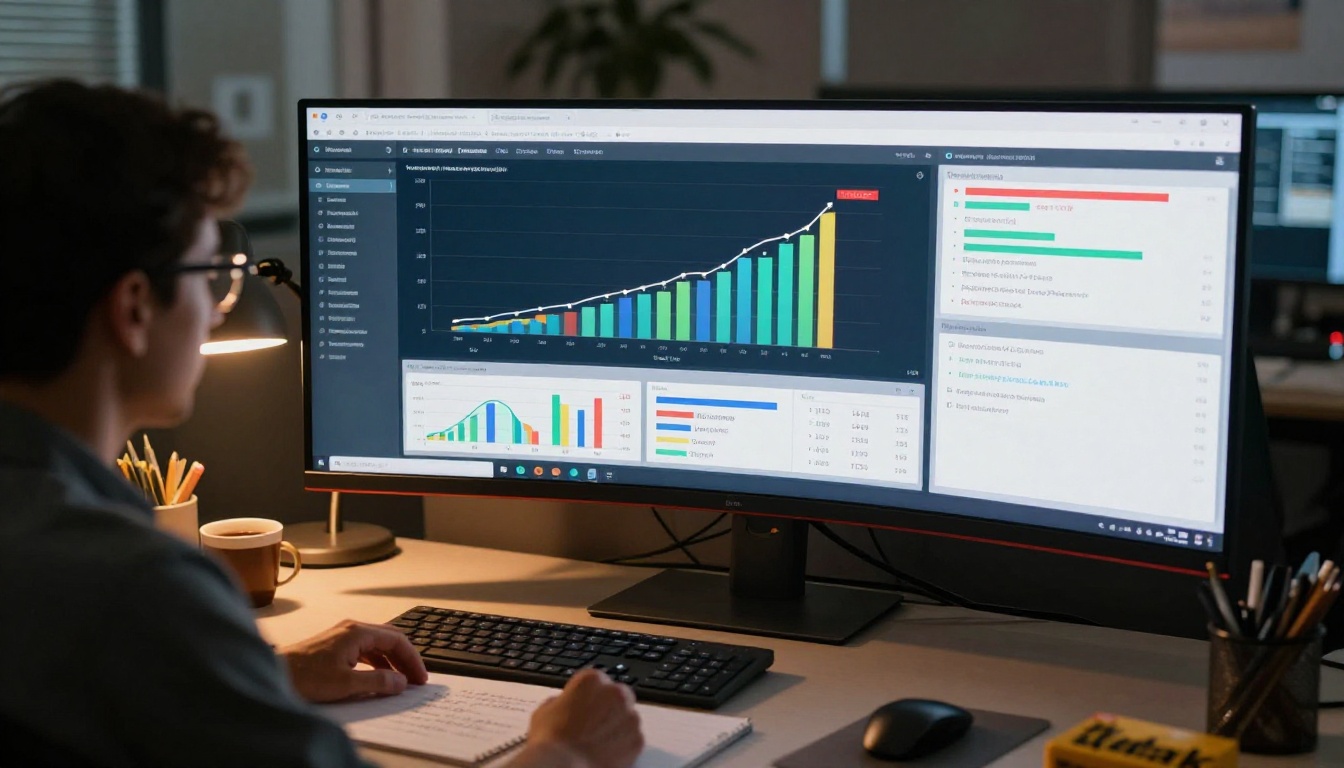
Metrics worth tracking when switching to this workflow:
- Ads produced per week (expect 3-10x increase)
- Cost per creative variation (expect 60-80% reduction)
- Time from brief to live ad (expect 90% reduction)
- Number of winning ad concepts identified per month (this is the one that compounds)
Start Creating on PicassoIA
Wan 2.7 T2V, Wan 2.7 I2V, and Wan 2.7 R2V are all available on PicassoIA right now, no downloads or GPU required. The fastest way to see what this workflow produces for your specific products is to run a test with one of your existing product photos through Wan 2.7 I2V. The whole test takes about five minutes.
If you want to experiment with longer formats, Seedance 2.5 is right there alongside it. For cinematic B-roll that adds premium visual weight, Kling v3 Video is the next tool to add to your production stack.
The platform's full collection of over 80 text-to-video models gives you the flexibility to match the right tool to every ad format your campaigns demand. Browse everything at picassoia.com/en/all-models and see what fits your production workflow.


