Something quietly changed about how you can work with large language models mid-conversation. Before Fable 5.1, if you started a session asking the model to think hard and then pivoted to a series of quick factual questions, you were stuck paying the same cognitive overhead for every response. Fable 5.1 fixes that. It lets you adjust how much reasoning effort the model applies at any point in an active conversation, without resetting context, without starting a new session, and without sacrificing the accumulated understanding the model already holds about your thread. This is not a minor API flag. It is a fundamental shift in how token budgets work in practice.
What Effort Adjustment Actually Does
The constraint that existed before
In earlier model versions, effort was a session-level commitment. You set a thinking budget before the first message, and every response in that session drew from the same allocation strategy. This created a real cost problem: if a conversation started with a complex architectural question requiring deep reasoning and then shifted toward simpler follow-up questions, the model kept computing at the same depth even when that depth was wasteful. Teams running high-volume sessions felt this directly in their inference bills. The only way to adapt was to start a new session, which meant losing everything the model had already built up about your problem.
What changed in 5.1
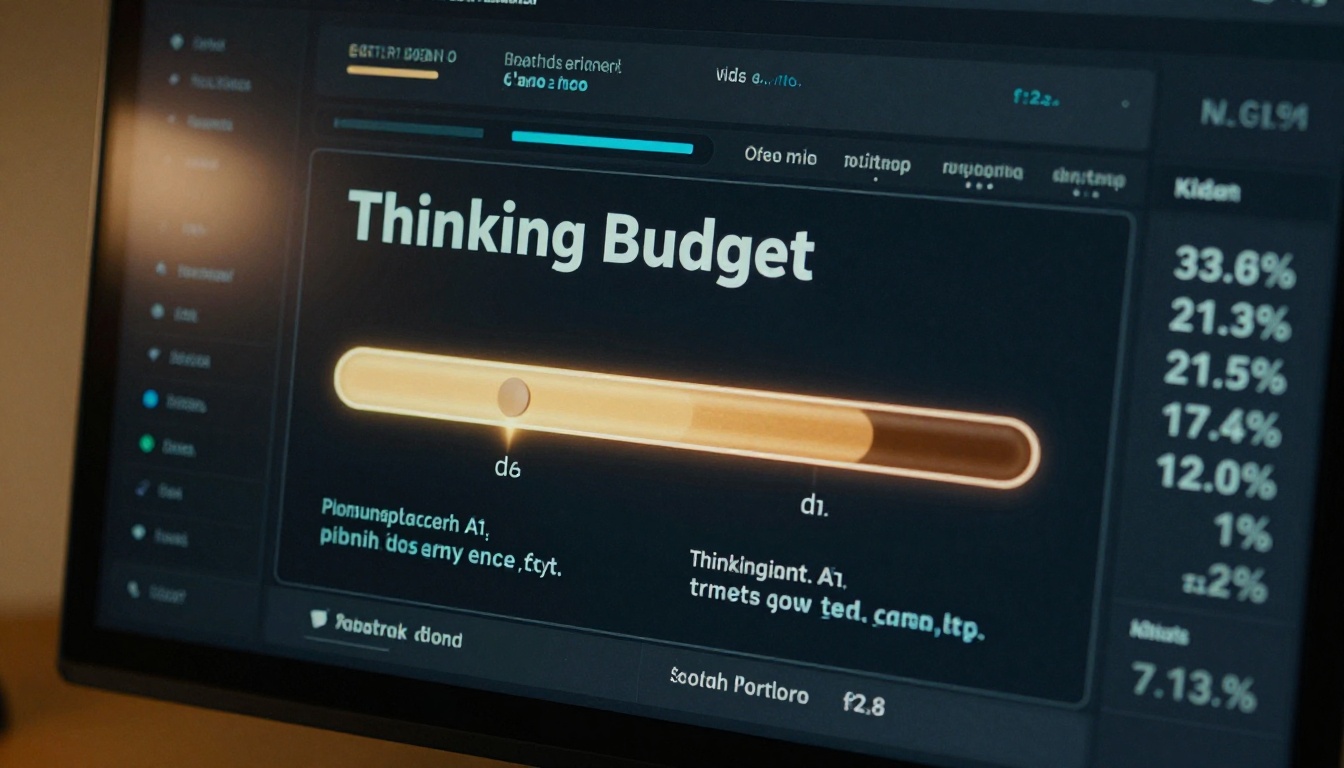
Fable 5.1 introduced per-turn effort parameters. At any point in a conversation, you can pass a revised budget_tokens value alongside your next message, and the model shifts its thinking allocation immediately. The context window stays intact, conversation history is preserved, and the model carries forward everything it already understood. Only the compute strategy changes. This makes it possible to run a single long session with a dynamic effort profile rather than having to choose one effort level and commit to it for the entire conversation.
💡 Important: Effort adjustment is not the same as changing the model. You are still talking to Claude Fable 5. What changes is how many thinking tokens it allocates before generating its visible response.
The Token Budget Behind It All
Understanding what budget tokens actually are is where most developers get tripped up. The terminology overlaps with output tokens in confusing ways, and the billing implications are real.
Two types of tokens at play
When a model with extended thinking support responds to a message, it does so in two stages. First, it reasons internally, generating what are often called "thinking tokens" or "scratchpad tokens." These are hidden from the user, they do not appear in the output, but they consume compute and show up in your billing. Second, the model generates the visible response. The visible response is what you read. The thinking tokens are the cost you pay for a higher-quality, more accurate visible response. Raising the budget means more internal deliberation before the model commits to what it says.

What the budget number controls
The budget_tokens parameter sets a ceiling on how many thinking tokens the model can use before it must start generating its visible answer. A higher budget means the model can deliberate longer, trace more reasoning paths, catch more contradictions, and arrive at a more considered answer. A lower budget forces the model to be more direct, relying on pattern recall rather than step-by-step internal reasoning.
Here is what happens at different budget levels in practice:
| Budget Level | Thinking Tokens | Best For |
|---|
| Minimal (under 1,000) | Near zero | Factual lookups, simple completions |
| Standard (2,000 to 5,000) | Moderate | Most everyday tasks |
| High (8,000 to 20,000) | Substantial | Complex logic, code review, planning |
| Maximum (20,000+) | Extensive | Math proofs, long-horizon reasoning |
The model does not always use its full ceiling. If a question is simple, it may exhaust its visible output long before it hits the thinking token limit. The budget is a cap, not a guarantee.
When to Dial Reasoning Up
Higher effort is not always better. It is slower and it costs more. But there are specific situations where skimping on thinking tokens will cost you more in wasted follow-up messages than the higher budget ever would.
3 signals that mean higher effort pays off
-
The question has multiple valid interpretations. When there is genuine ambiguity in what the right answer looks like, a model with more thinking room is far more likely to identify and address that ambiguity explicitly, rather than picking one path and running with it confidently.
-
Your context window is dense. If you are working with long conversation threads or have pasted in substantial reference material, the model needs more thinking tokens to correctly synthesize all of that before responding. Low-effort mode on a heavy context window produces shallow answers that miss connections between pieces of information you provided earlier in the thread.
-
You are debugging something that failed. In Claude Fable 5, debugging sessions benefit significantly from higher budgets. The model needs space to trace through the failure state, consider alternative causes, and rule out false leads before committing to an explanation.

Where more thinking stops helping
There is a ceiling effect. Pushing budget tokens beyond a certain point for a given question type returns diminishing results. For a simple factual lookup, a 30,000-token budget produces an answer nearly identical to a 3,000-token budget, but takes measurably longer and costs roughly ten times more in compute. The skill in using Fable 5.1 effectively is learning where that ceiling sits for different task types in your specific workflow.
💡 Practical rule: If the last three high-effort responses were shorter than 200 words each, your budget is probably too high for that conversation phase. Drop it by 50 percent and compare.
When Lower Effort Is Smarter
A large portion of the questions inside a typical work session do not require extended reasoning. Knowing when to drop the budget is just as important as knowing when to raise it.

Speed vs depth tradeoffs
For latency-sensitive pipelines, low-effort mode is significantly faster. In interactive applications where users expect near-instant responses, high thinking budgets create an unacceptable lag. Fable 5.1's ability to reduce effort mid-session means you can design systems where an initial planning phase uses high effort, and then execution-phase queries use low effort, all within one contiguous API session without losing conversation context. The user experiences fast responses during the execution phase while still benefiting from the high-quality planning that happened at the start.
Low-effort tasks that still deliver quality
Low budget does not mean low quality for the right tasks. Simple string formatting, entity extraction, translation of short texts, and direct factual recall all perform nearly identically whether the budget is 500 tokens or 5,000. The model does not need to "think" to return well-known information. It only needs thinking tokens when the answer requires genuine synthesis across information, multi-step inference, or reasoning under uncertainty.
How Fable 5.1 Reads Conversation State
The mechanics underneath effort adjustment are more nuanced than simply allocating a token ceiling. The model does not treat every message equally within a session.
Recency weighting in context
When Claude Fable 5 enters a new response turn with a revised budget, it does not re-read the entire conversation from scratch at full attention. It applies recency weighting: recent messages receive stronger attention weight than older ones. This means that even with a low budget, the model reliably incorporates what was just said. Where lower budgets hurt is in the model's ability to synthesize older context alongside recent context. If a key constraint was stated ten messages ago and the current question requires knowing that constraint, a low budget risks the model not catching the connection. Knowing this, the practical move is to briefly restate critical earlier constraints when you drop the effort level for a new phase.
Context compression on long threads
Fable 5.1 introduces automatic context compression on threads that approach the context window limit. This compression is separate from effort adjustment, but the two interact. When compression has occurred, a low-effort response may not notice that some nuance in the earlier conversation was lost during compression. If you are working on a long thread with important early context, keeping effort at least at a standard level is a practical safeguard against the model missing something that got compressed away.
Practical Use Cases
Code debugging sessions
The ideal pattern for debugging with Claude Fable 5 is to open at high effort, let the model triage the problem, and then drop to medium effort for the implementation steps once the root cause is clear. The expensive reasoning happens once. The execution phase stays fast and affordable. This pattern routinely cuts total session cost by 40 percent or more compared to running at maximum effort throughout a debugging thread.

Multi-step planning tasks
For project planning or breaking down a complex objective into subtasks, start with a high-budget planning turn. Then as you work through each subtask one by one, you can run at standard or even low effort. The model already has the plan in its recent context and does not need to reconstruct it from scratch each time. The expensive synthesis work happens once during the planning turn, and subsequent turns execute against that plan efficiently.
Lightweight Q&A at scale
If you are building an application that handles high-throughput queries and only occasionally encounters a genuinely hard question, you can implement a two-pass system: first attempt a response at low effort, and if the response includes hedging language or seems incomplete, retry the same query at high effort. This keeps your average inference cost close to the low-effort baseline while handling hard questions gracefully when they appear.
How to Use Claude Fable 5 on PicassoIA
Claude Fable 5 is available directly on PicassoIA in the Large Language Models collection. Here is how to take advantage of effort adjustment in a real workflow.

Setting the effort level in the interface
When you open a session with Claude Fable 5 on PicassoIA, you will see an effort control in the advanced settings panel. The slider runs from minimal to maximum. For most sessions, starting at the middle position is the right call. You can adjust it at any point during the conversation before sending your next message, and the new budget applies immediately to that response and all subsequent ones until you change it again. There is no need to start a new session.
Parameter tips for real workflows
- Start planning phases at 70 to 80 percent effort. This gives the model room to reason without hitting the performance ceiling.
- Drop to 20 to 30 percent for execution turns. Once you have a clear plan, the model does not need deep reasoning to follow it step by step.
- Use maximum effort sparingly. Reserve it for the one or two genuinely hard questions in a session: proof checking, architecture review, edge case analysis.
- Watch response length as a proxy. Short visible responses on a high budget often mean the question was simple enough that the model used far less than its allocated budget. You can safely lower the budget and lose nothing.
Other models worth knowing for different reasoning needs include Claude Sonnet 5 for fast mid-weight tasks, Claude Opus 4.7 for the heaviest reasoning workloads, DeepSeek R1 if you want to compare reasoning trace styles, and Kimi K2 Thinking for extended step-by-step reasoning on technical problems.
Comparing Effort Modes Across Models

Not every model on the market exposes mid-conversation effort adjustment. Here is how the current generation compares on this specific capability:
| Model | Mid-Session Effort Adjustment | Budget Token Control | Notes |
|---|
| Claude Fable 5 | Yes | Per-turn budget_tokens | Full mid-session granular control |
| Claude Opus 4.7 | Yes | Per-turn budget_tokens | Highest overall reasoning ceiling |
| GPT 5 Pro | Partial | Session-level only | Cannot adjust mid-conversation |
| DeepSeek R1 | No | Fixed per response | Always generates full reasoning trace |
| Kimi K2 Thinking | Partial | Limited controls | Thinking is always in extended mode |
| O4 Mini | No | Effort hint only | Low, medium, high presets only |
The advantage of Fable 5.1's approach is granularity. Presets and session-level controls are useful, but they leave efficiency gains on the table compared to being able to shift effort on a per-turn basis with a specific token ceiling.
What This Means for Your Inference Costs
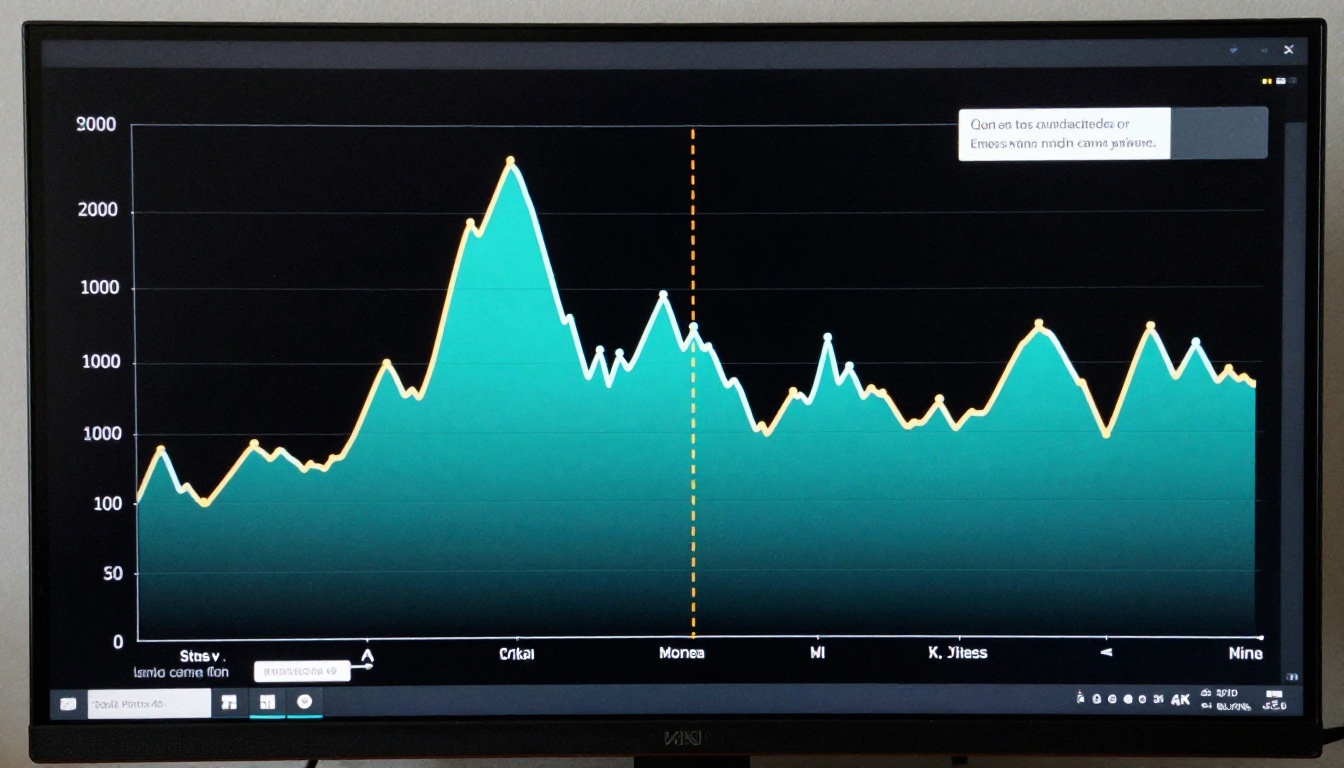
The financial reality of effort adjustment is straightforward: a well-managed session costs significantly less than a flat high-effort session covering the same ground. Across a typical 30-turn debugging session, switching between high and low effort at the right moments can reduce total thinking token consumption by 40 to 60 percent compared to running at maximum effort throughout.
Tracking your budget in the API
When using Claude Fable 5 via the API, each response includes usage metadata that separates thinking tokens from output tokens. Logging this data lets you see exactly how much reasoning each turn consumed, which makes it possible to tune your effort strategy empirically rather than guessing.
💡 Tip: Run the same 10 representative queries at three different budget levels and compare the output quality and token costs side by side. The data will usually reveal a clear sweet spot for your specific use case within an afternoon of testing.
For teams running hundreds of sessions per day, even a 30 percent reduction in average thinking token consumption is a material cost difference over a month. Effort adjustment in Fable 5.1 is as much a billing tool as it is a quality tool, and the best practitioners treat it as both.
Take It for a Real Spin
Everything described here is available to try right now. Claude Fable 5 is live on PicassoIA, and the effort control is right there in the session settings. Start a real conversation, not a synthetic test. Bring an actual problem you have been wrestling with. Set a high effort budget for the first two or three turns while the model builds up its understanding of the problem, then dial it back and watch how the response character changes.
That hands-on experience will teach you more about when effort adjustment pays off than any amount of reading. The larger catalog of reasoning models at picassoia.com/en/all-models gives you Claude Sonnet 5, GPT 5, Gemini 3.1 Pro, and many others to compare against. Each has a different take on reasoning depth and cost. Run the same session across two or three of them and see which effort behavior fits your workflow best. That is how you find the model that actually belongs in your production stack.


