Generate imagesLarge Language ModelsVisual Effects
Midjourney API Access: Official Options, Pricing and n8n
Midjourney still has no official API, and the services that sell one are unofficial wrappers that break its terms. This article lays out the real ways to access it, what each plan costs in GPU time, and how to build image jobs in n8n with APIs that allow automation.
If you searched for a Midjourney API, you probably wanted an endpoint, an access token, and a clean way to send prompts from your own code or from n8n. Here is the straight answer: Midjourney does not offer an official public API. At the time of writing, the only supported ways to generate images are the midjourney.com web app and the Discord bot, and both sit behind a paid subscription that starts at $10 a month.
That does not leave you stuck. This article lays out what official access looks like, what each plan costs in GPU time and in dollars, why every "Midjourney API" you can buy is an unofficial wrapper, how to build an automated image pipeline in n8n, and which image models ship with real, documented APIs. By the end you can pick a route and defend it to a client, a boss, or your own budget.
💡 Quick verdict: For a person making images by hand, subscribe to Midjourney. For a workflow that runs while you sleep, use a model whose maker publishes an API. Mixing the two is where accounts get banned.
The Short Answer on Official Access
What Midjourney Offers Today
Midjourney sells a subscription, not a developer platform. There are no endpoints to call, no tokens to generate, and no reference page for programmatic use. You sign in to the web app or send slash commands to the Discord bot, and finished images land in your gallery. Midjourney V8, the current default model, is served through those same two doors.
Industry roundups published through August 2026 agree on this, and none of them cites an announced public API. If that changes, the announcement will appear on Midjourney's own site first, so check there before paying anyone for "official" access.
What the Terms Say About Automation
This is the part most tutorials skip. The terms of service, as quoted in several independent write-ups, say you may not use automated tools to access, interact with, or generate assets through the service. The missing API is a policy position, not a gap waiting for a patch.
A script that logs into Discord for you and types /imagine is automation. Users report permanent bans for exactly that, with the gallery and any remaining GPU time gone and very little recourse.
💡 Read the current terms yourself before you build anything. They can change, and the automation clause is the sentence that matters.
Official Ways to Use Midjourney
The Web App
The web app at midjourney.com is the cleanest route. You type a prompt, pick an aspect ratio, and get a set of results you can upscale, vary, or edit. It fits people who work by hand: art directors, bloggers, and designers building mood boards.
Best for: one-off visuals, concept exploration, and style experiments
Weak spot: no way to trigger a job from another app without breaking the terms
Typical user: a person sitting at a screen, iterating on a single idea
The Discord Bot
The Discord bot does the same job through slash commands in a server or a private chat. It is where Midjourney started, and some people still like the shared channels for inspiration.
For automation it is a trap. Because it is just chat messages, it looks scriptable, and that is exactly the surface the unofficial wrapper services drive. Looking easy to script and being allowed to script are two different things.
What Midjourney Really Costs
Plans in a Table
Midjourney prices by GPU time, not by image. These are the four plans as published at the time of writing.
Plan
Monthly price
Fast GPU time
Relax mode
Basic
$10
3.3 hours
No
Standard
$30
15 hours
Yes
Pro
$60
30 hours
Yes
Mega
$120
60 hours
Yes
Stealth mode, which keeps your images out of the public gallery, starts at Pro. Extra fast time can be bought at around $4 per hour, which matters if you burn through a plan before the month ends.
Turning GPU Time Into Cost Per Image
One published estimate puts a standard V8 job at roughly 0.8 GPU minutes and an HD job at about 1.3. Using the 0.8 figure and assuming you spend every fast minute, the math looks like this:
Plan
Fast minutes
Approx. standard jobs
Approx. cost per job
Basic
198
about 247
about $0.04
Standard
900
about 1,125
about $0.027
Pro
1,800
about 2,250
about $0.027
Mega
3,600
about 4,500
about $0.027
A job usually returns a small set of images, so the cost per finished picture can run lower. It can also run higher, because most people run several jobs before keeping one. Your own usage settles the real number.
💡 Relax mode pushes the effective cost per image toward zero for heavy users on Standard and above, but relax jobs wait in a slower queue. That is fine for a mood board and a poor fit for a workflow that needs an answer in seconds.
Unofficial APIs and Their Risks
How the Wrappers Work
Services such as PiAPI, APIFrame, ImaginePro, mjapi.io, useapi.net and Apify actors sit between your code and Midjourney. They drive an account through Discord or the web interface, then give you a REST endpoint with calls like imagine, upscale and variations. You send a prompt, receive a task ID, and either fetch the result later or wait for a webhook.
That design explains both the appeal and the danger. It is easy to call from n8n, and it depends entirely on a workaround that Midjourney's own terms prohibit.
Typical Prices Reported
Provider type
Reported pricing shape
Risk rating in comparisons
APIFrame
About 4 to 16 credits per generation, roughly $0.04 to $0.16
High
PiAPI
Pay as you go, around a cent per task or a low monthly fee in one comparison
High
useapi.net
Flat fee of about $10 a month, plus your own Midjourney plan
High, and it risks your personal account
ImaginePro, mjapi.io
Credit or subscription tiers
High
Prices come from third-party comparison sites and change often, so treat them as ballpark figures and check each provider before you commit. At $0.04 to $0.16 per generation, 1,000 generations would cost $40 to $160. A wrapper is a markup on someone else's account, not an official rate, so it is not a bargain. You are paying for convenience and accepting the risk.
3 Ways Accounts Get Hurt
A ban for automation. The account, its gallery and its remaining GPU time can disappear with no warning.
A silent break. When Midjourney changes its interface, the wrapper stops working until its maker patches it, and your n8n run fails at 2 a.m.
A shaky foundation. A client product that depends on a service violating the vendor's terms is one policy email away from an outage.
Setting Up n8n for Image Jobs
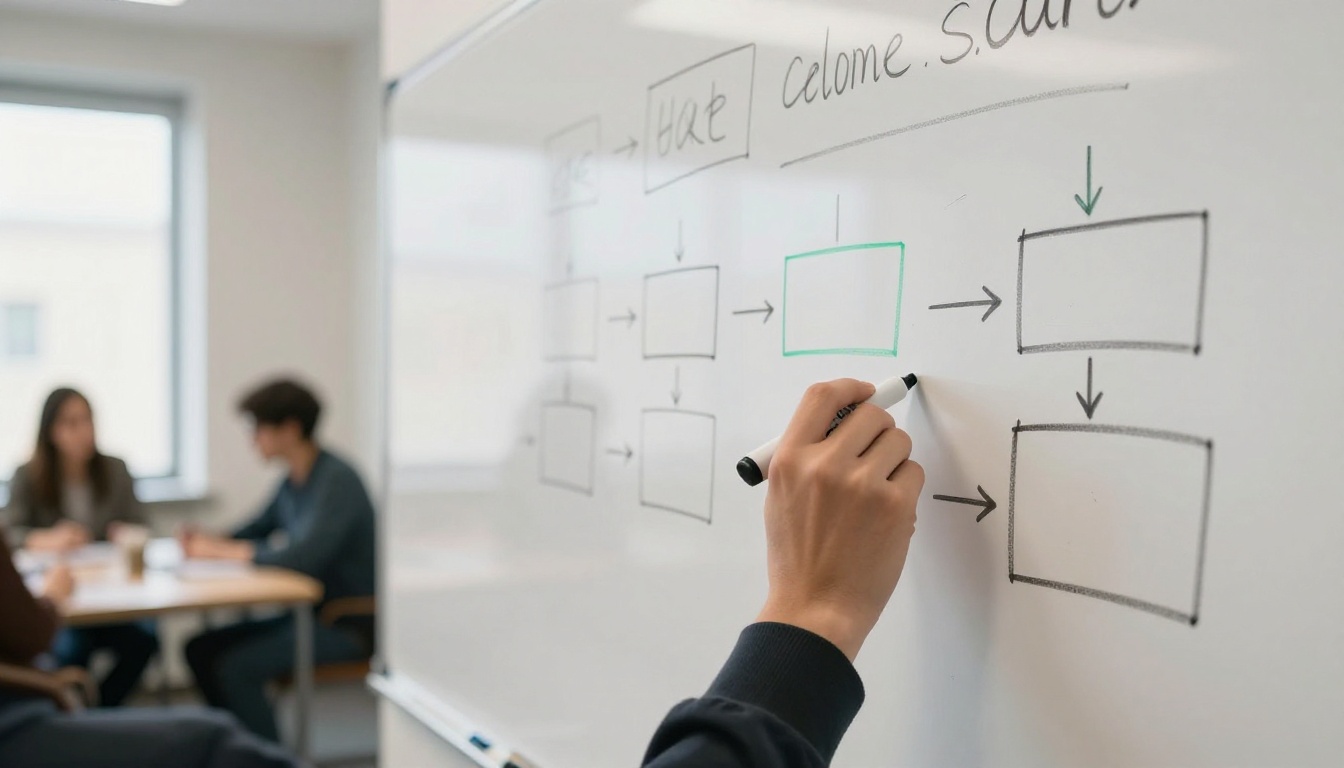
Since there is no official Midjourney API, there is no official Midjourney node to install either. What n8n does well is call any REST API, so the pattern below works with any image service that returns a task ID. Sketch it on a whiteboard first. The workflow is only five or six boxes.
The Basic Workflow Layout
Trigger. A Schedule node, a Webhook node, or a new row in a spreadsheet. A sheet with 50 briefs and a Loop Over Items node makes a tidy batch.
Prompt step. An LLM node turns a short brief into a detailed prompt.
HTTP Request node. POST the prompt to the image API. Store the bearer token in an n8n Header Auth credential instead of pasting it into the node.
Wait. Pause until the job can finish.
Fetch. GET the job, then check its status.
Deliver. Write the image URL back to the sheet, post it to Slack, or save the file to storage.
Polling or Webhook?
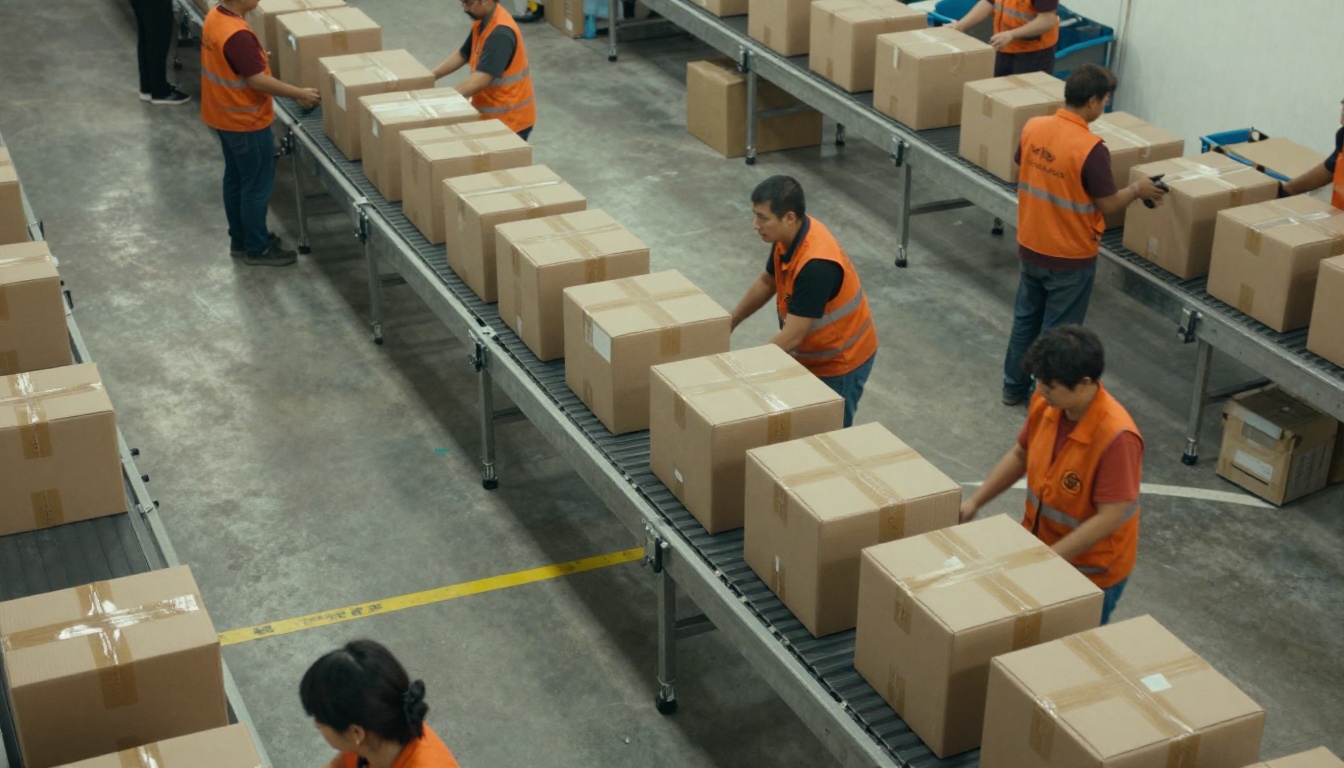
Image APIs are asynchronous. You create a job, it runs somewhere else, and you collect the result later. Think of a parcel sorting line: boxes go in at one end, and you do not stand there waiting for each one.
Method
How it works in n8n
Best when
Polling
A Wait node, an HTTP Request GET, then an IF node that loops back until the status says succeeded
Your n8n instance is not reachable from the internet
Webhook
The provider calls your Webhook node, or a Wait node set to resume on a webhook call, when the job finishes
You want fast results and have a public URL
Whichever you pick, cap the loop. Ten to twenty attempts with a growing delay beats an endless loop that burns executions on a job that already failed.
💡 Add an Error Trigger workflow that posts failed prompts to Slack. A silent failure in an unattended pipeline looks like a quiet day until someone checks the sheet.
Where an LLM Fits In
Prompt writing is the best use of a language model in this flow. Put an LLM node before the image call, feed it a one-line brief, and ask for a photo-style prompt with lighting, lens, and setting. Claude Sonnet 5, GPT 5.6 Luna and Gemini 3.5 Flash can all do this job, and you can try each one on PicassoIA before you wire it into n8n.
Keep the instruction short and strict. Something like: "Write one photographic prompt, under 80 words, with subject, setting, light direction and lens. No text in the image." A tight instruction gives you consistent prompts, and consistent prompts give you consistent images.
Official APIs That Do Work
If the goal is automation, choose a model whose maker publishes an API and allows automated use. Photorealistic output, the thing most Midjourney users are chasing, is available from several.
Picking a Model for Photoreal Work
Before you commit to any provider, check five things: the terms allow automation, rate limits are documented, results arrive by polling or webhook, output URLs stay available long enough for you to save them, and the price per image is visible. Here are image models worth testing for photo-style work.
These are all available in the PicassoIA web interface, so you can compare them side by side with the same prompt before you pick one for your pipeline.
Using the PicassoIA API in n8n
PicassoIA publishes a developer API with a Replicate-style flow: create a prediction, poll it, then fetch the result. At the time of writing, the base URL is https://api.picassoia.com/v1 and requests carry a Bearer token that starts with pia_sk_. The endpoints are:
POST /v1/models/{owner}/{name}/predictions
GET  /v1/predictions/{id}
POST /v1/predictions/{id}/cancel
GET  /v1/predictions
For still images, the API serves PicassoIA Image and PicassoIA Image Editor Pro, plus two video models. An account can run 5 predictions at once, and prompts can be up to 4,000 characters. In n8n, set the Loop Over Items batch size to 5 or fewer so you never push past that limit. Check the pricing page for the plan that includes API access before you build around it.
💡 The model list over the API is shorter than the web catalog. Prototype with any model in the browser, then confirm the one you picked is available over the API.
How to Use PicassoIA Image
PicassoIA Image is the quickest place to test a photo-style prompt before you automate it. The model is unlimited, so you can iterate as many times as you like.
Write the prompt. Name the subject, setting, light and lens. For example: "A baker pulling loaves from a stone oven, early morning window light from the left, 35mm lens, shallow depth of field, fine film grain."
Set the aspect ratio. The default is 1:1. Choose 16:9 for blog headers and 9:16 for vertical posts.
Adjust optional settings. Lock a seed to repeat a result, ask for two outputs to compare, or change the file format.
Generate and download. The image arrives in seconds. Save the ones you like and tweak the prompt for the rest.
Parameter
Required
Default
What it does
prompt
Yes
None
Text describing the image
aspect_ratio
No
1:1
One of seven ratios, from 16:9 to 2:3
seed
No
Random
Repeats a result when you reuse it
num_outputs
No
1
Generates 1 or 2 images per call
output_format
No
jpg
JPG, PNG or WebP
output_quality
No
80
0 to 100, applies to JPG and WebP
💡 In an n8n workflow, store a seed next to each brief in your sheet. When a client says "that one, but with a different background", you can rerun the exact same image with a small prompt change.
Try Your Own Images Today
You do not need Midjourney's blessing, a wrapper subscription or a risky workaround to make striking photo-style images. Open PicassoIA Image, paste the baker prompt above, and see what comes back in a few seconds. Then change the light, swap the lens, and run it again.
When you are ready to compare models, browse the full catalog at picassoia.com/en/all-models. Try Flux 2 Pro for reference-driven shots, GPT Image 2 for text inside images, or an LLM to draft prompts, and keep whichever combination fits your pipeline. Build it once, test it on five prompts, and let it run.