If you have been paying attention to AI image generation in 2027, you already know that Midjourney v8 is making waves. The jump from v6 to v8 is not just incremental, it is the kind of leap that makes photographers double-take at outputs and ask if they are looking at real photographs. But "best" is a loaded claim in a space moving this fast. Flux 2 Pro exists. Imagen 4 Ultra exists. Seedream 5 Pro exists. So what does Midjourney v8 actually do better, where does it stumble, and what else should you be generating with right now?

What Midjourney v8 Actually Changes
The biggest complaint about Midjourney v6 and v7 was not quality, it was consistency. You could coax incredible images out of the model, but you needed to fight with the prompt, run dozens of variations, and often land on something close but not quite right. Version 8 addresses this head-on with three major improvements that matter for real-world use.
Photorealism That Shocks Even Photographers
Midjourney v8 introduced a major overhaul to how the model renders skin, hair, and natural textures. Earlier versions would produce images that looked "AI-ish" in a subtle but unmistakable way. Skin had a slight plasticity. Eyes were perfect in an uncanny way. Hair would occasionally clump unnaturally.
Version 8 fixes all of this. The model now produces skin with visible pores, subsurface scattering, and natural imperfections. Hair behaves like real hair, with individual strand variation and natural shadows. Eyes show corneal reflections and subtle moisture that makes them appear genuinely alive.
For portrait photography use cases, v8 is genuinely competitive with professional photography at first glance. The nuance comes when you look at hands, backgrounds with fine repeated textures, and complex multi-person scenes. These still show artifacts that a trained eye will spot, but at a thumbnail or even a standard screen view, the quality is jaw-dropping.
Prompt Adherence Is Finally Reliable
This is arguably the bigger change for working professionals. Midjourney v8 dramatically improved how it interprets and follows complex prompts. Tell it to show a woman with a red hat sitting at a table near a window with rain outside, and v8 will deliver all five of those elements in the correct spatial relationship. Earlier versions would frequently drop one or two conditions or get the spatial logic wrong.
💡 Pro tip: In Midjourney v8, you no longer need to repeat important elements multiple times in your prompt to ensure they appear. One clear, well-structured sentence works better than keyword-stuffing.
Lighting and Atmosphere Control
Version 8 added significantly more nuanced lighting interpretation. Prompting for "volumetric morning light from the left" now actually produces directional volumetric light from the left, not just a generally warm-toned image. This level of specificity makes v8 substantially more useful for commercial work where precise lighting setups matter.

How v8 Stacks Up Against the Competition
Midjourney does not exist in a vacuum. In 2027, the AI image generation space is crowded with serious competitors, many of which are available directly through PicassoIA. Here is how the landscape looks right now.
The Main Challengers
Flux 2 Pro: The Closest Real Rival
Flux 2 Pro from Black Forest Labs is, in many objective benchmarks, equal to or better than Midjourney v8 for specific use cases. Where Flux 2 Pro shines is in prompt adherence for complex multi-element scenes. If you describe a specific scenario with multiple characters, props, and environmental details, Flux 2 Pro will follow your instructions with a precision that Midjourney occasionally misses.
Flux 2 Max pushes this even further, producing some of the most detailed images available from any model in 2027. The trade-off is generation speed, but for commercial or editorial work where quality is the only metric that matters, it is worth the wait.
For faster iteration, Flux Schnell and Flux Dev are both solid options when you need volume over maximum quality. Flux Kontext Pro and Flux Kontext Max add image editing and context-aware generation capabilities that Midjourney simply does not have.

Google Imagen 4 Ultra: Text and Realism Combined
Imagen 4 Ultra from Google is the model that solved one of AI image generation's longest-standing problems: accurate text rendering within images. If your work involves generating images that contain readable text, logos, signs, or labels, Imagen 4 Ultra is in a different league from everything else.
For pure landscape and architectural generation, Imagen 4 produces images with a photographic clarity that competes directly with Midjourney v8. The color science leans toward "documentary photography" rather than the slightly elevated, cinematic quality Midjourney tends toward. Imagen 3 and Imagen 3 Fast remain strong options for many use cases, with Imagen 3 Fast offering one of the better speed-to-quality tradeoffs currently available.
Seedream 5 Pro: Speed Without Sacrificing Quality
ByteDance's Seedream 5 Pro has quickly become a favorite for workflows that require high output volume. Where Midjourney v8 can feel slow when you need dozens of variations, Seedream 5 Pro generates at speed without dropping into uncanny valley territory. The photorealism is not quite at Midjourney v8's peak, but it is close enough that for social media, content marketing, and rapid prototyping, it is often the smarter choice.
Seedream 4.5 and Seedream 4 are both worth having in your toolkit as fast fallbacks.
Where Midjourney Still Falls Short
Praising v8 is easy. Here is where it gets honest.
The Subscription Wall
Midjourney runs entirely on a subscription model with no free tier in 2025. If you want to experiment, you are paying from day one. This is a real barrier for hobbyists, students, and anyone trying to decide if AI image generation is worth integrating into their workflow. It also means that if you hit your monthly GPU limit, you stop generating until you upgrade or wait for a reset.
Platforms like PicassoIA offer access to over 90 text-to-image models on a credit-based system. You can experiment with Flux 2 Pro, GPT Image 2, Recraft v4.1 Pro, and dozens of other models without committing to any single platform's subscription.
Image Editing Capabilities Are Limited
Midjourney v8 is primarily a text-to-image generator. Its inpainting and outpainting capabilities exist but are not its strength. When you need to edit a specific region of an image, replace a background, expand the canvas, or make targeted modifications, you need a different tool.
Flux Kontext Pro handles context-aware image editing significantly better. For inpainting specifically, Flux Fill Pro is purpose-built for filling and modifying regions with photorealistic results. Qwen Image Edit Plus is another strong contender for image editing workflows, and GPT Image 2 handles composite editing with impressive coherence.

No API Access for Most Users
For developers and businesses that want to integrate AI image generation into their applications, Midjourney's API access is restricted and expensive at the enterprise tier. This pushes many technical users toward Flux 2 Pro or Flux 1.1 Pro Ultra, which offer more accessible API access for builders.
The Best AI Image Models Right Now
Beyond Midjourney v8, here is a realistic look at what you should be using depending on your priority.
For Pure Maximum Quality
- Flux 2 Max: The ceiling for detail and photorealism across all current models.
- Flux 2 Pro: Slightly faster than Max, still exceptional quality.
- Imagen 4 Ultra: Best when you need text-accurate photorealistic outputs.
- Flux 1.1 Pro Ultra: Reliable high-fidelity outputs with consistent style.
- HiDream L1 Full: A strong creative quality alternative worth testing.
For Speed
- Flux Schnell: Fastest Flux variant with acceptable quality for most uses.
- Seedream 5 Pro: Best speed-quality balance in its class.
- Photon Flash: Luma's fast creative image model with a distinct aesthetic.
- SDXL Lightning 4step: For bulk generation where speed is the only priority.
- Dreamshaper XL Turbo: Fast and stylistically flexible.
For Typography and Text in Images
- Ideogram v4 Quality: The current leader for text accuracy within generated images.
- Recraft v4.1 Pro: Excellent for brand visuals and design-forward outputs.
- GPT Image 2: Strong instruction following, including text placement.
- Reve 2.1: Emerging model with solid typography handling.
For Realistic Portraits
- Realistic Vision v5.1: Purpose-built for hyperrealistic human portraits.
- Flux 2 Pro: Handles portrait photorealism with exceptional skin rendering.
- Photon: Luma's creative model produces distinctive, high-quality portraits.
- Playground v2.5: Aesthetic portrait quality with a natural, unprocessed style.

Portraits, Landscapes, and Architecture with AI
Different categories of imagery have different demands. Here is how AI image generators perform across the three most commercially valuable categories.
Portrait Generation in 2027
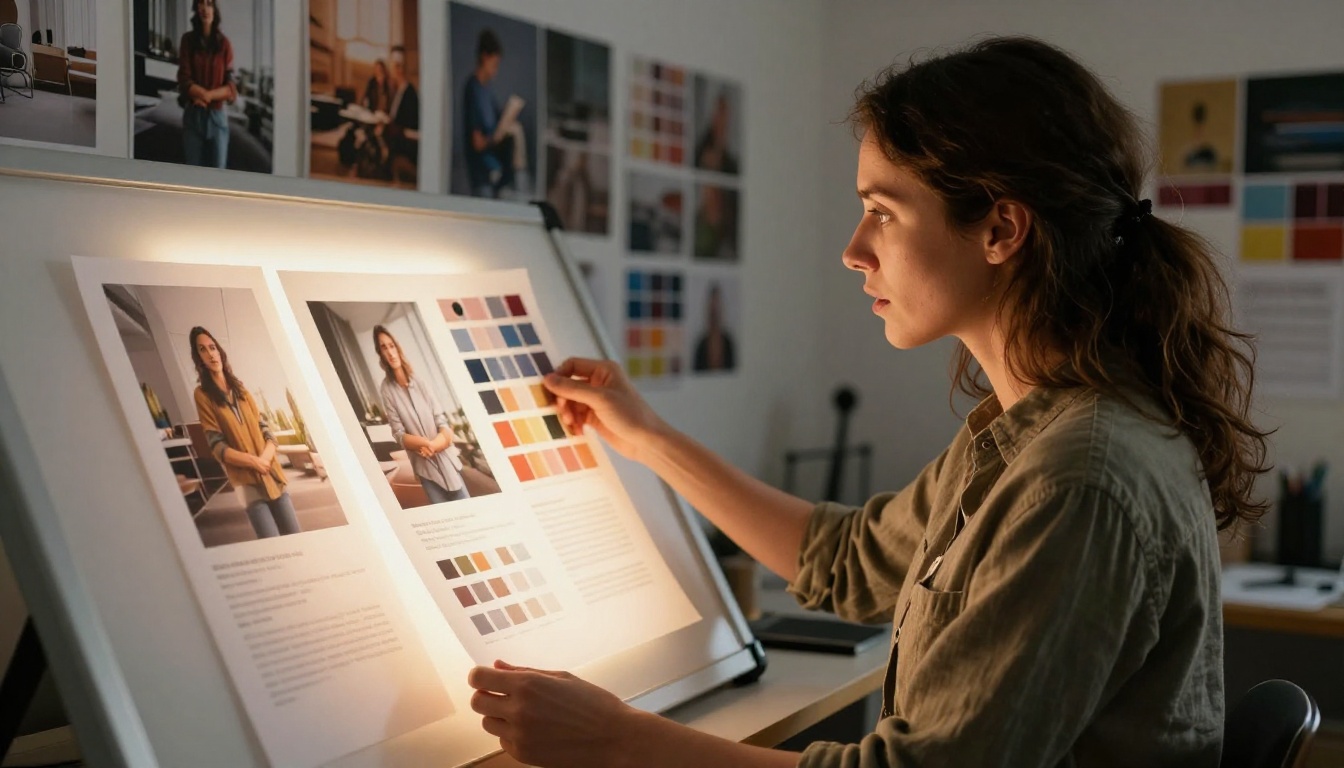
The gold standard for portrait generation has shifted. Midjourney v8 produces excellent portraits, but models like Realistic Vision v5.1 and Flux 2 Pro are producing portrait quality that professional photographers are actively using for commercial work.
The main metrics for portrait quality are skin texture fidelity, eye realism, hair rendering, and lighting coherence. In 2027, multiple models have effectively solved the "AI face" problem that plagued earlier generations. The remaining challenge is hands, multi-person compositions where subjects interact physically, and extreme emotional expressions.
💡 Worth noting: For portrait work that needs to pass as photography, combining Flux 2 Pro for generation with Flux Kontext Pro for targeted editing gives you a workflow that rivals any single model used alone.
Landscape Realism
For landscape generation, Imagen 4 Ultra and Flux 2 Max are producing outputs that would pass peer review in stock photography libraries. The level of geological and botanical detail, accurate light behavior, atmospheric perspective, and weather rendering has reached a point where stock photographers are genuinely concerned about market disruption.
Wan 2.7 Image Pro is also worth testing for landscape work, with its distinctive approach to natural scene composition and color.
Architectural Rendering
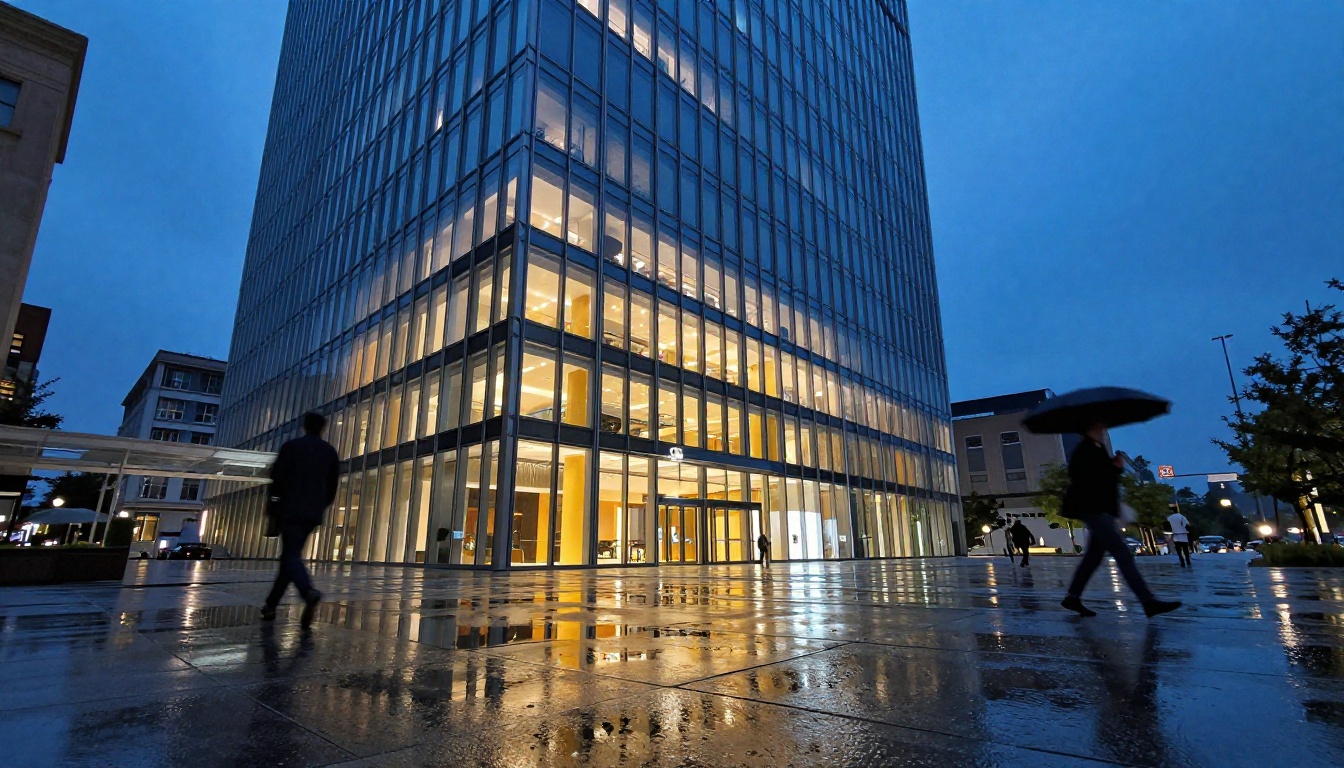
Architects and designers now regularly use AI image generation for early-phase visualization and client presentations. Recraft v4.1 Pro has become popular in this space for its clean, professional output aesthetic that works well in presentation decks. Flux 2 Pro produces architectural renders with accurate material rendering, glass reflections, and structural coherence.
The main advantage of AI over traditional rendering software for architecture is iteration speed. What took a rendering farm overnight can now be produced in seconds.
Writing Prompts That Actually Work
One of the biggest variables in AI image generation is not the model, it is the prompt. Poor prompts produce mediocre results even from the best models. Strong, structured prompts routinely produce outputs that surprise even experienced users.
The structure that consistently works across models:
[Subject + action/pose] + [environment/background] + [lighting conditions] + [camera angle and lens] + [texture and atmosphere details]
For photorealistic work, specificity wins every time. "A woman walking" is a weak prompt. "A woman in her early 30s walking through a wet cobblestone market street in the late evening, lit from above by warm yellow streetlamps, shot from a low angle at street level with a 35mm f/2.0 lens, rain droplets visible on her dark wool coat" produces something usable on the first generation.
💡 Lighting matters most: In virtually every photorealistic genre, specifying the direction, color temperature, and quality of light (hard vs. soft, direct vs. diffused) has the biggest single impact on output quality.
Negative Prompting Still Helps
Most models still benefit from negative prompts that exclude common failure modes. Adding "no watermarks, no text, no blur, no artificial elements, no plastic skin, no CGI" to your negative prompt reduces the chance of the model defaulting to its lower-quality output patterns.
How LLMs Are Changing Image Generation
One of the quieter developments in 2027 is how large language models are being integrated into image generation workflows. Models like GPT 5, Claude Sonnet 5, and Gemini 3.5 Flash are now commonly used to rewrite, expand, and optimize image prompts before they hit a generation model.
This two-step workflow, where you first use an LLM to craft a precise, detailed prompt and then feed that prompt into Flux 2 Pro or Imagen 4 Ultra, produces noticeably better results than prompting from scratch. It is especially useful for users who know what they want visually but struggle to translate that vision into effective prompt language.
Models like Grok 4 and Deepseek v3.1 are also being used in this role, with the added benefit that both can reason about visual concepts and composition in a way that earlier LLMs could not.
PicassoIA's platform lets you run both LLM and image generation in the same interface, making this two-step workflow frictionless for anyone who wants to use it.
Start Generating on PicassoIA
Midjourney v8 is impressive. That is not in dispute. But in a space where Flux 2 Max, Imagen 4 Ultra, Seedream 5 Pro, and Recraft v4.1 Pro all exist alongside it, "best" depends entirely on what you are making.
PicassoIA gives you access to over 90 text-to-image models without locking you into a single subscription. You can test Krea 2 Large for creative outputs, SDXL for classic stable diffusion results, Photon for Luma's distinctive photographic style, and Flux Kontext Max for context-aware editing, all from one platform.
The question is not which single model is the best. The question is which model is best for the image you are trying to make right now. Start generating at picassoia.com/en/all-models and find out firsthand which one works for your specific creative needs.


