Midjourney v8 dropped in 2026 and it did not just iterate. It overhauled. If you have been using v6 or v7 for your creative work, the jump to v8 feels like switching from a DSLR to a medium-format camera. Every detail is sharper, every instruction lands closer to what you actually meant, and a handful of long-standing frustrations finally got fixed.
This article breaks down every significant change in Midjourney v8, from the photorealism engine to the new character consistency system, improved text rendering, smarter editing tools, and what all of it means for people building real workflows with AI image generation.
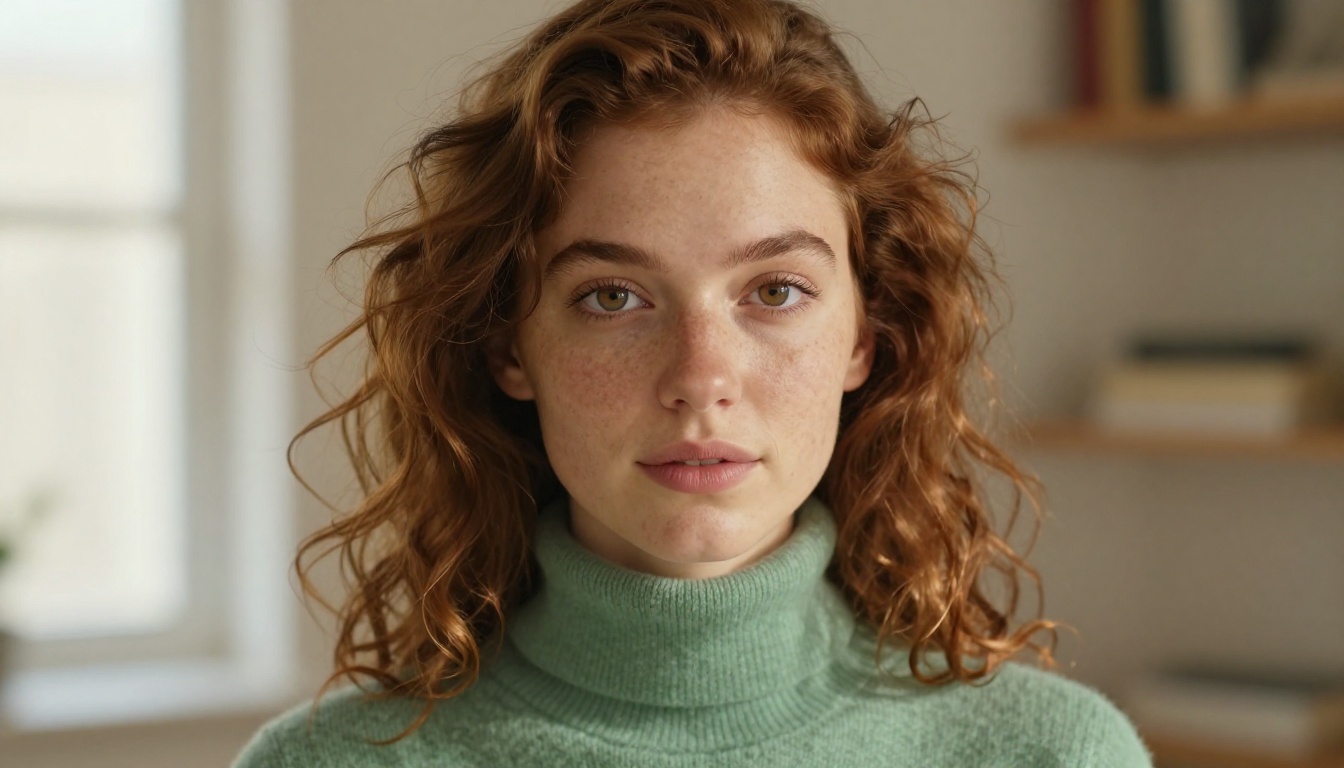
What Midjourney v8 Actually Changes
The previous versions had a recognizable "look." Beautiful, often painterly, occasionally over-processed. v8 makes a deliberate turn toward naturalism. The default output now leans into photographic realism rather than stylized beauty, and the system has clearly been retrained on a much more diverse and technically accurate image corpus.
The headline changes break down into five categories: photorealism, character consistency, text rendering, prompt adherence, and editing tools. Each one was a weakness before. None of them are weaknesses now.
Photorealism at a New Level
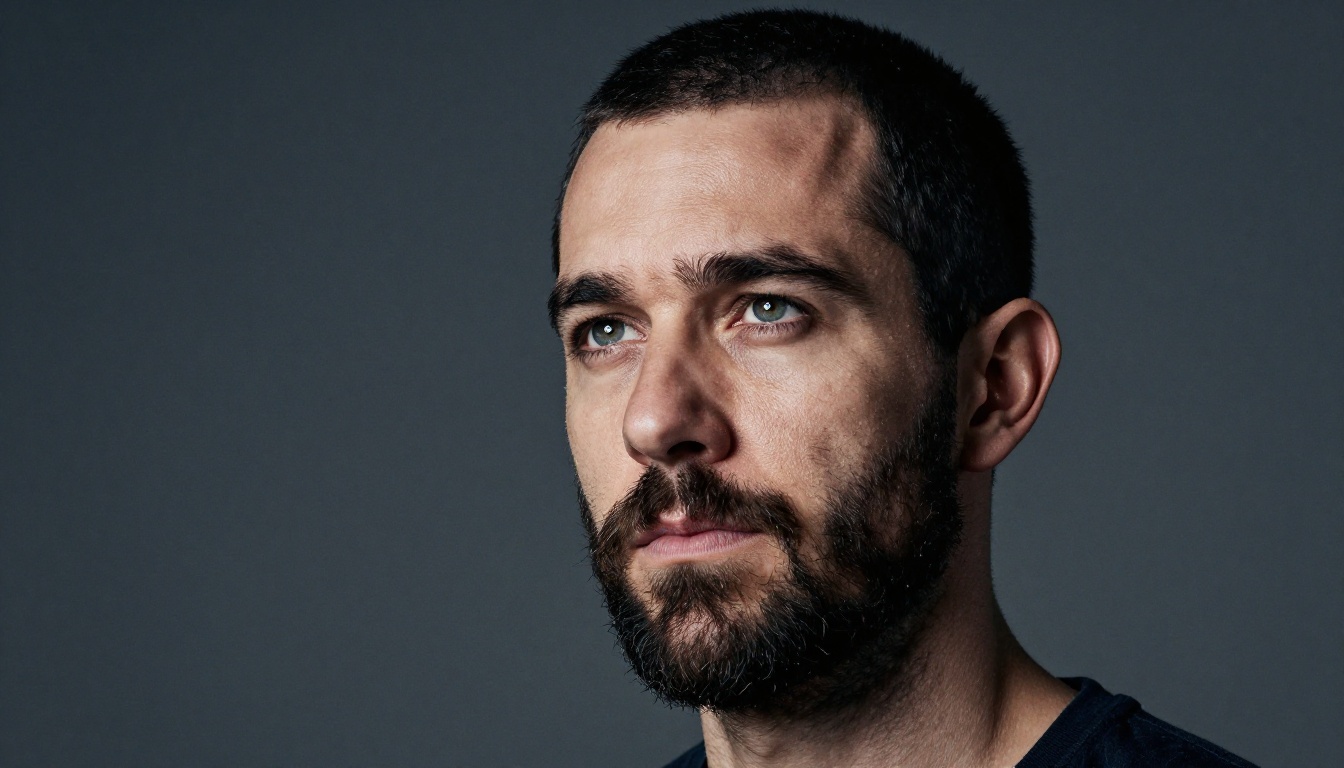
The skin rendering alone is worth the version bump. In v7, portraits had a subtle waxiness, an almost-real quality that skilled eyes immediately spotted. v8 eliminates that. Pores, fine hairs, natural light variation across a face, the slight asymmetry that makes a face look real. It is all there.
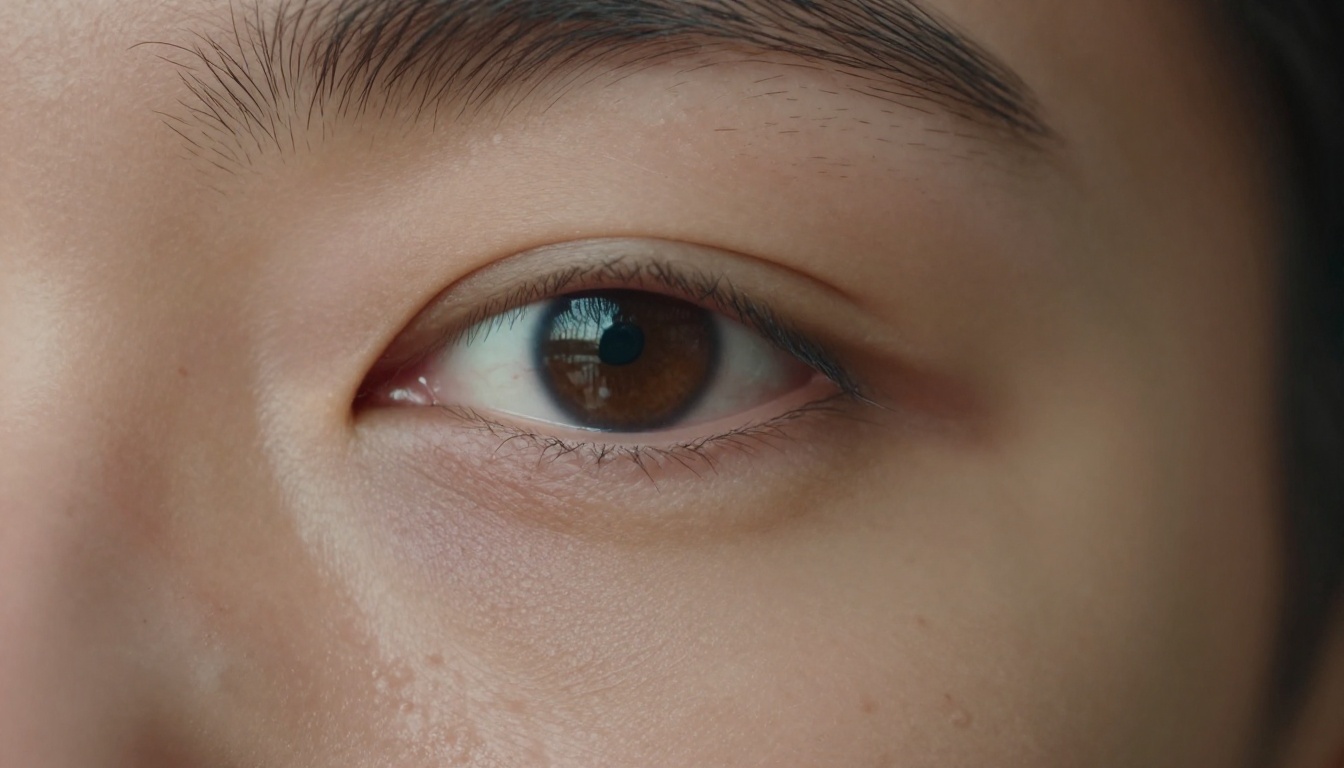
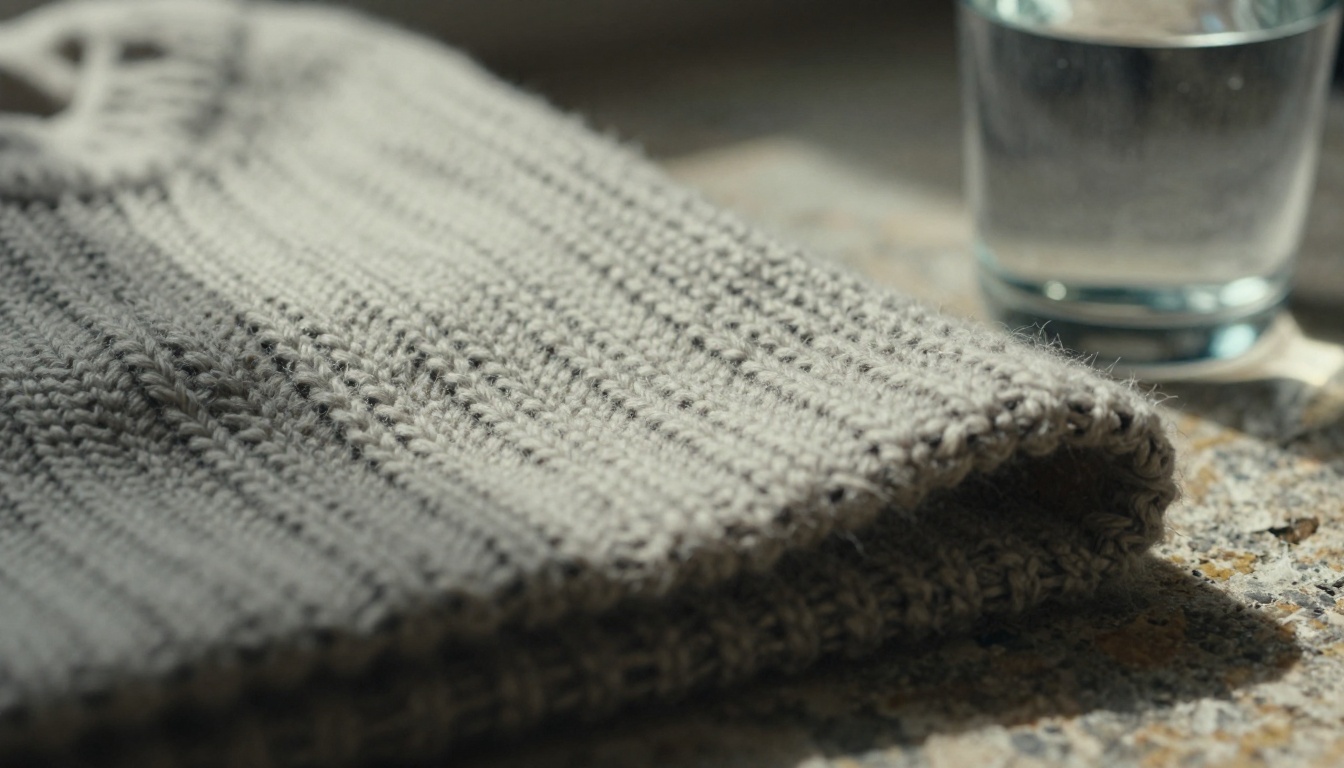
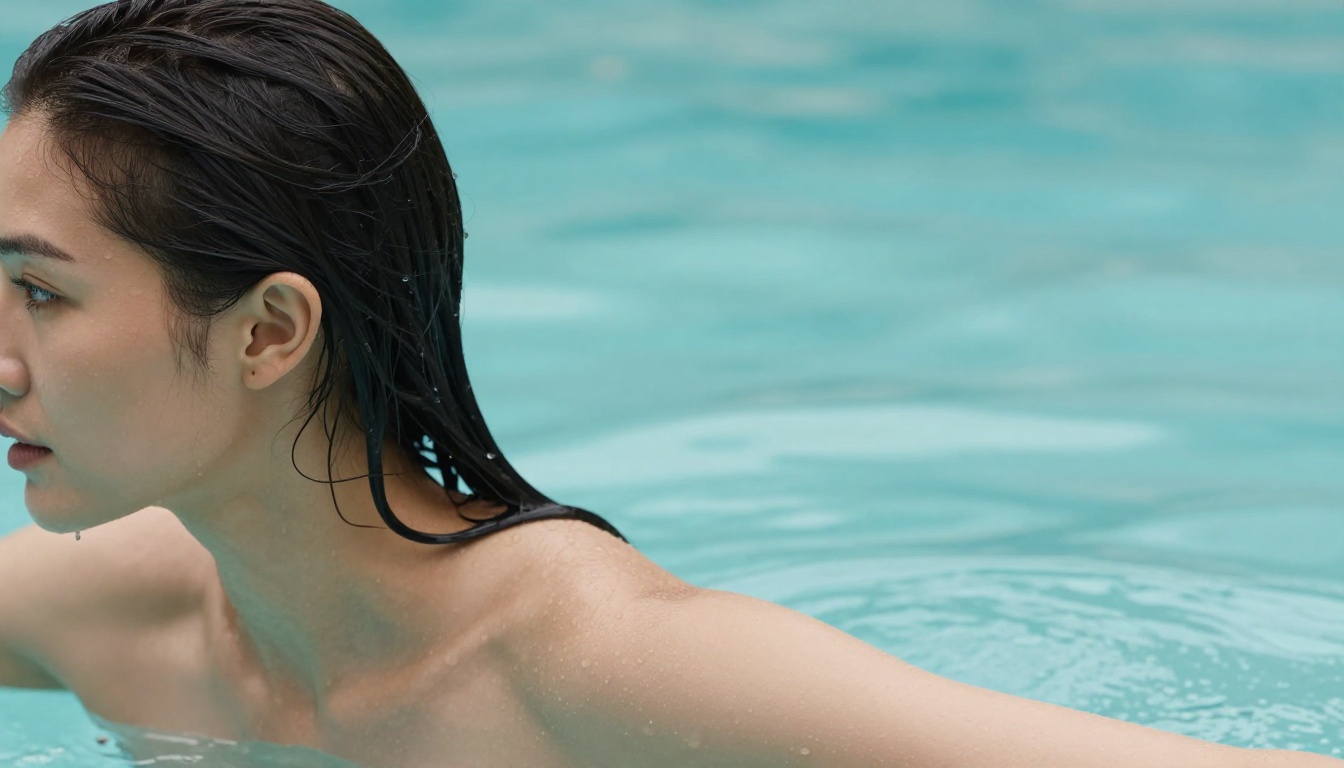
Textures across the board have improved. Fabric has weight and weave. Stone has grain and depth. Water moves and catches light believably. The model has learned the difference between "a photograph of sand" and how sand actually photographs under different light conditions.
💡 Tip: Pair specific lens and film terms in your prompts. "85mm f/1.8, Kodak Portra 400, natural side-light" consistently produces more photographic results in v8 than in any previous version.
The Resolution Bump Is Real
v8 ships with a higher native output resolution. Previous versions required an upscale step to reach true print quality. v8's base output holds up at larger sizes without the slight softening that upscaling introduced. For designers and photographers using Midjourney for stock or client work, this is a significant time-saver.
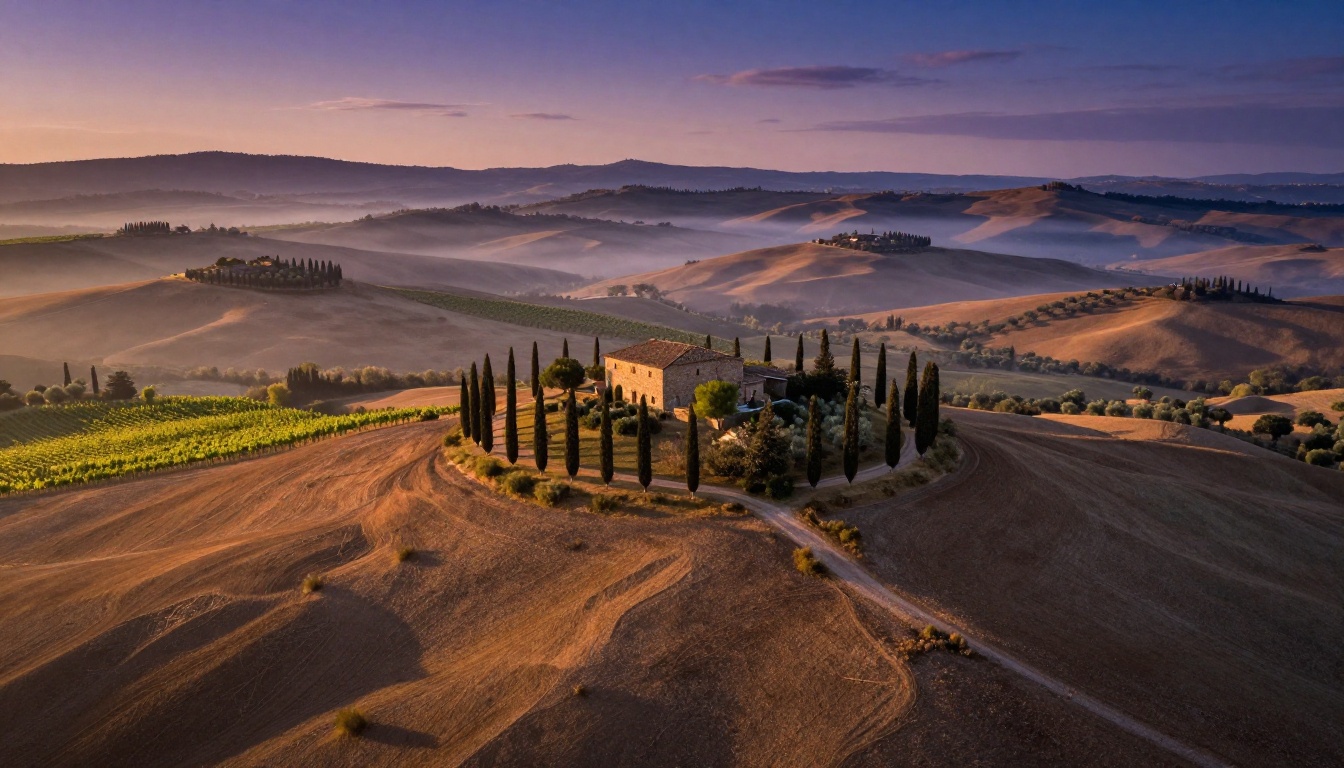
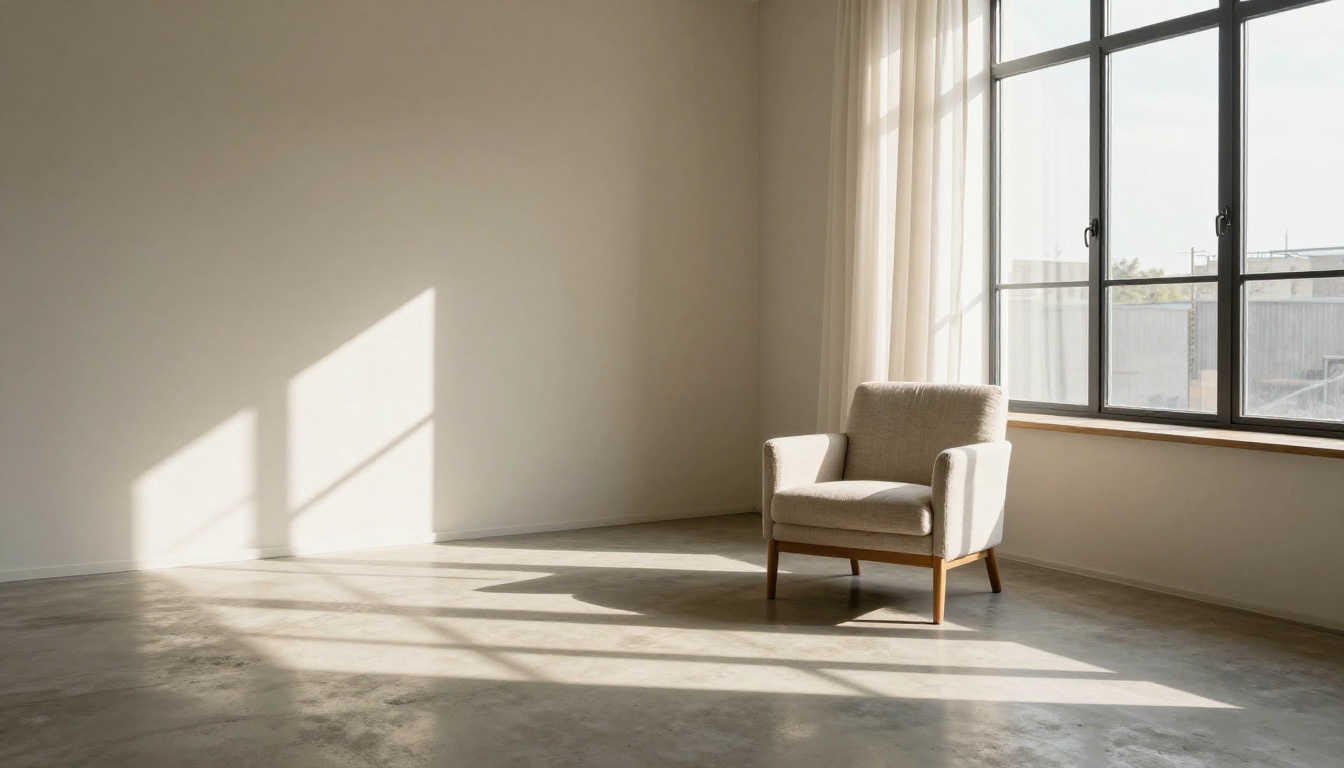
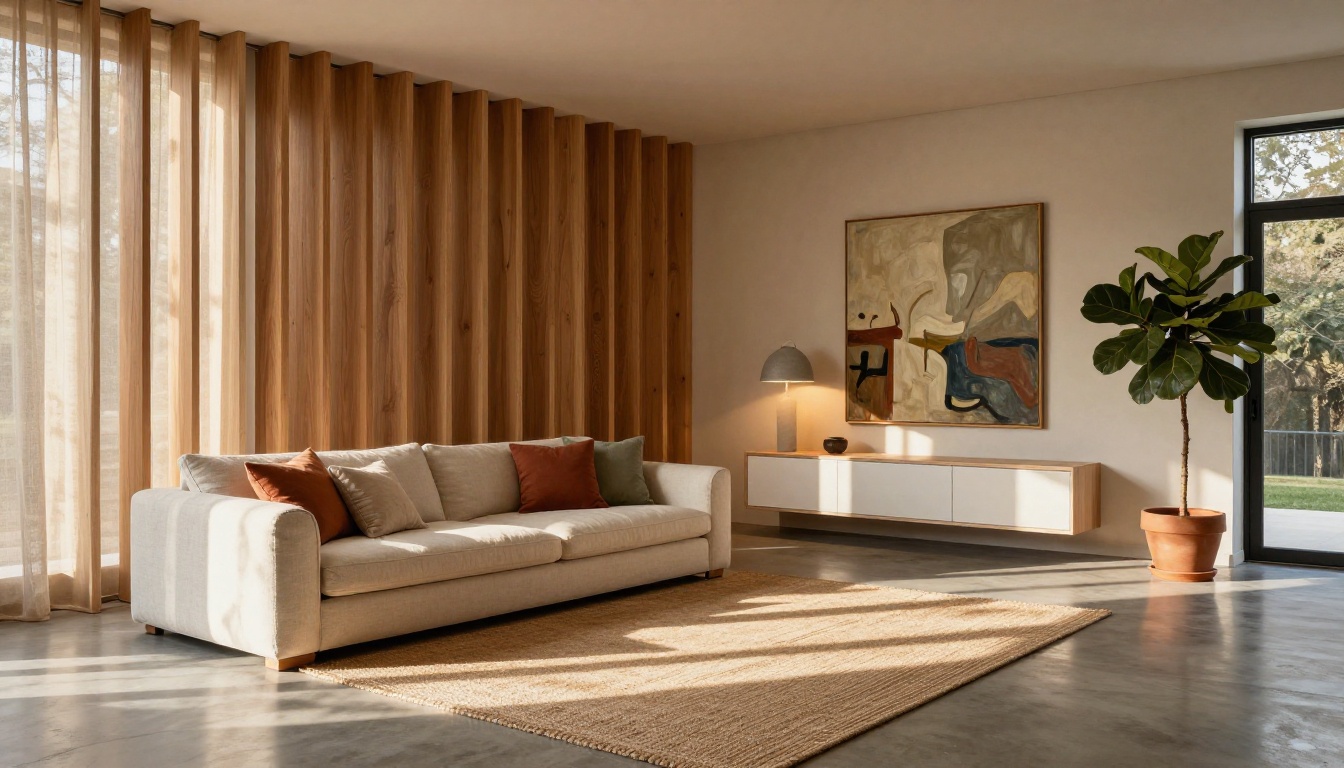
The same gain shows up in interiors and architecture, where straight lines, fine shadow gradients, and surface detail used to fall apart at scale. Now they hold.
Character Consistency Finally Works
This was the most-requested feature on Midjourney's community boards for years. If you tried to build a story, a brand campaign, or even a simple before-and-after with the same character, earlier versions fought you every step of the way. v8 fixes this in a meaningful way.
How It Handles the Same Face
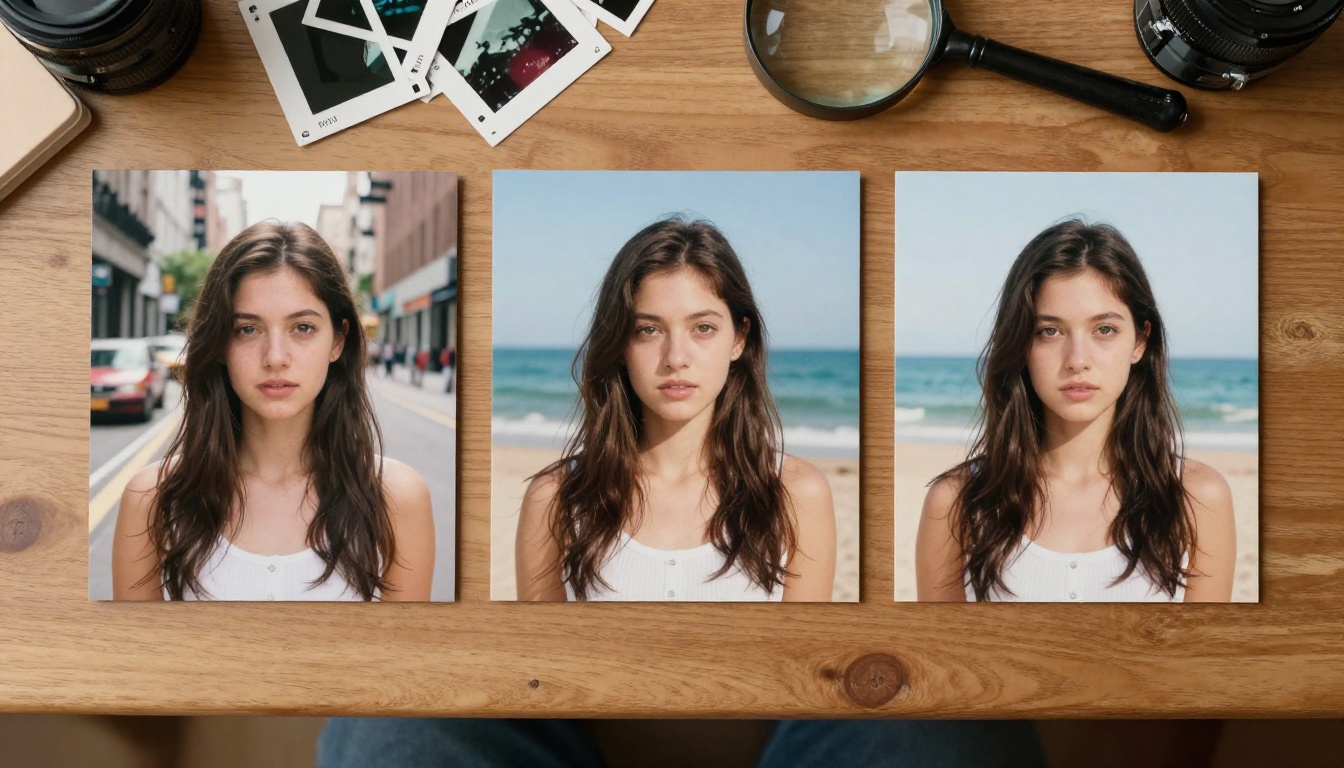
The new --cref (character reference) system in v8 takes a reference image and locks core facial geometry across subsequent generations. This means the same character can appear in a boardroom, on a beach, and in a portrait studio and still clearly be the same person.
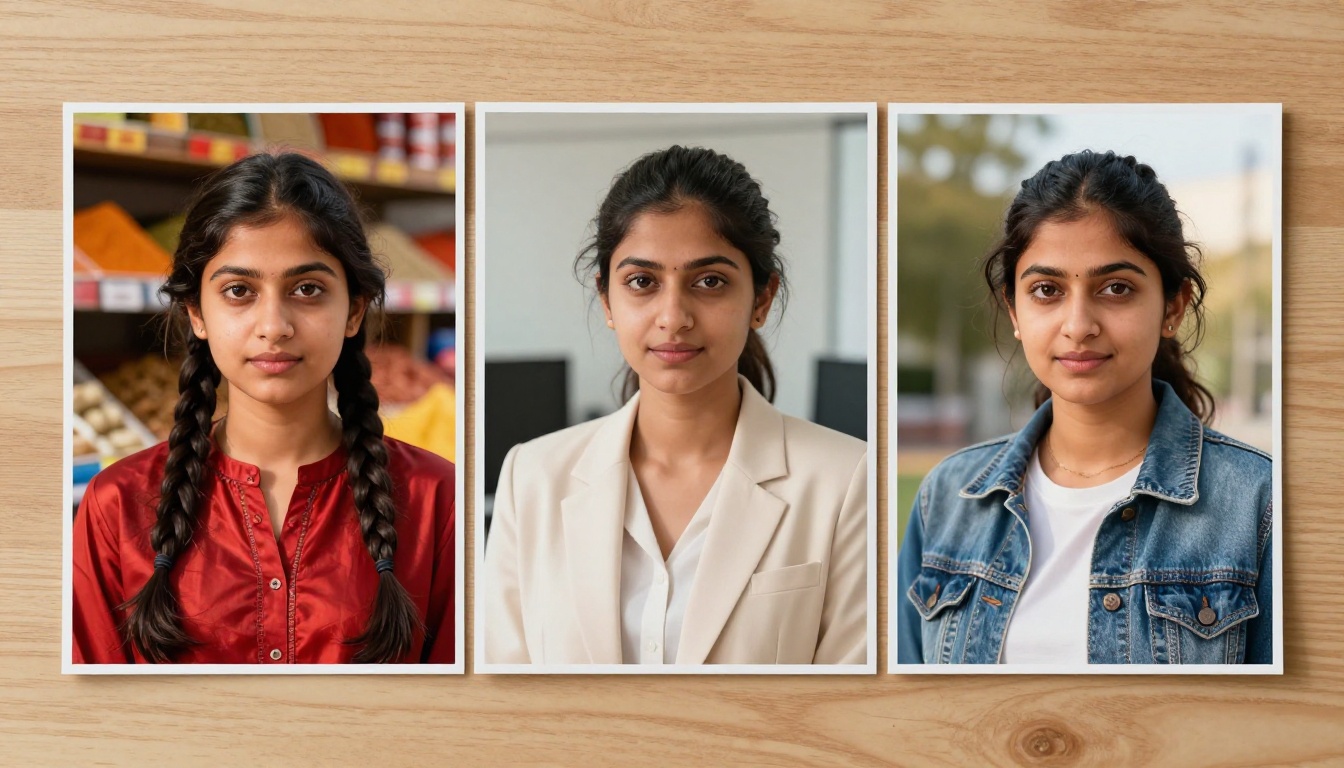
It is not perfect. Extreme lighting changes, unusual angles, or dramatic costume shifts can still introduce drift. But for 80% of professional use cases, it is good enough to build real workflows around.
Style Lock Across a Series
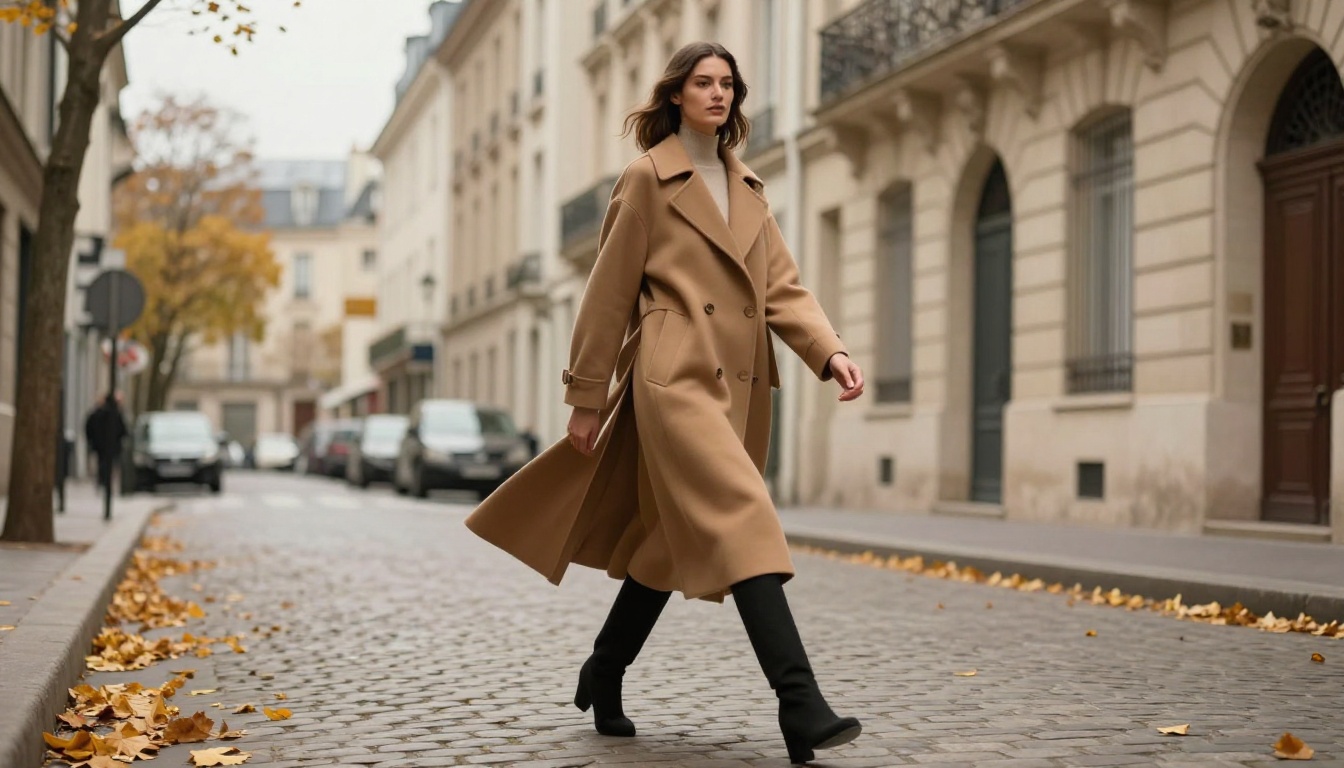
Beyond faces, v8 also offers style consistency through its --sref (style reference) parameter. Feed it a reference image and every subsequent generation in that session inherits the same color palette, tonal range, and compositional approach.
This is useful for:
- Editorial series: Maintain consistent visual language across 20 images without rewriting prompts
- Brand campaigns: Lock a specific mood and lighting style across product shots
- Social content: Generate a month of content with cohesive aesthetics in one session
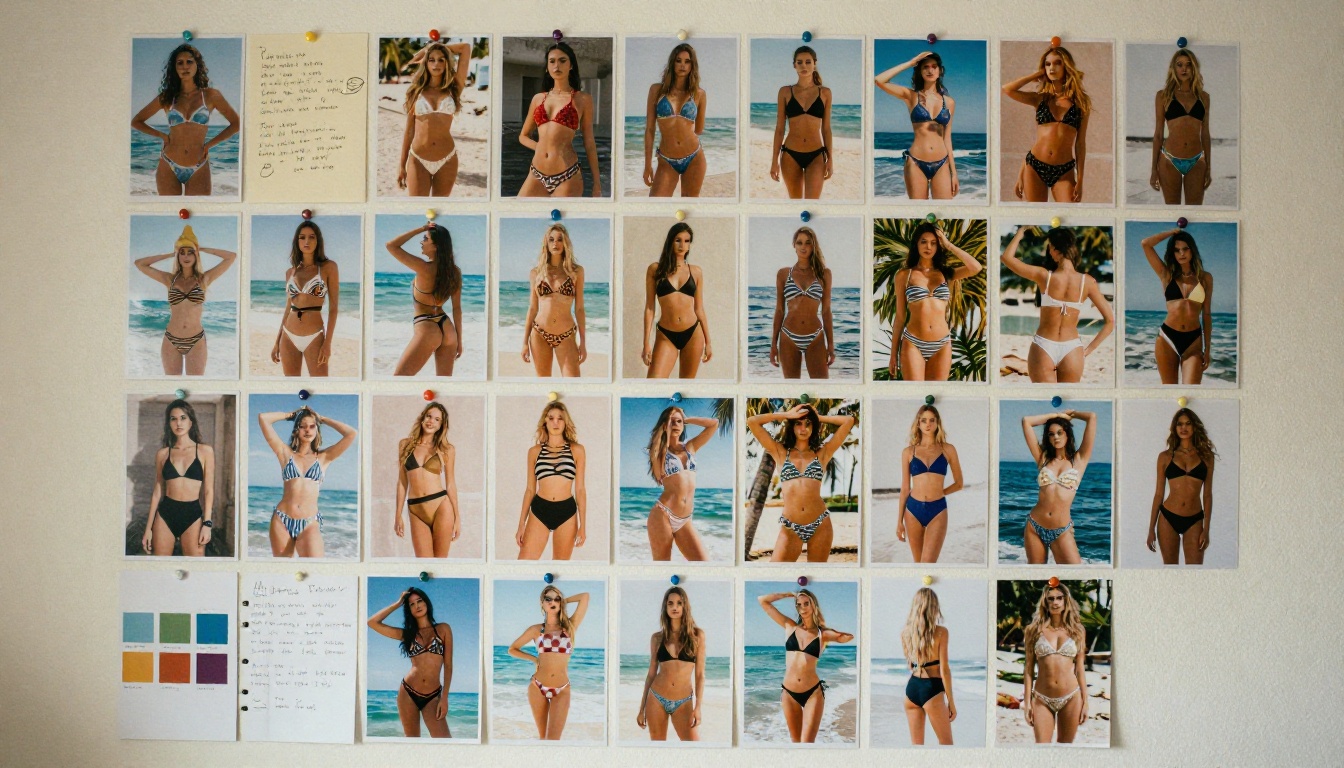
💡 Tip: Combine --cref and --sref in the same prompt for maximum control. Character reference handles the face, style reference handles the world around it.
Text in Images Is No Longer a Joke
Text rendering in AI image generators has been a running embarrassment for years. Melting letters, made-up words, scrambled characters. Midjourney v8 attacks this problem from a completely different angle.
Typography That Actually Renders
v8 includes a dedicated text rendering pipeline that treats legible text as a first-class output. Short strings up to about 10-15 words render cleanly in a variety of styles: handwritten, serif, sans-serif, bold display fonts, even chalk-on-blackboard and neon sign styles.
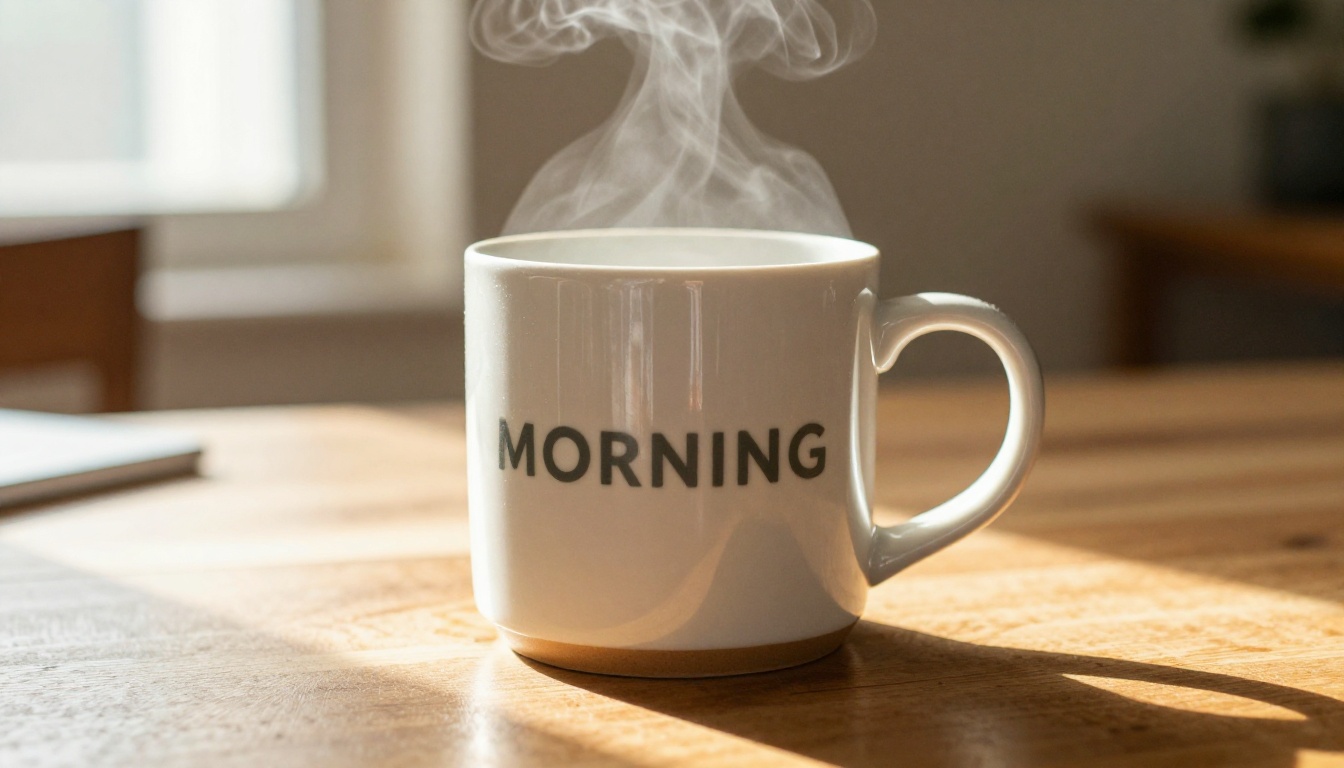
The key constraint is brevity. Keep text prompts short and specific. "A ceramic coffee mug with the word MORNING in simple sans-serif" works. A paragraph of body copy on a fictional magazine cover still struggles.
| Text Style | Reliability in v8 | Notes |
|---|
| Short sans-serif (1-3 words) | High | Most reliable |
| Serif display type | Medium-High | Some edge cases |
| Handwritten script | Medium | Shorter strings work best |
| Multi-line body copy | Low | Still inconsistent |
| Numbers and digits | High | Improved significantly |
When to Use It
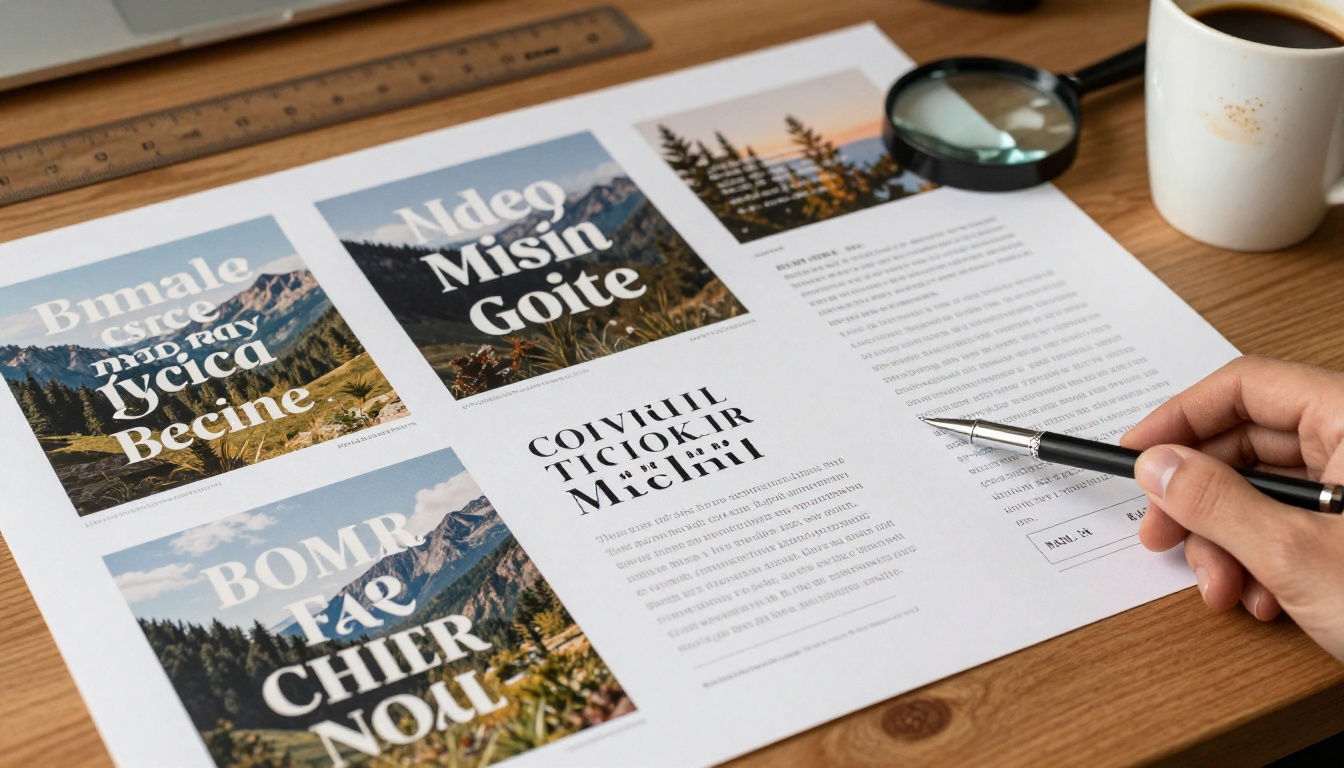
Text rendering shines for logo concepts, poster mockups, signage in scenes, product label designs, and social media graphics. It falls short for anything requiring precise typographic control. For that, you still want to drop into a design tool and add real text on top of the generated image.
Smarter Prompting, Better Results
One of the quieter but most impactful changes in v8 is how the model interprets prompts. Earlier versions had a tendency to pick one element of a complex prompt and amplify it at the expense of everything else. v8 handles multi-element prompts with much better balance.
Prompt Adherence Score
Midjourney has quietly introduced an internal prompt adherence metric. The model now scores how well each candidate image matches the full prompt and selects the highest-scoring result. In practical terms: the images you get back match your description more completely, especially when you stack multiple subjects, settings, and moods.
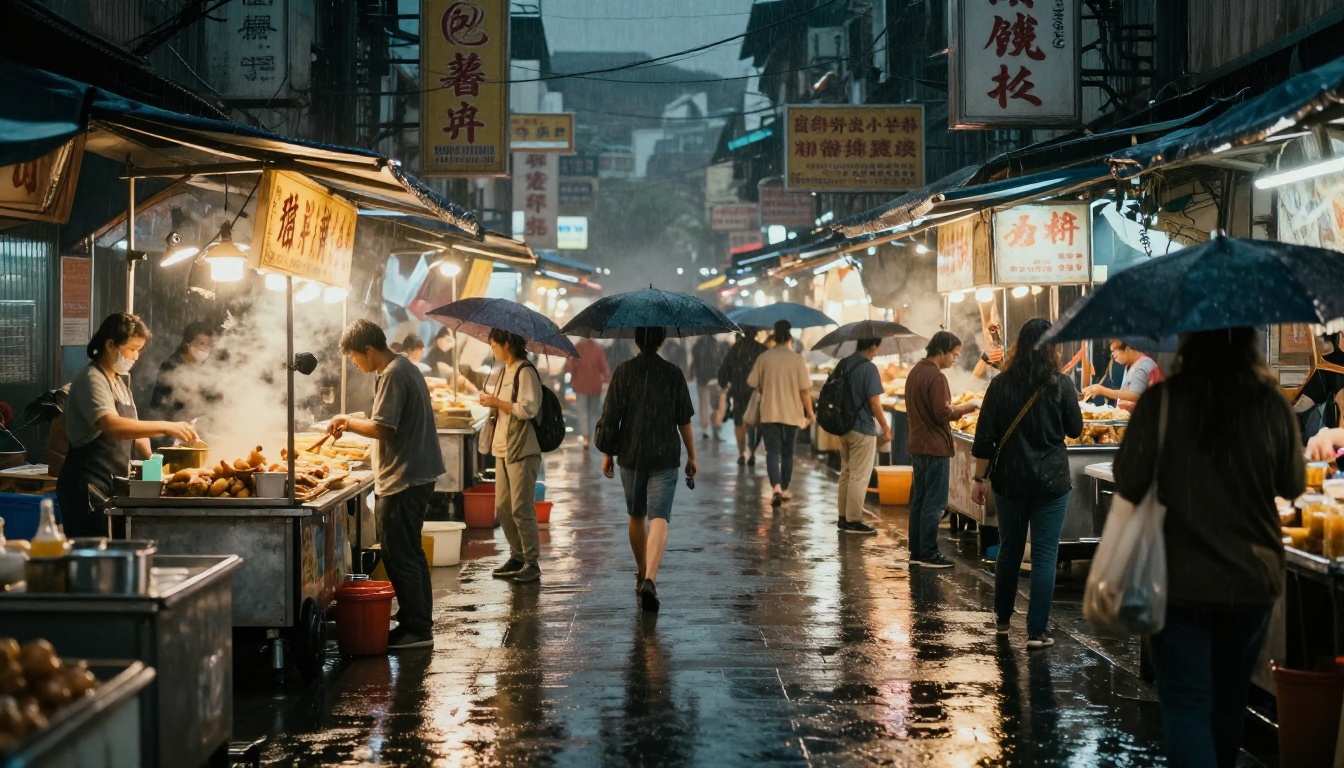
For photographers and directors using Midjourney for shot planning and mood boarding, this is the single most impactful improvement. Complex scene descriptions that previously required 10 regenerations to land correctly now often hit on the second or third try.
Negative Prompt Improvements
v8 has also improved how it processes negative prompts. In v7, negative prompts could cause the model to avoid the concept entirely, often in ways that introduced new artifacts. v8 handles negatives more surgically. "No lens flare" means no lens flare, not a washed-out sky.
💡 Tip: Be specific rather than broad with negatives. "No motion blur" is more effective than "no blur." "No oversaturated colors" works better than "natural."
The New Editing Suite
Midjourney v8 ships with a significantly expanded set of post-generation editing tools. These are not cosmetic additions. They represent a real shift toward Midjourney becoming a full creative platform rather than just a generation engine.
Inpainting Gets Precise
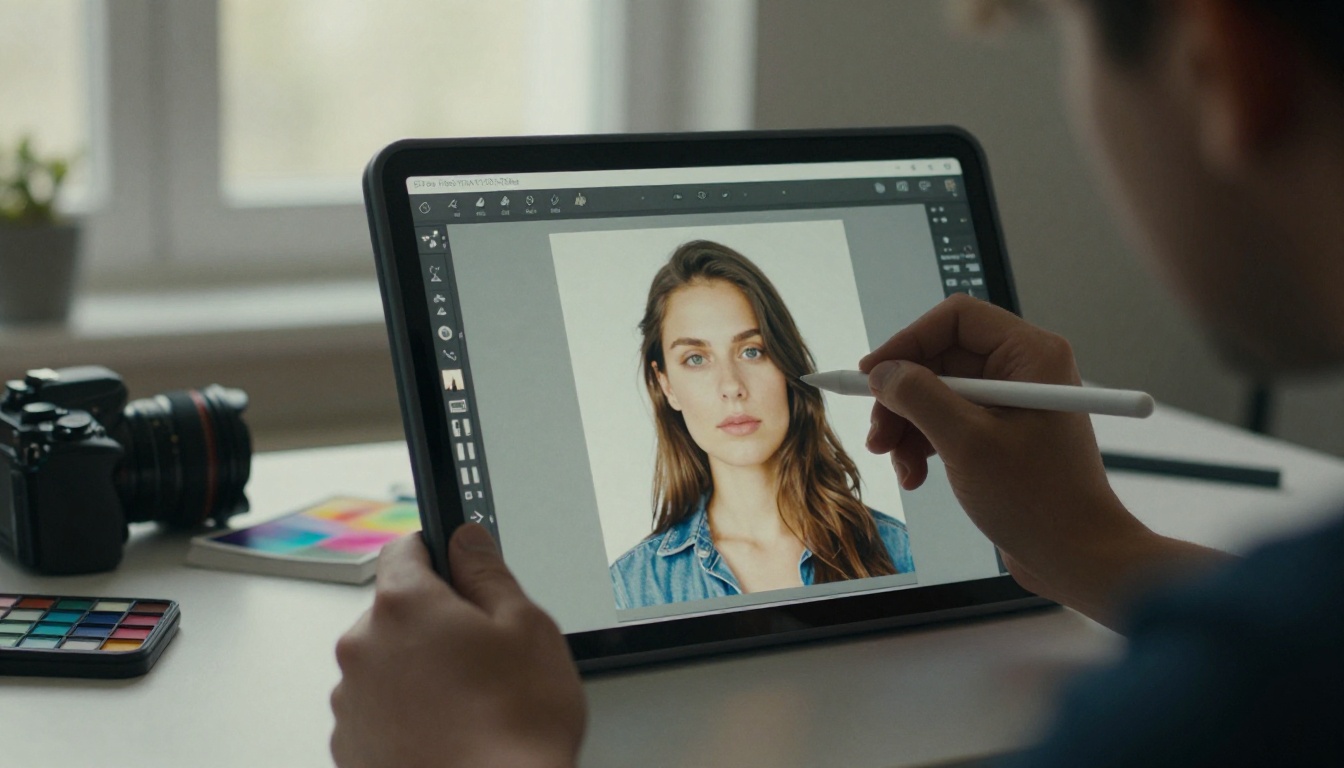
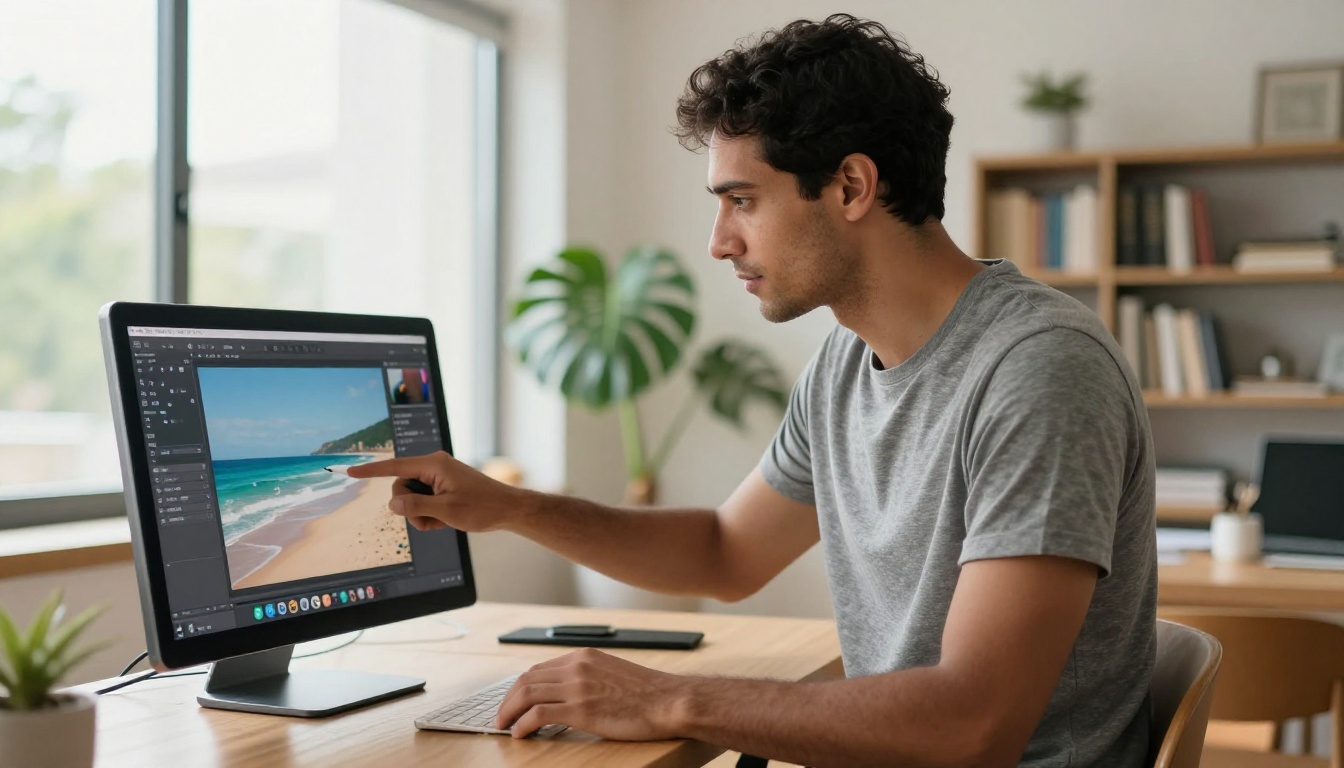
The inpainting tool in v7 was functional but blunt. You could mask a region and fill it, but the fill often ignored the surrounding context. v8's inpainting uses a context-aware fill that reads the surrounding scene, the lighting direction, the color palette, and the texture patterns to produce fills that actually blend.
Real-world applications:
- Object removal: Remove a distracting element from an otherwise perfect composition
- Wardrobe changes: Swap clothing items on a character without regenerating the whole image
- Background fixes: Fill in awkward or broken areas in generated backgrounds
- Adding elements: Place a new subject into an existing scene with plausible lighting
Outpainting With Style Match
Outpainting, expanding an image beyond its original borders, is not new. But v8 pairs it with the same style lock system from the character consistency update. When you expand a canvas, the new content matches the grain, color temperature, and compositional logic of the original. Edges no longer look like spliced-together images from different sessions.
Midjourney v8 vs. What Came Before
Here is a direct comparison across the features that matter most:
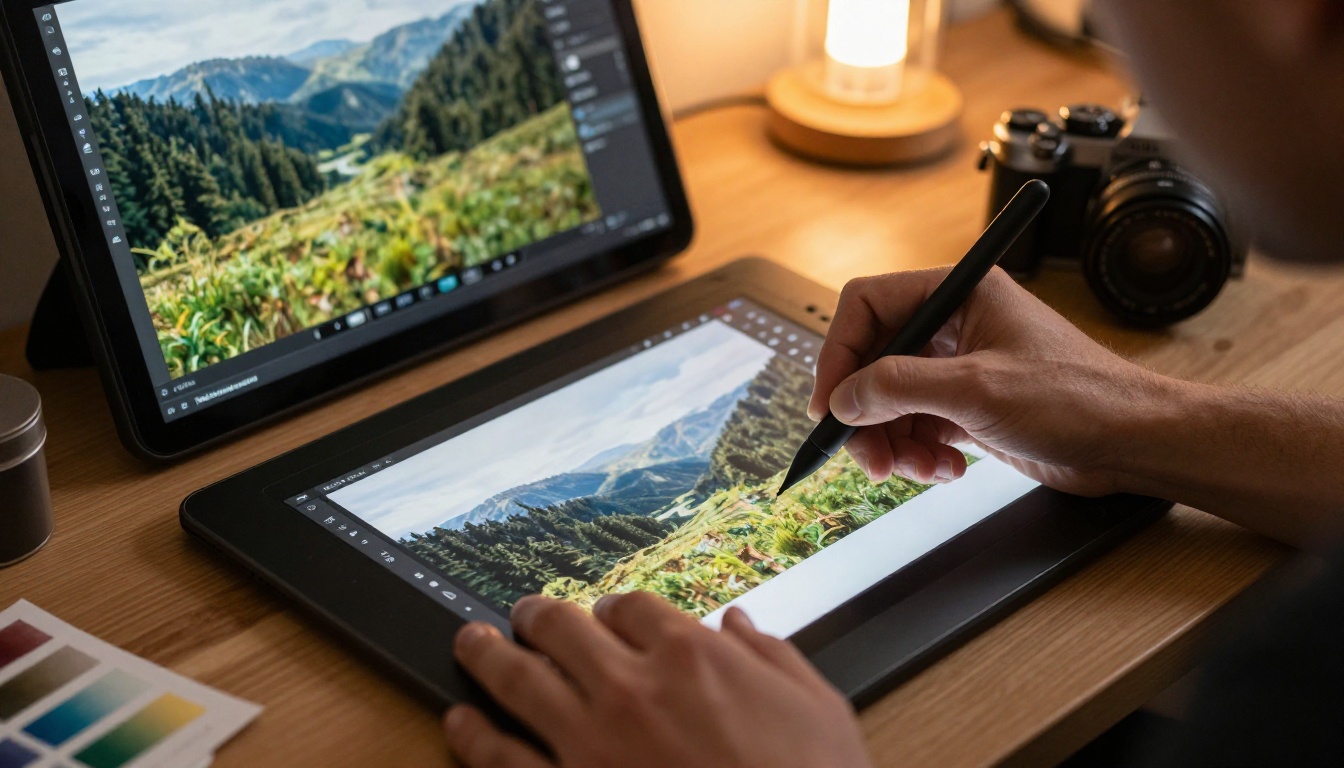
| Feature | v6 | v7 | v8 |
|---|
| Skin texture realism | Good | Very Good | Excellent |
| Character consistency | Poor | Fair | Good |
| Text rendering | Poor | Fair | Good |
| Prompt adherence (complex) | Fair | Good | Very Good |
| Native resolution | Standard | Standard | High |
| Inpainting precision | Basic | Fair | Very Good |
| Outpainting context match | Basic | Good | Very Good |
| Processing speed | Baseline | Faster | Similar to v7 |
The main trade-off with v8 is speed. It runs at roughly the same pace as v7 rather than being notably faster. The quality gains are worth it for most workflows, but high-volume batch generation pipelines will notice the lack of speed improvement.
What This Means for Your Workflow
v8 is not an incremental patch. It is the kind of release that causes people to rebuild their prompting habits from scratch because the old workarounds are no longer necessary.
Who Benefits Most
Photographers and visual artists: The photorealism improvements are real enough to use Midjourney v8 for commercial stock, mood boarding, and client presentations without caveats.
Brand and marketing teams: Character consistency plus style lock makes sustained campaign imagery feasible for the first time. You can build a fictional brand spokesperson and actually keep them consistent across a series.
Game developers and narrative designers: The combination of consistent characters, improved text, and better scene coherence makes v8 genuinely useful for asset ideation and story visualization.
Content creators: The improved editing tools mean fewer regenerations. You can now sculpt a good image into a great one instead of spinning the wheel again.
💡 Tip: If you are migrating from v7, your old prompts will likely produce different and usually better results. Spend time re-running your best v7 prompts in v8 before building new ones. You will often be surprised.
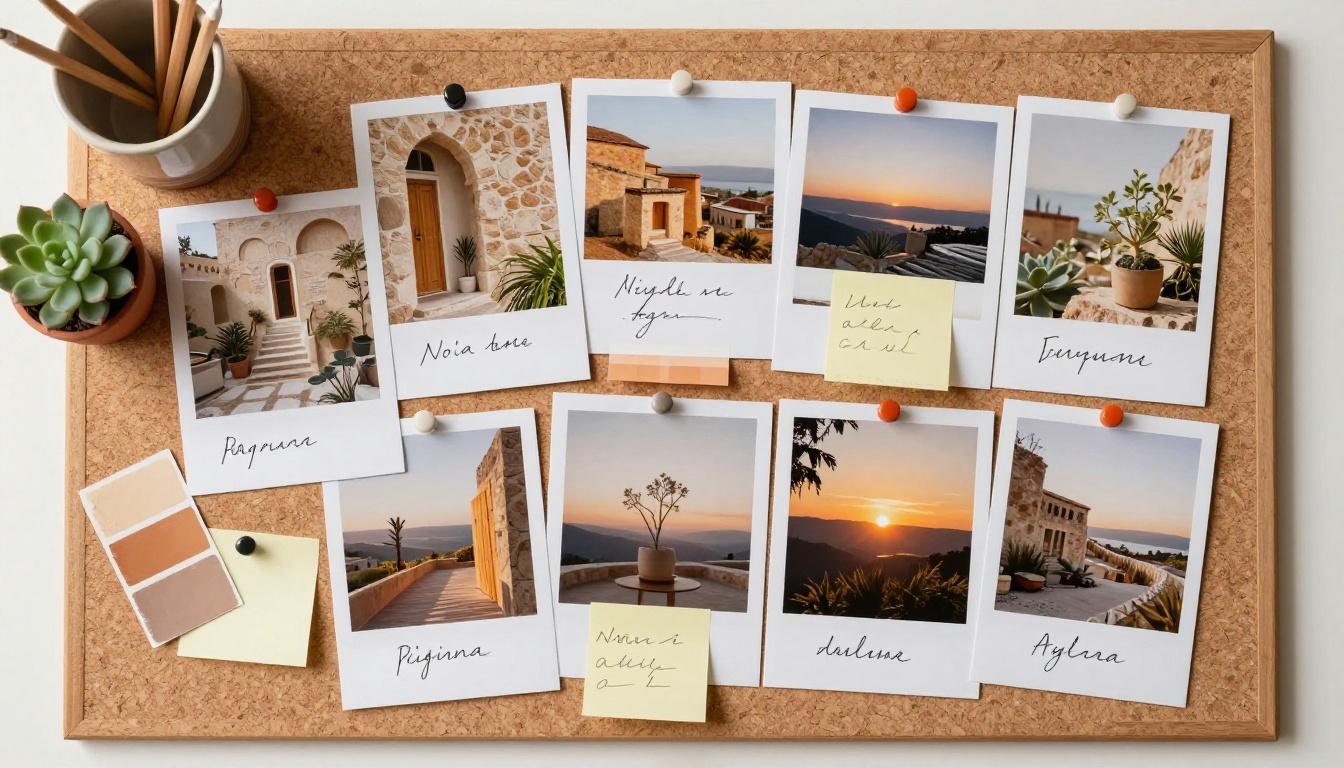
The Models Worth Trying First on PicassoIA
Midjourney is a closed platform with subscription pricing, and v8 access is tied to specific plan tiers. If you want the same class of photorealism and creative control without a subscription lock-in, PicassoIA gives you a full library of powerful models in one place. These five are the ones to run first, in order.
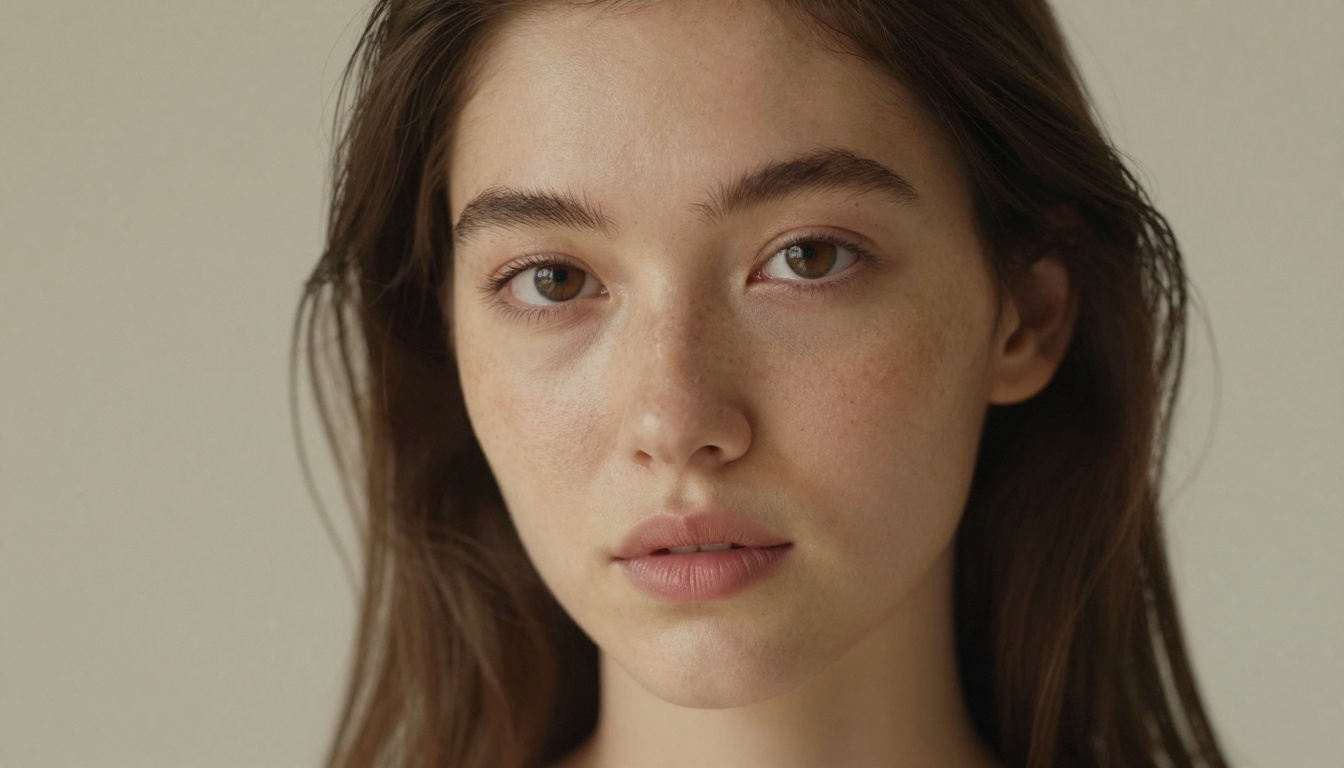
1. Seedream 4.5 puts realism first
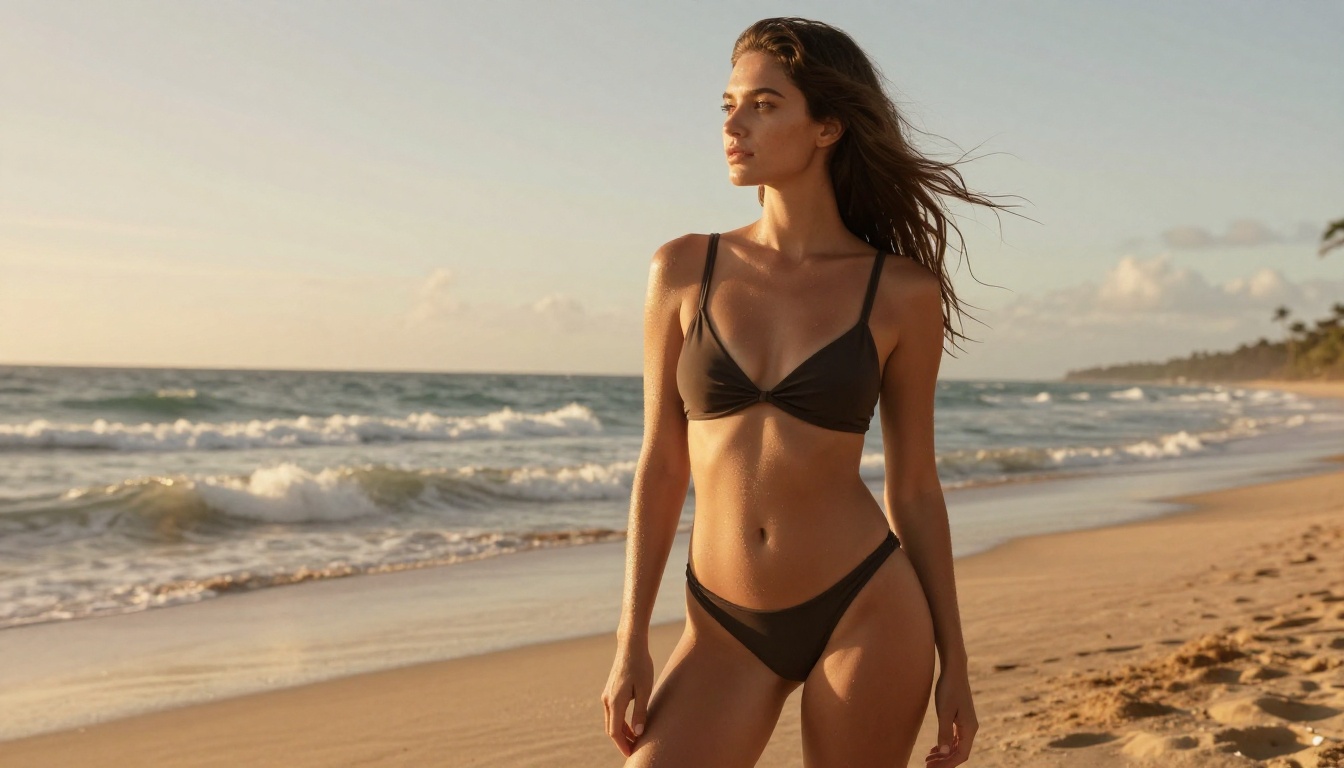
Seedream 4.5 is the model to reach for when you want photoreal output and you want it fast. It returns a sharp image in under 3 seconds, holds detail at 2K and 4K, and accepts reference images for true image-to-image editing. Its content policy is permissive, so suggestive and NSFW concepts render cleanly instead of hitting the hard refusals you get on closed platforms. For realistic portraits and product shots, the performance is exceptional.
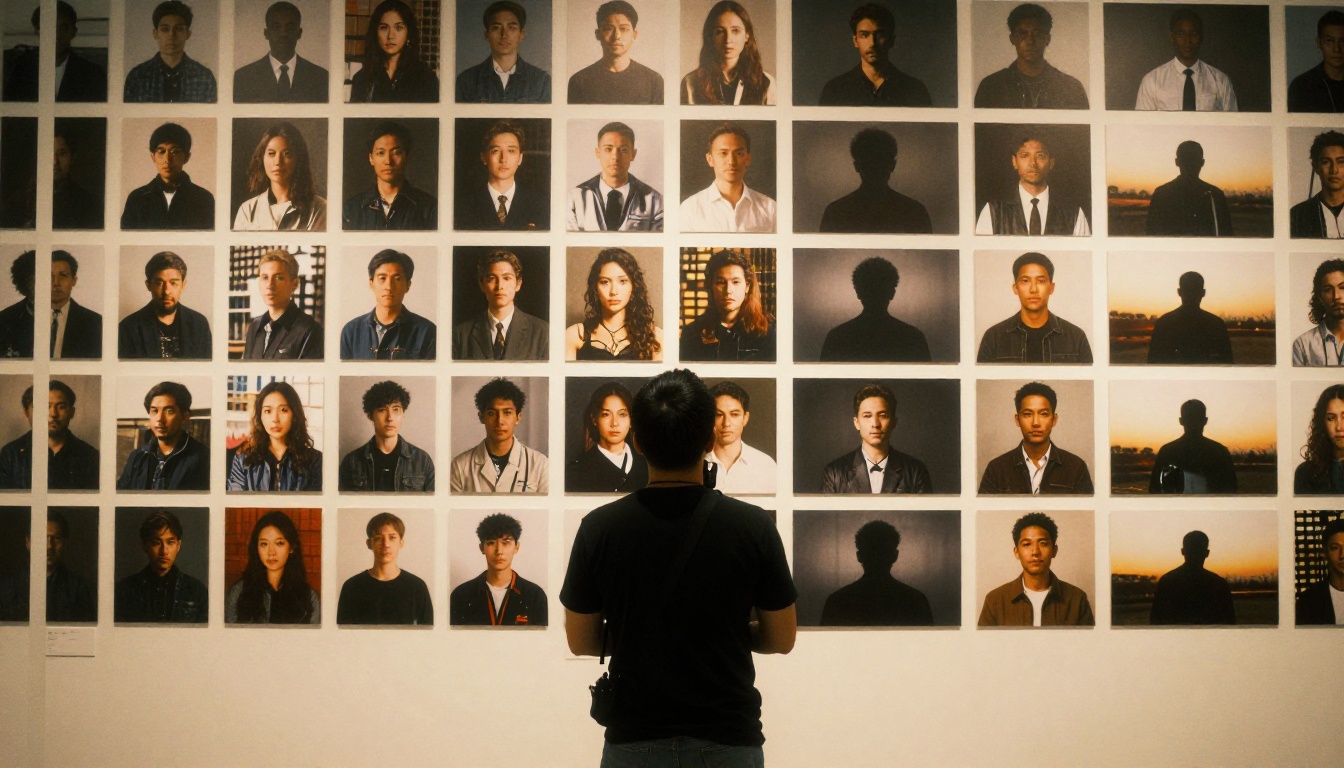
2. PicassoIA Image Editor Pro gives you unlimited edits
PicassoIA Image Editor Pro is built for image-to-image. Upload a photo, describe the change in plain language, and a polished result comes back in under a second. What sets it apart is simple: it is unlimited. There is no per-edit cap and no daily quota. Need 2,000 images this month? Generate 2,000 at no extra cost, included in the Elite or Infinite subscription.
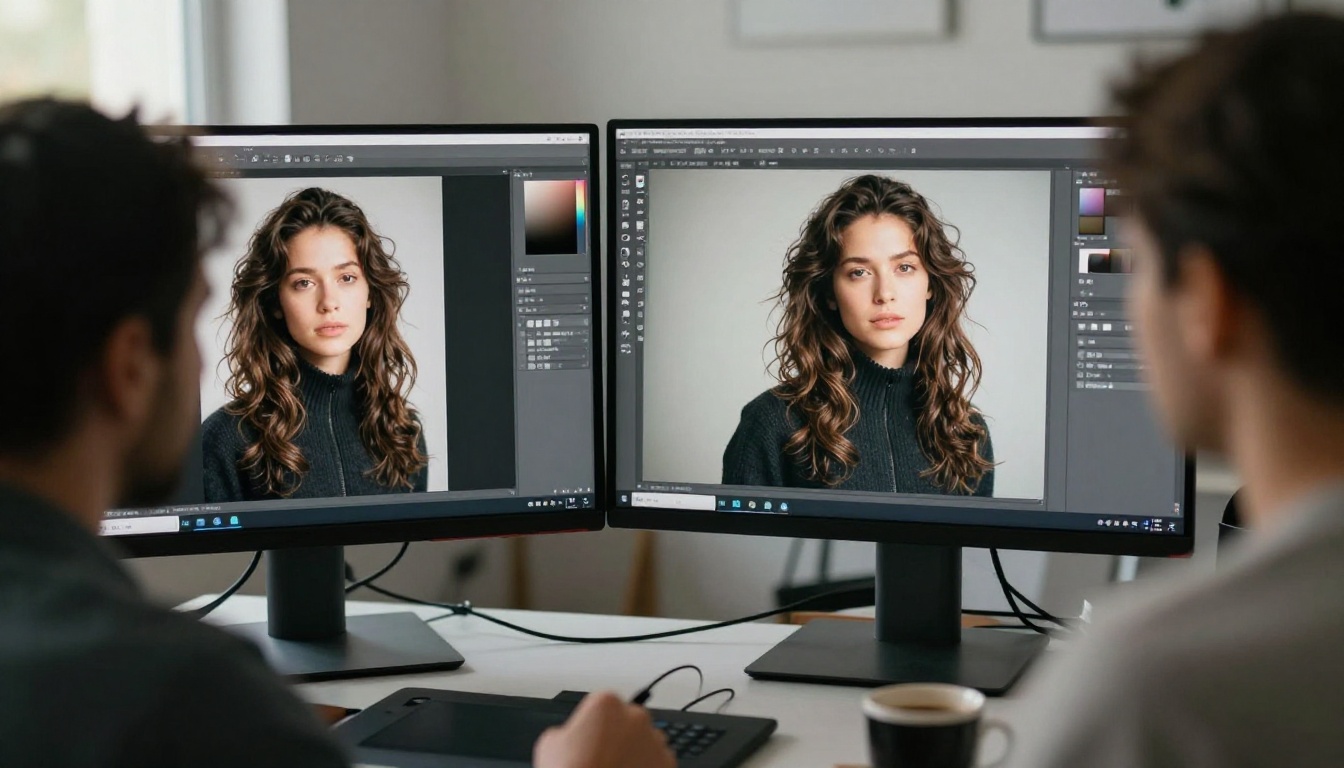
Compare that with a credit-based model like Nano Banana 2, where generating 1,000 images can cost around $100. On Image Editor Pro the same batch costs nothing, because you generate as many times as you want.
| Generate 1,000 images | Nano Banana 2 | PicassoIA Image Editor Pro |
|---|
| Cost | around $100 | $0, included in plan |
| Per-image limit | credit based | unlimited |
| Speed per edit | varies | under 1 second |
| NSFW edits | restricted | allowed |
| Free trial | none stated | 3 free, no card |
It also accepts NSFW edits, and you can try it risk-free with a free trial of 3 generations, no credit card required.
💡 Tip: Start with the 3 free generations to test a real edit from your own library, then move to Elite or Infinite when you want to run unlimited batches.
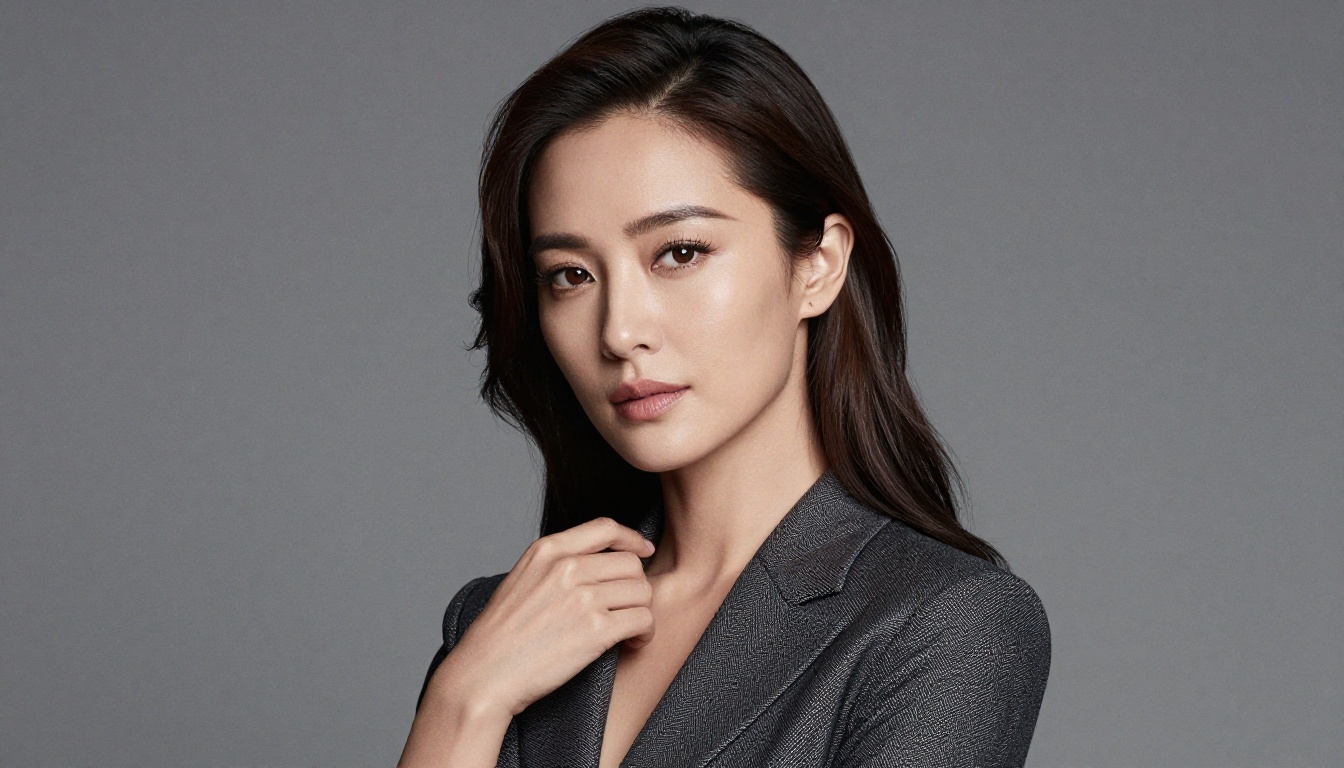
3. Qwen Image 2 is open source and detailed
Qwen Image 2 is open source, which keeps it flexible and free of the usual gatekeeping. It both creates and edits, turning a prompt or a reference photo into a finished image in seconds with detailed, convincing realism. Sharp text rendering and nine aspect ratios make it a practical everyday tool for almost any image you can describe.
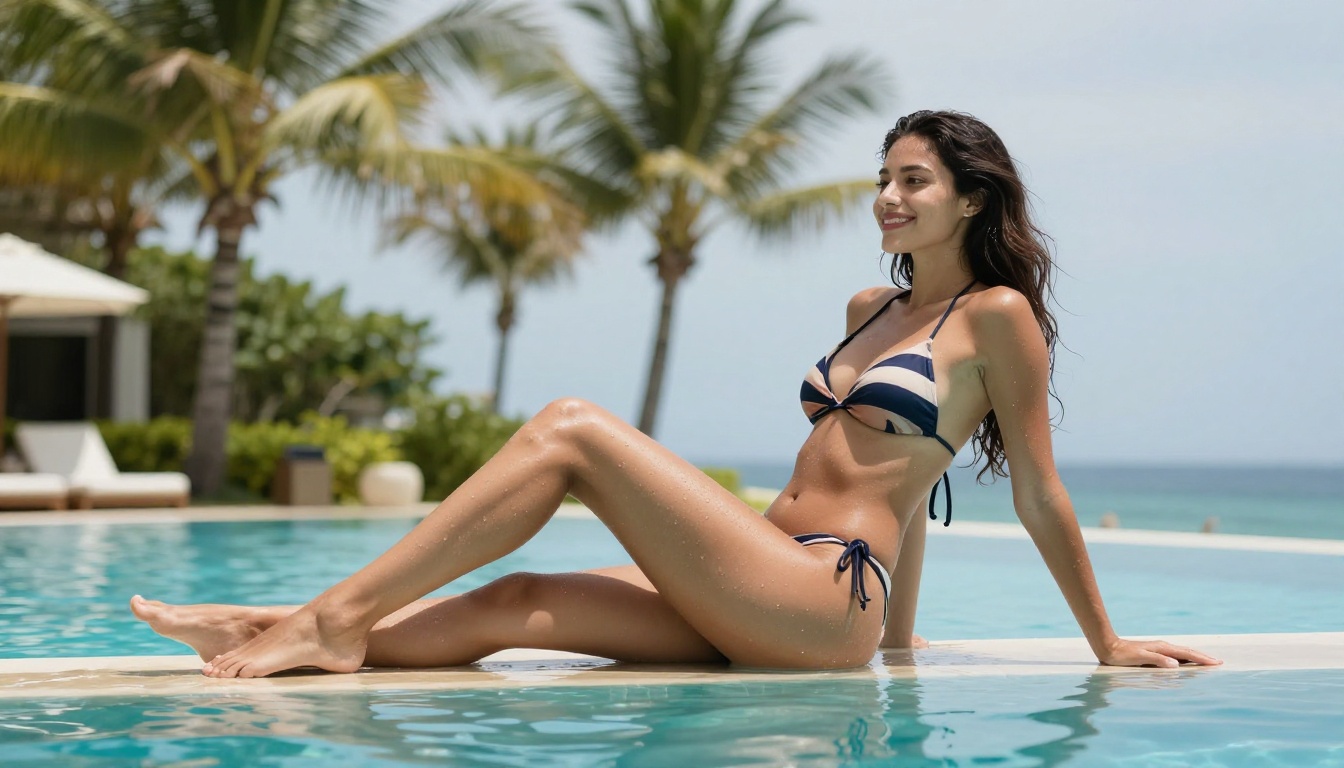
4. Grok Imagine Image for realistic outfit edits
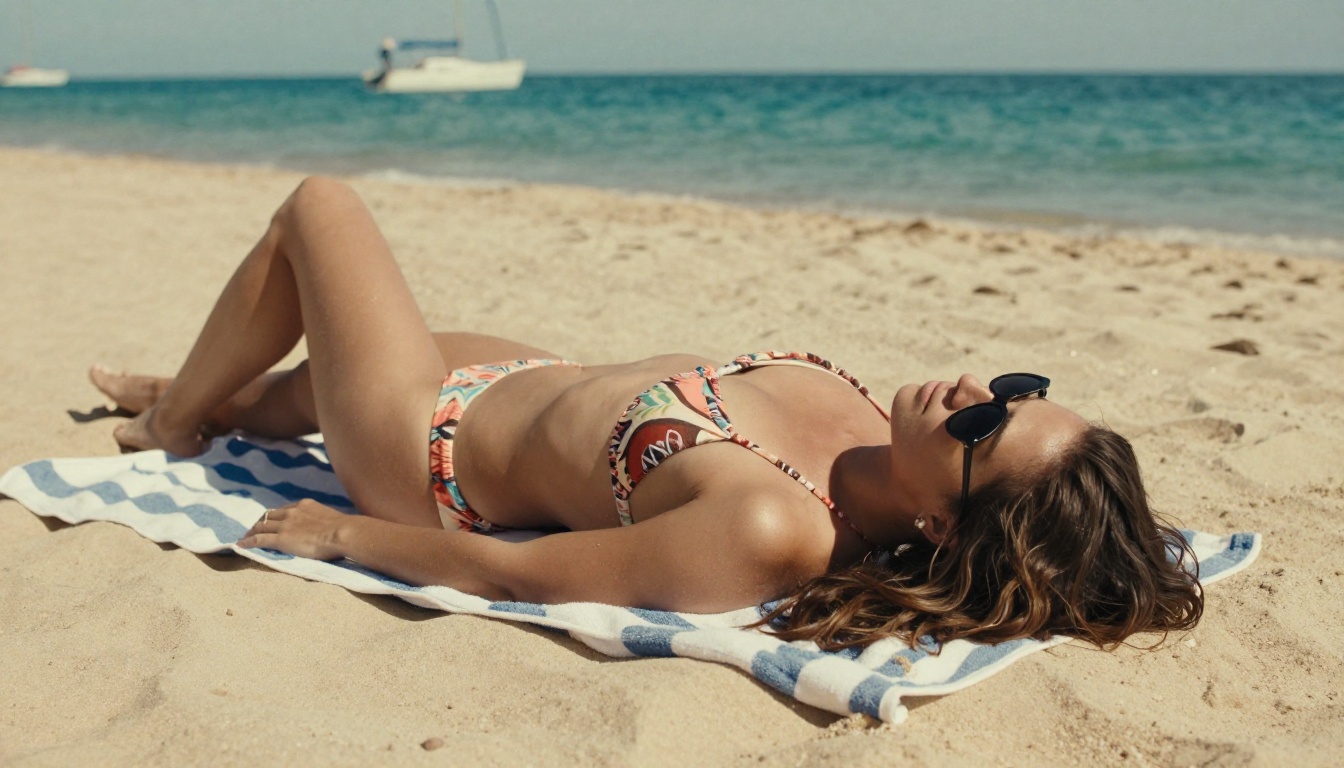
Grok Imagine Image shines at photo edits. Feed it a picture and it re-dresses the subject, and one of its most popular edits is converting any photo into a realistic bikini version while keeping the lighting, pose, and skin tone believable. Generations are unlimited on PicassoIA, so you can run variations until the result looks right.
5. Recraft v4 for art-directed realism
Recraft v4 delivers very realistic, art-directed results with strong composition and clean, legible text inside the image. The one thing to know: it is text-to-image only, so it generates from a prompt rather than editing an existing photo. When you need a polished still straight from a written brief, it is a strong pick.
Bring Any Image to Life With Video
PicassoIA does not stop at still images. Its image-to-video tools take any frame you like and animate it into a short, natural clip with synchronized audio. The three clips below were generated straight from stills in this article, each one 720p at 5 seconds from a single image.
The golden-hour beach portrait, now with rolling surf and a soft sea breeze:
The poolside scene brought to life with shimmering water and natural movement:
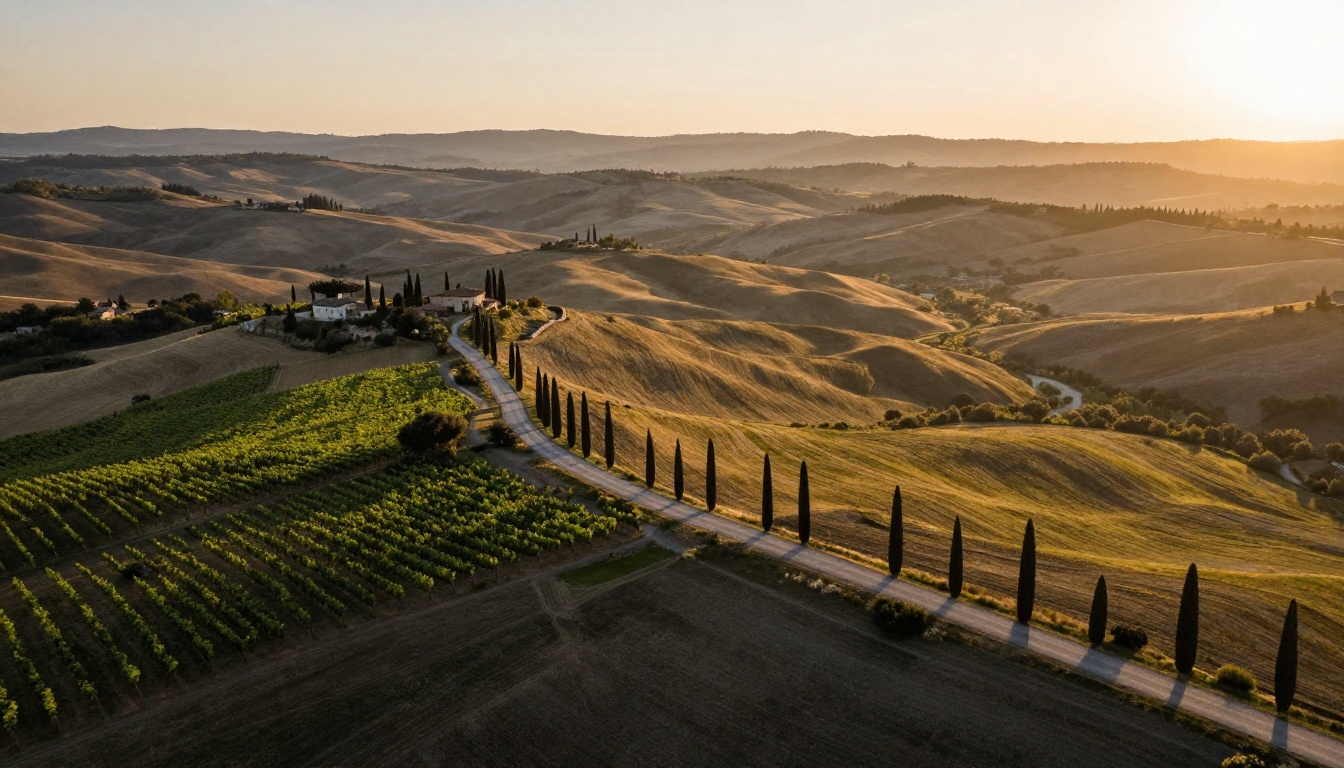
And a single landscape still becomes a slow cinematic drone push over the Tuscan hills:
Where to Find Every NSFW Model
When you are ready to go further, browse picassoia.com/en/all-models to find the best NSFW AI models on the platform and generate without limits. Everything from photoreal portrait models to unlimited image-to-image editors lives in one library, ready to run.
Midjourney v8 sets a high bar. But high bars are worth clearing. Whether you use Midjourney directly or try the open-weights alternatives available on PicassoIA, the quality ceiling for AI image generation in 2026 has moved significantly higher than it was even six months ago. The tools are ready. The question is what you will build with them.


