Choosing the wrong AI image generator costs you more than money. It costs you hours of trial-and-error prompting, frustrating output that doesn't match your vision, and the nagging feeling you're using yesterday's tool on today's work. The three names that dominate every forum, Discord server, and creative community right now are Midjourney, DALL-E, and Stable Diffusion. Each one takes a fundamentally different approach to turning words into images, and that difference matters enormously depending on what you're actually trying to create. This breakdown cuts through the noise and gives you a real answer based on what each tool actually does well, where it falls short, and who should be using it.
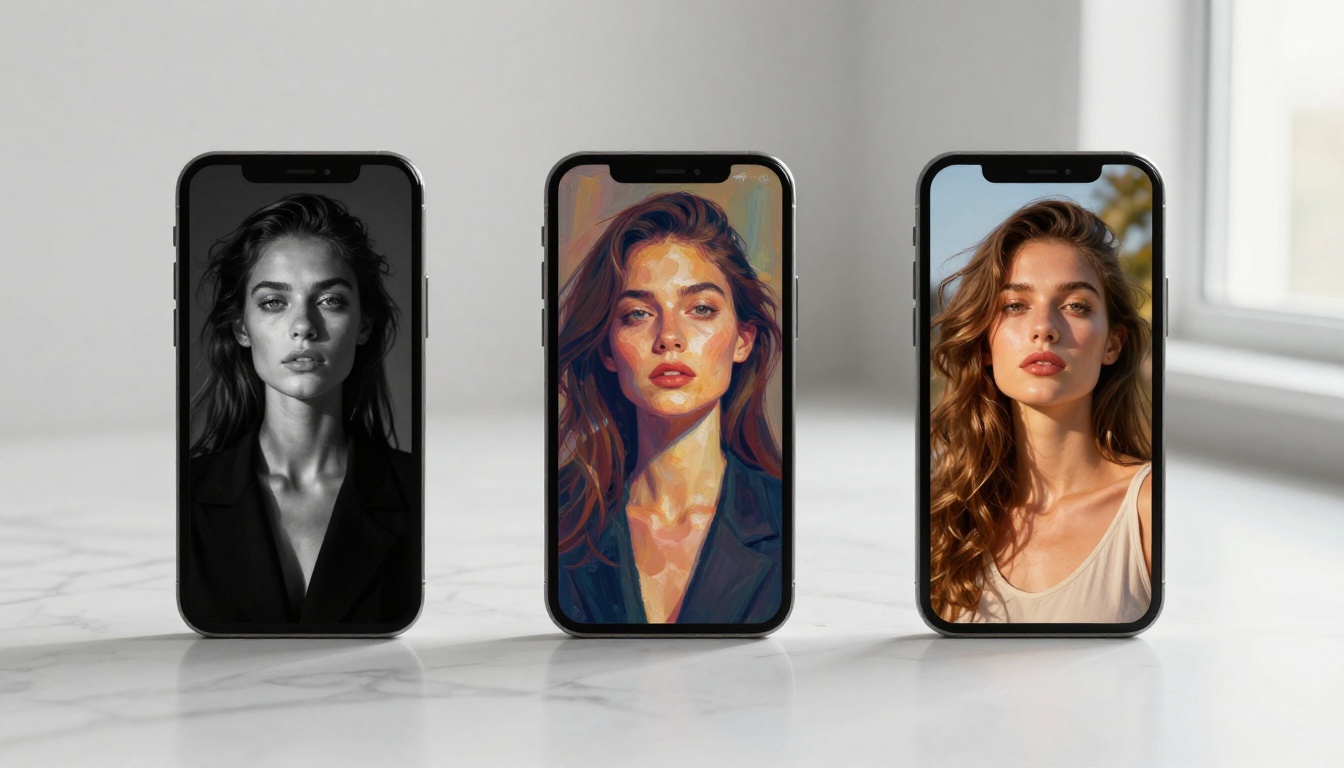
Before diving into specifics, it helps to understand the philosophical DNA behind each platform. These aren't just different apps doing the same job. They represent three distinct schools of thought about what AI image generation should be, who it's for, and what "good" output actually means.
Midjourney: art first, control later
Midjourney runs entirely through Discord and has no standalone web app for most subscription tiers. You type a prompt in a channel, wait a few seconds, and receive four image variations. The outputs are famously beautiful: rich textures, confident compositions, and a distinctive painterly quality that photographers and designers immediately recognize. It's opinionated by design. Midjourney wants to make great-looking images and it succeeds, but it makes a lot of creative decisions for you along the way.
The tool excels at editorial portraits, fantasy scenes, architectural concepts, and anything that benefits from artistic interpretation. Prompt following is selective: Midjourney leans toward what looks good rather than what you literally typed. That's a feature for some workflows and a frustration for others.
DALL-E: precise and conversational
DALL-E, built by OpenAI and integrated into ChatGPT, takes a different stance. It prioritizes instruction-following over aesthetics. When you describe a very specific scenario, DALL-E attempts to render it literally. This makes it genuinely useful for mockups, product concepts, book illustrations, and anything where compositional accuracy matters more than painterly beauty.
The latest generation, accessible via GPT Image 1 and GPT Image 2 on PicassoIA, represents a significant leap in text rendering and spatial reasoning within images. If you need a banner with readable text or a scene with multiple interacting objects in defined positions, DALL-E is typically where you start.
Stable Diffusion: power for those who want it
Stable Diffusion is open source, self-hostable, and infinitely extensible. The base models are free to run on your own hardware. An ecosystem of thousands of community-trained models, LoRAs, and extensions means you can fine-tune outputs to match specific aesthetic targets with surgical precision. The tradeoff is real: getting consistently great results requires understanding samplers, CFG scale, checkpoint selection, and prompt weighting syntax.
Stable Diffusion 3 is now available on PicassoIA for those who want SD's output quality without setting up local GPU infrastructure.
Midjourney owns aesthetics
For pure visual beauty straight out of the box, Midjourney is still the benchmark most professionals measure against. Concept artists, brand designers, and creative directors return to it because the output quality is remarkably consistent. Portraits have weight and mood. Landscapes carry depth. Interior renders have architectural credibility. There's a reason Midjourney images became the visual shorthand for "AI art" in mainstream culture.
💡 If your priority is impressing a client with a single beautiful image in under a minute, Midjourney delivers the highest hit rate with the least prompting effort.
DALL-E wins on instruction clarity
When you need the image to contain what you actually described, DALL-E performs with fewer surprises. It handles relationships between objects, follows multi-element compositional instructions, and applies stylistic references more literally than Midjourney's interpretive approach. The integration with ChatGPT means you can iterate conversationally: describe what's wrong, and the model adjusts without starting from scratch.
For teams that need to communicate with stakeholders using annotated or text-heavy images, this literal interpretation is invaluable.
Stable Diffusion wins on control
The real superpower of Stable Diffusion is ControlNet, a system that lets you feed reference images to lock specific structural properties: character pose, scene depth, edge maps, or semantic segmentation layout. Want an image where the character holds exactly the same posture as a reference photo while wearing different clothes in a different setting? ControlNet does that repeatably. No other mainstream platform offers this level of deterministic compositional control.
Pricing Breakdown
Cost is often the deciding factor, especially for freelancers and small studios running high daily volumes.
| Tool | Free Tier | Entry Paid | Pro/Max |
|---|
| Midjourney | None | ~$10/month (200 images) | ~$60/month (unlimited) |
| DALL-E via ChatGPT | Limited | $20/month (Plus) | API: usage-based |
| Stable Diffusion | Free (local) | Cloud: varies | Self-hosted: hardware cost |
A few things worth noting:
- Midjourney has no free tier as of 2024. You pay from day one with no trial period.
- DALL-E access through ChatGPT Plus bundles generation with the full GPT-4o suite, which makes the $20 price point reasonably efficient for mixed text-and-image workflows.
- Stable Diffusion is genuinely free if you have compatible hardware. A mid-range GPU handles most workflows. For those without local GPU capacity, cloud-based SD via PicassoIA removes the hardware barrier while preserving model flexibility.
- At high volume, Stable Diffusion's cost advantage compounds dramatically. A designer running 500+ generations per day would spend thousands monthly on Midjourney credits versus effectively zero on self-hosted SD.
Output Quality, Tested
Photorealism
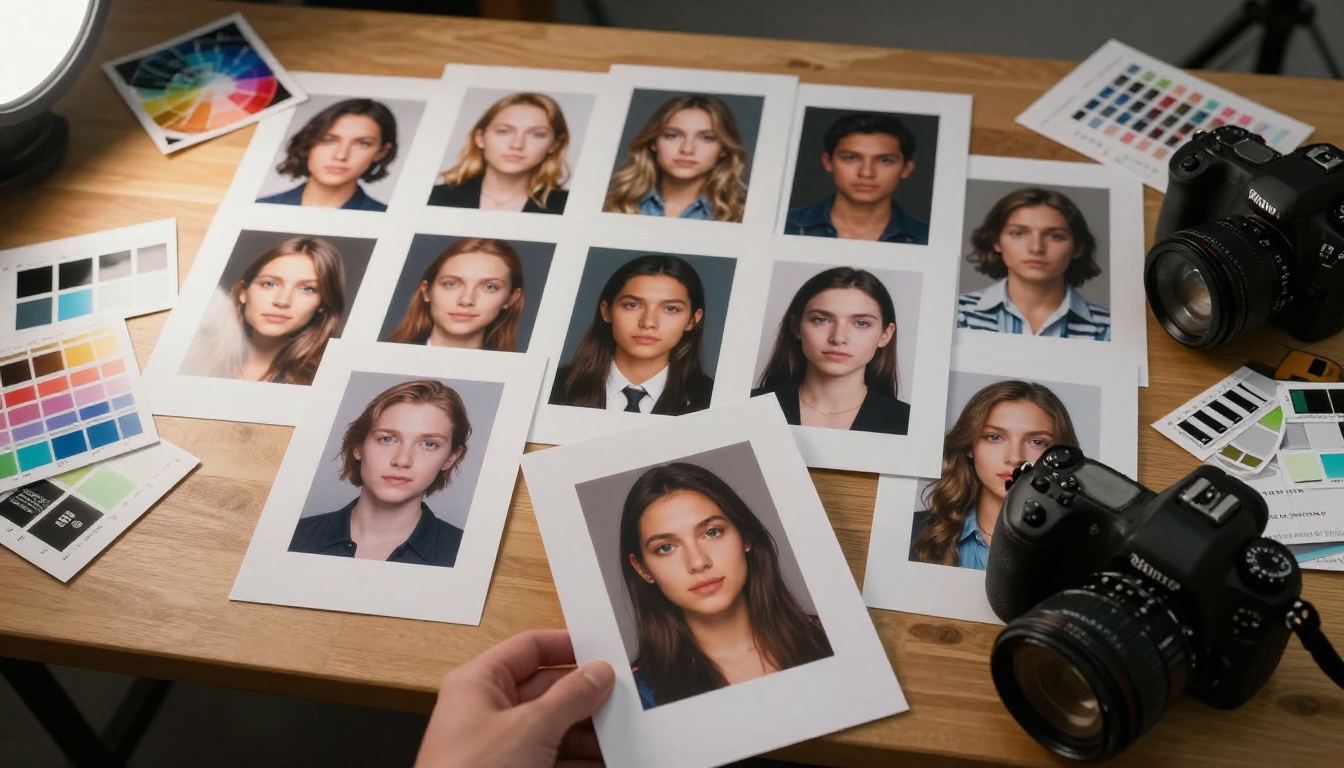
Photorealistic images are the most demanding benchmark. Here's where things diverge significantly:
Midjourney produces photorealistic results that read as cinematic rather than documentary. Skin is often too smooth, light too dramatic, and compositions too perfectly arranged to pass as candid photography. For advertising and editorial work, that curated quality is frequently exactly what you want. For passing as authentic photography, it's a limitation.
DALL-E has improved its photorealism substantially across generations. Faces are generally clean and well-proportioned. Hands remain a known weak point, and complex multi-person scenes often show anatomical inconsistencies. Fine skin detail, individual hair strands, and fabric microstructure remain less convincing than the best SD outputs.
Stable Diffusion, with the right checkpoint model, can produce results that are genuinely difficult to distinguish from documentary photography. Fine hair, skin pores, fabric grain, and natural lighting behavior are all achievable with careful model selection and prompting. The ceiling for photorealism is higher than either Midjourney or DALL-E when configuration is right.
Stylized and illustrated art
Midjourney remains dominant for painterly, cinematic, and editorial illustrative work. Its native aesthetic feels intentional rather than accidental, which is why it became the tool of choice for concept artists working in film and games. DALL-E handles stylization adequately but often feels more mechanical and less confident in art direction. Stable Diffusion with community-trained models covers an enormous stylistic range: anime, oil painting, pencil sketch, watercolor, fashion editorial, and everything between.
Consistency across a series
This is a less-discussed but critically important factor for professional work. If you need a character to look the same across 20 different images, consistency becomes the central challenge.
- Midjourney struggles with character consistency unless using its reference image features
- DALL-E also lacks native character consistency, though ChatGPT's memory features partially address this
- Stable Diffusion with a character-specific LoRA achieves the best consistency of the three
Text in images
Historically the weakest area across all three. As of 2025:
- DALL-E handles short text strings reliably in many scenarios
- Midjourney improved substantially but still fails on longer or complex strings
- Stable Diffusion requires specific model configurations for reliable text rendering
💡 For designs that need readable text, GPT Image 1 or GPT Image 2 remain the most reliable options for text accuracy in a generated image.
Speed and Workflow
Generation speed affects how iteratively you can work. In fast-moving client projects, the difference between 5 seconds and 45 seconds per image is meaningful when you're running 50 variations.
| Tool | Avg. Generation Time | Batch Options | API Access |
|---|
| Midjourney | 15-45 seconds | 4 variations default | Standard plans: no |
| DALL-E | 5-20 seconds | 1-4 images | Yes, usage-based |
| Stable Diffusion (cloud) | 3-15 seconds | Configurable | Yes |
| Stable Diffusion (local) | 2-8 seconds | Fully configurable | Yes (REST API) |
Midjourney's Discord-based workflow adds meaningful friction for professionals who want to integrate generation into existing creative pipelines. There's no API access on standard plans. DALL-E has a well-documented API that plugs into developer workflows cleanly. Stable Diffusion has multiple API implementations including a native REST API when self-hosted.

Who Should Use What
For beginners
Start with DALL-E through ChatGPT. The conversational interface removes all technical barriers. You describe what you want, see what comes out, describe what's wrong, and iterate. No Discord navigation, no prompt syntax rules, no model selection decisions. The quality ceiling is lower than Midjourney or advanced SD setups, but you get results quickly with a short learning curve.
GPT Image 1 on PicassoIA gives you the same OpenAI-powered generation in a clean web interface without needing a full ChatGPT subscription.
For visual professionals
Midjourney earns its subscription cost if your work is primarily aesthetic: brand mood boards, editorial concepts, or creative pitches where the output needs to look finished. The quality-to-effort ratio is difficult to match when the brief aligns with what Midjourney naturally produces.
For workflow integration, client mockups requiring precise composition, or iterative refinement of existing assets, pair it with a dedicated editing model. Flux Kontext Dev lets you rewrite any part of an existing image with text prompts, which fills the gap that Midjourney leaves around targeted edits.
For developers
Stable Diffusion via API is the clear choice for automation, custom pipelines, and applications that need generation at scale. The open source community provides solutions for virtually every edge case. For developers who want high output quality without infrastructure overhead, Flux Fast on PicassoIA delivers Flux-quality results with a simple API call and no GPU management.
The Open Source Advantage
Stable Diffusion runs free on your hardware
The ability to download Stable Diffusion, run it on a consumer GPU, and generate unlimited images with no subscription cost changes the economics of AI image production fundamentally. For high-volume creative work, the numbers become stark. A freelancer generating hundreds of concept images per day would spend hundreds to thousands per month on Midjourney or DALL-E credits versus effectively zero on self-hosted SD with a one-time hardware investment.
P Image Trainer on PicassoIA brings similar custom LoRA training capabilities to a web interface, removing the local GPU requirement for those who want style consistency without technical setup.
Fine-tuning with LoRAs
Low-rank adaptation models let you train Stable Diffusion on a small dataset of reference images and apply that learned style or subject to any new generation. Want outputs that always feature your product photographed in a consistent brand aesthetic? Train a LoRA on 20-30 product photos and apply it to every generation. This level of stylistic personalization is simply not available to end users on Midjourney or standard DALL-E tiers.
ControlNet for structural precision
ControlNet is the feature that separates serious Stable Diffusion users from casual ones. By feeding in a reference image, you can lock the pose of a character, the depth structure of a scene, the edge map of a composition, or the semantic layout, while changing everything else: style, lighting, setting, clothing, color palette. The result is compositional repeatability no other platform currently matches at the same price point.
Models Worth Testing Right Now
The Midjourney-DALL-E-Stable Diffusion frame is useful context but it's increasingly narrow. Several models now outperform all three on specific tasks:
For cinematic realism at 4MP, Flux Pro Finetuned and Flux 1.1 Pro Ultra Finetuned consistently beat Midjourney v6 on both prompt adherence and output resolution in side-by-side tests.
For speed without sacrificing detail, Flux Fast produces results in seconds that would have been considered premium-tier output six months ago.
For 4K outputs from a text prompt, Seedream 4.5 pushes resolution into territory none of the three main tools reach natively without upscaling.
For targeted image editing, Flux Fill Pro handles inpainting and canvas extension with edge coherence that surpasses DALL-E's native editing tools in most scenarios.
For character identity consistency, Ideogram Character maintains recognizable character features across a series of generated images, which is notoriously difficult to achieve with standard prompting on any platform.
💡 Professional workflows rarely rely on a single tool. Most practitioners use a primary generator for initial output and a dedicated inpainting or upscaling model for refinement. Having access to all of them in one place eliminates the friction of managing multiple accounts and subscriptions.
The most honest answer to "which is best" is context-dependent. Midjourney wins on consistent aesthetic beauty with minimal effort. DALL-E wins on instruction clarity, text rendering, and conversational iteration. Stable Diffusion wins on cost, customization depth, and ControlNet-based structural control. None of them wins on all three simultaneously, which is why serious creators typically use two or all three depending on the job.
If you want to skip the subscription juggling and test multiple approaches from one platform, PicassoIA gives you access to over 90 text-to-image models in a single interface, including Stable Diffusion 3, GPT Image 2, DALL-E 2, Flux Pro Finetuned, Flux Kontext Dev, and Ideogram Character, all without switching tabs or managing separate billing.
Write one prompt. Run it through three different models. See exactly what each does with the same input. That real-world comparison is the fastest way to answer the question for your specific creative workflow rather than relying on benchmarks and opinions, including this one.


