Midjourney vs Flux 1.1 for NSFW AI Images: Which One Actually Delivers?
A detailed, no-fluff comparison between Midjourney and Flux 1.1 for generating NSFW AI images. Covers content policies, photorealism, prompt adherence, skin texture quality, pricing, and step-by-step tips for creating tasteful yet bold adult-oriented content with AI image generators.
If you have spent any time trying to generate suggestive or NSFW AI images, you already know the frustration: a model that seemed promising suddenly slaps you with a content violation warning, or worse, outputs a sterile, oversanitized result that looks nothing like what you described. Two of the biggest names in the text-to-image space, Midjourney and Flux 1.1 Pro, take completely different approaches to this problem. One is a polished, subscription-based platform with strict community guidelines. The other is an open-weight model built for precision and flexibility. Knowing which one to use, and why, can save you hours of wasted prompts.
This comparison covers everything: content policies, raw image quality, photorealism benchmarks, pricing, and a full walkthrough for using Flux 1.1 on a platform that does not block your creative vision.
What NSFW Means for AI Image Tools
Before comparing the two models, it helps to be clear on terms. "NSFW" covers a wide range of content, and not all AI platforms draw the line in the same place.
Suggestive vs Explicit: Where the Line Is
In the context of AI image generation, NSFW content typically falls into three tiers:
Semi-explicit: Topless imagery, non-pornographic nudity in artistic contexts
Explicit: Fully pornographic or graphic sexual content
Most mainstream AI platforms allow tier 1 freely and restrict tier 2 and 3 to varying degrees. The real debate is how aggressively each platform filters even tier 1 content, and whether their safety layers incorrectly block perfectly legitimate creative requests.
Why Both Models Think About This Differently
Midjourney is a closed commercial platform with a curated community and brand image to protect. Their content policies reflect business decisions as much as technical ones. Flux 1.1, built by Black Forest Labs, was designed as a foundation model with emphasis on prompt fidelity, meaning it was trained to follow instructions accurately, including ones that Midjourney's filters would block.
This philosophical difference shapes every aspect of the comparison.
Midjourney's Restrictions Are Real
Midjourney is extraordinary at creating visually stunning images. Its aesthetic sensibility, coherence at complex scenes, and raw artistic output are hard to beat. But when it comes to NSFW content, the platform is notably conservative.
Default Mode Blocks More Than You Think
Out of the box, Midjourney filters a wide range of content that many creators would consider tame. Prompts involving:
Swimwear in certain poses
Sheer or form-fitting clothing descriptions
Words like "intimate," "sensual," or "alluring"
References to underwear or lingerie even in fashion contexts
...can all trigger soft or hard content warnings. The model sometimes refuses to generate the image entirely, or it produces a heavily modified result that strips out the visual elements you asked for.
💡 Worth knowing: Midjourney's filter system operates on both your prompt text and the model's interpretation of what it generates. Even if your words are clean, it can flag the output itself.
What You Can Actually Create
With a standard Midjourney subscription (Pro or Mega tier), you can enable "Stealth Mode," which hides your images from the public gallery. However, this does not unlock explicit content. What it does is:
Keep your generations private from other users
Allow you to work without community visibility
Remove the social pressure of your prompts being indexed
Even with Stealth Mode active, Midjourney's content filters remain fully operational. You cannot bypass them through this feature. Suggestive glamour photography, artistic fashion, and implied sensuality are achievable but require significant prompt engineering to avoid triggering refusals.
The Stealth Mode Reality
Many users assume Stealth Mode is a content unlock. It is not. Midjourney's NSFW mode (which is separate and only available in specific server environments) allows more latitude with artistic nudity, but even that stops well short of explicit content and requires you to operate in a designated "NSFW channel" within Discord.
The result is a platform that is excellent for creative professionals who work in fashion, beauty, and artistic portraiture, but frustrating for anyone wanting full creative control over suggestive or adult-adjacent imagery.
Flux 1.1 Takes a Different Stance
Flux 1.1 Pro represents a significant departure from the Midjourney philosophy. Black Forest Labs built Flux around the principle of high prompt adherence, which means the model genuinely tries to produce what you describe rather than softening or sanitizing the output based on keyword triggers.
How Flux 1.1 Handles Sensitive Prompts
Flux 1.1 does not have a hardcoded content filter baked into the base model weights. Instead, content moderation depends heavily on the platform through which you access it. When you use Flux 1.1 through a platform like PicassoIA, the platform applies its own reasonable guardrails, but these are generally far less aggressive than Midjourney's.
In practice this means:
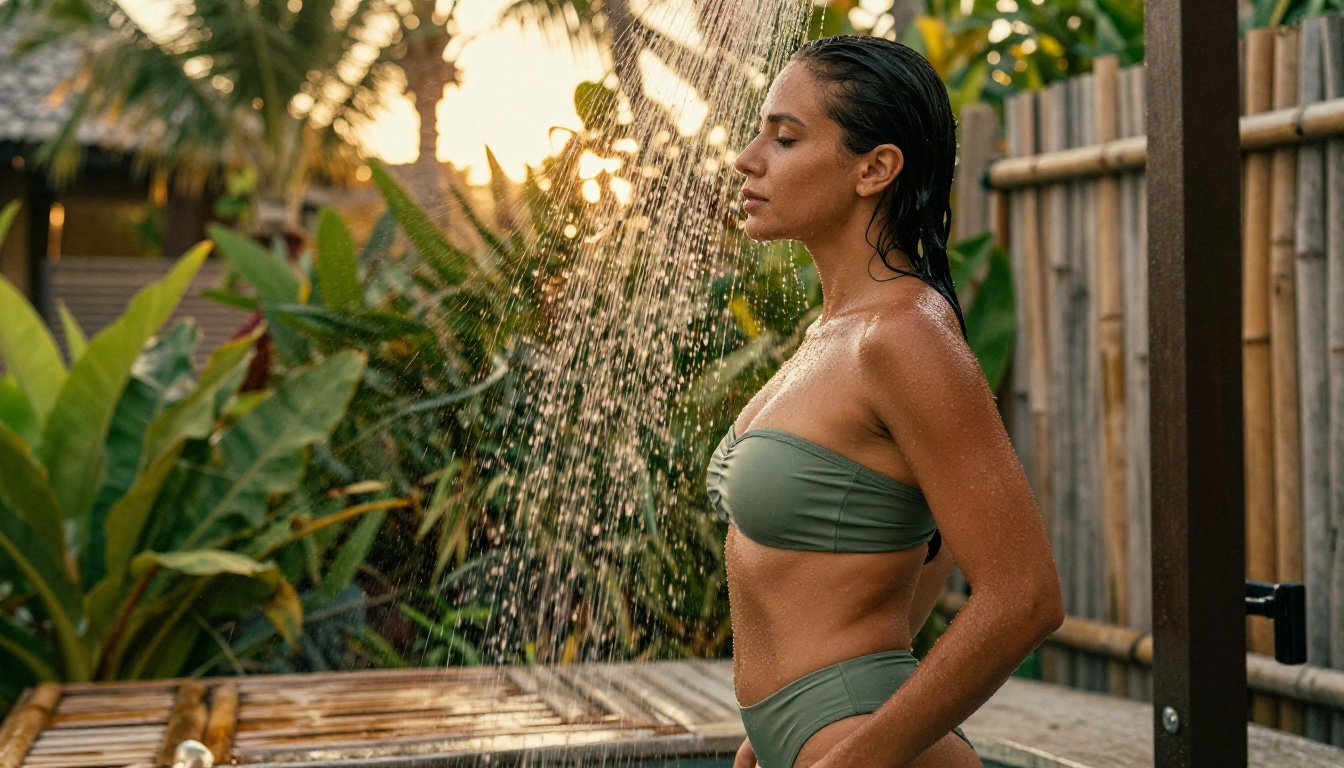
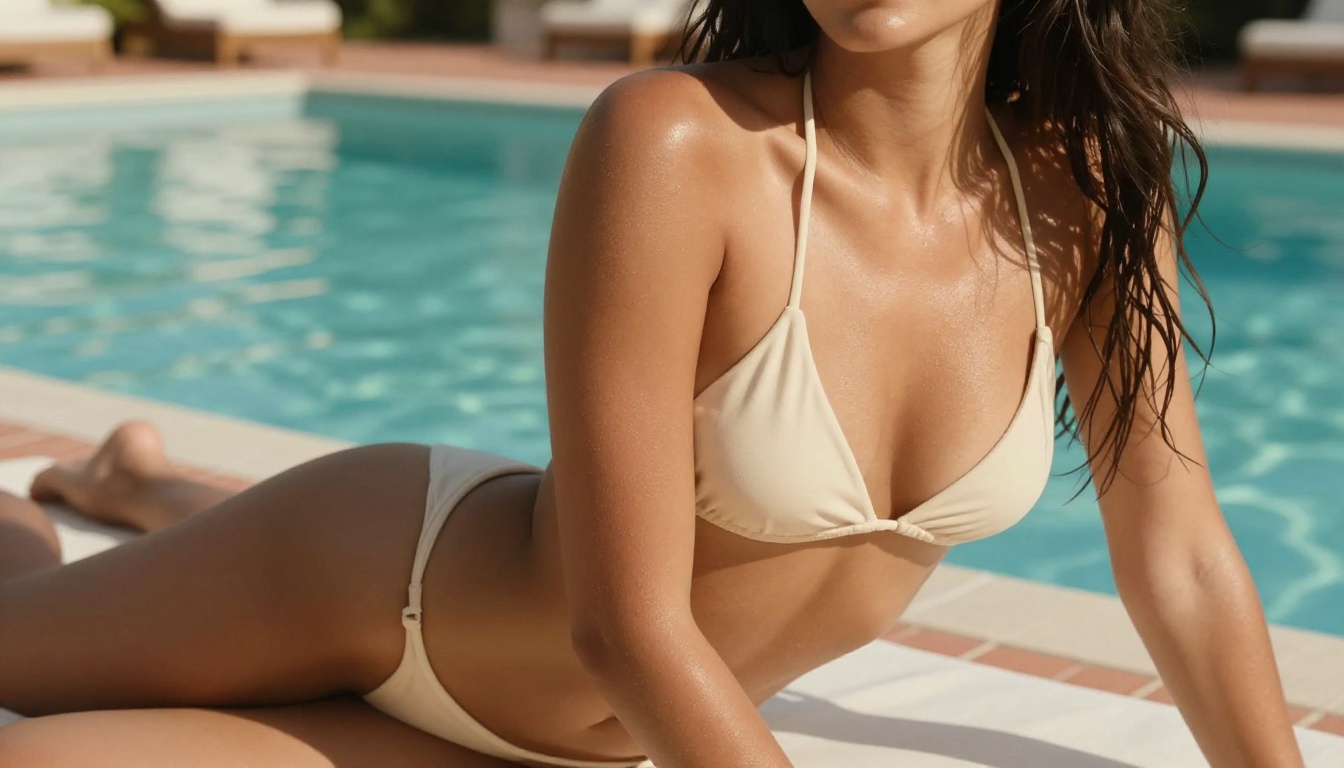
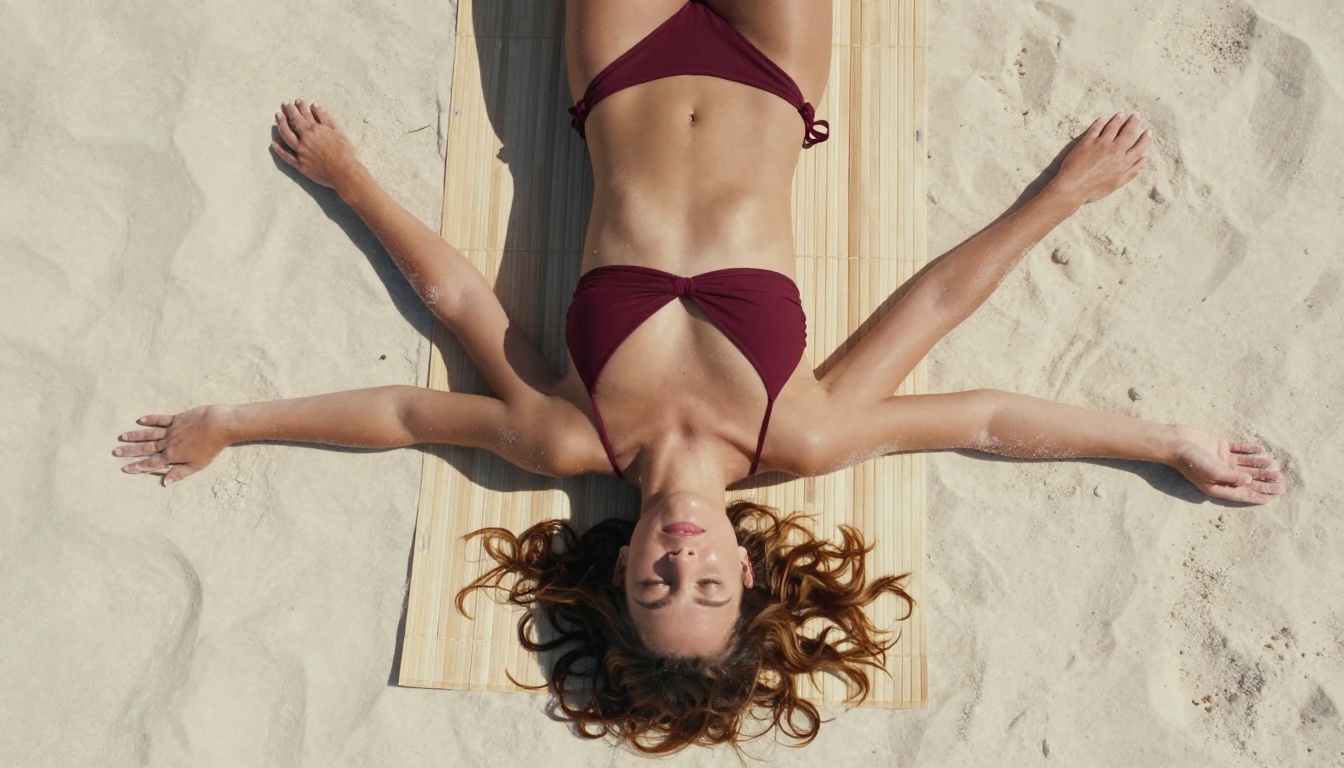
Swimwear and lingerie prompts: Generated accurately with correct fabric detail, fit, and lighting
Glamour photography prompts: Followed closely, including pose, expression, and atmosphere
Artistic figure studies: Handled with photographic realism rather than stylized softening
Skin texture and anatomy: Rendered with genuine detail rather than being smoothed away
💡 Key difference: Midjourney interprets and stylizes. Flux 1.1 executes. If you write a precise prompt, Flux 1.1 follows it. This makes it far more useful when your creative vision is specific.
Flux 1.1 Pro vs Flux 1.1 Pro Ultra
Black Forest Labs offers two main production-grade variants of Flux 1.1, both available on PicassoIA:
For most NSFW-adjacent work, Flux 1.1 Pro is the right choice. If you are producing editorial-quality glamour photography or need prints-quality resolution, Flux 1.1 Pro Ultra justifies the slightly longer wait.
Where Flux 1.1 Falls Short
Flux 1.1 is not perfect. It occasionally struggles with:
Hands at certain angles (this is a known diffusion model challenge across the board)
Complex multi-character scenes where spatial relationships between figures get confused
Highly stylized aesthetics where Midjourney's trained artistic sensibility genuinely shines
For pure photorealistic NSFW-adjacent work, Flux 1.1 wins. For artistic, painterly, or fantasy-infused imagery, Midjourney's output often has a more polished visual identity.
Image Quality: No Filter, Pure Results
Setting content policies aside for a moment, how do these two models actually stack up on raw image quality?
Skin Texture and Photorealism
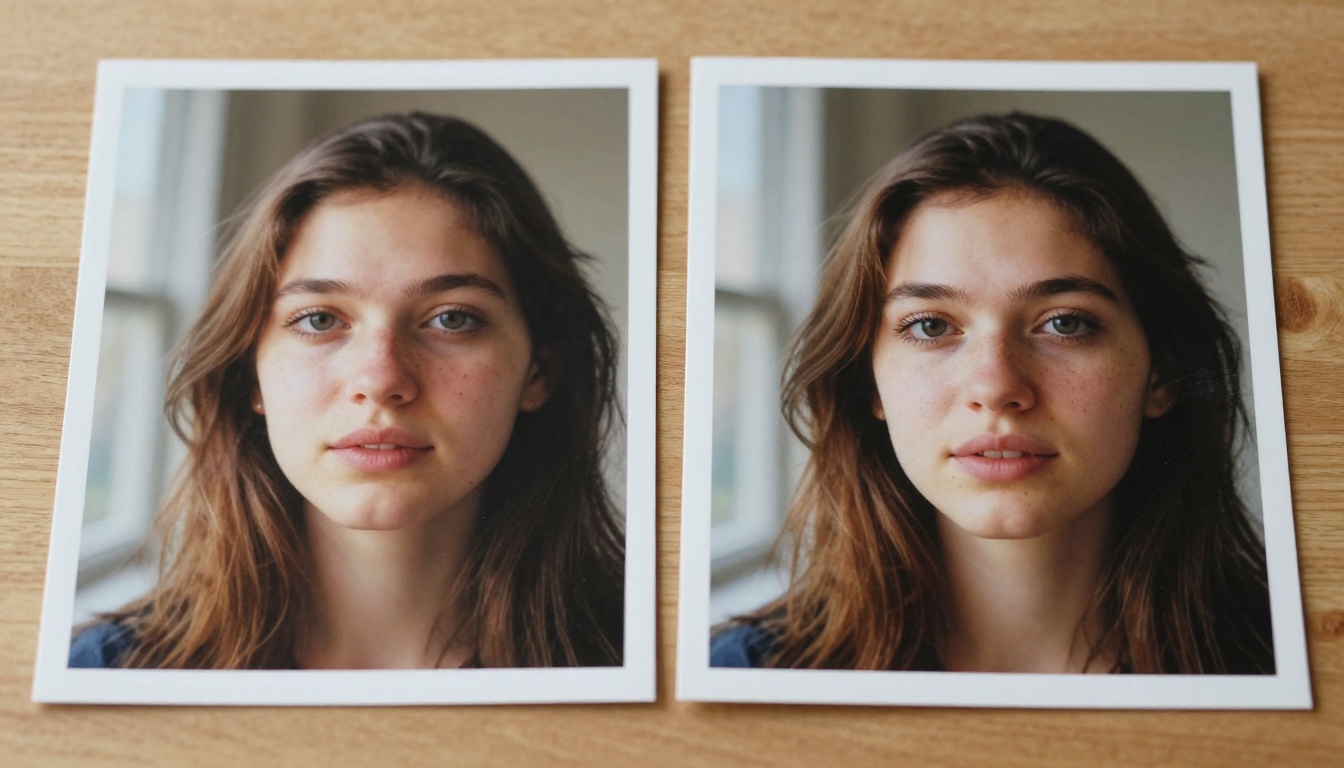
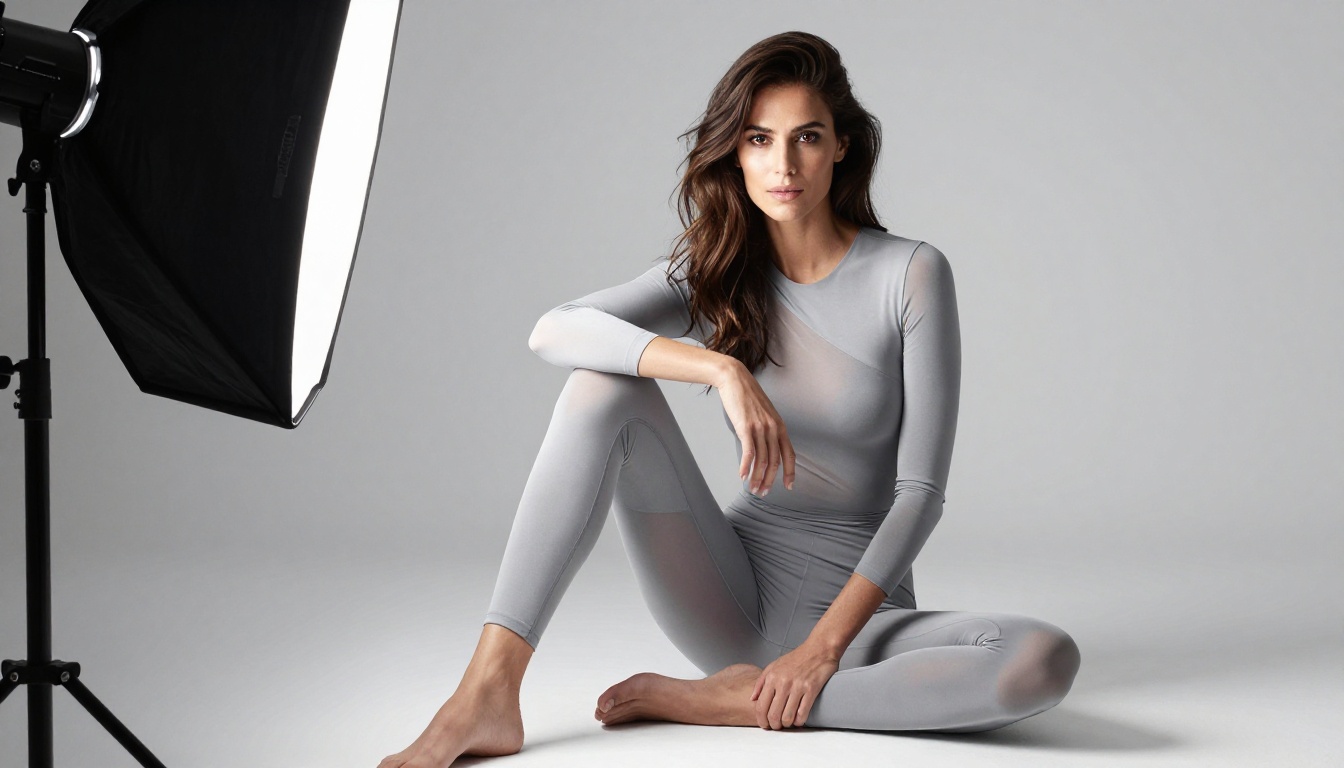
This is where the gap is most visible. Flux 1.1's architecture was explicitly designed to produce high-fidelity photorealistic output. In glamour and fashion photography prompts, this translates to:
Visible pore structure on skin surfaces without looking clinical
Subsurface scattering simulation that gives skin a warm, lifelike glow
Accurate fabric rendering: lace, silk, mesh, and sheer materials appear correctly rather than as color washes
Natural lighting behavior: shadows fall correctly, highlights bloom realistically
Midjourney, by contrast, has a characteristic aesthetic that leans slightly painterly even in "photorealistic" mode. This is beautiful for artistic output, but it works against true photographic fidelity. Skin in Midjourney images tends to be smoother, slightly idealized, and stylistically consistent in a way that reads as "AI-generated" to a trained eye.
Prompt Adherence Under Pressure
One reliable test is to give both models a very specific prompt with details about pose, garment color, background, and lighting angle, then compare how closely each follows the instructions.
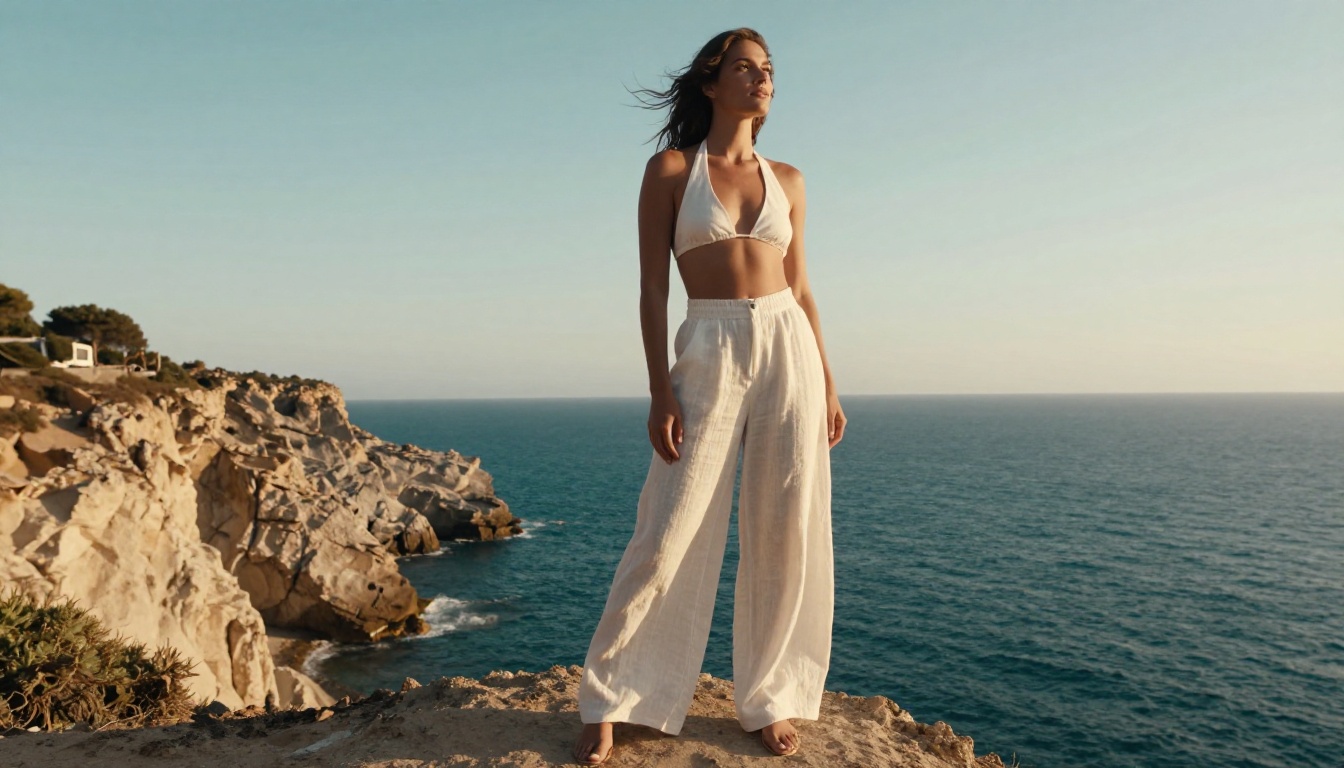
Flux 1.1 consistently executes specific prompts more accurately. If you write "ivory spaghetti-strap dress, seated on a terracotta terrace, late afternoon rim light from the right," Flux 1.1 delivers that. Midjourney may interpret and adjust, choosing a composition it finds aesthetically preferable.
For creators who want control, Flux 1.1 is the clear winner. For creators who want to be surprised by something beautiful, Midjourney can be inspiring.
Composition and Lighting Control
Both models handle lighting well, but Flux 1.1 gives you more granular control. Specifying lighting direction, color temperature in Kelvin, lens choice, and f-stop values produces noticeably different results in Flux 1.1. Midjourney tends to normalize these parameters into its aesthetic.
Speed, Cost, and Real-World Use
Creative freedom is only part of the equation. For anyone producing content at volume, the economics matter.
Midjourney requires a monthly subscription regardless of usage volume, which makes it expensive for occasional users and good value for power users who generate thousands of images. Flux 1.1 accessed through PicassoIA follows a pay-per-generation model, which scales better for creators who work in bursts.
For NSFW-adjacent content specifically, the pay-per-use model also removes the pressure of having a subscription tied to content that might push policy limits on the Midjourney platform.
How to Use Flux 1.1 on PicassoIA
PicassoIA gives you direct access to Flux 1.1 Pro and Flux 1.1 Pro Ultra without requiring you to run the model locally or navigate API credentials. Here is exactly how to start.
Step-by-Step Setup
Go to the model page: Visit Flux 1.1 Pro on PicassoIA and create a free account if you have not already
Select your aspect ratio: For glamour and fashion content, 16:9 gives a cinematic frame; for portraits, 3:4 or 9:16 works better
Set your output resolution: Start with standard resolution for testing, switch to ultra for final outputs
Write your prompt: Use the structure outlined below for best results
Generate and iterate: Flux 1.1 is fast, so run 3-4 variations before committing to post-processing
💡 Pro tip: PicassoIA also offers Flux Dev and Flux Schnell for faster, cheaper draft-quality generations. Use these for prompt testing before generating final images with Flux 1.1 Pro.
Prompt Tips for Better Results
The single biggest factor in Flux 1.1 output quality is prompt specificity. Here is the anatomy of a high-performance prompt for NSFW-adjacent content:
"Young woman with sun-kissed olive skin, wearing a minimal strappy silk camisole, seated on the edge of a concrete rooftop at sunset, warm volumetric backlight from the right at 4800K creating rim glow on bare shoulders, 85mm f/1.8 lens shallow depth of field, soft city bokeh in background, fine skin pore texture visible, Kodak Portra 400 grain, professional fashion photography, RAW 8K --ar 16:9"
Elements that consistently improve output:
Specify the light source direction (left, right, from behind, overhead)
Name the color temperature in Kelvin (4200K = warm indoor, 5600K = daylight, 6500K = overcast)
Include a film stock reference (Kodak Portra 400, Fujifilm Provia, Ektar 100)
State lens and aperture (85mm f/1.8 for portraits, 35mm f/2.8 for environmental)
Elements to avoid:
Vague terms like "sexy," "hot," or "beautiful" (too generic)
Style references to other AI models ("like Midjourney" confuses the model)
Overcrowded prompts with conflicting instructions
So Which One Should You Pick?
The honest answer is that these two tools serve different creative profiles.
Choose Midjourney if:
You want artistically polished output with a strong aesthetic identity
Your content stays well within mainstream fashion and beauty
You value the inspiration of a model that surprises you with its interpretations
You generate images at high enough volume to justify the monthly subscription
Choose Flux 1.1 if:
You want photorealistic output that closely follows your prompt
Your content includes suggestive, glamour, or NSFW-adjacent subjects
You need fine control over lighting, skin texture, fabric, and composition
You prefer pay-per-use pricing over a fixed subscription
For most people reading this article, the use case points squarely toward Flux 1.1 Pro. The photorealism is exceptional, the prompt adherence is the best in its class, and accessing it through PicassoIA removes the friction of API setup, local compute, or platform restrictions.
If you want even higher fidelity, Flux 1.1 Pro Ultra produces 4-megapixel outputs with remarkable skin and fabric detail. For quick iteration and draft testing, Flux Dev and Flux Schnell are fast, affordable options in the same model family.
PicassoIA hosts the full Flux model family alongside 90+ other text-to-image options. You can test Flux 1.1 Pro right now without a subscription, apply the prompt structure outlined above, and see for yourself how it compares to what you have been producing with Midjourney. The photorealism difference on suggestive content is immediately visible.
💡 Start here: Try the prompt formula from this article on Flux 1.1 Pro Ultra for your first high-fidelity glamour image. Include lighting temperature in Kelvin, lens specs, and a film stock reference. You will notice the difference from your first generation.
The tools are there. The only question is whether your prompts are ready to take advantage of them.