The debate has been running since Black Forest Labs dropped Flux in August 2024 and immediately shook up the AI image generation space. Before that, Midjourney was the undisputed king, delivering consistent, beautiful, often breathtaking images through a Discord bot interface. Then Flux arrived: open-source, fast, and suspiciously good at following text prompts. So which one is actually better?
The honest answer is: it depends on what you're making. But that's a cop-out without specifics. This article breaks down both models across every dimension that matters, from raw image quality and photorealism to pricing, creative control, and how each handles edge-case prompts.
What Midjourney Actually Is
Midjourney is a proprietary AI image generation system developed by an independent research lab of the same name. It's not open source, doesn't run locally, and operates primarily through a Discord interface (with a limited web UI available). Since its launch in 2022, it has gone through six major model versions, each delivering significant quality improvements.
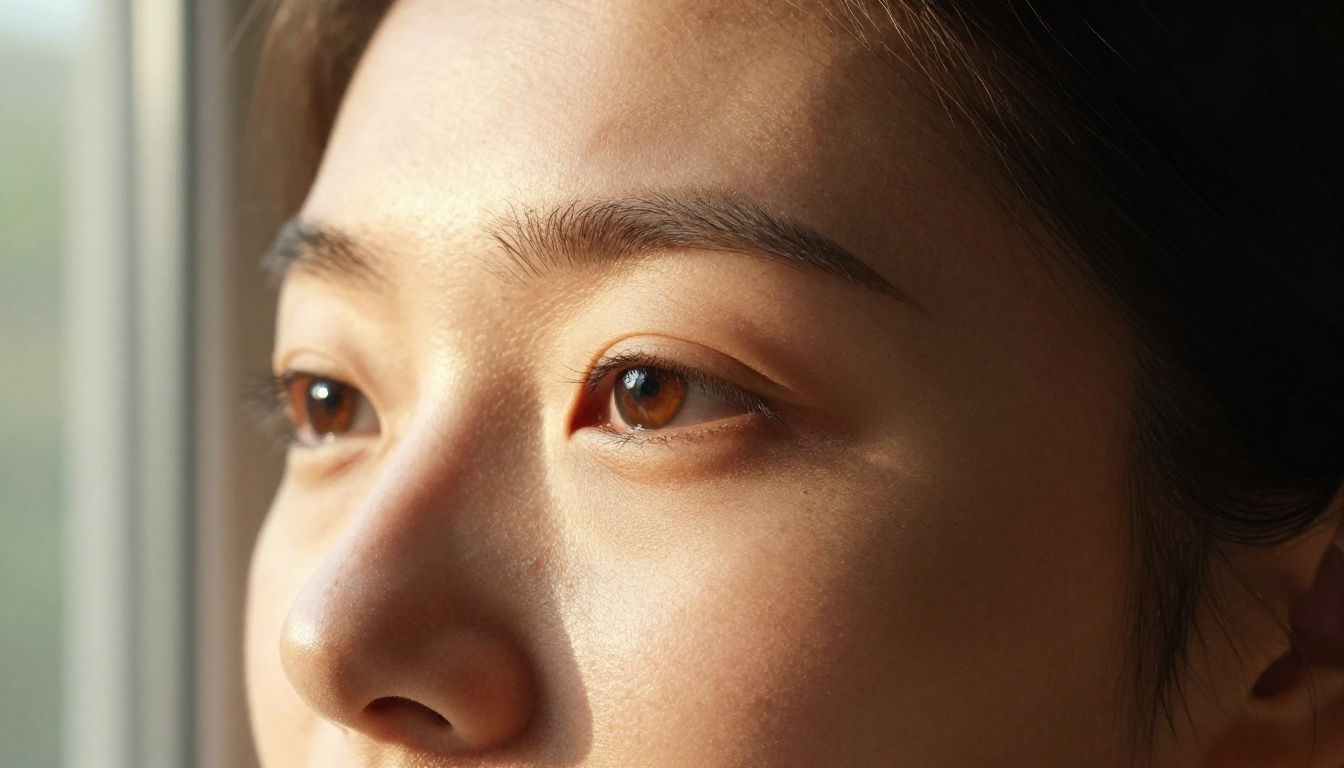
The current flagship, Midjourney v6.1, is widely regarded as one of the best models for producing aesthetically polished, painterly, and stylized images. It has a distinctive visual identity: soft gradients, hyper-saturated colors, impressionistic textures. This look is beautiful. It's also a double-edged sword.
Where Midjourney Excels
- Aesthetic quality: Produces consistently gorgeous, art-directed images without much prompting effort.
- Community and presets: Massive community, tons of shared prompts, style references, and style reference (--sref) system.
- Portrait quality: Faces look polished and camera-ready by default.
- Reliability: Very low rate of artifacts or broken anatomy in v6.1.
Where Midjourney Falls Short
- Prompt adherence: Midjourney notoriously does what it feels like doing with your prompt. It interprets creatively rather than literally.
- Text rendering: Long struggled with text in images. Still not its strongest suit.
- Access limitations: No API for most users, Discord-only for many workflows, no local or offline use.
- Pricing wall: No free tier. $10/month minimum just to try it.
Who Uses Midjourney
Midjourney's user base skews toward artists, concept designers, game developers, and marketing agencies who want visually spectacular results with minimal prompting overhead. If your priority is "beautiful image, fast," Midjourney delivers.
What Flux Brings to the Table
Flux is a family of diffusion transformer models developed by Black Forest Labs, founded by several of the original researchers behind Stable Diffusion. The flagship release, Flux.1, came in three variants: Flux.1 Dev, Flux.1 Schnell, and Flux.1 Pro.
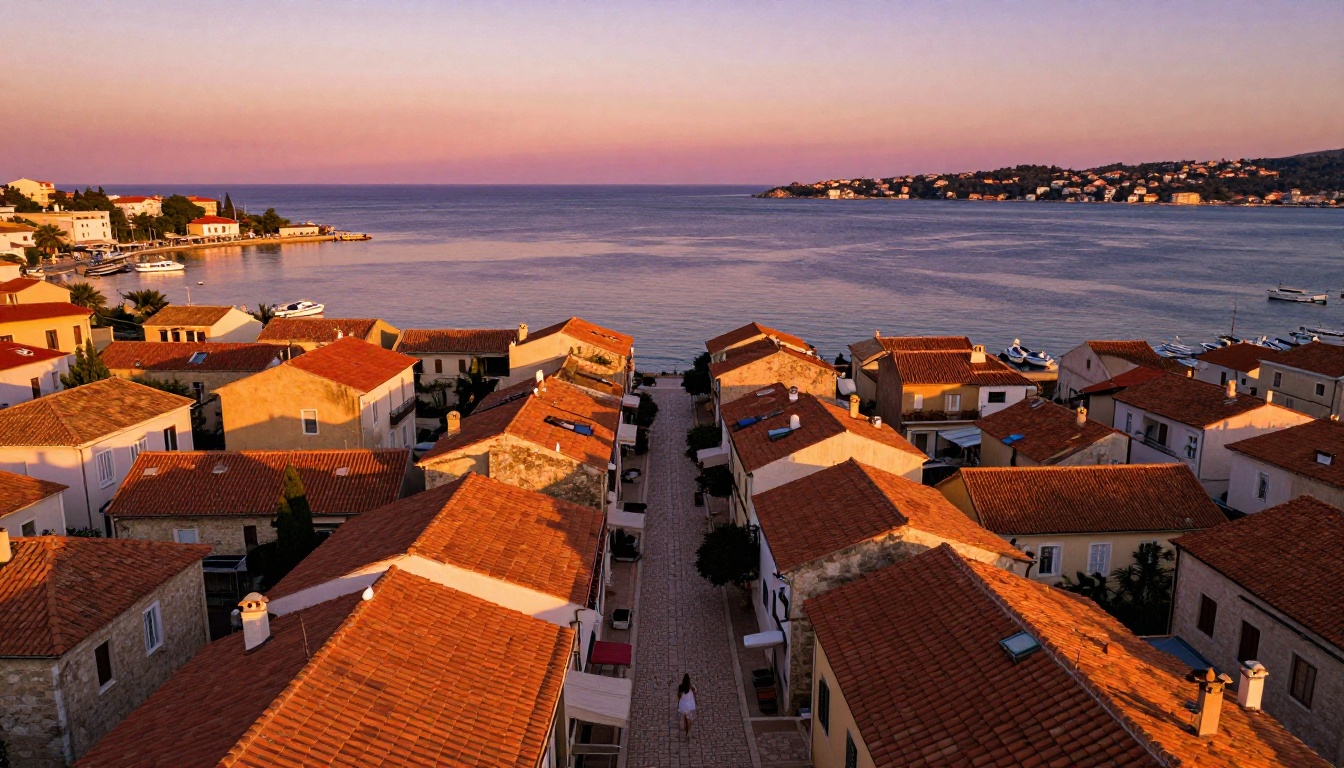
What immediately separated Flux from the competition was its extraordinary prompt adherence. Ask Flux to generate "a red bicycle leaning against a blue wall with the words OPEN on a hand-painted sign above a green door" and it will deliver almost exactly that. Midjourney would have given you something beautiful but probably not quite that.
Flux Dev vs Flux Schnell vs Flux Pro
The three base variants serve different needs:
| Model | Speed | Quality | License |
|---|
| Flux.1 Schnell | Very fast (1-4 steps) | Good | Apache 2.0 (open) |
| Flux.1 Dev | Medium (20-50 steps) | Excellent | Non-commercial |
| Flux.1 Pro | Medium | Best-in-class | API only |
Beyond the base models, Black Forest Labs has continued expanding the family:
- Flux 1.1 Pro: Upgraded version of Flux Pro with better texture detail and improved color accuracy.
- Flux 1.1 Pro Ultra: Supports ultra-high resolution output up to 4 megapixels.
- Flux Kontext Dev: Adds in-context image editing, letting you modify existing images with text instructions.
- Flux Redux Dev: Creates high-quality variations of existing images while preserving their core composition.
Open Source Advantage
This is where Flux genuinely disrupts the space. Flux.1 Dev and Flux.1 Schnell are open-weight models you can run locally (if you have the GPU for it), fine-tune with LoRA, and integrate into any product you're building. For developers, researchers, and power users who want control over their tools, this changes everything.
Midjourney has no equivalent. There is no way to fine-tune Midjourney, run it locally, or use it outside of their controlled environment.
Side-by-Side Image Quality
This is where the comparison gets genuinely interesting. Neither model is universally better across all categories.
Photorealism and Detail
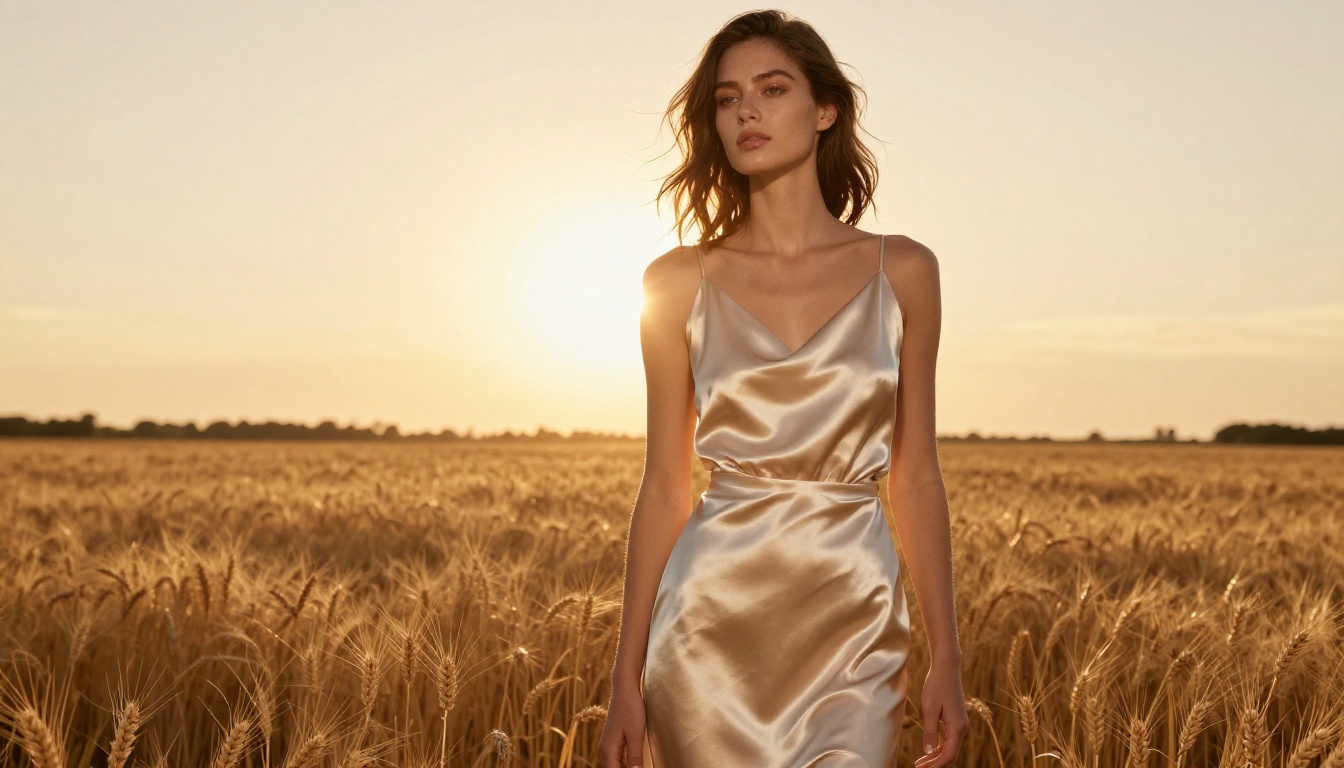
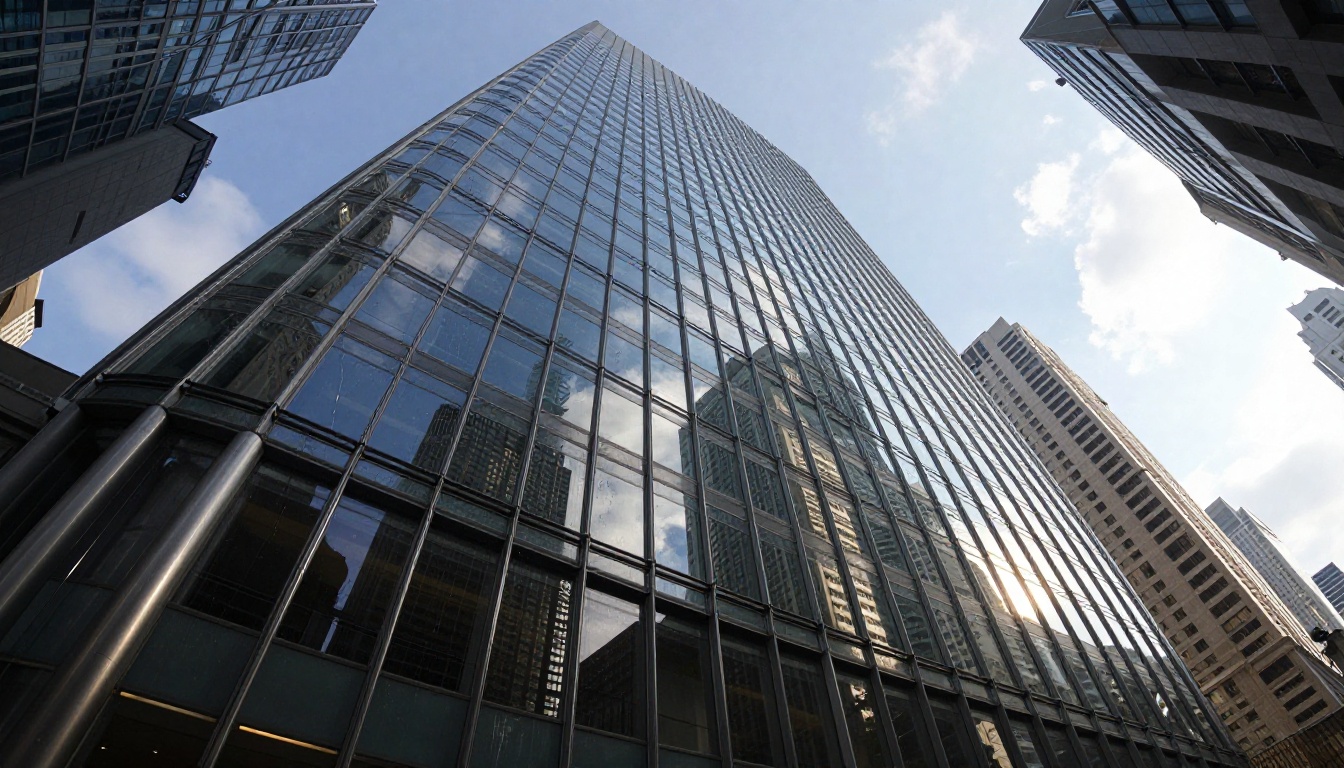
Flux Dev and Flux Pro produce images with remarkable photorealistic detail. Skin pores, fabric weave, specular highlights on glass: these come through with a fidelity that often surprises people who've only used Midjourney.
Midjourney's photorealism is more "cinematic" than "photographic." Images look like they were shot by a high-end director of photography rather than found in a documentary. There's an editorial sheen to everything.
For product photography, architectural renders, or anything where the prompt should be rendered literally and with documentary precision, Flux wins on photorealism.
For mood boards, concept art, fashion lookbooks, and anything where you want the image to be beautiful above all else, Midjourney's aesthetic instincts often deliver a more immediately impressive result.
Artistic and Creative Styles
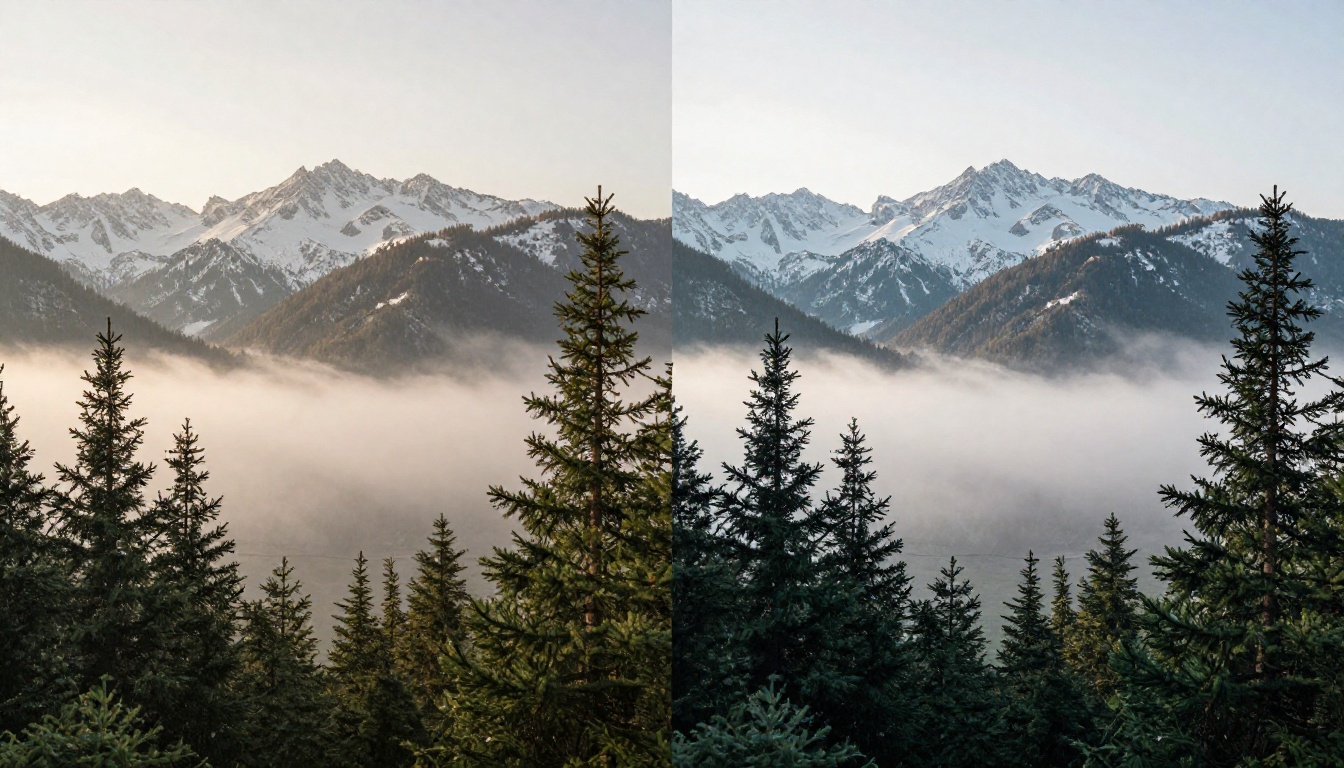
Midjourney was trained with a heavy emphasis on artistic styles and has deep knowledge of painting techniques, art movements, and illustrative aesthetics. Ask for "a portrait in the style of Johannes Vermeer" and it produces something genuinely evocative. Flux can do this too, but its outputs in this domain feel more mechanical, less imbued with feeling.
💡 Tip: For maximum style control with Flux, use LoRA fine-tunes trained on specific artists or aesthetic styles. This level of customization simply isn't possible with Midjourney.
Flux also handles text-in-images dramatically better than Midjourney. Need a mockup with a specific word or phrase visible? Flux Dev is your tool.
Speed, Pricing, and Access
Midjourney Subscription Plans
Midjourney operates on a subscription model with no free tier (they discontinued their trial):
- Basic: $10/month, 200 image generations
- Standard: $30/month, unlimited relaxed plus 15 hours fast
- Pro: $60/month, 30 hours fast plus stealth mode
- Mega: $120/month, 60 hours fast
These prices add up quickly for anyone generating at volume.
Flux Pricing Reality
Flux's pricing depends entirely on where you access it. Running Flux Schnell via API costs fractions of a cent per image. Flux Dev is slightly more expensive per generation but still dramatically cheaper than Midjourney at comparable volumes.
Locally on your own hardware? Free. Through a platform like PicassoIA, where Flux models are integrated with a clean UI and no technical setup required, you get the power of Flux without needing to configure anything.

Creative Control Compared
Prompt Following
This is Flux's most significant technical advantage. Flux was specifically designed with improved text-conditioning, meaning it sticks closer to what you write. Complex multi-element compositions, specific spatial relationships, exact color combinations: Flux handles these with a precision that Midjourney doesn't consistently match.
Midjourney's creative interpretation can be wonderful when it works in your favor. When it doesn't, you're often stuck iterating through many generations trying to coax it toward what you actually wanted.
💡 For production workflows where consistency and prompt adherence matter (e-commerce, product visualization, architectural visualization), Flux Pro is typically the more efficient choice.
LoRA and Fine-Tuning
This is where Flux completely separates from Midjourney. With Flux's open weights:
- You can train custom LoRA models on your own images
- You can embed a consistent character or product into any generated scene
- You can lock in a specific aesthetic or brand style across hundreds of images
Flux Kontext Dev takes this further with in-context image editing, letting you modify a generated or uploaded image with a simple text instruction without losing the original's style or composition.
Midjourney has character reference (--cref) and style reference (--sref) which provide some consistency, but they don't come close to what LoRA fine-tuning with Flux enables.

How to Use Flux on PicassoIA
PicassoIA gives you direct access to the full Flux model family without any API keys, local GPU setup, or technical configuration. Here's how to get started:
Step-by-Step: Generating with Flux Dev
- Open the model page: Go to Flux Dev on PicassoIA and click Generate.
- Write your prompt: Be as specific as possible. Describe lighting direction, camera angle, subject details, and background elements. Flux rewards detailed, literal prompts.
- Set your aspect ratio: 16:9 for landscapes and banners, 1:1 for social media, 9:16 for mobile-first vertical content.
- Adjust guidance scale: Higher values (7-10) stick more rigidly to your prompt. Lower values (3-5) give the model more creative latitude.
- Set inference steps: 20-30 steps balances quality and speed for most use cases. Push to 40-50 for maximum detail on final outputs.
- Iterate with variations: Use Flux Redux Dev to create controlled variations of outputs you like.
Choosing the Right Flux Variant
💡 New to Flux? Start with Flux Fast for quick iteration, then move to Flux Dev for final-quality outputs.
The Numbers That Actually Matter
Here's a direct comparison across the factors most creators care about:
| Factor | Midjourney | Flux |
|---|
| Image quality ceiling | Excellent | Excellent |
| Photorealism style | Cinematic | Photographic |
| Prompt adherence | Moderate | High |
| Text in images | Poor to moderate | Good |
| Speed (cloud) | Fast | Fast to very fast |
| Pricing | $10-$120/month | Pay-per-use or free (local) |
| Open source | No | Yes (Dev and Schnell) |
| Local execution | No | Yes |
| Fine-tuning and LoRA | No | Yes |
| API access | Limited | Full |
| Community size | Very large | Growing fast |
| In-context editing | No | Yes (Kontext) |
Who Should Pick Which
There is no universally correct answer, but there are clear patterns.
Choose Midjourney if:
- You want consistently beautiful results with minimal prompt effort
- Your work is primarily artistic, conceptual, or aesthetic-forward
- You don't need API access or local execution
- You prefer a predictable monthly subscription cost
Choose Flux if:
- Prompt adherence and literal interpretation matter to your workflow
- You're building a product or need programmatic API access
- You want fine-tuning or LoRA training capabilities
- You need to run models locally or keep costs variable and low
- You're doing product photography, architectural visualization, or technical illustration
- You need text rendered accurately inside images
For most professional and production use cases in 2027, Flux is the more capable and flexible platform. Midjourney retains its edge in pure aesthetic output for people who want art-directed results with minimal technical overhead.

Try It Yourself
The best way to settle this debate for your specific use case is to run the same prompts through both. PicassoIA gives you direct access to the complete Flux model family with no setup required. You can test Flux Dev, Flux Pro, Flux Schnell, and newer releases like Flux Kontext all in one place, see which variant suits your style, and start generating without a monthly subscription commitment.
Take a prompt you'd normally send to Midjourney. Run it through Flux Dev on PicassoIA. You might be surprised by what comes back.


