Midjourney vs Nano Banana Pro for Posters: Which One Produces Better Prints
When it comes to designing print-quality posters with AI, both Midjourney and Nano Banana Pro offer compelling results. This in-depth breakdown covers native resolution output, typography accuracy, creative control, print-ready workflows, and side-by-side performance data to help you pick the right tool for your next poster project.
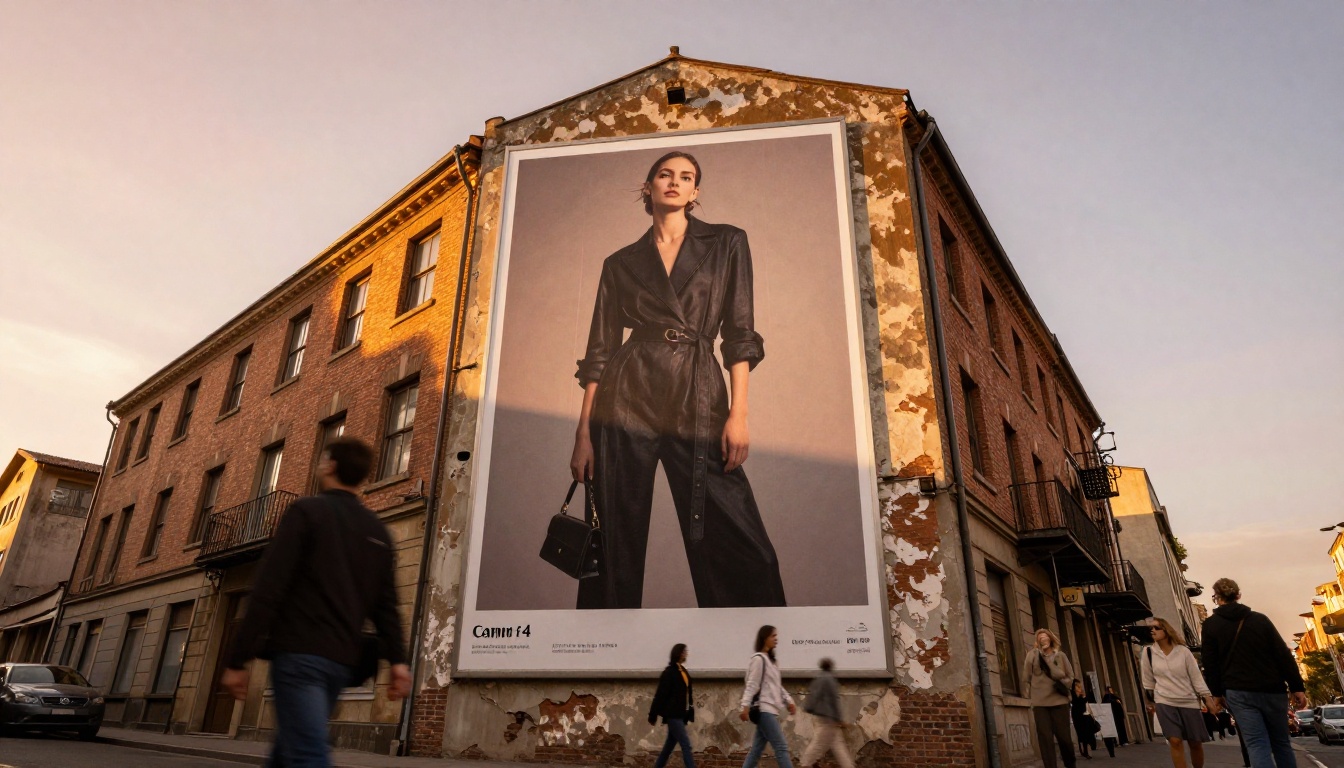
When two AI image generators face off for poster design, the results surprise even experienced designers. Both Midjourney and Nano Banana Pro produce stunning visuals, but printing a 24x36 inch poster amplifies every weakness. Pixel limitations that look invisible on a screen become obvious on paper. Typography that reads fine at 1080p turns into fuzzy letterforms at 300 DPI. This comparison cuts through the hype and focuses on what actually matters for print-ready poster production.
What Poster Design Actually Demands
Most AI image comparisons focus on aesthetic quality, which is the wrong starting point for poster work. A poster that looks gorgeous on Instagram can fail completely at a print shop. Before picking a tool, you need to understand the specific technical requirements that separate a social media asset from a print-ready file.
Resolution and Print Size
Standard poster sizes start at 11x17 inches and run up to 24x36 or even 48x72 for outdoor formats. At 300 DPI, the industry benchmark for sharp print quality, a 24x36 poster requires a source image of at least 7200x10800 pixels. That is territory most AI generators struggle to reach natively.
Nano Banana Pro outputs at 4K resolution, approximately 3840x2160 pixels, which handles smaller poster sizes well and scales up acceptably for standard 18x24 prints. Midjourney, depending on the plan, outputs at up to 1024x1024 or with upscaling at roughly 2048x2048. That requires more aggressive upscaling for large formats, introducing additional processing time and potential artifacting at sharp edges.
💡 Print Rule: For anything above 18x24 inches at 300 DPI, you need either a native high-resolution output or a dedicated AI upscaler. Both tools benefit from Super Resolution post-processing for print-grade enlargement.
Typography on Posters
This is where AI tools have historically fallen apart. Posters almost always include text: event names, dates, headings, taglines. AI models that generate text inside images have, until recently, produced garbled letterforms, blended characters, and creatively misspelled words that require complete correction before printing.
The newer generation of models takes this seriously. Nano Banana Pro is built on Google architecture with explicit attention to text rendering accuracy. Midjourney, while improved in recent versions, still treats typography as a secondary concern compared to overall visual aesthetics.
Color Accuracy and Gamut
Printing introduces a color conversion step that screen-optimized images often fail. RGB colors on a monitor translate to CMYK at the printer, and the gamut shift can flatten vibrant reds, shift blues toward cyan, and dull neon tones significantly. Both Midjourney and Nano Banana Pro generate in sRGB, so this conversion happens at the design stage regardless of which tool you use. That said, photorealistic outputs with natural color palettes convert more predictably than heavily saturated or stylized images.
Midjourney for Poster Work
Midjourney has been the dominant name in AI art for good reason. Its aesthetic range is genuinely impressive: from photorealistic product photography to painterly fine art, it covers more stylistic territory than almost any other generator. For posters that are primarily visual (concert photography, landscape art prints, abstract compositions), it performs exceptionally well.
The Artistic Advantage
Midjourney's training data skews heavily toward curated, high-quality visual art. The outputs carry a polish and compositional intelligence that other tools sometimes lack. When you are designing a poster where the image carries the entire weight of the communication, Midjourney's aesthetic intuition is hard to beat.
The aspect ratio control also works well for poster formats. Using --ar 2:3 or --ar 3:4 gets you close to standard portrait poster dimensions without significant cropping. The --style raw parameter reduces the model's opinionated stylization and gets closer to photorealistic outputs when that is what a project demands.
Midjourney also has one of the most active user communities in AI creative tools. Years of shared prompts, LoRA-style fine-tuned aesthetics, and community documentation mean that for almost any visual style a poster might need, someone has already worked out an effective prompt structure.
Where It Falls Short for Print
Typography accuracy: Midjourney still generates text inside images with significant error rates. Short words sometimes render correctly, but anything beyond three or four characters becomes unpredictable. If your poster concept includes visible AI-generated words, expect to replace that text entirely in post-production using Illustrator or Affinity Designer.
Resolution ceiling: Without a paid upscale, native outputs do not reach print-ready dimensions for large formats. The upscaling adds time and sometimes introduces soft edges and texture artifacts that are visible on large prints.
Subscription dependency: Midjourney requires a paid subscription with no meaningful free tier. For designers testing a concept before committing to a full production run, this adds friction and cost to the iteration process.
Platform isolation: Midjourney operates primarily through Discord or its web interface, which sits outside the broader AI production workflows that combine image generation, upscaling, background removal, and editing in a single platform.
Nano Banana Pro for Poster Work
Nano Banana Pro is Google's high-resolution image generation model, available directly on PicassoIA. It was designed with output quality and text rendering as primary objectives, which makes it particularly well-suited for professional poster production.
Native 4K Output
The single biggest practical advantage of Nano Banana Pro for poster work is native 4K resolution. At 3840x2160 pixels, you get a starting point that holds up at 13x7 inches at 300 DPI natively, or scales cleanly to 18x24 or 20x30 inch prints with minimal quality loss when combined with a super-resolution upscaler.
For reference, this is roughly four times the pixel count of a standard 1080p image. When you are sending files to a professional print shop, the difference between a 1MP and 8MP source file shows up clearly in the final product, especially in gradients, skin tones, and fine edge detail.
Text Rendering Accuracy
Nano Banana Pro handles typographic elements significantly better than most competing generators. Short phrases, event titles, and single words render with notably higher accuracy. This does not replace proper typesetting in design software for production work, but it substantially reduces the corrective work after generation and allows more visual concepts to be tested with integrated text before committing to a final layout.
For posters where the text is embedded in the visual scene (a movie title integrated into an environment, a product name appearing on a surface), this accuracy matters enormously.
Speed and Accessibility
Nano Banana Pro runs directly on PicassoIA without subscription management, queue-based Discord workflows, or separate account systems. You write a prompt, set your parameters, and receive a 4K result with minimal friction.
💡 Iteration Tip: For poster design, the creative quality of your final output is directly related to how many variations you can test. A faster generation pipeline means more iterations in the same time window, which consistently produces better final results.
Head-to-Head Comparison
Here is how both tools measure against the criteria that matter most for poster production:
The table does not capture everything. Midjourney still leads on pure artistic range and has a larger community of users sharing prompt strategies. But for the practical requirements of poster production (resolution, text handling, speed, and integrated workflows), Nano Banana Pro holds clear advantages across most categories.
Using Nano Banana Pro on PicassoIA for Posters
Since Nano Banana Pro is available directly on PicassoIA, here is a step-by-step workflow for producing print-quality poster images from a single platform.
Poster prompts need more precision than standard image prompts. Structure yours with:
Subject: The main visual element (person, landscape, product, typographic composition)
Mood and lighting: The atmosphere you want (dramatic side lighting, soft morning haze, high contrast studio)
Format framing: Phrases like "vertical composition", "portrait orientation", or "centered subject with open space at top and bottom" help the model understand poster framing requirements
Text instruction: State it clearly and directly: the text "SUMMER 2026" in bold serif letters at the top of the frame
Example prompt for an event poster visual:
Portrait vertical composition of a woman in a flowing red dress standing in a field at golden hour, dramatic volumetric side lighting from right, text "SUMMER 2026" in bold serif letters at top of frame, cinematic 8K photorealistic, wide negative space above and below subject for layout text placement, Kodak Portra 400 color rendering, natural skin texture
Step 3: Set Your Aspect Ratio
Nano Banana Pro accepts aspect ratio specifications directly in the prompt or through the interface settings:
Portrait posters (11x17, 18x24, 24x36): Use 2:3 or 3:4 ratio
Square poster formats: Use 1:1
Landscape and banner formats: Use 16:9 or 3:1
Step 4: Iterate on the Visual Concept
Generate three to five variations. Nano Banana Pro responds well to specific environmental and lighting descriptions. If the first output captures the right mood but has the wrong compositional framing, add framing instructions to the next prompt rather than rewriting the entire concept from scratch.
Step 5: Upscale for Large Print Formats
For posters above 18x24 inches, run the 4K output through a Super Resolution model on PicassoIA before sending to a print shop. The upscaling pass adds detail interpolation that maintains sharp edges and fine textures at large physical sizes.
💡 Prompt Tip: Nano Banana Pro responds particularly well to photography-style language. Phrases like "Canon 85mm f/1.8", "Kodak Portra 400 film grain", and "volumetric morning light from left" produce more grounded, print-realistic outputs than abstract style descriptors.
Other Models Worth Trying for Poster Work
Nano Banana Pro is not the only strong option on PicassoIA for poster-specific projects. Depending on your creative direction, these models offer distinct advantages.
For Typography-Heavy Posters
Ideogram v3 Quality was specifically engineered for readable text rendering in images. If your poster concept requires clean, legible typography integrated into the visual scene (vintage film posters, typographic concert art, event posters with prominent headings), Ideogram v3 Quality is one of the most accurate options available anywhere.
Recraft v4 Pro delivers print-optimized outputs with excellent typography and is designed explicitly for commercial production work. It also outputs vector-compatible formats through Recraft v4 Pro SVG, which is invaluable for posters that need to scale to any size without resolution limits.
For Maximum Resolution
Imagen 4 Ultra from Google pushes output detail beyond what Nano Banana Pro offers. For oversized prints at 40x60 inches and above, the additional resolution headroom becomes practically significant.
Flux 1.1 Pro Ultra delivers 4MP outputs with exceptional prompt adherence and photorealistic detail. When your poster requires absolute visual fidelity to a specific concept or reference image, this model consistently delivers.
For Artistic and Editorial Posters
Flux Pro sits closest to Midjourney in terms of aesthetic sensibility while remaining accessible through PicassoIA's platform. If you want the curated, gallery-quality aesthetic that Midjourney built its reputation on, Flux Pro delivers it without the Discord-based workflow.
Seedream 4 from ByteDance is another strong option for editorial and creative poster work, producing 4K outputs with a distinct visual style that works well for cultural and artistic subjects.
The Real Decision Criteria
Neither tool is universally better for all poster work. The right choice depends on what your specific project prioritizes.
Choose Midjourney when:
Aesthetic and artistic quality is the primary criterion and you are not generating text in the image
You are creating image-only posters (landscape art prints, abstract compositions, photography-style visuals)
You have an established Midjourney workflow and want access to its community's accumulated prompt resources
The project calls for a highly specific artistic style that Midjourney's community has already mapped out
You need 4K output without an additional upscale step
Typography integrated into the image is part of the design concept
You want fast iteration without a subscription-based queue system
You are working within PicassoIA's platform where upscaling, background removal, and editing tools are already available in the same workflow
For most professional poster designers, Nano Banana Pro will be the more practical starting point. The 4K native output, text accuracy, and streamlined platform access address the most common friction points in AI poster production workflows. Midjourney remains a powerful tool for specific creative contexts, but it is no longer the automatic first choice for every comparison.
The practical approach for most projects: start with Nano Banana Pro, reach for Ideogram v3 Quality when typography is the central design element, and use Flux 1.1 Pro Ultra when you need maximum resolution headroom for oversized print formats.
Start Generating Poster Art Right Now
The fastest way to understand these differences is to test the same prompt across both tools and look at the outputs yourself. PicassoIA gives you direct access to Nano Banana Pro, Flux 1.1 Pro Ultra, Ideogram v3 Quality, Recraft v4 Pro, and dozens of other production-ready models in a single interface.
Pick a poster concept: a music event, a product launch, a travel destination, a personal art print. Write one strong prompt and test it across three or four models on PicassoIA. Within 10 minutes you will have a clearer picture of which tool fits your visual direction and workflow than any written comparison can provide.
The platform also includes Super Resolution for scaling finals to print size, and the full Nano Banana family (including Nano Banana 2 for image editing and fusion) for iterating on your visual concept after the initial generation. Everything you need to take a poster idea from initial prompt to print-ready file is in one place.