If you've been paying for Midjourney and quietly wondering whether the monthly fee is actually worth it, you're not the only one. Thousands of creators are running the same math right now, and more than a few have arrived at the same answer: the quality gap simply isn't big enough to justify the price difference anymore. This is a direct comparison of what Midjourney and Picasso AI deliver, what each one actually costs, and where the real differences lie beyond the marketing headlines.
The Price Problem Nobody Talks About
Midjourney's pricing is straightforward but steep. You pay monthly, you get GPU time in a Discord server, and that's largely the deal. For most casual creators and freelancers, the "Basic" plan at $10/month is the entry point, but it comes with strict usage limits that push many users toward the $30/month "Standard" tier just to get reasonable output volumes.
Midjourney's Real Monthly Cost
| Plan | Monthly Cost | Fast GPU Time | Privacy |
|---|
| Basic | $10 | ~200 images | Public |
| Standard | $30 | 15 GPU hours | Public |
| Pro | $60 | 30 GPU hours | Stealth |
| Mega | $120 | 60 GPU hours | Stealth |
The real issue? Most serious creators hit the Standard plan's limits faster than expected. When you factor in image variations, upscaling, and iteration on a single concept, $30 a month can feel like very little runway.
What "Pro" Actually Costs
At $60/month, Midjourney's Pro plan gives you stealth mode (so your images aren't visible in the public gallery), 30 GPU hours of fast generation, and unlimited relaxed mode. For a small agency producing content regularly, even Pro hits walls. The $120 Mega plan is a real expense for a platform that runs one image model.
💡 Quick math: At Midjourney's Standard rate, you're paying roughly $0.15 per image at typical usage. Volume users often land closer to $0.06-0.08 once they optimize, but that adds up fast across client projects.
What You Actually Get with Midjourney
Midjourney produces beautiful images. That's the honest truth. Its default aesthetic is polished, slightly stylized, and exceptionally good at cinematic compositions. The model has been trained on a specific visual vocabulary that many users love, and recent versions significantly closed the gap on photorealism.
The Generation Quality
Midjourney excels at:
- Dramatic lighting: Volumetric effects, god rays, cinematic depth
- Fantasy and concept art: Where its stylized aesthetic is an asset
- Composition sense: It has an unusually strong "art direction" instinct baked in
- Mood: Atmospheric, evocative images with minimal prompting
Where it struggles:
- Text in images: Inconsistent results, often garbled
- Hands and anatomy: Improved but not fully solved
- Prompt precision: The model interprets loosely, which can be creative or frustrating depending on the project
- Photorealism at close range: Skin texture and fine detail can drift from the prompt
The Community Catch
Every image you generate in Midjourney's free and Basic tiers is public by default, visible in the community gallery. Privacy requires the Pro plan or above. For client work, personal projects, or anything sensitive, this matters significantly, and it's a workflow reality many new users discover too late.
The Real Quality Test: Side by Side
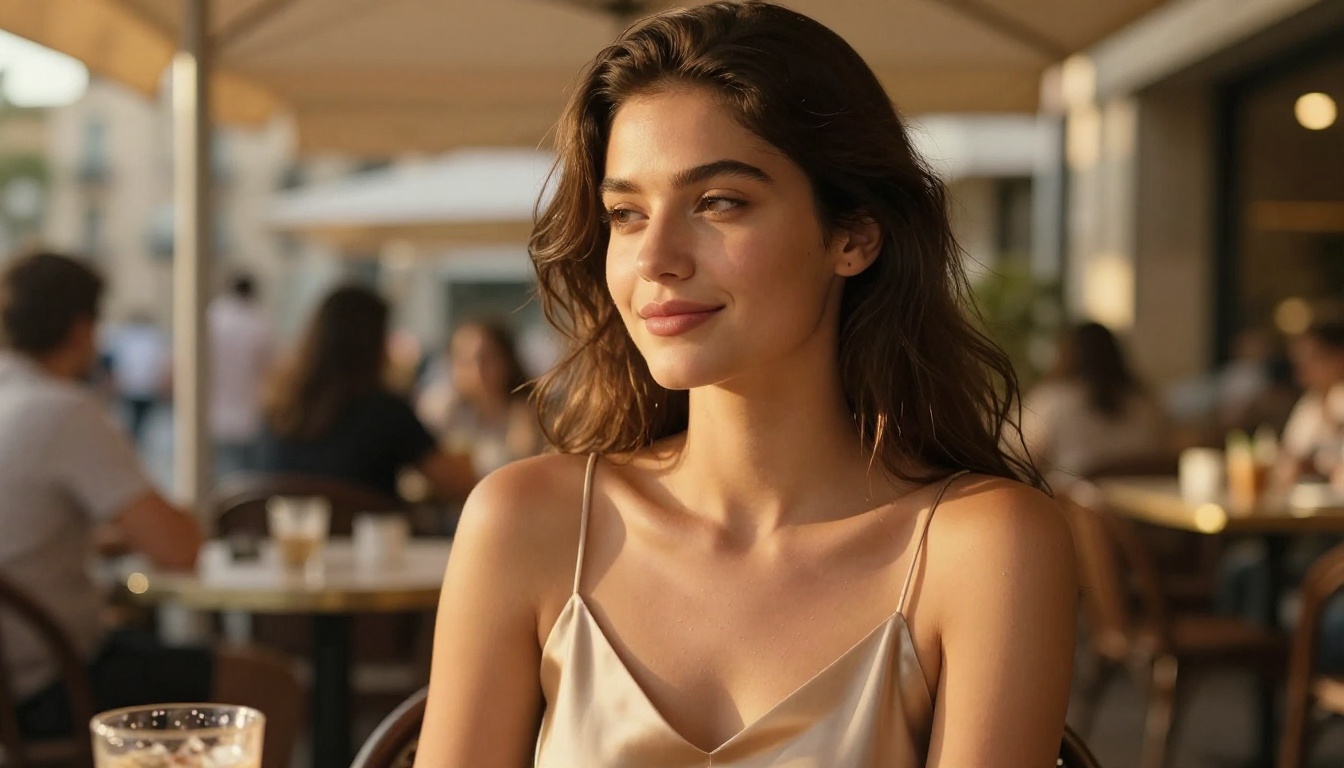
When you test comparable prompts across platforms, the results are more nuanced than platform marketing suggests.
Portrait Realism
Both platforms now produce portraits that, at a glance, pass for real photographs. The differences show up in:
- Skin micro-texture: The grain, pores, and fine lines that make a portrait convincing
- Eye realism: Catch lights, iris detail, subtle moisture at the lash line
- Hair rendering: Individual strand behavior under different lighting conditions
Flux Dev on Picasso AI handles skin texture with notable fidelity. P Image produces results fast enough for iterative workflows. In controlled testing with detailed prompts, the difference between top-tier Picasso AI outputs and Midjourney is marginal, and in some categories Flux wins outright.
Landscape and Architecture
This is where Midjourney's stylized training gives it an edge in raw "wow factor." Its landscapes have a painterly drama that's hard to replicate with pure photorealism. But for commercial use cases, that stylization can actually be a liability. Clients in real estate, interior design, and product marketing typically need accuracy, not drama.
Flux Pro produces architectural images that are photorealistically accurate, with proper perspective, material texture, and correct lighting physics. For product mockups and real estate presentations, that precision outperforms Midjourney's aesthetic interpretation.
Consistency Across Prompts
Prompt consistency is where the most meaningful differences emerge in real workflows. Midjourney interprets prompts with a degree of creative liberty that can produce surprising results, but not always the one you needed. Platforms with ControlNet support, which Picasso AI includes, let you maintain structural consistency across a series of generations, a significant workflow advantage for commercial projects.
Models That Rival Midjourney's Output
This is where the comparison shifts decisively. Midjourney is one model. Picasso AI gives you access to over 90 text-to-image models from different research labs and independent developers. That's not a minor point. It changes how you work entirely.
Flux Dev and Flux Pro
Flux Dev is Black Forest Labs' open-weight model, and it's the most direct competitor to Midjourney's photorealistic capabilities. It handles complex prompts with high fidelity, follows instructions more literally than Midjourney, and produces excellent results on human subjects.
Flux Pro is the commercial-grade version: sharper, more consistent, and better at fine details. For portrait photography, product visualization, and anything requiring tight prompt adherence, it's the stronger choice.
Flux 1.1 Pro Ultra pushes further with 4MP resolution output, making it suitable for print work that Midjourney cannot match at standard settings.
SDXL for Stylized Output
If Midjourney's appeal is partly its distinctive aesthetic, SDXL and SDXL Lightning 4Step offer that stylized direction with faster generation times. SDXL's ecosystem of fine-tuned variants (LoRAs) gives you precise style control that Midjourney simply does not offer.
P Image for Speed
For workflows that require rapid iteration, P Image generates images in under one second. When you're testing a dozen prompt variations to find the right composition before committing to a final high-quality render, that speed changes your entire workflow. More attempts per hour means better final output, not just faster output.
Where Picasso AI Wins on Features
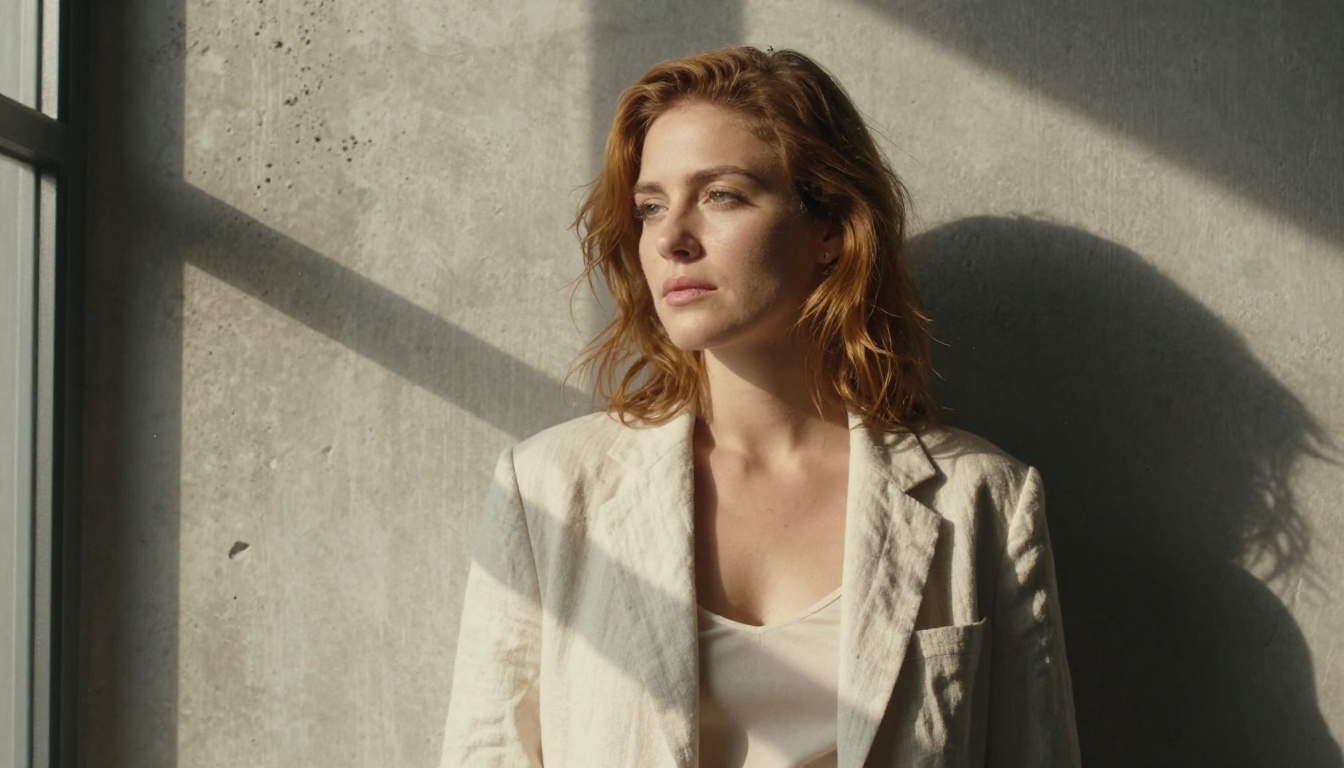
The quality comparison is closer than Midjourney's marketing suggests, but the feature comparison is not even close.
91 Image Models vs One
Midjourney gives you Midjourney. Picasso AI gives you a catalog that includes:
When a new model drops from Black Forest Labs, Google, or any major AI lab, it typically appears on Picasso AI within days. You're not locked into one vendor's update cycle.
Editing, Upscaling, and Background Removal
Beyond generation, Picasso AI includes tools that Midjourney simply does not have:
Midjourney has basic upscaling built in. It does not offer background removal, outpainting, or standalone editing tools. For post-generation workflows, you're constantly reaching for external apps.
No Discord Required
Midjourney operates through Discord. You type commands in a public chat channel, wait for a grid of four images, then upscale your choice. The company has been building a web interface, but Discord remains the primary interaction model.
Picasso AI is a web platform. You get a proper interface, organized galleries, direct file management, and no dependency on a gaming communication app. For professional use, this is a meaningful difference in daily workflow friction.
What the Pricing Actually Looks Like
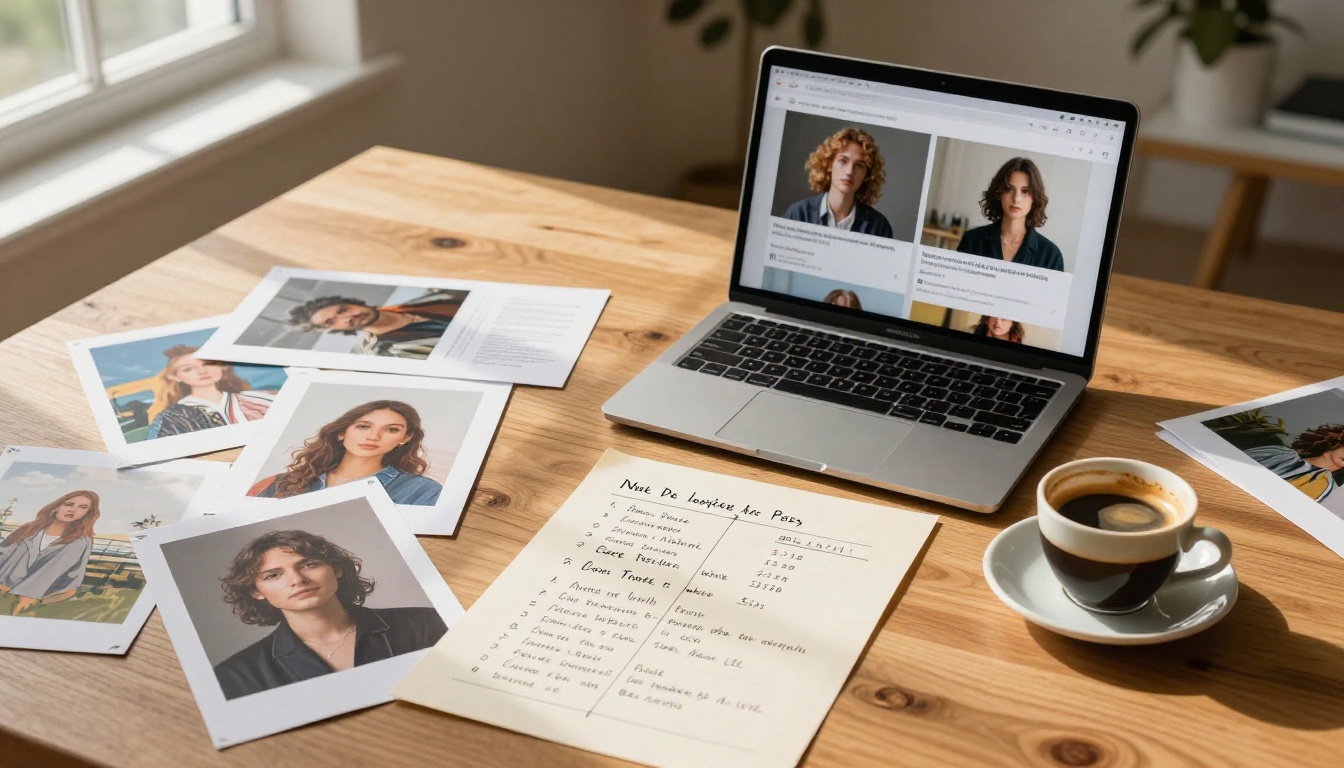

Picasso AI operates on a credit system rather than fixed monthly tiers. This has a practical advantage: you pay for what you use, not for GPU hours that expire unused at month's end.
| Feature | Midjourney | Picasso AI |
|---|
| Entry Price | $10/month | Pay-per-use credits |
| Image Privacy | Pro+ only ($60/month) | Default private |
| Models Available | 1 | 91+ text-to-image |
| Image Interface | Discord (primarily) | Full web app |
| Editing Tools | Upscale only | Full editing suite |
| Background Removal | No | Yes |
| Super-Resolution | Basic upscale | Up to 6x (Topaz) |
| Inpainting | No | Yes (Flux Fill Pro) |
| LoRA Training | No | Yes (P Image Trainer) |
| API Access | Pro+ only | Yes |
The credit system means that if you generate 50 images in a productive session and don't touch the platform again for two weeks, you've only paid for those 50 images. Monthly subscriptions charge whether you use the service or not, which is a real difference for irregular users.
How to Use Flux Dev on Picasso AI

Since Flux Dev is the model most directly comparable to Midjourney's photorealistic output, here's exactly how to use it effectively.
Step 1: Open the model page
Go to Flux Dev on Picasso AI. No complicated setup required. Create a free account to save and organize your generations.
Step 2: Write your prompt
Flux Dev follows instructions more literally than Midjourney. Be specific: describe the subject, environment, lighting direction, camera angle, and mood. Avoid abstract style references and use concrete descriptors.
Example: "Close-up portrait of a woman with auburn hair, wearing a beige linen blouse, seated near a large window, soft diffused afternoon light from left, shallow depth of field, photorealistic, 85mm f/1.8"
Step 3: Set your parameters
- Aspect ratio: 16:9 for cinematic, 1:1 for social media, 9:16 for vertical
- Steps: 30-40 for high detail, 20-25 for fast iteration testing
- Guidance scale: 3.5-5.0 for more interpretation, 6.0-7.5 for strict prompt adherence
Step 4: Iterate with P Image first
Use P Image for rapid low-cost iteration to find compositions and lighting you like, then switch to Flux Dev or Flux Pro for final quality renders. This approach conserves credits and cuts iteration time significantly.
Step 5: Post-process without leaving the platform
If the result needs background removal, use Bria Remove Background. For print-ready output, push to 6x resolution with Topaz Image Upscale without quality loss.
💡 Tip: Save your best-performing prompts. Flux Dev is consistent enough that a well-crafted prompt will produce similar quality across multiple runs, which is useful for building a consistent visual identity across a project or client campaign.
Who Should Make the Switch
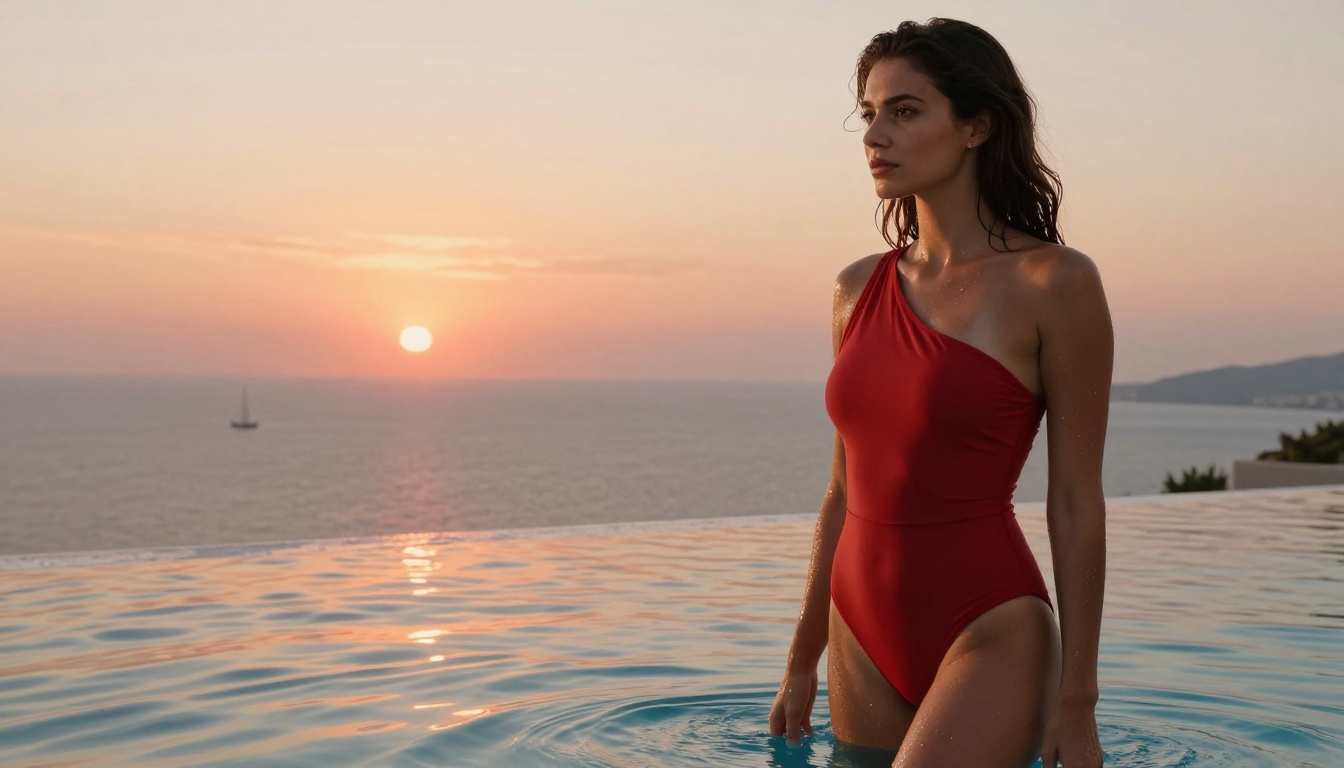
Freelancers and Agencies
If you're billing clients for AI-generated imagery, the math strongly favors a credit-based system. Monthly subscriptions become fixed overhead; pay-per-use becomes a direct project expense you can attribute accurately.
Access to 91+ models also means you match the right tool to each client's visual language, rather than applying Midjourney's signature aesthetic to everything. Clients who need photorealism get Flux Pro. Clients who want stylized concept work get a fine-tuned SDXL variant. Clients who need fast mood-boarding get P Image. One platform, one billing account, zero tool-switching costs.
Hobbyists on a Budget
The $30/month Midjourney Standard plan is a real expense if you generate images occasionally rather than daily. Picasso AI's credit system means you spend what you actually use, and the variety of models means you can experiment broadly without financial commitment.
For someone generating images a few times a week rather than daily, this is almost certainly the more economical path, with more model variety and a better interface as bonuses.
Content Creators at Scale
For creators producing large volumes of imagery, including thumbnail testing, social media assets, and visual storytelling, having Flux Schnell for speed, Flux Pro for hero images, and Topaz Image Upscale for print-ready versions, all in one platform, eliminates the subscription stacking that most serious creators quietly endure.
Try It and See for Yourself
The quality ceiling is comparable. The feature set is broader. The cost is genuinely lower for most usage patterns.
The best way to verify this isn't to read another comparison. It's to put in the same prompt you'd use in Midjourney, look at the result, and decide with your own eyes. Open Flux Dev or P Image on Picasso AI, run a generation, and compare it to what you've been paying $30 or $60 a month for.
The platform has over 90 models waiting. Start with one. The rest are there when your workflow needs them.


