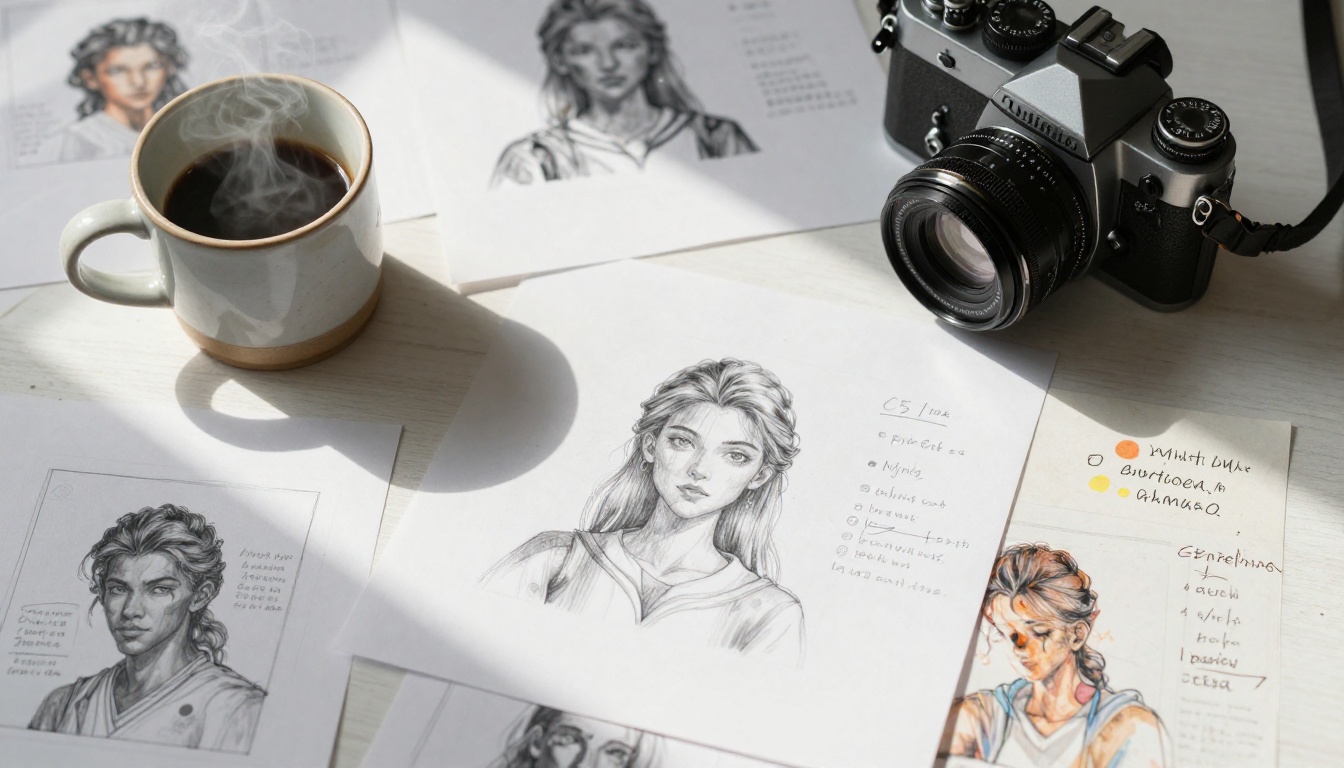
The quest for the perfect AI image generator has never been more heated. Midjourney built a cult following on Discord, Leonardo AI positioned itself as the professional's choice, and Picasso AI entered with over 90 text-to-image models that put both competitors to shame in sheer variety. If you're trying to decide where to spend your time and money, this breakdown cuts through the noise and gives you a clear answer for your specific needs.

Before diving into comparisons, it helps to understand what each tool is actually optimized for. All three generate images from text prompts, but the similarities end there.
Midjourney: Beautiful, but Locked In
Midjourney produces some of the most visually striking AI art on the market. Its default aesthetic, characterized by dramatic lighting, painterly textures, and high-contrast compositions, has become instantly recognizable. The problem? You're locked into a Discord-based interface, there's no free tier anymore, and the stylistic guardrails mean everything tends to look vaguely "Midjourney-ish" unless you fight the defaults.
Where it excels:
- Concept art and fantasy illustration styles
- Dramatic, cinematic single-image outputs
- Consistency within its own aesthetic language
Where it falls short:
- Photorealism requires significant prompt engineering
- No inpainting or outpainting in basic tiers
- Community-only interface frustrates solo workflows
Leonardo AI: Feature-Rich and Flexible
Leonardo AI approached the market from a game developer angle, which explains its strong ControlNet integration, canvas tools, and character consistency features. The platform has a web interface, a free tier with daily token limits, and fine-tuned models trained for specific styles.
Its Phoenix 1.0 model, available on Picasso AI, generates images up to 5MP with strong anatomical accuracy, making it a genuine option for professional concept work.
Where it excels:
- Consistency features for characters and styles
- Canvas-based editing workflow
- Strong training tools for custom styles
Where it falls short:
- Token system creates friction for heavy users
- UI has a learning curve for new users
- Photorealism lags behind dedicated models

Picasso AI: Volume, Variety, and Speed
Picasso AI takes a fundamentally different approach. Rather than building one proprietary model, it aggregates the best text-to-image models from Black Forest Labs, OpenAI, ByteDance, Stability AI, and dozens of other providers. The result is a single platform where you can switch between 90+ models for text-to-image alone.
💡 When you find a model that works for your style, bookmark it. The catalog grows fast, and the strongest models fill slots quickly.
Image Quality Face-Off
Image quality is subjective, but there are measurable dimensions where the platforms differ significantly.
Photorealism: Who Gets It Right
Midjourney's photorealism has improved dramatically but still carries tells: overly smooth skin, slightly too-perfect lighting, and a glossiness that seasoned eyes spot immediately.
Leonardo AI's photorealism varies widely depending on which model you select. Its base models struggle, but fine-tuned options perform better.
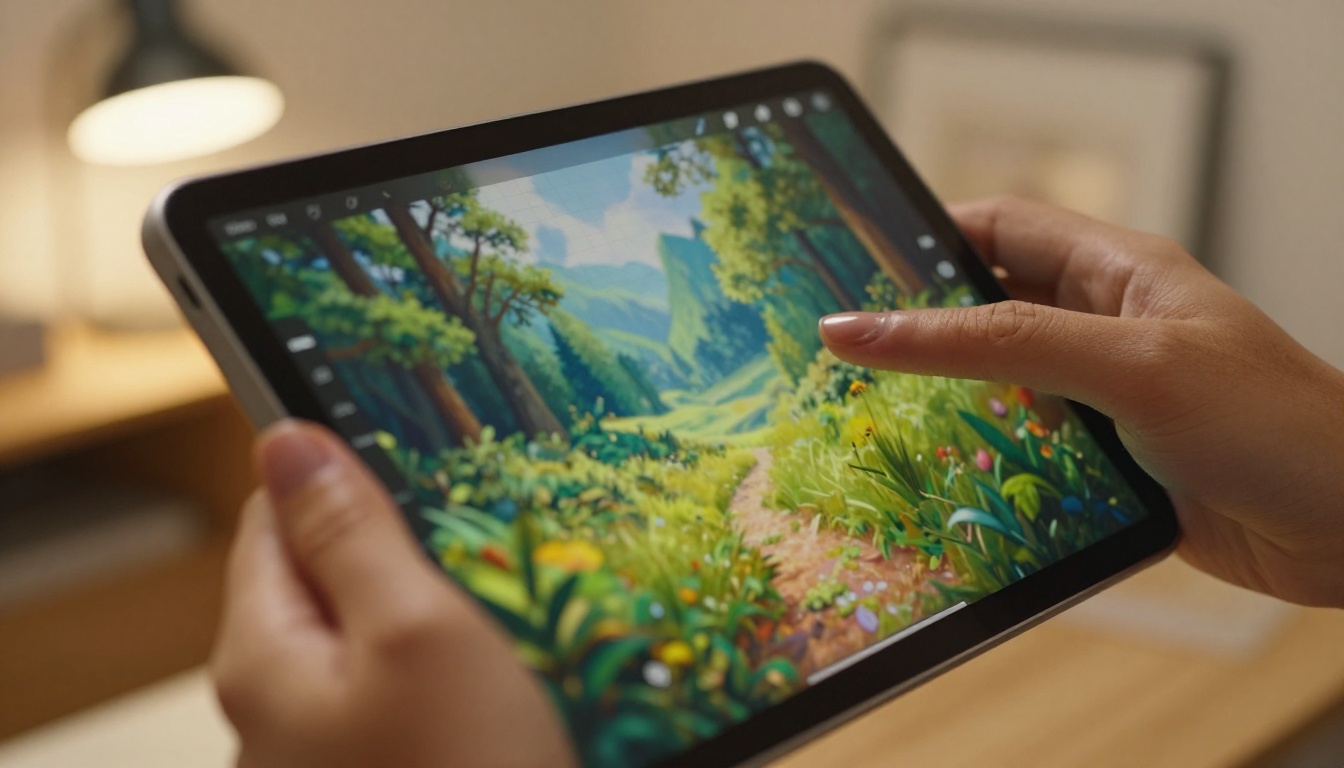
Picasso AI's Flux Kontext Dev and Flux Fast models consistently produce photorealistic outputs that hold up to scrutiny. The Flux 1.1 Pro Ultra Finetuned model generates 4MP images with micro-detail that Midjourney cannot match at the same prompt simplicity.
Text in Images: A Real Differentiator
Both Midjourney and older diffusion models have historically failed at rendering legible text in images. Gibberish letters, distorted fonts, and bleed effects plagued the category for years.
Picasso AI's Dreamina 3.1 and Ideogram Character models have solved this problem. Dreamina 3.1 produces cinematic 4MP photos with crisp embedded typography, while Ideogram Character maintains character consistency across multi-image sets. For brand work, advertising, and social content that needs readable text, these models outperform anything Midjourney currently ships.
Artistic Style Range
| Platform | Photorealistic | Painterly | Illustration | Typography |
|---|
| Midjourney | ★★★☆ | ★★★★★ | ★★★★ | ★★ |
| Leonardo AI | ★★★☆ | ★★★★ | ★★★★ | ★★★ |
| Picasso AI | ★★★★★ | ★★★★ | ★★★★★ | ★★★★★ |
The table above reflects the best each platform can achieve. Picasso AI's advantage is structural: when you have 90+ models, the ceiling is higher by definition.
Pricing: Real Numbers
Understanding what each platform actually costs matters for anyone using AI art at volume.
Midjourney Costs
Midjourney dropped its free tier in 2023. Current plans start at $10/month for roughly 200 images, with the $30/month plan offering unlimited "relaxed" generation. The $60/month plan adds priority GPU access and 12 simultaneous jobs.
Leonardo AI Costs
Leonardo AI offers a free tier with 150 daily tokens. Paid plans start at $12/month, scaling to $30/month and $60/month for professional users. Tokens vary by model and image size, making costs harder to predict upfront.
Picasso AI Costs
Picasso AI uses a credit system with a generous free tier that includes access to fast models including Flux Kontext Fast. Paid plans scale based on usage, and because you're running the same underlying models that power enterprise tools, you're not paying a brand markup.
💡 GPT Image 2 is available on Picasso AI, giving you OpenAI's latest image generation without a separate ChatGPT Plus subscription.
Generating an image is only step one. What happens next determines whether a platform fits into a real creative workflow.
Midjourney's Iteration System
Midjourney's variation and upscale buttons are simple but limiting. You can't precisely edit a region, swap an element, or extend a canvas without jumping to external tools. The Midjourney Editor helps, but it's still catching up to dedicated editing platforms.
Leonardo AI's Canvas
Leonardo AI's canvas approach is strong, with dedicated inpainting and outpainting tools. Its ControlNet integration lets you use depth maps, canny edges, and pose references to constrain generation. For character-heavy workflows, this matters a lot.
Picasso AI's Modular Approach
Picasso AI's editing tools work at the model level. Need to inpaint? Use Flux Fill Pro. Want to expand the canvas? The Expand Image model handles outpainting cleanly. Need to erase an object? The Eraser model removes it with context-aware fill.
This modular approach means each task gets the best specialized model rather than a general-purpose tool stretched beyond its design.
Portrait and Character Work
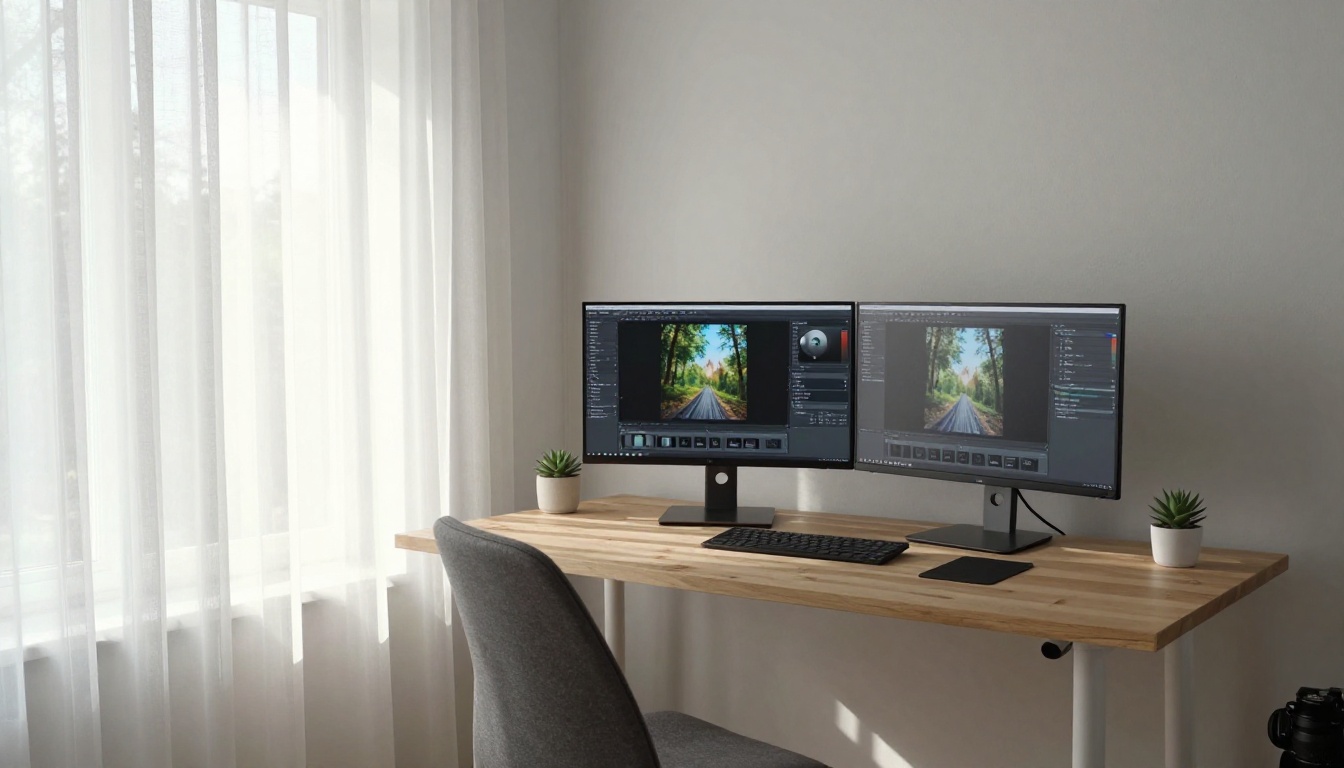
Portrait generation is where platform differences become most obvious. Inconsistent anatomy, distorted hands, and uncanny eyes are still common failure modes across the industry.
Midjourney's Portrait Output
Midjourney generates beautiful portrait images, but achieving realism requires careful prompting and often several iterations. The stylized default tendency is a feature for some artists and a friction point for others.
Leonardo AI's Character Consistency
Leonardo AI's character consistency tools are genuinely useful for anyone building visual narratives or game assets. You can lock in a character's appearance and regenerate them in different scenarios.
Picasso AI's Portrait Toolkit
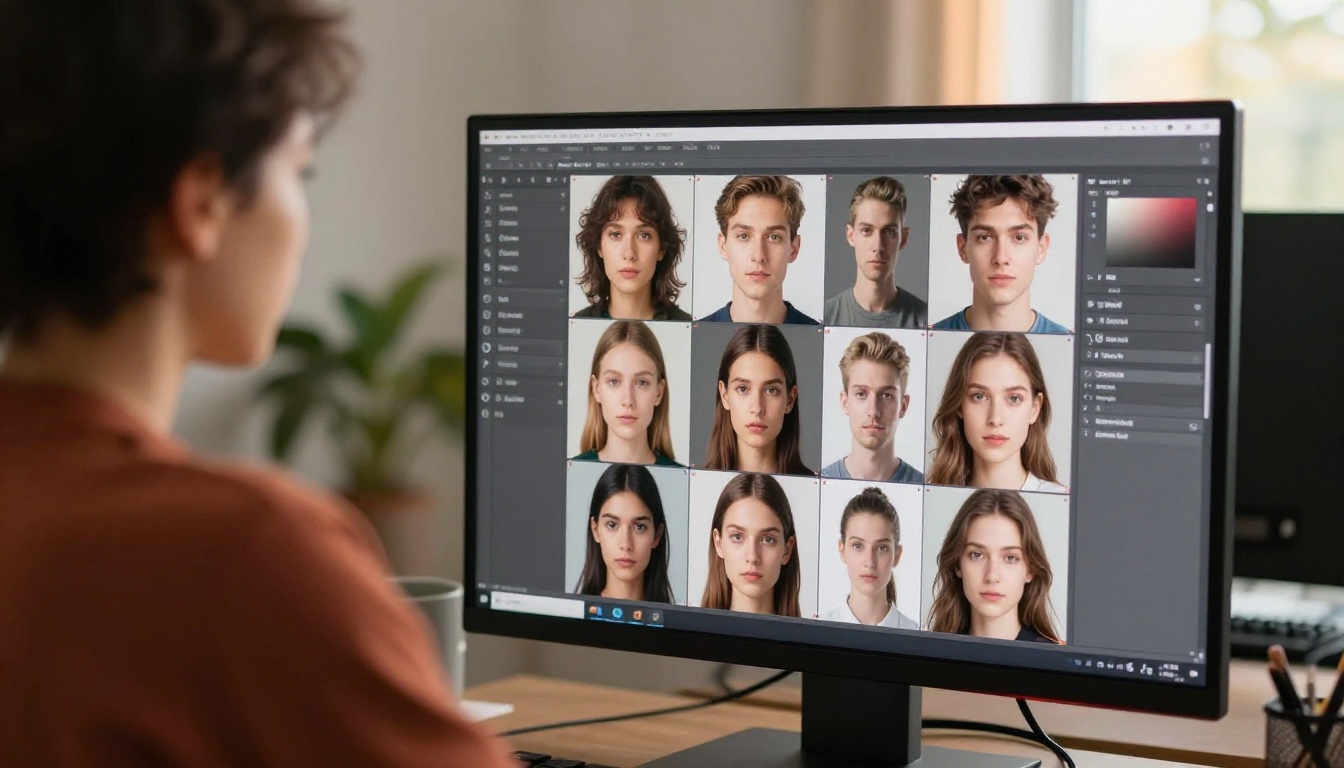
Picasso AI's Portrait Series model turns a single photograph into a multi-pose portrait series, maintaining consistent likeness across shots. The Professional Headshot model generates polished corporate portraits from casual photos, without the uncanny valley effect that plagues competitors.
For experimental portrait work, Face to Many Kontext converts portraits into different artistic styles while preserving facial structure, something neither Midjourney nor Leonardo AI offers as a dedicated, tuned model.
Model Variety: The Defining Difference
This is where the comparison becomes structurally unfair to Midjourney and Leonardo.
Both competitors build around one or two core proprietary models. Updates come quarterly at best. When a model has a known weakness, you wait for the next version.
Picasso AI's catalog includes:
Each handles a specific creative problem better than any single general-purpose model. That's the structural advantage.

How to Use Flux Kontext Dev on Picasso AI
Flux Kontext Dev is one of the most capable image editing models available right now. Here's how to get the best results on Picasso AI.
Step 1: Choose Your Base Image
Flux Kontext Dev works as an image-to-image editor. Upload a clear, well-lit reference image. The model preserves structural elements while applying your prompt-driven edits precisely.
Step 2: Write a Focused Edit Prompt
Unlike text-to-image prompts, Kontext prompts work best when they're specific about what to change. Instead of "make this look professional," write "change the background to a clean white studio wall, maintain the subject's lighting and expression."
Step 3: Adjust Influence Strength
Picasso AI's interface lets you control how strongly the model follows your prompt versus preserving the original image. For portrait edits, 0.6 to 0.75 is the sweet spot. For background replacements, push to 0.85 or higher.
Step 4: Iterate Across Variations
Run 3 to 5 variations before settling. Flux Kontext Dev's speed means this costs very few credits, and the variation between runs often surfaces the version you didn't know you wanted.
💡 Combine Flux Kontext Dev for edits with Flux Fill Pro for precise region replacements. These two models together cover 90% of professional photo editing workflows.
The best tool depends on what you're actually building.
Visual Artists and Illustrators
Midjourney's painterly defaults feel intuitive if your reference points are oil painting and editorial photography. But if you want to experiment with radically different styles without fighting a single model's biases, Picasso AI's breadth wins.
Game Developers and Storytellers
Leonardo AI's character consistency features are purpose-built for this use case. That said, Picasso AI's Ideogram Character model and multi-image tools are closing the gap fast.
Content Creators at Scale
Volume, speed, and cost efficiency all point to Picasso AI. The free tier covers casual use, and when you need to process hundreds of images for a campaign, the model-per-task approach is far more efficient than using one general-purpose tool.
Photographers and Commercial Creators
The photorealism ceiling on Picasso AI is simply higher. Flux Fast for quick iterations, Flux 1.1 Pro Ultra Finetuned for hero shots, and Portrait Series for client work gives you a full studio workflow in a single platform.
The Verdict
Midjourney built its reputation on a distinctive aesthetic and a tight community. Leonardo AI earned its place as the tool for game developers who need control. But in 2027, the question isn't which of these two to choose. It's whether either one makes sense when the alternative gives you access to every major model from Black Forest Labs, OpenAI, ByteDance, Stability AI, and more from a single interface.
The choice between Midjourney and Leonardo often comes down to personal preference for a particular visual style. The choice between either of those and Picasso AI comes down to something more practical: do you want one brush, or access to the whole studio?
Create Something Now
The fastest way to understand the difference is to use the tools. Pick a prompt you care about, run it through each platform, and compare the results. Then run that same prompt on five different Picasso AI models. The output range tells you everything.
The collection is live and free to start. Try Flux Kontext Dev for image editing, Seedream 4.5 for photorealistic text-to-image, or Portrait Series if portrait work is your focus. You don't need to choose one tool forever. Start with the one that fits your next project.