If you have seen a video online lately and thought "there is no way that is real," there is a decent chance you were looking at something generated by MiniMax's Hailuo 2.3. This model has been making waves among creators, filmmakers, and marketers for one straightforward reason: the output looks genuinely cinematic. Not polished-in-a-video-game way. Actually cinematic, with motion that obeys physics, lighting that feels directorial, and scenes that hold together from the first frame to the last.
So what exactly is Hailuo 2.3, and what makes it different from every other text-to-video model right now? This piece breaks it down without the technical jargon.
What Hailuo 2.3 Actually Is
MiniMax and the Hailuo Lineage
MiniMax is a Shanghai-based AI company that has been building foundation models across text, audio, and video for several years. While they may not have the household name recognition of OpenAI or Google, their video work has quietly been some of the strongest in the field.
The Hailuo model family is their video generation line. It started with earlier releases, then gained serious traction with the Hailuo 02 generation, which introduced true 1080p output and substantially improved motion quality. Hailuo 2.3 is their latest release and a meaningful step up on virtually every metric that matters for practical creative use.

The Jump from Hailuo 02
Hailuo 02 was already a capable model when it launched. It could generate 1080p video, handle complex scenes, and produce output that looked far better than earlier generations of text-to-video tools. But it had visible weaknesses: occasional jitter in the motion of human subjects, sometimes inconsistent lighting between shots, and a tendency for background elements to drift subtly in ways that broke immersion.
Hailuo 2.3 addresses each of those pain points directly. The motion is smoother and more physically grounded. The lighting stays consistent across the duration of a clip. Background elements, even busy ones like crowds or foliage, behave in ways that feel plausible rather than artificially looped.
The table below summarizes the main differences between versions in the Hailuo line:
| Feature | Hailuo 02 | Hailuo 2.3 |
|---|
| Max resolution | 1080p | 1080p |
| Motion coherence | Good | Excellent |
| Background stability | Moderate | High |
| Physics accuracy | Fair | Very Good |
| Lighting consistency | Moderate | High |
| Image-to-video | Yes | Yes (improved) |
How the Model Works (Plain Terms)
Text as a Video Blueprint
The basic mechanic of Hailuo 2.3 is straightforward: you write a prompt, and the model produces a video. That prompt functions as a blueprint. The model has been trained on an enormous volume of video data and has learned to associate descriptions with visual outputs in a way that goes well beyond simple pattern matching.
Think of it this way. When you write "a woman walking through a rain-soaked Tokyo street at night, neon lights reflecting in puddles," the model does not just look up what that should look like. It simulates the scene. It calculates how rain interacts with lit surfaces, how a person's movement creates micro-ripples in shallow puddles, how any implied camera motion affects depth perception. The output is a generated scene, not a retrieved clip.
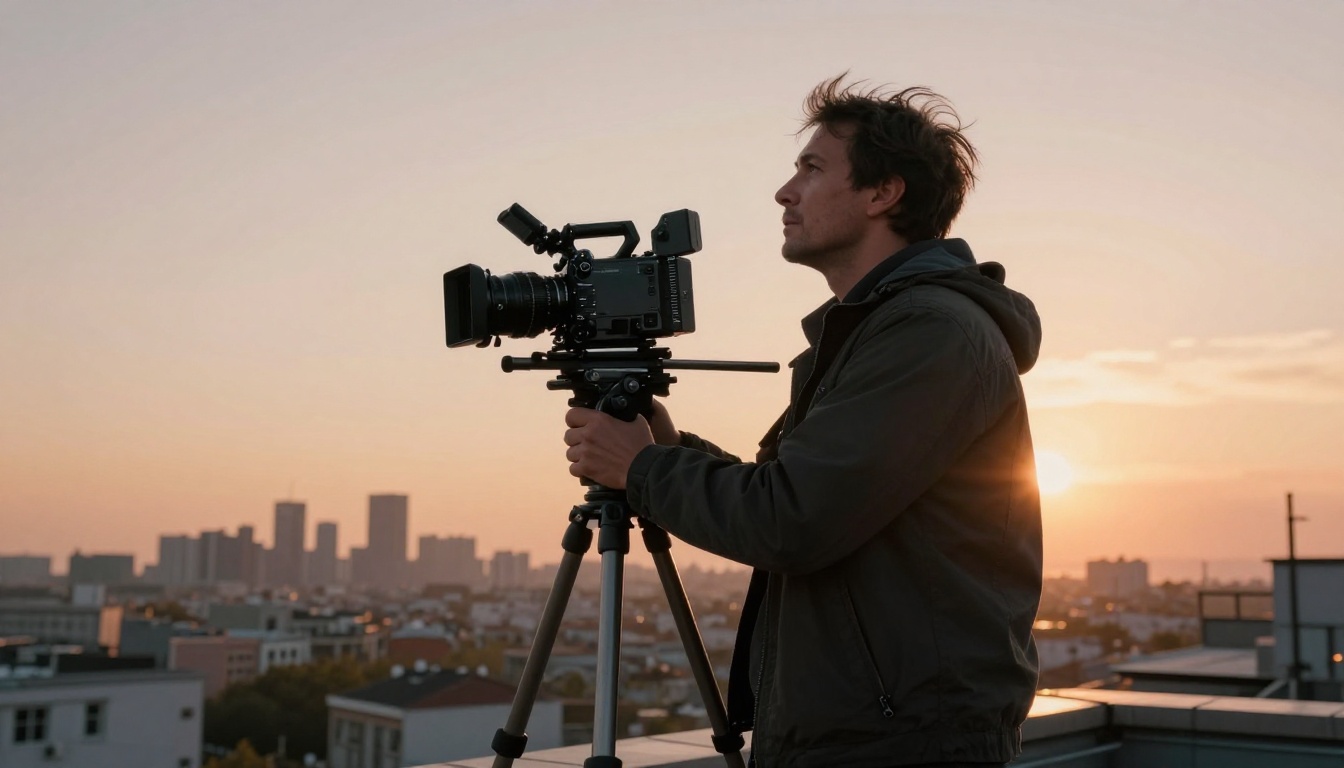
This simulation-like understanding is what separates Hailuo 2.3 from older models that often produced outputs that looked like video but felt like a slideshow. The difference is motion continuity. Older models would advance frame by frame without a coherent understanding of what comes next. Hailuo 2.3 maintains a sense of scene progression, which is why its outputs feel like footage rather than artifacts.
Image-to-Video Mode
Beyond pure text-to-video, Hailuo 2.3 also supports image-to-video generation. You provide a still image and a motion prompt, and the model animates it. This is particularly powerful for photographers, concept artists, and brand designers who already have visual assets and want to bring them to life.
The model's image-to-video pipeline preserves the visual character of the source image, including its color palette, lighting, and subject detail, while adding plausible movement. A still portrait becomes a subtle head turn. A landscape becomes slowly shifting fog and gradual light change. The model does not distort the original; it extends it.
💡 Tip: For the cleanest image-to-video results, use source images with a clear focal point and a well-defined background. The model handles spatial depth better when it can clearly distinguish foreground from background.
What Makes the Motion So Good
Physics That Actually Holds

The single biggest improvement in Hailuo 2.3 is how it handles physical motion. Previous AI video models often produced motion that was technically smooth but physically wrong. Hair might flow in the opposite direction to implied wind. Water might rise instead of fall. Objects would pass through each other rather than collide.
Hailuo 2.3 has been trained with a stronger emphasis on physical plausibility. Cloth drapes under gravity. Water obeys surface tension. Human limbs move through realistic ranges of motion. It is not perfect at edge cases, but for the most common creative scenarios, the output passes what professionals call the "first-glance test."
That test is simple: does the video look wrong on first watch? For most Hailuo 2.3 outputs, the answer is no. Getting past first-glance skepticism is the threshold that matters for commercial and creative applications.
Multi-Object Scene Handling
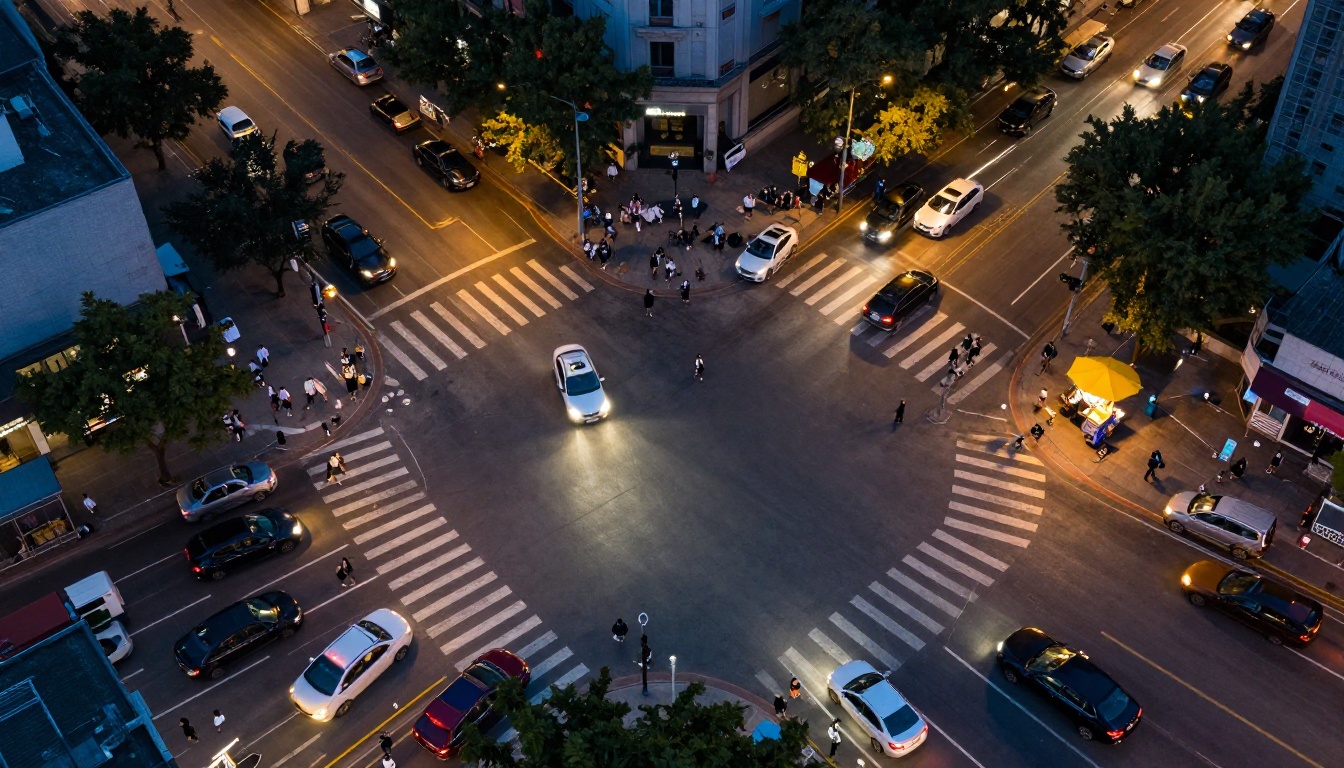
What happens when there are multiple moving objects in a scene? This is where many AI video models fall apart. They handle a single subject well but start producing artifacts when multiple elements need to interact or simply coexist in motion.
Hailuo 2.3 handles multi-object scenes significantly better than its predecessors. In a busy street scene, individual pedestrians move with consistent direction and speed relative to each other. A crowd scene does not devolve into a texture of indistinct blurring. Vehicles maintain lane discipline. These behaviors emerge from the model's training rather than from explicit rules, which means they generalize across scene types.
Real Output Quality
Resolution and Frame Rates
Hailuo 2.3 generates video at up to 1080p. The standard Hailuo 2.3 model outputs at this resolution, while Hailuo 2.3 Fast trades some resolution for significantly faster generation time, typically at 512p, making it practical for drafting and iteration.
At 1080p, the detail level is sufficient for most professional applications including social media content, marketing videos, and short-form storytelling. For large-format display or print, pairing the output with an upscaling tool would be the next step. For the vast majority of digital distribution contexts, 1080p is the right target.
Frame rate is consistent at 24fps for the standard output, which gives the footage a cinematic feel. This is intentional. 24fps is the frame rate of film, and it carries a perceptual weight that distinguishes "movie" from "video." For content that aims to feel premium, this is the right default.
Cinematic Depth and Lighting
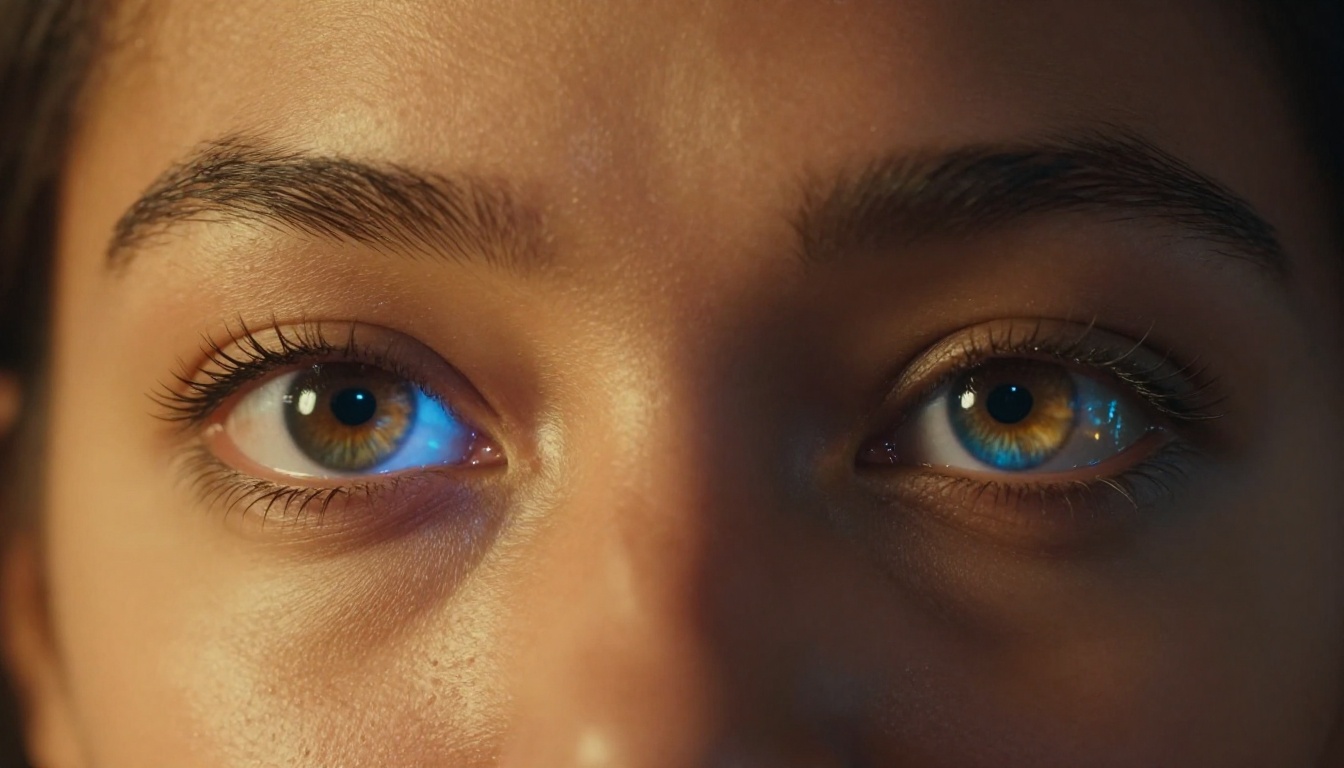
Depth of field, the way foreground stays sharp while background blurs, is something real cameras produce optically and that AI models must simulate. Hailuo 2.3 simulates it convincingly. When a subject is in the foreground and the scene is positioned to create depth, the background naturally falls out of focus, and that blur transitions gradually rather than abruptly.
Lighting behavior is equally strong. The model understands that a light source casts shadows, that those shadows shift as subjects move, and that reflective surfaces respond to their lighting environment. In a candlelit room, a subject's face warms on the side facing the flame. In a daylit exterior, shadows shift with implied cloud cover. These are the details that elevate AI video from impressive to actually usable in professional contexts.
Hailuo 2.3 vs. the Competition
The AI video space is crowded. Here is how Hailuo 2.3 stacks up against the other major models worth considering.

| Model | Max Resolution | Motion Quality | Speed | Best For |
|---|
| Hailuo 2.3 | 1080p | Excellent | Moderate | Cinematic realism |
| Hailuo 2.3 Fast | 512p | Very Good | Fast | Drafts and iteration |
| Seedance 2.5 | 1080p | Excellent | Moderate | Long-form, audio sync |
| Kling v2.6 | 1080p | Very Good | Moderate | Stylistic control |
| Veo 3 | 1080p | Excellent | Slow | Native audio, realism |
| Sora 2 | 1080p | Very Good | Slow | Story-driven scenes |
| LTX 2.3 Pro | 4K | Good | Fast | High-res output |
| Ray 3.2 | 1080p | Very Good | Fast | HDR cinematic clips |
A few things stand out from this comparison. Hailuo 2.3 occupies a specific niche: cinematic realism at 1080p without the generation delays of models like Veo 3 or Sora 2. Hailuo 2.3 Fast is the right choice for rapid iteration before committing to a full-quality render. For creators who need native audio sync baked into the output, Seedance 2.5 is worth running in parallel with Hailuo 2.3.
The honest summary: if cinematic realism at a practical generation speed is your priority, Hailuo 2.3 is one of the top choices in the current landscape.
How to Use Hailuo 2.3 on PicassoIA

PicassoIA hosts both Hailuo 2.3 and Hailuo 2.3 Fast with no local installation or GPU required. Here is exactly how to get strong results.
Writing a Prompt That Works
The biggest mistake new users make is writing prompts that are too short. "A dog running in a field" will produce a technically correct output, but a generic one. A stronger prompt includes:
- Subject: Who or what is the focus? Be specific about appearance, clothing, and age.
- Action: What exactly are they doing? Include speed, direction, and intensity.
- Environment: Where is this happening? Include time of day, weather, and surface texture.
- Camera: How is the scene being shot? Static, dolly-in, aerial pan, handheld?
- Mood: What should this feel like? Warm, tense, peaceful, urgent?
Weak prompt: A woman running in a city.
Strong prompt: A woman in a red coat sprinting down a wet cobblestone alley in Paris at dawn, camera low and slightly ahead of her pulling back as she runs toward it, puddles reflecting warm amber light from shop windows on either side, her breath visible in cold morning air, stone walls glistening from overnight rain.
The second prompt produces a scene. The first produces footage.
Using Image-to-Video Effectively
To use the image-to-video mode, upload a source image and add a motion prompt describing how the scene should develop. A few things to keep in mind:
- Your motion prompt should describe movement that is plausible from the starting image. If the image shows someone seated, a prompt about sprinting will produce distorted output.
- Camera movement prompts work reliably: "slow dolly toward subject," "gradual pan left," "subtle zoom out."
- Environmental motion also performs well: "leaves rustling in wind," "water surface rippling gently," "smoke rising from chimney."
- Human facial animation is strong. Avoid prompts that require extreme emotional transitions within five seconds, as those tend to produce drift.
The Draft-then-Finalize Workflow
Before spending generation time on the full 1080p model, use Hailuo 2.3 Fast to test your prompt. The output will be at lower resolution, but the motion timing, composition, and mood will be representative of what the full model will produce. Once you are satisfied with the draft, run the same prompt through the standard Hailuo 2.3 for the final version.
This two-step workflow saves significant time when iterating on prompt language or camera angle choices.
Who Gets the Most Out of This
Content Creators and Social Media

Hailuo 2.3 is well-suited for short-form social content. A five-second cinematic clip with strong motion and realistic lighting stops scrolling. The model's per-frame visual quality makes it stand out on feeds where most content is shot on smartphones.
For product videos, brand visuals, and narrative social content, the 1080p output is sharp enough for any platform's recommended upload specifications.
Indie Filmmakers and Storytellers
For filmmakers working without large production budgets, Hailuo 2.3 opens up scenes that would otherwise require location permits, specialized equipment, or significant CGI investment. A period street scene, a sweeping aerial shot, a rain-drenched night sequence: all of these are accessible from a single well-written prompt.
Temporal coherence is the feature that matters most here. Clips that maintain consistent lighting and subject appearance across their duration can be edited together without jarring inconsistencies, which is the difference between a usable production tool and an interesting experiment.
Marketers and Brand Teams
Speed-to-asset is the central metric for marketing teams. Hailuo 2.3's iteration workflow fits naturally into content production pipelines. The photorealistic quality means assets often require minimal post-production work before they are ready for distribution.
Beyond advertising, the model is useful for pitch decks, product demos, and concept visualization. Showing a client what a campaign could look like in motion, before any production budget is committed, changes the conversation entirely.
💡 Note: For video used in commercial advertising, check your platform's disclosure requirements around AI-generated content. Requirements vary by region and platform.
Also from the MiniMax Ecosystem
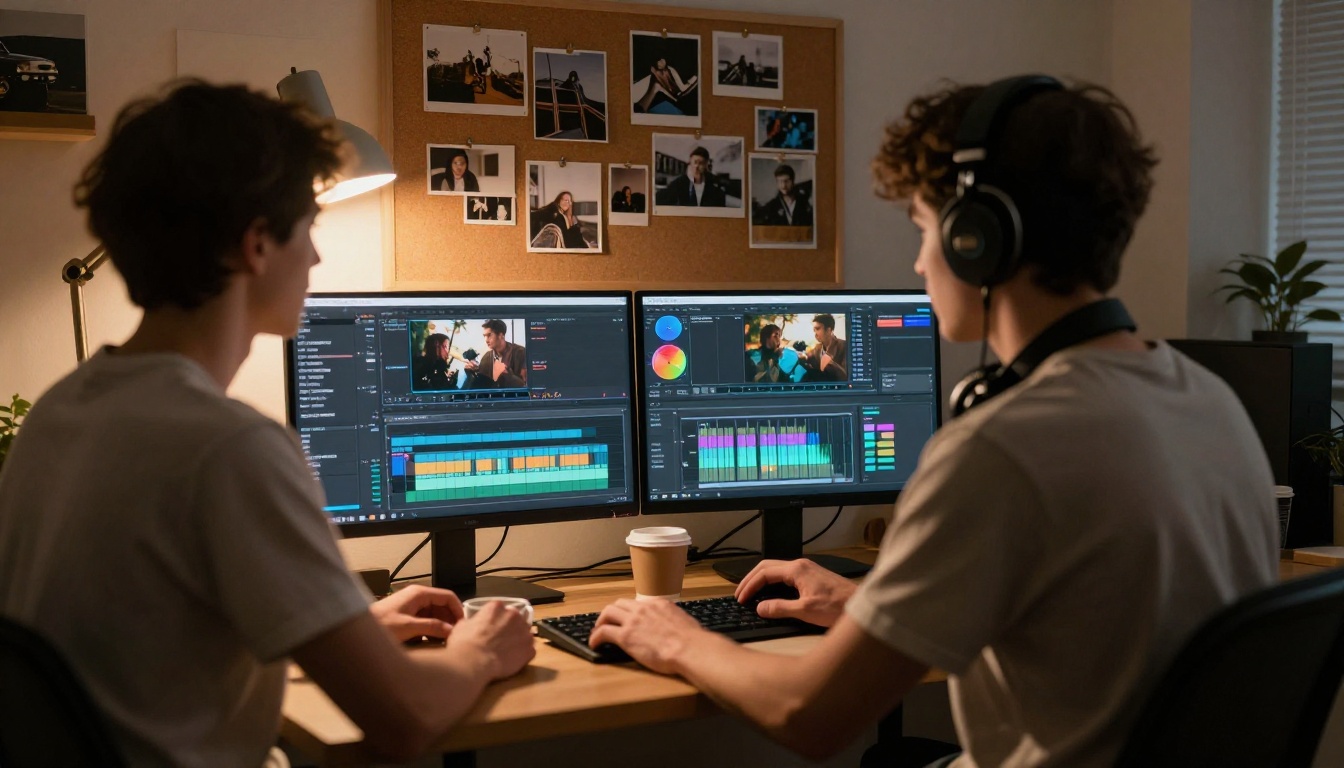
If Hailuo 2.3 is the right fit for your work, the other MiniMax models on PicassoIA are worth knowing about. Video 01 is the model that established MiniMax's reputation for prompt-following accuracy, producing outputs that closely match what you describe in the text. Video 01 Live added a dedicated image-animation pipeline with improved subject preservation. Video 01 Director introduced precise camera movement control, letting you specify exact camera paths rather than describing them in natural language.
Each model in the family has a distinct strength. For most users starting out, Hailuo 2.3 is the right entry point because it balances quality, speed, and ease of prompt writing better than any of the earlier releases.
Hailuo 02 and Hailuo 02 Fast are still available and still produce excellent results for less demanding use cases or high-volume generation where cost efficiency matters more than peak quality.
Start Generating Today
The gap between understanding a tool and actually using it is where most people stall. Hailuo 2.3 is available right now on PicassoIA with no local setup, no GPU requirements, and no subscription lock-in to get started. You write a prompt, you get a video.
If you want to see what the model can do before investing time in a complex prompt, start with something simple: a scene you know visually, a location you can describe in detail, a moment with clear action and defined lighting. The output will tell you immediately whether this tool belongs in your workflow.
The full catalog of video generation models, including Hailuo 2.3, Hailuo 2.3 Fast, and every other option in the text-to-video library, is at picassoia.com/en/all-models. Pick a prompt and see what comes back.


