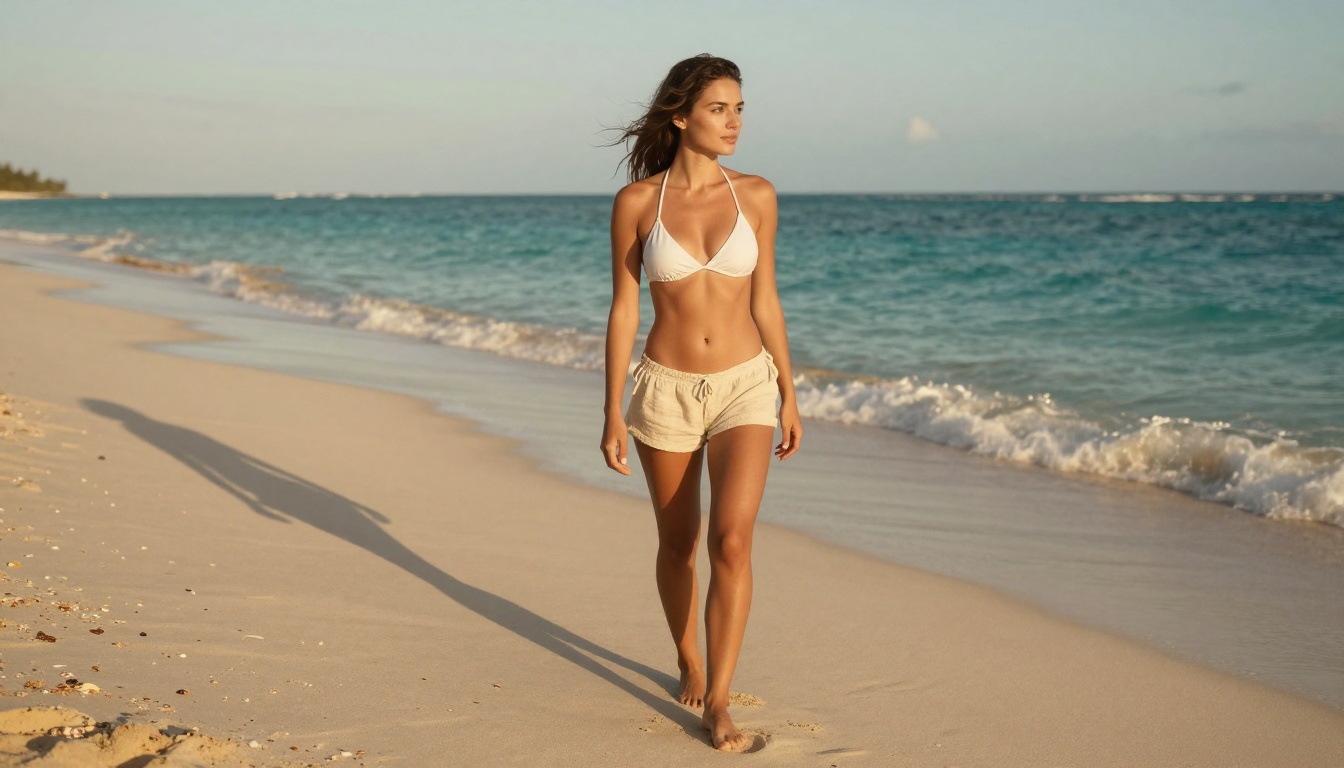
You upload a single photograph. Thirty seconds later, that photograph is moving, the hair catching an invisible breeze, the background alive with subtle depth and atmosphere. That is what MiniMax I2V does, and it is not magic so much as applied mathematics at a scale most people never consider.
The technology behind image-to-video (I2V) AI has moved faster in the past 18 months than in the preceding decade of research. MiniMax, the Chinese AI lab behind the Hailuo series and Video 01 models, sits at the center of that acceleration. Their I2V systems produce some of the most temporally coherent, motion-natural results of any model currently available, and several of those models are accessible directly through PicassoIA.
This article breaks down exactly how MiniMax I2V works under the hood, what distinguishes it from text-to-video generation, how to write prompts that produce genuinely good results, and how to access it step by step.
What MiniMax I2V Actually Does
From still pixel to moving scene
Image-to-video is the process of taking a static image and synthesizing a sequence of frames that form a believable, continuous video. The input image becomes the first frame, and the model's job is to construct every subsequent frame in a way that is visually consistent with what was already there.
This sounds straightforward. It is not. A photograph contains no information about how objects in it should move. The dress in the photo has no physics data. The water has no flow direction. The person has no pose trajectory. The model must infer all of this from:
- Visual context clues (water near a shoreline suggests horizontal motion)
- Spatial relationships (hair near a face suggests it follows head movement)
- Semantic signals (a person standing on a beach is likely to sway slightly, not teleport)
- Prompt guidance (you can specify exactly what kind of motion you want)
The resulting video is not the original photograph "brought to life." It is a brand-new sequence of synthetic frames generated by a neural network trained to process motion in the physical world.
Why coherence is the hard problem
The real challenge in I2V is temporal coherence: ensuring that the subject in frame 1 is visually identical to the subject in frame 60, without flickering, morphing, or drifting. Early video diffusion models failed badly at this. A person's face would shift subtly between frames, hair would change length, backgrounds would pulse with unintended texture variation.
MiniMax's architecture addresses this through a spatiotemporal attention mechanism: the model can simultaneously attend to spatial features (what is in the image) and temporal features (how those features should change over time). The result is videos where the subject remains stable even as motion is applied around and through it.
The Architecture Powering the Motion
Latent diffusion for video synthesis
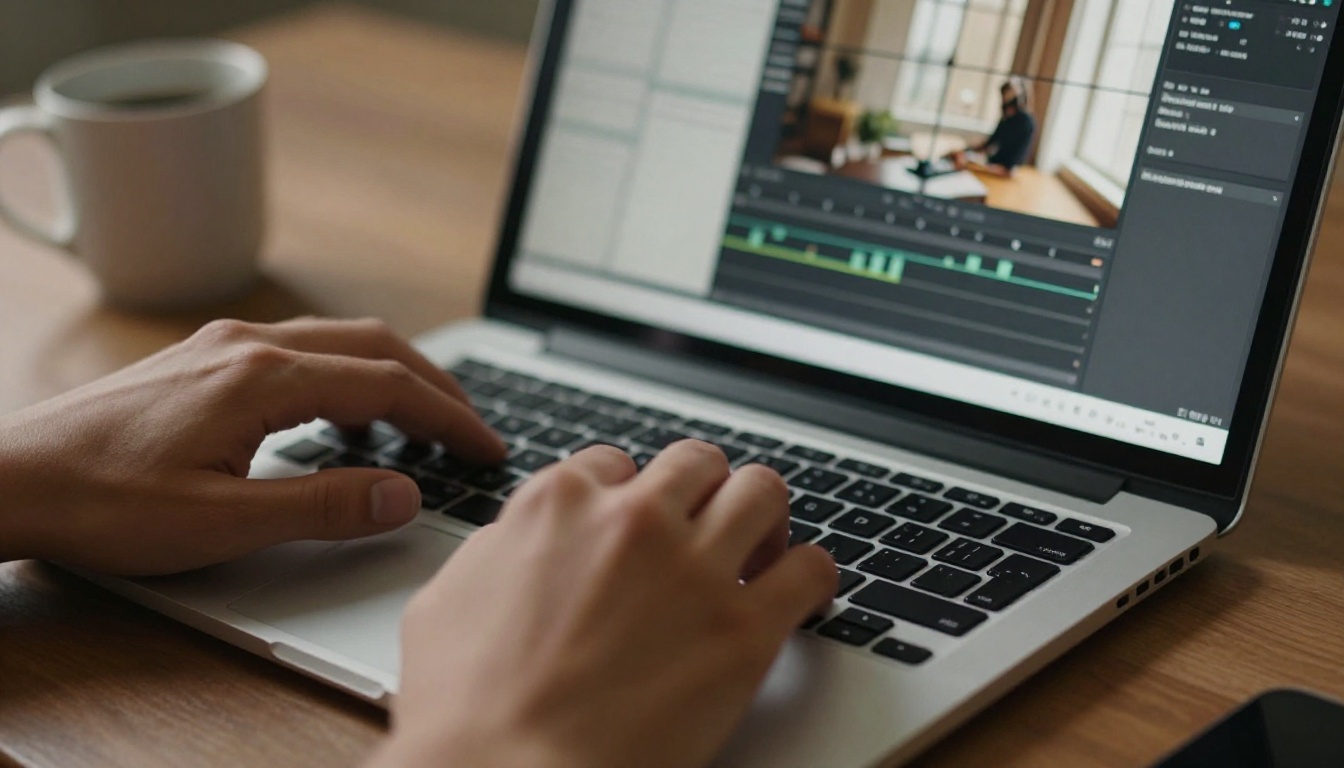
MiniMax I2V is built on a latent video diffusion architecture. If you have used image generators, you already know how diffusion works: the model starts with noise and progressively denoises it into a coherent image. For video, the same process applies to every frame simultaneously, with the added constraint that frames must be consistent with each other.
The process, simplified:
- Your input image is encoded into a latent representation, a compressed mathematical description of the image
- Noise is added to a sequence of blank latent frames
- The denoising network iteratively removes the noise, guided by the image latent and your text prompt
- The sequence of denoised latents is decoded back into pixel-space video frames
The main innovation in MiniMax's approach is step 3. Most earlier video diffusion models denoised each frame independently and then tried to ensure consistency after the fact. MiniMax's architecture denoises the entire sequence jointly, meaning consistency is built into the generation process rather than patched on at the end.
How the model reads your image
When you supply an image to a MiniMax I2V model, it is not simply "placed" at the start of the video. The image is processed through an image encoder that extracts:
- Semantic content: What objects, people, and scenes are present
- Spatial layout: Where things are positioned relative to each other
- Color and lighting conditions: The exact tonal values that all generated frames must match
- Texture and detail signatures: Fine details that must remain consistent across time
This encoded representation becomes a conditioning signal for the entire denoising process. Every frame that gets generated is simultaneously attending to this signal, which is why the output video tends to preserve fine details like fabric texture, hair color, and background architecture with high fidelity.
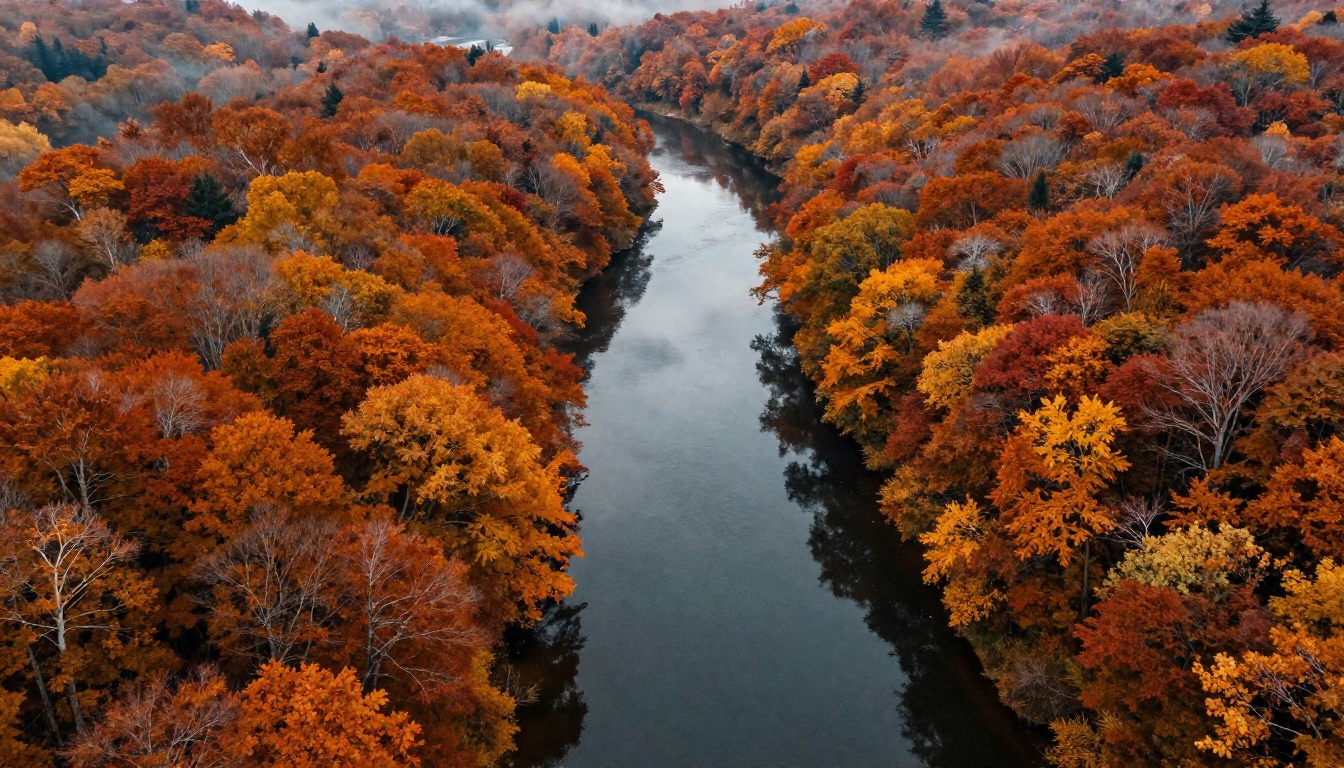
💡 Pro tip: Images with clear depth separation (sharp foreground, blurred background) tend to animate better because the model can more easily infer spatial relationships and apply layered motion.
MiniMax I2V Models on PicassoIA
PicassoIA hosts several MiniMax models built specifically for image-to-video animation. Each has a different balance of speed, resolution, and capability.
Video 01 Live: core image animator
Video 01 Live is MiniMax's dedicated still-image-to-video model. It takes a single photo and a text prompt and produces a 6-second video clip at high resolution. This is the model to reach for when you have a specific photograph you want to bring into motion.
Strengths of Video 01 Live:
- Excellent subject preservation: the person or object in your photo stays visually consistent throughout
- Smooth natural motion without abrupt cuts or jitter between frames
- Strong response to motion prompts: you can direct what moves and how
- Good handling of complex scenes with multiple subjects
Hailuo 02 and Hailuo 2.3: higher resolution output
Hailuo 02 delivers 1080p output from both text and image inputs. For content where resolution matters, such as fashion photography, product visualization, or landscape animation, Hailuo 02 gives you significantly more pixels to work with.
Hailuo 2.3 is the latest iteration, adding improved motion naturalness and better handling of human subjects. If you are animating portraits, Hailuo 2.3 handles believable facial micro-expressions and hair physics with notable precision.
For faster turnaround at slightly lower resolution, Hailuo 02 Fast and Hailuo 2.3 Fast offer the same quality at roughly 40% faster generation time, with a 512p output ceiling.
Video 01 Director: add camera control
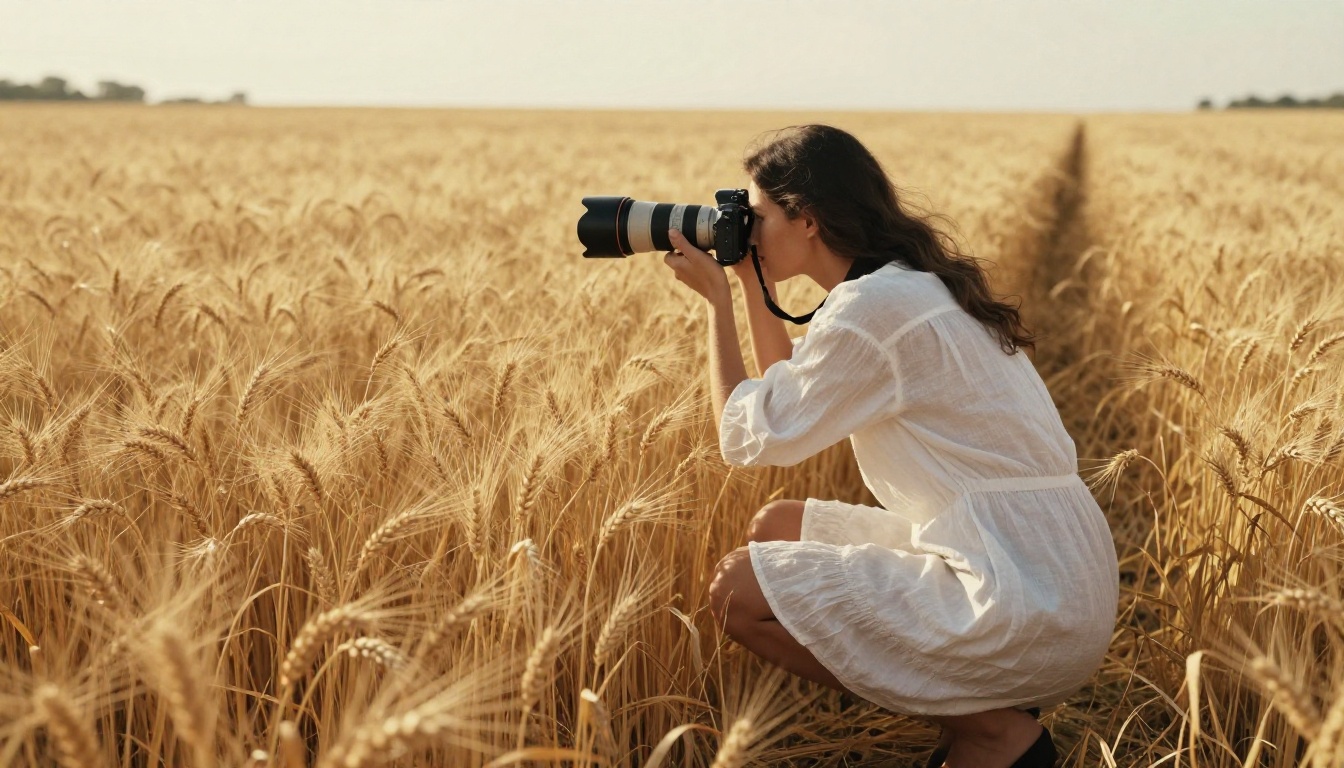
Video 01 Director is a specialized variant that adds explicit camera movement control. Instead of only describing what subjects should do, you can specify camera behaviors directly:
| Camera Command | What It Does |
|---|
pan left / pan right | Horizontal camera sweep across the scene |
tilt up / tilt down | Vertical camera rotation |
zoom in / zoom out | Simulated focal length change |
push in | Camera physically moves toward subject |
crane up | Rising vertical camera move |
static | Camera holds position, subject moves |
This makes Video 01 Director the right choice when you want cinematic production value rather than just a photo that moves.
Also available: Video 01, the text-to-video variant of the same base model, for when you want to generate scenes from scratch rather than animate an existing image.

Prompts That Get Real Results
The text prompt you write has major influence on what kind of motion gets generated, even when the image is doing most of the work. There is a specific structure that consistently produces better results.
Structure your motion prompt
A well-structured I2V prompt has three components:
- Subject action: What the main subject should do ("the woman turns her head slowly to the right")
- Environmental behavior: What happens in the scene around the subject ("the wind moves through the grass behind her")
- Camera behavior: How the perspective changes ("slow push in toward her face")
Weak prompt example:
"A beautiful woman on a beach."
This gives the model nothing beyond the image itself. The result is likely a video where almost nothing moves, or where random elements move unpredictably.
Strong prompt example:
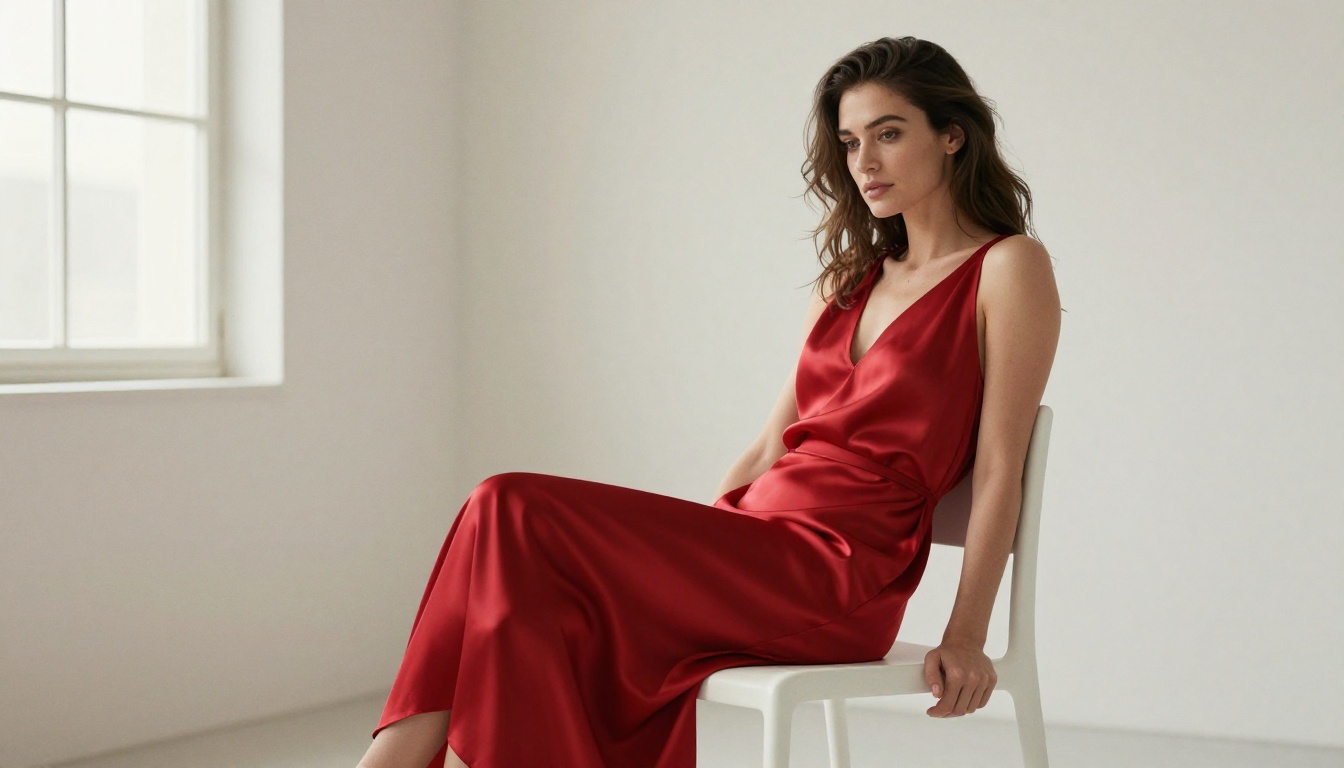
"The woman slowly raises her gaze toward the horizon, her hair lifting in a gentle ocean breeze, the waves behind her rolling in softly, camera holds static."
What kills motion quality
Several inputs consistently degrade I2V output:
- Overloaded prompts: Describing ten different motions at once confuses the model. Pick two or three and describe them clearly.
- Low-contrast source images: Images with flat, even lighting give the model less spatial information. Higher-contrast images animate more reliably.
- Extreme close-ups with no environmental context: The model has nothing to animate except the subject, often resulting in subtle facial drifting or texture flickering.
- Physics-contradicting motion: If the image shows a calm indoor room, asking for "heavy rain outside" will produce inconsistent results.
The specificity rule
💡 Specificity beats length every time. "Her left hand slowly opens" beats "she makes a graceful gesture with her hand in a beautiful flowing motion."
A 15-word prompt that precisely describes one motion consistently outperforms a 60-word prompt that vaguely gestures at several. Be concrete, be spatial, and use directional language wherever possible.
How to Use Video 01 Live on PicassoIA
PicassoIA hosts Video 01 Live directly in the collection. Here is the exact workflow:
Step 1: Prepare your source image
Your image should be:
- Clear, well-lit, and sharp
- At least 512x512 pixels
- Showing the subject in a natural, non-extreme pose
- In JPEG or PNG format
Step 2: Open Video 01 Live
Go to Video 01 Live in the PicassoIA collection. You will see the image upload area and the prompt input field.
Step 3: Upload your image
Click the upload area and select your source image. PicassoIA displays a preview confirming the image loaded correctly before you proceed.
Step 4: Write your motion prompt
Use the three-component structure above. Be specific about what moves, the direction of movement, and what the camera does (or whether it stays static).
Step 5: Set your parameters
| Parameter | Recommended Setting | Notes |
|---|
| Duration | 6 seconds | Standard for most uses |
| Resolution | 1080p | Higher output needs more processing time |
| Motion intensity | Medium | High settings can cause visual instability |
Step 6: Generate and review
Click generate. Generation typically takes 60 to 120 seconds. Review the result, paying attention to subject consistency across the clip, whether the specified motion occurred, and any flickering or morphing artifacts in the output.
Step 7: Iterate
If the motion is too subtle, increase intensity or rewrite the prompt to be more explicit. If you see artifacts, try a slightly different crop of the source image, or reduce the number of motions you are asking the model to perform simultaneously.
I2V vs Text to Video: When to Use Each
The choice between image-to-video and text-to-video is not about quality. It is about control.
| Situation | Use I2V | Use Text-to-Video |
|---|
| You have a specific photo to animate | Yes | No |
| You want consistent visual style from a reference | Yes | No |
| You need a scene that does not exist yet | No | Yes |
| You want full control over subject appearance | Yes | No |
| Generating at scale with varied scenes | No | Yes |
| Subject identity must be preserved exactly | Yes | No |
Text-to-video models like Hailuo 2.3 and Video 01 give you more creative freedom but less control over specifics. I2V gives you the opposite: tight control over what the subject looks like, with guided control over what it does.
For most content creators, the optimal workflow is: generate a compelling image first using PicassoIA's text-to-image collection, then animate it with Video 01 Live. This combination delivers both creative freedom and visual consistency in a single pipeline.
5 Real Use Cases Right Now
1. Social media content from product photos
E-commerce brands animate product photography: a perfume bottle with wisps of mist rising, a dress billowing slightly in a breeze. Product identity stays pixel-perfect because it is anchored in the source image rather than generated from a text description.
2. Portrait video for creators
A single professional headshot becomes a short looping video for a website or social profile. Hailuo 2.3 handles portrait micro-motion, blinking, subtle head tilt, breath, better than almost any competing model available today.
3. Landscape and nature content
Photographers animate their best shots: water flowing, clouds drifting, trees moving in wind. The Wan 2.7 I2V model is another strong option for nature scenes if you want to compare results across different architectures.
4. Fashion and editorial
A single editorial fashion photo becomes a short film. The model preserves the exact garment, model identity, and lighting while adding natural movement. Pair with Crystal Video Upscaler to bring the output up to 4K for publication.
5. Historical photo animation
Old family photographs, archival images, or historical portraits can be animated to create emotional storytelling content. Video 01 Live handles faces from all eras with strong visual consistency.
Post-Processing Your I2V Output
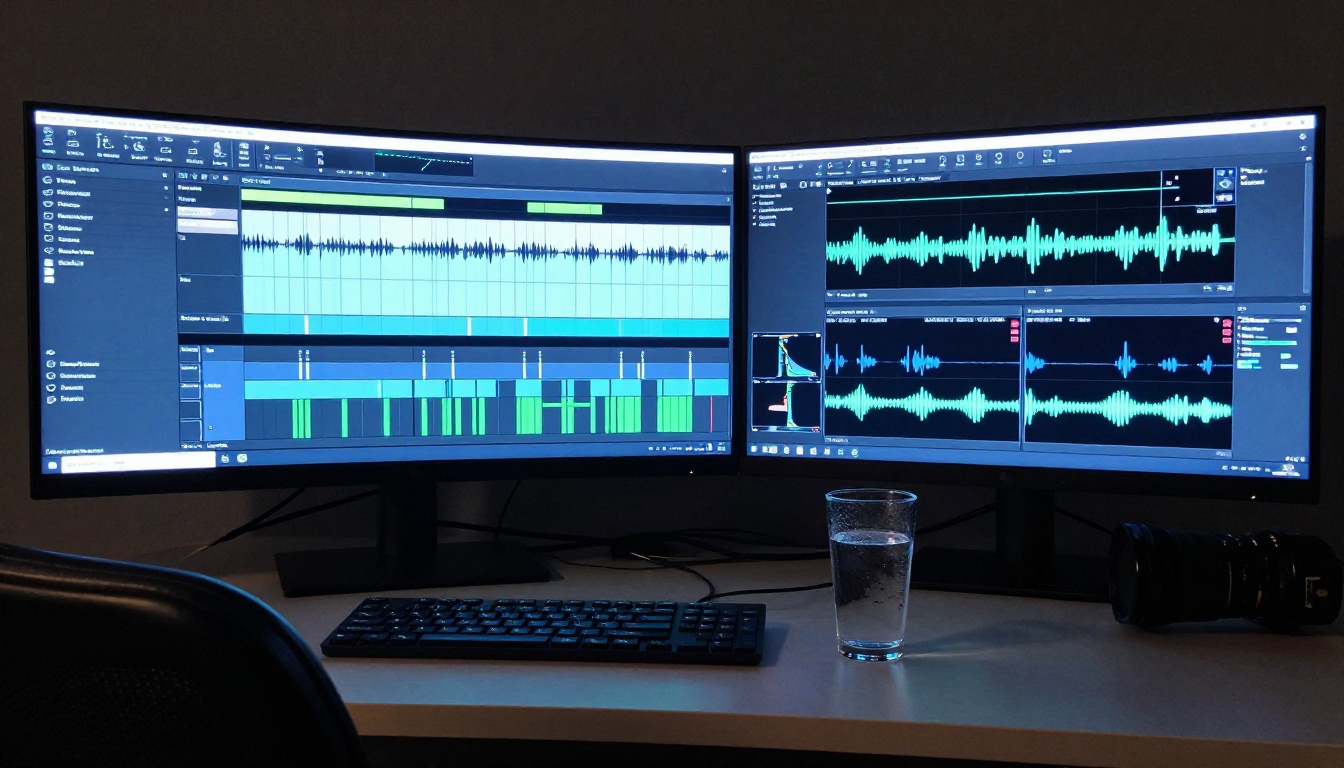
Generating the video is step one. Getting it ready for publication usually involves two more steps.
Upscaling for distribution
Video 01 Live outputs at high quality, but if you need broadcast-ready 4K, running the result through Crystal Video Upscaler or Topaz Video Upscale adds substantial resolution and sharpness without re-generating from scratch.
Adding audio
A silent video has a fraction of the impact of the same video with audio. PicassoIA's audio tools let you add voiceover via text-to-speech models or generate a custom soundtrack through AI music generation models matched to your video's mood and pacing.
💡 Workflow tip: Generate your image, animate it with Video 01 Live, upscale with Topaz Video Upscale, and layer a generated soundtrack. Four tools, one polished deliverable.
What the Parameters Actually Mean
When you see I2V models described with settings, here is what each actually affects:
| Parameter | What It Controls | Practical Effect |
|---|
| Motion intensity | How aggressively the model deviates from the source | Higher = more movement, higher drift risk |
| Steps | Denoising iterations | More steps = higher quality, slower generation |
| CFG scale | How strictly the model follows the text prompt | Higher = more literal interpretation |
| Seed | Random starting noise pattern | Same seed + same inputs = reproducible output |
| Duration | Number of frames generated | Longer clips require more compute time |
For most I2V use cases, leaving motion intensity at medium and CFG scale at the default is the right starting point. Adjust only after you have a baseline result to push further.
Your Photos Are Already Source Material
Every sharp, well-lit photograph you have taken is a potential video clip. The technology to convert them into genuinely cinematic motion runs in the cloud, costs cents per generation, and produces results that would have required a full production crew just a few years ago.
MiniMax's I2V architecture, specifically Video 01 Live, Hailuo 02, and Hailuo 2.3, sits at the top of what is publicly accessible right now. All of them are available on PicassoIA with no local GPU, no software installation, and no technical setup required.
Pick a photo. Write a motion prompt. See what the model does with it. The first attempt rarely needs to be the last one.