Podcast production has a dirty secret: most independent shows sound like they were recorded in a bathroom. Bad room acoustics, plosives on the microphone, hum from cheap gear — these are the exact problems that send listeners away after 30 seconds. MiniMax Speech 2.8 HD for podcast voiceovers offers a direct solution, producing studio-quality AI speech that holds up against professional voice talent without the studio rental fees, the scheduling headaches, or the three retakes to fix one flubbed sentence. This article breaks down what Speech 2.8 HD actually does well, where it fits inside a real podcast workflow, and how to access it right now through PicassoIA.

What Makes Speech 2.8 HD Different
The "HD" designation is not marketing shorthand. It refers to a higher-resolution audio output pipeline that produces speech at 44.1kHz sampling, matching standard CD-quality audio, rather than the 22kHz ceiling that most TTS systems from three years ago topped out at. What that means in practice: the consonant sharpness, the vowel warmth, and the natural room resonance in a voice all come through without the tinny, slightly hollow quality that signals "AI voice" to a trained ear.
Speech 2.8 HD also uses a prosody prediction model that reads sentence structure rather than just phoneme sequences. Where older TTS systems flatten every statement into a consistent monotone, Speech 2.8 HD rises naturally on questions, softens at the end of thoughts, and varies pacing across a paragraph the way a human narrator does.
HD vs Turbo: Which One You Actually Want
MiniMax offers two variants in the 2.8 generation: HD and Turbo. They serve different production needs and work best together in a two-stage workflow.
| Feature | Speech 2.8 HD | Speech 2.8 Turbo |
|---|
| Audio quality | Studio (44.1kHz) | Broadcast (22kHz) |
| Latency | ~2 seconds | ~0.8 seconds |
| Best for | Final episodes, narration | Drafts, real-time preview |
| Emotion range | Full | Standard |
| Languages | 30+ | 30+ |
💡 Rule of thumb: Use Turbo to proof your script, then switch to HD for the final render. You save generation time during editing and get full quality for the output your audience actually hears.
Voice Variety and Emotion Control
Speech 2.8 HD ships with a library of pre-trained voices covering a wide range of ages, accents, and vocal registers. The default voice for English narration is English_Explanatory_Man, which sits in the lower-mid register with a calm, authoritative cadence that suits long-form educational podcasts well. For interview-style shows or content aimed at a younger audience, the warmer mid-register voices tend to perform better.
Emotion parameters let you nudge delivery toward excited, calm, serious, or casual without rewriting the script. This is particularly useful for podcast intros, where you want high energy on the opening hook but a slower, more grounded pace when you transition into the episode's subject matter.

Real Podcast Use Cases
Solo Narrator Shows
Educational podcasts, true crime narratives, business analysis shows — any format built around a single voice reading a prepared script is an ideal candidate for Speech 2.8 HD. You write the script, paste it in, select your voice, and get a rendered audio file back in roughly two seconds. No scheduling, no studio time, no retakes for a word mispronounced.
The workflow becomes: draft script, run a grammar and readability pass, generate audio in HD, import into your DAW, layer in music and sound effects, export. That process is genuinely faster than booking a voice actor, briefing them, waiting for revisions, and going back and forth on delivery notes.
Interview-Style with Dual Voices
Podcast formats that involve dialogue — co-hosted shows, scripted interviews, fictional drama podcasts — benefit from combining two distinct Speech 2.8 HD voices to simulate a natural conversation. PlayHT Play Dialog is another option built specifically for two-speaker dialogue, but for anyone already in the MiniMax ecosystem, generating separate audio tracks for each speaker and mixing them in post works cleanly.
The key is choosing voices with distinct enough qualities to be immediately distinguishable. A deeper male voice paired with a higher-register female voice, or a British-accented voice alongside an American one, creates natural contrast that listeners can follow without effort.

Multilingual Episodes
This is where Speech 2.8 HD offers something a human voice actor cannot easily replicate: consistent voice output across 30+ languages without hiring a different person for each market. A podcast brand that publishes in English, Spanish, Portuguese, French, and German can use a single voice identity across all five markets.
The prosody model adjusts per language rather than applying English stress patterns to foreign text, which is the major failure mode of older multilingual TTS systems. The result is speech that sounds native rather than translated.
💡 Tip: Translate your script using an LLM, generate the audio in Speech 2.8 HD for each target language, and maintain consistent music and sound design across all versions. Your multilingual audience gets a coherent listening experience without you producing five separate shows.
How to Use Speech 2.8 HD on PicassoIA
PicassoIA hosts Speech 2.8 HD directly in its text-to-speech collection, accessible without API keys, billing configuration, or infrastructure setup. The model runs synchronously at approximately 2 seconds per generation, so you get the audio URL immediately with no polling required.

Step-by-Step for Podcast Production
- Open the model page: Go to Speech 2.8 HD on PicassoIA
- Paste your script: Drop in your episode script or a single segment — works best at 500 to 1,500 characters per call
- Choose your voice: Start with
English_Explanatory_Man for narration, or browse the voice library for alternatives
- Adjust the emotion (optional): Set the tone parameter to match your episode's opening or closing mood
- Generate and download: Audio file ready in ~2 seconds, uploaded directly to R2 storage
- Import and layer: Bring the audio into your DAW, add intro music and sound effects, export the final episode
Best Voice Settings by Format
| Format | Voice Style | Pacing | Emotion Setting |
|---|
| Educational narration | Low-mid register | Slow to medium | Calm, serious |
| True crime | Mid-register, measured | Slow, deliberate | Serious |
| Business / finance | Low register, authoritative | Medium | Neutral |
| Pop culture | Higher register, energetic | Fast | Casual, excited |
| Storytelling drama | Variable, expressive | Dynamic | Full range |
Quality Comparison: Speech 2.8 HD vs Rivals
vs ElevenLabs V3
ElevenLabs V3 is the current benchmark for emotional range in TTS. It handles crying, laughter, whispers, and shouting with more nuance than any other model currently available. For podcast narration specifically, that level of expressiveness is often more than you need, and the cost per character is significantly higher. Speech 2.8 HD delivers the naturalness required for long-form narration at a lower cost per minute of audio.
Bottom line: ElevenLabs V3 wins on raw expressiveness. Speech 2.8 HD wins on value for straight narration.
vs Resemble AI Chatterbox
Resemble AI Chatterbox is open-source and offers emotion control via a dedicated parameter, making it appealing for developers building their own pipelines. For podcast producers who want a hosted, zero-setup solution, Speech 2.8 HD requires no infrastructure work and delivers consistently high output quality. Chatterbox Pro is worth considering if you need voice cloning with emotion control, but for standard podcast narration, Speech 2.8 HD is the more direct path.
vs Inworld Realtime TTS 2
Inworld Realtime TTS 2 is optimized for real-time applications: games, live assistants, interactive experiences where sub-100ms latency is non-negotiable. Podcast production does not have that constraint. You can afford the 2-second generation time for Speech 2.8 HD and get significantly better audio quality in return.

Add Background Music
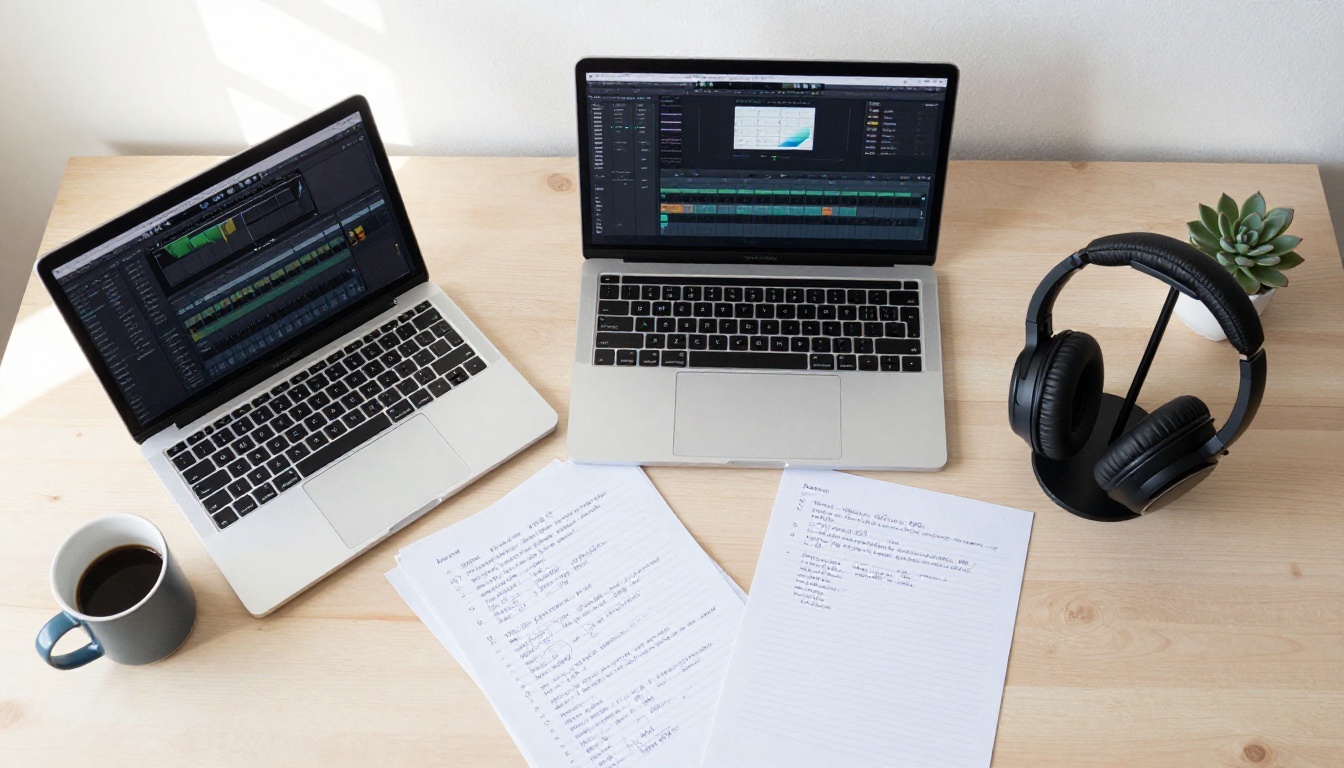
A podcast episode with only a voiceover sounds flat. Background music, intro stings, and ambient sound design make the difference between professional and amateur output. PicassoIA offers MiniMax Music 2.6 for generating full tracks from text prompts, and Stable Audio 2.5 from Stability AI for producing shorter atmospheric music clips and ambient textures that sit cleanly under narration.
The workflow: generate your voiceover in Speech 2.8 HD, generate a matching intro track in Music 2.6 or Stable Audio 2.5, layer them in your DAW with the music sitting approximately 12 to 15dB below the voice level, and you have a complete episode with consistent sonic branding.
💡 Podcast music tip: Prompt for "underscore" or "podcast bed" music rather than full songs. You want something with low melodic activity and no vocals, so the music supports rather than competes with the voice.
Transcribe for Show Notes
Most podcast platforms benefit from episode transcripts: better SEO, accessibility compliance, and searchable content for listeners who want to find specific moments. PicassoIA hosts Gemini 3 Pro for high-accuracy transcription, which handles audio files generated by Speech 2.8 HD with essentially perfect accuracy since there are no filler words, background noise, or mispronunciations to deal with.
GPT-4o Transcribe is the alternative, with slightly faster processing and strong speaker diarization for multi-voice episodes. Both models are available directly on PicassoIA without external accounts.
The full AI podcast production loop:

Common Mistakes Podcasters Make with AI TTS
Even with a high-quality model, production choices can undermine the output. These are the errors that show up most often.
1. Pasting unformatted text directly
TTS models read punctuation as pacing instructions. A script full of incomplete sentences or bullet points not converted to proper sentences will generate awkward audio. Always clean your script to complete, properly punctuated prose before generating.
2. Choosing the wrong voice for the topic
A bright, upbeat voice delivering serious financial analysis creates cognitive dissonance. Match the voice's inherent energy level to the subject matter, and use the emotion parameter as a fine-tuning tool rather than the primary choice.
3. Skipping the proof pass
Speech 2.8 Turbo exists precisely for this step. Generate in Turbo first, listen for odd pronunciations or stress errors, fix the script, then generate the final version in HD. Skipping that step means discovering problems only after committing to the full HD render.
4. Over-relying on default voice settings
The default voices work well for an average use case. Spending five minutes testing three or four voices against a sample of your script almost always reveals a better match for your show's tone and audience.
5. Generating too much at once
Speech 2.8 HD performs best on segments of 500 to 1,500 characters. Very long inputs at 5,000 or more characters in a single call can produce slightly flattened prosody in the middle sections. Break your episode into logical segments, generate each separately, and join them in your DAW for the cleanest result.
Voice Cloning for Consistent Brand Identity
For podcast producers who want a consistent voice identity across all episodes, MiniMax Voice Cloning allows you to upload a reference audio sample and generate a custom voice model trained on your own voice or a voice actor's performance. That cloned voice then runs on the Speech 2.8 HD synthesis pipeline, combining personalized voice identity with HD audio quality.
This is particularly valuable for established shows that want to maintain their existing voice talent identity while reducing session costs, or for new shows building a proprietary voice that no other podcast uses.
The practical requirement: a clean reference sample of at least 30 seconds with no background noise, consistent microphone placement, and natural conversational delivery. The system performs noticeably better with longer samples (3 to 5 minutes) that include a range of emotional tones and speaking speeds.
What the Numbers Actually Look Like
For context, here is what you are looking at in terms of production speed when using Speech 2.8 HD across a typical podcast episode:
| Episode Component | Traditional Production | With Speech 2.8 HD |
|---|
| 20-min narration recording | 90 to 120 min | ~5 min (script to audio) |
| Retakes and revisions | 20 to 40 min | Script edit plus 2s regeneration |
| Post-production voice editing | 30 to 60 min | Minimal — no breath noise or pops |
| Transcript creation | Manual (2 to 4 hrs) or added cost | 30 to 60 seconds with Gemini 3 Pro |
The time savings compound most significantly when producing high-volume content: daily shows, multi-episode seasons released simultaneously, or multilingual versions of the same episode across five or more markets.
Start Making Your Own Podcast Audio Today

The technology exists today to produce a professional-sounding podcast without recording equipment, acoustic treatment, or voice talent fees. MiniMax Speech 2.8 HD is the model that makes that production quality accessible to anyone with a script and an internet connection.
PicassoIA brings together the full audio production stack in one place: Speech 2.8 HD for voiceovers, Music 2.6 or Stable Audio 2.5 for background music, Gemini 3 Pro or GPT-4o Transcribe for show note transcription, and Voice Cloning for building a unique voice identity your audience will recognize across every episode. All of it accessible without managing API tokens or configuring infrastructure.
Write your script, pick your voice, press generate. Your first episode is one afternoon of work away.
Try Speech 2.8 HD on PicassoIA


