MiniMax Speech 2.8 HD for Multilingual Voiceovers sits at an interesting crossroads in the text-to-speech market. Most TTS tools force you to choose between speed and audio fidelity, or between broad language support and natural-sounding output. This model, built by Shanghai-based MiniMax and available directly on PicassoIA, refuses that tradeoff. It offers studio-grade audio quality spanning more than 30 languages, processes output in roughly two seconds, and keeps pricing straightforward at $0.10 per 1000 input tokens. Whether you are localizing a podcast, dubbing a corporate training video, or building a multilingual assistant, the mechanics behind this model are worth knowing before you commit.

What Makes Speech 2.8 HD Different
The speech synthesis market has three dominant failure modes: robotic cadence on long sentences, accent bleed across languages, and latency that makes real-time applications impossible. Speech 2.8 HD addresses all three through a neural prosody architecture that models sentence rhythm and emotional tone as distinct dimensions rather than bundling them into a single voice embedding.
The practical result is that a sentence with a question mark sounds like a question in Mandarin, in French, and in Arabic, without requiring separate prompt tuning for each language. That sounds obvious, but most multilingual TTS systems still rely on per-language fine-tuning that creates subtle but noticeable tonal inconsistency when switching between language tracks.
HD Versus Turbo
MiniMax offers two tiers within the 2.8 family: Speech 2.8 HD and Speech 2.8 Turbo. They share the same base model but differ in the post-processing pipeline.
| Feature | Speech 2.8 HD | Speech 2.8 Turbo |
|---|
| Audio bitrate | 128 kbps | 64 kbps |
| Latency | ~2 seconds | ~0.8 seconds |
| Prosody naturalness | Higher | Moderate |
| Best for | Final production audio | Prototyping, real-time apps |
| Emotion control | Full 5-level | Full 5-level |
| Language support | 30+ | 30+ |
For a finished YouTube dub or a corporate e-learning module, you want HD. For a customer service chatbot where the response must arrive in under a second, Turbo is the right call. Pricing is identical between tiers, so the choice is purely about latency tolerance.

Audio Quality in Practice
When you export a Speech 2.8 HD output at 128 kbps, it sits comfortably alongside recordings made with a mid-tier condenser microphone in a treated room. The fricative consonants (S, F, SH) are where cheaper TTS models typically fall apart, either sounding sibilant or muffled. Speech 2.8 HD renders them with a realistic air-pressure quality that reads as human in A/B listening tests.
The model also handles breath placement better than most competitors. Human speech includes micro-pauses between clauses that punctuation does not mark. Speech 2.8 HD infers these from sentence structure rather than just punctuation marks, which is why long paragraphs sound natural rather than running together into a single flat read.
💡 Tip: If you want the model to insert a deliberate pause, add <break time="500ms"/> in SSML syntax. The PicassoIA interface supports this natively.
Language and Voice Coverage
The current supported language list spans the major global communication markets. English, Mandarin, Spanish, French, German, Japanese, Korean, Arabic, Portuguese, Russian, Italian, Dutch, Turkish, Polish, Swedish, Finnish, Danish, Norwegian, Czech, Romanian, Hungarian, Ukrainian, Greek, Catalan, Indonesian, Malay, Thai, Vietnamese, Hindi, and Bengali are all available at production quality.

Which Languages Sound Most Natural
Not all 30+ languages perform equally. Based on phoneme accuracy and prosody quality, the strongest performers are:
- Mandarin Chinese: Exceptional tonal accuracy, handles all four tones consistently
- English (US and UK): Best-in-class prosody, clean consonant articulation
- Japanese: Pitch-accent is handled correctly, natural particle stress
- Spanish (Latin American): Smooth vowel flow, no robotic cadence on long sentences
- French: Liaison rules applied correctly, which is rare in TTS systems
Arabic is notably strong for a TTS model. Root-and-pattern morphology makes Arabic synthesis technically complex. Speech 2.8 HD handles right-to-left phoneme sequencing without the clipping artifacts common in lesser models.
Accent Handling in Practice
Accent within a language matters as much as the language itself. A British-English voice used for an Australian audience creates subtle friction. Speech 2.8 HD exposes regional accent variants for English (US, UK, Australian, Indian English), Spanish (Castilian, Latin American), and Portuguese (Brazilian, European). For other languages, the model defaults to a neutral prestige accent that performs well across regional audiences.
💡 Tip: When selecting voices in PicassoIA, filter by the voice's listed regional variant. An Indian English voice for Indian-market content creates measurably higher listener retention than a US English voice reading the same script.
How to Use MiniMax Speech 2.8 HD on PicassoIA
Speech 2.8 HD is available directly on PicassoIA without any API keys or additional account setup beyond your standard login. Here is the full workflow from text to finished audio.

Step 1: Pick Your Voice
Open the Speech 2.8 HD model page on PicassoIA. The voice selector shows pre-built voices grouped by gender, age profile, and language region. Each voice has a short audio preview. Click the play icon to audition before committing.
For multilingual projects, look for voices tagged as "Multilingual" rather than language-specific options. Multilingual voice profiles maintain consistent vocal identity across languages, which matters when you are dubbing the same speaker across five regional versions of a video.
The default voice is English_Explanatory_Man, a calm, measured, mid-range male voice that works well for educational content. The library also includes broadcast-style voices, conversational voices, and whisper-register options for soft narration.
Step 2: Set Emotion and Speed
The model exposes two primary parameters beyond voice selection:
Emotion intensity (0.1 to 2.0): A value of 1.0 is neutral. Going above 1.5 adds audible expressiveness, ideal for storytelling or dramatic scripts. Values below 0.7 create a flatter, more professional read suitable for legal or financial content.
Speed multiplier (0.5 to 2.0): 1.0 is natural speaking pace. For dubbing, you will often need to adjust speed to match the original speaker's timing, typically between 0.85 and 1.15. Going below 0.7 creates noticeable artifacts on consonant clusters.
💡 Tip: For voiceover dubbing work, keep speed between 0.9 and 1.1. Wider adjustments introduce timing artifacts that sound unnatural at the beginning and end of phrases.
Step 3: Export and Use It
After generation, PicassoIA provides the audio as an MP3 at 128 kbps for HD outputs. Download it directly from the results panel. If you need WAV for post-production, run the MP3 through a lossless conversion step since the original generation is lossless internally.
For batch workflows, use the API access available through PicassoIA's developer plan. The endpoint accepts SSML-formatted text for fine-grained control over pauses, pronunciation, and emphasis.
Real Voiceover Use Cases
Dubbing YouTube Content
The fastest-growing use case for multilingual TTS right now is YouTube channel localization. Creators with English-language channels are dubbing into Spanish, Portuguese, Hindi, and Mandarin to reach global audiences without hiring human translators and voice actors for every video.

Speech 2.8 HD is well-suited for this because multilingual voice profiles maintain consistent speaker identity across languages. A viewer watching your English video and then clicking the Spanish dubbed version hears the same vocal character, building continuity of presenter identity across markets.
The workflow: generate your English audio, export the transcript, feed it through translation software, then run the translated script through Speech 2.8 HD with a multilingual voice. Total time for a 10-minute video: roughly 15 minutes of generation plus editing time.
You can also pair Speech 2.8 HD with ElevenLabs Dubbing for full-video dubbing workflows where you want automated lip-sync alignment handled in a single pass rather than as a separate step.
Corporate Training Videos
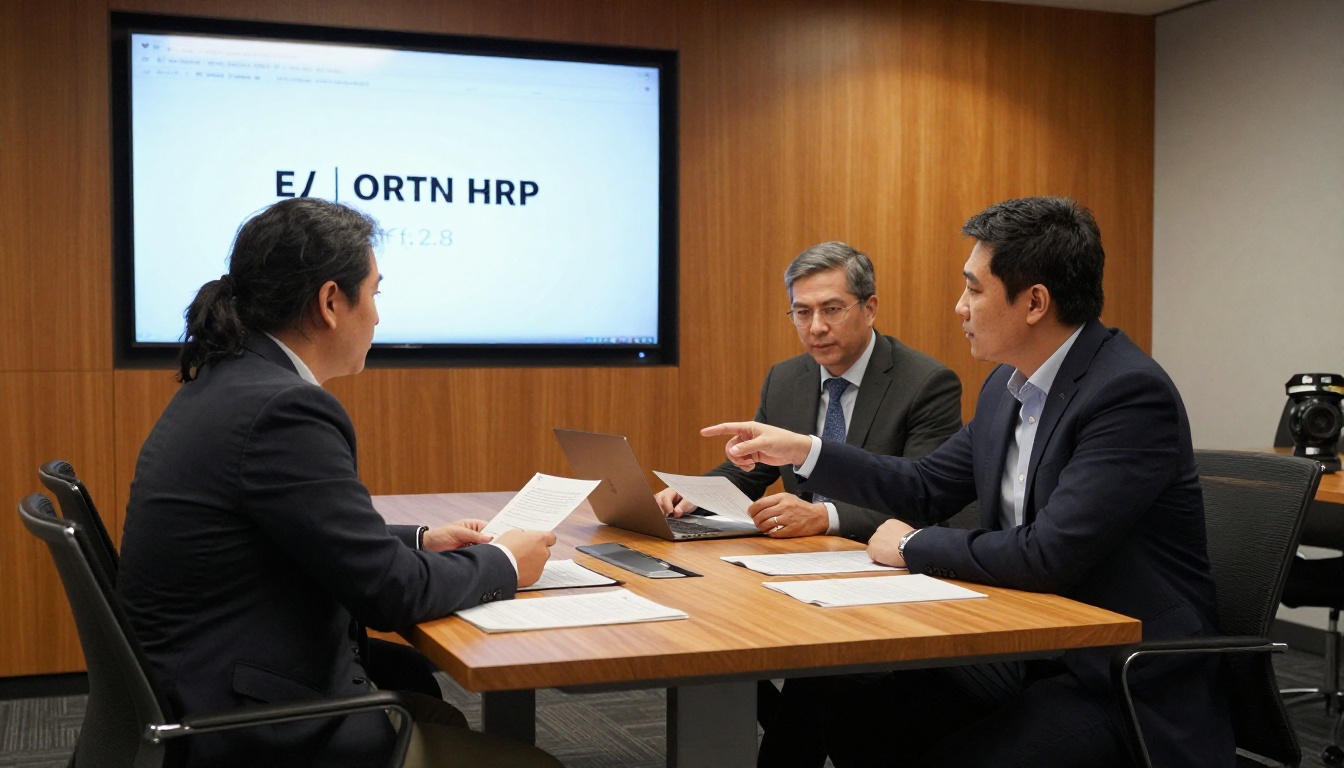
Corporate L&D teams are under constant pressure to localize training content across global offices. The traditional process: write the script, hire a native voice actor per language, record in a studio, edit and sync. With Speech 2.8 HD, that same content reaches 30+ languages in a fraction of the time.
For corporate content, what matters most is consistency across sessions. When you save a voice configuration in PicassoIA, you can recall the same voice, emotion intensity, and speed for every new module. The result is a coherent audio identity across a 20-module training program in eight languages, all generated from text.
For compliance-sensitive content in legal, medical, or financial domains, use emotion intensity at 0.5 to 0.7. The model reads at a measured, authoritative pace that fits the professional register without sounding artificially formal.
Podcast Localization
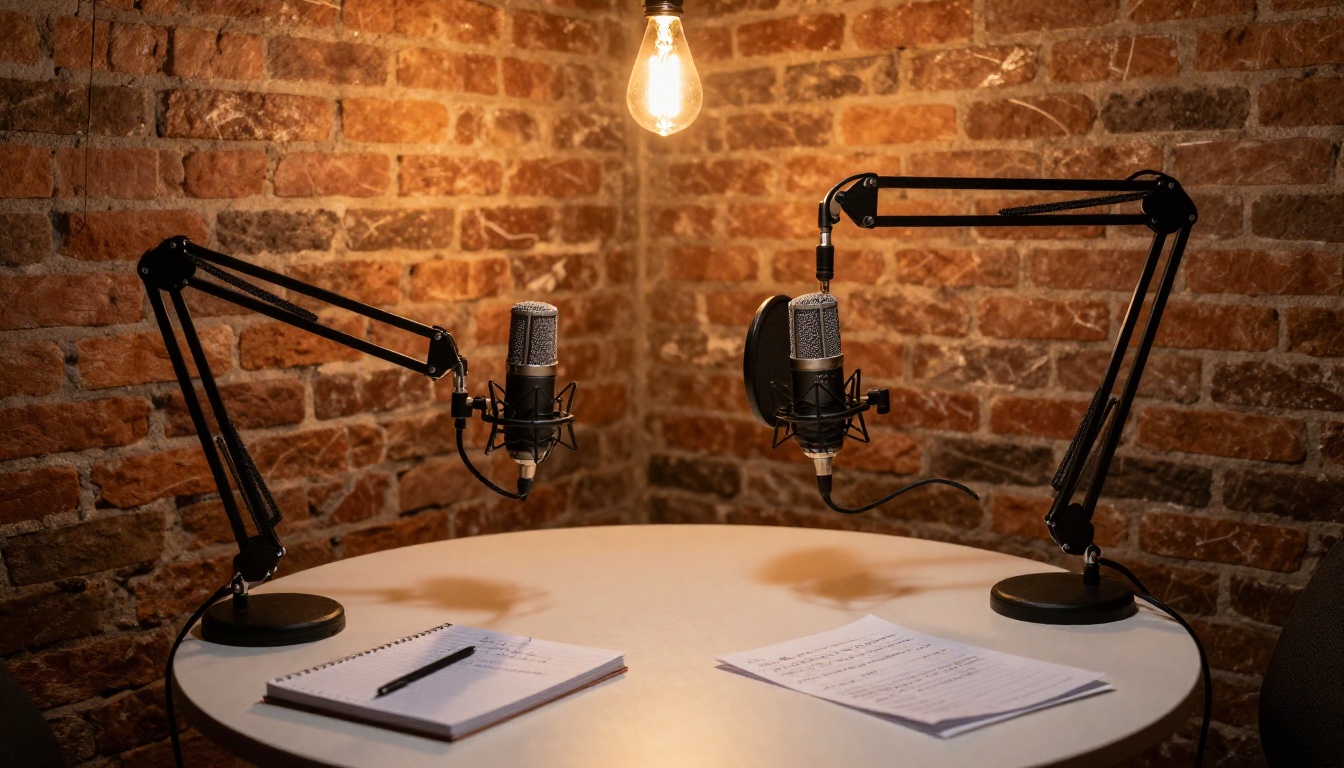
Podcast listeners are sensitive to audio quality in a way that video viewers sometimes are not. A podcast that sounds slightly off gets abandoned quickly. Speech 2.8 HD's 128 kbps output and realistic breath modeling make it one of the few TTS solutions that can hold up in a pure-audio listening context.
For podcast localization, the most effective method is generating the TTS narration and mixing it with the original ambient audio from the episode. The result is a dubbed version that retains the authentic acoustic environment of the original recording while the narration shifts to the target language.
How It Stacks Up Against Competitors
The multilingual TTS space has several serious contenders. Here is an honest comparison.
MiniMax Speech 2.8 HD vs. ElevenLabs v3
ElevenLabs v3 is the most direct competitor at the quality tier. Both models offer HD audio at low latency. The differences come down to voice library breadth and pricing.
| MiniMax Speech 2.8 HD | ElevenLabs v3 |
|---|
| Languages | 30+ | 30+ |
| Voice cloning | Yes, via Voice Cloning | Yes |
| Emotion control | 5-level scale | Style and stability sliders |
| Pricing | ~$0.10 per 1k tokens | Higher at equivalent quality tier |
| Latency (HD) | ~2 seconds | ~2 seconds |
For most production workflows, both are capable. MiniMax tends to outperform on tonal languages (Mandarin, Japanese, Vietnamese). ElevenLabs v3 has a wider proprietary voice library if you want a broader range of character voices without custom cloning.
MiniMax Speech 2.8 HD vs. Google Gemini 3.1 Flash TTS
Google Gemini 3.1 Flash TTS offers 30 voices across 70+ languages at very low latency. It excels at speed and language breadth but sacrifices some of the prosody naturalness that MiniMax's HD tier delivers. Gemini Flash TTS is the right call when you need to span 50+ languages at speed. For 30 or fewer languages where audio quality is a priority, Speech 2.8 HD wins on naturalness.
The Voice Cloning Option
MiniMax offers a dedicated Voice Cloning model that pairs with Speech 2.8 HD's generation pipeline. This lets you capture a real speaker's voice from a reference audio clip and then generate new speech in that voice across any of the supported languages.
Creating a Custom Voice
The cloning process requires a reference audio sample of 30 to 300 seconds of clean speech from the target speaker. The sample should be recorded without background music or heavy reverb. Upload it through the Voice Cloning model on PicassoIA, and the system returns a custom voice ID within a minute.
That voice ID can then be used in any Speech 2.8 HD generation call, turning a real person's vocal identity into a multilingual asset. For brands, this means a single spokesperson recording can become the voice for content in 30 languages without that person needing to speak any of those languages.
💡 Important: Cloning a real person's voice without their consent is a legal liability in most jurisdictions. Only clone voices where you have documented permission from the speaker.
Pricing and When to Use Each Tier
Speech 2.8 HD is billed at approximately $0.10 per 1,000 input tokens through PicassoIA. One token is roughly 0.75 words, so 1,000 tokens spans about 750 words of generated script, roughly 5 to 6 minutes of finished audio at normal speaking pace.
For a 10-minute YouTube dub (about 1,500 words of script), expect to spend around $0.20 per language. At five language versions, that is $1.00 total for full audio localization of a 10-minute video. At human voice actor rates for five languages, the same content costs hundreds of dollars.
HD vs. Turbo Cost Breakdown
Pricing between HD and Turbo tiers is identical per token. The decision is about output requirements:
- Use HD when the audio is the final product, when listeners will hear it without distraction, or when you are mastering it into a video file
- Use Speech 2.8 Turbo when you are prototyping, testing scripts, or building a real-time application where latency matters more than maximum fidelity
The Speech 2.6 HD predecessor is still available if you are benchmarking performance across model versions. The 2.8 version shows measurable improvement in consonant articulation and sentence-level prosody, particularly on shorter sentences where older models often rush the tail end of the phrase.
Other strong options on PicassoIA round out the audio toolkit: Inworld Realtime TTS 2 for sub-100ms conversational applications, Qwen3 TTS for custom voice design workflows, and ElevenLabs v2 Multilingual for a different take on 30-language coverage with deep character-voice options.
For AI-assisted scripting before you generate audio, models like Claude Sonnet 5, GPT 5, or Gemini 3.5 Flash can draft and refine scripts optimized for TTS output, cutting down the editing cycle before you spend on generation.
Start Creating Voiceovers on PicassoIA

MiniMax Speech 2.8 HD is a genuinely production-ready tool for anyone working with multilingual audio content at scale. The quality holds at 128 kbps, the language coverage is broad enough for global workflows, the voice cloning pipeline lets you build brand-consistent audio assets, and the pricing makes localization economically viable at volumes that human voice actors cannot match.
The best way to calibrate it for your own content is to run your actual script, not a sample sentence. Voice and prosody quality are script-dependent, and a model that sounds excellent on a demo sentence sometimes struggles with your specific vocabulary, rhythm, or technical terminology.
Try MiniMax Speech 2.8 HD on PicassoIA now. Paste your script, pick a multilingual voice, adjust the emotion level, and download your first audio file in under a minute. The platform has dozens of other AI tools ready for the next step in your content workflow, from Gemini 3.1 Flash TTS for ultra-fast volume work to Speech 2.8 Turbo when you are moving fast on a deadline. Browse the full collection at picassoia.com/en/all-models.


