AI companion apps were a text-only novelty just two years ago. Now they're shipping live video calls with photorealistic avatars that blink, smile, and speak back to you in real time. The jump is not gradual; it is a full leap from chatbot to virtual relationship partner, and more platforms are making this move every month.
This is not a small technical update. Adding live video to an AI companion requires stitching together three separate layers of complex technology: a large language model that generates the conversation, a text-to-speech engine that gives the avatar a voice, and a lipsync model that matches mouth movements to audio with frame-accurate precision. When these three systems work together without lag, the result feels startlingly real.
Why Live Video Changes Everything
Text chat has a ceiling. No matter how clever the responses from an AI companion, a wall of text still feels like messaging a stranger. Voice calls brought warmth and personality. But video is the tipping point. The human brain processes faces at a pre-conscious level. A face that looks at you, smiles at what you say, and whose lips match the words being spoken bypasses a huge amount of the skepticism that comes with knowing you're talking to software.
That is why the major AI companion platforms, including Replika, Character.AI, and a dozen newer entrants, are all racing to ship video. The ones who do it convincingly will dominate the next phase of this market.
The Numbers Behind the Shift
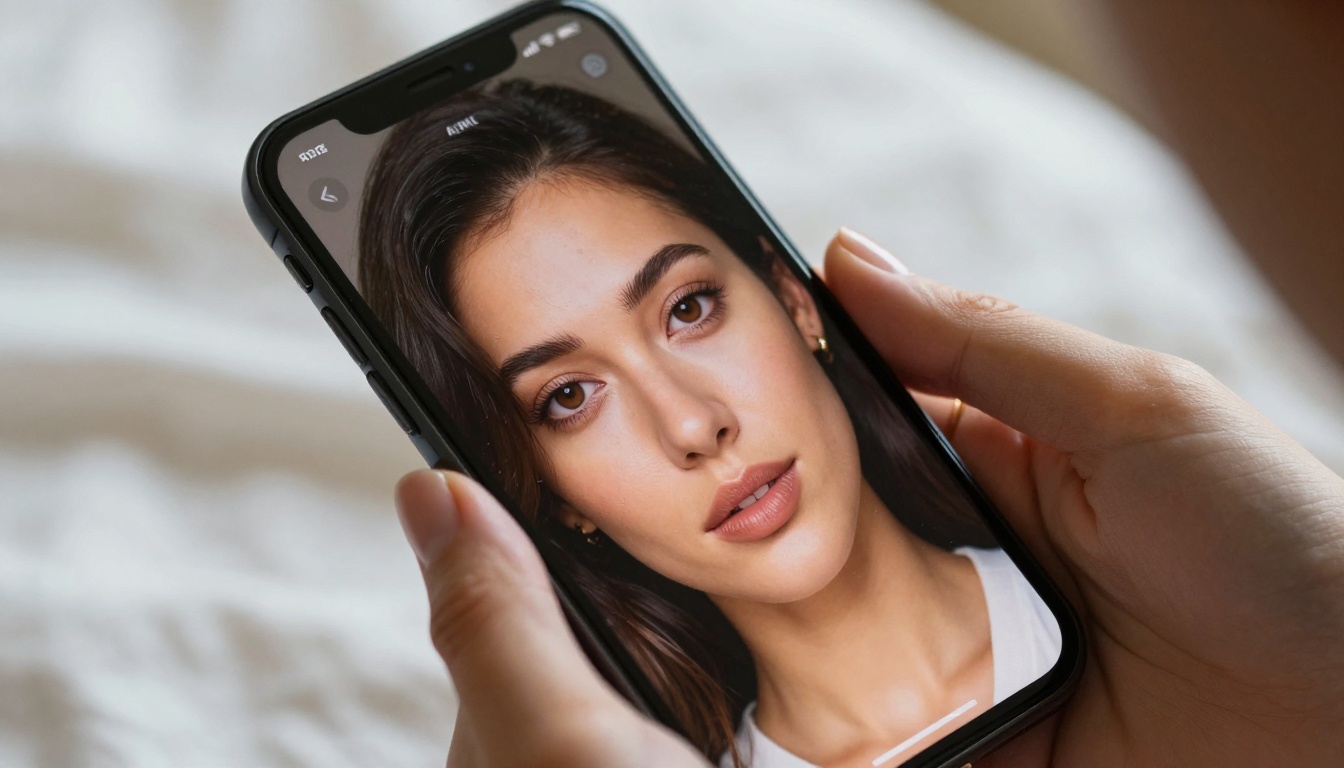
The AI companion app market crossed $1.3 billion in annual revenue in 2025, with projections pointing north of $4 billion by 2028. A significant share of that growth is being attributed to live interaction features, specifically video. User retention data from several platforms shows that users who engage with video features are 3 to 4 times more likely to maintain daily active usage compared to text-only users.
These numbers are driving investment. Startups that might have previously raised a seed round to build "a better chatbot" are now pitching video-first companion AI as their core differentiator.
What Users Actually Want
The psychology here is worth noting. The dominant user base for AI boyfriend apps skews toward people experiencing loneliness, social anxiety, or a desire for low-pressure emotional connection. For these users, text chat satisfies the intellectual engagement need, but video satisfies something deeper: the sense of being seen. An avatar that makes eye contact and responds expressively creates a fundamentally different emotional experience than one that types at you.
💡 Neuroscience research on parasocial relationships consistently shows that visual face-to-face interaction activates the same social bonding circuits as in-person contact, even when the participant knows the other party is artificial.
The Tech Stack Behind Real-Time AI Video Calls
Building a real-time AI video call is harder than it sounds, even with all the available APIs. The problem is latency. A typical LLM response takes 0.5 to 3 seconds to generate. A TTS model adds another 0.3 to 1 second. A lipsync rendering pass adds more. String all three together naively and you get a 4-second delay before the avatar starts talking, which completely ruins the illusion of a natural conversation.
The solutions being deployed vary by platform, but most involve some combination of:
- Streaming generation: The LLM streams tokens as it generates them rather than waiting to produce a full response
- Parallel processing: TTS and lipsync processing begin on the first sentence before the LLM finishes the rest
- Pre-rendered expression libraries: The avatar has a bank of idle animations, listening expressions, and micro-reactions that play while the backend processes
The Hardware Constraints That Matter
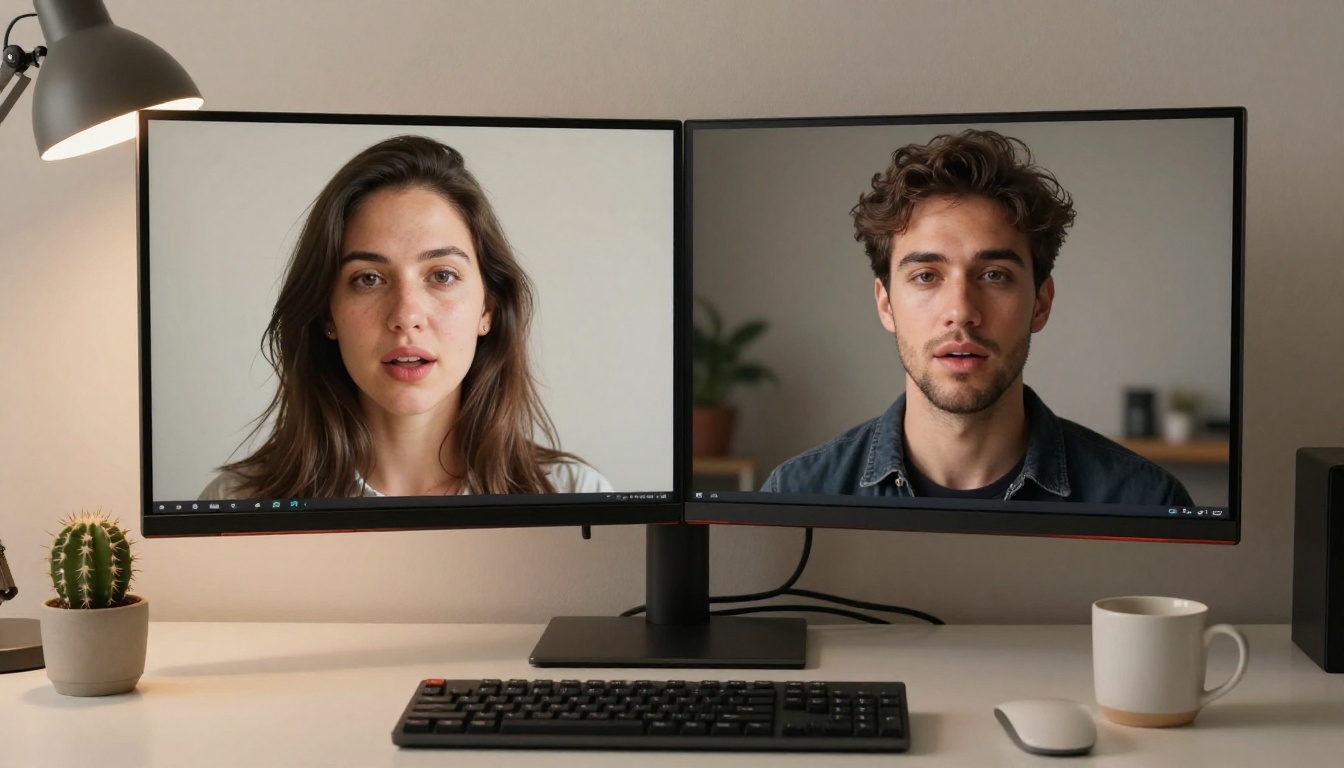
Real-time lipsync video rendering is GPU-intensive. Consumer apps cannot run this locally on most mobile devices in 2027, so it runs server-side and streams the video to the user. This creates data bandwidth requirements that are new territory for apps that previously only needed to push text. High-quality AI video streaming currently consumes somewhere between 2 and 8 Mbps, depending on resolution and compression.
This is one reason the feature is launching on higher-tier subscription plans first. The infrastructure cost per user is real, and platforms need the revenue-per-user to support it.
Lipsync: The Secret Sauce
Of all the technology layers, lipsync is the most visible and the most unforgiving. A poor lipsync implementation is instantly recognizable: the mouth moves slightly ahead or behind the audio, or the phoneme shapes are generic and don't match the specific sounds being spoken. It looks like a badly dubbed foreign film, and it completely breaks immersion.
Modern lipsync models have gotten dramatically better in 2025 and 2026. The leading approaches use audio-driven facial animation rather than simple phoneme matching. They analyze the full acoustic waveform and generate precise jaw, lip, and cheek movements that match the natural physics of speech production.

On PicassoIA, you can work directly with the models that the best AI companion platforms are building on:
- Omni Human 1.5 by ByteDance generates highly realistic talking videos from a single photo. It handles complex mouth shapes, natural blinking, and subtle head movements that make the result feel genuinely alive.
- Lipsync 2 Pro by Sync specializes in frame-accurate phoneme-to-video matching, making it ideal for use cases where audio quality is high and you want perfect synchronization.
- P Video Avatar creates full talking avatar videos optimized for the kind of conversational use case that AI companion apps need.
- Kling Lip Sync from Kwai brings cinema-grade lip synchronization that can match mouth movements to any audio track in any language.
Why Some Implementations Fail
The biggest failure mode in current AI companion video is what engineers call the uncanny valley at the edges. The central face can look perfect, but the neck, shoulders, and peripheral motion often give away the artificial nature of the rendering. The avatar turns its head too stiffly, or the hair doesn't move naturally. The best implementations mask this by keeping the video frame tight on the face, using cinematic depth of field to blur peripheral details, and adding subtle ambient motion like light shifts to make the frame feel alive.
💡 Pro tip: When using lipsync models on PicassoIA, choose source images with natural, slightly off-center head positions. A perfectly straight-on frontal pose looks more artificial than a slight natural lean.
LLMs: The Brain Behind the Conversation
The video layer handles the appearance of the AI companion. But the personality, memory, and conversational intelligence all come from the large language model underneath. This is where the real arms race is happening.
Early AI companion apps ran on fine-tuned GPT-3 variants with simple persona prompting. The conversations were engaging but shallow: limited context windows meant the AI forgot things you said 10 messages ago. Modern apps are using models with 128K to 1M token context windows, which means the AI can remember entire relationship histories within a single session.

The models powering the best companion experiences today include:
| Model | Strength | Best For |
|---|
| Claude Sonnet 5 | Emotional intelligence, nuanced responses | Deep conversational companions |
| GPT 5 | Versatility, broad knowledge | Multi-topic companion personas |
| Llama 4 Maverick Instruct | Open-source, fine-tunable | Custom persona development |
| DeepSeek R1 | Reasoning, step-by-step thinking | Complex narrative companions |
Persona Persistence and Memory
One of the most important advancements for AI companion apps is persistent memory architecture. Rather than relying purely on the context window, the best platforms now maintain a structured memory database that stores facts about the user (name, preferences, past conversations, emotional patterns) and injects relevant memories back into the prompt at each conversation turn.
This is why an AI boyfriend can now say things like "I remember you had that big presentation today, how did it go?" with specificity that feels genuine rather than scripted. The LLM didn't remember it from the current session; the memory system surfaced it from a stored fact and gave it back to the model as context.
Which Apps Are Doing This Right Now
The competitive landscape is moving fast. Here is where things stand as of late 2026:
Replika was one of the first to roll out video calls for Pro subscribers. Their implementation uses a custom avatar rendering pipeline and is limited to a handful of preset character appearances. The conversations are powered by their own fine-tuned model.
Character.AI has been testing video features with a small user cohort, but their rollout has been slower due to safety review requirements around realistic avatar rendering. Their LLM remains one of the most sophisticated for persona-based conversation.
Nomi AI launched video calls in mid-2025 and has been aggressive about visual fidelity. Their avatars use a hybrid approach with pre-rendered expressions triggered by LLM output sentiment analysis.
DreamGF and similar platforms targeting more adult-oriented companionship have moved fastest, deploying video features without the safety constraints that consumer-facing apps face. This segment has become a significant driver of lipsync technology adoption.

The Role of Avatar Generation
Before lipsync can work, there needs to be a compelling avatar to animate. This is where text-to-video and image-to-video models play a critical supporting role. Platforms are using tools like:
- Seedance 2.5: ByteDance's model generates expressive video content with built-in audio sync, making it particularly useful for companion app rendering pipelines.
- Avatar V by HeyGen: Specifically designed for talking avatar creation, this model has become a reference implementation for realistic video avatars.
- Kling v3 Video: Generates cinematic-quality video from text prompts, useful for building the background environments in which AI companions appear.
- P Video: Creates AI videos from text or image input, bridging the gap between static companion avatars and fully animated ones.
What This Means for How We Connect
There is a real cultural conversation happening around AI companions and what they mean for human relationships. The critics argue that emotionally bonding with software is a form of avoidance, that people are substituting artificial connection for the harder work of building real relationships.
The proponents, including a growing number of therapists and social psychologists, point out that AI companions serve populations that are genuinely underserved by existing human connection infrastructure: people with severe social anxiety, people in geographic isolation, elderly individuals experiencing profound loneliness after the death of a partner, and people on the autism spectrum who benefit from practicing social interaction in a zero-stakes environment.
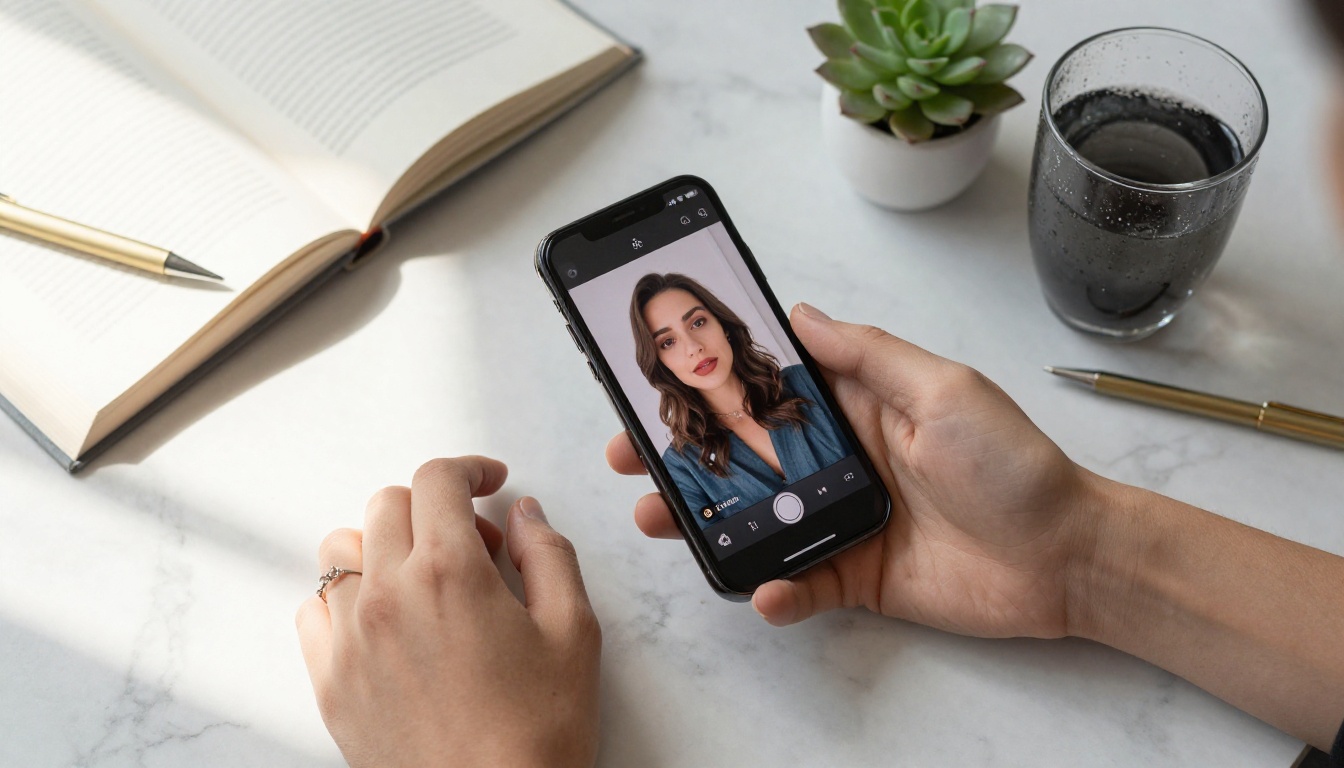
The addition of live video calls doesn't resolve this debate, but it does intensify it. A text-based AI companion is easier to mentally categorize as a tool. An AI companion that looks at you during a video call and responds to your emotional cues with appropriate facial expressions occupies a new psychological category that we don't yet have clean language for.
Privacy Considerations Worth Knowing
When you're on a video call with an AI companion, the camera data from your call may be processed server-side to enable emotion-responsive features. This is highly sensitive data. Users considering these platforms should read privacy policies carefully, specifically looking for:
- Whether video data is stored after the call
- Whether it is used to train models
- What jurisdiction the data is processed in
- Whether end-to-end encryption is used for the video stream
These are not paranoid questions. They are the same questions you would ask about any video communication platform handling intimate data.
How to Build Your Own AI Companion Video on PicassoIA
PicassoIA gives you direct access to the exact technology stack that powers the best AI companion apps, without needing to build your own infrastructure. Here is how to create a live-quality AI video companion experience using the platform:

Step 1: Create Your Avatar Image
Start by generating a photorealistic portrait of your AI companion using PicassoIA's text-to-image models. The image quality at this stage directly determines the quality of the final video. Use a front-facing portrait with natural lighting, a neutral-to-slight-smile expression, and a clean background. The more realistic the source image, the more convincing the lipsync output.
Step 2: Animate with Lipsync
Upload your portrait to Omni Human 1.5 and provide an audio clip. This can be a voiceover you've recorded, or audio generated by one of PicassoIA's text-to-speech models. The model will render a video with the avatar speaking the audio with natural facial movements, eye blinks, and subtle head motion.
For the highest quality lipsync, try Lipsync 2 Pro. It uses a more computationally intensive pipeline but produces noticeably sharper phoneme accuracy, especially for close-up face shots where every detail is visible.
Step 3: Add Conversational Intelligence
If you want to build an interactive companion rather than a one-directional video, pair the visual layer with one of PicassoIA's LLMs. Claude Sonnet 5 is particularly well-suited for companion personas due to its emotional reasoning capabilities and long context window. You can prompt it with a detailed persona description and it will maintain character consistency across long conversations.
Step 4: Refine and Localize
Use HeyGen Lipsync Precision to dub the avatar in different languages or swap voices while maintaining perfect sync. This is particularly powerful if you want to create a companion that speaks in a specific language with a distinct vocal character.
💡 Combine P Video Avatar with PicassoIA's speech models to create fully autonomous talking companion videos. The avatar generates naturally, the voice is synthesized, and the lipsync ties it all together into a seamless result.
The Technology Is Ready. The Conversation Is Just Starting.
More AI boyfriend apps are adding live video calls because the technology finally works well enough to be emotionally compelling. The combination of photorealistic avatar generation, sub-100ms lipsync rendering, and LLMs with genuine conversational depth has crossed a threshold where the experience is no longer a novelty. It's an actual product people are choosing to spend significant time with.
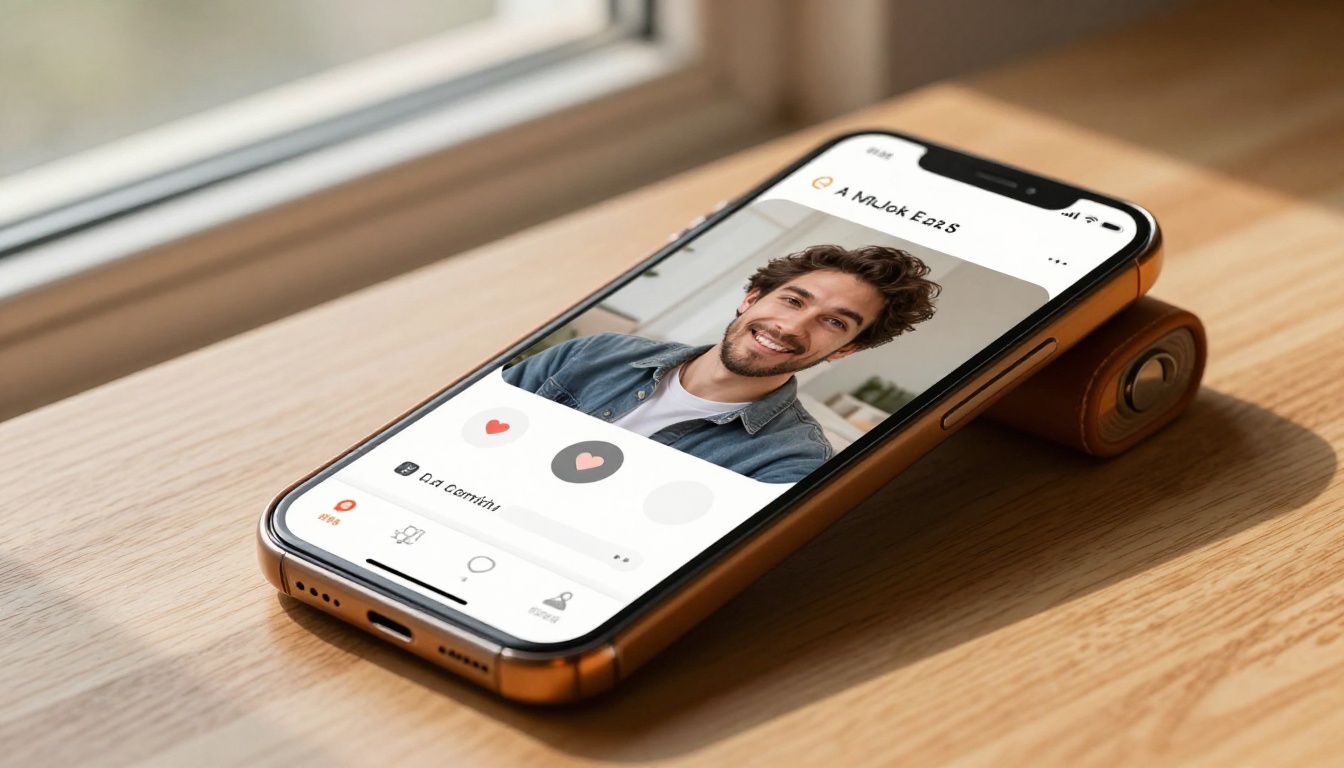
What happens next will be shaped by three forces: the platforms pushing the technology forward, the regulatory environment responding to privacy and psychological safety concerns, and users themselves deciding how much of their emotional lives they want to share with AI.
If you want to build with this technology, experiment with its capabilities, or simply see what the best AI companion platforms are doing under the hood, PicassoIA has every piece of the stack available right now. The lipsync models, the LLMs, the avatar generators, all accessible without waiting lists or API approvals.
Start with a portrait. Add a voice. Watch it come alive. The technology reshaping human connection is already in your hands at picassoia.com/en/all-models.


