The gap between professional photography and AI-generated images closed dramatically in 2026. What used to require a full studio setup, a skilled photographer, and hours of post-production now takes about 30 seconds and a well-written text prompt. But with dozens of models competing for your attention, it's genuinely hard to know which ones are worth your time.
This breakdown covers the most popular AI image tools right now: what they do well, where they fall short, and which ones creators, marketers, and designers are actually reaching for when the deadline hits.
Where AI Image Generation Stands in 2027
The field split into two camps: speed-first models that prioritize fast iteration, and quality-first models that trade time for resolution and detail. The best tools in 2027 close that gap, delivering both. Understanding where each model sits on that spectrum saves you from wasting credits on the wrong tool for the job.
Why Speed and Quality Both Matter
A fast model that produces blurry portraits is useless for commercial work. A slow model that delivers breathtaking realism is painful for rapid concept iteration. The sweet spot, which is where the current top tier lives, is sub-30-second generation with results you can use directly in a finished product.
The Model Families Worth Knowing
Here's a quick orientation before going deeper:
| Family | Developer | Strengths |
|---|
| Flux | Black Forest Labs | Photorealism, versatility, editing |
| Stable Diffusion | Stability AI | Control, customization, open-source |
| DALL-E / GPT Image | OpenAI | Instruction following, creative range |
| Imagen | Google | Sharpness, natural scenes |
| Ideogram | Ideogram AI | Text rendering, typography |
| RealVisXL / Realistic Vision | Community | Portrait realism, skin texture |
💡 Most of these models are available directly on PicassoIA without API keys or technical setup.
Flux: The New Standard
Black Forest Labs released Flux.1 in late 2024 and it reshaped the entire field. By 2026, the Flux family had grown into the most-referenced set of models in creative and commercial AI work. The reason is straightforward: consistency. Flux images hold anatomical accuracy, clothing texture, and lighting coherence in a way that earlier models consistently failed to do.
Flux.1 Dev and Pro
Flux.1 Dev is the open-weights variant for developers and power users. It handles complex scenes with multiple subjects, accurate hands, and realistic fabric textures. It's slower than some alternatives but the output quality justifies the wait for finished assets.
Flux Pro steps it up with proprietary enhancements for commercial use cases. Portrait photography, product shots, architectural visualization: it handles all of them without the artifacts that plague lesser models.
Flux 1.1 Pro Ultra
Flux 1.1 Pro Ultra raises the ceiling on resolution and fine detail. This is the model you reach for when the image needs to hold up at large sizes: print materials, billboard mockups, high-resolution social assets. The detail retention in skin texture and environmental elements is exceptional.
Flux Kontext
The Kontext line is built for editing and context-aware generation. Flux Kontext Pro and Flux Kontext Max allow you to modify specific parts of an existing image while preserving the surrounding context, something earlier inpainting tools handled clumsily.
Flux 2 Series
Flux 2 Pro and Flux 2 Dev are the latest iterations, pushing generation speed without sacrificing the detail quality the family is known for. The Flux Schnell variant sits at the speed extreme for rapid prototyping.
💡 Use Flux Schnell for fast concept exploration, then switch to Flux 1.1 Pro Ultra for your final high-resolution output.
Stable Diffusion 3.5
Stability AI's Stable Diffusion line remains a cornerstone of the AI image world, largely because it sits at the intersection of quality and accessibility. The 3.5 series in particular addressed the compositional weaknesses that held back earlier versions.
SD 3.5 Large vs Turbo
Stable Diffusion 3.5 Large is the high-quality option. It handles multi-subject scenes more coherently than SD 2.x, with better prompt adherence and fewer distortion artifacts. The SD 3.5 Large Turbo variant sacrifices a layer of detail for significantly faster generation, making it useful when speed is a priority.
SDXL Still Has a Place
SDXL and SDXL Lightning 4-Step remain popular for stylized work. SDXL Lightning in particular is fast enough to feel instant, and its aesthetic output suits social content, thumbnails, and concept boards where exact photorealism is less critical.

OpenAI entered the image generation race seriously with DALL-E 3, then pushed further with GPT Image 2. The OpenAI models stand apart in one specific area: following complex, nuanced natural language instructions with a precision that other models still struggle to match.
DALL-E 3
DALL-E 3 is still a strong choice when the brief requires specific compositional arrangements or unusual conceptual prompts. It handles abstract ideas and metaphorical imagery particularly well. Where it lags is in the ultra-photorealistic portrait category, where Flux and RealVisXL have a clear edge.
GPT Image 2
GPT Image 2 is the current flagship from OpenAI's image division. It combines the instruction-following strength of the GPT architecture with substantially improved visual quality. For marketers and content teams already in the OpenAI ecosystem, it's the natural first stop.
💡 DALL-E 3 and GPT Image 2 excel at images containing text elements like signs, labels, or captions. If your shot needs readable text, these are your best options alongside Ideogram.
Google Imagen 4
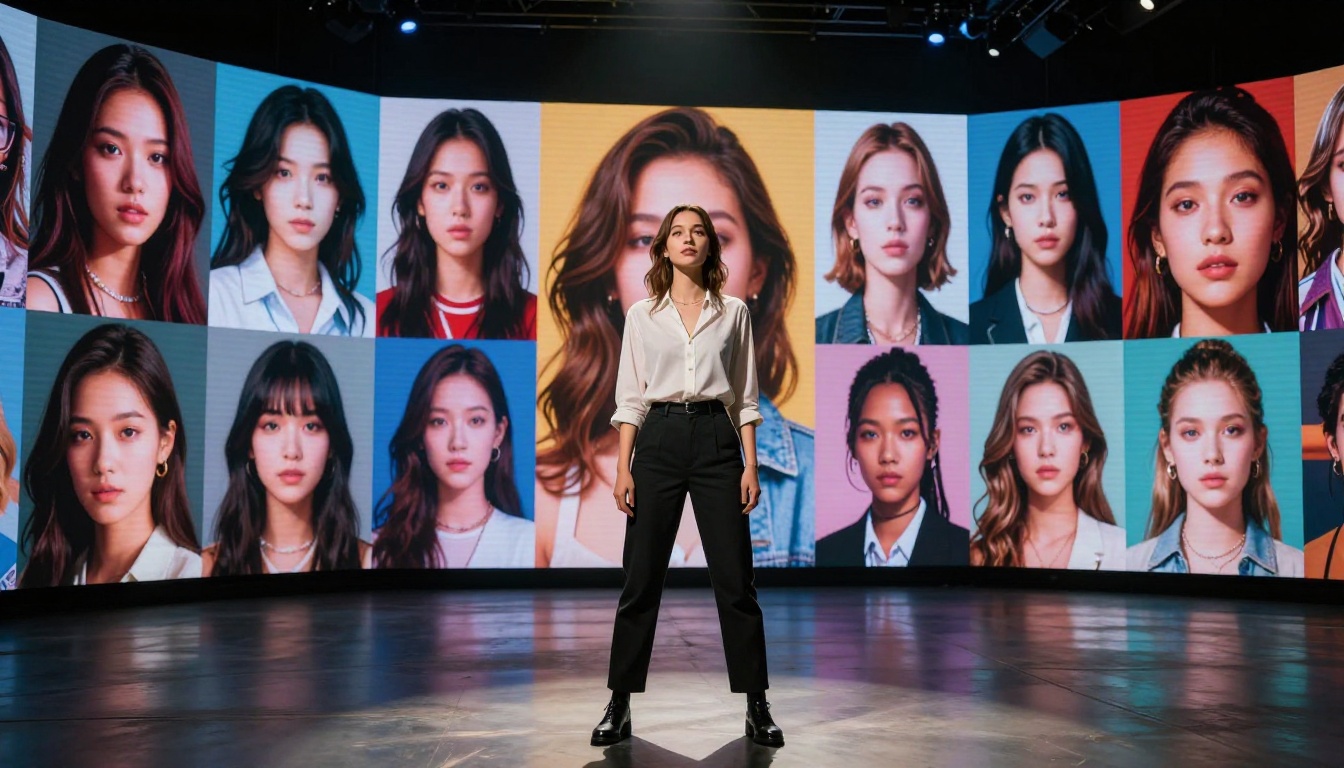
Imagen 4 is Google's current flagship in the image generation space, and it's genuinely impressive for natural scene photography. Landscapes, architectural shots, and nature imagery come out with a sharpness and color accuracy that feels close to real camera output. The model handles lighting transitions, particularly golden hour and overcast sky conditions, with notable realism.
Where Imagen 4 shows its limits is in human portraits at close range. Skin detail and facial feature accuracy have improved considerably but they don't yet match the best portrait-specialized models. For environmental and product photography prompts, it's a strong first choice.
What Imagen 4 does well:
- Landscape and environmental photography
- Architectural visualization
- Product shots with natural lighting
- Scenes with complex weather or atmospheric conditions
Where other models pull ahead:
- Close-range portrait photography with fine skin detail
- Highly specific clothing or fabric texture
- Multi-person compositional accuracy
Ideogram v3: The Text Specialist
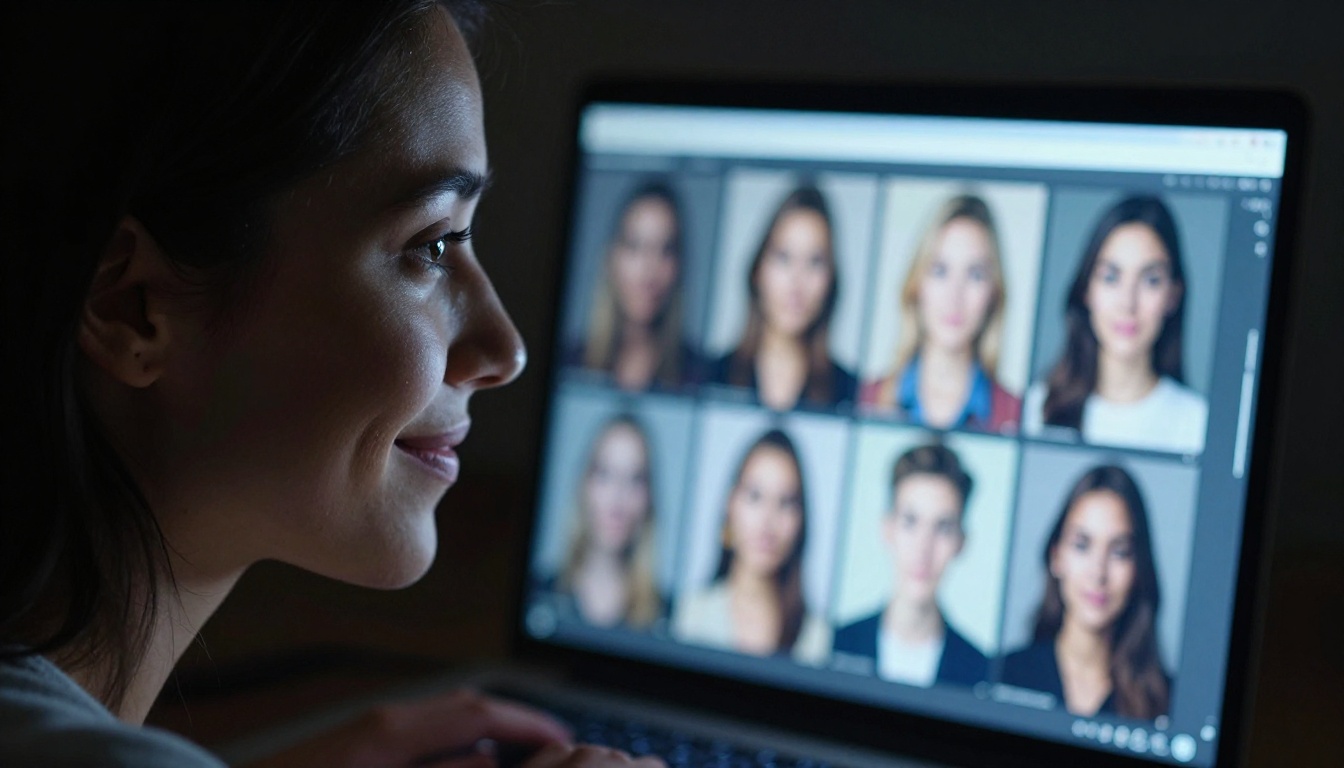
Typography inside AI images has been a persistent weakness across every model family. Ideogram v3 Quality is the closest thing to a solved problem in this space. It renders readable, well-spaced text within images at a consistency rate that makes it commercially viable for social graphics, signage mockups, and branded visuals.
Ideogram v3 Turbo brings that text accuracy to faster generation speeds, trading some rendering quality for throughput. For high-volume social content that requires text overlays, it's a strong combination.
| Ideogram v3 Variant | Speed | Text Quality | Best For |
|---|
| Quality | Slower | Excellent | Print, branded materials |
| Turbo | Fast | Very Good | Social, thumbnails, batch work |
| Balanced | Medium | Good | General use |
Realistic Models Still Going Strong
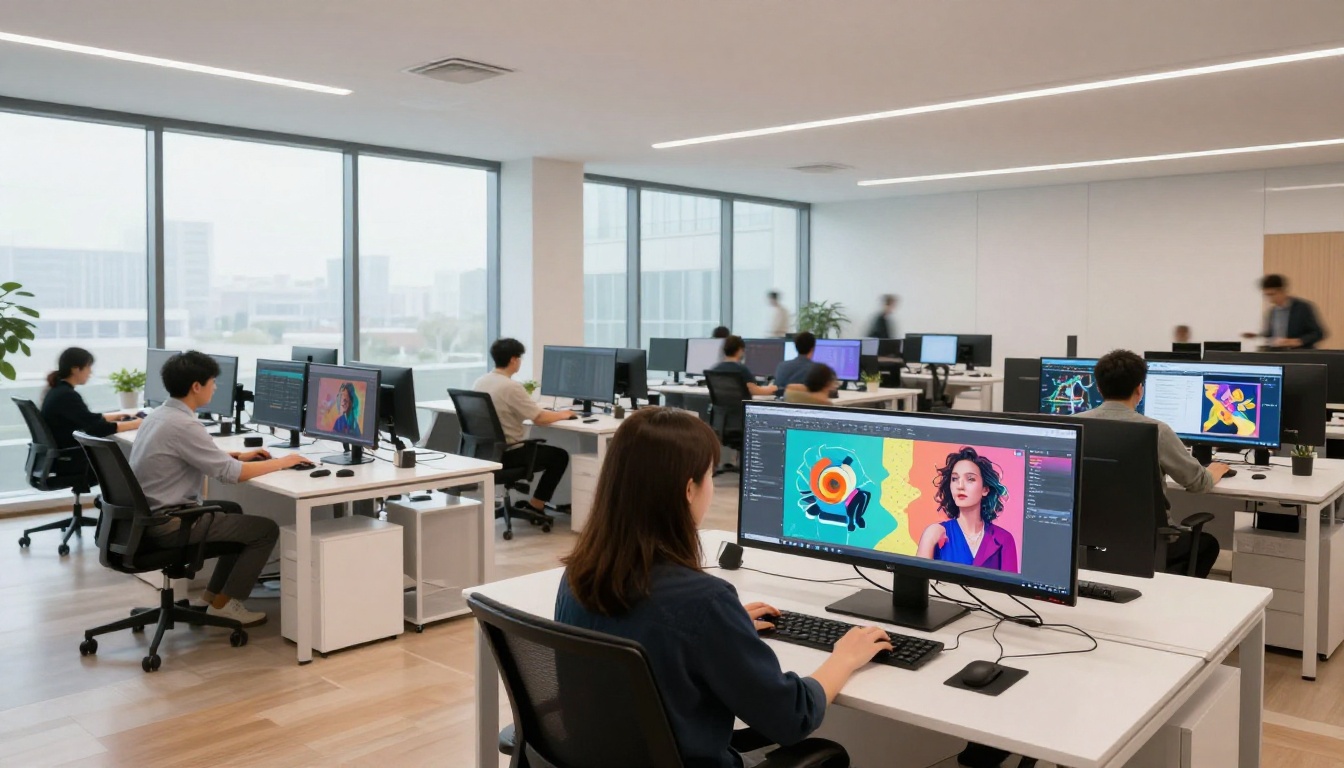
While the headline models get most of the attention, a tier of community-developed and specialized realistic models continues to serve a specific and loyal audience. These models are optimized for exactly one thing: making images that look like real photographs of real people.
RealVisXL v3 Turbo
RealVisXL v3 Turbo produces portraits with a film photography quality that many commercial users prefer over the clinical sharpness of newer flagship models. The skin texture, catchlights in eyes, and natural imperfections, slight asymmetry, fine hair texture, add up to images that read as human rather than rendered.
Realistic Vision v5.1
Realistic Vision v5.1 remains a go-to for portrait photographers who use AI for concept development. It handles close-up facial photography with consistent accuracy and respects lighting conditions specified in the prompt. The model's strength is in individual subjects rather than complex multi-person or environmental scenes.
Qwen Image 2 Pro
Qwen Image 2 Pro brings a different strength: combining image generation with instruction-following that rivals OpenAI's models. It handles both realistic and stylized output with more flexibility than single-purpose models, making it a practical all-rounder for teams that need variety without managing multiple model workflows.
💡 For portrait work requiring natural imperfections and film aesthetic, pair RealVisXL v3 Turbo with PicassoIA's super-resolution tools to get print-ready outputs from web-resolution seeds.
How to Use These on PicassoIA

All the models covered in this article are available directly on PicassoIA, without needing API keys, local installations, or technical configuration. The platform organizes models by category and includes generation history, prompt editing, and direct comparison tools.
For text-to-image work specifically, the workflow is straightforward:
- Choose your model based on output type. Portrait work: RealVisXL v3 Turbo or Flux.1 Dev. Speed priority: Flux Schnell or SDXL Lightning. Text in image: Ideogram v3 Quality.
- Write your prompt with specific lighting, camera angle, and texture details. Vague prompts produce vague images.
- Iterate fast using lower-quality settings, then commit to a high-resolution generation once the composition is right.
- Edit with Flux Kontext if you need to modify specific elements of a generated image without regenerating everything from scratch. Flux Kontext Pro handles this with precision.
- Upscale using PicassoIA's super-resolution tools if the final asset needs to hold at large dimensions.
The platform also supports background removal and AI image editing for fixing damaged or low-quality source material. For teams moving fast on content production, having all these capabilities in one place cuts the switching cost between tools significantly.
The Real Comparison
Here's a practical summary of where each tool wins:
No single model wins in every category. Professionals who produce AI images at volume typically keep two or three models in regular rotation depending on the brief. The cost of switching between them on PicassoIA is minimal since the interface stays consistent regardless of which model is running under the hood.
Start Creating Now
The fastest way to develop a real opinion about these models is to run the same prompt through three or four of them back to back. The differences become obvious in the first comparison. Start with a portrait prompt on Flux.1 Dev and RealVisXL v3 Turbo, then run a landscape through Imagen 4 and SD 3.5 Large. The results will tell you more than any benchmark table.
PicassoIA gives you access to all of these models with no technical overhead. Pick a subject you care about, write a detailed prompt with specific lighting and camera instructions, and see what each model does with it. That hands-on comparison is the most honest evaluation of what's worth using right now.


