Mystic 2K is Freepik's proprietary AI image generation model, built to produce high-resolution photorealistic visuals inside the Freepik platform. This article breaks down how it works, where it excels, how it compares to open-source models, and why creators needing unlimited generations are turning to tools like Flux Schnell and Stable Diffusion instead.
If you've spent time on Freepik recently, Mystic 2K has probably been impossible to miss. It's the platform's in-house AI image model, built directly into their creative suite and positioned as a seamless solution for anyone who needs high-quality visuals without switching tools. But what exactly is Mystic 2K, how does it perform against the alternatives, and when does it make sense to use it versus something better suited for professional volume work?
What Mystic 2K Actually Does
Mystic 2K is Freepik's proprietary text-to-image model, designed to generate images at 2K resolution from written prompts. Unlike third-party models integrated into external platforms, Mystic was developed internally by Freepik's AI research team. That means Freepik controls its training data, safety filters, output behavior, and future development entirely.
The "2K" designation refers to the output resolution target: approximately 2048 pixels on the long edge. This exceeds the standard 1024px output of many popular diffusion models and positions Mystic's outputs closer to what professionals expect from a commercial stock photography workflow.
The 2K Resolution Difference
Resolution matters practically. A 2K output allows designers to crop, zoom, or reuse imagery without hitting quality limits as quickly. For social media banners, editorial spreads, or marketing collateral, this additional headroom is immediately useful in real projects.
That said, resolution is only one dimension of image quality. A 2K image with incoherent anatomy, flat lighting, or poor prompt adherence is still a weak result. Mystic 2K's resolution claim only holds real value when the underlying generation quality matches it.
💡 Resolution vs. Quality: Always evaluate sharpness, coherence, and prompt accuracy alongside pixel count. More pixels on a mediocre image just means a bigger mediocre image.
Built for Photorealism
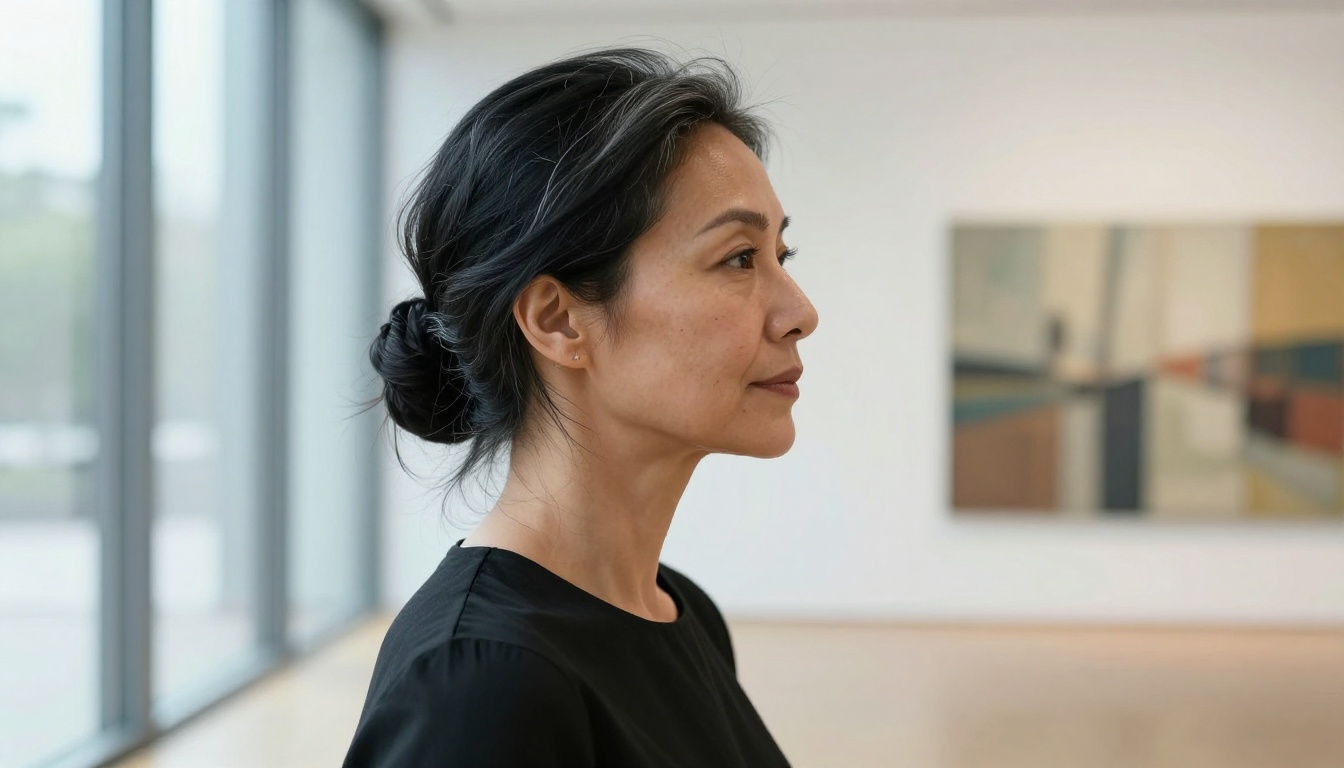
Mystic 2K is trained specifically for photorealistic output. Freepik describes the model as optimized for people, faces, and real-world scenes, which aligns well with their core user base: graphic designers, marketers, and content creators who need practical, deployable visuals rather than abstract or artistic outputs.
The model handles human subjects well in many cases, producing faces with fewer obvious artifacts than earlier diffusion model generations. Hands remain a consistent weak point across nearly all AI image models today, and Mystic 2K is not an exception to that pattern.
How Mystic 2K Compares to Other Models
To place Mystic 2K accurately, you need to put it next to models you can actually run and compare today.
Flux Schnell by Black Forest Labs operates on a rectified flow architecture that produces sharp, coherent outputs in as few as four denoising steps. Where Mystic 2K requires more compute per image, Flux Schnell was engineered for speed without sacrificing visual coherence.
Direct comparison points:
Speed: Flux Schnell generates a finished image in under 5 seconds. Mystic 2K's generation time is noticeably longer per image across any session.
Prompt adherence: Flux Schnell handles complex, multi-element prompts with high accuracy. Mystic tends to simplify or reinterpret detailed prompt instructions.
Usage limits: Flux Schnell on PicassoIA runs with zero credit caps or quotas. Mystic 2K consumes Freepik credits, which deplete on free tiers within a short active session.
Aspect ratio flexibility: Flux Schnell supports 11 native ratios from square 1:1 to ultra-wide 21:9 and vertical 9:16. Mystic's aspect ratio support is more restricted by comparison.
The credit cap is Mystic's most significant operational constraint in practice. Free users exhaust their monthly allowance quickly. Even Freepik Premium subscribers face generation limits that interrupt high-volume production workflows at inconvenient moments.
Mystic vs. Stable Diffusion
Stable Diffusion is one of the most widely deployed text-to-image models in the world, and on PicassoIA it runs with full parameter exposure:
Six selectable schedulers (DDIM, K_Euler, DPMSolverMultistep, K_Euler_Ancestral, PNDM, KLMS)
Negative prompting for precisely excluding unwanted visual elements
Guidance scale control that balances strict prompt adherence against compositional freedom
Output resolutions up to 1024x1024 with adjustable denoising step count
Mystic 2K's advantage over base Stable Diffusion is primarily resolution and out-of-the-box photorealism. With thoughtful prompt engineering on PicassoIA, Stable Diffusion closes that quality gap substantially.
Where Mystic 2K Excels
Despite its operational limitations, Mystic 2K performs particularly well in specific categories. Identifying those categories helps calibrate exactly when to use it versus when a better-suited alternative exists.
Portraits and People
Portrait generation is Mystic 2K's strongest category by a clear margin. Its training data appears heavily weighted toward human subjects, and the visual results reflect that priority directly:
Diverse ethnicities render with consistent quality across different skin tones without visible quality bias
Age variation from children to elderly subjects produces coherent, realistic outputs reliably
Natural expressions avoid the frozen, uncanny stiffness characteristic of older diffusion model generations
Clothing and accessories render at a detail level suitable for direct commercial application
For a marketer or designer who needs a quick, clean portrait-style image without a photography budget or a lengthy photo shoot, Mystic 2K delivers usable results without extensive prompt tuning on the user's part.
Scenes and Environments
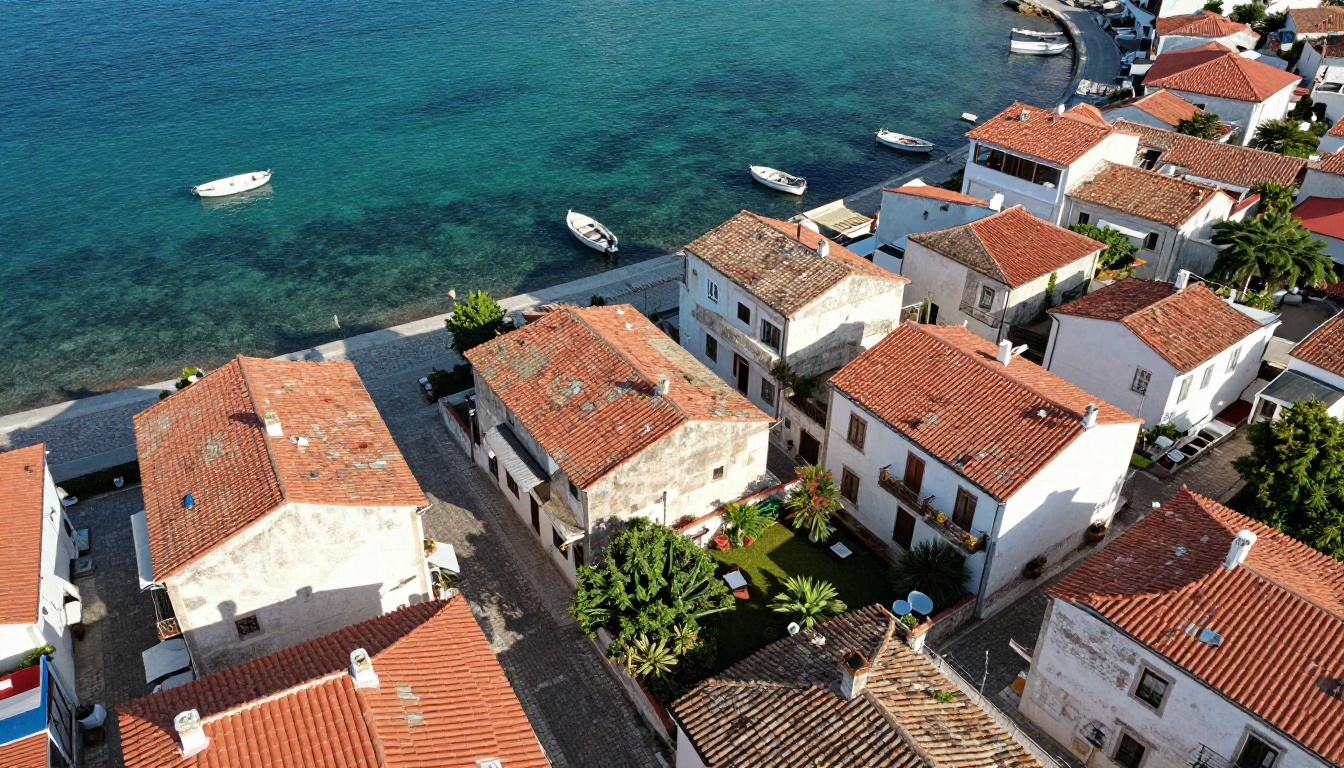
Outdoor scenes, particularly Mediterranean architecture, natural landscapes, and street photography contexts, also benefit from Mystic's photorealistic bias. Exterior daylight scenes with clear geographic anchoring come out coherent and detailed with relatively minimal prompt effort. Complex interior lighting setups are more inconsistent and require more iterative refinement.
💡 Scene prompting tip: Include specific time of day, weather conditions, and geographic context in your prompts. "Early morning, golden sunlight, narrow cobblestone alley, southern France" produces sharper, more coherent results than vague scene descriptions.
Mystic 2K responds best to descriptive, noun-heavy prompts rather than abstract or stylistic language. Where Flux Schnell interprets a short, casual prompt and autonomously builds coherent compositional detail, Mystic 2K benefits from explicit scene construction in the prompt itself.
"Woman, late 20s, olive skin, dark wavy hair, standing in a sunlit wheat field at golden hour, warm backlight from the left, eye-level shot, relaxed calm expression"
This explicit structure gives Mystic 2K the context it needs to produce a coherent, photorealistic result without guessing what you intended from a shorter description.
Negative Prompt Support
Mystic 2K includes negative prompt functionality for excluding specific unwanted elements from outputs:
Remove artifacts: "blurry, noise, out of focus, compression artifacts, soft edges"
Exclude styles: "cartoon, illustration, painting, watercolor, digital art, CGI"
Correct anatomy: "extra fingers, distorted hands, asymmetrical face, bad eyes, extra limbs"
The negative prompt system functions similarly to Stable Diffusion's implementation, though the weight applied to exclusions can feel inconsistent across separate generation runs.
Freepik's Ecosystem vs. Standalone Tools
Evaluating Mystic 2K isn't only about the model's technical capabilities. It's equally about the platform it lives inside and what that platform costs operationally for regular use.
What You Get with Freepik
Freepik's ecosystem offers more than AI image generation. The platform integrates:
Stock asset library: Millions of pre-existing vectors, photos, PSD files, and templates
AI background removal: One-click subject isolation for portraits and product images
AI upscaling: Basic enhancement for generated or uploaded images
Template integration: Pre-built design assets connected directly to creative production workflows
For someone already paying a Freepik subscription for stock assets, Mystic 2K is a convenient addition within a workflow they're already operating inside. The friction of switching platforms is real, and keeping generation inside an existing subscription removes it.
The Credit System Problem
Freepik operates on a credit model for AI image generation. Free users receive a monthly allocation that runs out within a short active session. Premium subscribers have higher caps, but generation limits exist at every tier.
For professional creators who iterate through 50 to 500 variations per project, these credits become a workflow blocker. A session stops mid-project. A production deadline becomes a billing decision rather than a creative one.
💡 Credit math for professionals: If you run 30 images per day across a 5-day project, you need 150 generations minimum. Check whether your Freepik tier covers that before committing it as a primary production tool.
Mystic 2K in the Frontier Model Landscape
The term "frontier model" in AI image generation refers to models operating at the current edge of capability: highest visual coherence, best prompt adherence, and most realistic output quality.
What "Frontier" Actually Means
Frontier image models are typically evaluated across several measurable dimensions:
FID scores (Frechet Inception Distance): Lower values indicate outputs statistically closer to real photography distributions
CLIP scores: Measuring alignment between generated image content and the text prompt that produced it
Human preference rankings: Blind evaluation studies where real users compare model outputs directly without knowing which model produced each result
Mystic 2K has not published standardized benchmark scores in the way Black Forest Labs has for the Flux model family. This makes objective ranking difficult. User-reported results consistently place it in the mid-tier of current photorealistic models, above base Stable Diffusion without tuning but below the top-tier Flux variants.
Where It Sits vs. Flux Dev and Flux Pro
The Flux family from Black Forest Labs represents the current state of the art in photorealistic text-to-image generation. Flux Pro consistently outperforms Mystic 2K in both prompt adherence and visual coherence based on published evaluations and community testing datasets.
Flux Schnell, the speed-optimized variant, trades some of Flux Pro's quality ceiling for dramatically faster generation without watermarks or credit restrictions on PicassoIA. In practical commercial use, the quality difference between Flux Schnell and Mystic 2K is negligible for most applications, while the speed advantage and the complete absence of generation limits shift the operational calculus decisively toward Flux Schnell.
Real-World Use Cases: When to Choose Which
Not every situation calls for the same tool. Here's the honest breakdown for practical decision-making.
Choose Mystic 2K when:
You already subscribe to Freepik for stock assets and have credits available
Your project is portrait-heavy and you need reliable face generation with minimal setup
You want all creative tools, stock assets, and AI generation accessible from one dashboard
You're generating a small, fixed number of images per session
You need fine-grained parameter control including scheduler selection and guidance scale
Negative prompt precision is important to consistent output quality
You're running batch generation workflows without any usage quotas
You want to experiment with prompt engineering at high iteration volume
The Freepik Alternative Question
Searches for "Freepik AI alternative" and "Mystic 2K alternative" have grown substantially in 2027, and that reflects a real, practical gap: Freepik's core business is a stock asset library. AI image generation is an added feature layered onto that product, not the central offering. That organizational priority shows up directly in how the tool is built, how it's priced, and where its limits fall.
Platforms built specifically around AI image generation offer a different operational reality. No credit caps. Access to multiple frontier models within a single session. Transparent generation parameters you can adjust directly. Control over the full image creation pipeline from first draft to finished asset.
PicassoIA gives you access to over 91 text-to-image models, including Flux Schnell and Stable Diffusion, with no monthly generation limits at any tier. Switch between models within a session, compare outputs from different model architectures side by side, and run as many iterations as your project requires without hitting a billing wall mid-session.
For teams producing large volumes of AI-generated content, whether for marketing campaigns, editorial production, social media content, or product development, the ability to run without usage restrictions is the difference between a supplementary experimental tool and a reliable daily production asset.
How to Use Flux Schnell on PicassoIA
Since Flux Schnell is the closest direct performance equivalent to Mystic 2K with significant practical advantages in speed and usage freedom, here's exactly how to get the best results from it:
Step 1: Write a specific, structured prompt
Include subject description, environment, lighting direction, camera angle, and mood. The more concrete and specific the prompt, the more coherent the output. Avoid abstract descriptors without physical anchors attached to them.
Step 2: Choose your aspect ratio
Flux Schnell supports 1:1, 16:9, 9:16, 4:3, 3:2, and more. For social media: 1:1 or 9:16. For editorial banners and wide-format content: 16:9. For standard portrait orientation: 3:4 or 2:3.
Step 3: Enable the Go Fast option
This activates an FP8-optimized generation path producing results in under 5 seconds. Leave it enabled for iteration runs through multiple prompt variations. Disable only when you need strict seed determinism across generations.
Step 4: Lock a seed for consistency
Set a specific seed value to reproduce the exact same compositional result across different prompt variations. This makes A/B prompt testing reliable, repeatable, and directly comparable.
Step 5: Export in your target format
WebP: Best for web publishing with excellent compression-to-quality ratio
PNG: Use for design workflows requiring lossless editing capability
JPG: Direct publishing contexts where file size is the primary constraint
💡 Two-phase iteration workflow: Run an initial batch with Go Fast enabled and seed unlocked to find your strongest composition. Lock that seed. Then refine the prompt for detail quality improvements. This approach cuts wasted generations significantly compared to changing both variables simultaneously.
Start Creating Without Limits
If Mystic 2K's credit caps have been a recurring friction point in your creative workflow, the most direct path forward is a direct, hands-on comparison. Take a prompt you've used inside Freepik's Mystic 2K and run it through Flux Schnell on PicassoIA. Note the generation speed, output quality, and how many variations you can produce before encountering any kind of usage restriction.
PicassoIA gives you Flux Schnell, Stable Diffusion, and 89 additional text-to-image models, alongside image editing tools including outpainting for canvas expansion, inpainting for targeted detail fills, background removal, and super-resolution upscaling at 2x to 4x scale.
For anyone building a repeatable AI image production workflow, the combination of unlimited generations, access to multiple frontier models, and a complete editing pipeline in one place is worth the few minutes it takes to run a direct comparison session yourself. The workflow difference tends to be immediately apparent.