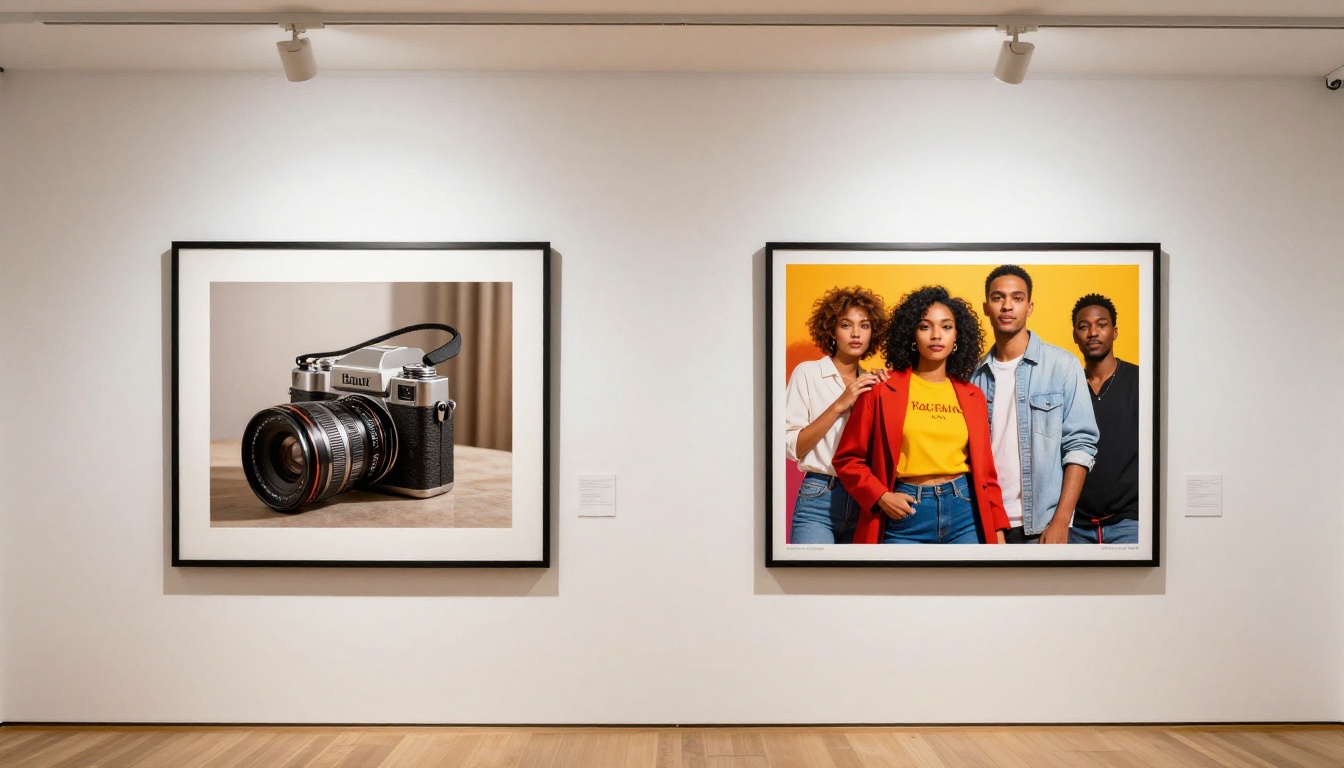
Nano Banana 2: Best Free AI Tool for Marketing Images That Actually Works
Nano Banana 2 is a free AI image generation model by Google built for speed and precision. From social media ads to product visuals and campaign banners, this tool produces photorealistic marketing images in seconds without any subscription. Here is everything you need to know about getting real results with it.
If you have been spending hours sourcing stock photos or paying a designer for every social ad, Nano Banana 2 is the free AI image generator that changes the math entirely. Built by Google and available at no cost on PicassoIA, this model produces sharp, photorealistic marketing visuals faster than most paid tools on the market. Whether you run a solo brand or manage campaigns for a roster of clients, the output quality here is hard to argue with.
What Is Nano Banana 2?
Nano Banana 2 is the second iteration of Google's lightweight, high-speed text-to-image model designed specifically for fast generation without sacrificing output quality. The name reflects the model's architecture: it is a compact, efficient system built to run quickly and deliver results that hold up when printed, posted, or published in a campaign.
Unlike heavier models that take 30 to 60 seconds per image, Nano Banana 2 hits a sweet spot where speed and visual fidelity coexist. For marketing professionals, that difference is enormous when you need to iterate on 15 banner variations before a Tuesday deadline.
Built by Google for Speed
Google engineered the Nano Banana series with real-world production use in mind. The original Nano Banana introduced the architecture. The second version refines inference speed, improves prompt adherence, and raises the ceiling on photorealistic output. Nano Banana Pro sits above it in the lineup for maximum resolution tasks.
💡 Tip: For the majority of social media and digital ad work, Nano Banana 2 delivers results indistinguishable from more expensive models. Save Nano Banana Pro for print campaigns requiring ultra-high resolution.
Free With No Hidden Cost
One of the biggest practical advantages is the pricing model. On PicassoIA, Nano Banana 2 runs on the platform's free tier. You do not need to enter a credit card to generate your first 50 product images. For freelancers, startup marketers, and small business owners who already stretch every dollar, this is a significant unlock.
Why Marketing Teams Love It
The practical reasons marketing teams keep returning to Nano Banana 2 come down to three things: speed, versatility, and cost. But let's get specific about where it actually shines.
Social Ads in Seconds
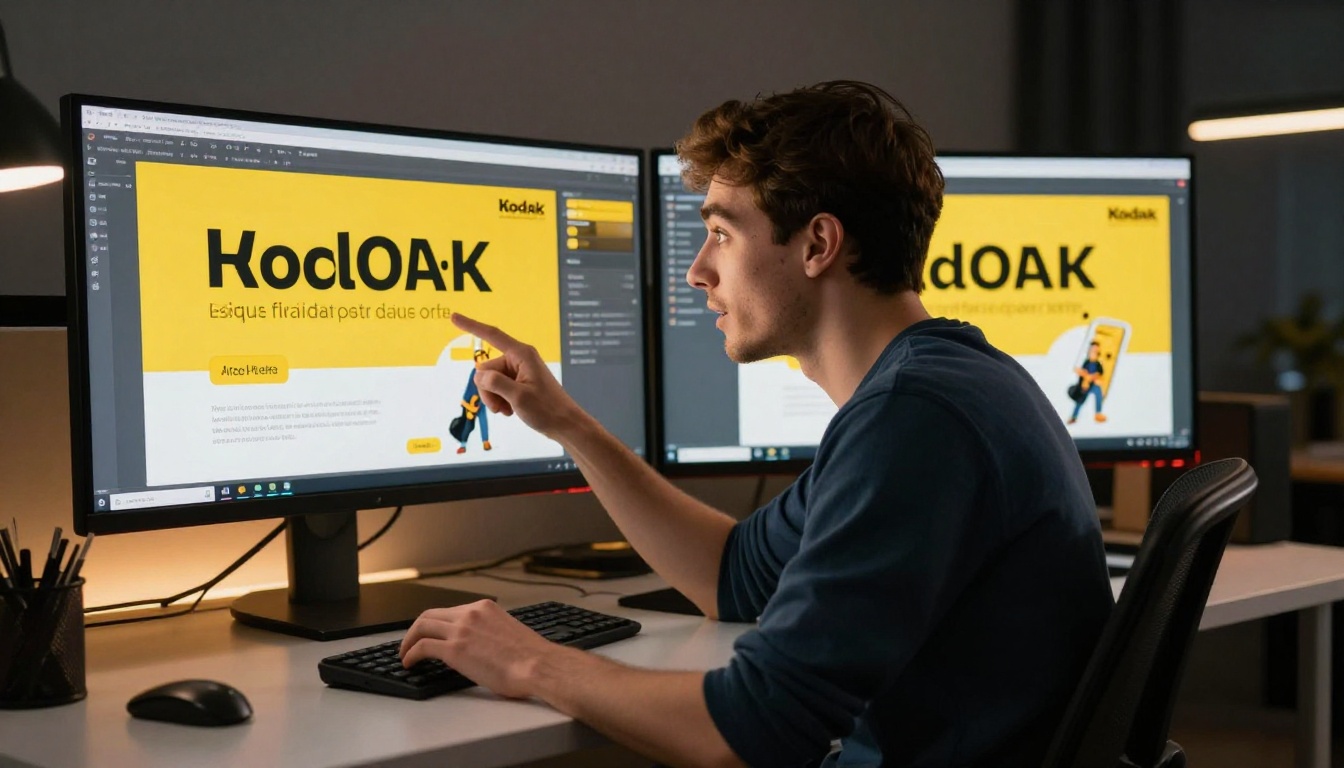
Social media advertising runs on volume. A single Facebook or Instagram campaign can require 10 to 20 creative variants for A/B testing alone. Commissioning those from a photographer or illustrator is expensive and slow. With Nano Banana 2, you write a prompt describing your ideal lifestyle scenario, product context, or campaign mood, and you have a polished, photorealistic ad image ready in seconds.
The model handles lifestyle photography, product staging, abstract brand concepts, and aspirational imagery equally well. That range is rare in a free model.
Product Visuals That Convert
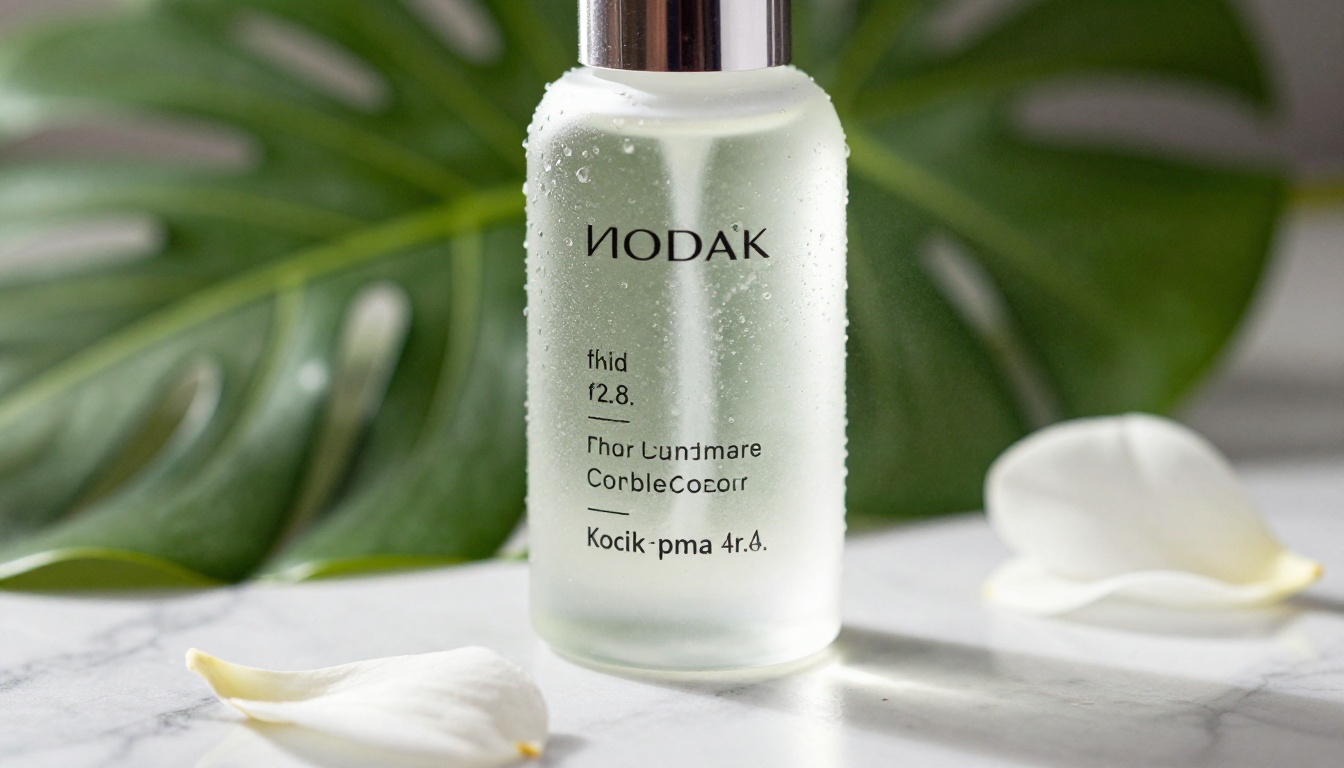
E-commerce brands spend significant money on product photography. A single styled shoot can run into the hundreds or thousands of dollars per session. Nano Banana 2 generates product-in-context imagery that competes directly with studio photography output, at zero marginal cost per image.
The model excels at:
Product on surface photography (marble, wood, fabric backgrounds)
Lifestyle context shots (product in use, natural environments)
Flat lay compositions for social media grid content
Brand mood imagery for hero sections and email headers
Campaign Banners Without a Designer
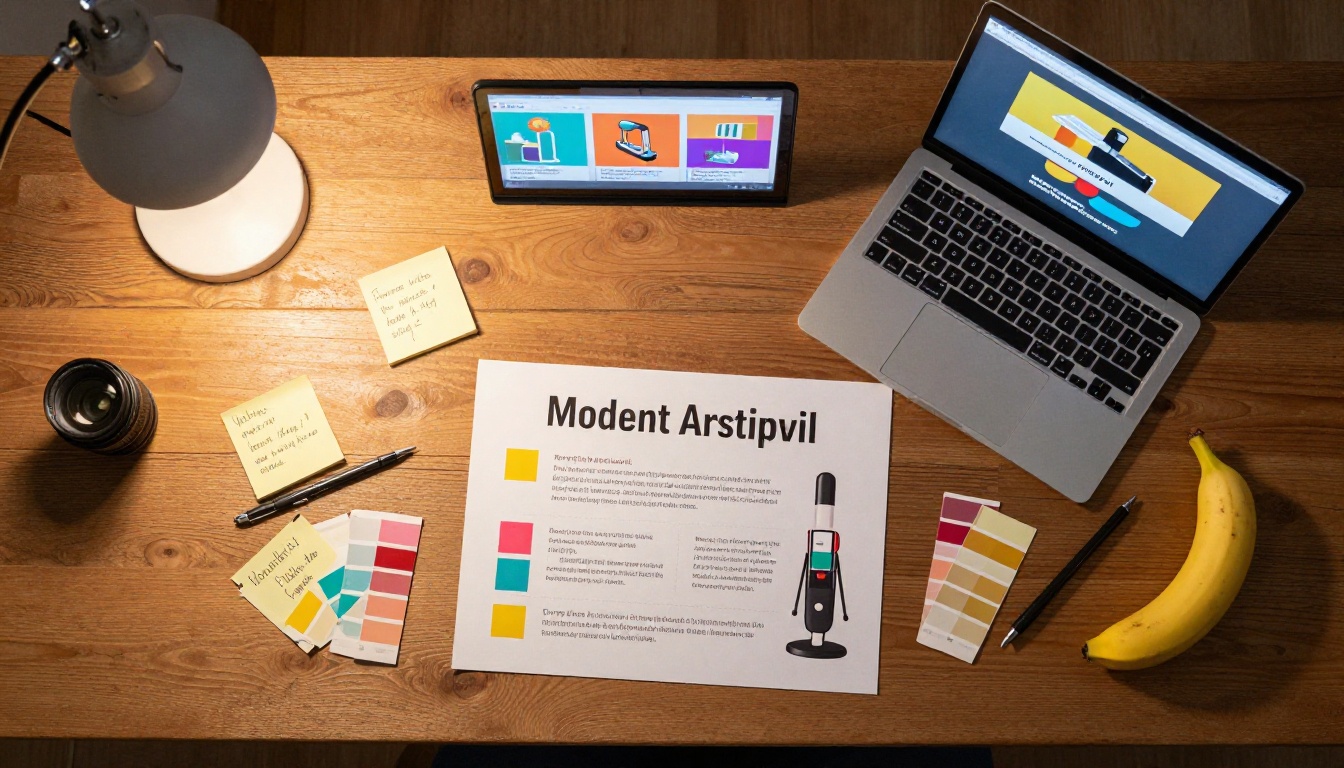
Not every marketing team has an in-house designer available at all times. Nano Banana 2 fills that gap. By describing the composition, mood, color palette, and subject matter directly in a text prompt, you get banner-ready imagery that a non-designer can actually use right away.
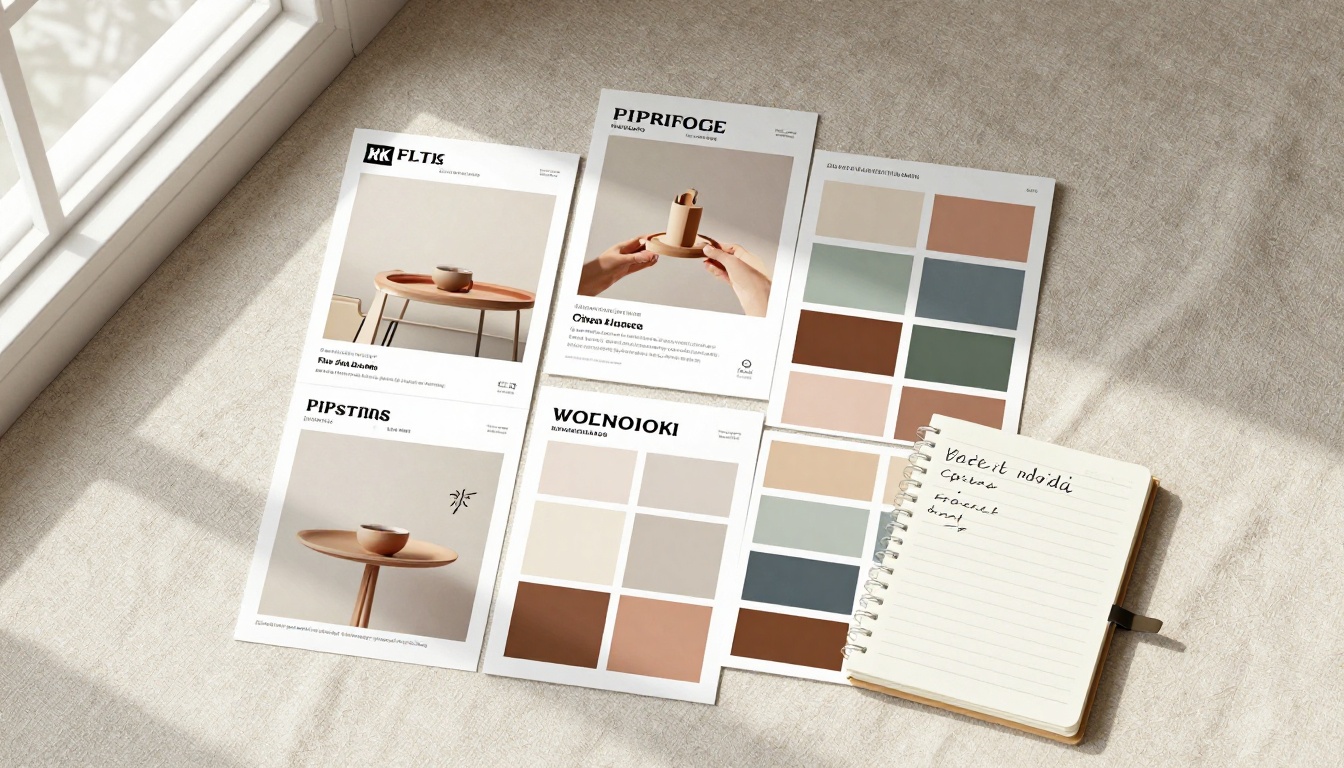
💡 Tip: Describe your brand's color story in the prompt. If your brand uses warm terracotta and white, say it explicitly. The model responds well to specific color direction.
Nano Banana 2 vs. Other Free Models
Not all free text-to-image models perform the same way. Here is how Nano Banana 2 stacks up against other no-cost options available on PicassoIA:
The honest tradeoff: Nano Banana 2 prioritizes speed without heavily compromising quality. Flux Schnell is faster but the photorealism drops noticeably in fine detail areas like human skin and product label text. Nano Banana 2 sits at the intersection where the output is genuinely usable without post-processing in most marketing applications.
When Other Models Win
There are specific scenarios where another model makes more sense:
Maximum photorealism at large scale: Use Flux 2 Pro or GPT Image 1.5 for print campaigns requiring near-flawless output
Complex text in image: Ideogram v3 Quality handles in-image text rendering better
Vector or SVG output: Recraft V4 produces cleaner vector-ready visuals
How to Use Nano Banana 2 on PicassoIA
Since Nano Banana 2 is available directly on PicassoIA, no setup, API key, or technical knowledge is required. Here is the exact process to go from idea to finished marketing image.
Step 1: Open the Model Page
Go directly to the Nano Banana 2 page on PicassoIA. You will see the prompt input field and generation controls immediately. No account required to start, though creating a free account saves your generation history.
Step 2: Write a Specific Prompt
This is where most people underperform. Vague prompts produce generic results. Specific prompts produce campaign-ready images. Use this structure:
Strong prompt: "Glass perfume bottle on a pale marble surface, soft side lighting from the left, surrounded by dried flowers and gold accents, shot from a 45-degree angle, warm and luxurious atmosphere, photorealistic"
The difference in output quality is dramatic. Nano Banana 2 responds very well to lighting descriptions and camera angle cues.
Step 3: Adjust the Aspect Ratio
For marketing purposes, the 16:9 ratio works for website banners and display ads. For Instagram feed posts, switch to 1:1. For Stories and Reels covers, use 9:16. PicassoIA lets you select this before generating, which saves time compared to cropping afterward.
💡 Tip: Generate multiple variants of the same prompt by hitting generate several times. The model introduces natural variation between outputs, giving you real options to choose from without changing your prompt.
Step 4: Download and Deploy
Once generated, download the image directly from PicassoIA. The output is high resolution and ready for use in Canva, Adobe Express, Google Slides, or directly in your ad platform of choice. No watermark, no forced attribution.
5 Prompt Templates for Marketing
These are tested prompt structures that consistently produce strong marketing visuals with Nano Banana 2. Copy, adapt to your brand, and generate.
Product Photography Style
"A [product type] on a [surface material] background, surrounded by [complementary props], soft studio lighting from the left, 85mm lens, shallow depth of field, photorealistic, commercial product photography"
Works for: skincare, food, apparel accessories, electronics, supplements.
Lifestyle and Brand Imagery
"A [gender/age] person [doing activity] in a [setting], wearing [clothing description], warm natural light, candid expression, 35mm lens, Kodak Portra 400 film grain, photorealistic, lifestyle photography"
Works for: fitness brands, travel companies, food and beverage, fashion.
Social Media Ad Visuals
"Flat lay of [product category items] arranged on a [surface texture], pastel [color] background, overhead shot, soft diffused lighting, minimal composition, photorealistic, social media ready"
Works for: beauty brands, lifestyle products, food, wellness.
Email Header Imagery
"Wide panoramic view of [scene description], warm golden hour lighting, cinematic composition, 24mm lens, rich colors, photorealistic, banner format"
Works for: seasonal campaigns, event announcements, newsletter headers.
Before/After Concept Imagery
"Split scene showing [scenario A] on the left and [scenario B] on the right, clean dividing line, consistent lighting across both sides, photorealistic, editorial style"
Works for: service-based businesses, before/after product use cases, comparison campaigns.
The Real Value of Free AI Image Tools
The value conversation around free AI image tools is not just about saving money. It is about what becomes possible when the cost per image drops to zero.
Small Business on a Budget
Before tools like Nano Banana 2, a small business owner had three options for marketing imagery: pay a photographer, buy stock photos, or use low-quality free images that looked generic. None of those options scaled affordably.
Now, a bakery owner can generate 20 unique product styling images for their Instagram feed in an afternoon. A personal trainer can build a full campaign visual library without a single photoshoot. The playing field between small businesses and funded brands narrows significantly.
Speed for Agencies
For marketing agencies managing multiple client accounts, Nano Banana 2 is a production accelerator. What used to require a brief, a shoot day, editing, and review rounds can now be handled in a single working session for concept imagery and ad testing. Agencies using AI image tools report cutting creative concepting time by 60 to 80 percent on certain content types.
💡 Tip: Use Nano Banana 2 to produce fast concept imagery for client approvals before committing to a real photoshoot. It reduces revision loops and gives clients a concrete visual direction to react to.
Where Nano Banana 2 Fits in a Bigger Workflow
Nano Banana 2 is not the only tool you will ever need, but it is the one you will use most often. Think of it as the workhorse of your AI image stack.
Here is how a full AI-powered marketing image workflow looks on PicassoIA:
Generate base imagery with Nano Banana 2 for speed and volume
Upscale select hero images using Super Resolution for print or large format
Remove backgrounds with the Background Removal tool for product cut-outs
Inpaint details using the p-image-edit tool for fine adjustments
Upscale video if you extend any stills into motion content using the platform's video enhancement tools
This pipeline replaces what previously required Photoshop, a stock subscription, and a freelance photographer on call.
When to Step Up to Paid Models
Nano Banana 2 handles the bulk of marketing image needs, but for specific high-stakes applications, stepping up to a premium model on PicassoIA makes sense:
The smart move is to use Nano Banana 2 as your default and upgrade selectively based on the specific output requirement.
Start Creating Your Own Marketing Images Today
The barrier to professional-grade marketing imagery has never been lower. Nano Banana 2 proves that free tools no longer means second-rate results. The model is fast, the output is photorealistic, and the use cases in marketing are broad enough to cover almost everything from social ads to email headers to product photography.
PicassoIA gives you access to Nano Banana 2 alongside 90 other text-to-image models, plus tools for background removal, image upscaling, video generation, and more. Everything you need to build a complete AI-powered content production workflow is in one place, and the free tier gives you real room to produce before you ever need to spend a cent.
Open Nano Banana 2 on PicassoIA and generate your first marketing image today. Start with one of the prompt templates above, iterate, and see what your brand's visual content looks like when speed and quality are both free.