If you've been looking for an AI image model that lets you work with multiple photos at once, blend them, edit them with text prompts, and do it all without paying a cent, Nano Banana 2 is worth your full attention. This model, built on Google AI technology, sits in a different league from the usual text-to-image tools. It was designed specifically for image fusion and editing workflows, which means it handles things that most generators simply cannot do.
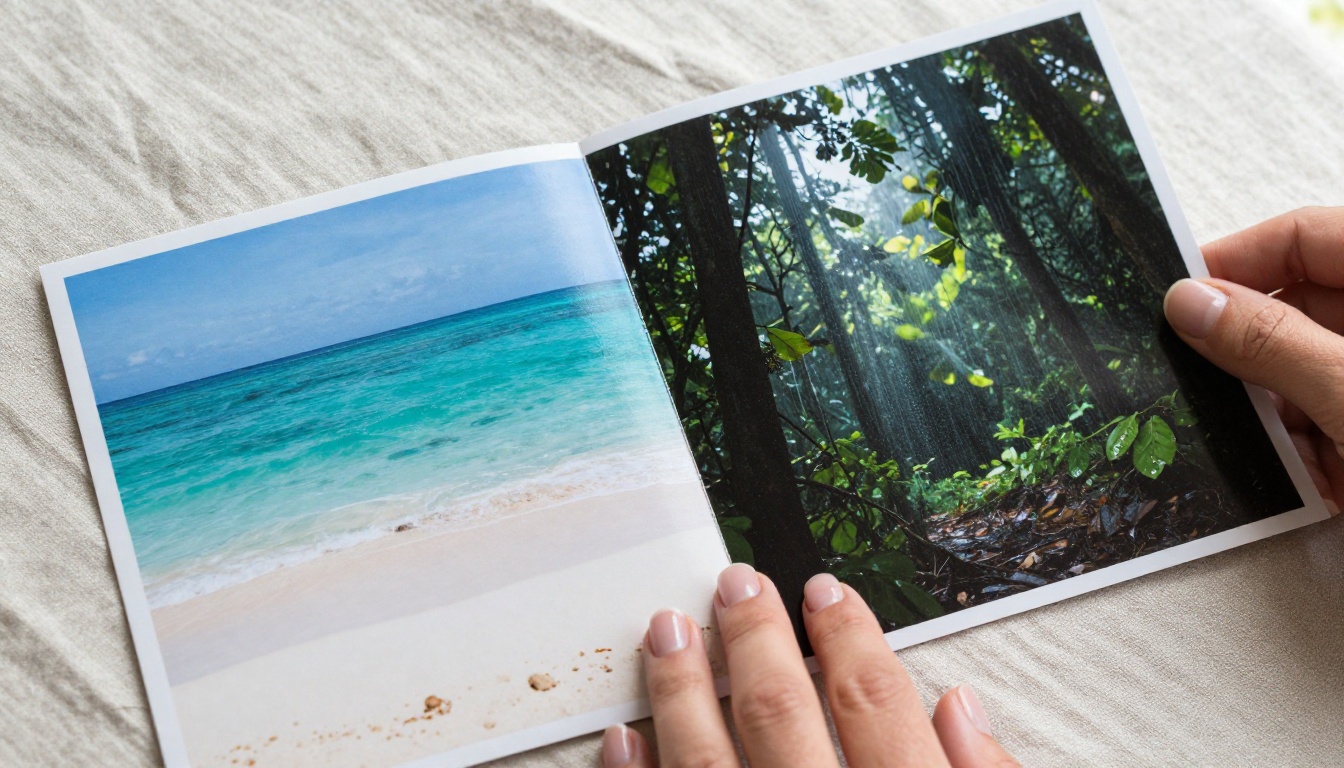
Whether you want to merge a portrait with a landscape, inject the style of one image into the composition of another, or simply edit an existing photo with a plain text instruction, Nano Banana 2 handles all three workflows. This article breaks down exactly what it does, how it compares to the other models in the Nano Banana family, and how you can start using it on PicassoIA today.
What Is Nano Banana 2
Nano Banana 2 is a generative AI image model developed by Google. Its primary function is image editing and image fusion, meaning you can supply it with one or two existing images alongside a text prompt and get a transformed, blended, or edited output. It is not purely a text-to-image tool, and that distinction matters.
Most AI image generators start from noise and build an image entirely from a text description. Nano Banana 2 can do that too, but its real strength is in taking real photos as inputs and doing something meaningful with them. The model understands image content at a semantic level, which is what allows it to combine two visually different images into a single, coherent result.
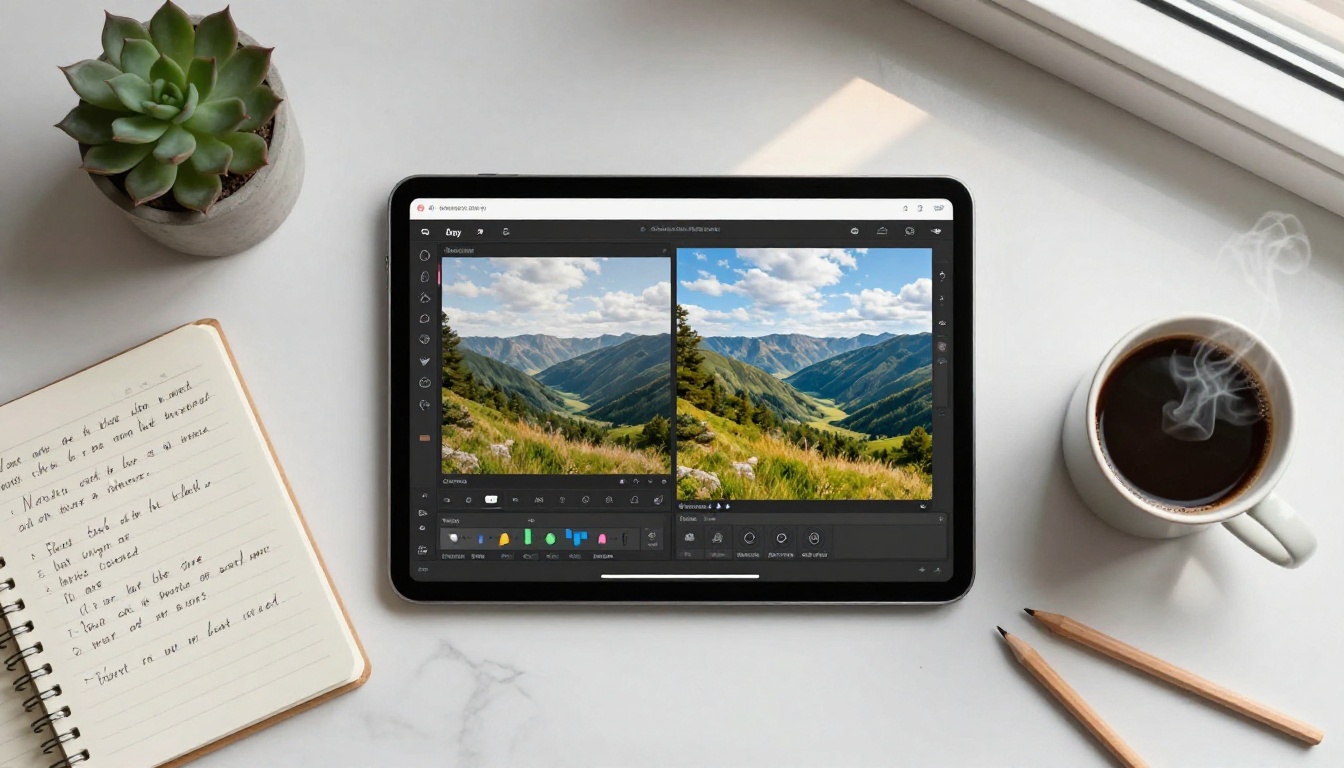
The model is part of Google's broader effort to build practical, accessible AI tools for creative workflows. It's free to use on PicassoIA, and its interface is straightforward enough for anyone to pick up in minutes, regardless of technical background.
💡 Worth knowing: Nano Banana 2 processes image inputs, not just text. This makes it one of the most versatile options in the text-to-image category on PicassoIA, bridging the gap between image generation and image editing.
Core Features Worth Knowing
Image Fusion from Multiple Sources
The standout feature of Nano Banana 2 is its ability to fuse two separate images into a single coherent output. You can upload a portrait and a background, a product photo and a styled environment, or two landscapes with different moods, and the model blends them in a way that respects the visual logic of both inputs.
This is not a simple layer-over-layer composite. The model understands the content of both images and produces a fusion that looks natural rather than mechanically assembled. Colors, lighting direction, and spatial depth are reconciled across both source images in the output.
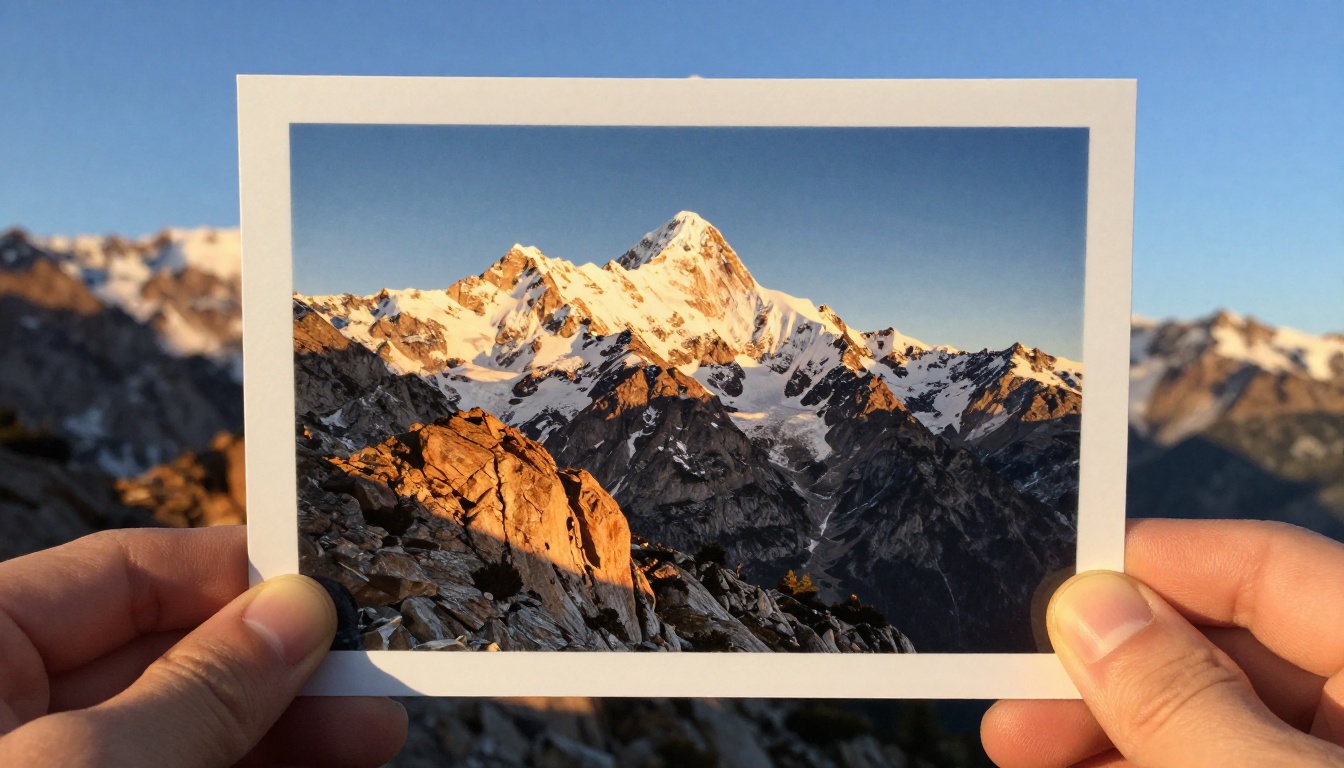
Practical applications of image fusion include:
- Placing a product in a lifestyle setting without a full photoshoot
- Combining a person's likeness with a completely new environment
- Merging two landscapes that carry different lighting moods
- Injecting the texture or color palette of one image into another's composition
- Creating composite scenes for marketing, editorial, or concept art
Free to Use, No Subscription
One of the most practical aspects of Nano Banana 2 on PicassoIA is the pricing: it's completely free. You don't need a paid tier or a subscription to run this model. That makes it accessible to creators, students, marketers, and freelancers who want to test AI image editing without committing to a monthly fee. There are no watermarks on outputs either, which keeps the results usable in real projects.
Built on Google AI Technology
The model runs on Google's image generation infrastructure. That means it benefits from Google's training data scale and years of computer vision research. In practical terms, users get outputs that tend to be clean, coherent, and photorealistic, with solid handling of light direction, shadow depth, and spatial perspective.
The underlying architecture prioritizes semantic understanding of image content over simple pixel manipulation. This is why fusion outputs look like deliberate compositions rather than mechanical collages. The model doesn't just blend pixels; it reasons about what each image contains and how those contents can coexist visually.
Text-Guided Visual Editing
Beyond fusion, the model accepts text prompts to direct the output. You can describe what you want the result to look like, what mood to carry, what elements to add or emphasize, or how to stylize the final image. The text prompt acts as a steering mechanism over the image inputs you provide.
This combination of image input and text instruction is what separates Nano Banana 2 from tools that only accept one or the other. It gives you creative control that is both intuitive and precise.
Nano Banana 2 vs. The Other Versions
The Nano Banana family has three members available on PicassoIA. Here's how they compare across the most relevant dimensions:
| Model | Primary Function | Output Quality | Best For |
|---|
| Nano Banana | Image editing and generation | Standard | Quick edits with text prompts |
| Nano Banana 2 | Image fusion and editing | High | Multi-image blending workflows |
| Nano Banana Pro | 4K image generation | 4K Ultra | High-resolution final outputs |
The original Nano Banana is lighter and faster, but it doesn't offer the same multi-image fusion capability. It's the right pick for simple text-driven edits on a single image. Nano Banana Pro is the correct choice when resolution is the primary concern, generating outputs at 4K quality for print or large-format digital work.
Nano Banana 2 fills the middle ground with a balance of capability and speed that suits most creative editing tasks. If your workflow involves working with existing photos rather than generating from scratch, this is the version to use.
How to Use Nano Banana 2 on PicassoIA
Step 1: Open the Model
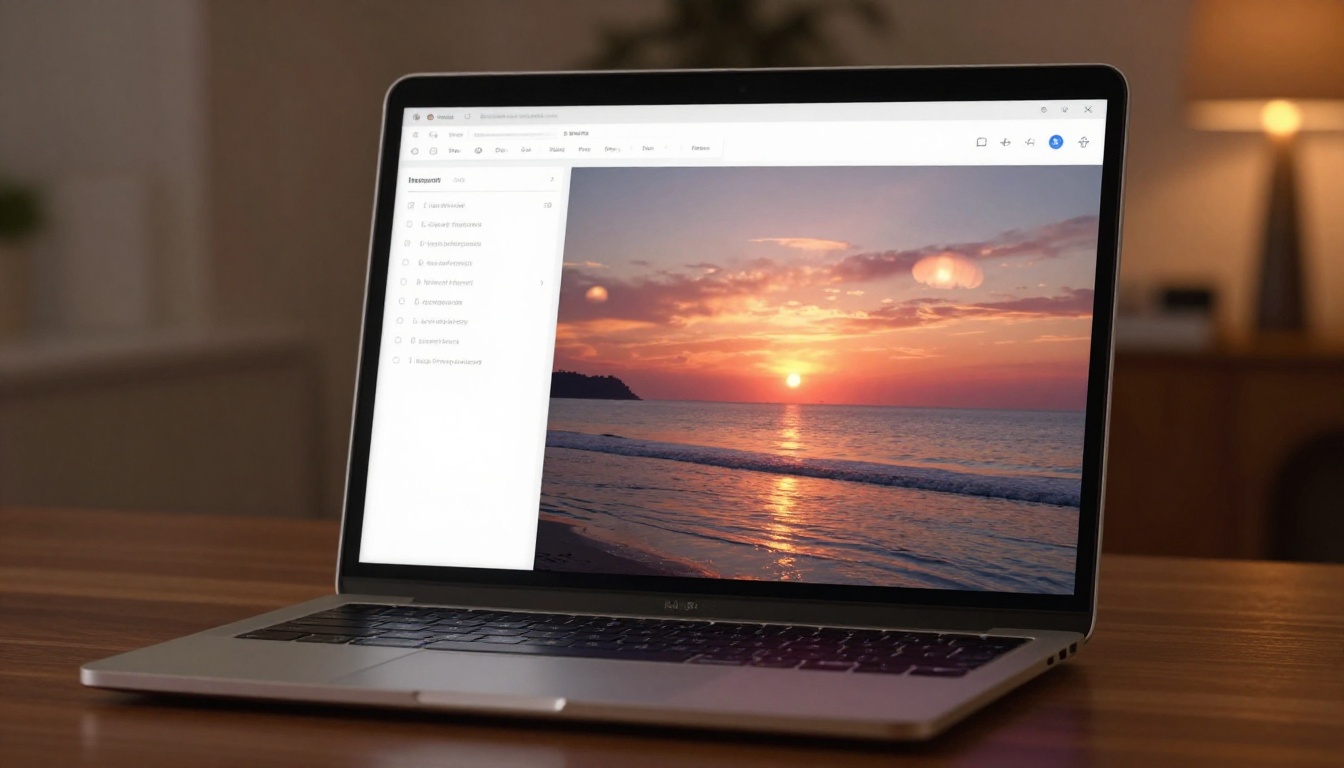
Go to Nano Banana 2 on PicassoIA. You'll land on the model page with the generation interface already loaded. No account setup is required to start generating images.
Step 2: Upload Your Images
The model accepts up to two image inputs. Click the image upload field and add your source images. These can be structured in several ways:
- A subject plus a background: a person or object, paired with a reference scene
- Two style references: two images whose visual qualities you want blended
- A single image: one photo you want to edit using a text prompt alone
💡 Tip: Use images with clear subjects and relatively uncluttered backgrounds for the sharpest fusion results. The model handles complex inputs but cleaner source images reduce unwanted visual noise in the output.
Step 3: Write Your Prompt
The text prompt is where you steer the final output. Write a plain-language description of what you want to see. No special syntax or negative prompts are required. Some examples that work well with this model:
- "Place the person on a tropical beach at golden hour"
- "Blend both images with a warm cinematic color palette and soft shadows"
- "Keep the subject from the first image, replace the background with a mountain landscape"
- "Make the image look like it was shot on 35mm film with natural grain"
Be specific about lighting, mood, and composition. The more clearly you describe the desired result, the closer the output will be to your intent.
Step 4: Generate and Download
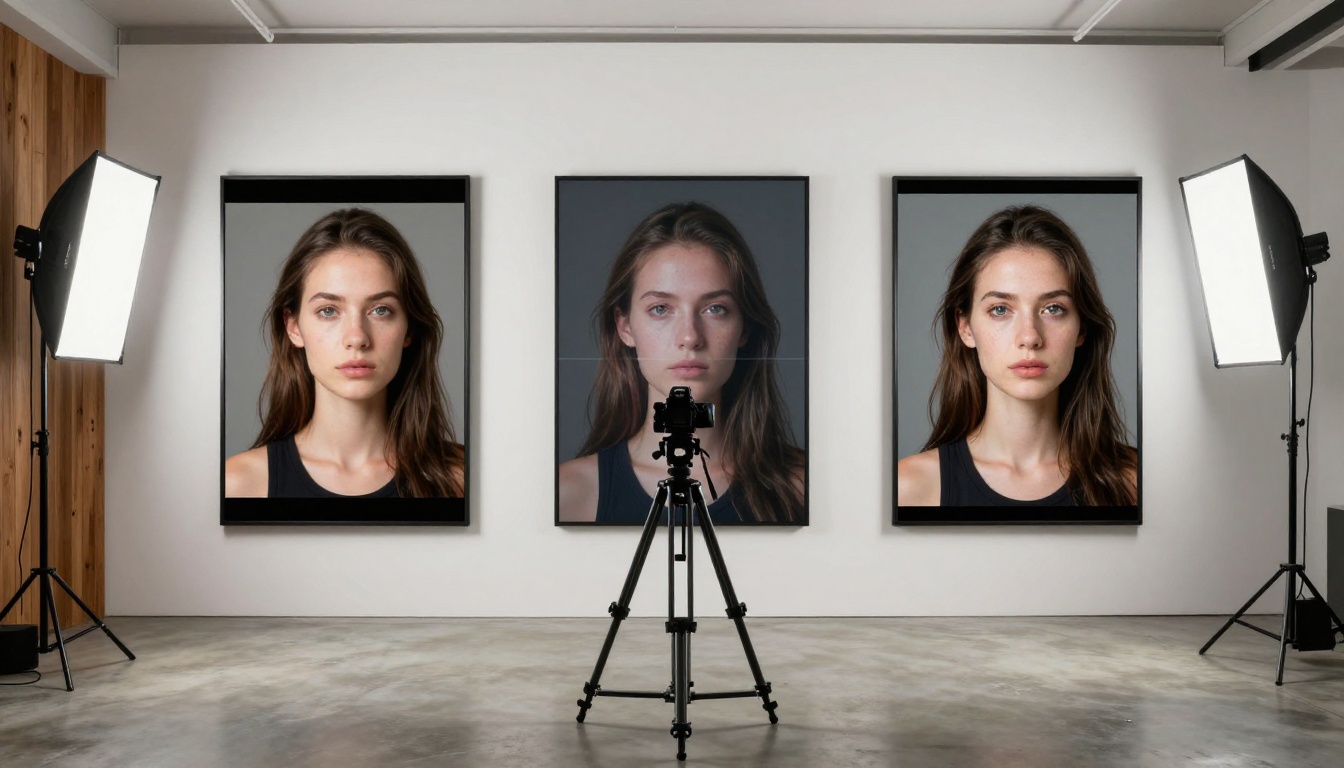
Hit the generate button. Processing typically takes between 10 and 30 seconds depending on image complexity. When the output appears, you can download it directly from the interface at full resolution. If the result doesn't match your expectation, adjust the prompt and regenerate. Most users find the right output within two or three attempts.
💡 Note: If the fusion looks compositionally off, try making your prompt more explicit about which image element should dominate. A phrase like "the subject from image one, with the mood and lighting from image two" gives the model clear priority instructions.
Best Use Cases Right Now
Nano Banana 2 fits cleanly into several real-world production workflows:
Content creators and social media teams can place products in styled lifestyle settings without organizing a photoshoot. Upload the product photo and a reference environment, write a prompt describing the desired mood, and download a ready-to-use visual asset.
Portrait and fashion photographers can redesign backgrounds without complex masking work in Photoshop. The model handles subject extraction implicitly based on image content.
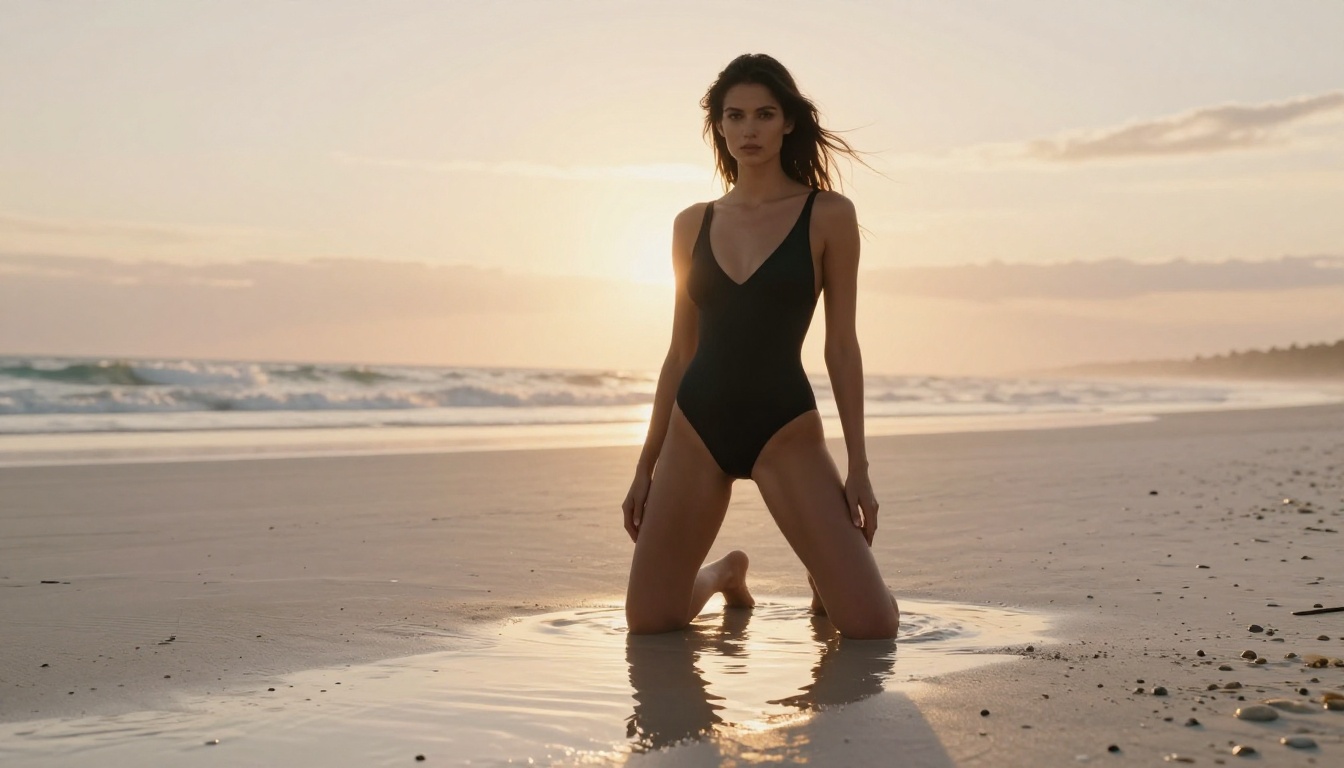
Marketing teams can generate multiple visual variations from a single set of source assets, reducing the production time for campaign imagery from days to minutes. The same subject image can be placed in a dozen different environments with a dozen different prompts.
Bloggers and editorial teams can produce custom header images by blending a thematic photograph with a mood reference, resulting in visuals that match a specific article tone without relying on stock photography.
Concept artists and game designers can rapidly prototype environment fusions, combining reference photos of real locations to produce atmospheric concept art for characters or scenes.
Tips for Better Results
Getting consistently strong outputs from Nano Banana 2 comes down to a few reliable habits:
1. Name the dominant element. If you're fusing two images, tell the model which one takes priority. Phrases like "keep the subject from the first image and use the second as the background setting" produce cleaner results than a prompt that treats both inputs equally.
2. Describe lighting specifically. The model responds well to directional lighting cues. "Warm golden hour light from the left" or "soft overcast diffused light from above" produces far more controlled outputs than a prompt with no lighting information.
3. Keep prompts focused. A clear prompt of 40 to 80 words tends to outperform a sprawling one. Longer prompts sometimes cause the model to average too many instructions, resulting in a muddier composition.
4. Use high-resolution input images. The model inherits visual quality from its inputs. A sharp 1080p or higher photo as a source produces noticeably better output than a compressed or low-resolution file.
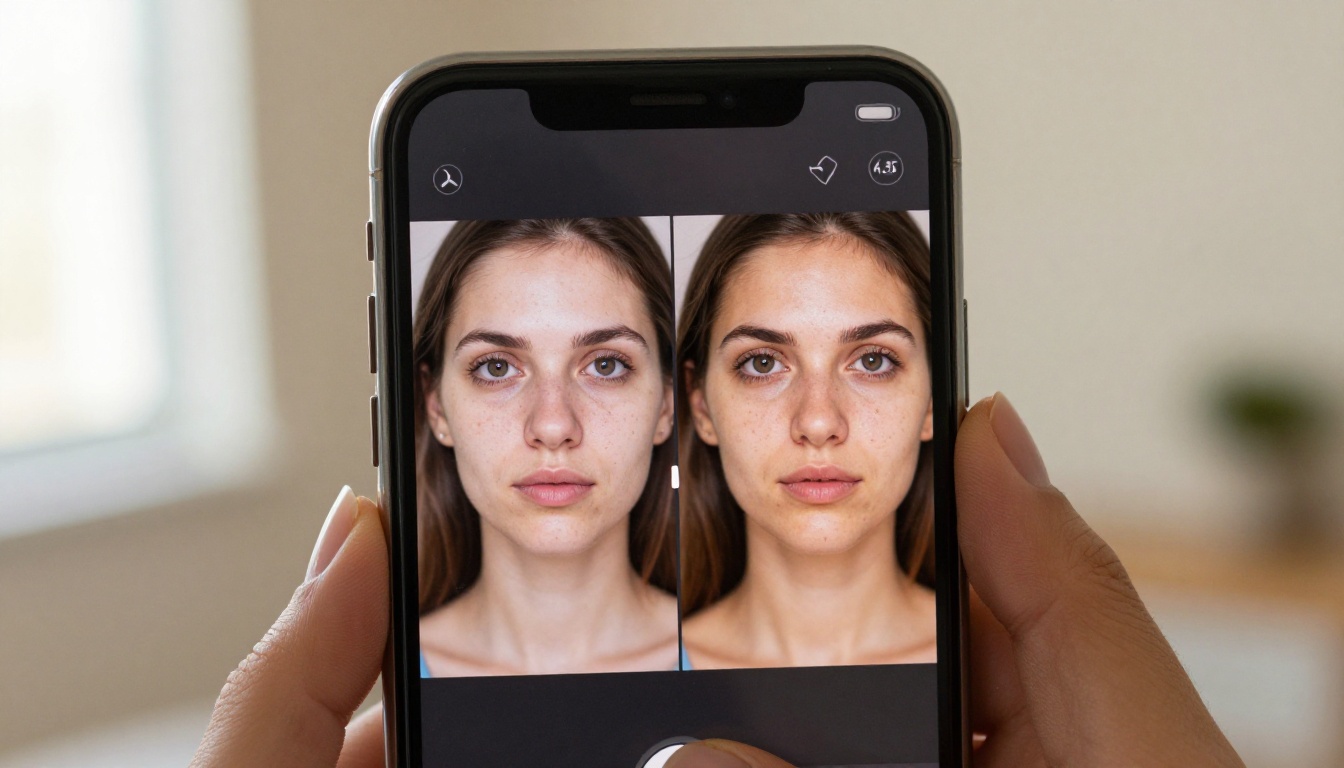
5. Regenerate before changing anything. AI image models carry inherent randomness in each generation. Sometimes a second run with the exact same inputs and prompt produces a noticeably better result. Try regenerating once before adjusting your approach.
6. Use aspect ratio to your advantage. If your intended output is for a specific format (banner, square post, portrait), consider cropping your input images to the same ratio before uploading. The model tends to respect the dimensions of its inputs.
Nano Banana 2 handles fusion and editing, but the PicassoIA platform has adjacent tools that extend what's possible in a multi-step workflow:
Super Resolution is the natural next step after generating with Nano Banana 2. It upscales outputs by 2x to 4x, which is essential when you need a high-resolution file for print, large-format digital display, or any use case where the generated size isn't sufficient.
Background Removal tools on the platform can pre-process your subject image before you upload it into Nano Banana 2. A clean, pre-extracted subject gives the model sharper input and results in tighter, more accurate fusions.
Nano Banana Pro serves as an ideal upstream tool when you need to generate a fresh reference image at 4K quality before using it as an input source for Nano Banana 2's fusion workflow.
Text to Image models across PicassoIA's library offer over 91 options for generating source material. If you don't have a real photograph to work from, generate one first and then feed it into Nano Banana 2 for further editing or fusion.
These tools work independently, but combining them in a sequence unlocks creative workflows that would otherwise require multiple paid software subscriptions and hours of manual editing time.
Start Creating with Nano Banana 2
Nano Banana 2 is one of the most capable free tools in the AI image editing space right now. Its image fusion feature alone separates it from most text-to-image generators, and its text-guided editing makes it genuinely flexible for professional use cases. The fact that it runs on Google's AI infrastructure, costs nothing to use, and produces clean photorealistic outputs is a combination that's difficult to find elsewhere.
If you've been experimenting with AI-generated images and hitting the limitations of text-only generation, this model gives you a meaningful step forward. You bring your own photos, add a clear and specific prompt, and the model handles the compositional heavy lifting.
The best way to see what it can do is to run it yourself. Visit Nano Banana 2 on PicassoIA, upload two images that wouldn't naturally sit together, write a prompt describing how you want them merged, and see what the model produces. The results often go beyond what you'd expect, especially once you learn which prompt patterns work best for your specific creative needs.
💡 Ready to create? PicassoIA has over 91 text-to-image models available for free, including the full Nano Banana family. Start with Nano Banana 2 and branch out as your workflow grows.


