Nano Banana 2 is not what the name suggests. Built by Google and available on PicassoIA, this AI model does something most image generators skip entirely: it edits and fuses existing images with the same precision it applies to generating new ones from prompts. For social media graphics, that dual capability is exactly what separates it from single-purpose text-to-image tools. Polished posts rarely come from one perfect prompt. They come from iterations, composited elements, and targeted edits, work that most generators push outside their scope and into third-party software.
Available alongside its siblings Nano Banana 2 Lite and Nano Banana Pro, Nano Banana 2 sits in a productive middle range: faster than Pro for generation cycles, more capable than Lite when editing or fusing is involved. Whether you run a solo content account, manage social graphics for a small business, or work in an agency delivering client briefs weekly, the model fits workflows that value iteration over one-shot perfection.
This article covers what Nano Banana 2 actually does, how it performs across major social media platforms, how to write prompts that get usable results, and how to finish your output with upscaling and background removal tools available on PicassoIA.
What Nano Banana 2 Actually Does
Standard AI image models operate in one direction: text prompt in, generated image out. Nano Banana 2 adds two layers on top of that. The first is direct image editing, where you upload an existing photo or generated image and describe the change you want made. The second is image fusion, where you provide two source images and describe how the model should merge or blend their elements into a single output.
For social media production, both modes are practically useful in ways that pure generation is not. You can take a product image your client already owns, combine it with a generated lifestyle background, and output a polished Instagram post without any photo editing software. The model handles the compositing, edge blending, and lighting adjustments automatically.
Image Editing and Fusion in Practice
The editing mode works best for targeted, high-impact changes: swapping backgrounds, adjusting the color atmosphere of a scene, removing distracting objects from a composition, or adding environmental detail like fog, sunlight, or rain. These are the edits that move a draft from usable to ready-to-post.
Fusion mode opens more complex possibilities for brand-consistent content. Feed the model a reference image for composition and a second reference for color palette, and it outputs a combined image that borrows structure from one and atmosphere from the other. For a brand running a monthly campaign with a consistent visual identity, fusion keeps new posts on-brand without manually recreating the same visual from scratch each time.
Why This Architecture Suits Social Content
Google built Nano Banana 2 as a general-purpose image manipulator rather than a dedicated generator. The architecture prioritizes speed and flexibility over raw resolution at generation time. That design choice aligns with what social media content actually requires: fast cycles, frequent revisions, and visual consistency across a range of formats rather than occasional large-format print outputs.
The model also handles embedded text better than many generators in its category. Social media graphics regularly need typography baked into the visual rather than added in post-production, and Nano Banana 2 produces legible, contextually placed text in images with less unpredictability than most alternatives running at the same speed.
Nano Banana 2's strengths map directly onto the content types social media platforms actually need. Different placements have different aspect ratios, visual hierarchies, and interaction contexts, and the model's editing and compositing capabilities address specific challenges in each format.
Instagram Posts and Stories
Instagram's feed demands images that read instantly at small thumbnail size while holding detail when tapped to full view. Nano Banana 2's photorealistic generation produces images with enough visual contrast to stop a scroll and enough detail to reward close inspection.

For Stories and Reels thumbnails, the 9:16 vertical format requires intentional subject placement and cropping. The editing mode lets you take a landscape-generated scene and reframe it vertically without losing the central subject or regenerating from a new prompt. That kind of format flexibility without re-prompting saves significant time across a content calendar.
💡 Tip: For Reels thumbnails and Stories, keep your prompt subject in the center-left of the composition. PicassoIA's interface shows you the active frame, so you can crop directly after generation without guessing where the safe zone ends.
Facebook Headers and Promotional Posts
Facebook profile headers are wide-format compositions where the platform crops differently on desktop versus mobile. The safe zone for important visual content sits roughly in the center 60% of the image, with the outer edges functioning as visual padding rather than active design space.

Nano Banana 2's fusion mode handles brand header creation well. Combine a textured background reference with a product shot, describe the brand's color temperature and subject placement, and the model produces a cohesive output rather than two obviously layered elements. For promotional feed posts, the model's high-contrast generation performs well in dense news feeds where visual competition is high.
Twitter/X Headers and Cards
Twitter/X profile headers are among the most underused brand assets on the platform. At 1500x500px, they sit at the top of every profile view, yet most accounts leave them as plain color fills or stretched photography that looks like an afterthought.

Generating a clean, brand-toned header with Nano Banana 2 takes one or two runs with a clear wide-format prompt. Because Twitter/X also uses 16:9 for link preview cards, the same generation can produce both the header and a matching card image from a single adjusted crop, reducing per-asset time significantly.
Using Nano Banana 2 on PicassoIA
PicassoIA gives you access to Nano Banana 2 without API credentials or local installation. The platform handles compute and you interact through prompts and uploaded reference images directly in the browser.
Step 1: Choose the Right Format
Before writing a prompt, define the exact placement you are generating for. Format determines not just aspect ratio but also compositional strategy: what goes where in the frame and how much visual complexity the image can hold.
| Platform | Placement | Ratio | Composition Notes |
|---|
| Instagram | Feed Post | 1:1 or 4:5 | Subject centered or rule-of-thirds |
| Instagram | Story or Reel | 9:16 | Subject in middle 60% vertically |
| Facebook | Header | 16:9 | Important elements in center 60% |
| Facebook | Feed Post | 1:1 or 4:5 | High contrast reads better in feed |
| Twitter/X | Profile Header | 3:1 | Wide, minimal, brand-toned |
| Twitter/X | Link Card | 16:9 | Clear subject, readable at small size |
| Pinterest | Pin | 2:3 | Tall format, room for overlaid text |
| LinkedIn | Banner | 4:1 | Professional, clean, low complexity |
Step 2: Write Prompts That Work
Nano Banana 2 responds better to concrete scene description than to abstract aesthetic direction. The model processes subject position, lighting source and direction, environment specifics, camera angle, and atmospheric detail. Vague prompts produce average outputs; specific prompts produce usable ones on fewer runs.
A practical prompt structure for social media graphics:
[Subject with specific action or position] + [Detailed environment and background] + [Lighting source, direction, and quality] + [Camera angle and lens distance] + [Texture and atmosphere]
Example for a food brand Instagram post:
"Overhead flat lay of a wooden cutting board with sliced avocados, cherry tomatoes, and scattered fresh herbs on a light linen surface. Soft diffused natural light from the upper left, casting soft shadows on the linen. Shot at 90 degrees overhead with a 50mm macro lens. Visible fabric texture on the linen, water droplets on the vegetables, natural wood grain on the board."
For editing and fusion modes, describe only the change or combination you want rather than re-describing the entire scene. "Change the background to a bright minimalist white studio" applied to an uploaded image edits specifically. Re-describing the full scene triggers a new generation rather than an edit.
💡 Tip: When working in fusion mode, label which source image handles composition and which handles color. The model responds better when you specify the role of each reference: "Use the first image for composition, the second image for color palette and lighting atmosphere."
Step 3: Iterate Fast, Save Your Seeds
Because Nano Banana 2 is optimized for speed, adjusting and re-running is fast enough to be part of the actual workflow rather than a costly correction step. Change one variable at a time: shift the lighting description from "afternoon golden hour" to "overcast diffused light," move the camera angle from overhead to 45 degrees, or swap the background environment. Within three or four runs, you typically have a result ready for review.

When a prompt configuration produces the visual style you want, save the seed. Locked seeds let you reproduce the same visual language across a series of posts, which is what brand consistency in a content calendar actually looks like at a practical level. You get new subjects and compositions while the color temperature, lighting character, and overall mood stay coherent across every graphic.
Nano Banana 2 vs. Other PicassoIA Models
PicassoIA hosts over 90 text-to-image models. For social media graphic work specifically, a few models compete directly with Nano Banana 2 and understanding the tradeoffs helps you pick the right tool for each job in the production pipeline.
| Model | Speed | Editing and Fusion | Photorealism | Best For |
|---|
| Nano Banana 2 | Fast | Yes, full | High | Social graphics, iteration-heavy workflows |
| Nano Banana 2 Lite | Very Fast | Partial | Medium | Rapid drafts, high-volume content |
| Nano Banana Pro | Moderate | Yes, full | Very High | Print-ready assets, detail-critical outputs |
| Flux Pro | Moderate | No | Very High | Pure generation, maximum photorealism |
| SDXL | Fast | No | High | Stylized or artistic social content |
| SDXL Lightning | Very Fast | No | Medium | Concept testing, high-speed prototypes |
For social media specifically, the editing and fusion modes in Nano Banana 2 are the differentiator. If your workflow is purely text-to-image and maximum photorealism is the single priority, Flux Pro is the stronger choice for single-shot generation. But for the iterative, composite-heavy process that social media production actually involves, Nano Banana 2 fits the real workflow better than pure generation models.

Sharpening Output for Publication
Generated images from Nano Banana 2 are post-ready at standard social media dimensions, but specific placements benefit from additional processing before publishing, particularly for paid ad placements where rendering quality is higher.
Upscaling for High-DPI and Ad Placements
A 1024px or 1280px output looks fine on a phone screen but can appear soft at larger rendering sizes: Facebook ad carousels on desktop, LinkedIn sponsored posts, or Instagram ads displayed on high-DPI monitors. Upscaling before final export resolves this without regenerating from scratch.
PicassoIA's upscaling models handle this directly:
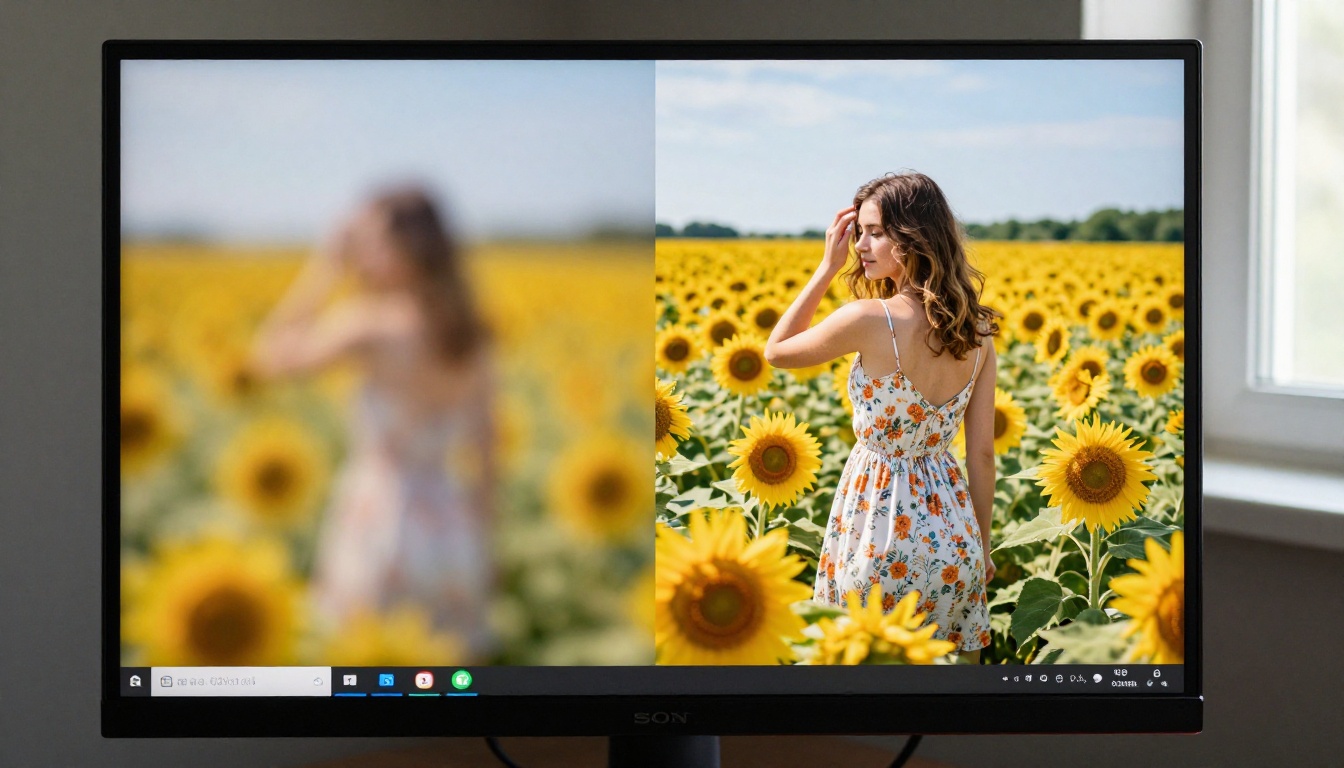
💡 Tip: Upscale before final cropping. More source pixels means a sharper result after trimming to the target ratio, compared to upscaling an already-cropped image.
Isolating Subjects with Background Removal
Not every social media asset needs a baked-in background. Product shots, character cutouts, or overlays for Story templates work better as isolated subjects on transparent backgrounds that you can place over any brand color or pattern without visible edges.
PicassoIA's Remove Background by Bria produces clean edge cuts including complex shapes like hair, transparent objects, and irregular silhouettes. The transparent PNG output drops directly into any background without manual selection or masking.
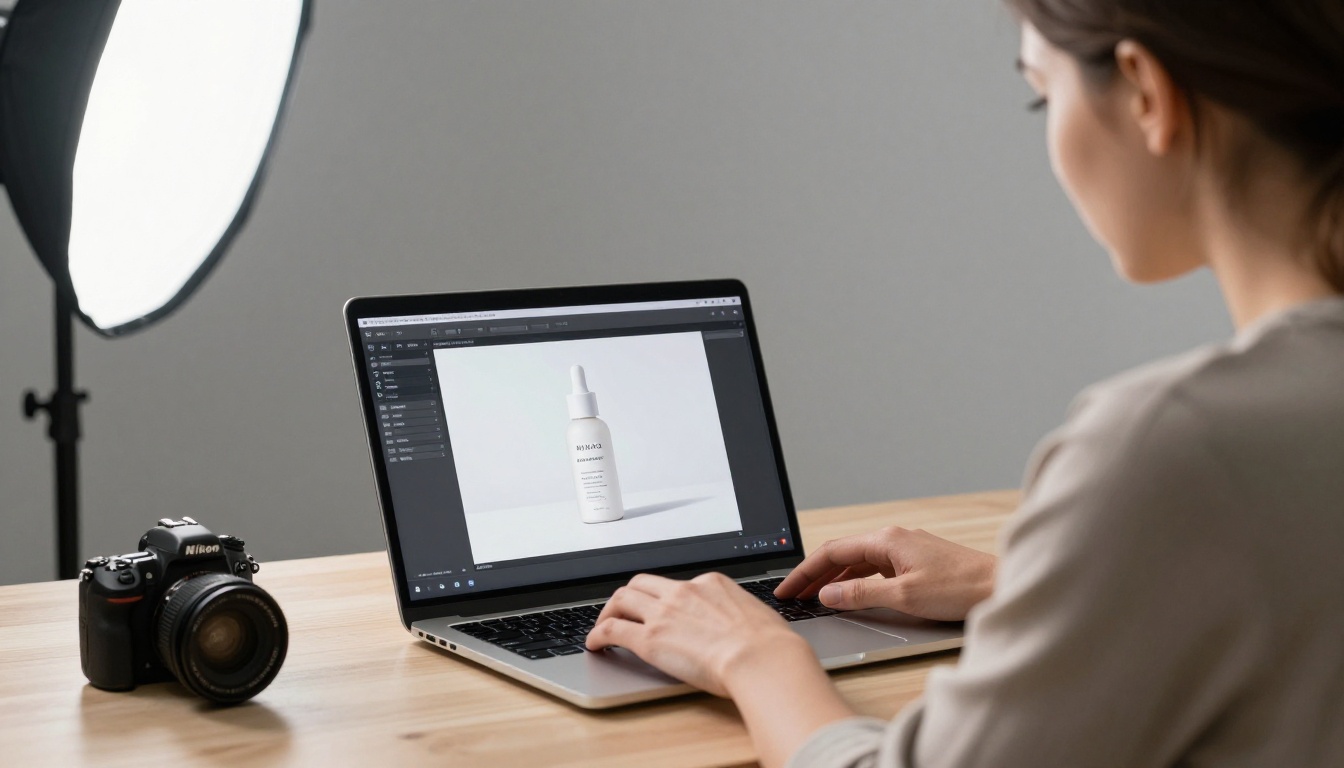
The practical workflow: generate a product scene with Nano Banana 2, extract the subject with background removal, then place it over different brand-colored backgrounds for a seasonal campaign series. You run the subject generation once and vary the background layer rather than re-prompting the entire scene for each color variation.
Who Gets the Most from This Workflow
Content Creators Running High-Volume Calendars
For individual creators posting four to seven times per week, the speed and iteration capability of Nano Banana 2 makes generating a full week's worth of graphics a two to three hour task rather than a full day of work. The model's editing mode handles post-generation adjustments that would otherwise require switching to separate design software.
Brand partnership content benefits most from the fusion mode. When a client supplies their product images and expects you to integrate them into your established visual style, fusion mode blends the product into your generated scenes rather than producing an obvious composite of two unrelated elements.
Small Business Owners Without Design Budgets
A small business posting weekly promotions and event graphics faces the same visual content demands as larger brands with a fraction of the production budget. Nano Banana 2 makes professionally composed assets reachable through a prompt interface rather than a design tool interface.
The format table in the How to Use section covers sizing requirements for each platform. A small business owner can generate platform-appropriate graphics by following those ratios and applying the prompt structure above without any background in graphic design or production tooling.
Agency Teams and Freelancers on Client Retainers
For agencies managing multiple client accounts or freelancers on monthly social media retainers, Nano Banana 2 compresses the production timeline on first drafts significantly. Generating batch drafts for client review, then using editing mode to apply feedback directly to the generated images, fits a realistic approval-and-revision workflow without a complete regen cycle for each note.
Saved seeds let agencies maintain a locked visual style across a client's entire monthly calendar. The posts feel visually consistent to the client without the production team manually recreating the same compositional approach for each new graphic from scratch.
Nano Banana 2 is available directly on PicassoIA, with Nano Banana 2 Lite for high-volume fast drafting and Nano Banana Pro when output quality needs to match higher-resolution publishing standards.
Pick one format from the platform table above, write a prompt using the structure in the workflow section, and run it. Then switch to editing mode and make one targeted change to see how the model responds to incremental direction. The workflow takes about one session to feel natural, and the model's speed means iteration costs less than in most other tools.
For the full range of what PicassoIA's image ecosystem offers, including background removal, upscaling at up to 6x, and access to over 90 text-to-image models, browse all available models. The graphics for next week's posts are closer than they seem.


