Your YouTube thumbnail is the first and only thing that decides whether someone clicks or scrolls. A viewer processes that tiny image in roughly 50 milliseconds, and if it does not immediately signal "this is worth watching," the click goes to someone else. That is not a design problem, it is a communication problem, and Nano Banana 2 solves it by letting you iterate on thumbnail visuals at a speed that matches the speed of creative thinking.
Why Thumbnails Win or Lose the Click
YouTube's own data shows that a 1 to 2 percent improvement in click-through rate (CTR) can double a channel's monthly views without changing a single second of video content. The thumbnail is doing that work silently, every time your video appears in a search result, a suggested feed, or a subscriber's home page.
Most creators know this in theory. In practice, they spend hours in Photoshop fighting with layers, or they settle for a screenshot with text slapped on top. Neither approach produces thumbnails that compete in 2027's crowded feeds.

CTR Numbers Don't Lie
| CTR Range | Channel Health |
|---|
| Below 2% | Poor visibility, algorithm deprioritizes |
| 2 to 5% | Average, competes but doesn't dominate |
| 5 to 10% | Strong, algorithm pushes the video |
| Above 10% | Viral territory, algorithm amplifies heavily |
A thumbnail that moves you from 3% to 6% CTR is not a minor improvement. It is the difference between 10,000 views and 20,000 views on the same video, with the same title, with the same quality of content.
What Stops the Scroll
Three things pull a viewer's eye before they read a single word: contrast, facial expression, and color temperature. A thumbnail with a bold warm foreground against a cool background, a face with a clear expression, and minimal text that supports rather than explains the visual will outperform a cluttered design every time.
This is why AI generation beats manual design for most creators. You can test 10 contrast variations in the time it takes to open Photoshop and set up a template.
What Nano Banana 2 Brings to the Table
Nano Banana 2 is a fast text-to-image model built for iterative creative work. The architecture is designed around a back-and-forth editing loop, not a single-shot prompt-and-pray approach. For thumbnail creation, that distinction matters more than raw image quality.
Blend Up to 14 Reference Images
Most AI image tools ask you to write a prompt and hope the model interprets it correctly. Nano Banana 2 lets you upload up to 14 reference images simultaneously and fuse them into a single output. In practice, this means:
- Upload a photo of your face as the main subject reference
- Upload a reference for the background style you want
- Upload a color palette screenshot from a thumbnail you admire
- Add a composition reference showing where you want visual elements positioned
The model reads all references at once and produces a result that incorporates each one. No more spending an hour trying to describe in words what you could show in seconds with a reference photo.

Edit in Plain Language, Real Time
After the first generation, you do not start over. You type a follow-up instruction in plain English:
- "Make the background darker and add fog"
- "Move the subject slightly left and increase contrast"
- "Change the color scheme from warm orange to cool blue"
The model applies the change to the existing composition, preserving what worked and adjusting what you specified. This conversational editing loop is the core workflow for thumbnail iteration. You can run 20 to 30 meaningful variations in a single session without rewriting a prompt from scratch.
💡 Tip: Keep your follow-up instructions specific and directional. "Make it better" produces random changes. "Increase contrast on the subject's face and darken the top-left corner" produces exactly what you described.
4K Output Built for Thumbnails
YouTube's recommended thumbnail resolution is 1280x720 at a minimum, but channels that appear in 4K feeds and high-resolution displays benefit from sharper assets. Nano Banana 2 outputs at 1K, 2K, or 4K resolution, and the 16:9 aspect ratio is one of 15 available presets. Set it once at the start of your session and every iteration exports at thumbnail-ready dimensions.
How to Use Nano Banana 2 on PicassoIA
Nano Banana 2 runs on PicassoIA with no credit caps or usage quotas. You can generate as many iterations as you need in a single session without watching a counter tick down.
Step 1 — Go to the Model Page
Open Nano Banana 2 on PicassoIA. You will see the prompt input field at the top, the reference image upload area below it, and the resolution and aspect ratio settings in the right panel.
Set Aspect Ratio to 16:9 before writing anything. This ensures every generation is already formatted for YouTube's thumbnail canvas.
Step 2 — Write Your Opening Prompt
Your first prompt sets the scene. Be specific about:
- Subject: Who or what is in the thumbnail (you, a product, a concept)
- Expression or action: What the subject is doing or conveying
- Background: Where the scene is set
- Mood: The emotional register of the thumbnail (intense, cheerful, mysterious)

Example opening prompt for a tech channel:
A professional man in his early thirties with glasses looking directly at camera with a focused expression, holding a sleek laptop, dark grey studio background with a single soft light from the left, bold visual contrast between subject and background, 16:9
This gives the model a complete scene. The first output may need adjustments, but you will not be starting from a blank canvas.
Step 3 — Upload Your Reference Images
Click the image input area and upload your references. You can upload your own photo as a face consistency reference, a color palette screenshot, a background style image, or a composition sketch. The model accepts up to 14 images and processes them all as context for the generation.
For character consistency across multiple thumbnails, which matters for series or playlists, upload the same face reference photo in every session. The model maintains your appearance across all outputs without manual alignment.
💡 Tip: For series thumbnails, save a "reference pack" folder with your face photo, your brand colors, and your preferred background style. Drop all three in at the start of every session for instant consistency.
Step 4 — Refine with Follow-Up Instructions
After the first generation, evaluate what worked and what needs adjustment. Then type one specific instruction at a time:
- Color changes first
- Composition adjustments second
- Lighting and atmosphere third
- Fine details last
This order prevents conflicting changes from stacking up. When you adjust color first, composition second, and lighting third, each change builds on a stable foundation rather than conflicting with the previous iteration.
Step 5 — Export at 16:9 in 4K
When the composition is right, set Resolution to 4K in the right panel before downloading. The 4K export is a clean PNG or JPG at 3840x2160 that you can drop directly into your YouTube dashboard. YouTube downsamples it for most displays, but the sharpness advantage shows on high-resolution feeds and connected TVs.

Prompts That Work for Thumbnails
Different channel types need different visual languages. Here are working prompt structures for three of the most common categories, each tested against the conversational editing workflow in Nano Banana 2.
Tech and Tutorial Channels
Tech thumbnails reward clean, high-contrast setups with a single clear subject and minimal background distraction. The face-forward shot with a product or screen element performs consistently well in tech feeds.

Prompt structure:
[Person] looking at camera with [expression], [product or device] in frame, clean [color] background with soft studio light from the left, sharp focus on face, 16:9, professional product photography
Follow-up variations to test:
- "Change background to deep navy blue"
- "Add a subtle light gradient from orange to dark on the right side"
- "Make the subject's expression more intense"
Gaming Channels
Gaming thumbnails favor drama, contrast, and action. Dark backgrounds with a bright foreground subject, bold color pops, and expressions that convey intensity or excitement perform best in gaming feeds.
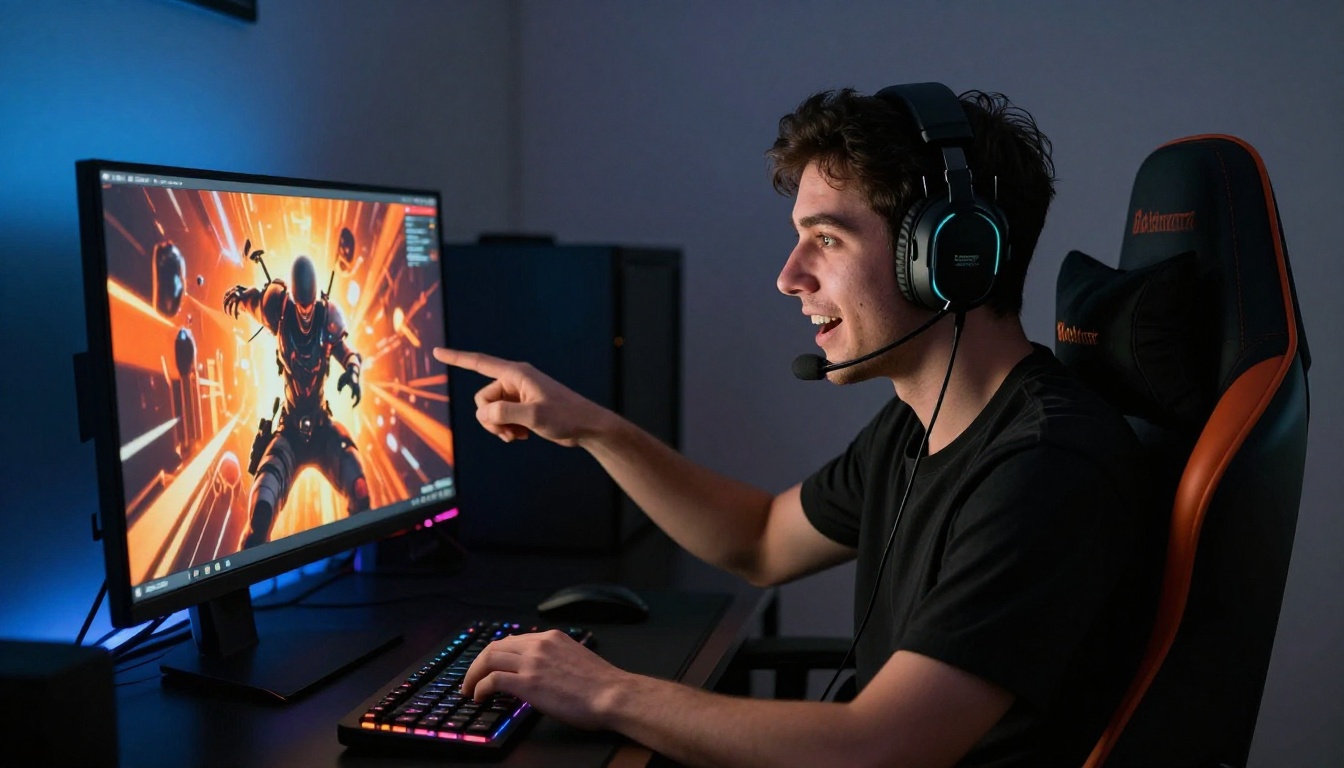
Prompt structure:
[Person] with [excited/shocked/intense] expression, arms raised or pointing at camera, dark studio background with dramatic rim lighting in [color], bold contrast, cinematic atmosphere, 16:9
Follow-up variations to test:
- "Add red and orange light from the right side, keep background dark"
- "Make the expression more shocked, eyes wider"
- "Add motion blur on the background elements"
Lifestyle and Vlog Channels
Lifestyle thumbnails work best when they feel authentic and warm. Bright, airy environments with natural light and genuine expressions outperform staged or overly polished setups in lifestyle feeds.
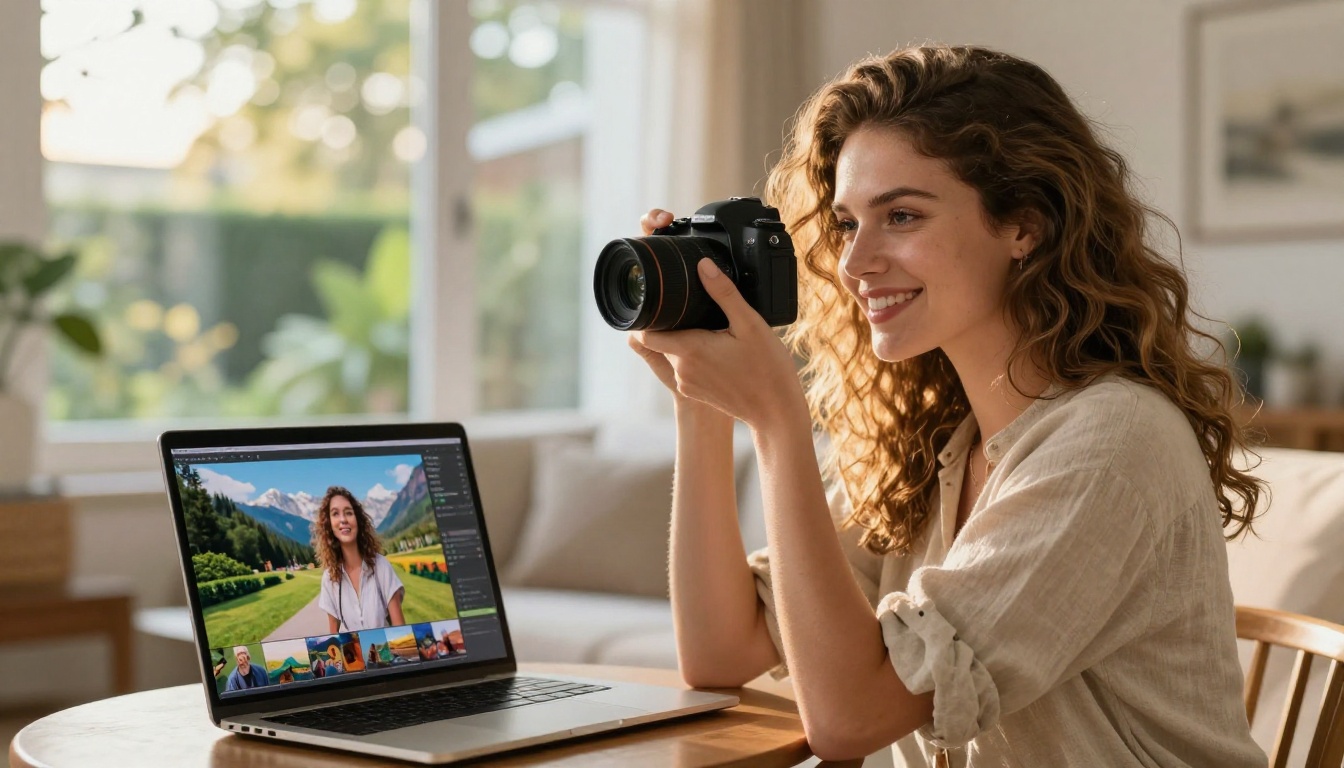
Prompt structure:
[Person] smiling naturally at camera, [lifestyle location: kitchen, travel destination, outdoors], warm bright natural light from the [direction], casual clothing, authentic candid atmosphere, 16:9
Follow-up variations to test:
- "Make the background brighter, increase warmth"
- "Add a secondary subject element relevant to the video topic"
- "Shift the color grade to golden hour tones"
Using Web Grounding for Trending Designs
One of the more unusual features in Nano Banana 2 is real-time web grounding. When you enable Google Search grounding, the model queries live web data to inform the visual output. For thumbnail creation, this means you can prompt around current events, trending topics, or time-sensitive content without manually describing every visual detail.
Google Search Grounding in Action
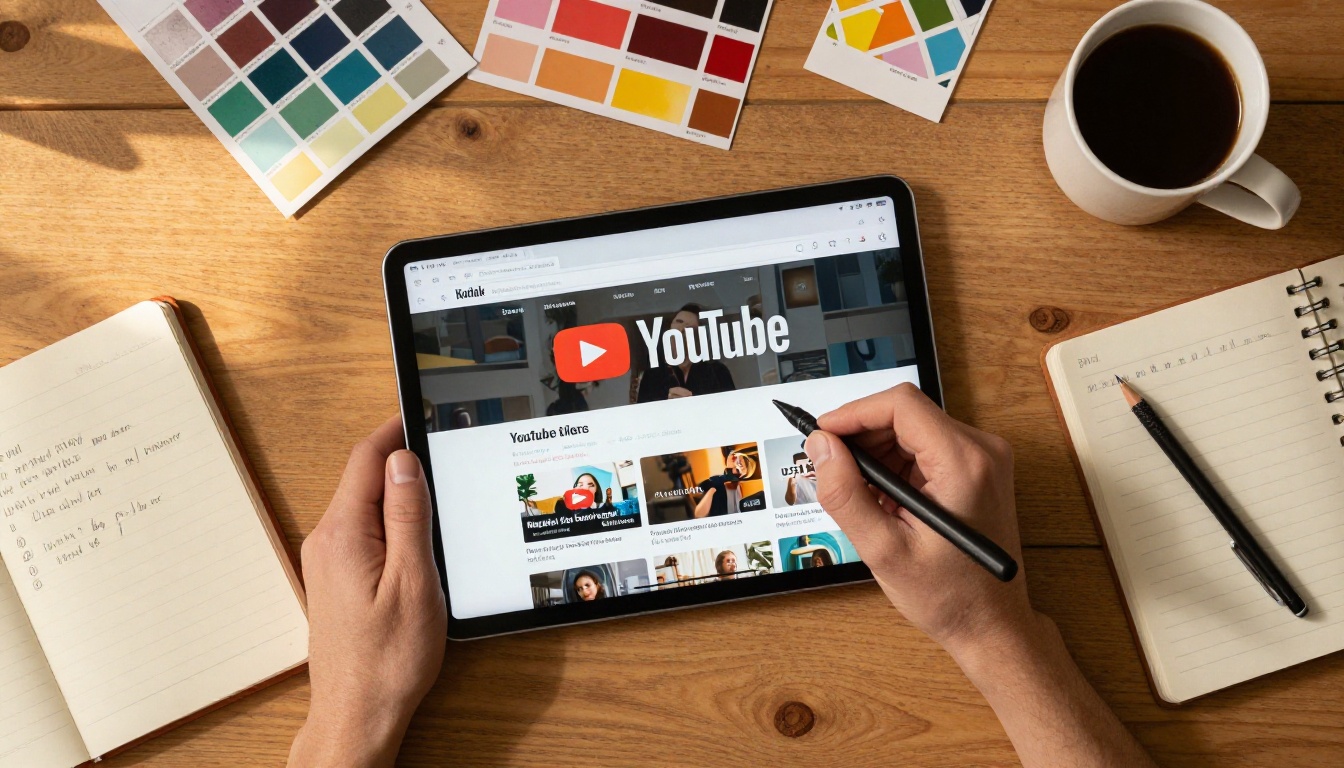
To activate it, toggle Google Search on in the model panel before generating. Then write a prompt that references a real-world subject:
A thumbnail for a video about [current sports event or trending tech topic], person reacting with excitement, bold colors, 16:9
The model pulls current visual context from the web and incorporates it into the output. For news commentary channels, reaction channels, or content tied to current events, this removes the need to describe visual context the model already has access to in real time.
💡 Tip: Pair web grounding with a face reference upload. The model grounds the background and scene in real-world context while keeping your face consistent across the result.
You can also toggle Image Search alongside Google Search grounding. When both are active, the model finds relevant web images as additional visual context, which is useful when you want the output to reflect a specific visual style that is trending right now but hard to describe purely in words.
How Nano Banana 2 Stacks Up
Creators who tested Nano Banana 2 against traditional design workflows and other AI tools consistently report the same advantage: the iteration speed removes the bottleneck between idea and output.
Speed vs. Quality
| Workflow | Time to First Draft | Iterations per Hour | 4K Output |
|---|
| Photoshop manual | 45 to 90 minutes | 2 to 4 | Yes |
| Generic AI generator | 5 to 10 minutes | 6 to 12 | Depends |
| Nano Banana 2 on PicassoIA | 2 to 5 minutes | 20 to 40 | Yes, free |
The iteration advantage compounds: if you run 30 variations in an hour instead of 4, you will find the strongest visual performer far more reliably. You are not gambling on one or two attempts.
Quality at 4K is sharp enough for all YouTube display contexts. The 16:9 preset means no cropping or resizing steps after export. And because PicassoIA runs Nano Banana 2 with unlimited generations, the only cost is the time you spend iterating, not a credit balance.

Channels that iterate on thumbnails consistently report CTR improvements within weeks of switching to an AI-first workflow. The gap between 3% and 6% CTR directly affects how often the algorithm recommends your video and how many new viewers find your channel.
Beyond thumbnail iteration speed, Nano Banana 2 keeps character consistency across a full series without extra effort. Upload the same face reference in every session and every thumbnail in your playlist will feature the same visual identity, which builds the kind of channel brand that viewers recognize at a glance in crowded feeds.
The model also has no generation limits on PicassoIA, which means you can run AB tests across the full range of thumbnail styles without rationing. Run 15 variations of a dark dramatic composition, 15 of a bright friendly one, and compare performance after the first week. That kind of data-driven iteration was previously only available to channels with a dedicated design team.
Start Designing Your Thumbnails Today
Every video you publish deserves a thumbnail that works as hard as the content inside it. Nano Banana 2 on PicassoIA gives you the iteration speed to find that thumbnail without spending hours in design software or burning through tool credits.
The workflow is straightforward: open the model, set 16:9, write your first prompt, upload any reference images you have, run variations until the composition clicks, then export at 4K. Thirty minutes of iterating with Nano Banana 2 will produce more usable thumbnail candidates than a full day of manual design.
If you are not sure where to start, use one of the prompt structures from this article and run your first generation. The conversational editing loop will show you exactly how fast you can go from idea to finished thumbnail, and the unlimited generation policy on PicassoIA means you can iterate without pressure.
PicassoIA has over 90 models for image generation beyond Nano Banana 2. If you want to experiment with different visual styles for your channel, browse the full text-to-image collection to find the right model for your visual identity. Each model has its own strengths, and testing two or three options on the same prompt will show you which one matches your creative direction fastest.
Your next video already has the content. Give it the thumbnail it deserves.


