You've probably seen Nano Banana 2 mentioned alongside the fastest text-to-image models available right now. Google's approach here is straightforward: a compact, high-speed architecture that punches well above its weight class. But the moment you try to use it seriously, the question of free versus paid access becomes very real, very fast.
This is not a vague breakdown. Every difference listed here is specific: what you can generate, how fast it renders, what happens to your image rights, and where the model holds back when you're not on a paid plan.
What Nano Banana 2 Actually Is

Nano Banana 2 is Google's lightweight text-to-image model built for speed without sacrificing too much on quality. The "nano" label refers to the model's architecture: a compressed neural network designed to generate images in a fraction of the time a larger model would take.
The original Nano Banana was already fast. Version 2 improves prompt interpretation, handles complex scene descriptions better, and produces cleaner outputs on detailed subjects like faces, fabric textures, and architectural elements. If you're comparing it to Nano Banana Pro, the Pro variant trades some raw speed for higher fidelity and more nuanced control. Nano Banana 2 sits between them: fast, capable, and practical for volume work.
The Speed Promise
Speed is this model's defining trait. Where models like Flux 2 Pro or Imagen 4 might take several seconds per image, Nano Banana 2 can return results in under two seconds for standard prompts. That speed advantage compounds when you're generating dozens of images for a project. What would take thirty minutes with a slower model takes five minutes here.
How It Fits Into Google's AI Lineup
Google has built a tiered image generation ecosystem. At the top sits Imagen 4 Ultra for maximum fidelity. Below that, Imagen 4 and Imagen 4 Fast cover the quality-to-speed spectrum. Nano Banana 2 and Nano Banana Pro serve a different purpose entirely: they're designed for workflows where throughput matters more than pushing the absolute limit of photorealism.
Understanding this positioning matters for the free versus paid decision. You're not choosing between a toy and a professional tool. You're choosing between two access levels to the same serious model.
The Free Tier: What You Really Get

Free access to Nano Banana 2 exists, and it is genuinely useful for testing, exploration, and light creative work. But the constraints are real and they stack up quickly once you move past casual use.
Daily Generation Limits
The free tier operates on a credit-based system with daily reset cycles. You get a fixed number of generations per day, and once you hit that ceiling, you wait until the next day's reset. For occasional users, this is fine. For anyone running iterative workflows where you generate 8 to 10 variations of a prompt to find the one that works, you'll hit the daily limit within a single session.
The bigger issue is how this limit affects creative decision-making. When credits are scarce, you become conservative. You skip experimental prompts because you can't afford to spend a daily credit on something that might not work. You submit one image instead of four variations. That constraint doesn't just slow you down; it changes how you think about using the model at all.
Output Resolution in Free Mode
Free-tier outputs are functional but resolution-limited. You can generate images at standard web-usable sizes, which is fine for social media posts, blog visuals, or personal projects. The issue appears the moment you need to print anything, use an image in a presentation at full screen, or submit work to a client who expects high-resolution deliverables.
Paid access unlocks higher resolution outputs that don't require post-processing. For situations where free-tier resolution falls short, tools like Super Resolution on PicassoIA can bridge the gap, but that adds steps and potentially cost to your workflow.
The Watermark Situation
Free-tier images from Nano Banana 2 carry a watermark by default. This is standard practice across most AI image platforms, and it serves a clear purpose: it identifies AI-generated content and creates an incentive to upgrade.
For personal use, a watermark is a minor inconvenience you can work around. For any professional context, a watermarked deliverable is a non-starter. No client wants to receive artwork stamped with a third-party platform's branding. No ad campaign can run with a watermark embedded in the creative. Paid access removes watermarks entirely, giving you clean outputs you can use anywhere without modification.
The Paid Tier: What Actually Changes

Paying for Nano Banana 2 access is not about getting a superior version of the model. The underlying AI weights are identical. What changes is everything around the model: volume, speed, image rights, and resolution ceiling.
Credits and Volume
The monthly credit structure on the paid tier is designed for real workloads. Instead of counting individual generations against a tight daily limit, you work from a larger pool that refreshes monthly. This changes how you approach creative projects fundamentally.
With free access, you're forced to be selective. You might plan your prompt carefully for ten minutes to avoid wasting a daily credit on something that might not work. With paid access, iteration becomes cheap. You can generate ten variations of a scene, pick the best one, and move on without calculating the cost per attempt. That mental shift alone makes creative work faster and more enjoyable.
Priority Queue Access
This is one of the most underrated differences between free and paid tiers. When a platform handles high traffic, it makes decisions about which requests to process first. Free users go into the standard queue. Paid users get priority processing.
In practice, paid users rarely wait during any hour of the day. During off-peak hours, the difference is minimal. During high-traffic periods, free users can experience wait times that stretch to minutes per image. Paid users generate the same image in seconds. For anyone using Nano Banana 2 as part of a real workflow, predictable generation speed matters more than most people expect before they've lived through a queue bottleneck on a deadline.
Commercial Use Rights
The free tier gives you images for personal use. The moment you want to use a Nano Banana 2 image in commercial work, including client deliverables, paid advertising, merchandise, product listings, or any context where the image is tied to revenue, you need to be on a paid plan.
This is not a minor distinction buried in terms of service. It's the difference between a tool you can experiment with and a tool you can actually build a business around. Paid access includes commercial licensing, which means the images you create are yours to use in any professional context without restriction or additional fees.
Free vs Paid: Side by Side

Here's the breakdown without ambiguity:
| Feature | Free | Paid |
|---|
| Daily generation limit | Yes, fixed cap | No, monthly pool |
| Output resolution | Standard web size | High resolution |
| Watermarks on images | Yes | No |
| Priority queue access | No | Yes |
| Commercial license | No | Yes |
| Batch processing | No | Yes |
| Generation speed | Standard | Priority |
| Monthly credit volume | Low | High |
| API access | Limited | Full |
The table is honest. If you look at it and the free tier covers everything you need, there is no reason to pay. But if even one of those paid features is something your workflow depends on, the upgrade pays for itself quickly.
💡 Tip: Start with free to test your prompt style and see how Nano Banana 2 handles your subject matter. Upgrade when you hit the daily limit more than twice in a single week of work.
Image Quality: Does Paying Help?

The model itself does not change between tiers. Google runs the same Nano Banana 2 weights for free and paid users alike. What changes is the resolution ceiling and the absence of compression artifacts that sometimes appear in free-tier outputs.
Resolution Ceiling
Free-tier images are delivered at compressed sizes optimized for fast loading and reduced bandwidth. The pixel count is enough for web use but insufficient for print or large-format display. Paid-tier images are delivered at the model's actual output resolution, which is substantially higher and suitable for professional applications.
If you're currently generating free-tier images and then running them through Super Resolution tools to compensate, you're already spending more time and potentially more money than a direct paid subscription would cost. The math favors paying directly.
Prompt Adherence Under Load
One difference users report consistently: paid-tier generations show better prompt adherence on complex scene descriptions during high-traffic periods. This is not because the model is different. It's because priority processing means the generation runs without the optimization shortcuts that occur when infrastructure is under heavy load. The model executes more fully, which shows up as more accurate compositions on detailed prompts involving multiple subjects, specific lighting conditions, or unusual camera angles.
Speed and Priority in Practice

If you use Nano Banana 2 during peak hours on the free tier, you will notice queue wait times. The model is popular, and free-tier requests get deprioritized when server load increases.
Queue Position Differences
Free-tier requests enter the general queue. During busy periods, your request sits behind thousands of others. A generation that takes 1.5 seconds when executed immediately can take 3 to 5 minutes when queued behind high traffic. The generation itself is still fast. It's the wait before execution that kills the experience and makes real-time iteration impossible.
Paid users bypass this queue. Their requests get routed to priority processing lanes that stay responsive regardless of overall platform load. The practical result is that paid users experience Nano Banana 2 at its true advertised speed consistently, any time of day.
Batch Processing
Free-tier access is single-generation: one prompt, one image, submit again for the next. Paid-tier access enables batch processing, where you submit multiple prompts in a single request and receive all outputs at once. For content creators producing multiple images for one article, a social media campaign, or a product line, batch processing is a workflow multiplier that changes the economics of how long image creation takes.
💡 Tip: Batch processing pairs especially well with prompt variation strategies. Prepare five variants of your core prompt, submit as a batch, and you have a full comparison set to choose from without any additional wait time.
How to Use Nano Banana 2 on PicassoIA
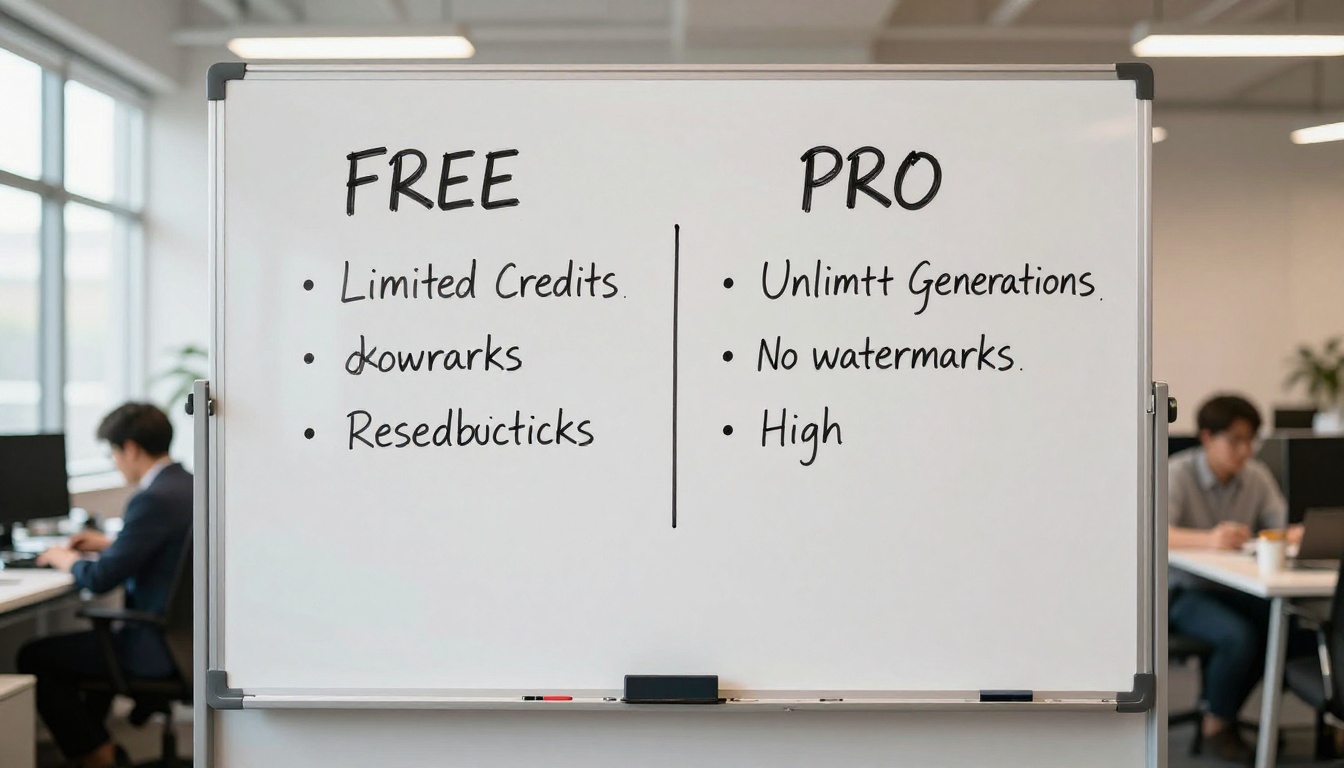
Nano Banana 2 is available directly on PicassoIA without any API setup or technical configuration. Here's how to use it from start to finish.
Step 1: Open the Model
Go to Nano Banana 2 on PicassoIA. You land directly on the generation interface. No installation, no API key management, no configuration. If you have a PicassoIA account, you're immediately in the generation environment.
Step 2: Write Your Prompt
Nano Banana 2 handles natural language prompts well. You don't need special syntax or technical parameter codes in the prompt text. Write what you want to see as you'd describe it to a photographer: subject, environment, lighting, mood, angle.
Prompts that work well with this model:
- "A woman in her 30s sitting at a sunlit cafe window, reading, warm morning light, 85mm lens, photorealistic"
- "Aerial view of a coastal town at golden hour, Mediterranean architecture, film grain, 8K"
- "Close-up of hands holding an open book, natural window light from the left, shallow depth of field"
Prompts that underperform:
- Overly abstract concepts without clear visual anchors
- Requests for specific text to appear within the image
- Complex multi-scene compositions in a single frame
Step 3: Set Your Parameters
The interface gives you control over aspect ratio, number of outputs, and seed values. For most use cases:
- Aspect ratio: 16:9 for web content, 1:1 for social media, 9:16 for mobile-first formats
- Seed: Lock a seed number when you want consistent results across prompt variations
- Outputs: Set to the maximum on paid tier to get the most from each batch submission
Step 4: Generate and Download
Hit generate and watch the speed advantage. Download your images directly from the results panel. Paid-tier users receive full-resolution files ready for professional use. Free-tier users receive compressed versions suitable for web content.
If you want to compare how this model performs against alternatives, Imagen 4 Fast offers a comparable speed profile with slightly different stylistic tendencies. Flux 2 Dev is worth trying when you want more control over compositional structure.
Which Plan Is Worth It
The honest answer depends entirely on what you're doing with the images.
If You Create Casually
The free tier is genuinely sufficient for casual creative work, personal projects, social media posts you're not monetizing, or simply testing what AI image generation can do for your specific needs. The daily limit will occasionally frustrate you, the watermark will be an annoyance, but neither blocks your ability to create.
The free tier becomes clearly restrictive when you hit the daily cap on consecutive days. That pattern signals your usage has grown past casual, and an upgrade makes economic sense.
If You Work Professionally
If any of the following apply to you, the free tier is not sufficient and the paid tier pays for itself almost immediately:
- Client work: Images with watermarks cannot be delivered to clients under any circumstances
- Commercial content: Social ads, product visuals, and marketing materials require commercial licensing to be legally usable
- High-volume production: Daily limits block iterative creative workflows entirely
- Deadline-sensitive projects: Queue wait times during peak hours break time-sensitive deliveries
- Print or large-format output: Standard resolution is insufficient for anything printed larger than a small postcard
💡 Tip: If you're generating images for client work even occasionally, the commercial license alone justifies the paid tier. One project where you cannot legally use your images costs more than a month of paid access.
Start Creating Right Now

If you haven't tried Nano Banana 2 yet, starting with the free tier is the right move. Get a feel for how the model interprets your prompts, what kinds of subjects it handles best, and how fast it actually is in practice. Then make the upgrade decision based on real experience with your own use cases, not speculation.
PicassoIA gives you access to over 90 text-to-image models, meaning Nano Banana 2 sits alongside options like Nano Banana Pro, Flux 2 Max, Imagen 4, and GPT Image 1.5 all in one place. You can test models side by side, compare outputs for the same prompt, and build a toolkit that matches exactly what your projects require without committing to one tool.
The platform's flexibility means you're never locked in. Use Nano Banana 2 for speed-critical work. Switch to Imagen 4 Ultra when maximum quality is the priority. Try Flux 2 Flex for creative flexibility between the two extremes. Every model is one click away, and the difference between free and paid access applies across all of them once you upgrade.
The only way to know which tier actually fits your workflow is to generate something real with it. Open the model, write a prompt for something you're actually working on right now, and see what comes back in under two seconds. That first result will tell you more than any comparison article ever could.


