Google's Nano Banana 2 just received a major update, and the changes are noticeable from the very first generation. This is not a minor version bump. The update addresses the three things that mattered most to everyday users: generation speed, detail fidelity, and how accurately the model follows complex prompts. If you have been using the original version and wondering whether the new release is worth switching to, the short answer is yes.
What Nano Banana 2 Actually Is
Before diving into the changes, it helps to understand where Nano Banana 2 sits in Google's AI image lineup. The model was designed from the start to be fast. Not the highest quality image generator Google has ever made, but the one that delivers results almost instantly while still producing sharp, usable outputs.
Google's image generation portfolio includes heavier models like Imagen 4 for maximum quality work, and lightweight speed-focused options like Nano Banana 2 for rapid iteration. If you're testing prompts, generating reference images, or just want results in under a second, this is the model built for that workflow.

The model family at a glance
The main thing the update changes is that middle column. Nano Banana 2 now produces outputs that were previously only achievable with slower, larger models.
What the New Update Changed
The update touches three distinct areas of the model's behavior. Each one matters in a different way depending on how you work.
Sharper fine detail
The biggest visual change is in how the model handles fine details. Fabric textures, skin pores, foliage, and architectural elements all render with noticeably more clarity. Previous versions of the model would occasionally soften these areas, especially in backgrounds. That tendency is gone in the updated release.
What this means in practice: You can now use Nano Banana 2 for outputs that actually hold up at full resolution, not just thumbnail previews.

Better prompt adherence
The updated model significantly improves how it interprets multi-element prompts. When you specify a combination of lighting conditions, subject positioning, and background details, the previous version would sometimes prioritize one element while ignoring others. The update tightens this considerably.
This is the change that affects professional workflows the most. If you write detailed prompts with specific compositional requirements, you no longer have to regenerate five times to get one output that follows your intent.
Reduced color artifacts
Earlier outputs from Nano Banana 2 occasionally showed subtle color banding in gradients, particularly in skies, skin tones, and smooth background surfaces. The updated model applies better noise distribution across these areas, resulting in cleaner transitions without the need for post-processing.
How the Speed Compares
Speed was always the defining characteristic of the Nano Banana family. The question with every update is whether quality improvements come at the cost of that speed advantage. In this case, they don't.

The updated Nano Banana 2 maintains its sub-second generation window for standard resolutions. For comparison:
For workflows where you're iterating through many prompt variations, that speed difference accumulates fast. Running 50 test generations at 0.8 seconds each takes under a minute. At 5 seconds each, that's over four minutes of waiting.
When speed actually matters
Speed isn't just a convenience feature. It changes how you work:
- Prompt testing: You can afford to test 10 variations of a prompt instead of committing to one
- Reference generation: Quick drafts for composition before running a final version through a higher-quality model
- Volume work: Creating sets of related images for product pages, social content, or editorial use
- Real-time feedback: Seeing results fast enough to iterate based on what you observe, not what you remember
Image Quality: Before vs. After
The updated Nano Banana 2 produces images that would previously have required a slower model to achieve. This is the most significant shift for anyone who has been using the model regularly.

What improved most
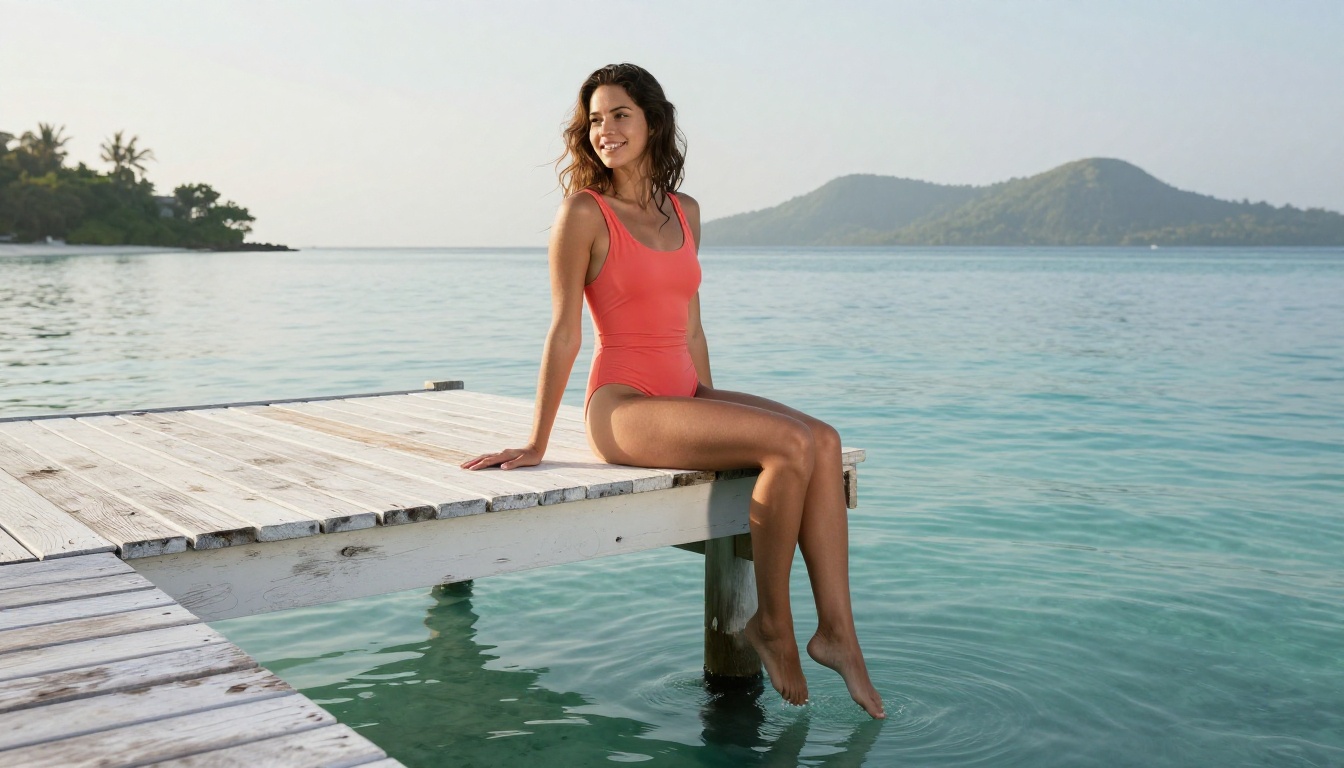
Portraiture and skin rendering saw the biggest gains. The model now handles skin tones, hair strands, and facial feature definition with considerably more accuracy. For lifestyle photography prompts, the difference between the old and new version is immediately visible.
Natural environments also saw meaningful improvement. Foliage detail, water surface textures, and atmospheric effects like fog, haze, or volumetric light render with more physical accuracy. What used to look slightly "generated" now looks convincingly photographic.
Text in images remains an area where you'll want to use dedicated models like GPT Image 1.5 if legibility is critical. Nano Banana 2 improved here, but it's still a fast-generation model, not a typography-optimized one.
Tip: Use Nano Banana 2 for photorealistic scenes and lifestyle content. For graphic design work with text, switch to GPT Image 1.5 or Recraft V4 for better text rendering.

How to Use Nano Banana 2 on PicassoIA
Nano Banana 2 is available directly on PicassoIA's platform. Here's how to put the updated model to work effectively.
Step 1: Open the model page
Go to the Nano Banana 2 model page on PicassoIA. You'll see the prompt input field and generation settings for this specific model.
Step 2: Write a structured prompt
The updated model responds well to prompts that follow this order:
- Subject: What or who is in the image
- Action or pose: What they're doing
- Environment: Where the scene takes place
- Lighting: Direction, quality, and time of day
- Camera: Lens, angle, and distance
- Style modifiers: Film grain, color grade, or mood
Example prompt:
"Young woman in a white linen dress standing in a sunlit wheat field at golden hour, long hair catching the warm backlight, medium shot, Canon 85mm f/1.4 lens, Kodak Portra 400 film grain, volumetric light from the left horizon, photorealistic"
Step 3: Adjust the aspect ratio
For most content, 16:9 works best for editorial and social use. If you're generating portrait content or vertical social formats, switch to 9:16. The updated Nano Banana 2 maintains quality across all supported ratios.
Step 4: Iterate fast
This is the main advantage of Nano Banana 2. If the first result isn't right, generate again immediately. The speed makes trial and error a viable strategy rather than an expensive one.
Step 5: Upscale when needed
When you have a result you want at print or high-display quality, run it through a super-resolution model. PicassoIA's super-resolution tools can take your Nano Banana 2 output and upscale it 2x or 4x without visible quality loss.
Prompt tips specific to the update
The new version responds noticeably better to:
- Specific lighting language: "volumetric morning light from the left," "blue hour ambient fill," "overcast diffused daylight"
- Camera specificity: Naming actual lens focal lengths and apertures ("85mm f/1.8") rather than vague terms like "blurry background"
- Material descriptions: "raw linen texture," "weathered oak grain," "matte ceramic surface" produce more accurate material rendering than generic terms
- Emotion and atmosphere: Adding a mood descriptor like "joyful," "serene," or "dramatic" at the end of your prompt now has a visible effect on composition choices the model makes
The Best Use Cases Right Now
With the update in place, Nano Banana 2 now covers a wider range of practical use cases.
Lifestyle and fashion content
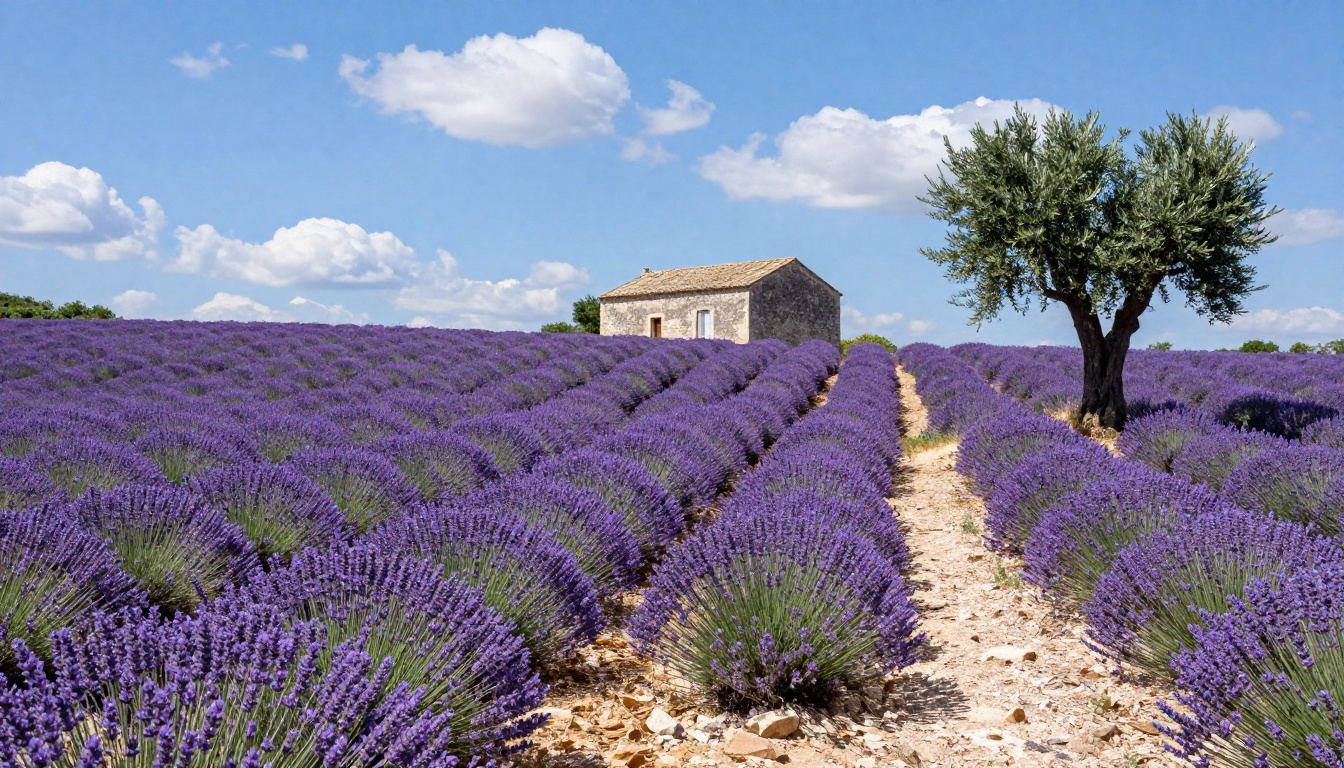
The model's improved portrait rendering makes it well-suited for lifestyle photography prompts. Swimwear, editorial fashion, travel portraits, and glamour photography all benefit from the sharper skin and fabric rendering in the update.
Travel and landscape photography
Photorealistic landscapes, architectural photography, and travel scenes now render with the kind of natural detail that previously required a heavier model. The improved handling of atmospheric effects makes outdoor scenes particularly strong.
Product and food photography
The macro-level detail improvements make Nano Banana 2 significantly more useful for product and food photography prompts. Surface textures, material reflections, and fine detail in food styling all render more accurately.
Creative direction and storyboarding
The combination of speed and improved prompt accuracy makes Nano Banana 2 ideal for creative direction work: generating visual references, testing compositions, and communicating concepts before committing to final production.
Other Google Models Worth Trying
If Nano Banana 2 is your starting point, the broader Google model family on PicassoIA offers options for every quality level.
A common workflow is to use Nano Banana 2 for prompt development and iteration, then switch to Imagen 4 for the final output once the prompt is dialed in.

Non-Google alternatives at similar speeds
If you want to compare Nano Banana 2 against models from other developers at similar speeds:
- Flux Schnell by Black Forest Labs: Excellent prompt accuracy at very fast speeds
- Seedream 5 Lite by ByteDance: Strong detail, particularly for human subjects
- Seedream 4.5 by ByteDance: Quality-speed balance with strong aesthetic sense
Each model has a different visual character. Running the same prompt through several of these and comparing results is a fast way to find which model suits your particular style.
What This Update Actually Signals
The Nano Banana 2 update is part of a broader pattern in AI image generation: the gap between fast models and quality models is closing. A year ago, getting sharp photorealistic output required accepting slower generation times. That trade-off is becoming less pronounced with every major model release.
For people who build with AI images regularly, this has practical consequences. It changes where in your workflow you can rely on fast models versus where you still need to reach for the heaviest tools. The answer after this update is: more places than before.
The update also reinforces why staying current with model versions matters. Nano Banana 2 before and after this update are meaningfully different tools for the people who use it regularly.
See What the Updated Model Can Do
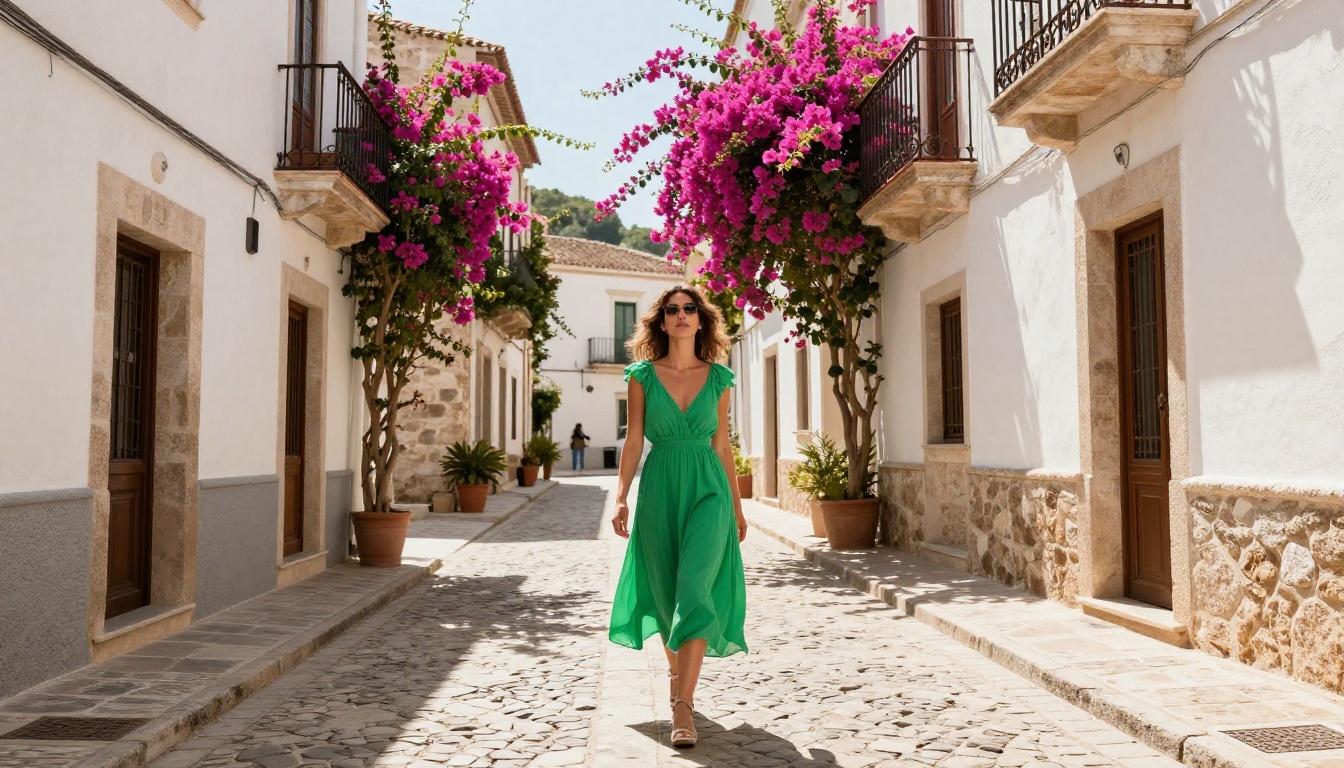
The best way to see what the Nano Banana 2 update actually looks like is to run your own prompts through it. Every model responds differently to different types of content, and your use case will tell you more than any description.
PicassoIA gives you direct access to Nano Banana 2 alongside the full Google model family and over 90 other text-to-image models. You can compare outputs side by side, test prompts across multiple models, and build your own intuition for which tools fit which tasks.
Start with a prompt you already know well, something you've tested before, and run it through the updated Nano Banana 2. The difference in detail rendering and prompt fidelity will be apparent immediately. From there, try the Nano Banana Pro version for higher-quality outputs, or push the quality ceiling with Imagen 4 when your work demands it.
The platform is ready. The model is updated. Now it's your turn.


