The first time you type a follow-up instruction into Nano Banana 2 and watch the image update in seconds, the difference from every other text-to-image model becomes obvious. There is no starting over. No re-writing a prompt from scratch. You describe what you want adjusted, and the model applies the change while holding everything else in place. For Nano Banana 2 NSFW photorealistic art generation specifically, that iterative loop is what makes the tool genuinely useful rather than just technically impressive.
This article covers how the model works, what it can and cannot do in the NSFW photorealistic space, how to build prompts that produce results that read as photography rather than AI art, and which other models on PicassoIA fill the gaps.
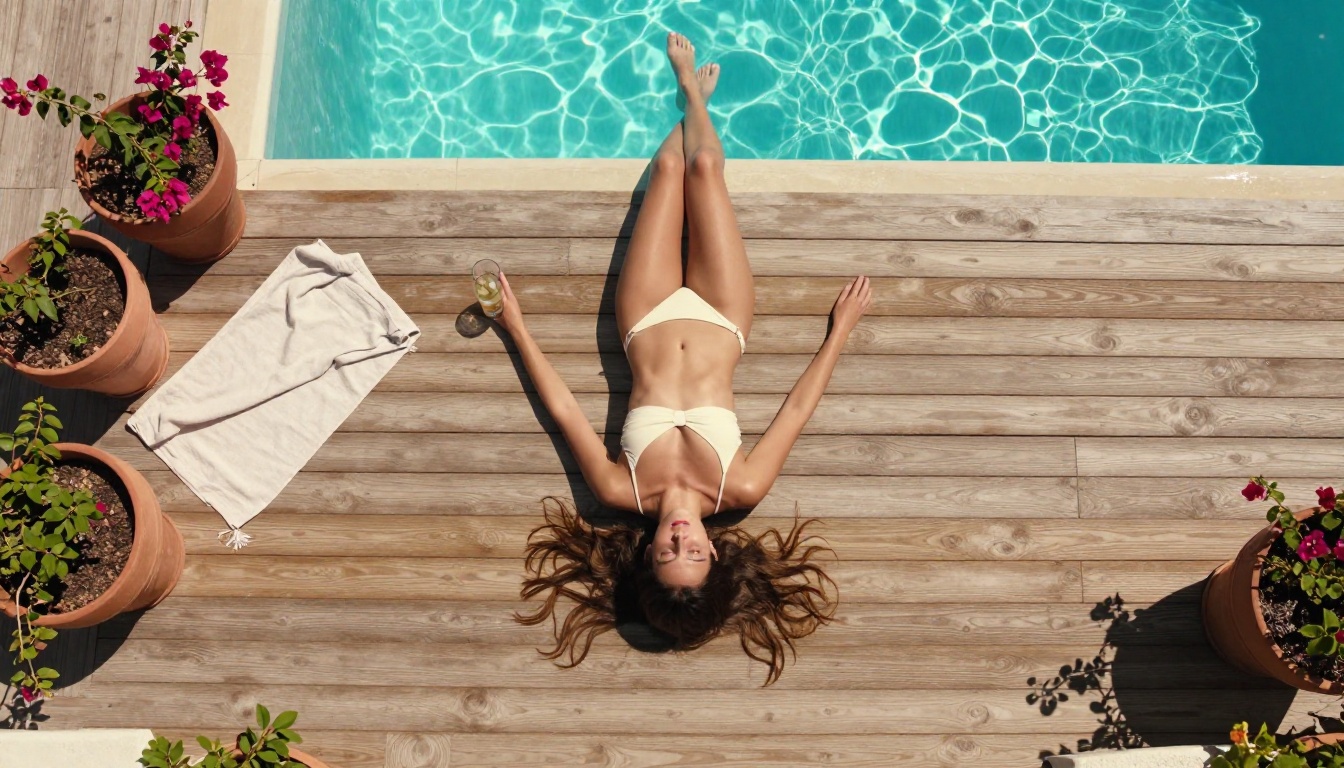
What Nano Banana 2 Actually Is
Nano Banana 2 is a text-to-image model built around conversational, iterative creation. Where most image generators treat each prompt as a standalone instruction that produces a standalone result, Nano Banana 2 treats the entire session as a back-and-forth exchange. The first output is a starting point. Every follow-up description refines it.
That structure removes one of the most frustrating parts of AI image generation: the moment when a result is 80% right but one specific element is wrong. Instead of rebuilding the prompt from scratch and losing the elements that worked, you describe only what needs to change and the model handles the rest.
Not Just Another Text-to-Image Model
The capabilities that separate Nano Banana 2 from standard text-to-image models are specific:
- Up to 14 reference images accepted simultaneously as inputs
- 4K output resolution (also 1K and 2K options for faster iteration)
- Conversational editing that preserves established visual context across the session
- Real-time web grounding via Google Search integration
- 15 preset aspect ratios from 1:4 vertical to 21:9 ultrawide
- Unlimited generations on PicassoIA with no per-image credit cost
That last point matters more than it sounds. Many text-to-image APIs bill per generation. On PicassoIA, Nano Banana 2 runs without credit friction, which makes iterative NSFW photorealistic workflows practical instead of expensive.
The 14-Image Fusion Trick
Multi-image input is the feature that changes how NSFW photorealistic workflows run. In a typical session you might upload: a face reference to define character appearance, a lighting reference from a real photograph to establish mood, a body type or pose reference, a background or environment reference, and a fabric or clothing texture reference. The model integrates all of these into a single coherent output.
Feed the same face reference across a series of generations and the character stays consistent scene to scene, which is exactly what glamour and editorial NSFW work requires. A character's skin tone, bone structure, and look remain identical whether she is on a beach, in a studio, or in a low-lit interior.
💡 Tip: For character consistency across a large set of images, always include the same face reference at the same position in the input stack. The model treats it as a stabilizing anchor throughout the session.
Real-Time Web Grounding
An unusual feature is the optional Google Search grounding. When enabled, the model pulls in real-time web data to inform the generation: current fashion trends, specific locations, seasonal aesthetics. For photorealistic NSFW work this is most useful for location accuracy (generating a scene that matches a specific real-world setting) and contemporary style accuracy (ensuring the aesthetic of clothing, decor, and lighting reads as current rather than generic).
How It Handles NSFW Photorealism
Where the Realism Comes From
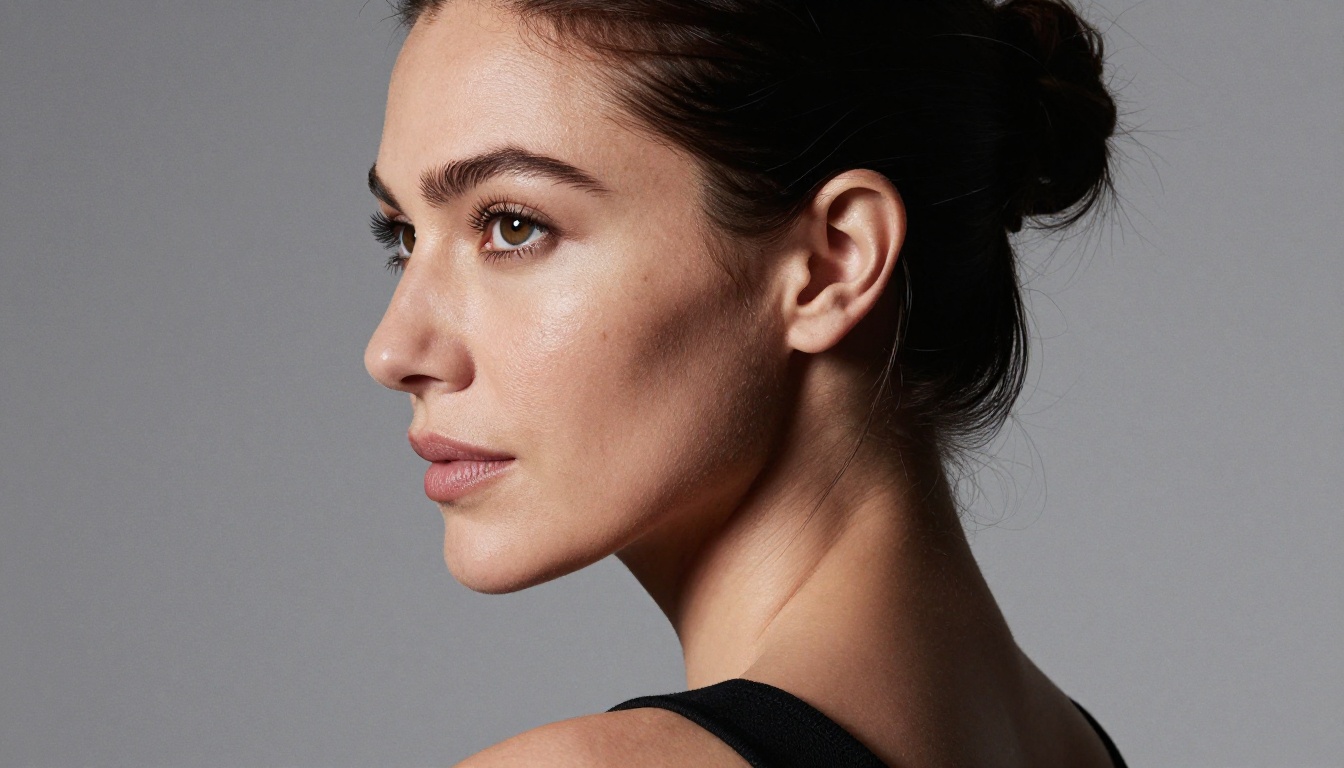
Photorealism in AI image generation is a technical problem, not an aesthetic one. The output needs to render the physical behavior of light on surfaces, not approximate how pleasant images look. That means: skin must show pore structure, subsurface scattering, and natural tone variation across body planes. Fabric must reflect and absorb light differently depending on weave, tension, and distance from light sources. Environments need atmospheric depth, not painted-on blur.
Nano Banana 2 was trained on high-resolution photographic data and fine-tuned for detailed scene reconstruction. When you specify "Kodak Portra 400 film grain, Canon 85mm f/1.4 at f/2.0, window light from the left," the model reads those as physical rendering parameters. The result is imagery that holds up to scrutiny at full resolution rather than dissolving into obvious AI artifacts when examined closely.
Suggestive Without Being Explicit
The model supports non-explicit NSFW content. Lingerie and swimwear photography, implied nudity, glamour editorial work, and artistically suggestive compositions all fall within what Nano Banana 2 handles. The output stays in aesthetic territory: attractive and suggestive, not graphic or pornographic.
For creators who need that balance between art and appeal, this is the functional sweet spot. For creators who need fully unrestricted output without content restrictions, the model comparison section below covers the better-suited alternatives on PicassoIA.
How to Use Nano Banana 2 on PicassoIA
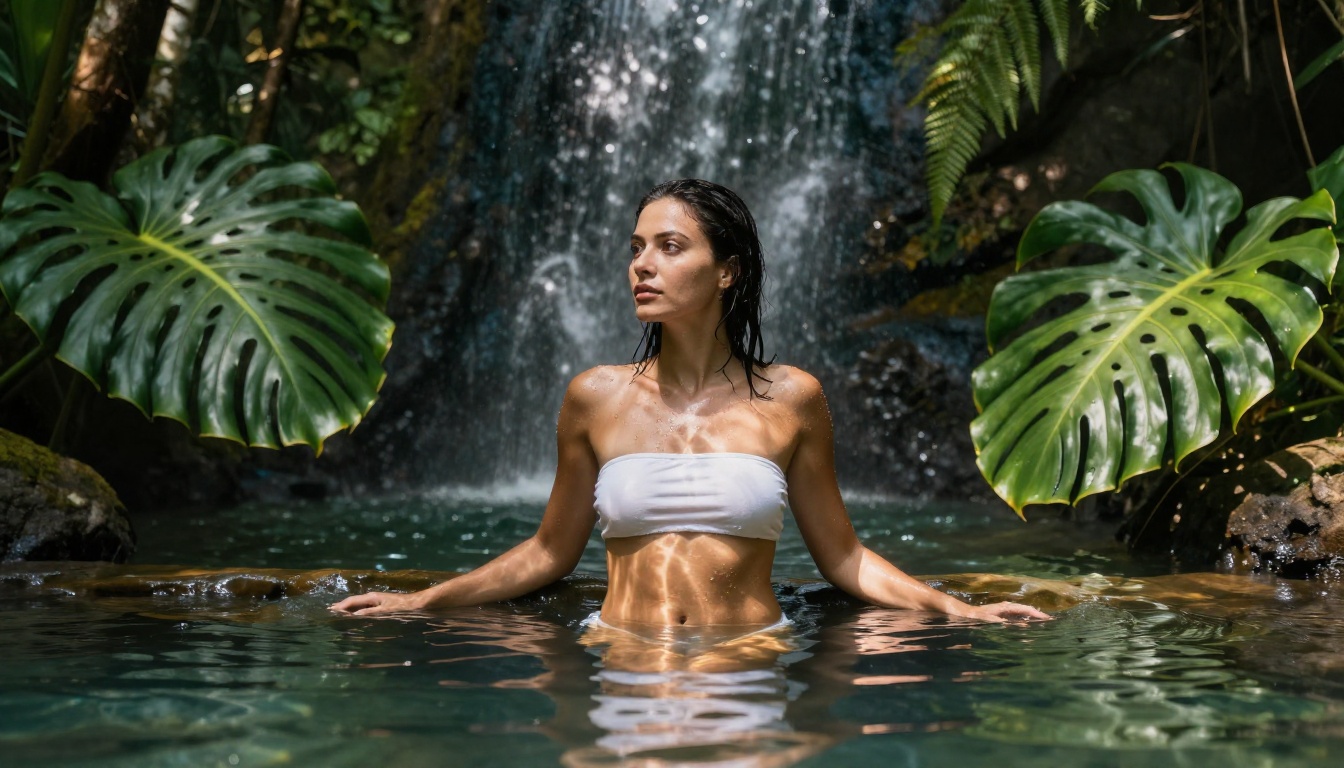
The Nano Banana 2 page on PicassoIA gives you access to all features in one interface: prompt input, aspect ratio controls, resolution selection, and image input slots for up to 14 references.
Step 1: Pick Your Format
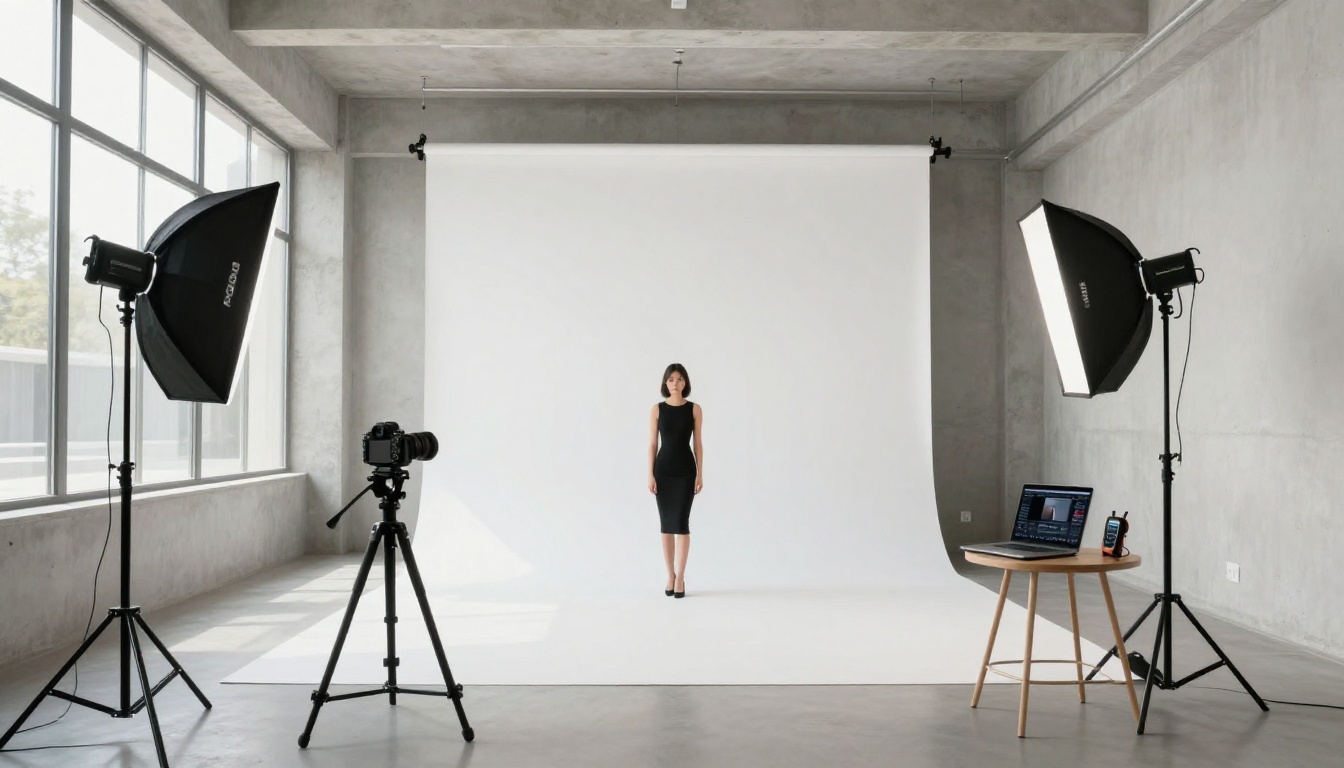
Before writing a prompt, choose your output format. For photorealistic portrait work, 16:9 at 2K is a good starting resolution: it generates quickly while giving enough detail to evaluate composition and lighting. Move to 4K for final-quality outputs once you have a composition you are satisfied with. For vertical social formats, switch to 9:16 before the first generation.
Step 2: Write a Specific Prompt
Skip vague adjectives. Write in physical parameters:
"Photorealistic portrait of a woman with warm golden-brown skin, late twenties, wearing a white cotton slip dress with thin straps. Standing beside a floor-to-ceiling window in a minimal hotel room at sunrise. Morning light from camera-right creating a warm side-lit glow on the right cheek and shoulder. Sony 85mm f/1.4 lens at f/2.0, soft bokeh on the linen curtains behind her. Pore detail visible on skin surface. Kodak Portra 400 film grain. 16:9."
Every element of that prompt describes a physical condition. The model renders the physics. The result is photographic.
Step 3: Use Conversational Edits
After the first output, identify the specific element that needs adjustment and describe only that:
- "Move her gaze to face the camera directly"
- "Darken the window light by reducing exposure by one stop"
- "Add a few strands of hair falling across her right cheek"
- "The curtain behind her is too sharp, reduce the depth of field"
Each instruction is a precise photographic direction. The model applies it without regenerating the entire scene from scratch.
Step 4: Upload Reference Images
Drop in reference images for anything that needs to stay consistent: a specific face, a lighting setup, a fabric texture, a background environment. For NSFW photorealistic work, a high-resolution pose or body reference reduces the number of iterations needed to land on the right result.
💡 Tip: Use real photographs as references, not other AI-generated images. Real photos carry accurate physical information about lighting, texture, and perspective. AI-generated references can introduce artifacts that compound across sessions.
The gap between an AI-looking output and a photographic output is almost always a prompt specificity problem. Three domains determine whether an output reads as photography: lighting, surface texture, and camera configuration.
Lighting Descriptions That Matter
Replace adjective-based lighting with physical setup descriptions:
| Vague (Avoid) | Specific (Use) |
|---|
| "Soft lighting" | "Large octabox at 45 degrees from camera-left, Rembrandt shadow on right cheek" |
| "Natural light" | "Diffused north-facing window light, 5600K daylight, no direct sun" |
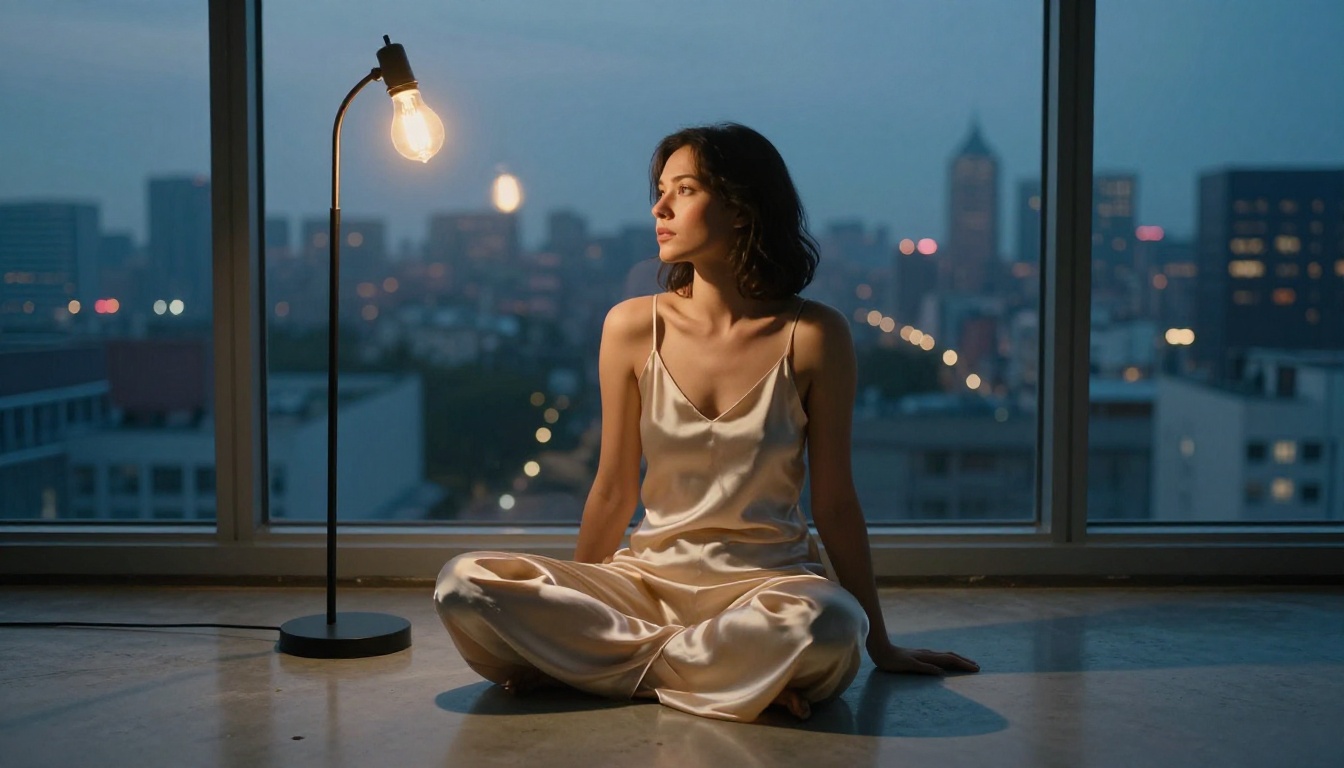
| "Moody lighting" | "Single Edison bulb at 2700K from camera-right, deep shadow fills the left half" |
| "Golden hour" | "Late afternoon sun at 15 degrees above horizon, warm amber cast, hard rim light" |
| "Studio lighting" | "Two Profoto softboxes: key at 45 degrees left, fill at 2:1 ratio on right" |
Skin Texture and Detail Keywords
For NSFW photorealistic work, skin rendering is the critical element. These keywords produce measurably better results in Nano Banana 2:
- natural pore texture, subsurface scattering, micro-hairs
- tan line at shoulder strap, collarbone shadow, faint muscle definition
- water droplets on shoulders, wet hair strands against skin
- faint freckles, natural skin tone variation, subtle warmth on sun-exposed areas
- lip skin lines, iris texture, eyelash separation
These are physical surface properties. When you name them explicitly, the model renders them explicitly rather than approximating a "realistic" look from learned patterns.
Composition and Angle Language
The camera angle and lens choice communicate the entire emotional register of an image:
| Angle | Lens | Effect |
|---|
| Low, shooting upward | 35mm f/1.4 | Subject feels present, environmental |
| Directly overhead aerial | 50mm tilt-shift | Graphic, pattern-focused composition |
| Eye level three-quarter profile | 85mm f/1.4 | Classic portrait intimacy |
| Camera at water or floor level | 24mm f/2.8 | Immersive, enveloping environment |
| Medium shot, slight high angle | 50mm f/2.0 | Natural documentary feel |
Pair every angle description with a specific lens and aperture. 85mm f/1.4 gives a compressed, shallow-depth portrait look. 24mm f/8 gives everything in sharp focus with environmental context. The model uses these as rendering specifications, not style suggestions.
Best NSFW Models on PicassoIA
Nano Banana 2 handles suggestive and artistically non-explicit NSFW photorealism well. For creators who need fully unrestricted adult content generation with no content restrictions and no credit friction, these are the models built for it on PicassoIA.
Seedream 4.5 Leads the Pack
Seedream 4.5 is the top recommendation for unrestricted NSFW photorealistic generation. It accepts adult content directly, generates in under 3 seconds, and supports both text-to-image creation and image editing in the same interface. The skin rendering, fabric detail, and environmental accuracy it produces at full resolution sets the bar on the platform.
One critical note: the newer Seedream 5 Lite does not support NSFW content. If you see that model listed anywhere, skip it for adult content generation. It blocks those prompts entirely.
PicassoIA Image Editor Pro Has No Limits
PicassoIA Image Editor Pro is the model to reach for when volume matters. As an img2img model with unlimited generations included in Elite and Infinite plans, it removes the cost ceiling entirely. Need 1,000 images? They are included in the subscription. On Nano Banana 2, that same volume would cost approximately $100. Image Editor Pro returns results in under 1 second, accepts NSFW content, and includes a 3-generation free trial with no credit card required.
More Options Worth Knowing
| Model | Type | Speed | NSFW | Key Feature |
|---|
| Seedream 4.5 | Text-to-Image + Edit | ~3s | Yes | Best realism, fully unrestricted |
| PicassoIA Image Editor Pro | Image-to-Image | <1s | Yes | Unlimited generations |
| Qwen Image 2 | Text-to-Image + Edit | Fast | Yes | Open-source, very detailed realism |
| Grok Imagine Image | Image-to-Image | Fast | Yes | Realistic bikini-format conversions |
| Recraft V4 | Text-to-Image | Standard | Yes | High-realism text-to-image output |
| P-Image | Text-to-Image | <1s | Yes | NSFW generation under 1 second |
PicassoIA does not apply blanket content filters across the platform. Each model's individual parameters define its acceptance range, giving creators access to unrestricted tools that simply are not available on mainstream AI platforms.
Upscaling Your Results
From 1K to 4K Fast
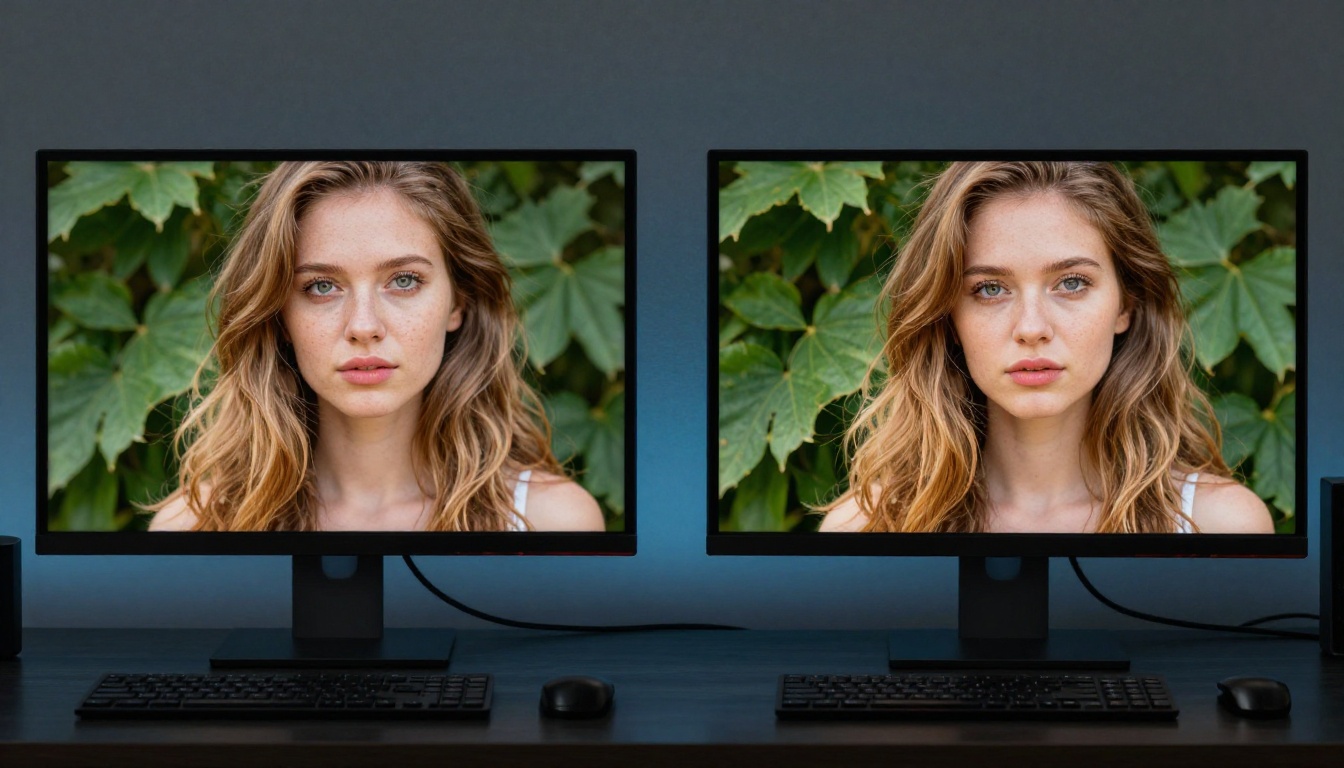
Nano Banana 2 can output at 4K natively, but a common workflow is to generate at 1K for fast iteration and upscale selectively once you have the right composition. PicassoIA's super-resolution suite handles this step.
Which Upscaler to Choose
For NSFW photorealistic portrait work, the choice of upscaler matters because different models optimize for different detail types:
- Clarity Pro Upscaler: Best for photorealistic portraits. Adds pore and skin detail during upscaling rather than just sharpening what is already there. Strong choice for glamour and figure work.
- Crystal Upscaler: Tuned for face and skin detail enhancement specifically. Pairs well with beauty and close-up portrait outputs.
- Image Upscale by Topaz: Maximum scale factor at up to 6x, the highest available. Useful when large print or ultra-high-resolution output is the goal.
- Google Upscaler: Reliable 4x general-purpose upscaling for any content type without heavy processing overhead.
- Real ESRGAN: Free, fast, and accurate. A practical starting point for quick upscales before committing to a higher-quality option.
The combination of Nano Banana 2's 1K iterative output plus Clarity Pro or Crystal Upscaler gives results competitive with native 4K generation while cutting iteration time significantly during the creative phase.
LLMs That Help You Write Better Prompts
The quality of a Nano Banana 2 output is directly proportional to the quality of the prompt it receives. The fastest way to improve prompt quality is to build prompts in collaboration with a language model before running image generation at all.

Use a Language Model to Iterate Faster
PicassoIA has over 75 large language models available, including Claude Sonnet 4.6, GPT 5, Gemini 3.5 Flash, Deepseek R1, and Grok 4. The workflow is straightforward:
- Describe your concept to the LLM in plain language: subject, setting, mood, intended use
- Ask for expansion with: "Write a detailed image generation prompt including subject description, environment, lighting setup with direction and color temperature, camera lens and aperture, film grain type, and skin or surface texture descriptors"
- Paste the result into Nano Banana 2 or Seedream 4.5 for unrestricted output
- Use conversational edits to dial in the remaining adjustments
This approach cuts the failed-generation rate significantly. You arrive at the image generation step with a technically complete set of instructions rather than a vague aesthetic description, and the model has far less ambiguity to resolve on its own.
💡 Tip: Ask the LLM specifically to include a lighting direction (e.g., "from camera-left at 45 degrees"), an aperture (e.g., "f/1.4 shallow depth"), a film stock (e.g., "Kodak Portra 400"), and skin texture descriptors (e.g., "natural pore texture, subsurface scattering"). Those four parameters move outputs from AI-looking to photographic faster than anything else.
The LLM-plus-image-generator pipeline works especially well for NSFW photorealistic art because the prompt specificity requirements are higher than for general image creation. A vague prompt produces a visually acceptable but generic result. A technically specific prompt produces something that reads as a real photograph, with the physical evidence of a real light source, a real lens, and a real surface to back it up.
Try It Yourself
Everything described in this article runs on a single platform. Nano Banana 2 for iterative, conversational photorealistic generation with multi-image fusion and unlimited iterations. Seedream 4.5 for fully unrestricted NSFW content at 3-second generation speed. PicassoIA Image Editor Pro for unlimited volume without credit cost. Upscalers for taking 1K iterations to 4K finals. Language models for building technically precise prompts.
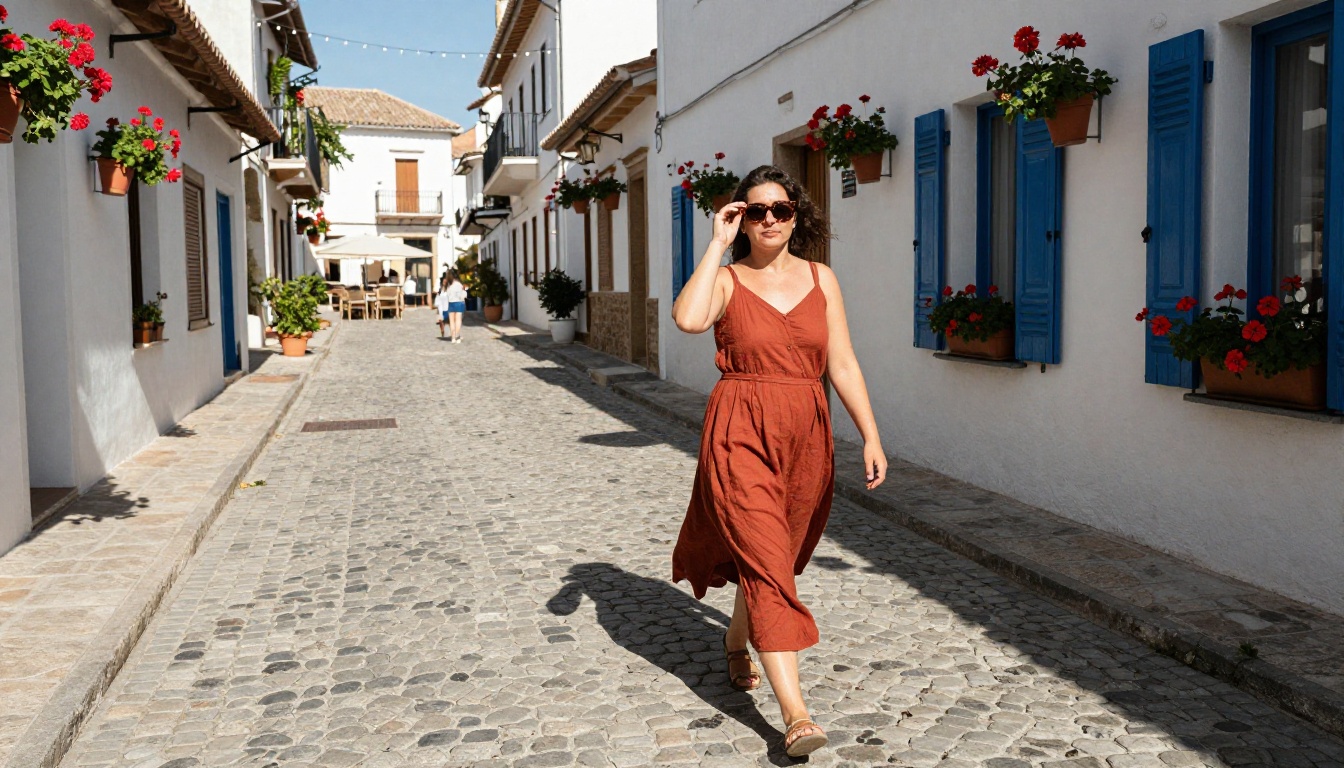
The ceiling on photorealistic AI art is defined by prompt quality, not by platform restrictions. Write specific prompts with real photographic parameters, iterate conversationally, use reference images strategically, and the model produces work that holds up against professional photography.
Start with Nano Banana 2 for the iterative workflow. Switch to Seedream 4.5 when you need fully unrestricted output. Reach for PicassoIA Image Editor Pro when you need volume without limits. The full model catalog is at picassoia.com/en/all-models.


