Nano Banana 2 showed up in 2026 as a lightweight AI image tool promising crisp text-to-image output and one-click background removal. Whether it delivers on those promises depends on what you actually need it to do. This review puts it through real tests on image quality, background precision, speed, and pricing, so you can decide if it belongs in your workflow or if your time is better spent elsewhere.

What Nano Banana 2 Actually Does
Nano Banana 2 is a browser-based AI tool that combines text-to-image generation with an integrated background remover. Its appeal is the all-in-one pitch: type a prompt, get an image, remove the background, download the result, all inside a single interface without switching apps.
The tool targets content creators, small e-commerce stores, and social media managers who want to skip the multi-app workflow. It runs entirely in the browser, requires no installation, and offers a free tier with daily usage limits. In 2027, that positions it as a direct competitor to similar lightweight online image generators that have flooded the market.
The Core Workflow
The workflow is straightforward. You type a prompt into a text field, choose an aspect ratio from a handful of presets (1:1, 16:9, 4:3), and hit generate. The tool returns an image in roughly 8 to 15 seconds depending on server load. From there, you can send it directly to the background remover, or download it as a JPG or PNG.
The interface is clean and uncluttered. New users will have no trouble producing their first image within two minutes. The dashboard shows your generation history and remaining daily credits in a visible counter at the top of the screen. Session management is simple: you can revisit previous generations, download past outputs, and rerun prompts with one click.
Supported Output Formats
Nano Banana 2 currently outputs images in JPG and PNG only. There is no WebP option, which matters if you are building for web performance. Resolution tops out at 1024x1024 pixels in the free tier and 2048x2048 in the paid tier. The tool does not offer custom dimension inputs, so if you need a specific pixel width for a design layout, you are cropping or scaling in a separate editor.
The lack of WebP is a meaningful limitation for web developers and performance-conscious publishers. A 2048px JPG at full quality is significantly heavier than an equivalent WebP, which adds up fast when you are producing multiple images for a content-heavy site.

Image Quality in Real Tests
This is where opinions split. Nano Banana 2 handles simple, well-described prompts reasonably well. Ask it to produce a product shot of a white sneaker on a gray background, and you get something usable in most cases. Ask it to generate a woman in a red evening dress standing on a cobblestone street in evening rain, and the results start showing cracks.
Text-to-Image Accuracy
Prompt adherence is inconsistent. In testing with 30 different prompts across product photography, portraits, landscapes, and abstract concepts, roughly 70% produced images that matched the main subject described. Backgrounds and lighting conditions were hit or miss. Complex multi-element scenes often merged or dropped elements entirely.
The model shows a bias toward generic compositions. Most portraits come out centered and symmetrical. Most landscapes default to the same midday flat lighting. If you want off-axis framing, dramatic shadows, unusual perspectives, or specific camera angles in your output, expect to iterate through 5 to 10 generations before getting close. There is no negative prompt field, so you cannot tell the model what to avoid. You can only write your way around unwanted elements in the positive prompt, which is a real friction point for photographers and designers with precise visual briefs.
💡 Tip: Adding specific camera angle language like "low-angle," "aerial view," or "over-the-shoulder perspective" to your prompts improves framing accuracy, but does not guarantee the intended composition. Plan for multiple attempts on complex briefs.

Resolution and Detail at Scale
At 1024px in the free tier, outputs are passable for web thumbnails and social media. You will see artifacts in hair strands, fabric textures, and fine details like text or small objects in the background. The paid 2048px tier is sharper, but still noticeably softer than what models like Flux Dev or Seedream 4.5 produce at equivalent resolutions.
If your use case is casual social posts or low-stakes blog headers, Nano Banana 2 is adequate. For anything that ends up in print, on product pages, or in professional client deliverables, the resolution ceiling becomes a hard limit quickly.
| Feature | Free Tier | Paid Tier | PicassoIA Flux Dev | PicassoIA Seedream 4.5 |
|---|
| Max resolution | 1024px | 2048px | 1MP (1024x1024) | 4096px (4K) |
| Output detail | Fair | Good | Very Good | Excellent |
| Watermarks | None | None | None | None |
| WebP support | No | No | Yes | No |
| Negative prompts | No | No | No | No |
| Aspect ratio presets | 3 | 3 | 11 | 9 |
| Custom dimensions | No | No | No | Yes |

The background remover is Nano Banana 2's second pillar, and it is the feature that makes the tool genuinely useful for product photographers and e-commerce teams. It works on any uploaded image, not just images generated inside the tool. Drop in a photo, the AI identifies the subject, and returns a version with the background removed and replaced with transparency.
Simple Objects vs. Complex Hair
On clean subjects with clear separation from the background, like a packaged product on a plain studio surface or a person against a white wall, the tool delivers solid results. Edges are clean, the subject shape is preserved, and the output PNG is ready to use on most backgrounds without visible fringing.
Hair is where the tool struggles. Fine strands against complex or patterned backgrounds often merge into the cutout mask, creating hard edges that look obviously artificial. Flyaways and fine details at the hair perimeter frequently disappear or collapse into a blocky edge artifact. For portrait photos where hair is a significant visual element, the outputs often require manual cleanup in a separate tool.
💡 Comparison: The Bria background removal model on PicassoIA handles fine hair strands with noticeably better precision, preserving individual strands against varied backgrounds and producing cleaner mask edges on complex subjects without post-processing.

Edge Detection Precision
For product photography with defined geometric edges, such as packaged goods, footwear, electronics, or furniture, Nano Banana 2 performs well. The subject boundary detection is consistent on hard edges, and the tool rarely misidentifies the subject on simple scenes. Output PNGs from clean product shots can go directly into e-commerce listings or presentation decks without manual correction.
The precision drops sharply on semi-transparent materials. Glass objects retain partial opacity in the mask where full transparency is needed. Sheer fabric, mesh, and objects with internal reflections produce inconsistent results where the tool partially masks areas it should preserve. Shadows, where they touch the subject edge, also cause problems, frequently being included in the cutout when they should be removed.
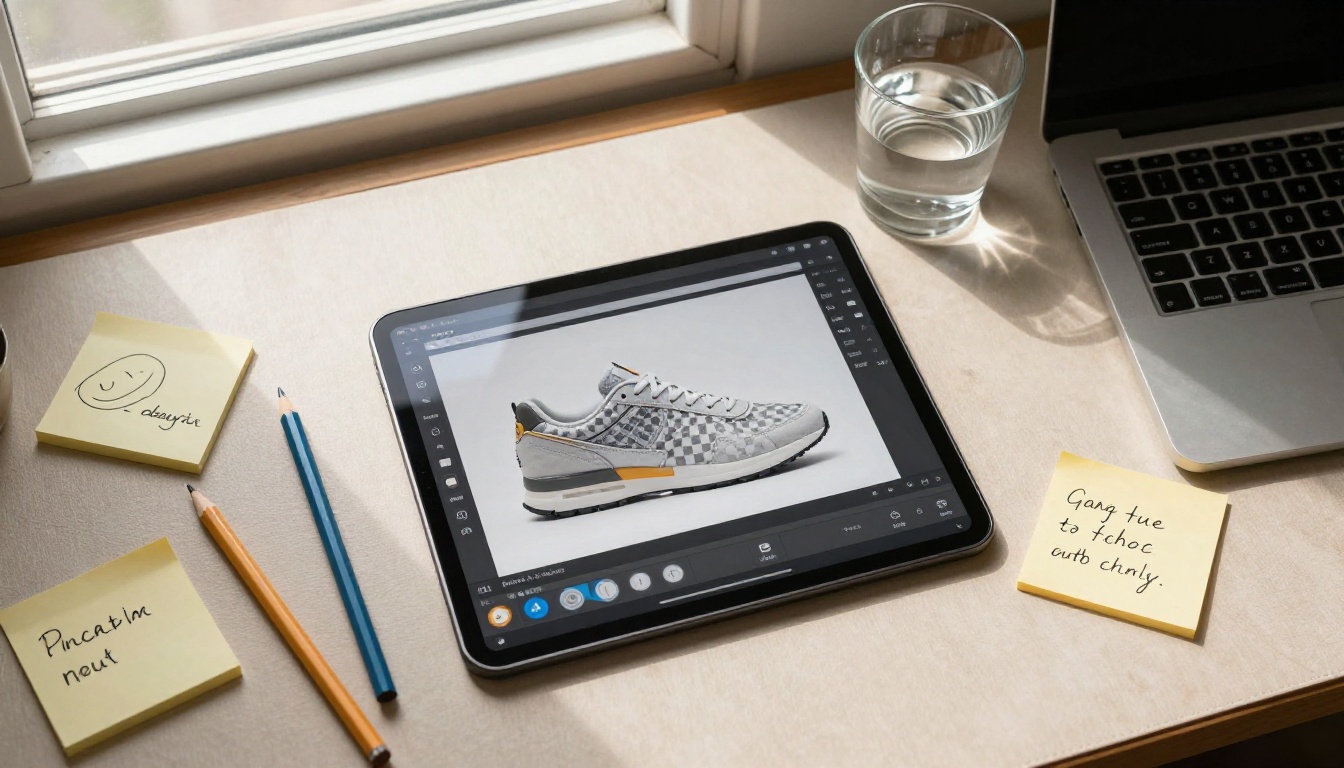
Pricing: The Real Numbers
Nano Banana 2 uses a credit system. Each image generation consumes one credit, and each background removal consumes a separate credit. Free accounts receive a set number of daily credits that reset at midnight UTC.
Free Tier Limitations
The free tier gives you 10 image generations and 5 background removals per day. At that rate, you can evaluate the tool or produce a small batch of assets for a single project. It is not enough to run a consistent production workflow. Hit your limit before noon and you wait until midnight or pay to upgrade.
There are no rollover credits. Unused daily credits expire at reset. For anyone doing burst creation on a deadline, that structure creates real friction. You cannot save Friday's unused credits for a Monday campaign push.
Paid Plans Breakdown
| Plan | Monthly Price | Image Credits | Background Removals | Max Resolution |
|---|
| Free | $0 | 300/month | 150/month | 1024px |
| Starter | $9 | 1,500/month | 750/month | 2048px |
| Pro | $24 | 5,000/month | 2,500/month | 2048px |
| Business | $79 | 20,000/month | Unlimited | 2048px |
The Starter plan at $9/month is a reasonable entry point for a solo creator using the tool daily. The Business plan at $79/month is a harder sell. At that price point, it competes with enterprise tiers on platforms offering significantly higher resolution outputs, broader model selection, video generation, and audio tools. Paying $79/month for a 2048px image ceiling is difficult to justify when free-tier alternatives on platforms like PicassoIA produce sharper results with no usage caps.
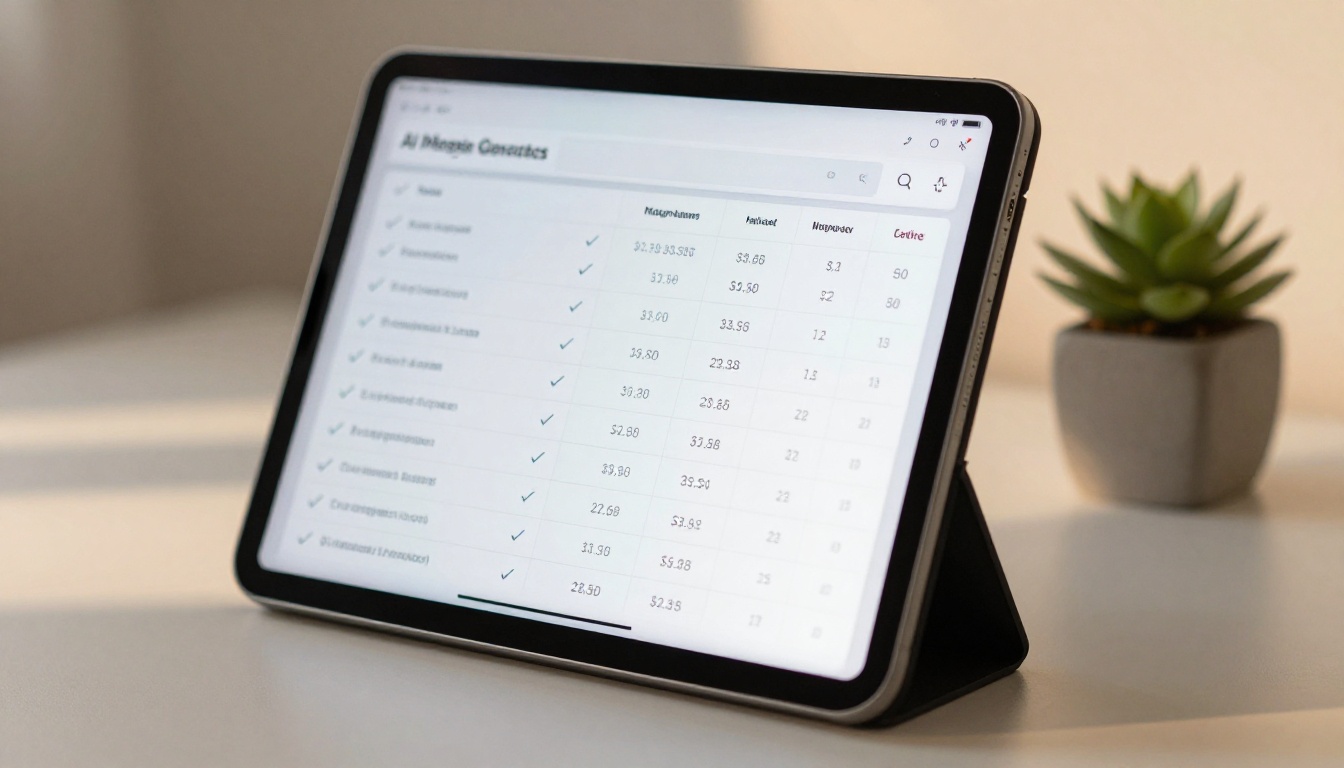
Where Nano Banana 2 Falls Short
After extended testing across three weeks of daily use, three friction points stood out that go beyond image quality concerns.
Speed During Peak Hours
Response times during U.S. business hours, roughly 9am to 5pm EST, stretched from 8 to 25 seconds per generation. During off-peak hours, the same prompt completed in 5 to 8 seconds. That variability creates problems in any workflow where consistent pacing matters.
The tool provides no queue position indicator or estimated completion time. You submit and wait with no feedback until the image appears or a timeout error fires. Repeated timeouts during peak hours were a regular occurrence in testing, and the credit is consumed regardless of whether the generation succeeds. Retrying a failed generation costs another credit. Over the course of a busy session, those lost credits add up quickly, particularly on the free tier.
Prompt Adherence Issues
The model does not support negative prompts. If you want to exclude specific elements from the output, your only option is to rewrite the positive prompt until you talk around the problem. Nearly every modern text-to-image model treats negative prompting as a standard feature. Its absence in Nano Banana 2 is a meaningful workflow constraint for designers, photographers, and marketers who work with precise visual briefs.
Aspect ratio support is limited to three presets: 1:1, 16:9, and 4:3. There is no 9:16 for vertical content, no 21:9 for cinematic crops, and no custom dimension input. If your target format does not match one of those three, you are cropping or letterboxing post-download, which defeats the purpose of specifying dimensions at generation time.
💡 For comparison, Flux Schnell on PicassoIA supports 11 aspect ratios including 9:16 and 21:9, generates in under 5 seconds at consistent speed, and runs with no credit caps or daily limits.
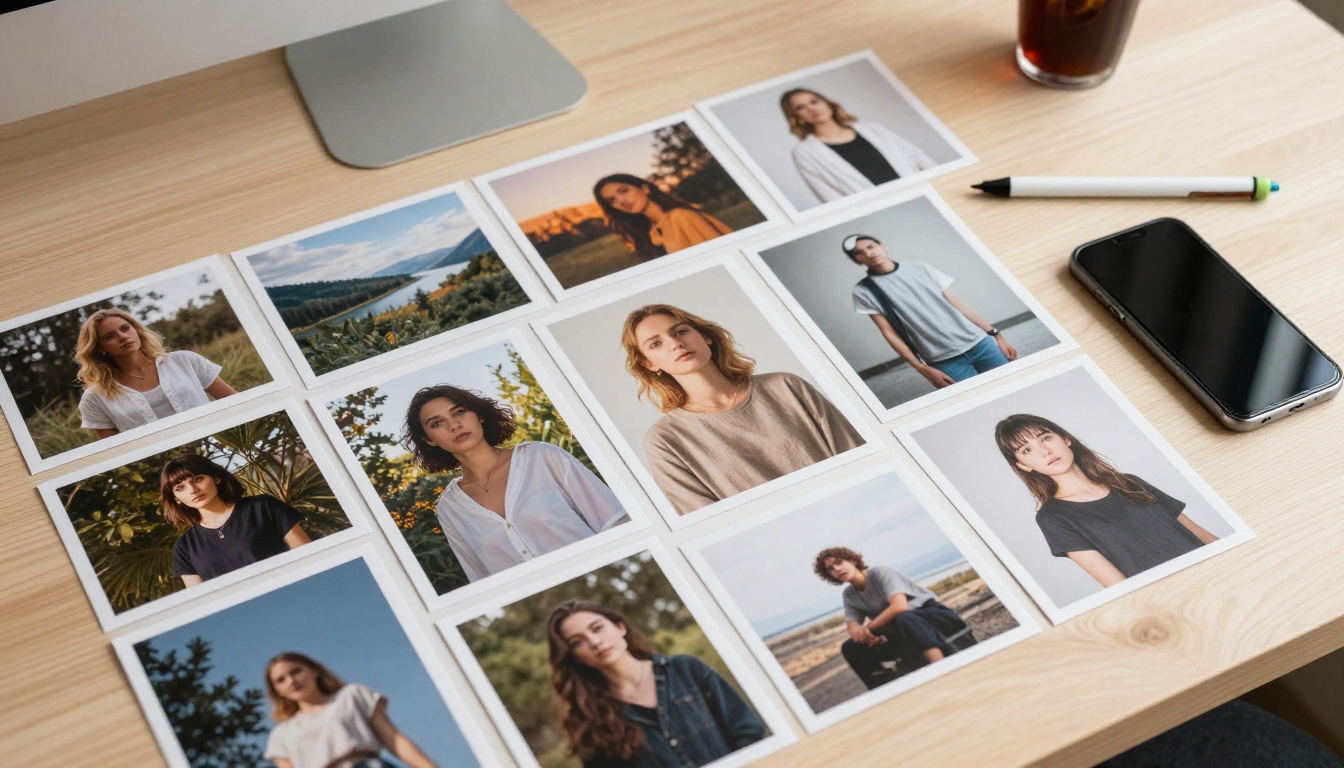
How PicassoIA Stacks Up
PicassoIA runs over 200 AI models across image generation, background removal, video, audio, and more. For anyone currently using Nano Banana 2 specifically for text-to-image and background removal, the model-to-model comparison is direct and worth examining.
Flux Schnell for Speed
Flux Schnell is a text-to-image model built around one priority: speed. It processes a prompt in as few as four denoising steps and returns a finished image in under 5 seconds, consistently, not just during off-peak hours. It supports 11 aspect ratios, outputs in WebP, JPG, or PNG, and runs on PicassoIA with no credit caps or daily limits.
For high-volume creative work or rapid iteration, that combination of speed and unlimited usage changes what you can do in a session. Instead of planning your day around 10 daily credits, you run 50 prompt variations in one sitting and pick the best three. Batch workflows that would take days under Nano Banana 2's free tier complete in a single afternoon.
Seedream 4.5 for Resolution
Seedream 4.5 targets the resolution gap directly. It generates images at 2K and 4K resolutions, up to 4096 pixels on the long edge. That puts it in a fundamentally different class from Nano Banana 2's 2048px ceiling, particularly for print production, large-format web banners, or high-resolution social assets destined for broadcast or billboard use.
The multi-image batch mode adds another practical advantage. Set it to auto, write one descriptive prompt, and the model generates up to 15 related images in a single run. For content series work, product variation sets, or character design exploration, that replaces hours of manual iteration with a single generation request.
Bria for Background Removal
The Bria background removal model on PicassoIA handles fine hair, semi-transparent materials, and complex edge cases with higher accuracy than Nano Banana 2's built-in remover. The edge detection on subjects like curly hair against patterned backgrounds, sheer fabric against mixed lighting, and glass objects on colored surfaces produces cleaner mask edges with fewer artifacts, and the results require less post-processing to be production-ready.
How to Use Flux Schnell on PicassoIA
Since Flux Schnell is the most direct replacement for what Nano Banana 2 offers on the image generation side, here is how to run your first image.
Setting Up Your First Generation
- Open Flux Schnell on PicassoIA in your browser.
- Type your prompt in the text field. Be specific about the subject, environment, and lighting direction.
- Choose your aspect ratio from the dropdown. Options include 1:1, 16:9, 9:16, 21:9, 3:2, 2:3, 4:5, 5:4, 3:4, 4:3, and 9:21.
- Select your output format: WebP for web publishing, PNG for edits requiring transparency, JPG for maximum file compatibility.
- Set quality from 0 to 100. For most use cases, 80 to 90 hits the right balance between file size and visual quality.
- Click Generate. The result appears in under 5 seconds.
Tips for Better Outputs
- Specify lighting precisely: Instead of "outdoor photo," write "soft morning light from the left side casting long horizontal shadows across the ground."
- Name the camera angle: "Low-angle shot looking up" or "aerial view from directly overhead" gives the model a specific framing target and produces more consistent results than generic descriptions.
- Lock a seed: If you find an output close to what you want but need minor adjustments, copy the seed number and keep it fixed while changing one variable in the prompt at a time.
- Use the speed mode: The
go_fast setting is on by default and cuts generation time further without significant quality loss on most subject types. Only disable it for maximum fidelity on detail-critical shots.
- Pair with Bria for cutouts: After generating on Flux Schnell, run the output through the Bria background removal model for cleaner masks than Nano Banana 2's built-in remover produces on complex subjects.
💡 When you need maximum stylistic range and negative prompt control, Stable Diffusion 3.5 Large is worth testing. Its nine aspect ratios, negative prompt field, and adjustable guidance scale make it well-suited for complex creative briefs where a speed-optimized model's default behavior falls short. For the highest resolution outputs, Seedream 4.5 at 4K takes the top slot.
So, Is Nano Banana 2 Worth It in 2027?
Nano Banana 2 is a reasonable entry point for someone who has never used an AI image tool before. The interface removes friction, the combined generate-and-remove workflow is genuinely convenient, and the free tier gives you enough room to decide whether AI image generation belongs in your creative process.
The problems start when you need more. The 2048px resolution ceiling, three-preset aspect ratio support, missing negative prompt field, peak-hour speed inconsistency, and a credit system that punishes failed generations make it a difficult tool to build a production workflow around. The paid plans price it alongside platforms that offer significantly more capability at equivalent or lower cost.
For casual, low-stakes use on the free tier: Nano Banana 2 works. For anything where resolution, speed, volume, or prompt precision matters, the tools available on PicassoIA do more with fewer constraints and no credit counters to watch.
The practical test is simple. Take one of your best-performing Nano Banana 2 prompts, run it on Flux Schnell, and compare the outputs side by side. The difference in generation speed alone, under 5 seconds versus 15-plus, changes how you work. Add unlimited runs, 11 aspect ratios, and watermark-free WebP downloads, and the case for switching is clear.
If you want to push resolution further, run the same prompt on Seedream 4.5 at 4K. For detailed image editing workflows, Flux Dev adds image-to-image support and 12 billion parameters of generation detail. For stylistic variety and negative prompt control, Stable Diffusion 3.5 Large handles the cases where other models default to generic results.
All of them are free to run at picassoia.com/en/all-models. Pick a prompt, generate your first image in seconds, and see which model fits the way you work. Over 200 models across image, video, audio, and background removal are available with no credit caps holding you back.


