Nano Banana 2 landed without much fanfare, but if you spend any time with text-to-image tools, you already felt its arrival. Google's generative image stack has been unusually productive lately, and Nano Banana 2 sits in a specific slot in that lineup: compact, quick, and impressively coherent for its size class.
These are genuine first impressions after running the model across a wide range of prompts, not a marketing summary or a spec sheet recap. The outputs surprised me in some places and disappointed me in others. Both matter.
What Is Nano Banana 2?
Google's Compact Image Model
Nano Banana 2 is a text-to-image diffusion model developed by Google, designed to strike a balance between inference speed and visual quality. It sits in the same family as Google's broader image generation tools, including the heavyweight Imagen 4 and its more powerful variant Imagen 4 Ultra, but occupies a different position: faster inference, lighter resource footprint, and a tighter focus on general-purpose image synthesis.
The name references the "nano" scale philosophy that has become increasingly common in AI model design. Smaller does not mean worse. It means different trade-offs. Nano Banana 2 is not trying to win a benchmark on resolution. It is trying to produce useful, visually coherent images quickly, in response to a wide variety of prompts.
The Full Model Family
Google has built out a clear tier structure in this line. You can access all of them on PicassoIA:
- Nano Banana: The original, baseline version. Solid general-purpose output at modest cost.
- Nano Banana 2: The main subject here. Improved coherence, better prompt fidelity, and faster inference than its predecessor.
- Nano Banana 2 Lite: A stripped-down variant optimized for speed. Slight quality concessions, but noticeably faster.
- Nano Banana Pro: The tier above, with higher fidelity and more detailed output, closer to Imagen territory.
For most everyday use cases, Nano Banana 2 hits the sweet spot. The Pro variant is worth reaching for on professional or presentation-grade work. The Lite version makes sense when you need volume and speed.

Speed vs. Quality: The Real Test
Prompt Accuracy in Practice
The most important thing about Nano Banana 2 is that it reads prompts correctly. This sounds obvious, but it is genuinely the most common failure mode in text-to-image generation. Models forget what you asked for, invent things that were not there, or produce technically clean images that have nothing to do with the input.
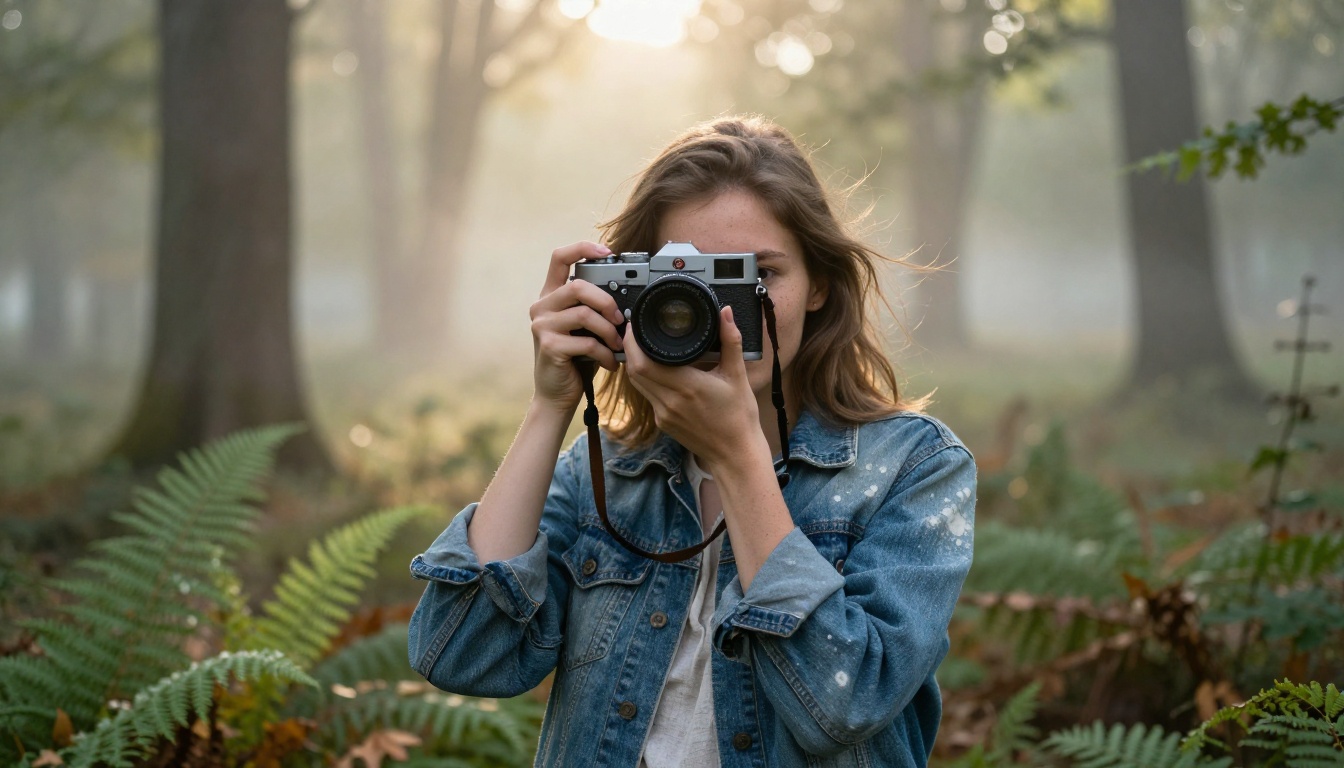
Nano Banana 2 does not do that consistently. When the prompt called for a woman in a forest at golden hour, it delivered exactly that. When the prompt specified a low-angle shot, the camera was low. When the description included reference to shallow depth of field, the bokeh appeared.
That fidelity across prompt elements, especially camera and lighting instructions, is what separates this model from older generations. You do not have to fight it.
Where It Actually Shines
Nano Banana 2 is strongest on:
- Natural, photorealistic scenes with clearly described lighting
- Single-subject portraits with controlled backgrounds
- Outdoor environments with atmospheric depth (fog, mist, golden hour)
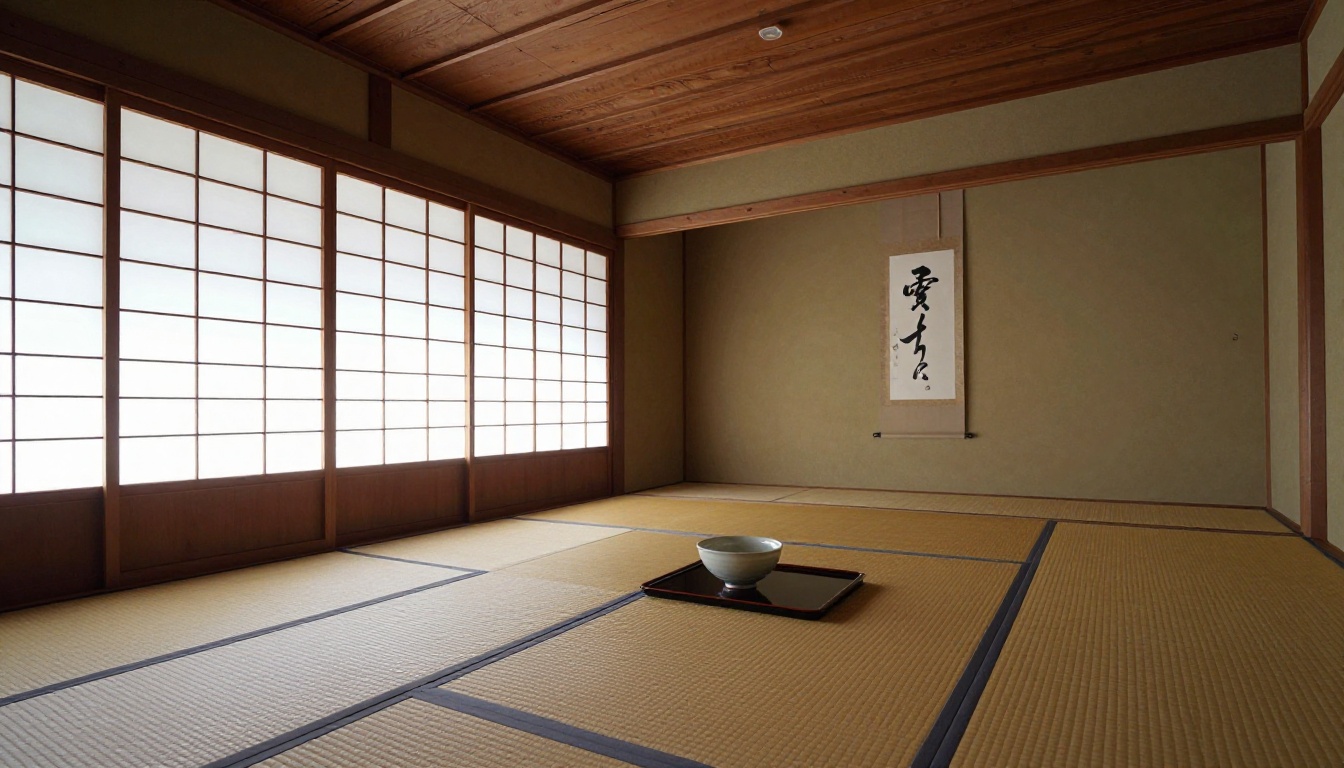
- Architectural and interior spaces with defined geometry
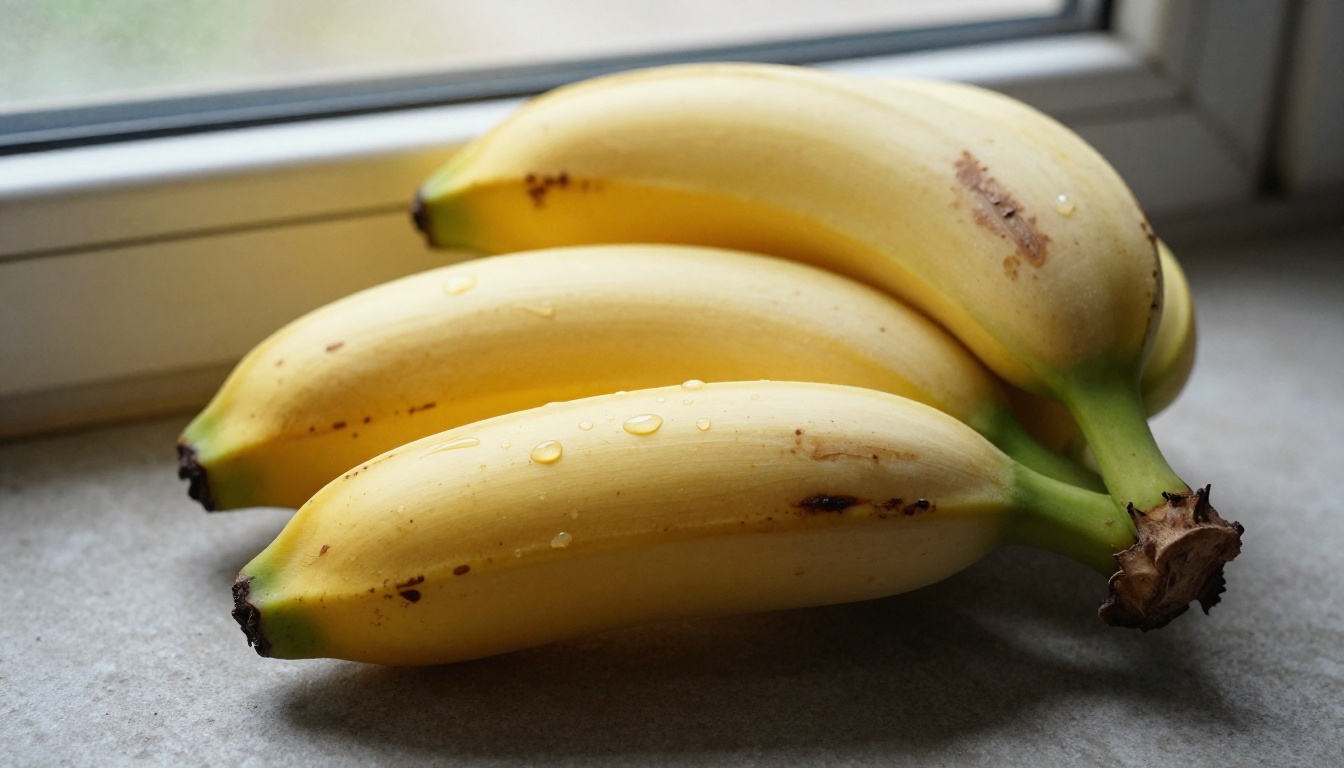
It handles texture rendering well. Skin pores, fabric weave, rough concrete surfaces, and wood grain all come through with convincing detail when prompted explicitly. This is something that separates it from competitors that smooth everything to a plasticky finish.
💡 Prompt tip: The more specific you are about lighting direction, the better Nano Banana 2 performs. "Warm morning light from the left" produces meaningfully different results than just "natural light."

Portrait and Face Generation
Skin Detail and Lighting
Portrait work is where Nano Banana 2 earns real credibility. Faces are consistent, proportionate, and free of the uncanny distortions that plagued earlier diffusion models. Eye alignment stays true. Skin tones respond correctly to the described lighting environment. Even the subtle details, catchlights in irises, fine hair strands, natural skin texture, come through without explicit micro-management in the prompt.
The Rembrandt lighting test is a reliable way to check portrait quality. Ask any model to place a light source that creates a triangle of illumination under one eye, and see what comes back. Nano Banana 2 passed this without any corrective prompting. The light fell where it should.

One Weakness to Watch
At very close cropping, specifically full-face macro shots without much surrounding context, Nano Banana 2 occasionally over-smooths the mid-tones. The pore texture that appears correctly in a 3/4 portrait shot tends to flatten in an extreme close-up. It is a minor issue for most use cases, but worth knowing if you are targeting beauty, cosmetics, or skin-focused imagery.
The fix is straightforward: add explicit texture descriptors ("visible pores," "natural skin texture," "film grain") and the model corrects. It responds to instruction. It just does not always self-apply maximum detail at the closest focal lengths by default.

Landscapes and Complex Scenes
Aerial and Wide Compositions
Environmental scene generation is where Nano Banana 2 shows the depth of its training. Ask it for an aerial perspective over a misty mountain valley at dawn, and it understands not just the visual elements but the atmospheric logic of the scene. The fog settles in valleys, not on peaks. Light hits the ridge tops first at sunrise. Trees in the foreground are larger and more detailed than those in the middle ground.
This sort of spatial coherence is harder to achieve than people expect. Models that are good at single objects often fall apart on wide compositions with strong depth cues. Nano Banana 2 holds together.

Moody and Low-Light Scenes
Low-light and blue-hour photography are notoriously difficult for generative models. The tonal range is compressed, the light sources are small and dramatic, and any mistake in color temperature reads as immediately wrong to the human eye.
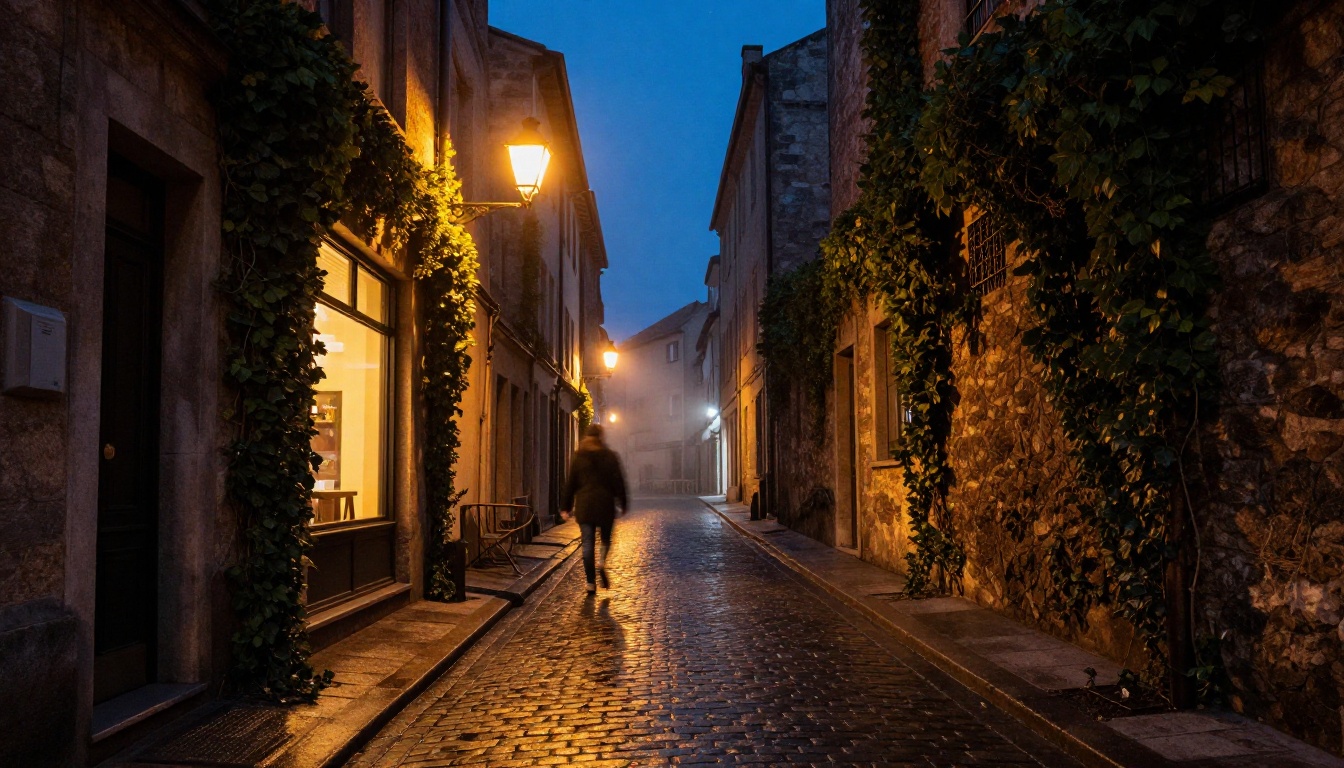
Nano Banana 2 handles this better than most models in its tier. A cobblestone alley at blue hour came back with correct indigo sky tones, warm amber spill from practical light sources, and convincing wet-surface reflections. The atmospheric perspective, where distant objects fall into fog, was correctly applied without any explicit instruction beyond the scene description.
Nano Banana 2 vs. The Competition
Side by Side with Flux and Seedream
Here is how Nano Banana 2 sits relative to the other major players currently available on PicassoIA:
| Model | Speed | Photorealism | Prompt Fidelity | Best For |
|---|
| Nano Banana 2 | Fast | High | Very High | General-purpose, portraits, landscapes |
| Nano Banana 2 Lite | Very Fast | Medium-High | High | Volume, rapid iteration |
| Flux 1.1 Pro | Medium | Very High | High | Professional image work |
| Flux 2 Pro | Slower | Exceptional | Very High | High-end creative production |
| Seedream 4.5 | Fast | High | High | Asian-influenced aesthetics, character art |
| Seedream 5 Pro | Medium | Very High | Very High | Premium character and fashion imagery |
| Imagen 4 | Medium | Very High | Very High | Demanding realism, architectural, fashion |
| Reve 2.1 | Fast | High | High | Stylized photography, editorial |
| Stable Diffusion 3.5 Large | Medium | High | Medium | Open-ended creative experimentation |
The honest read: Nano Banana 2 is not the absolute ceiling for image quality on the platform. Flux 2 Pro and Imagen 4 Ultra are above it in raw output fidelity. But Nano Banana 2 is faster than both, cheaper to run at scale, and for 80% of use cases, you will not notice the quality gap unless the images are side by side.
💡 When to choose Nano Banana 2: If you need dozens of images across a project or want rapid iteration before committing to a higher-cost model, this is the right tool. Run your concept through Nano Banana 2, lock in the composition and prompt, then optionally refine with a premium model.
How to Use Nano Banana 2 on PicassoIA
Step-by-Step
PicassoIA makes Nano Banana 2 accessible without any setup. Here is the workflow:
- Go to the Nano Banana 2 model page on PicassoIA.
- Type your prompt in the text field. Be specific about lighting, camera angle, and the main subject.
- Select your aspect ratio. For editorial or social media, 16:9 works well. For vertical formats, use 9:16.
- Hit generate. Nano Banana 2 returns results quickly, typically within a few seconds.
- If the result is close but not right, refine the prompt. Add texture descriptors, change the lighting direction, or specify the distance from the subject.
The interface also lets you switch between models without starting over. If Nano Banana 2 gives you a composition you like but you want finer detail, you can move to Nano Banana Pro or Imagen 4 and regenerate with the same prompt.
Best Prompt Tips
What works with Nano Banana 2 specifically:
- Lead with the subject and action, not the style. "A woman reading at a cafe in morning light" beats "cinematic photorealistic woman reader."
- Describe light in three dimensions: source, direction, and color temperature. "Diffuse window light from the right, cool white at 5500K" leaves no ambiguity.
- Name the lens and aperture. "85mm f/1.4" tells the model to isolate the subject with shallow depth of field. "24mm f/8" implies a wide, everything-in-focus scene.
- Add a film stock descriptor. "Kodak Portra 400" or "Fujifilm Provia" shifts the color science and grain character in ways that add authenticity.
- Keep text in images to a minimum. Nano Banana 2 handles text better than many models, but one or two words beats a sentence.
The Nano Banana Family at a Glance
Understanding where each variant fits helps you pick the right one for the job:
Pairing Nano Banana 2 with LLMs
One underrated workflow when working with any text-to-image model is using a large language model to refine your prompts before sending them to the image generator. PicassoIA supports this directly, with LLMs like Gemini 3.5 Flash and GPT 5 available in the same platform.
The workflow is simple: describe what you want in plain language to a capable LLM, ask it to write a precise, detailed image prompt for Nano Banana 2, then paste the result. You will get more specific lighting descriptions, better compositional language, and more actionable camera and texture details than most people write by hand. Gemini 3 Pro is particularly strong at this since it understands Google's own image model vocabulary natively.
This LLM-to-image-generator pipeline is not a workaround. It is genuinely how professionals are working now, using language models to write better visual prompts for image synthesis models. The combination of a strong LLM and Nano Banana 2 can produce results that previously required far more expensive models and significantly more prompt iteration.
What Stands Out After Extended Testing
After running Nano Banana 2 across portrait, landscape, architectural, macro, and low-light scenarios, these are the things that stay with you after extended use.
What it does right:
- Spatial coherence in wide scenes (light, atmosphere, depth all behave correctly)
- Portrait quality at a speed point that makes iteration practical
- Accurate prompt reading, especially on camera and lighting descriptors
- Film grain and color rendering that does not feel synthetic
- Consistent output without the random degradation common in smaller models
Where it needs work:
- Extreme close-up macro shots can over-smooth mid-tone skin textures
- Complex multi-object scenes with several interacting light sources occasionally produce minor incoherence
- Text in images, while better than older models, still breaks on longer strings
The bottom line: Nano Banana 2 is a legitimately useful model. Not a toy, not a benchmark-chaser. It is the kind of tool you reach for when you need to produce something, not when you need to prove a point about raw output quality.
For prompts that rely heavily on typography or text-in-image accuracy, the Ideogram V4 Quality model is worth a direct A/B test, since Ideogram still holds a structural edge on legibility. But for photorealistic output across the widest range of subjects, Nano Banana 2 is a reliable daily driver.
Start Creating with Nano Banana 2
The best way to form your own opinion on Nano Banana 2 is to run it against the prompts that matter to your actual workflow. Benchmark images from a reviewer are useful context. Images from your own prompts are what actually tell you whether a model fits your process.
PicassoIA has Nano Banana 2 ready to use alongside the full family, from Nano Banana 2 Lite for quick volume runs to Nano Banana Pro when you want top-tier output. The full text-to-image catalog on the platform runs to over 90 models, which means you can compare Nano Banana 2 directly against Flux 1.1 Pro, Seedream 5 Pro, or any other option without leaving the interface.
Start with a prompt you know well. Something you have tried in other tools. That familiar reference point will tell you immediately what Nano Banana 2 does differently, and whether that difference works in your favor. Head to picassoia.com/en/all-models to see everything available and pick your starting point.


