If you've been generating AI images for more than a few months, you've probably run into both Nano Banana 2 and FLUX.3 Max. Both have earned serious reputations in the community, each for different reasons. But which one actually delivers better results when you put them through real, identical prompts across varied scenarios? That's exactly what this test answers.
We ran both models through the same set of prompts across portrait photography, outdoor landscapes, complex urban scenes, and macro detail shots. No cherry-picking, no favorable prompts for either model. Just a clean head-to-head across the categories that matter most to working creators.

What These Models Actually Are
Before diving into results, it's worth understanding what each model was built to do. They come from different design philosophies, and that difference shows clearly in the output.
Nano Banana 2 at a Glance
Nano Banana 2 is a lightweight, speed-oriented image model. The "Nano" in the name isn't just branding: it runs efficiently even on modest hardware, making it accessible to users who don't have access to high-end GPUs. Despite its smaller footprint, it punches above its weight class in certain image types, particularly stylized outputs and scenes with strong compositional structure.
The model tends to produce images with high color saturation and clean shapes. For creators who value speed and accessibility, it's been a practical daily driver. Where it sometimes struggles is with fine photorealistic detail, especially in close-up portraits and complex textures.
FLUX.3 Max at a Glance
FLUX.3 Max sits at the other end of the spectrum. It's a larger, more computationally demanding model designed for maximum fidelity. The "Max" designation signals that this version is optimized for quality above all else, including generation speed.
FLUX.3 Max shows particular strength in photorealistic rendering, natural lighting interpretation, and coherent scene construction. Users consistently report that it handles nuanced prompts with more accuracy than lighter models, though it requires more VRAM and takes longer to generate.
💡 Both models are available to test directly on PicassoIA, where you can run prompts without installing anything locally.
How We Ran the Test
Getting a fair comparison between two models requires a controlled approach. Here's exactly what we did.

The Prompts We Used
We ran 12 distinct prompts across four categories. Each prompt was identical for both models, with no model-specific tuning or optimization:
- Portraits (3 prompts): Full face close-up, three-quarter profile, outdoor natural light
- Landscapes (3 prompts): Foggy forest at dawn, urban street scene, coastline at dusk
- Complex scenes (3 prompts): Busy indoor market, coffee shop interior, city intersection
- Macro details (3 prompts): Fabric texture, skin close-up, metal surface reflection
The seed was kept random for each generation to avoid cherry-picking a lucky frame.
What We Were Looking For
| Quality Metric | Why It Matters |
|---|
| Photorealism | Does it look like a photograph or a generated image? |
| Prompt adherence | Did it render what was actually requested? |
| Detail fidelity | Skin texture, fabric weave, surface grain |
| Lighting coherence | Does the light source make physical sense? |
| Edge quality | Clean transitions between subjects and backgrounds |
| Artifact count | Unintended distortions, doubles, or warped elements |
This category revealed the most significant gap between the two models.

Skin and Texture Fidelity
FLUX.3 Max consistently produced more realistic skin in portrait tests. Individual pores, natural surface variation, and realistic subsurface scattering appeared without additional post-processing. The output looked like it came from a high-end camera.
Nano Banana 2 portraits were competent but noticeably smoother. The skin had a slightly plastic quality in close-ups, with less micro-texture variation. For social media content or stylized projects this is perfectly acceptable. For editorial or commercial photography replication, the gap was clear.
Winner: FLUX.3 Max
Eye and Hair Detail
Eye rendering is one of the hardest things for generative models to get right consistently. FLUX.3 Max produced iris texture, natural light reflections, and realistic catchlights in the majority of portrait tests. Hair strand separation was similarly strong.
Nano Banana 2 handled eyes adequately in medium shots but lost precision in close-ups. Hair often rendered as a solid mass rather than individual strands at high magnification.
Winner: FLUX.3 Max
💡 After generating portraits, try running them through Clarity Pro Upscaler or Crystal Upscaler to pull even more detail from either model's output.
Landscape and Environment Rendering
The landscape category was more competitive. Both models handled outdoor scenes reasonably well, with differences showing up primarily in how they interpreted light.

Natural Light Handling
FLUX.3 Max produced more physically accurate light behavior in outdoor scenes. Shadows fell in correct directions, volumetric light rays through mist looked natural, and the gradient from highlight to shadow was gradual and realistic.
Nano Banana 2 landscapes had a slightly more punchy, saturated quality. The colors were vivid and pleasing, but light sometimes felt additive rather than physically motivated. This made images pop visually, but at the cost of photorealism.
Winner: FLUX.3 Max for realism, Nano Banana 2 for visual impact
Depth and Distance
Both models handled atmospheric perspective reasonably well. FLUX.3 Max showed more natural color desaturation at distance (the way real atmosphere works), while Nano Banana 2 maintained more consistent saturation throughout the frame. Neither was wrong; they represent different artistic choices.
For wildlife or nature photography reproduction where physical accuracy matters, FLUX.3 Max's approach is closer to what a real camera captures. For scenic illustration or social content where punch is a priority, Nano Banana 2's output requires less post-processing.
This is where things got genuinely interesting.

Crowd and Urban Scenes
Nano Banana 2 surprised us here. In complex urban street scenes with multiple figures, it maintained better compositional coherence than expected. Faces in the background, while not detailed, were properly proportioned and positioned. FLUX.3 Max occasionally introduced subtle anatomy errors in background figures, particularly hands and feet at distance.
For scenes with lots of visual information, Nano Banana 2 held together more consistently. This is likely a function of its training emphasis on scene-level coherence over pixel-level detail.
Winner: Nano Banana 2 (narrow margin)
Indoor Atmosphere
Indoor scenes with mixed lighting were a test of how each model handles competing light sources. FLUX.3 Max correctly rendered warm tungsten bouncing off surfaces differently than it would in daylight. The temperature shifts across a single scene looked physically plausible.
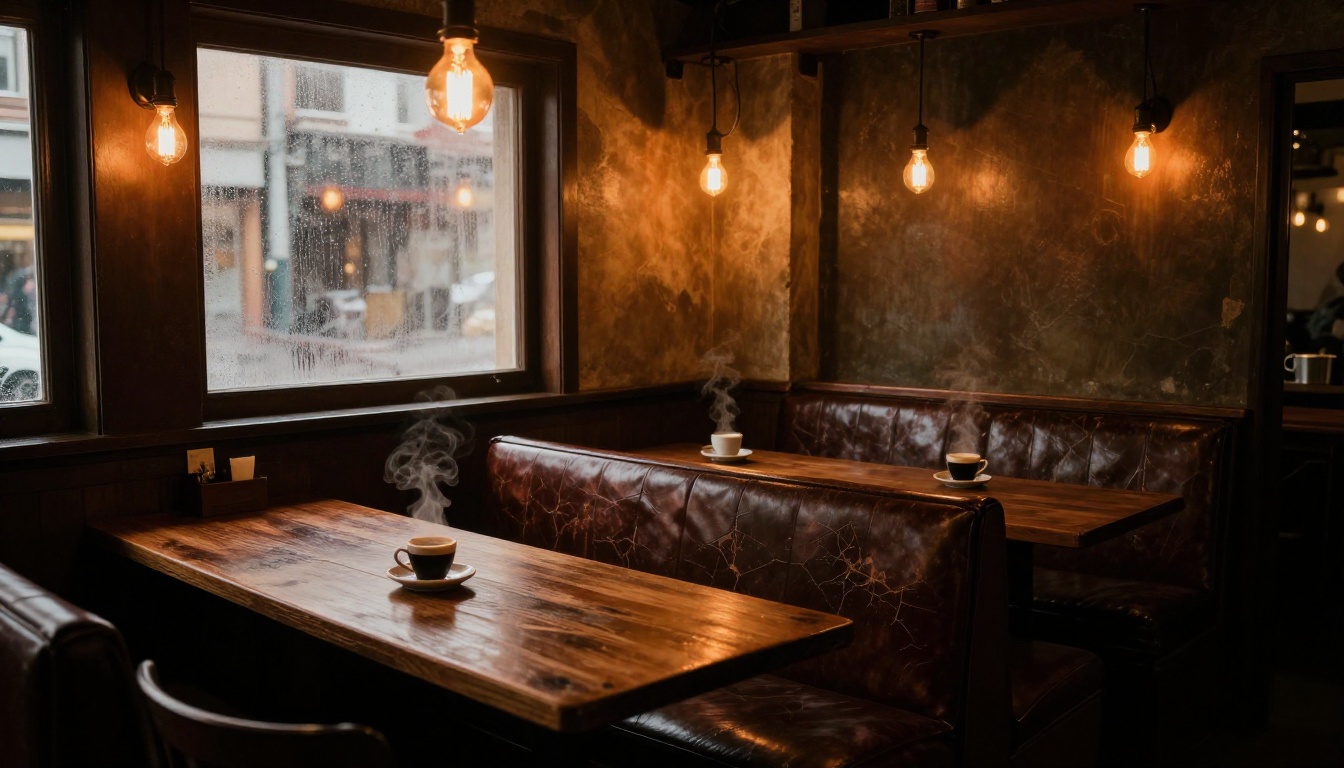
Nano Banana 2 produced attractive interior scenes, but the lighting felt more uniformly applied. The atmospheric gradient from bright lamp pools to deep shadow was less pronounced, giving interiors a slightly flat feel even when the overall composition was strong.
Winner: FLUX.3 Max
Fine Detail and Texture Tests
This is arguably the most practical category for professional image work, and the one where your choice of upscaler matters most.
Fabric and Surface Rendering
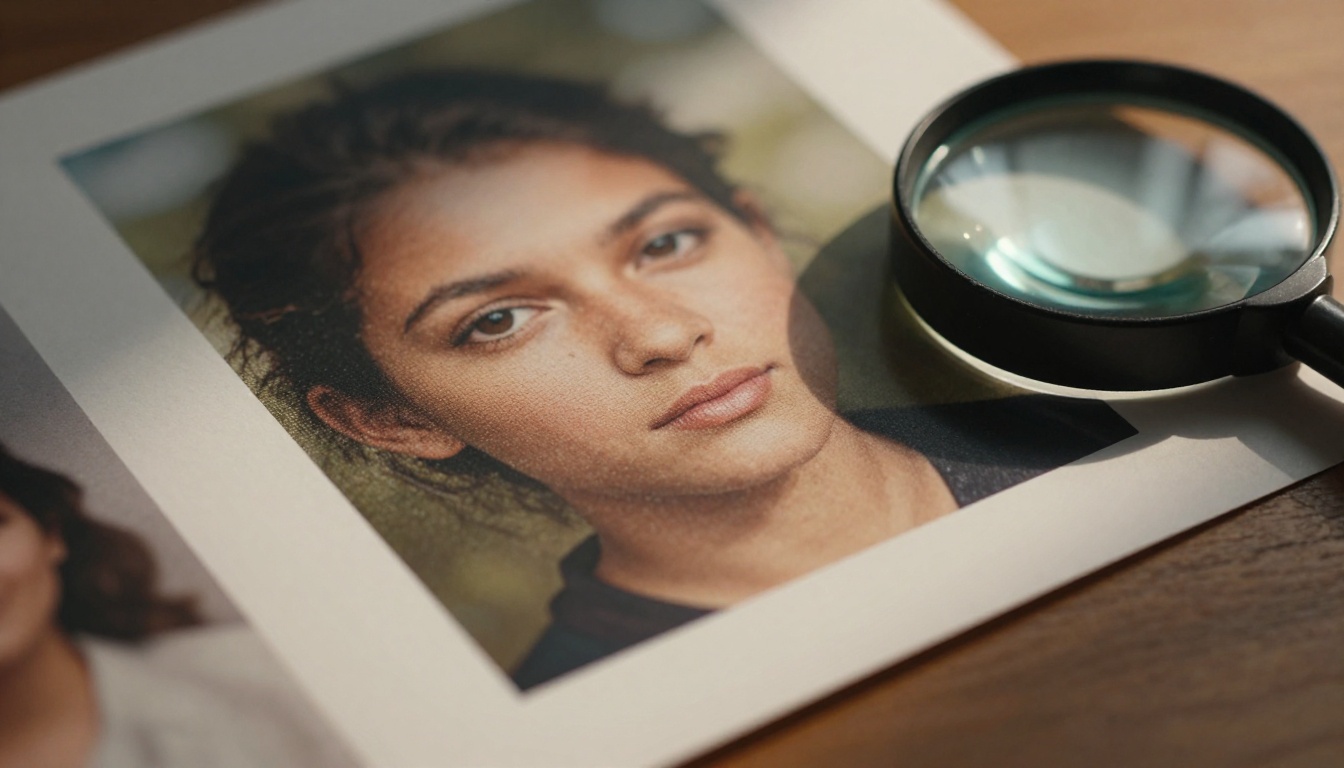
FLUX.3 Max rendered fabric weave patterns, leather grain, wood fiber, and paper texture with exceptional accuracy. When you zoom in, the model appears to understand that these surfaces have micro-structure, not just color.
Nano Banana 2 handled textures adequately at normal viewing sizes. At 1:1 zoom on larger outputs, surfaces sometimes showed a painted quality, losing the micro-variation that makes textures feel real.
Winner: FLUX.3 Max
Macro and Close-up Shots
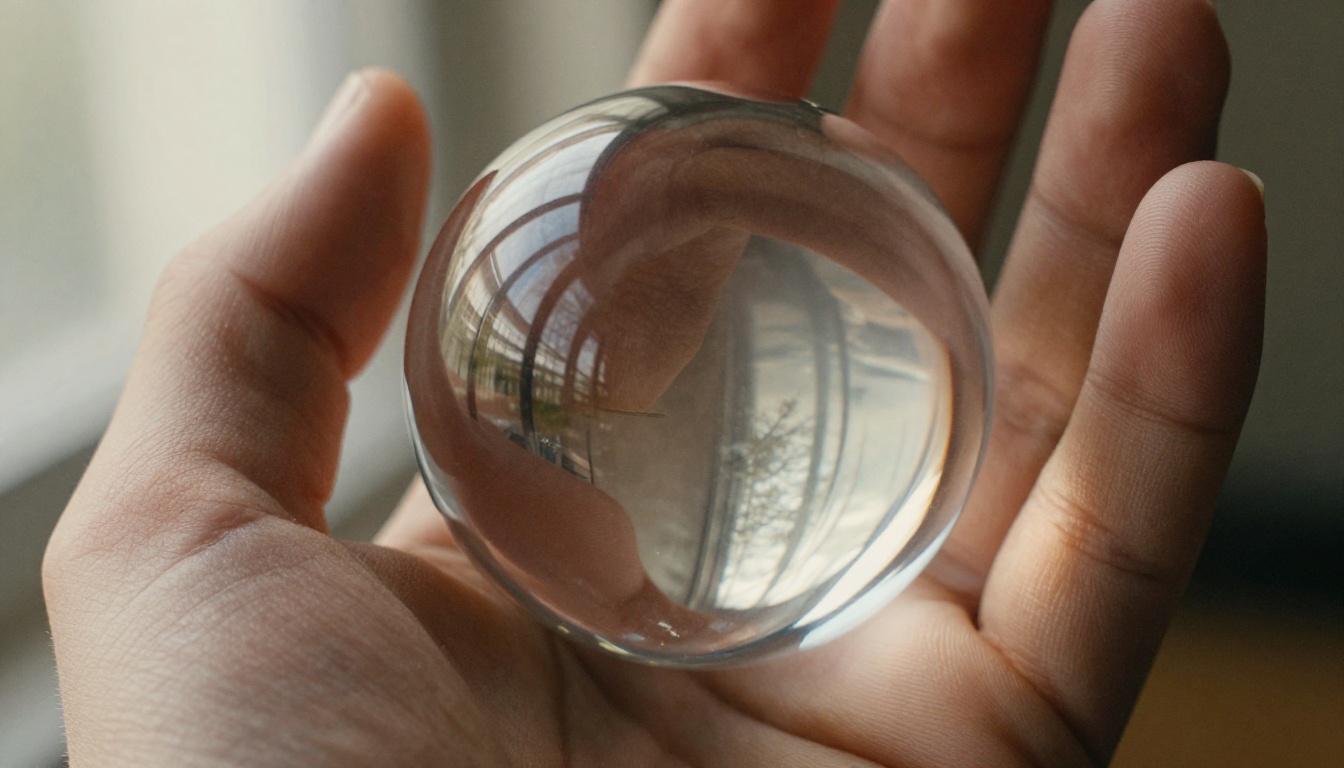
In macro test shots, the gap between the models was at its widest. FLUX.3 Max maintained detail even in extreme close-ups: individual pores, surface micro-scratches on metal, and fiber separation in fabric. Nano Banana 2 looked good at thumbnail sizes but softened considerably at full resolution close-ups.
💡 For either model, running macro outputs through P Image Upscale or Topaz Image Upscale adds significant texture recovery and sharpness. The combination of a strong base model with a dedicated upscaler beats raw high-res generation in most workflows.
Winner: FLUX.3 Max
Speed and Practical Use
Quality isn't the only thing that matters in a real workflow. Generation speed directly affects how much you can test and iterate per session.
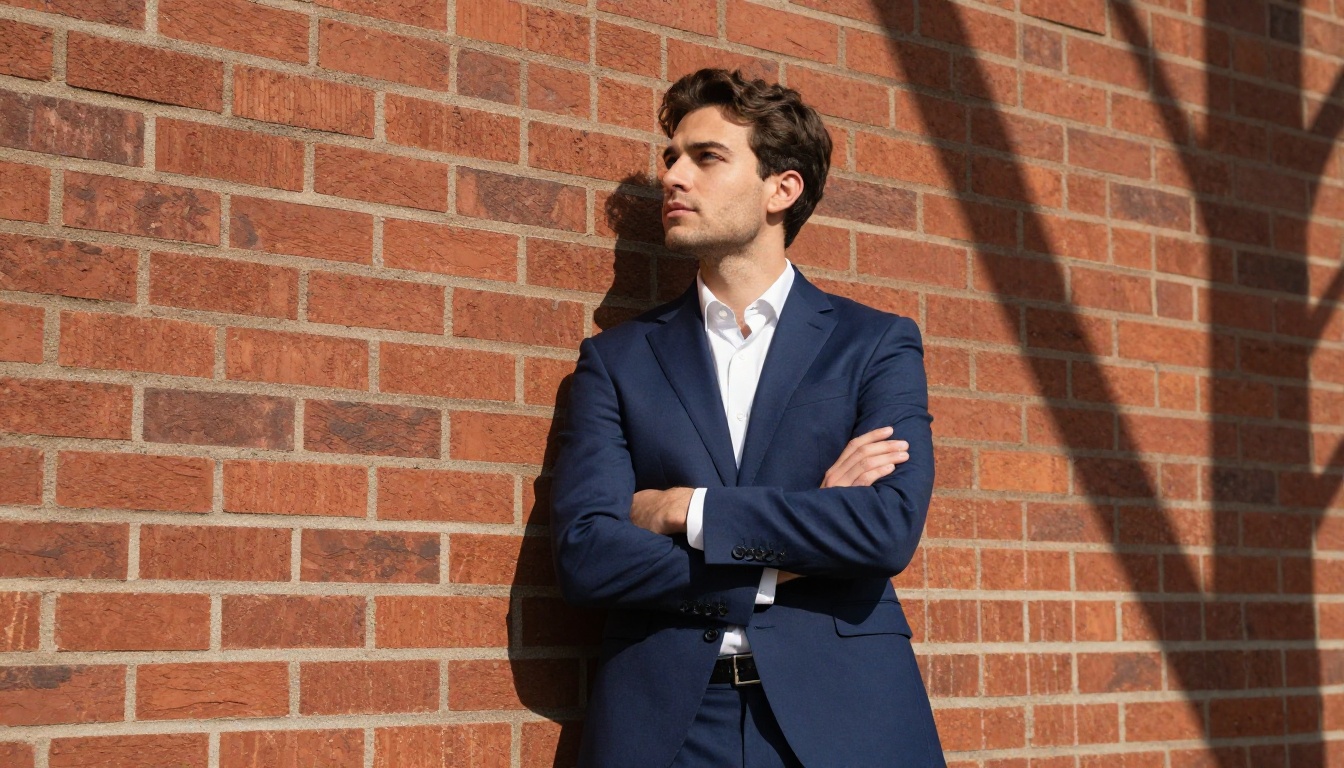
Generation Time Comparison
On equivalent hardware, Nano Banana 2 generates images noticeably faster than FLUX.3 Max. In practical terms, this means more iterations per session, which matters enormously when you're refining a prompt or testing different compositions.
| Model | Generation Speed | VRAM Requirement | Best For |
|---|
| Nano Banana 2 | Faster | Lower | Iteration, social content |
| FLUX.3 Max | Slower | Higher | Final production output |
For rapid prototyping, Nano Banana 2's speed advantage is real and meaningful. For final production outputs where quality is the priority, the extra wait time for FLUX.3 Max is usually worth it.
Prompt Sensitivity
FLUX.3 Max is more responsive to specific prompt language. Detailed descriptions translate more accurately to the output. This is both a strength and a demand: you get what you ask for, but vague prompts can produce unexpected results.
Nano Banana 2 is more forgiving with loose prompts. It tends to produce aesthetically pleasing results even from minimal input, which makes it accessible to newer users who haven't developed strong prompting habits yet.
For experienced prompt engineers, FLUX.3 Max's responsiveness is an asset. For users who are still figuring out how to write effective prompts, Nano Banana 2 is more forgiving.
Upscaling the Results
One of the most effective ways to get more from either model is combining the output with a dedicated upscaler. Both models benefit significantly from post-generation processing.
PicassoIA offers several upscaling models worth pairing with either generator:
The workflow of generating at a model's native resolution, then upscaling with one of these tools, consistently outperforms trying to generate at maximum resolution from a single prompt. The two-step approach gives you cleaner base images with fewer artifacts, then sharpens the detail in a controlled second pass.
Which One Should You Use?
The honest answer is that these models serve different use cases, and the better choice depends entirely on what you're making.
| Use Case | Recommended Model |
|---|
| Portrait photography | FLUX.3 Max |
| Product photography | FLUX.3 Max |
| Rapid concept iteration | Nano Banana 2 |
| Social media content | Nano Banana 2 |
| Commercial editorial | FLUX.3 Max |
| Stylized illustration | Nano Banana 2 |
| Architectural visualization | FLUX.3 Max |
| Quick prompt testing | Nano Banana 2 |
| Final production output | FLUX.3 Max |
If photorealism is your primary goal, FLUX.3 Max wins this comparison decisively across most categories. If speed, accessibility, and visual appeal matter more than technical precision, Nano Banana 2 holds its own and in some scene types, particularly complex crowd compositions, actually edges ahead.
The most effective workflow for serious projects: use Nano Banana 2 to iterate quickly and lock in composition and prompt language, then switch to FLUX.3 Max for your final generation. Follow that with one of the upscalers available on PicassoIA and you'll have production-ready images without wasting compute on bad prompts.
Try Both and Decide for Yourself
Reading about image quality only goes so far. The differences between these models become immediately obvious once you're generating with them directly. PicassoIA gives you access to both models along with the full suite of upscaling tools referenced throughout this article, all without needing to set up a local environment or manage GPU resources yourself.
Run the same prompt through both models and see where each one holds up for your specific use case. Combine your preferred output with Clarity Pro Upscaler or Real ESRGAN and you'll immediately see the ceiling each model can reach.
Visit picassoia.com/en/all-models to start generating with both models side by side.


