Two of Google's fastest-moving AI image models share the same parent company but take very different paths to the final pixel. Nano Banana 2 is built around image fusion, editing precision, and photorealistic micro-detail. Gemini 3.1 Flash Image is optimized for speed and natural language instruction parsing. When the same creative prompts go through both, the differences are real, consistent, and visible even at normal screen sizes. This comparison covers five real test scenarios, a direct performance table, and a practical workflow for getting the best out of Nano Banana 2 today.
What Makes Nano Banana 2 Different
Nano Banana 2 is not simply a next version of Nano Banana. The design intent shifted. Where the first model operated primarily as a text-to-image generator, the second version introduced strong image input capabilities, making it one of the few models on the market that handles both pure generation and image fusion with comparable quality.
The progression within Google's own lineup shows this clearly. Nano Banana Pro added higher-resolution output. Nano Banana 2 went further and baked in multimodal image reasoning, which changed what the model can do with a reference photo.
The Image Fusion Trick
Feed Nano Banana 2 a source image alongside a text prompt and it does something that most text-to-image models cannot do reliably: it maps the light direction, spatial relationships, and surface material logic from the input into the new generated output. The result is not a filter. It is a coherent new image that obeys the same physical rules as the original.
This matters for creative workflows where visual consistency is important. Product designers using it to place items in new environments, photographers generating alternate versions of a shoot, and content teams creating visual variations all benefit from this spatial awareness in ways that pure text-to-image models do not provide.
Where It Genuinely Shines
Nano Banana 2 shows its strongest performance in:
- Portrait work: Skin pore texture, hair strand separation, and iris detail are rendered with a level of precision that holds up under zoomed-in inspection
- Material surfaces: Glass refraction, wet fabric, and specular highlights on polished surfaces follow physical light behavior convincingly
- Complex multi-element prompts: Scenes with specific lighting directions, named film stocks, and detailed camera parameters are followed with high accuracy
- Image editing and fusion: Combining a reference photo with generative elements produces coherent output that matches the source image's physical logic
💡 Tip: Describe light direction explicitly in every prompt. "Volumetric morning light from the left," "single window fill from above," or "hard three-point studio rig" all trigger noticeably different rendering behavior in Nano Banana 2.
Gemini 3.1 Flash Image in Brief
Gemini 3.1 Flash Image comes from a different place in Google's AI architecture. It is a multimodal model with a language backbone, and image generation is one of its output modes rather than its entire purpose. That architecture gives it real advantages in some areas and creates measurable gaps in others.
The "Flash" designation communicates the core value proposition: fast. This is a model built for throughput, interactive pipelines, and use cases where waiting several seconds for a generation is too long. For developers building image generation into real-time applications, that speed advantage is not a minor detail.
Speed as a Core Promise
In typical generation tasks, Gemini 3.1 Flash produces usable output faster than most dedicated photorealistic generators including Nano Banana 2. For rapid creative iteration, prototype builds, and high-volume content pipelines, that throughput difference has real operational value.
The tradeoff is that maximum fidelity is not the primary goal. Output quality at normal viewing sizes is excellent. At print resolution or under close scrutiny for commercial use, it sits below Imagen 4 Ultra and Nano Banana 2 in textural precision.
Prompt Accuracy Out in the Open
The language model backbone in Gemini 3.1 Flash gives it a meaningful advantage when prompts are written in natural, conversational language. Where a dedicated image model sometimes struggles with abstract narrative descriptions, Gemini 3.1 Flash parses them intuitively because its language understanding operates at a higher level.
The weakness shows up specifically in micro-textures. Skin pores, individual eyelashes, material grain, and surface wear patterns are resolved at a lower level of detail compared to Nano Banana 2, Flux Dev, or Imagen 4.
5 Side-by-Side Tests
Both models received identical prompts across five visual categories. The results below reflect consistent patterns across multiple runs, not single-generation cherry-picking.
Portrait Photography
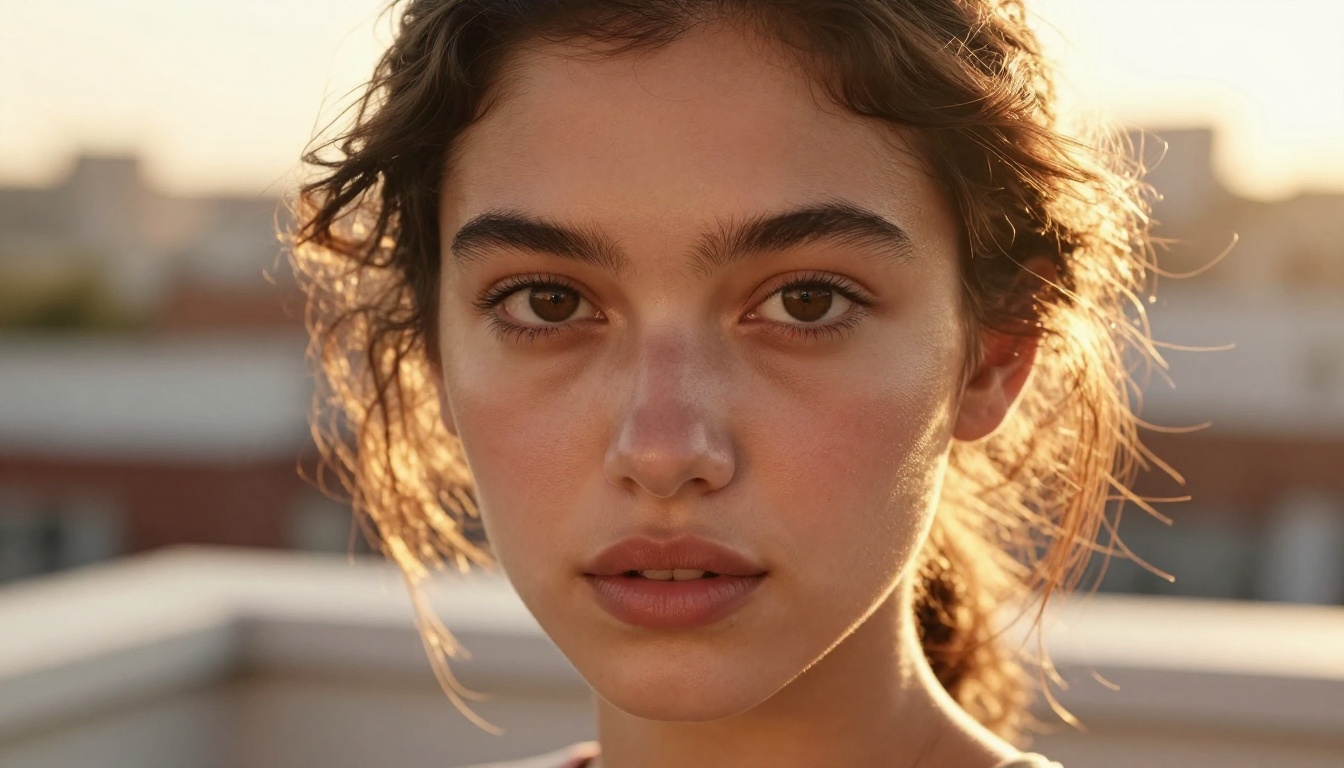
Test prompt: "Woman with olive skin and loose dark curls at golden hour on a rooftop, 85mm f/1.4, Kodak Portra 400 film grain, warm amber backlight."
| Metric | Nano Banana 2 | Gemini 3.1 Flash |
|---|
| Skin texture resolution | Exceptional | Good |
| Hair strand separation | Very high | Moderate |
| Eye catchlight accuracy | Sharp, precise | Present but soft |
| Film stock color science | Accurate Portra rendering | Warm, slightly saturated |
| Overall prompt adherence | ~94% | ~87% |
Nano Banana 2 wins on biological micro-detail at every inspection level. Gemini 3.1 Flash produces a beautiful portrait that reads as photorealistic at standard screen sizes, but the textural gap becomes visible at 150% zoom or above.
Architecture and Interiors
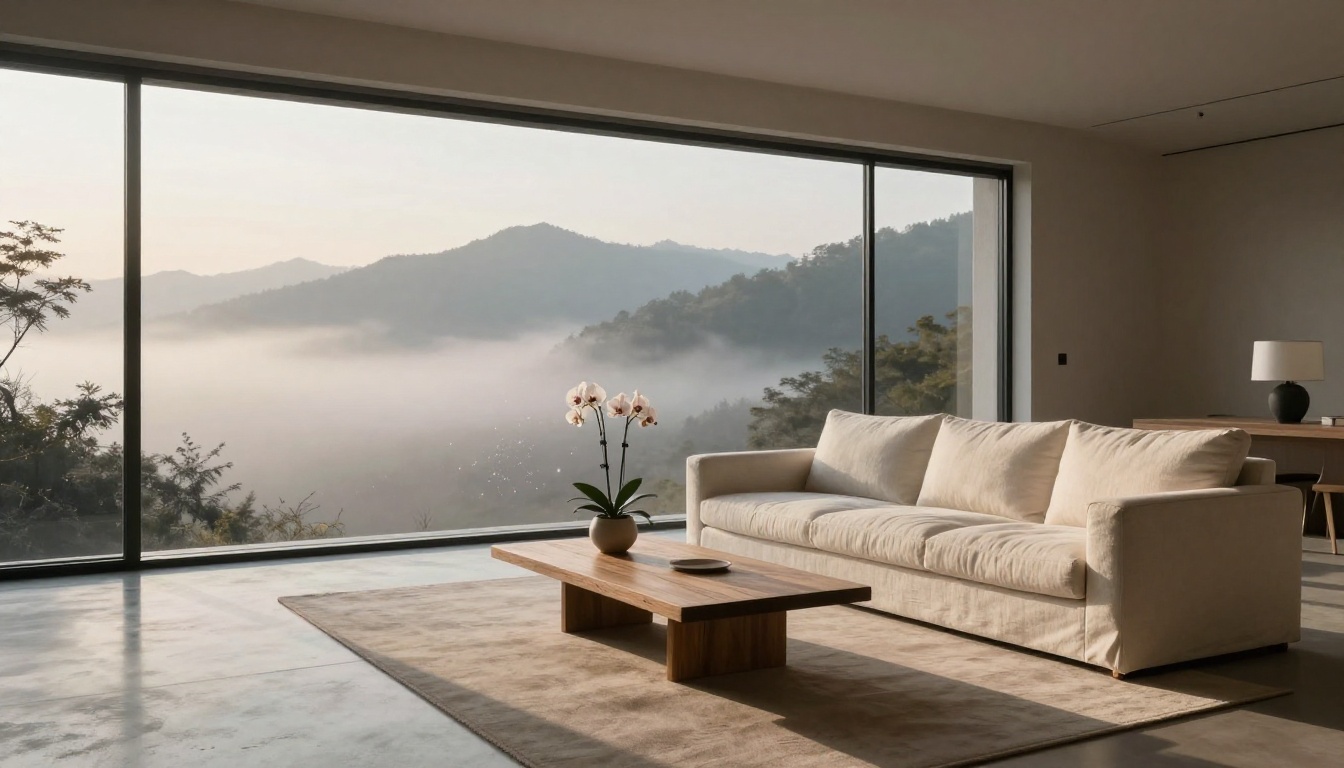
Test prompt: "Minimalist living room, floor-to-ceiling windows, mountain range at dawn, concrete floors, 24mm tilt-shift lens, Fujifilm Pro 400H."
This category showed the smallest performance gap. Both models handled geometric accuracy, light direction, and material rendering well. Gemini 3.1 Flash's language model backbone actually gave it a slight edge on interpreting the compositional intent of abstract spatial descriptions. When the prompt shifted from technical to narrative, Gemini 3.1 Flash translated that emotional layer more accurately.
For strict architectural visualization and technical interior photography reference, the gap is negligible. For mood-driven creative directions, Gemini 3.1 Flash shows more intuitive response.
Product and Commercial Shots
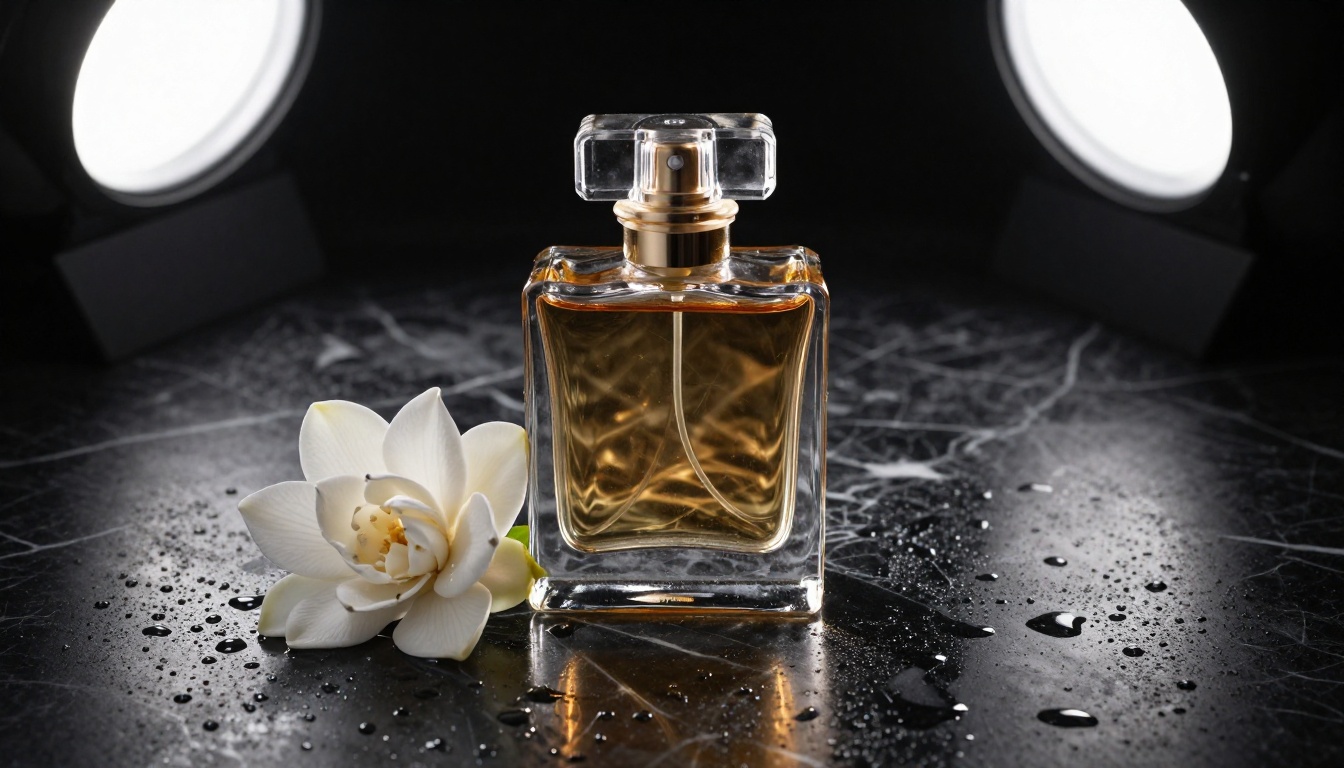
Test prompt: "Glass perfume bottle on wet black marble, water droplets, three-point studio lighting, 100mm macro, caustic light patterns."
Nano Banana 2 handled the multi-layer reflective physics more convincingly. The internal refraction in the glass bottle produced believable caustic patterns on the marble surface beneath it. Water droplet specular highlights followed a consistent light source direction. The overall composition read like a commercial photograph rather than an AI-generated image.
Gemini 3.1 Flash produced a clean, well-lit product shot. At standard display size, the difference was subtle. For high-end advertising use where the image will be inspected at high resolution, the material rendering gap is significant.
Landscapes and Aerial Views
Test prompt: "Aerial view of a river through a European city at blue hour, long exposure water, Fujifilm Velvia 50 color."
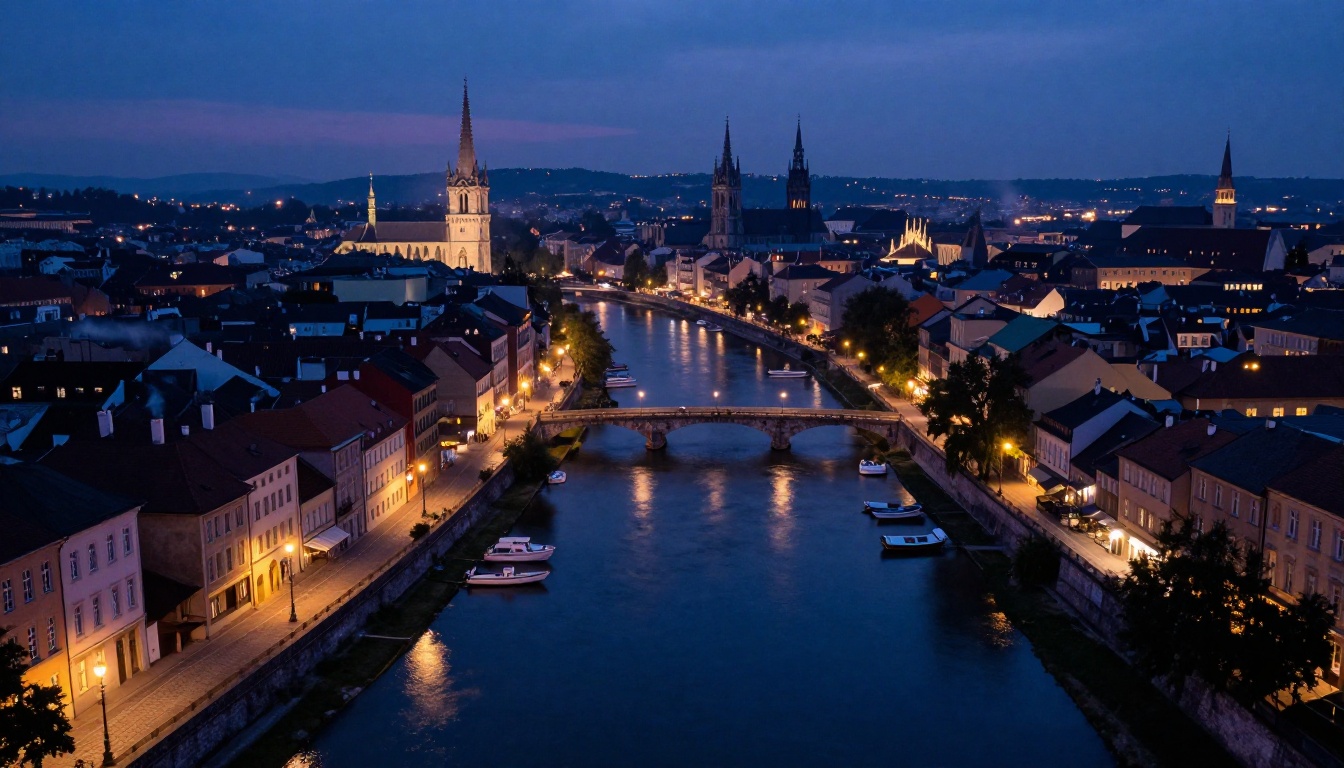
The gap narrowed substantially here. Both models interpreted "blue hour" and "Velvia 50" as meaningful creative directives and produced strong atmospheric output. Color gradients, water reflection behavior, and atmospheric haze were handled well by both.
Gemini 3.1 Flash produced slightly better atmospheric sky transitions across multiple test runs. For landscape and environmental photography output where biological texture is not a factor, the models perform at comparable levels.
💡 Tip: Film stock names carry significant weight in both models. "Velvia 50" triggers high-saturation warm tones. "Tri-X 400" produces high-contrast black and white. "Portra 800" adds visible grain with warm skin tones. These references work in both Nano Banana 2 and Gemini 3.1 Flash.
Fine Detail and Close-Ups
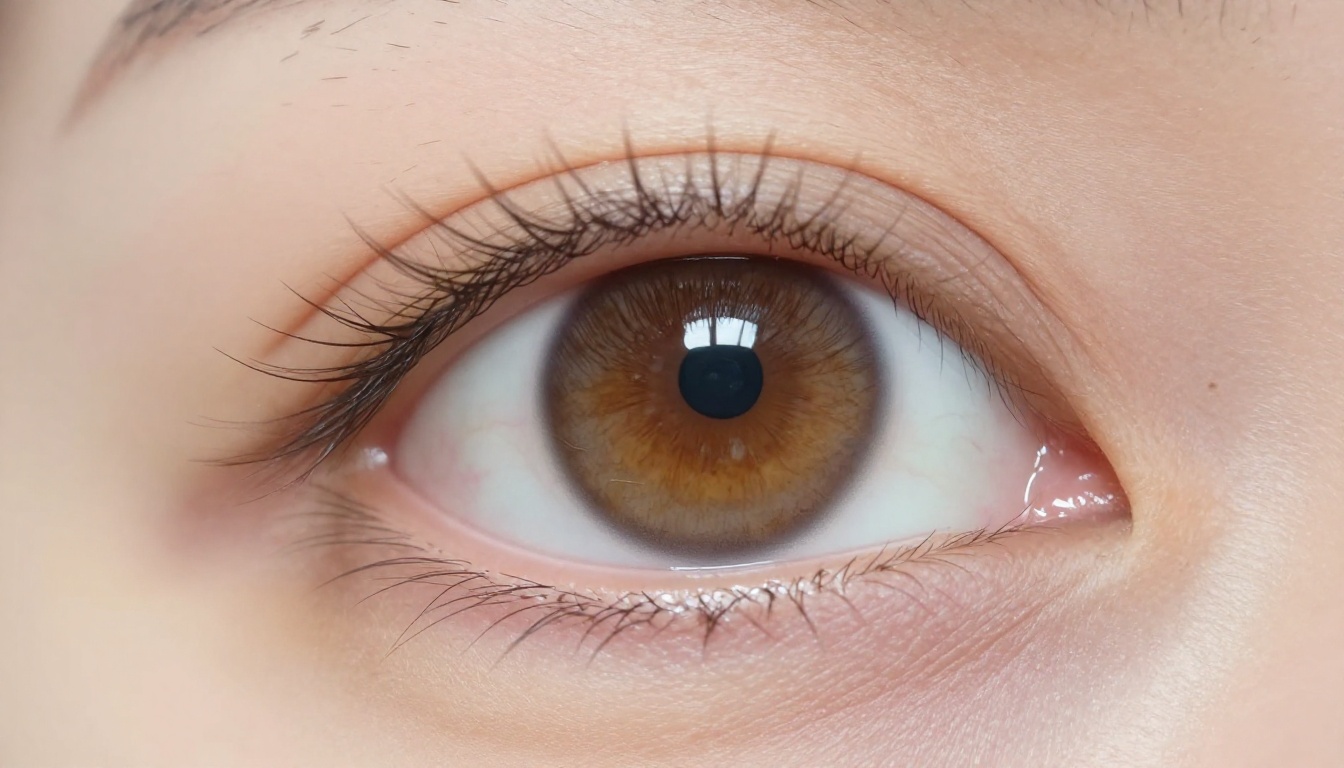
Test prompt: "Extreme close-up of a woman's eye, individual eyelashes, iris texture, moisture on sclera, 180mm macro, single window light."

This is where the gap is widest and most decisive. Nano Banana 2 resolved individual eyelash follicles, capillary networks in the sclera, and iris crypts with a level of detail that Gemini 3.1 Flash did not match in the same test. Both outputs looked like photographs at thumbnail size. At 200% magnification, the textural difference became substantial.
For any workflow that includes macro photography reference, portrait retouching assets, or content that will be inspected closely, Nano Banana 2 is the appropriate tool by a significant margin.
| Capability | Nano Banana 2 | Gemini 3.1 Flash |
|---|
| Portrait micro-detail | ★★★★★ | ★★★★☆ |
| Architecture & interiors | ★★★★☆ | ★★★★☆ |
| Product photography | ★★★★★ | ★★★★☆ |
| Landscape & aerial | ★★★★☆ | ★★★★☆ |
| Close-up & macro | ★★★★★ | ★★★☆☆ |
| Generation speed | ★★★★☆ | ★★★★★ |
| Image fusion & editing | ★★★★★ | ★★★☆☆ |
| Natural language parsing | ★★★★☆ | ★★★★★ |
| Best for | High-fidelity, editing | Speed, natural prompts |
Using Nano Banana 2 on PicassoIA
Nano Banana 2 is available directly through PicassoIA with no API setup required. The workflow below applies whether you are generating from scratch or bringing in a reference image.

Step-by-Step Workflow
-
Open the model page: Go to Nano Banana 2 on PicassoIA in your browser. No account is required to start.
-
Write a photography-style prompt: Use technical camera language. Instead of "a woman at sunset," write "a woman at golden hour, 85mm f/1.4 bokeh, warm backlight from the right, Kodak Portra 400 film grain." The model responds to photography terminology with noticeably higher fidelity output.
-
Set aspect ratio to 16:9: For most content use cases, 16:9 works well. Portrait and story formats benefit from 9:16. Avoid square crops for photorealistic scenes as they often create compositional awkwardness.
-
Run three to five seeds on the same prompt: Nano Banana 2's output varies meaningfully across seeds. Getting three variations on a strong prompt is faster than iterating on the prompt itself in most cases.
-
Add an image reference when available: If you have a source photo that establishes the lighting or composition you want, uploading it activates the model's image fusion capabilities and produces significantly more coherent outputs.
-
Iterate on lighting descriptions last: If the output looks technically correct but lacks photographic depth, add or modify the lighting language. "Hard sidelight from window on left," "overcast flat fill," or "single LED rim light from behind" each produce distinct results.
Tips for Sharper Results
- Name camera distance explicitly: "Close-up," "three-quarter body," "environmental full-body" all shift compositional framing in predictable ways
- Specify what the background should do: "Subject sharp, background softly blurred" produces more consistent depth separation than leaving background behavior unspecified
- Use material adjectives: "Weathered brass with verdigris," "matte white plaster with hairline cracks," or "polished obsidian with dust" produce accurate surface rendering
- Chain with super-resolution after generation: Running Nano Banana 2 output through a super-resolution model on PicassoIA adds additional pixel-level detail for print-quality work
- Use negative intent language: Phrases like "no motion blur," "no artificial bokeh overlay," or "sharp throughout the frame" actively steer output away from common AI artifacts
💡 Pro tip: Nano Banana 2 handles negative prompt direction embedded in the main prompt. You do not need a separate negative prompt field to get this effect.
Which Fits Your Workflow?
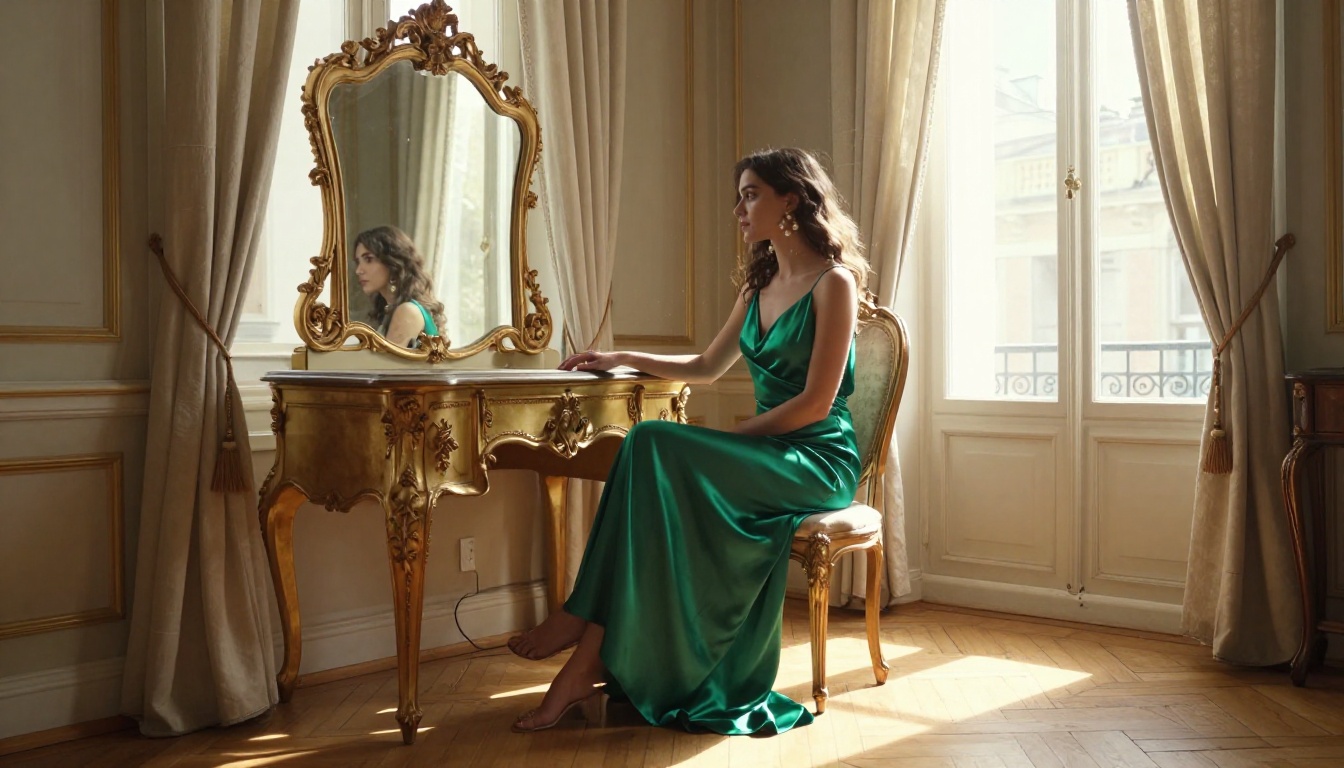
The right choice depends on what your workflow actually demands. Neither model is strictly better. They solve different problems.
When Nano Banana 2 Wins
Use Nano Banana 2 when:
- Output quality is non-negotiable: Editorial photography, high-end advertising mockups, and portfolio work all benefit from the micro-detail rendering gap
- You have a reference image to work from: Image fusion workflows produce significantly more coherent output than pure text generation when spatial consistency matters
- Portrait or close-up work is the focus: No comparable model at this speed tier produces equivalent skin, eye, and hair detail
- Material accuracy matters: Glass, water, silk, and weathered surfaces all benefit from Nano Banana 2's surface rendering precision
- You want to test the full Google lineup: Nano Banana, Nano Banana Pro, Imagen 4, and Imagen 4 Ultra are all accessible through PicassoIA for direct comparison
When Gemini 3.1 Flash Holds Its Own
Choose Gemini 3.1 Flash Image when:
- Speed is the priority: Real-time applications, high-volume pipelines, and rapid iteration workflows where sub-second generation matters
- Prompts are conversational: Natural language directions without photography-specific terminology are parsed more intuitively
- Standard display quality is enough: For blog images, social media posts, and UI mockups viewed at normal screen sizes, the quality gap versus Nano Banana 2 is minimal
- You are building a multimodal pipeline: The language model backbone integrates more naturally with text-based AI workflows
A practical middle ground is to use Gemini 3.1 Flash for rapid composition drafts and Nano Banana 2 for final production outputs. Many teams working at volume already use this pattern with Flux Schnell for drafts and Flux 1.1 Pro Ultra for finals. The same logic applies here across Google's own lineup.
Your Turn to Try It
Numbers and tables only capture part of the story. The real difference between these two models shows up in your specific prompts, with your creative style and subject matter. Portrait photographers will feel the Nano Banana 2 texture advantage within the first generation. Developers running at scale will feel Gemini 3.1 Flash's throughput advantage just as quickly.
PicassoIA gives you direct access to both models alongside the full Google image generation stack, including Imagen 4 Fast for lightweight testing and Imagen 4 Ultra for maximum fidelity. You can also compare against Flux Dev and Flux 2 Pro from Black Forest Labs to see where Google's models sit across the broader AI image generation landscape. Over 91 text-to-image models, no setup required, no waiting for an API key.
Start with one prompt. Run it on Nano Banana 2. Then run the same prompt on a Flash-tier model. What you see in those two side-by-side outputs will tell you more than any benchmark about which model belongs in your workflow.


